
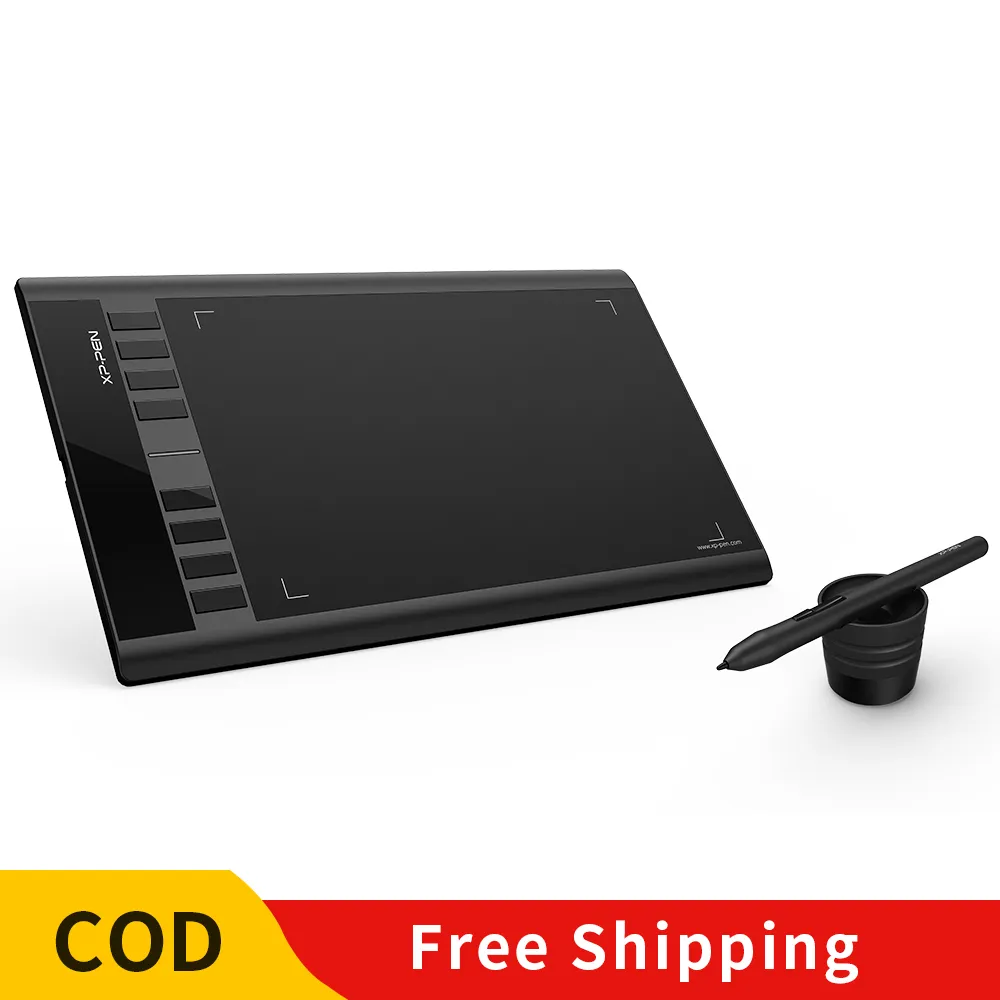
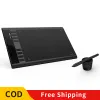
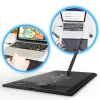

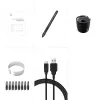
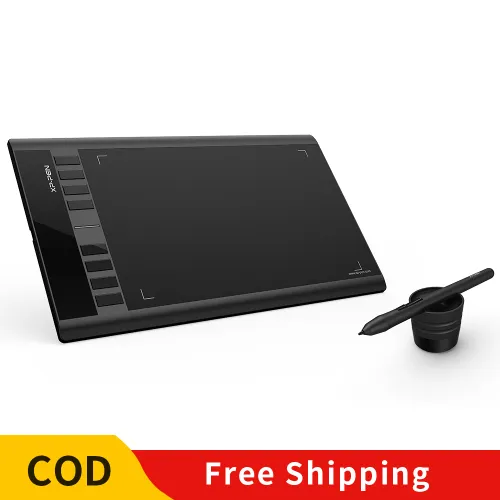
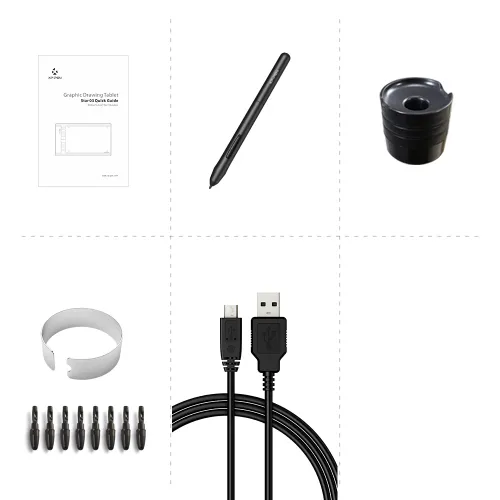










Star 03 Express Keys

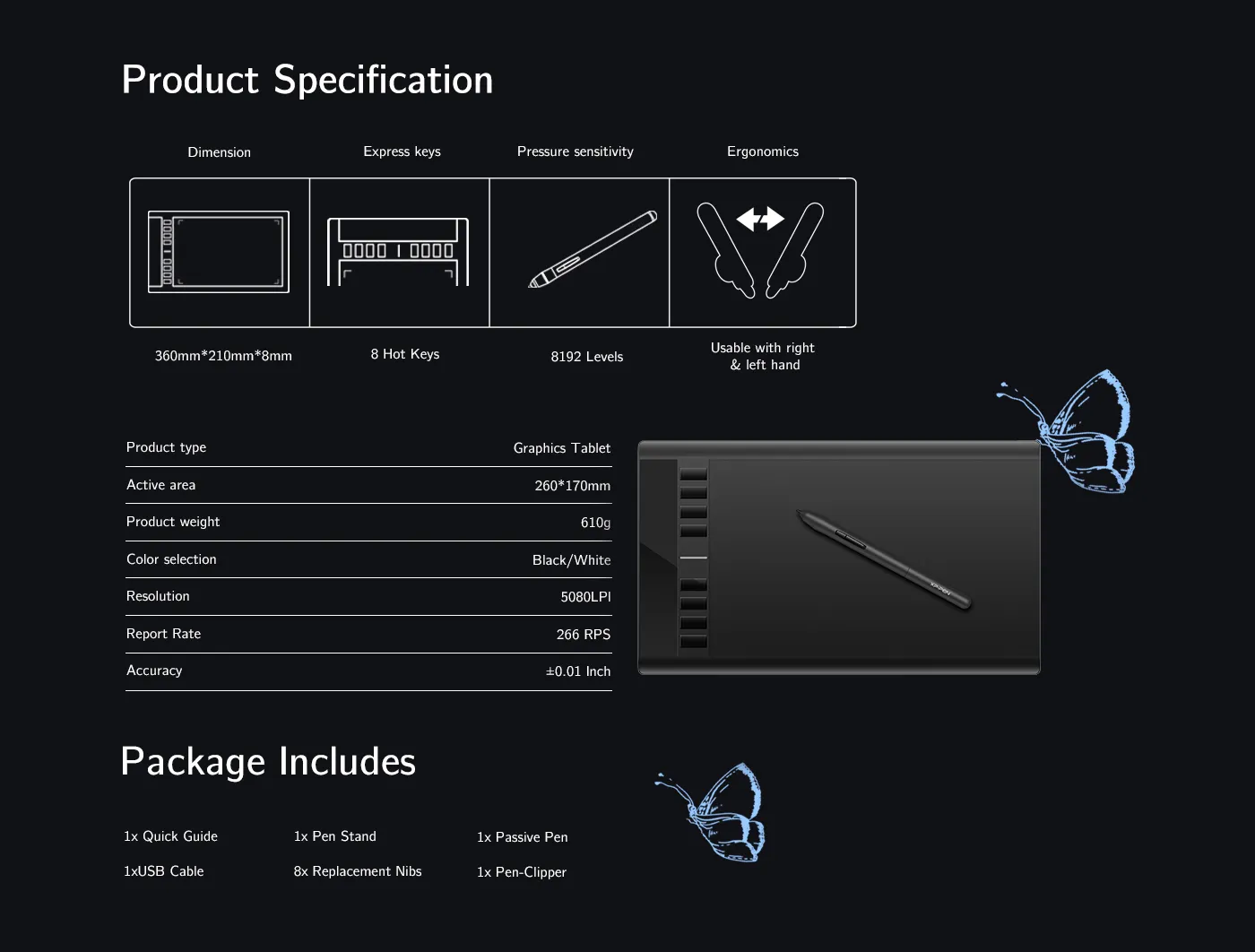
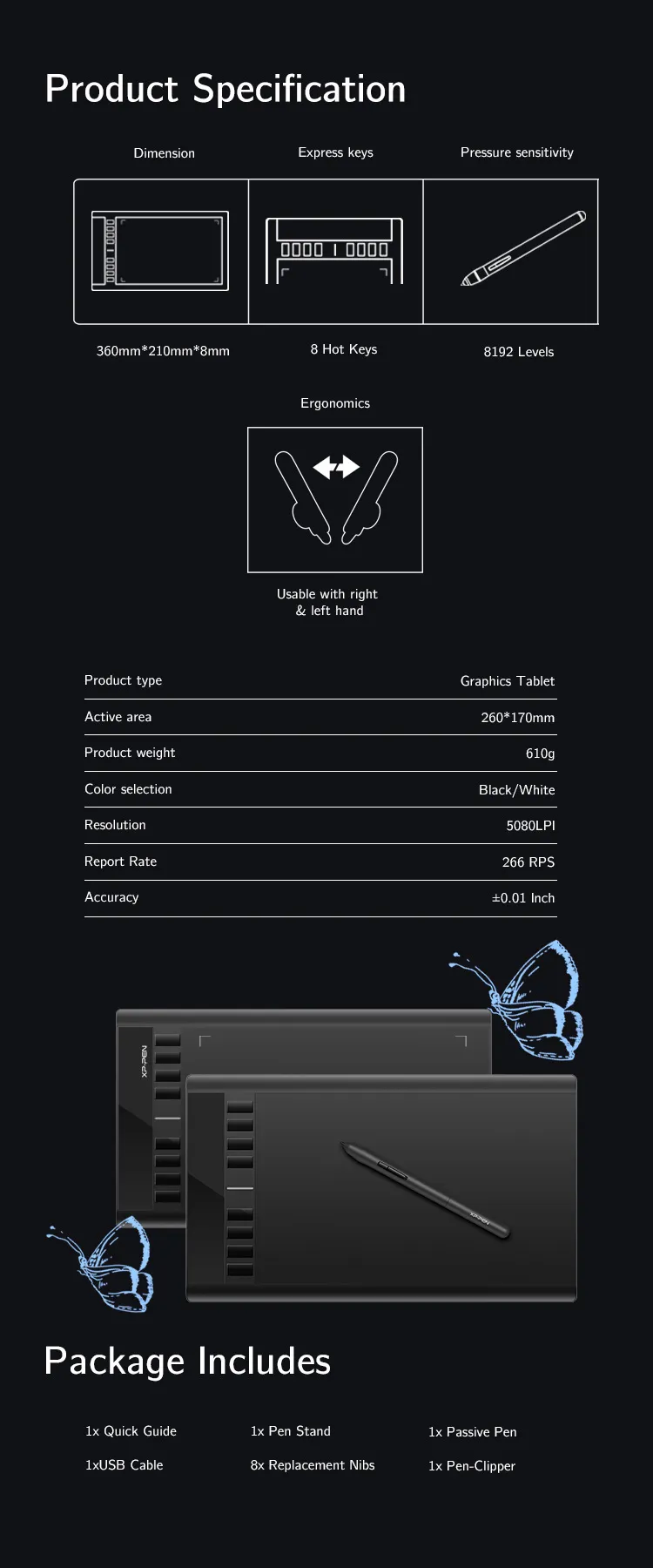
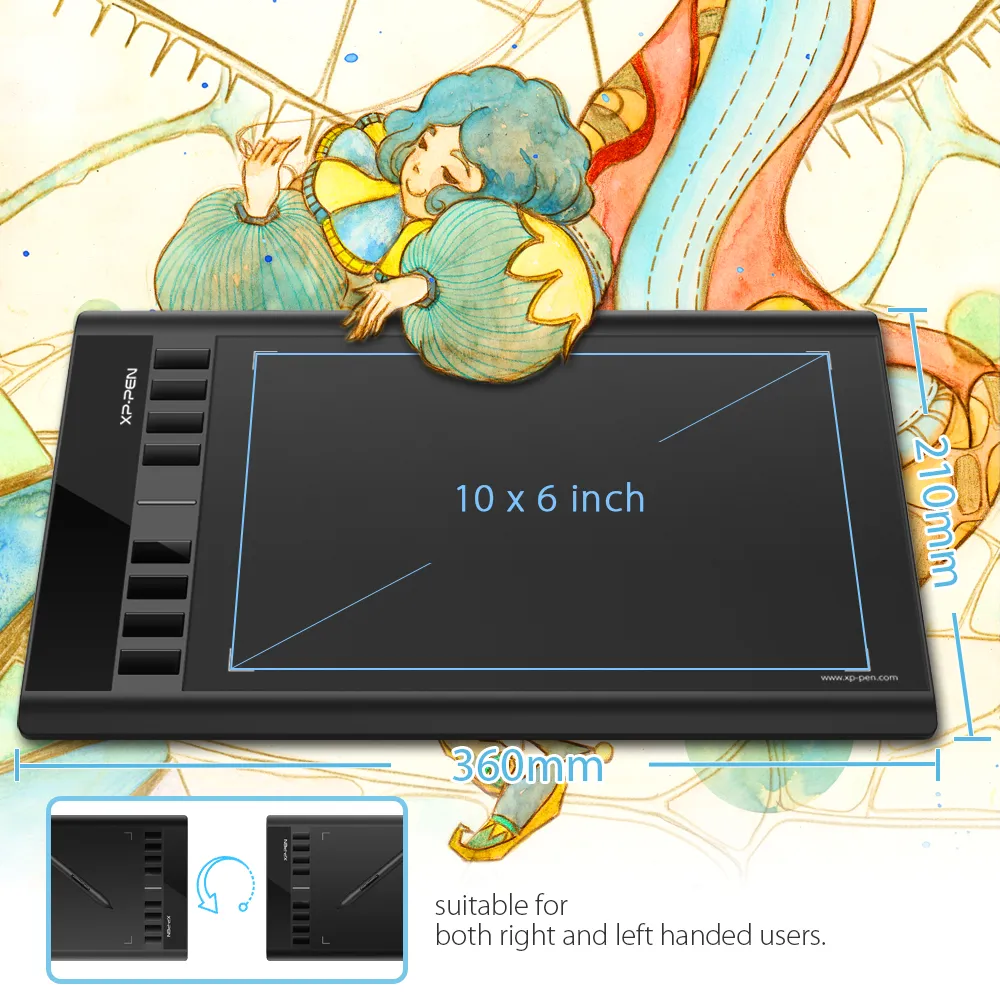
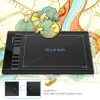
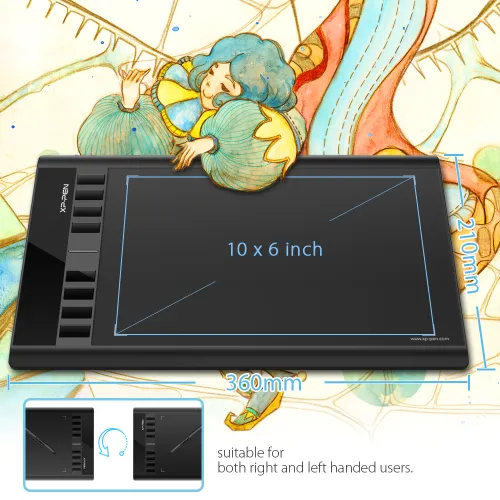
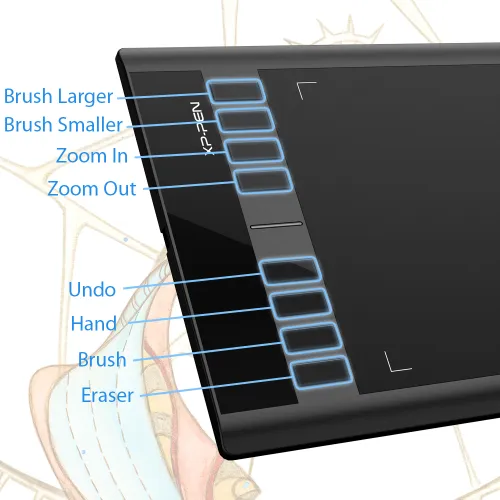
10 x 6 inch working area 8 express keys

​₱2,899

Optional Accessories

https://resource.xp-pen.com/Uploads/ph/goods/20220221/77e1ae289c48cbdf95d5d725adc4155d_200_200.webp

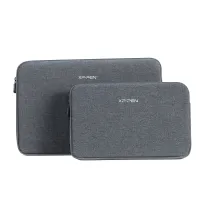
ACJ08/ACJ09 Sleeve Case

+​₱600​₱899

33% Off
https://resource.xp-pen.com/Uploads/ph/goods/20210316/af09eb3fe13c68dfe1bb815525f2aebb_200_200.webp

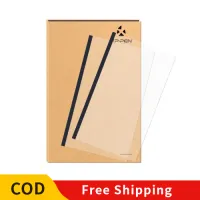
Protective Film for Star03/06 -2PCS

+​₱500​₱799

37% Off
https://resource.xp-pen.com/Uploads/ph/goods/20230129/db2a6019beb6b207a0fbfc895e94c14a_200_200.webp

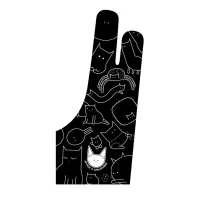
Standard Drawing Glove

+​₱200​₱499

60% Off

Quantity:

Payment icon 0Payment icon 1Payment icon 2Payment icon 3Payment icon 4Payment icon 5Payment icon 6
Estimate:
cod.jpg
image
image

Star 03 V2

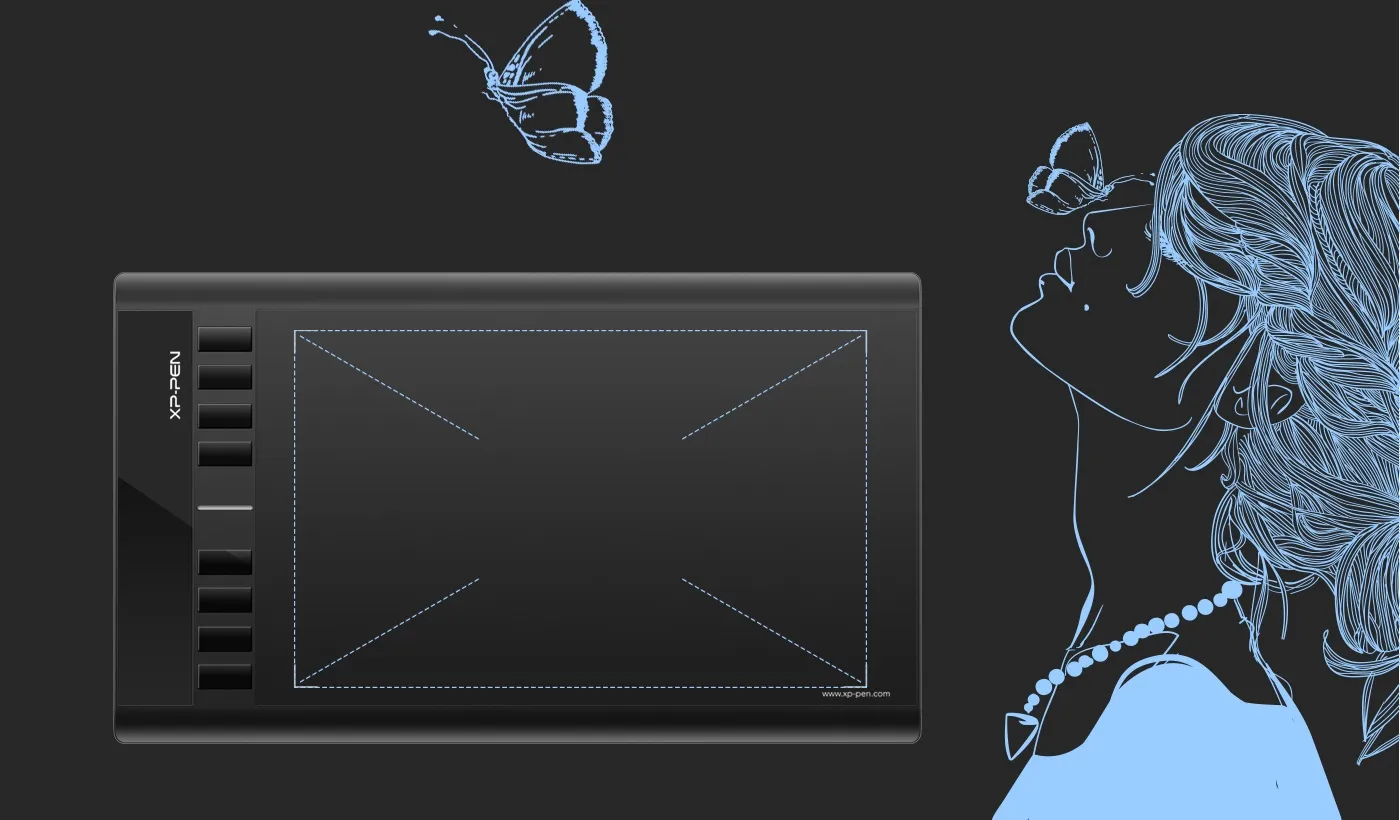
Expand your creativity with the Star 03's expanded working area.
image
image

More room to work and draw.

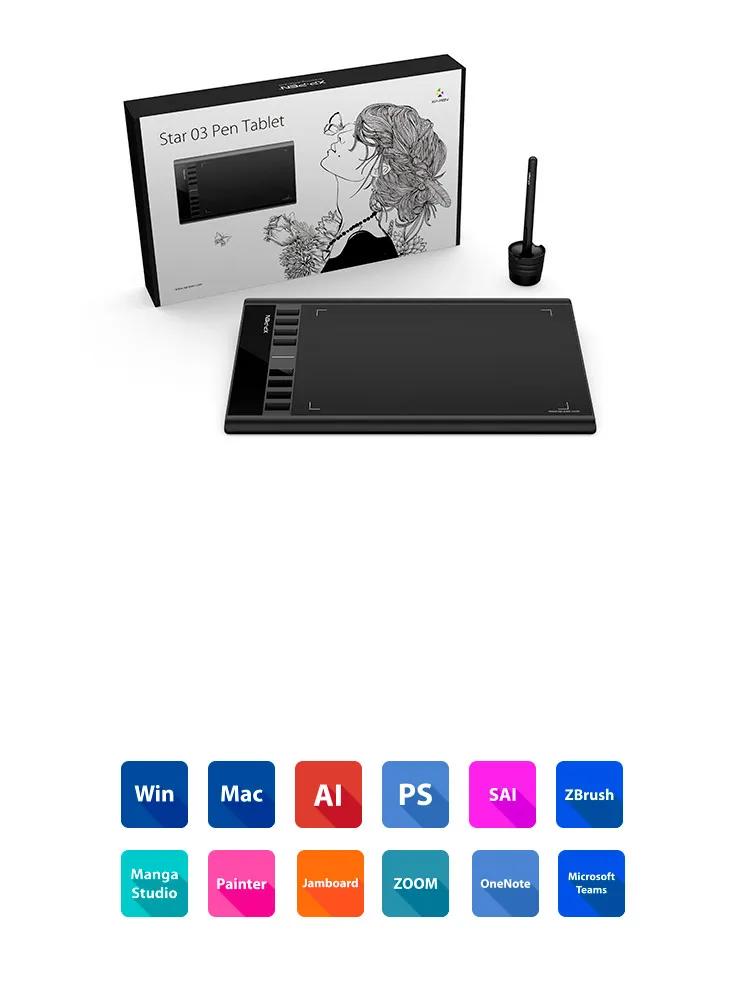
The Star 03 features a 10x6 inch working area for artists who need their space.

10x6 inch
image
image

Enhancing performance

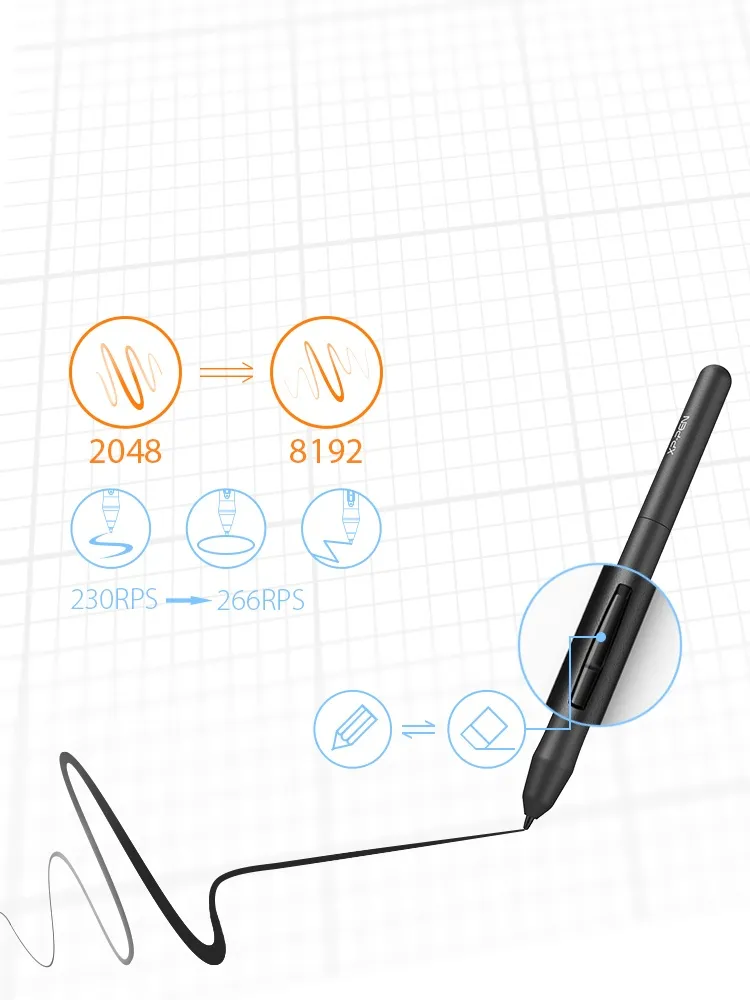
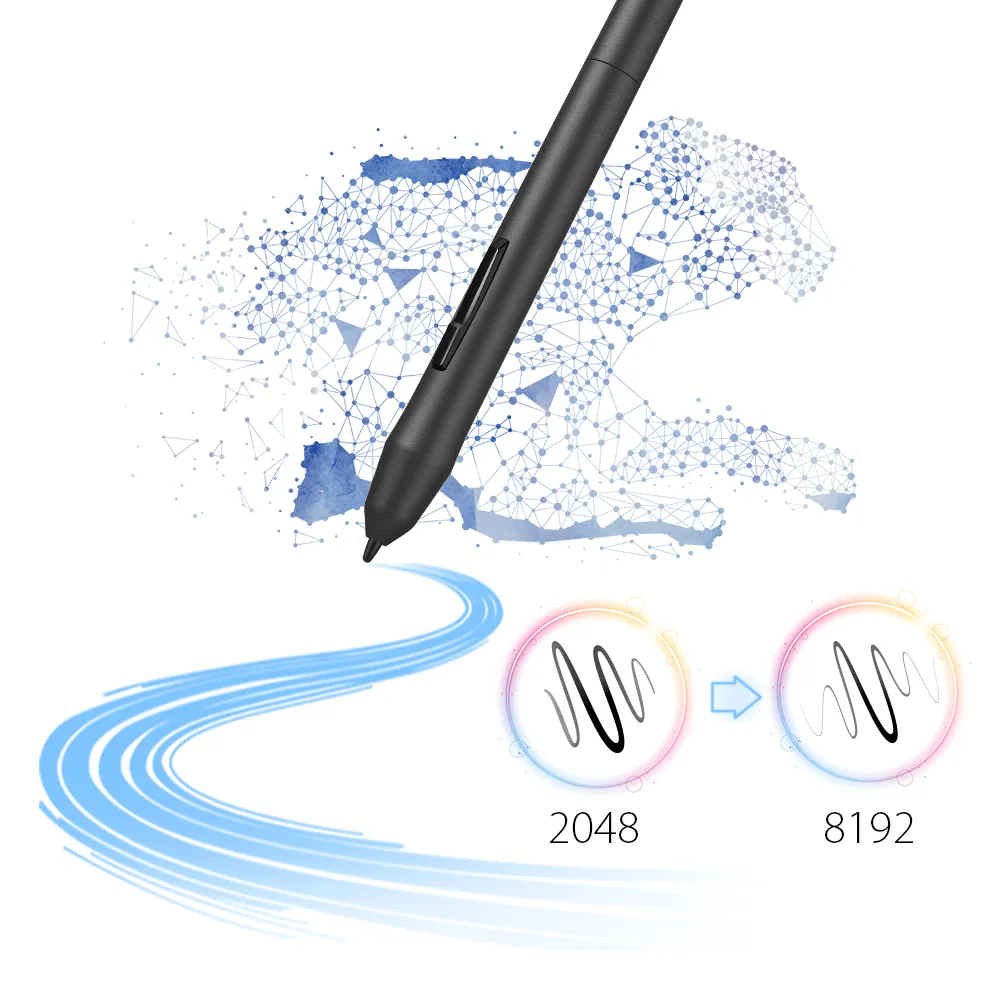
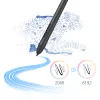
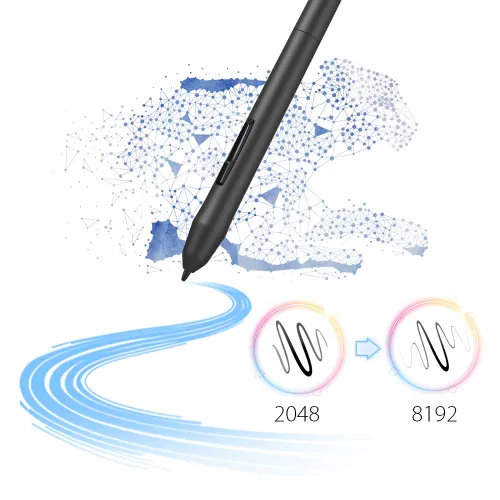
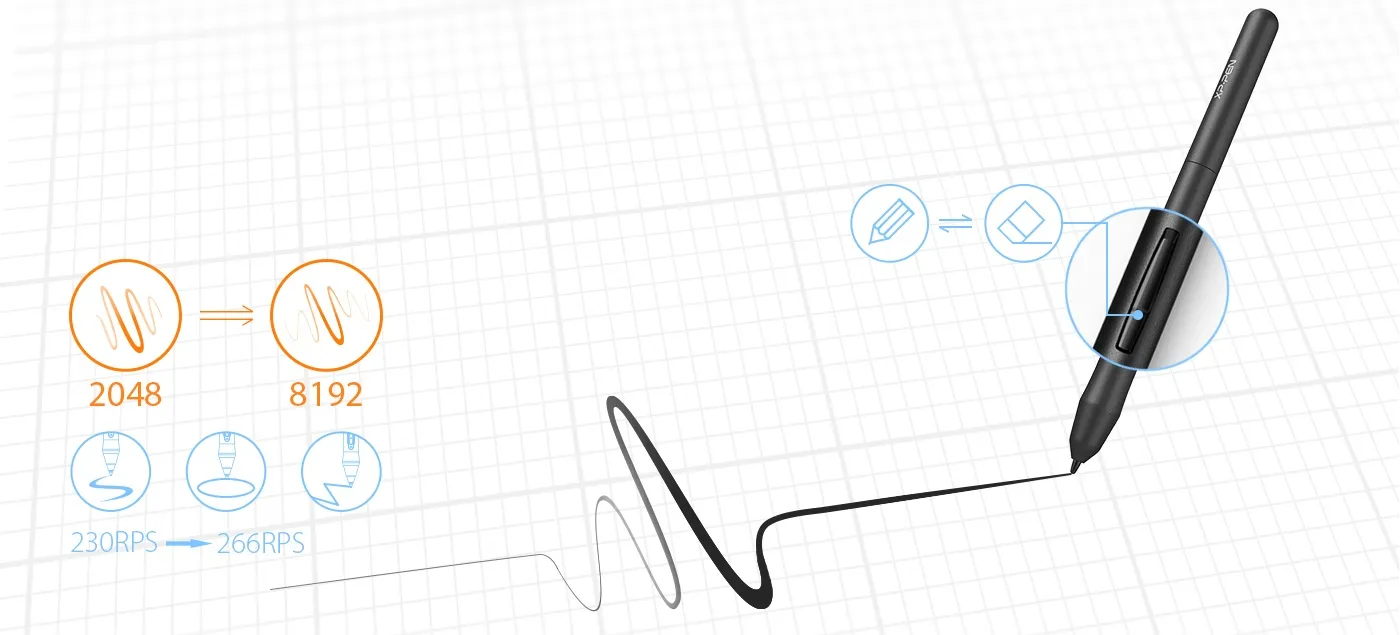
Capable of reaching 8192-levels of pressure sensitivity and 266RPS report rate, providing you with precise accuracy and quick response to draw and paint naturally with smooth, enhanced, performance.
image
image

Advanced battery-free stylus—convenient for both you and the environment.

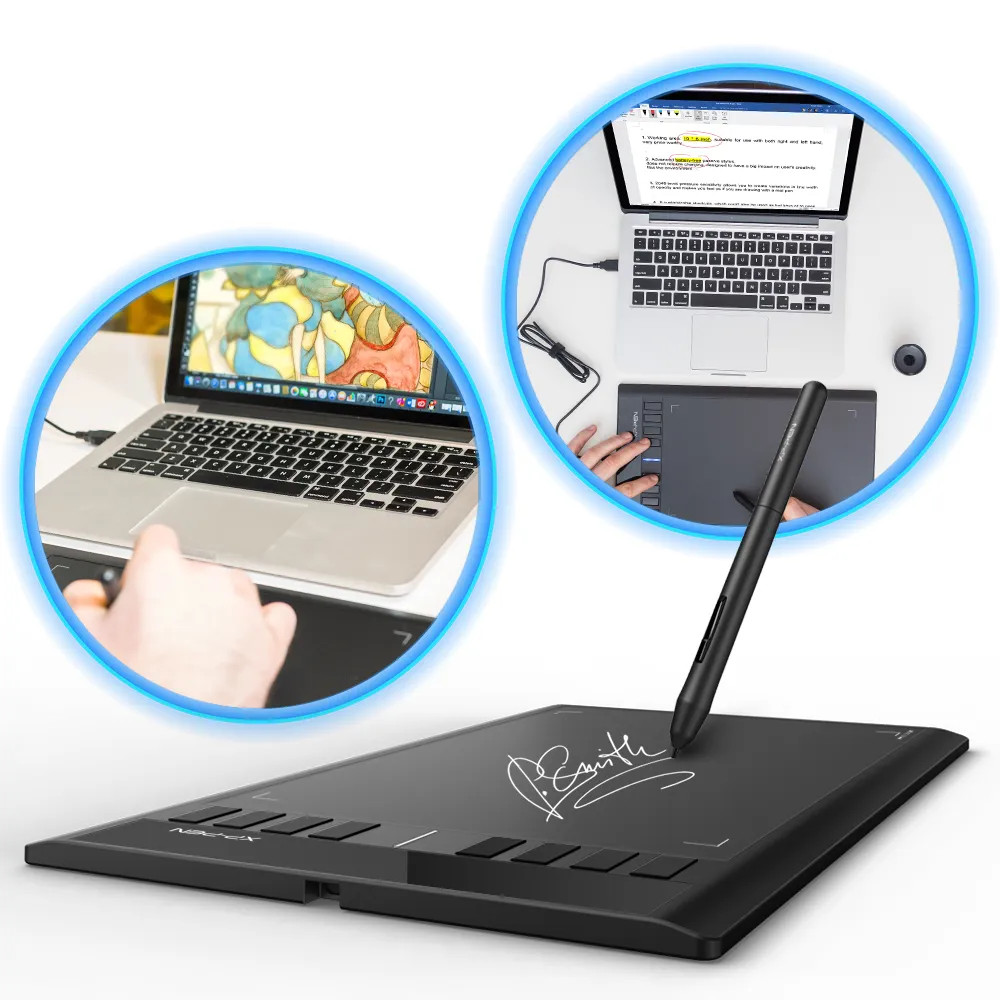
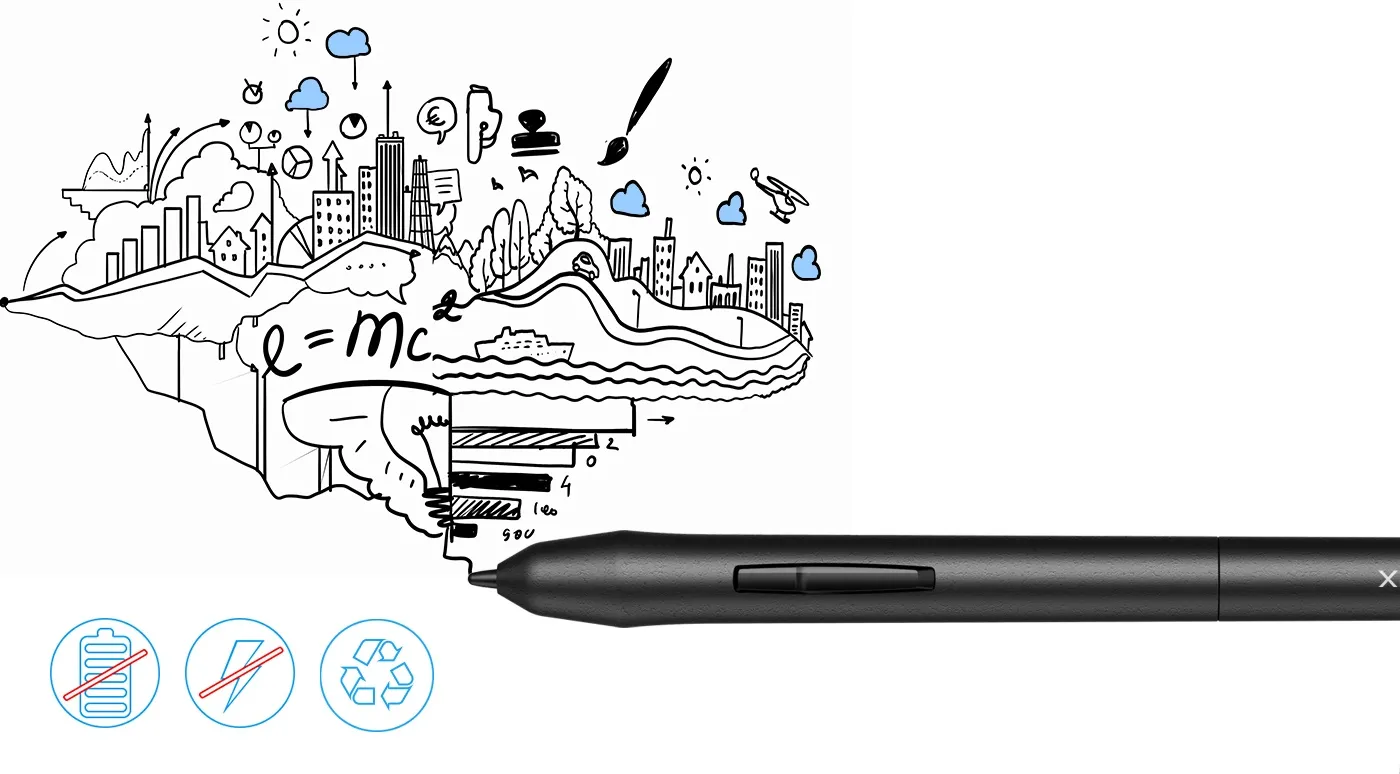
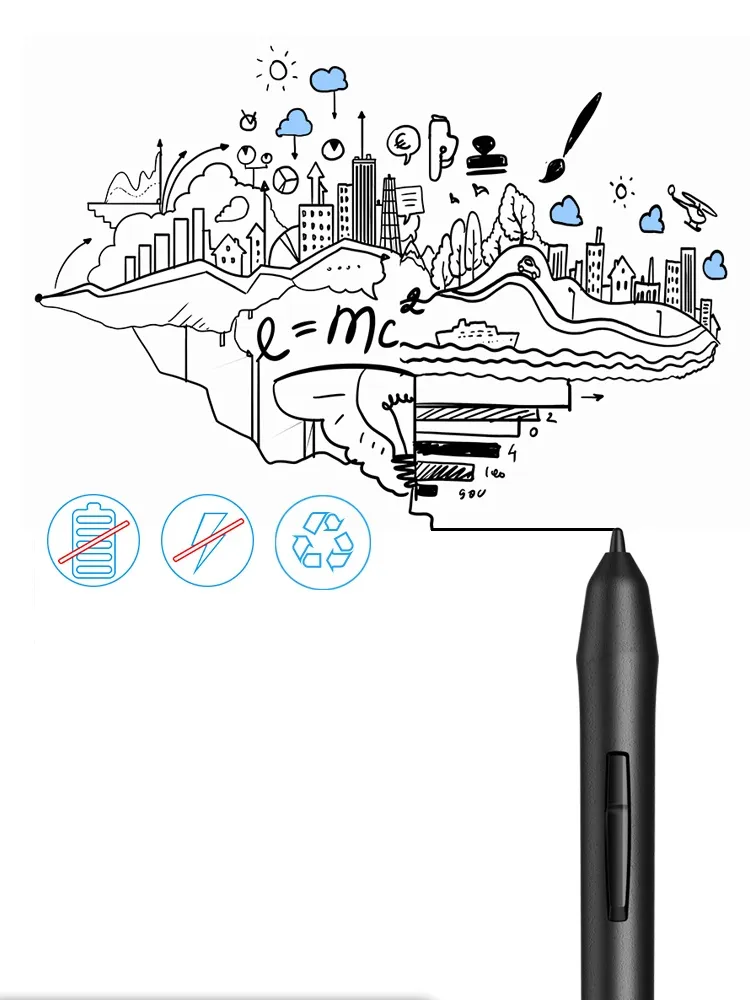
The P01 stylus is outstandingly ergonomic, allowing you to draw as smoothly as with a paper and pencil. The stylus does not require batteries or charging—no clumsy cords or extra costs.
image
image

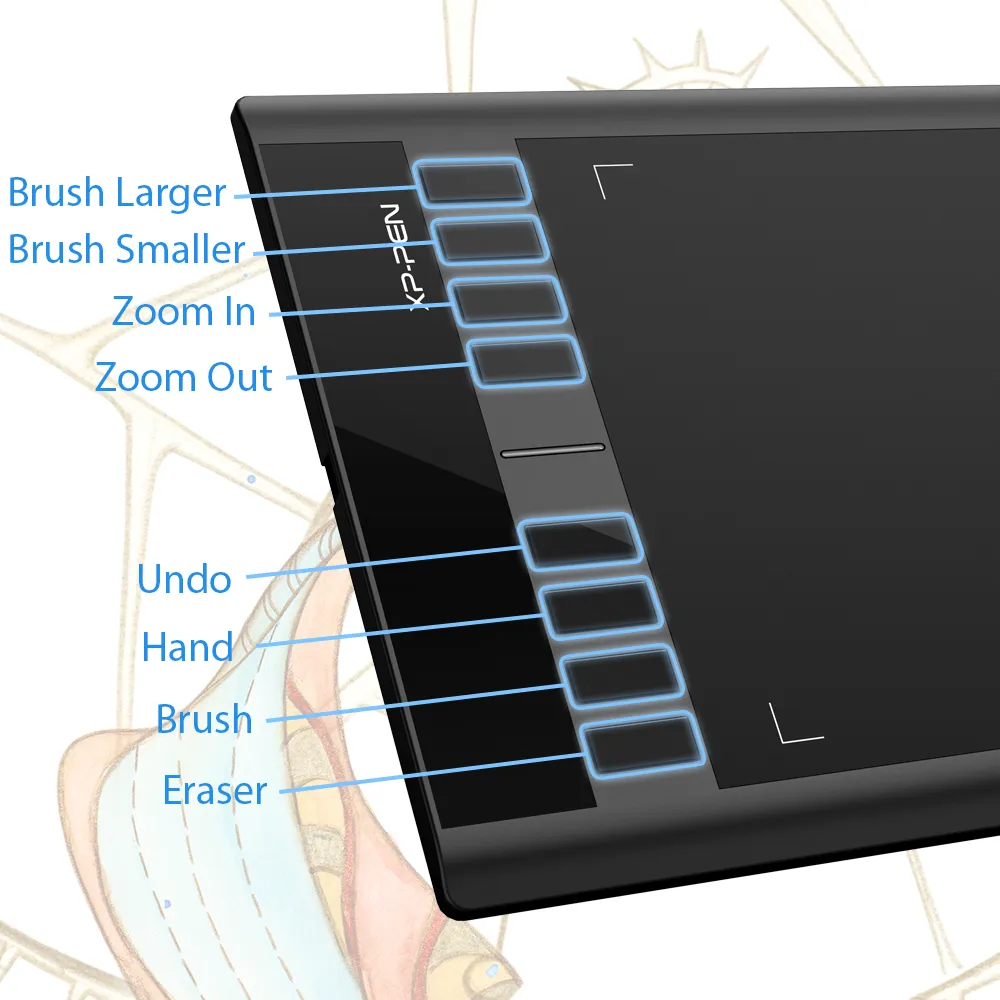
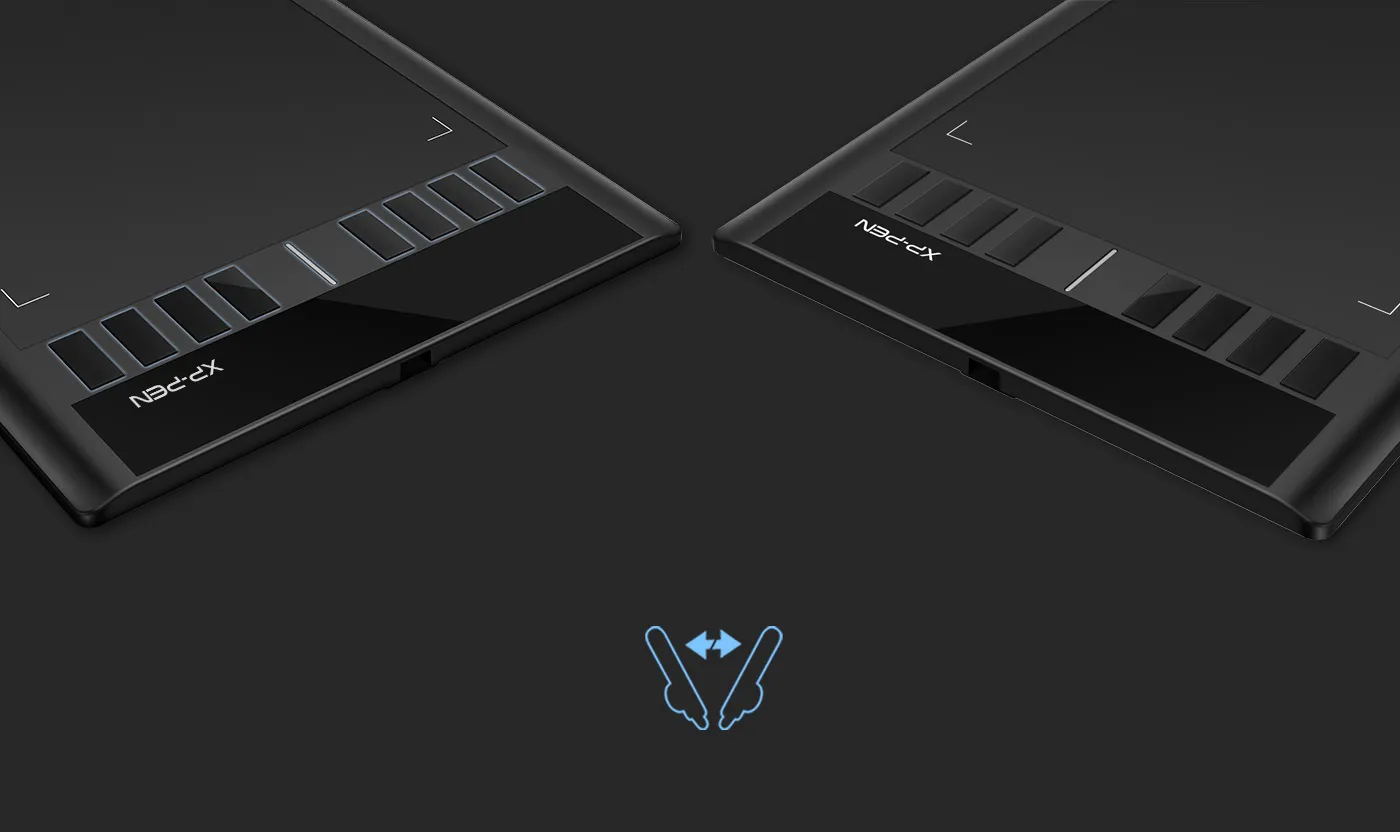
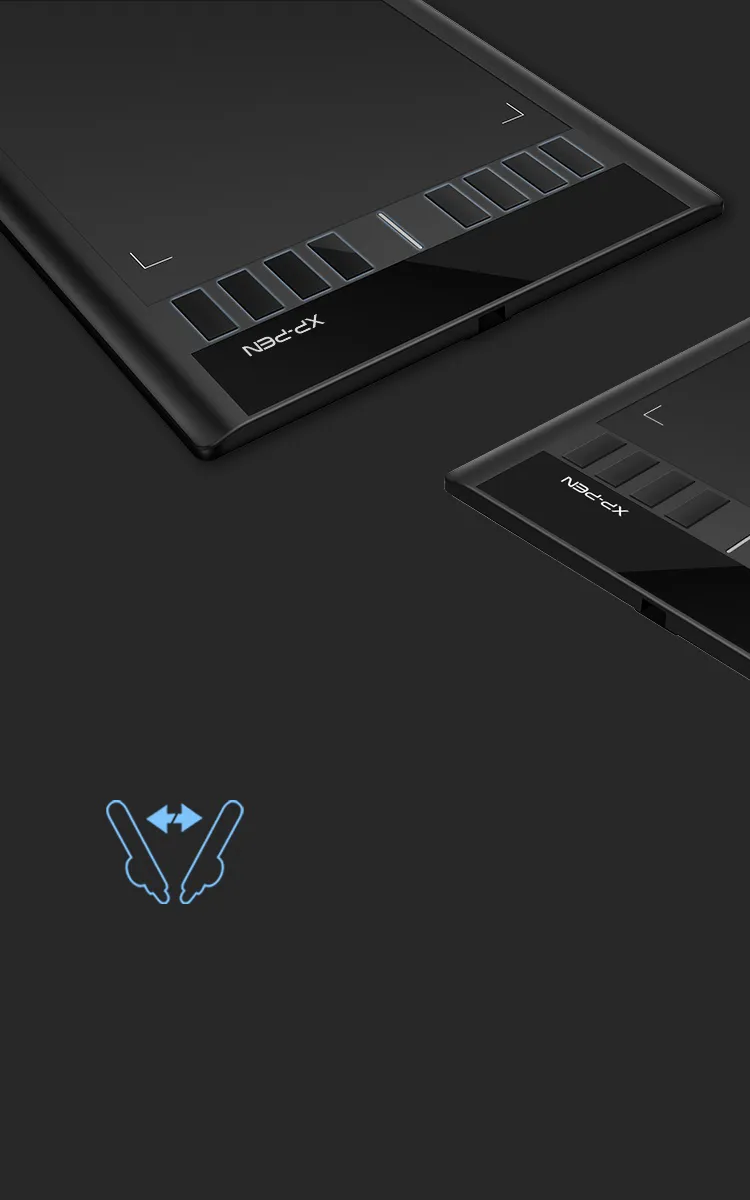
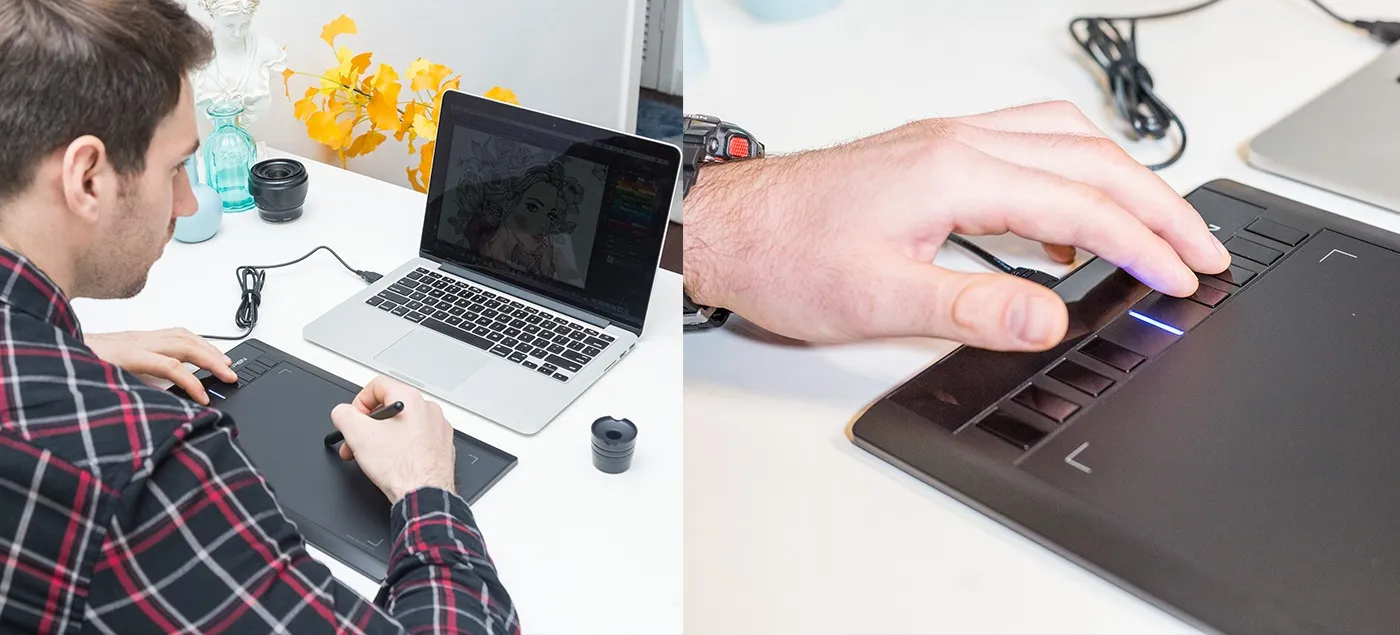
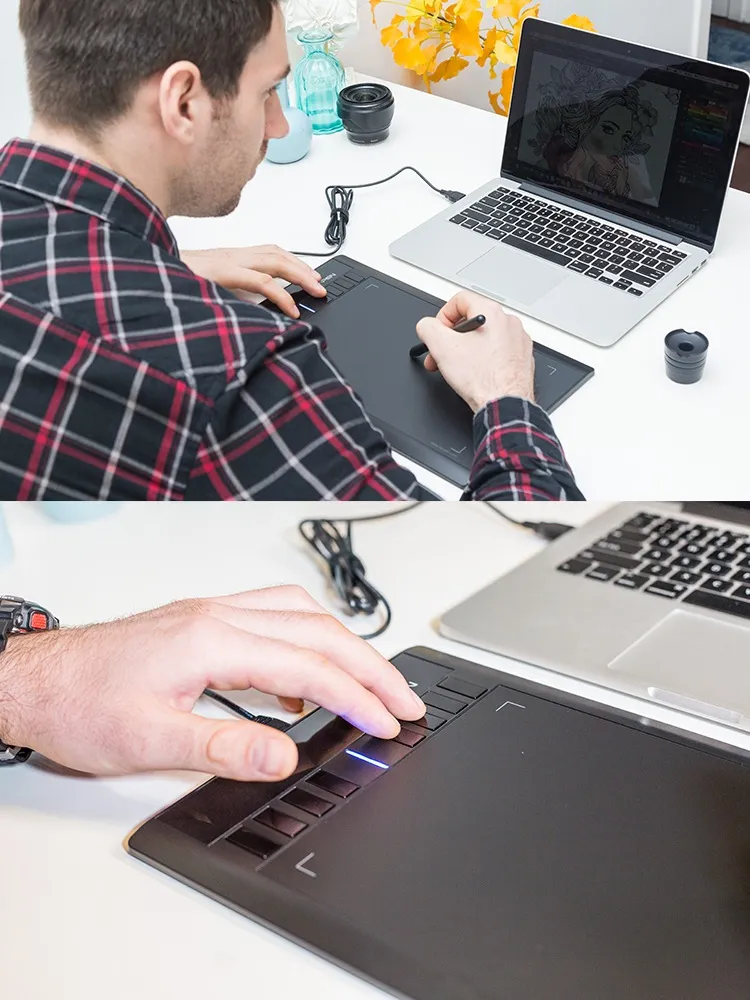
Fully customizable shortcut keys.

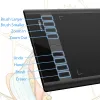
8 convenient shortcut keys minimize the need to use an external keyboard for common functions and keystrokes.
image
image

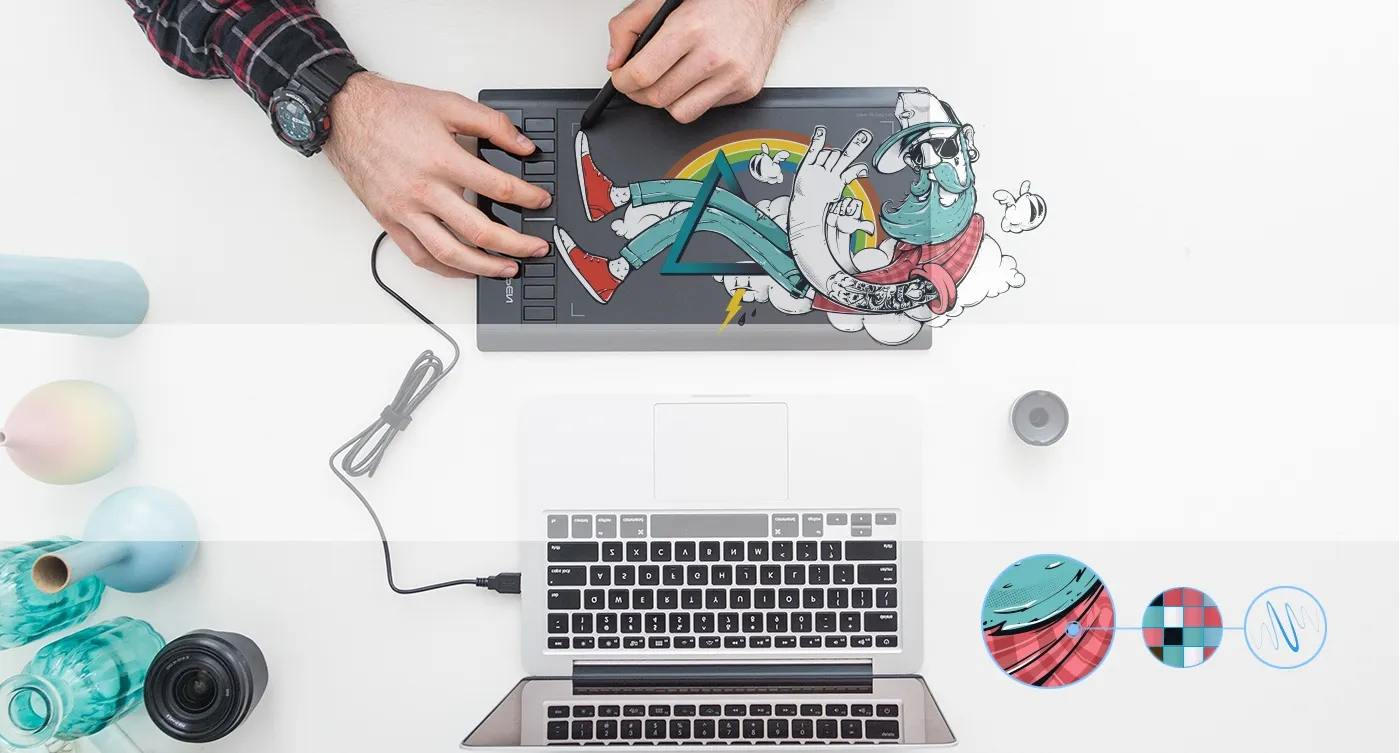
Draw and create smoothly and accurately.

The Star 03's automatic line correction, intelligent anti-shake function, and 8192 pressure levels come together to provide a comfortable, stress-free drawing experience.

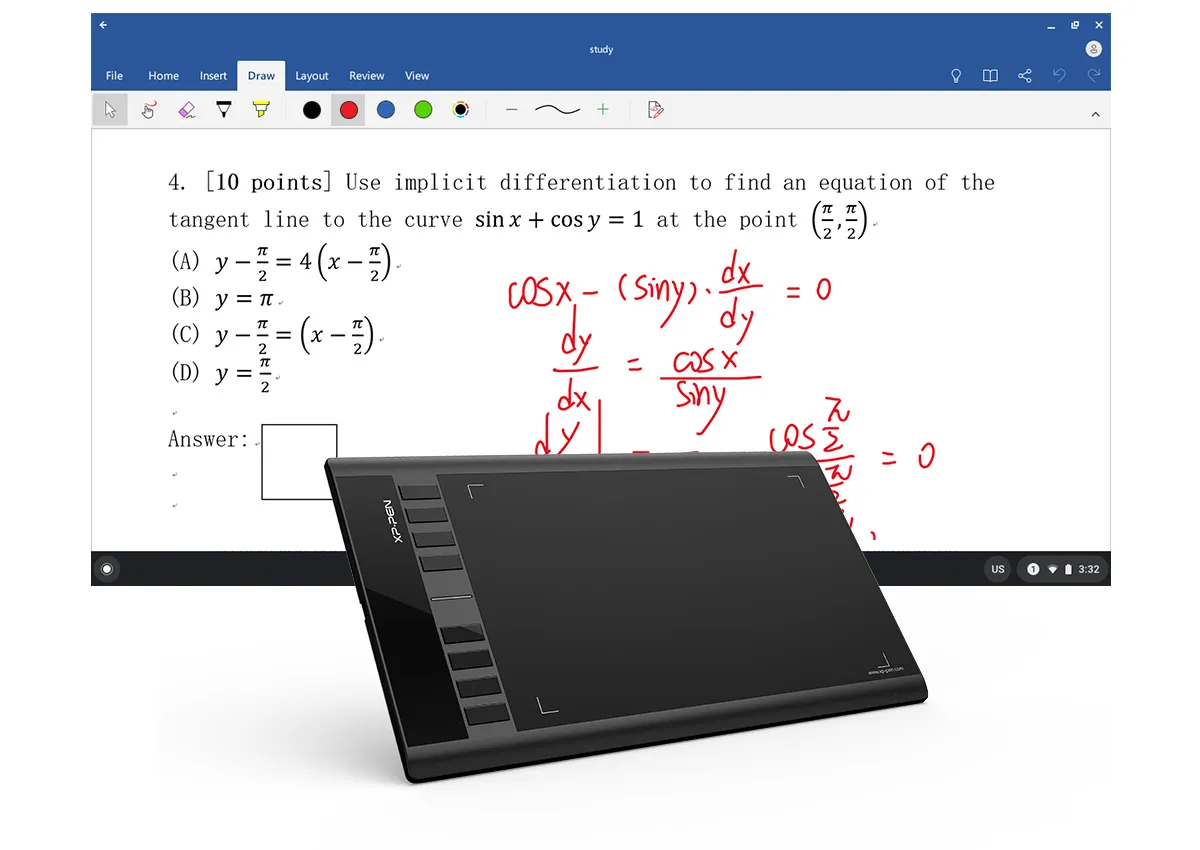
Enhance your Chromebook experience

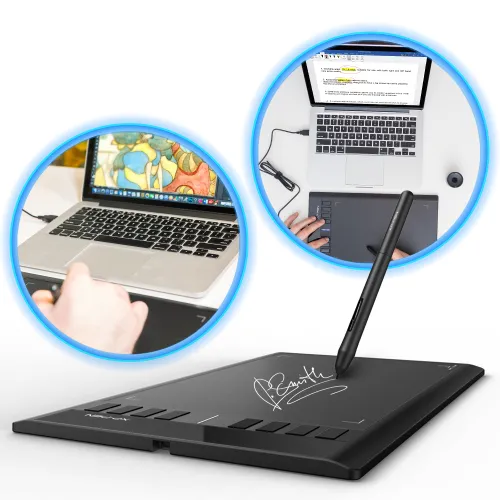
You can now use Chrome OS on your XP-PEN Star 03 V2, allowing you to write and create digitally effortlessly. You can then share and collaborate with teachers and classmates, creating an interactive class atmosphere even in a virtual learning environment. The stylus offers the functionality of a standard mouse, meaning that you can write, edit, draw and navigate on your Chromebook with ease.
image
image
image

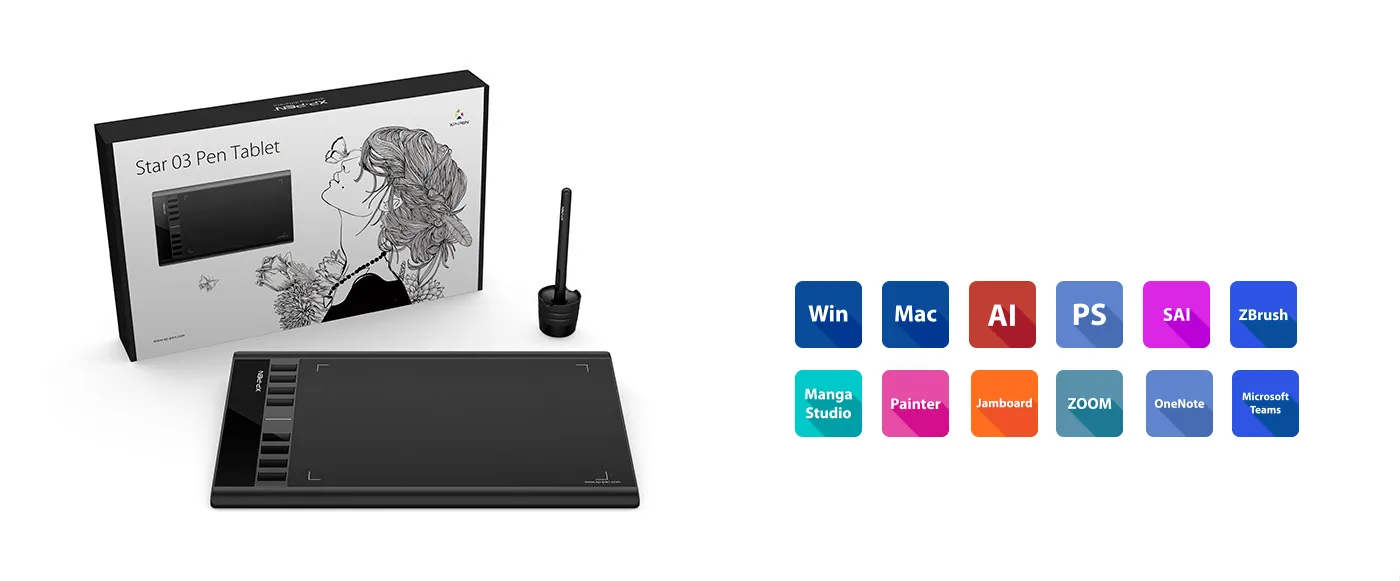
Compatible with most operating systems and applications.

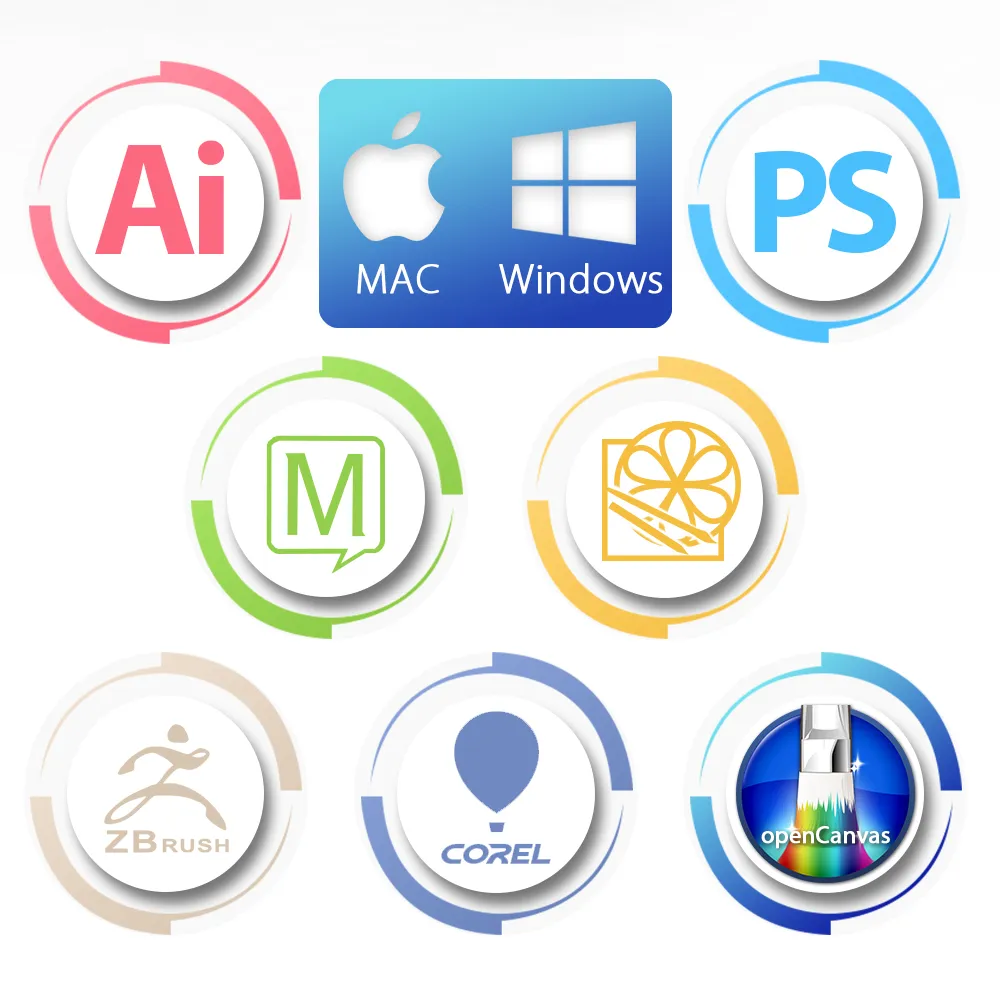
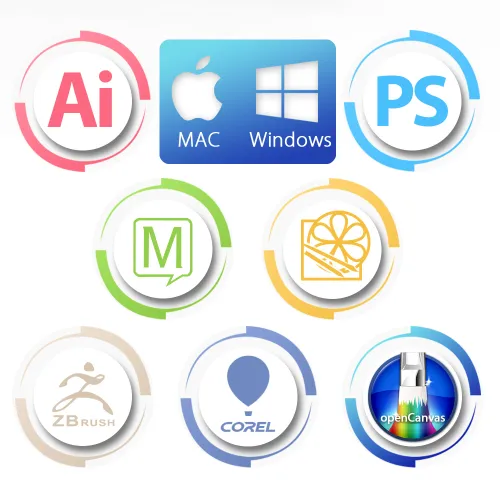
Our drivers work with Windows® 10/8/7, Linux (Detailed versions), Mac OS X® 10.10 and above, and Chrome OS 88.0.4324.109, and all major graphic applications such as Photoshop®, Painter®, Adobe® Illustrator®, etc.
* Please update your Chrome OS to 88.0.4324.109 first.
image
image
image
image
Linux OSVersionPackage FormatSupported Software
ArchArch Linux2019.12.01(64-bit).deb, .shGIMP, Krita
CentosCentos7.0(64-bit).rpm, .shGIMP
Centos8(64-bit).rpm, .shGIMP, Krita
Debiandebian-9.5.0-amd64-netinst(64-bit).deb, .shGIMP, Krita
elementary OSelementary OS 5.0(64-bit).deb, .shGIMP, Krita
ezgo Linuxezgo14(64-bit).deb, .shGIMP, Krita
FedoraFedora32(64-bit).rpm, .shGIMP, Krita
MageiaMageia-7.1(64-bit).rpm, .shGIMP, Krita
Manjaromanjaro-xfce-20.1.2-201019(64-bit).deb, .shGIMP
Mintlinuxmint-18.2-cinnamon-64bit.deb, .shGIMP, Krita
OpenSUSEopenSUSE-Tumbleweed(64-bit).rpm, .shGIMP, Krita
Pop!_OSpop-os_19.10(64-bit).deb, .shGIMP, Krita
Red HatRed Hat7(64-bit).rpm, .shGIMP
UbuntuUbuntu14.04(64-bit).deb, .shGIMP, Krita
Ubuntu16.04(64-bit).deb, .shGIMP, Krita
Ubuntu17.04(64-bit).deb, .shGIMP, Krita
Ubuntu18.04(64-bit).deb, .shGIMP, Krita
Ubuntu19.04(64-bit).deb, .shGIMP, Krita
Ubuntu20.04(64-bit).deb, .shGIMP, Krita
FunctionKrita 4.3.0Gimp 2.10.20Inkscape 0.92
Pen Pressure Sensitivity
Tilt
Mouse Function
Eraser Button
(Stylus:PH01, P06)
Switch between Pen
and Eraser Modes
*If you have any further queries, please do not hesitate to contact us at service@xp-pen.com.

Linux OS

Arch
Version
Arch Linux2019.12.01(64-bit)
Package Format
.deb, .sh
Supported Software
GIMP, Krita
Centos
Version
Centos7.0(64-bit)
Centos8(64-bit)
Package Format
.rpm, .sh
.rpm, .sh
Supported Software
GIMP
GIMP, Krita
Debian
Version
debian-9.5.0-amd64-netinst(64-bit)
Package Format
.deb, .sh
Supported Software
GIMP, Krita
elementary OS
Version
elementary OS 5.0(64-bit)
Package Format
.deb, .sh
Supported Software
GIMP, Krita
ezgo Linux
Version
ezgo14(64-bit)
Package Format
.deb, .sh
Supported Software
GIMP, Krita
Fedora
Version
Fedora32(64-bit)
Package Format
.rpm, .sh
Supported Software
GIMP, Krita
Mageia
Version
Mageia-7.1(64-bit)
Package Format
.rpm, .sh
Supported Software
GIMP, Krita
Manjaro
Version
manjaro-xfce-20.1.2-201019(64-bit)
Package Format
.deb, .sh
Supported Software
GIMP
Mint
Version
linuxmint-18.2-cinnamon-64bit
Package Format
.deb, .sh
Supported Software
GIMP, Krita
OpenSUSE
Version
openSUSE-Tumbleweed(64-bit)
Package Format
.rpm, .sh
Supported Software
GIMP, Krita
Pop!_OS
Version
pop-os_19.10(64-bit)
Package Format
.deb, .sh
Supported Software
GIMP, Krita
Red Hat
Version
Red Hat7(64-bit)
Package Format
.rpm, .sh
Supported Software
GIMP
Ubuntu
Version
Ubuntu14.04(64-bit)
Ubuntu16.04(64-bit)
Ubuntu17.04(64-bit)
Ubuntu18.04(64-bit)
Ubuntu19.04(64-bit)
Ubuntu20.04(64-bit)
Package Format
.deb, .sh
.deb, .sh
.deb, .sh
.deb, .sh
.deb, .sh
.deb, .sh
Supported Software
GIMP, Krita
GIMP, Krita
GIMP, Krita
GIMP, Krita
GIMP, Krita
GIMP, Krita

Function

Pen Pressure Sensitivity
Krita 4.3.0
Gimp 2.10.20
Inkscape 0.92
Tilt
Krita 4.3.0
Gimp 2.10.20
Inkscape 0.92
Mouse Function
Krita 4.3.0
Gimp 2.10.20
Inkscape 0.92
Eraser Button(Stylus:PH01, P06)
Krita 4.3.0
Gimp 2.10.20
Inkscape 0.92
Switch between Penand Eraser Modes
Krita 4.3.0
Gimp 2.10.20
Inkscape 0.92

*If you have any further queries, please do not hesitate to contact us at service@xp-pen.com.

Reviews
4.8
starstarstarstarstar
Based on 6
starstarstarstarstar
83%(5)
starstarstarstarstar
17%(1)
starstarstarstarstar
0(0)
starstarstarstarstar
0(0)
starstarstarstarstar
0(0)
EngrGutch
starstarstarstarstar
May 21 ,2024 PM 15:00 Star 03 Express Keys
Star 03 Express Keys Review
the experience is good, high quality, pen is sensitive will order again
Useful(0)+1
XFANSa2gfpry3
starstarstarstarstar
Dec 18 ,2021 PM 20:57 Star 03 Express Keys
All is well!
Everything worked great,the keys,the working area,the pen.They all worked well!! Thankss
Official mall
Jan 12 ,2022 AM 10:21
Thank you for your recognition of our XP-PEN products. We will continue to improve and provide the best quality products and services to our consumers. Enjoy the drawing. :)
Useful(1)+1
NeilSonip
starstarstarstarstar
Jan 08 ,2022 PM 13:21 Star 03 Express Keys
Delivered and packaged well
Everything is good so far, it arrived yesterday I was so excited to start my new adventure this 2022 thank you
Official mall
Jan 12 ,2022 AM 10:44
Thank you for your recognition of our XP-PEN products. We will continue to improve and provide the best quality products and services to our consumers. Have a nice day : )
Useful(0)+1
Learn More
Q & A
XFANSrqs2ecta
Feb 19 ,2023 PM 16:51 Star 03 Express Keys
Can this connect to a Macbook Air?
Reply1
Official mall
Feb 28 ,2023 AM 10:04
Star03 can work with Macbook Air, it is USB port to connect with laptop, you may need transfer adapter, thanks.
Reply to this review
XFANSdksmryox
Jun 20 ,2022 AM 08:26 Star 03 Express Keys
Hi! Can I ask? Is this Compatible with chrome os Version 102.0.5005.75 (Official Build) (64-bit)? Thankyou I've been wondering that if I buy this and connect to chrome os laptop it may be not compatible. And also is this drwaing tablet needs ineternet to draw? Thankyou!
Reply1
Official mall
Jun 20 ,2022 PM 15:12
Star03 do not work with chromebook, you may consider Deco01V2 or deco mini7 for Chormebook, the version can be working for 88.0.4324.109 and above, thanks. it works on the drawing apps on laptop, thanks.
Reply to this review
XFANSou415shv
Dec 06 ,2021 AM 00:03 Star 03 Express Keys
Hi, is the pressure sensitivity compatible with Sai and Ps CS6?
Reply1
Official mall
Dec 06 ,2021 PM 14:18
The pen pressure compatible with Sai, for PS CS6 may has some problem, you may try PS CC version, thanks.
Reply to this review
XFANSkigip6fs
Nov 15 ,2021 AM 09:17 Star 03 Express Keys
Is this compatible with tablets and phones?
Reply1
Official mall
Nov 15 ,2021 AM 11:44
Star03 can compatible with PC or laptop, it cannot work with phone,thanks.
Reply to this review
XFANS5634eqgy
Sep 06 ,2021 PM 18:10 Star 03 Express Keys
Is this compatible with Krita?
Reply1
Official mall
Sep 06 ,2021 PM 18:34
yes, it compatible with krita, thanks.
Reply to this review
XFANS41e9ocep
Aug 19 ,2021 PM 16:34 Star 03 Express Keys
How many days for the delivery to arrive?
Reply2
See more answers(1)
Official mall
Aug 20 ,2021 AM 09:53
it has stock in manila, normallly 3-5 days delivery to Manila area after order.
Reply to this review
putri ismaulidia
Jul 04 ,2020 AM 02:23 Star 03 Express Keys
can i ask something? do you sell the cable part of this type tablet?. i think i lost my cable of this type tablet
Reply1
Official mall
Jul 09 ,2020 AM 09:37
Yes, we do sell USB cable for Star03, you may come to us and build the listing for you. Normally we introduce you to purchase the cable from our Lazada with cheaper shipping cost, thanks.
Reply to this review
Muhammad Nobel Fauzan
Jul 01 ,2020 AM 00:30 Star 03 Express Keys
I lost my stylus for XP Pen Star 03 V2, on its description it says the stylus has pressure sensitivity of 8192 levels. but the description of the P01 stylus (which is the compatible stylus) only has pressure sensitivity of 2048 levels, so now Im wondering if the P01 stylus is actually the same type with the one I got with the tablet, is the P01 stylus is the right type for my tablet (if so please explain the difference level on the descriptions)? or there is actually another type which exactly the same with the one I lost?
Reply1
Official mall
Jul 01 ,2020 PM 16:16
Sorry for the misunderstanding caused. The new pen P01 is 8192 pen level, it is not 2048 pen level, the picture was old one, we will replace it with new picture, sorry about that. You could order it for your new table, also, you may order from our lazada for pen accessories with cheaper shiping cost, thanks.
Reply to this review
Payment icon 0Payment icon 1Payment icon 2Payment icon 3Payment icon 4Payment icon 5Payment icon 6

Copyright© 2025 HANVON UGEE (HK) TECHNOLOGY CO., LIMITED All Rights Reserved.

Payment icon 0Payment icon 1Payment icon 2Payment icon 3Payment icon 4Payment icon 5Payment icon 6