







Getting started with your
Deco Fun Series Pen Tablet
1/9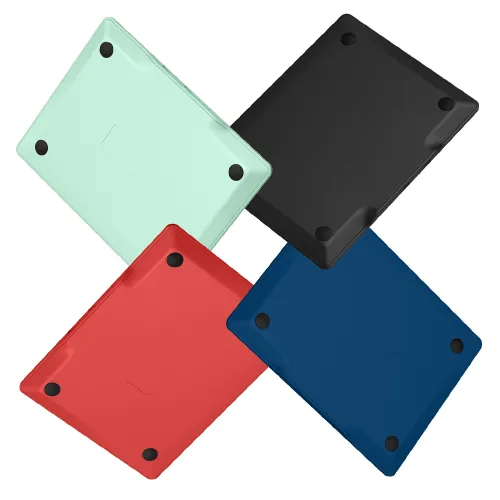

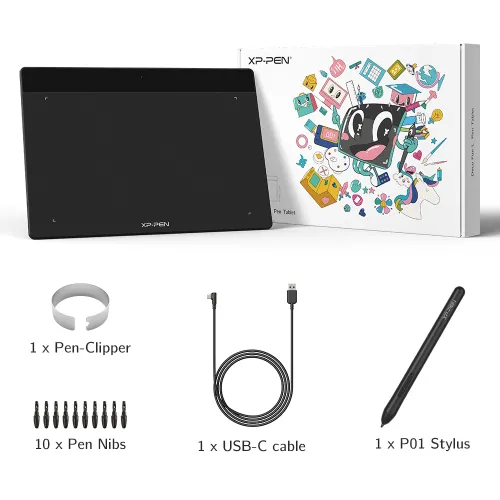
Deco Fun XS/S/L for Android
Red, Blue, Green, Black colors Support Android
₱1,090 / ₱1,299
Ends in 00:00:00
> Free Shipping to Manila.
> 18 months warranty.
Colour:
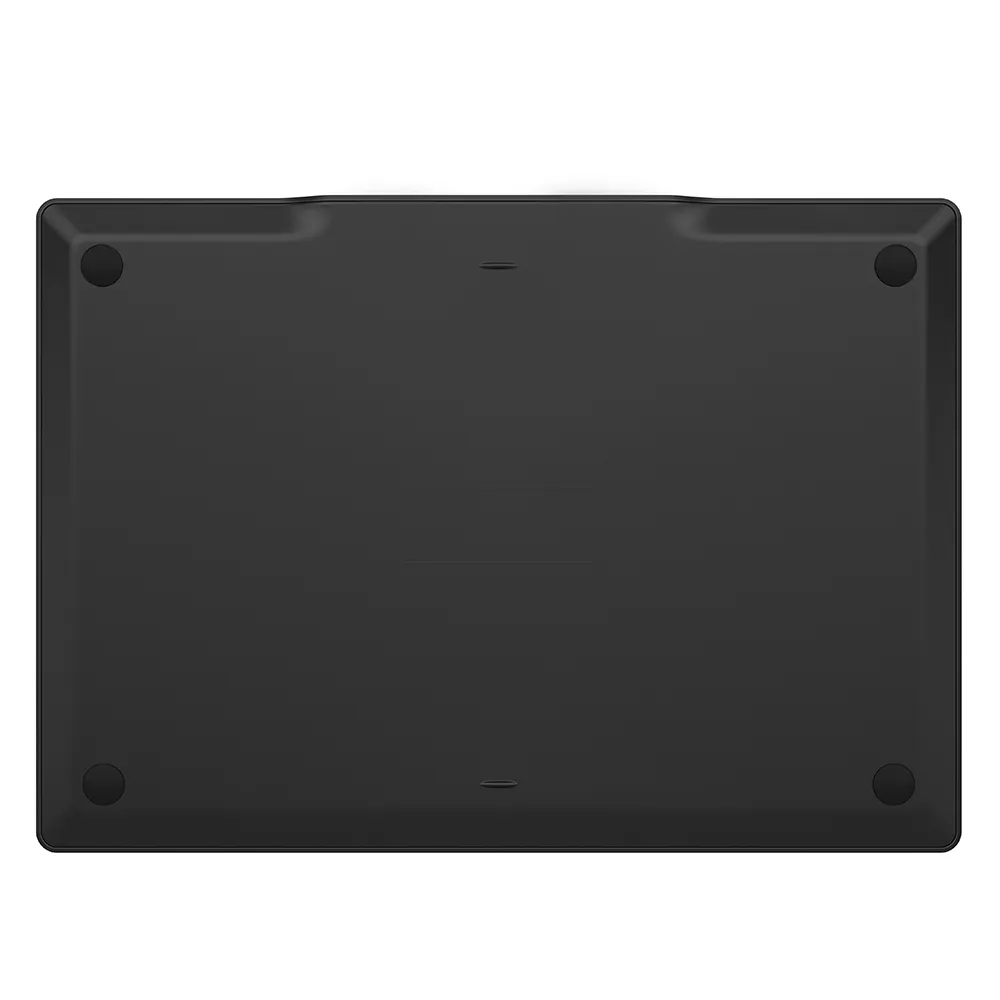 Black
BlackSize:
S: 6.3 x 4 inch
L: 10 x 6.27 inch
XS: 4.8 x 3 inch
Optional Accessories
Quantity
₱1,090₱1,299
 Mag-log in at bumili para makatanggap ng tinatayang 17 X-Coins






Estimate:


Study ● Work ● Game ● Draw

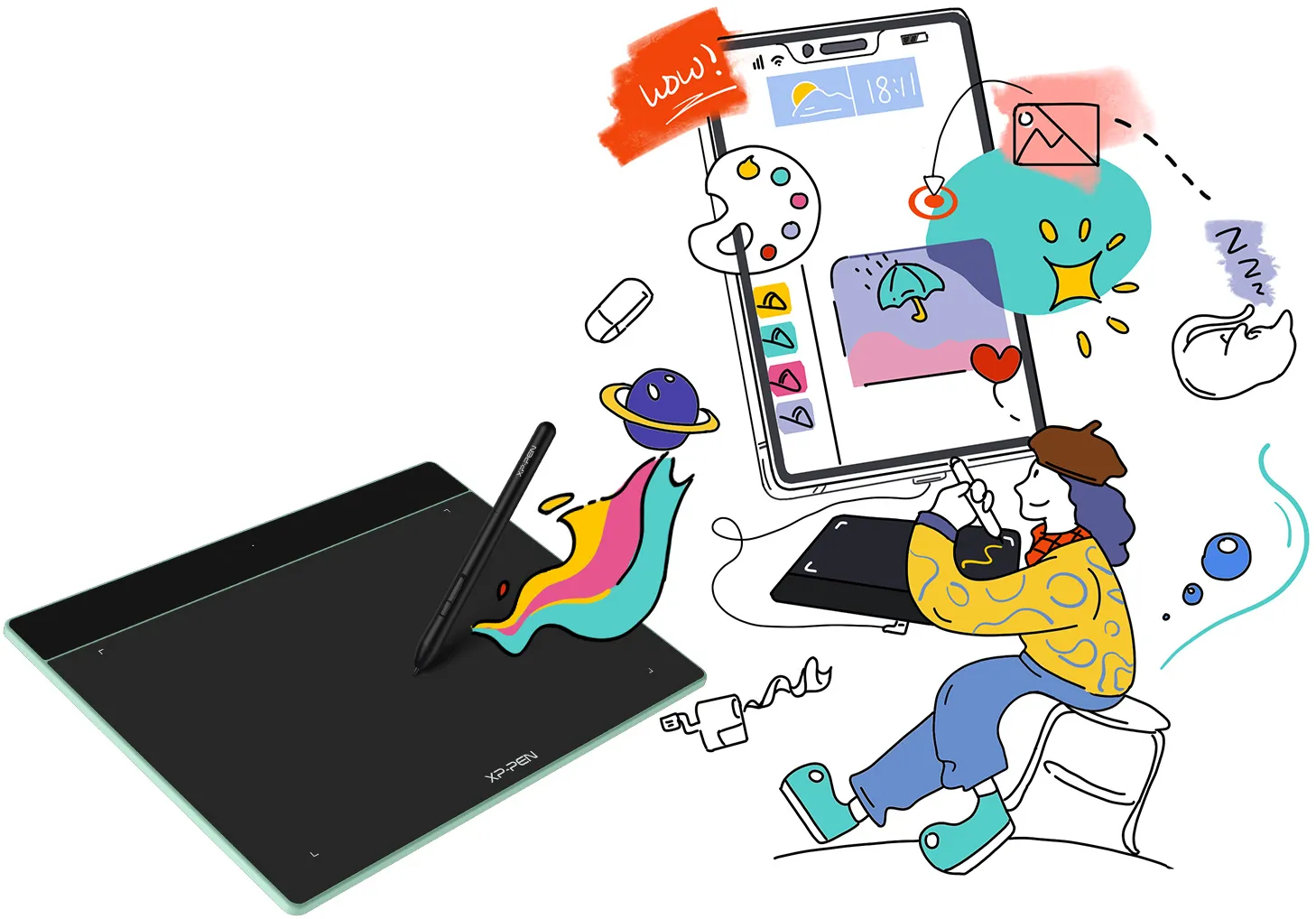
Using Deco Fun for remote learning allows both students and teachers to share their thoughts and ideas in real-time. With infinite brushes, colors, and patterns options, you will be able to create and share tutorials, animated stories, and presentations effortlessly. This enables you to collaborate and interact enjoyably during remote learning!
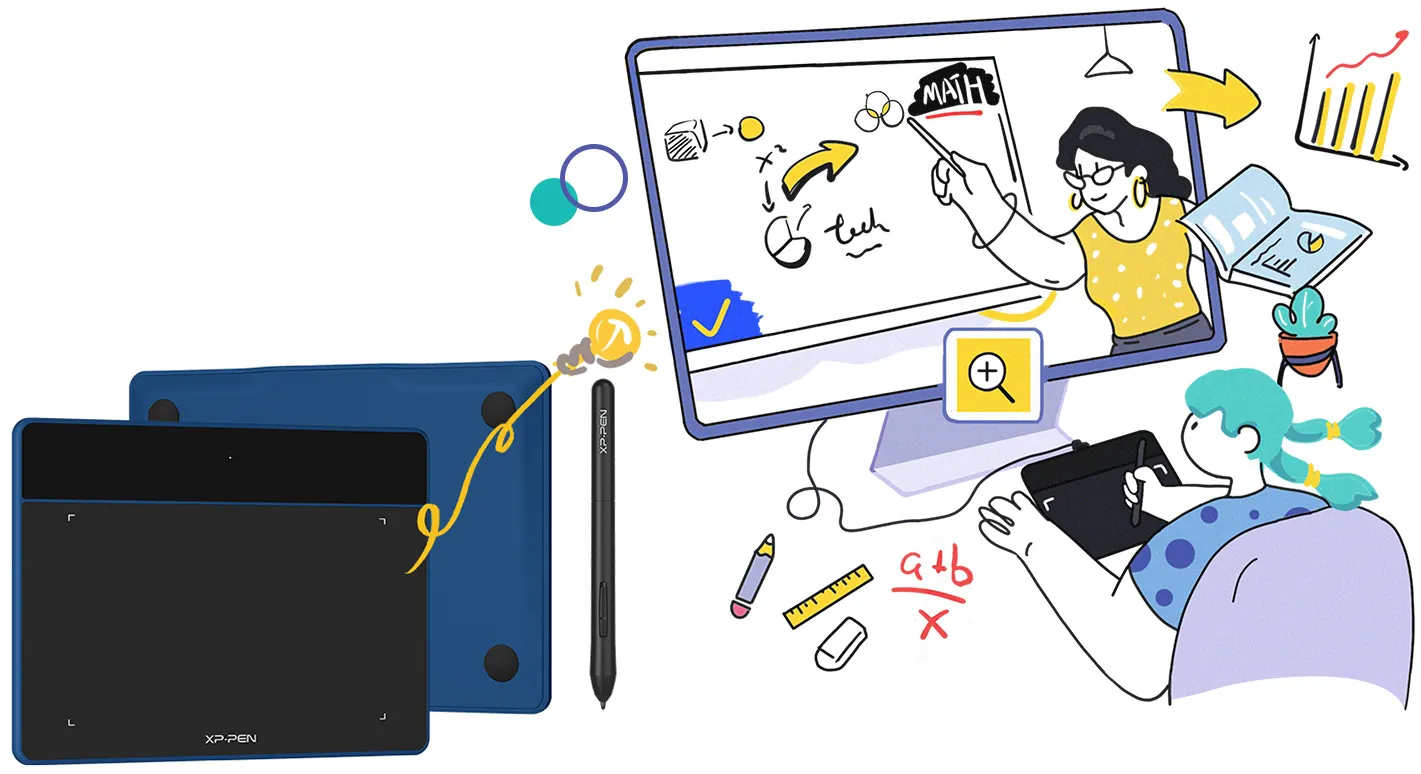


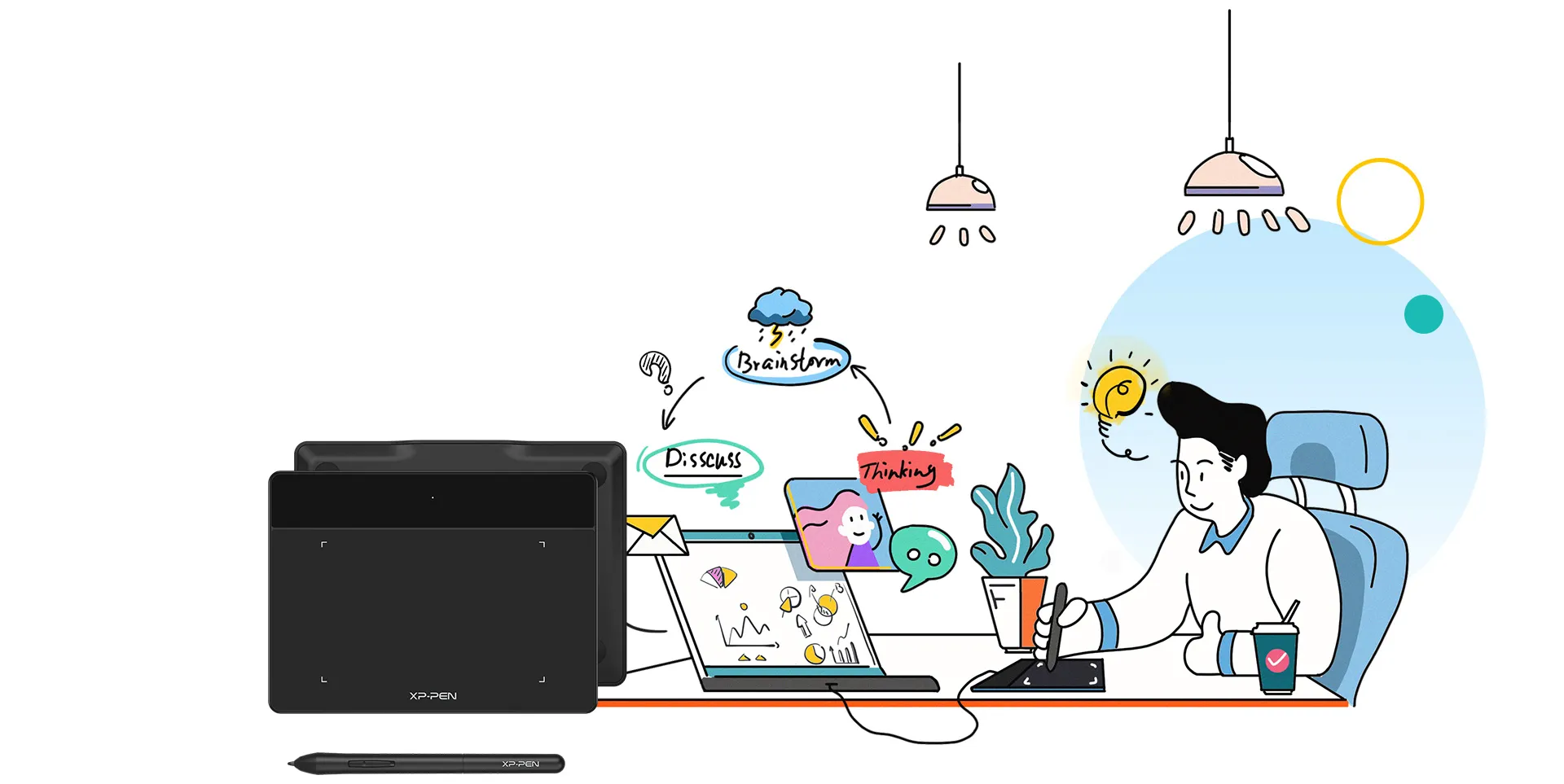
In remote meeting, Deco Fun enables you to express important points more effectively. You can write or sketch on the shared content using graphs, lines, and comments. It is an effective way to deliver ideas to your colleagues, supervisors and your clients. Additionally, you can use Deco Fun to quickly sign contracts and documents digitally. More quickly, more opportunities!


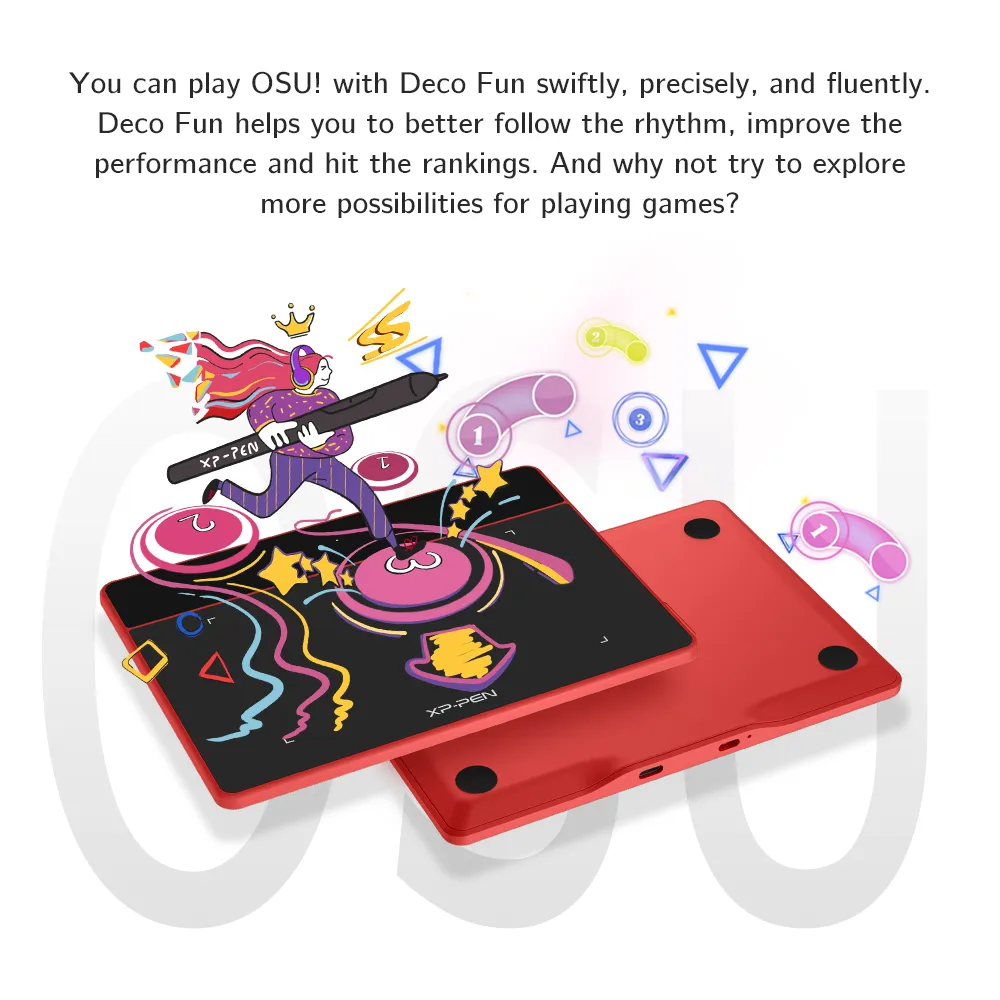
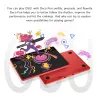
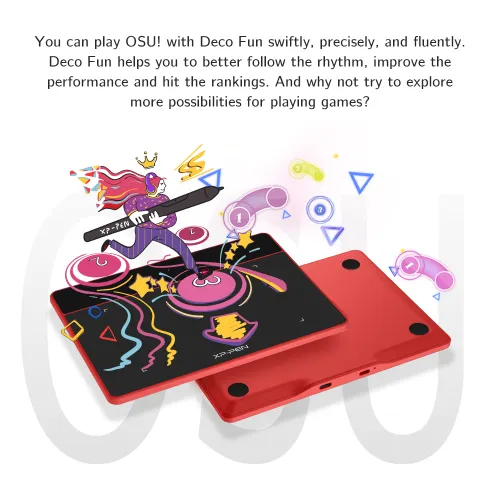
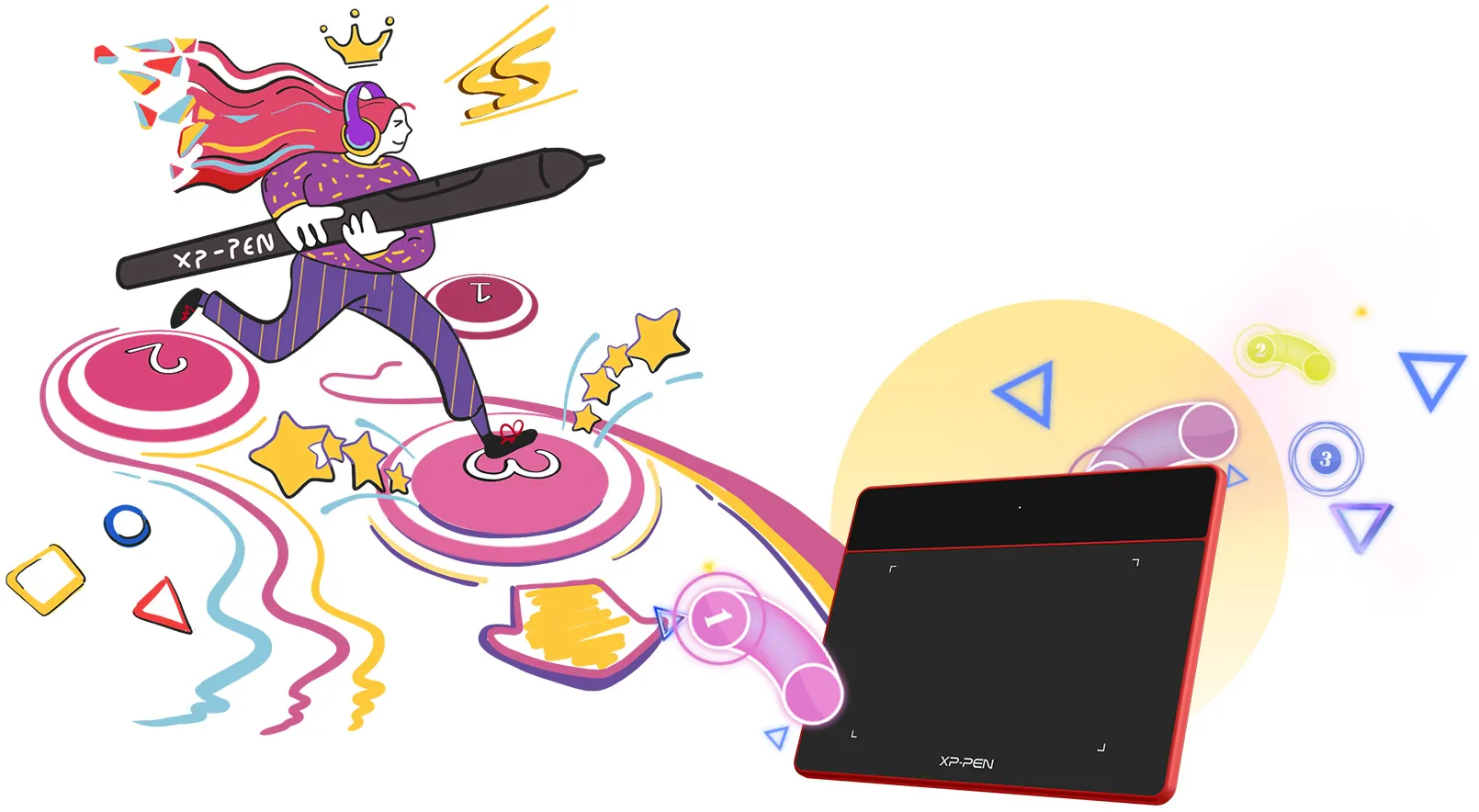
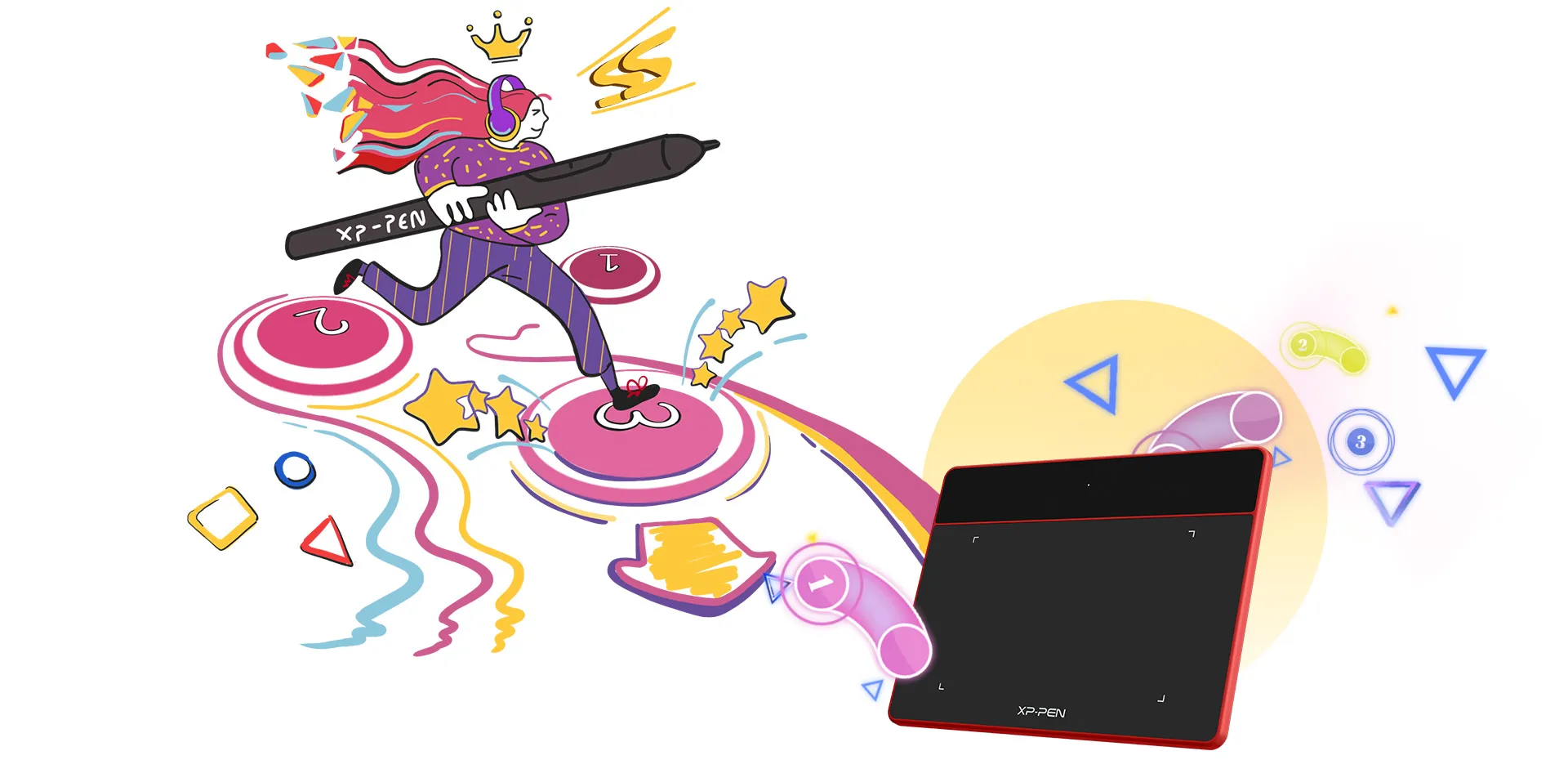
You can play OSU! with Deco Fun swiftly, precisely, and fluently. Deco Fun helps you to better follow the rhythm, improve the performance and hit the rankings. And why not try to explore more possibilities for playing games?

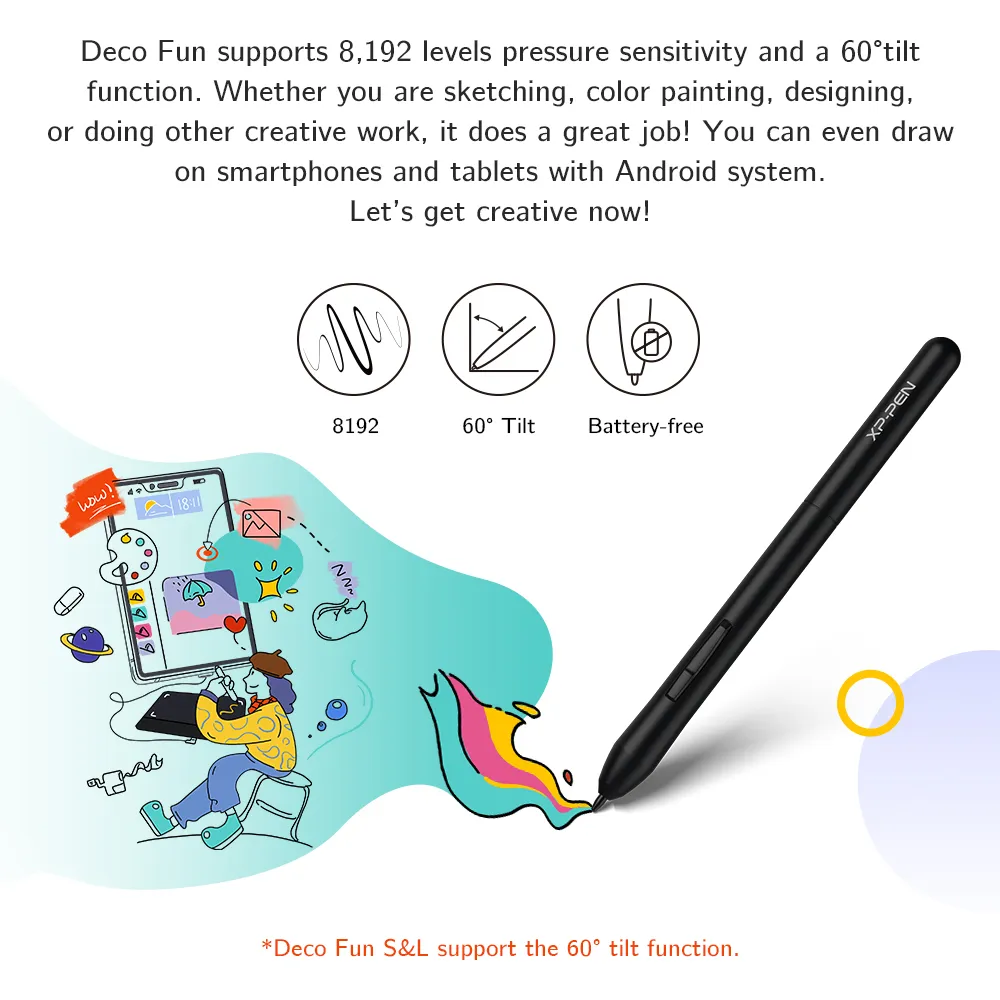
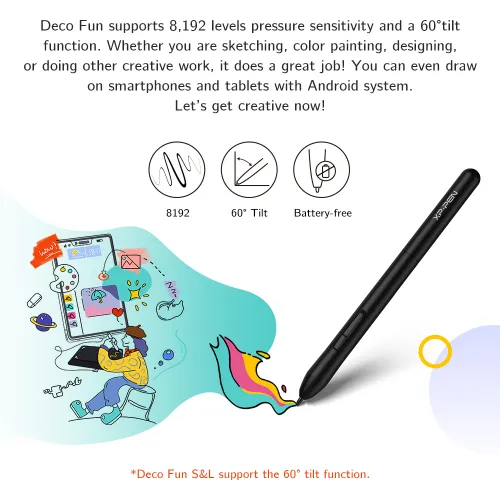
Deco Fun supports 8,192 levels pressure sensitivity and a 60° tilt function. Whether you are sketching, color painting, designing, or doing other creative work, it does a great job! You can even draw on smartphones and tablets with Android system. Let's get creative now!
*Deco Fun S&L support the 60° tilt function.

8192

60° Tilt

Battery-free


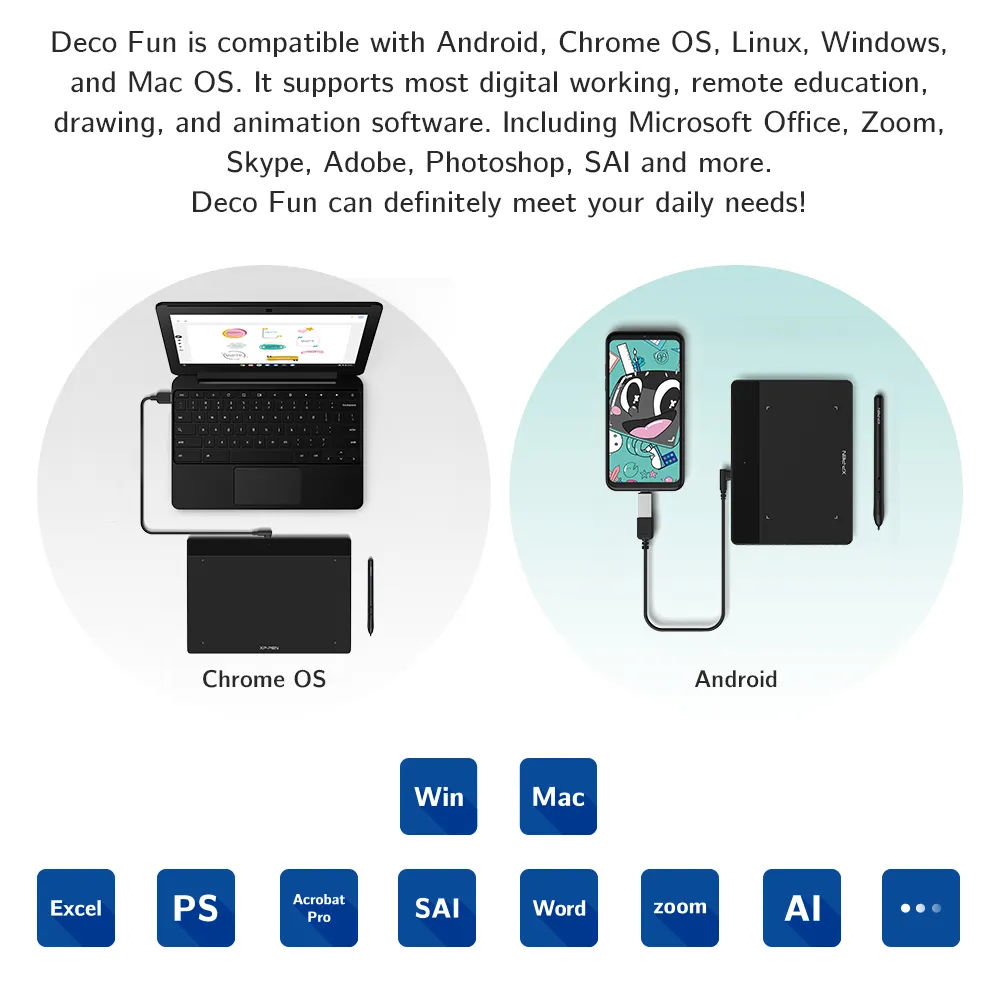
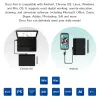
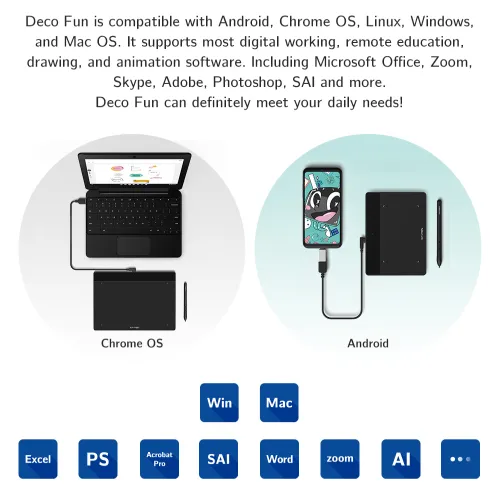
Deco Fun is compatible with Android, Chrome OS, Linux, Windows, and Mac OS. It supports most digital working, remote education, drawing, and animation software. Including Microsoft Office, Zoom, Skype, Adobe, Photoshop, SAI and more. Deco Fun can definitely meet your daily needs!
*For more information please see the specifications
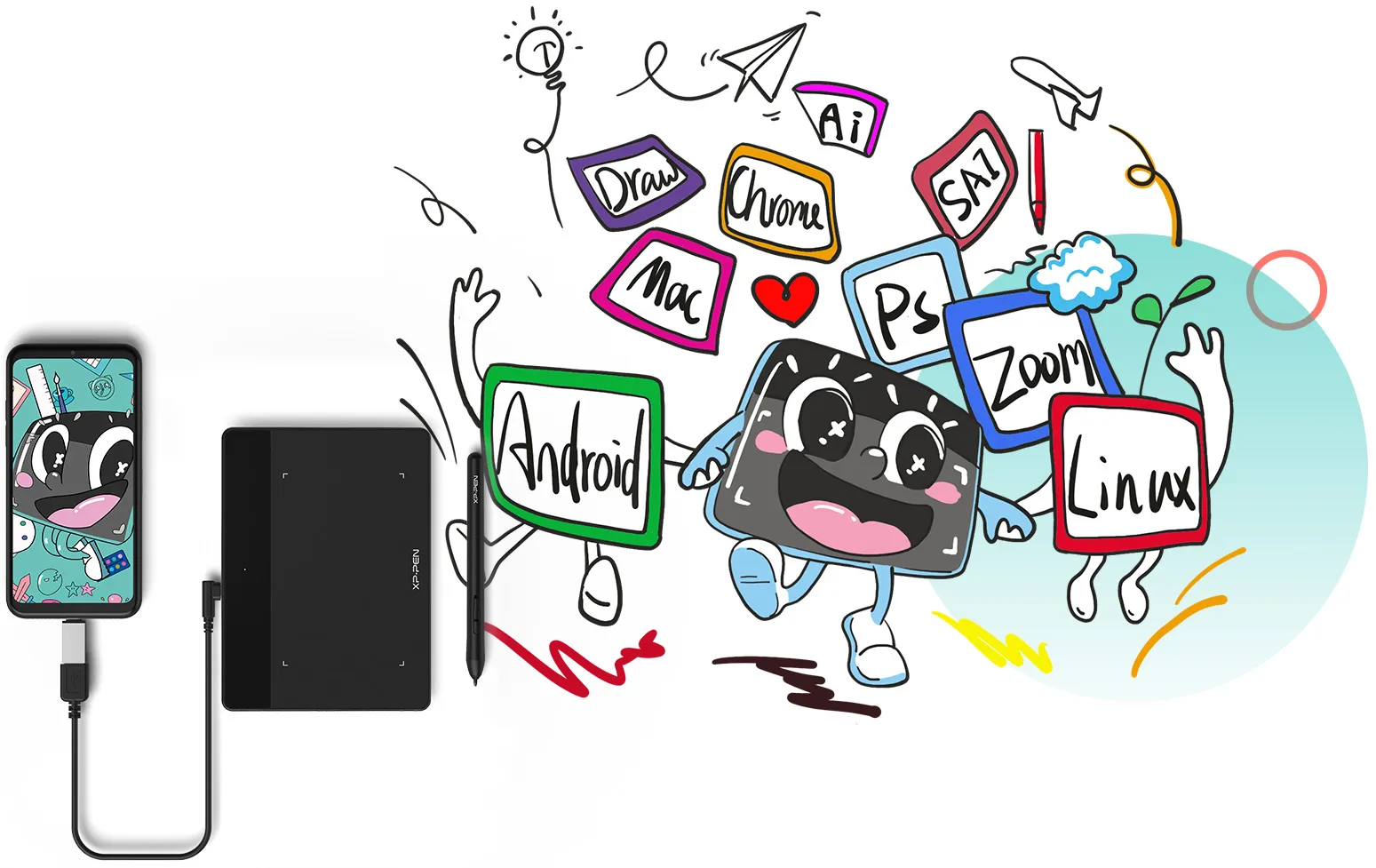
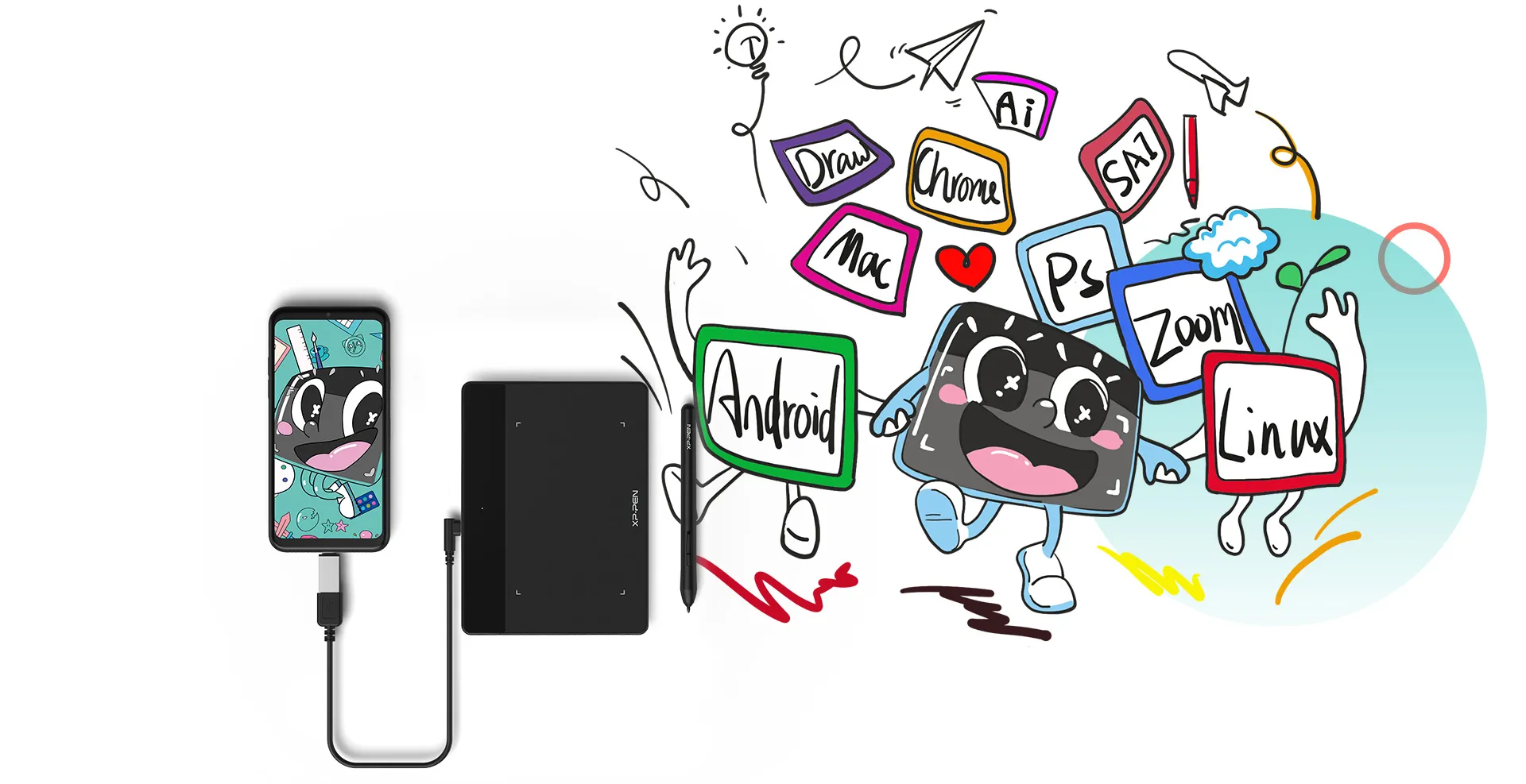

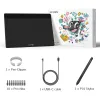
Deco Fun is designed for easy plug-and-play. Plug it in and you are ready to start your creative journey. For advanced settings such as pen pressure, download the driver and follow a simple 3-step installation.



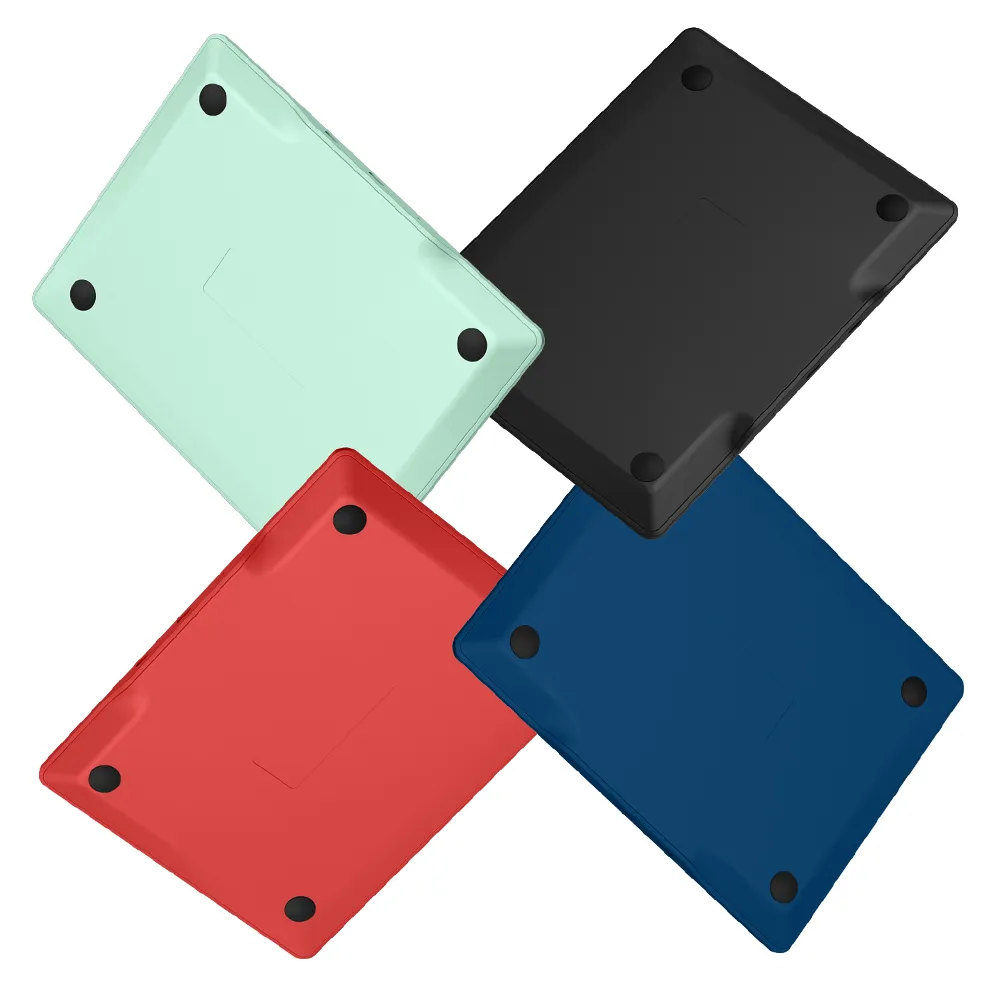
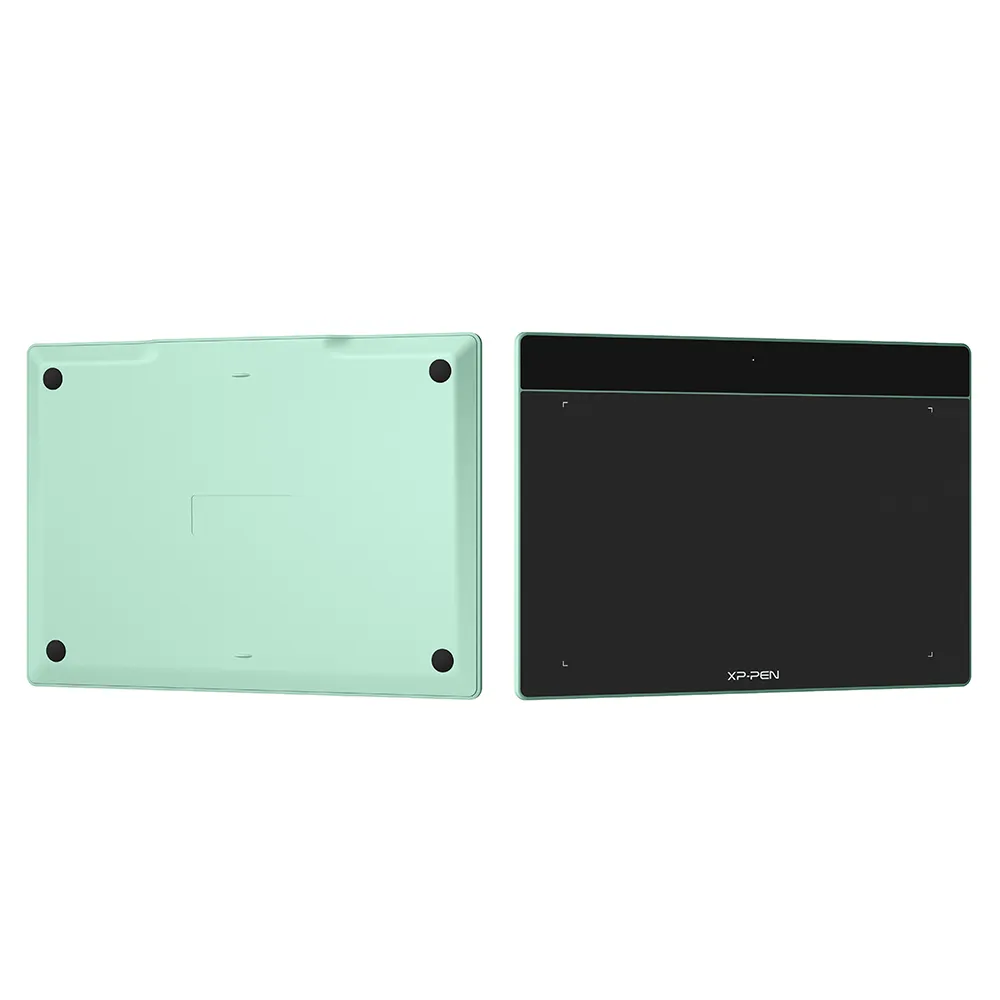
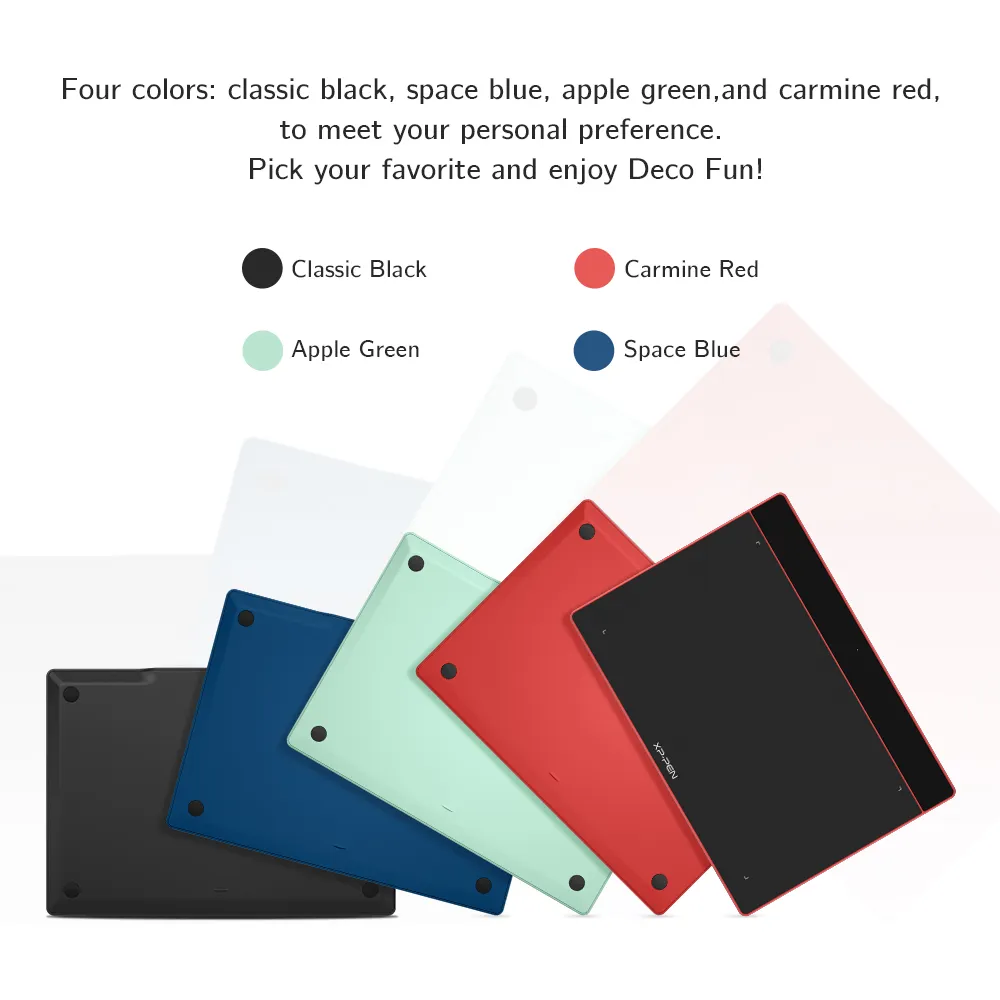
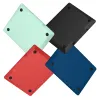
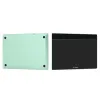
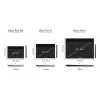
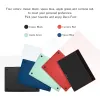
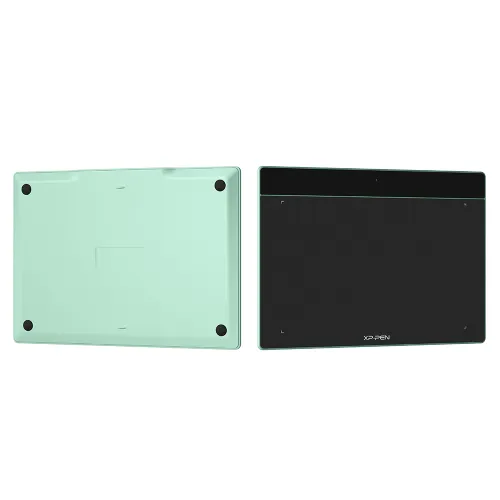
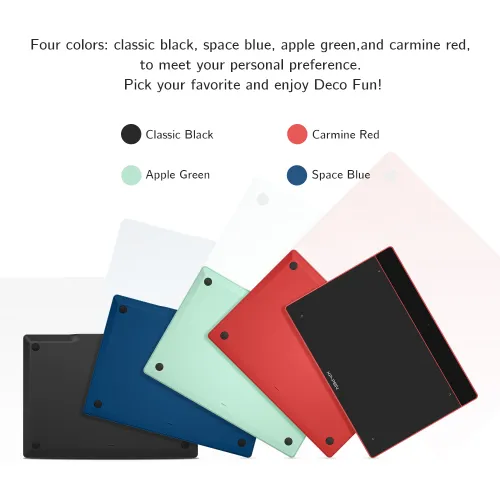
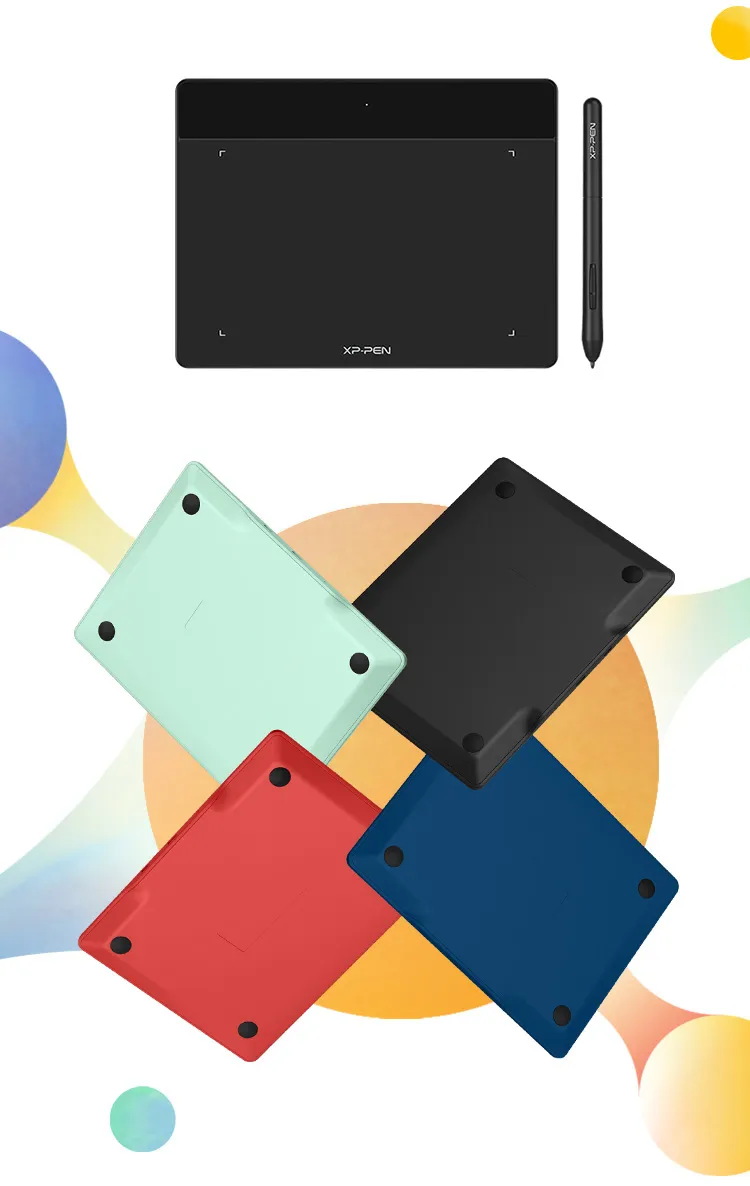
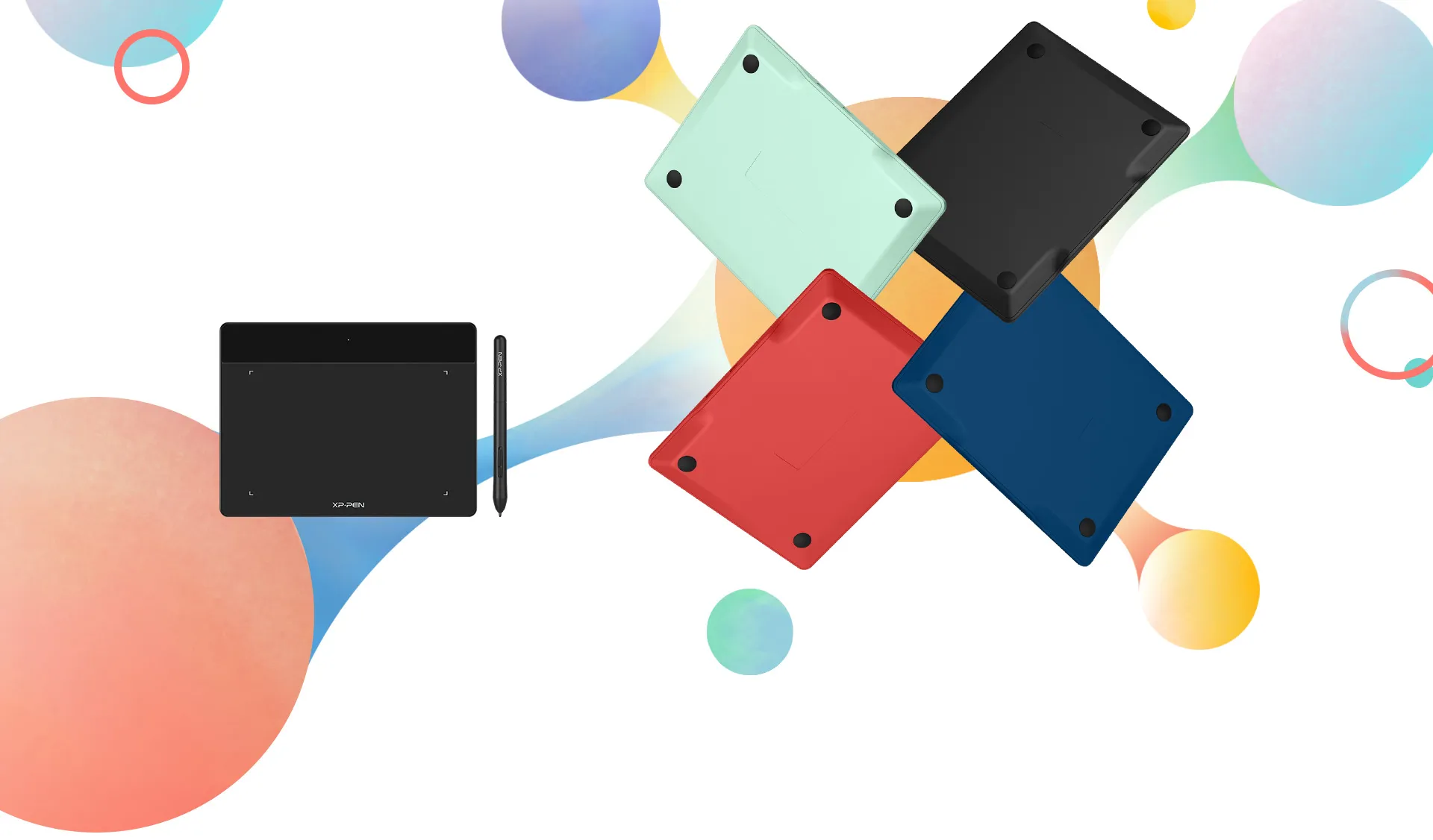
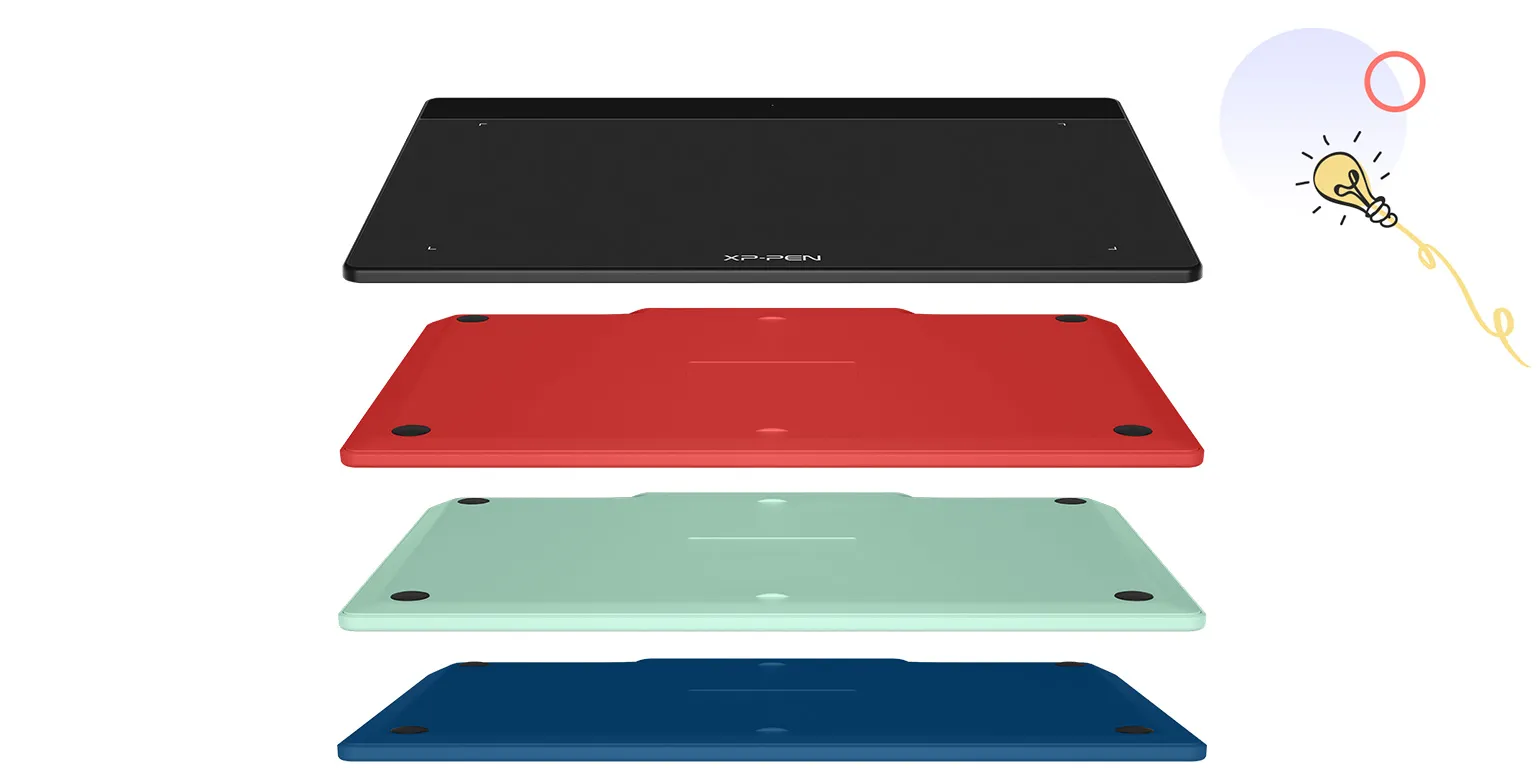
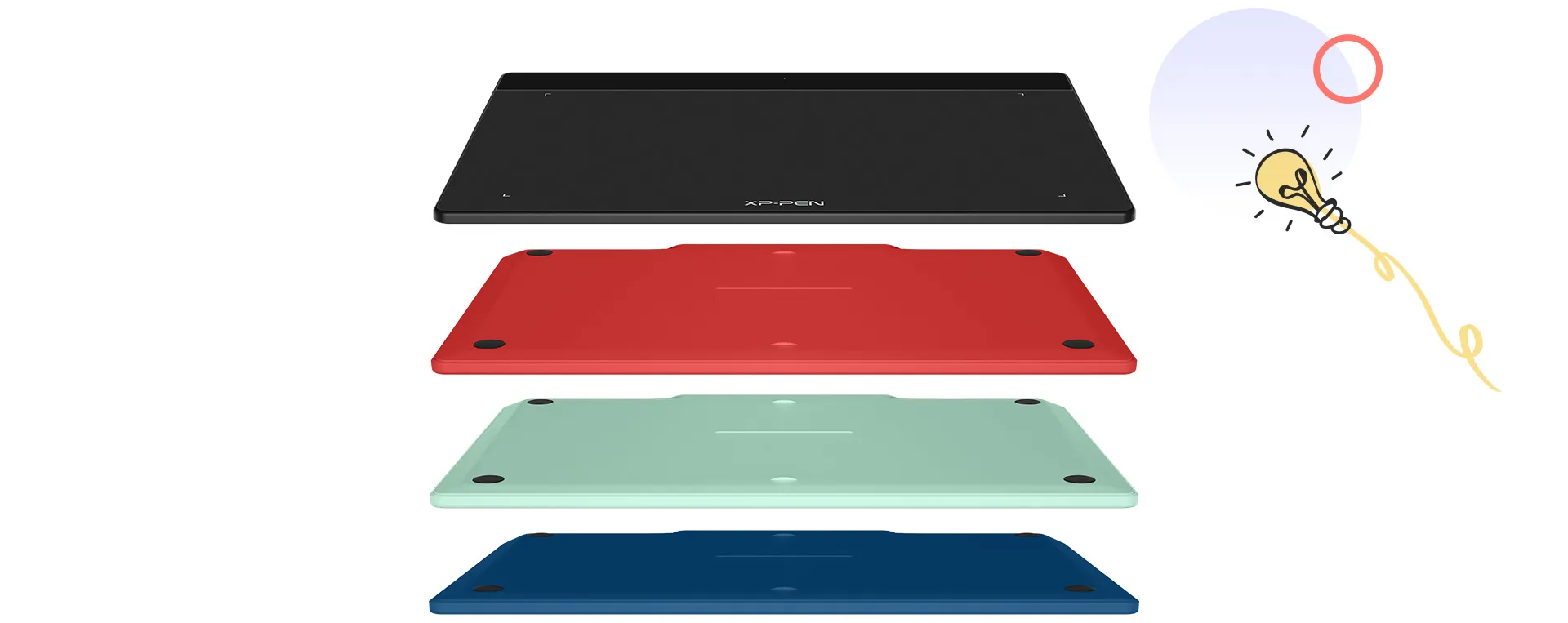
Deco Fun series are available in three sizes and four colors: classic black, space blue, apple green, and carmine red, to meet your personal preference. Pick your favorite and enjoy Deco Fun!

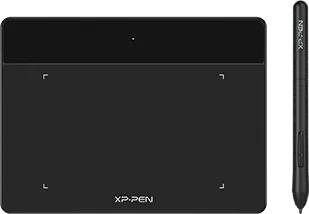
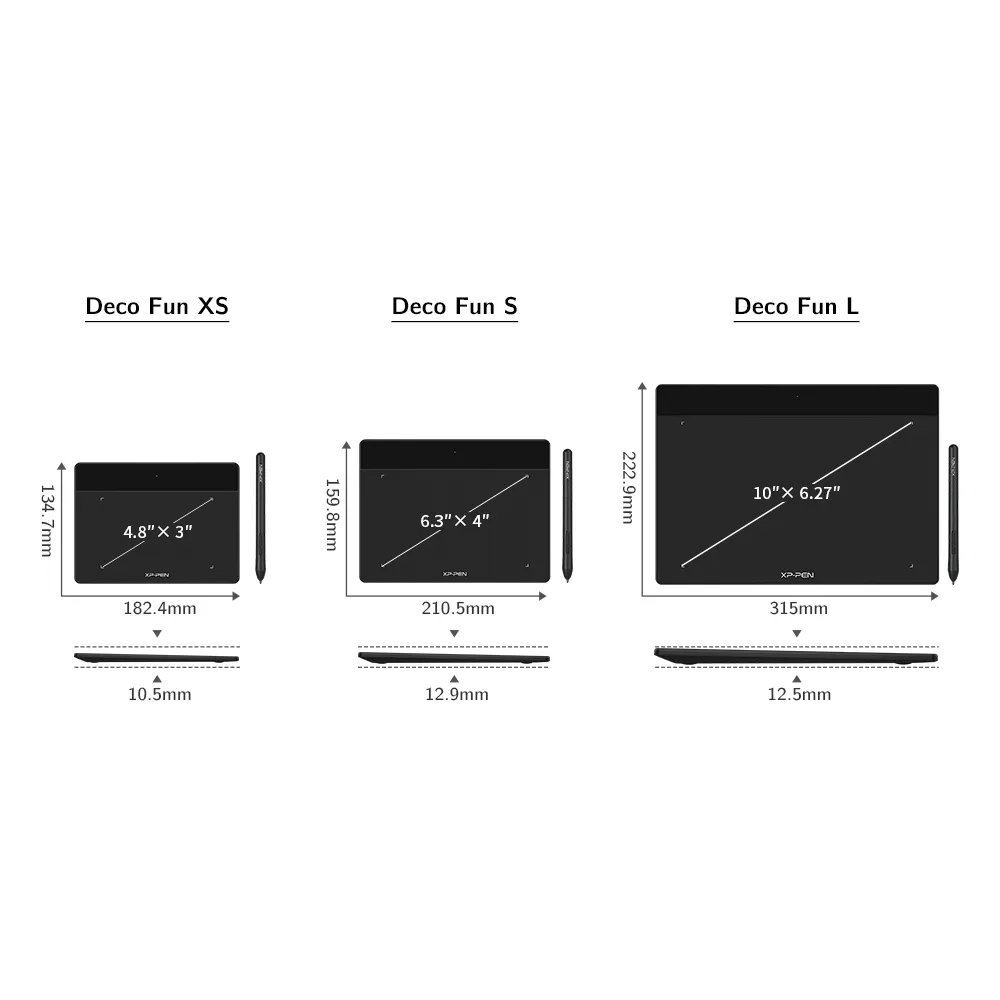
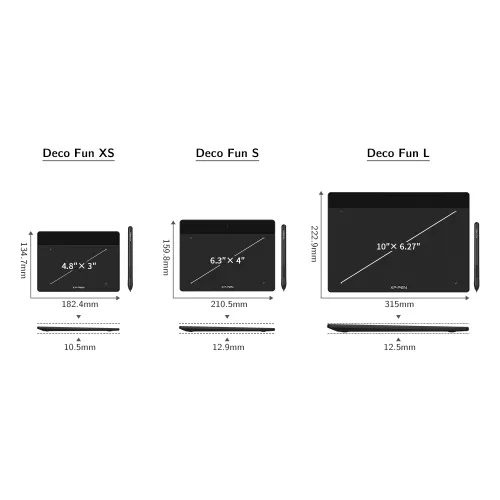
Deco Fun XS
Classic Black
Carmine Red
Apple Green
Space Blue
●Dimensions: 182.4×134.7×10.5mm
●Active Area: 4.8"× 3"
●P01 battery-free stylus
●Tilt: not support
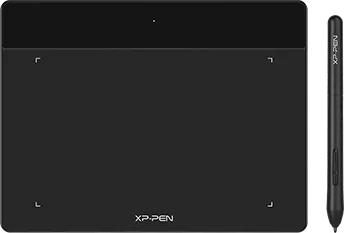
Deco Fun S
Classic Black
Carmine Red
Apple Green
Space Blue
●Dimensions: 210.5×159.8×12.9mm
●Active Area: 6.3"× 4"
●P01 battery-free stylus
●Tilt: 60°
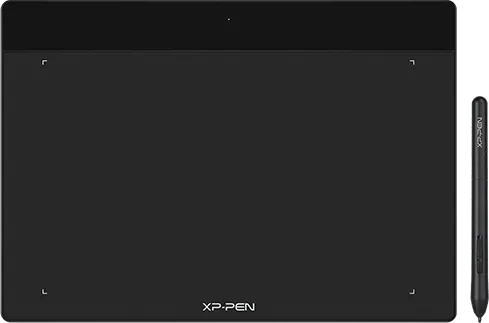
Deco Fun L
Classic Black
Carmine Red
Apple Green
Space Blue
●Dimensions: 315×222.9×12.5mm
●Active Area: 10"× 6.27"
●P01 battery-free stylus
●Tilt: 60°
Show more

| Linux OS | Version | Package Format | Supported Software |
| Arch | Arch Linux2019.12.01(64-bit) | .deb, .sh | GIMP, Krita |
| Centos | Centos7.0(64-bit) | .rpm, .sh | GIMP |
| Centos8(64-bit) | .rpm, .sh | GIMP, Krita | |
| Debian | debian-9.5.0-amd64-netinst(64-bit) | .deb, .sh | GIMP, Krita |
| elementary OS | elementary OS 5.0(64-bit) | .deb, .sh | GIMP, Krita |
| ezgo Linux | ezgo14(64-bit) | .deb, .sh | GIMP, Krita |
| Fedora | Fedora32(64-bit) | .rpm, .sh | GIMP, Krita |
| Mageia | Mageia-7.1(64-bit) | .rpm, .sh | GIMP, Krita |
| Manjaro | manjaro-xfce-20.1.2-201019(64-bit) | .deb, .sh | GIMP |
| Mint | linuxmint-18.2-cinnamon-64bit | .deb, .sh | GIMP, Krita |
| OpenSUSE | openSUSE-Tumbleweed(64-bit) | .rpm, .sh | GIMP, Krita |
| Pop!_OS | pop-os_19.10(64-bit) | .deb, .sh | GIMP, Krita |
| Red Hat | Red Hat7(64-bit) | .rpm, .sh | GIMP |
| Ubuntu | Ubuntu14.04(64-bit) | .deb, .sh | GIMP, Krita |
| Ubuntu16.04(64-bit) | .deb, .sh | GIMP, Krita | |
| Ubuntu17.04(64-bit) | .deb, .sh | GIMP, Krita | |
| Ubuntu18.04(64-bit) | .deb, .sh | GIMP, Krita | |
| Ubuntu19.04(64-bit) | .deb, .sh | GIMP, Krita | |
| Ubuntu20.04(64-bit) | .deb, .sh | GIMP, Krita |
| Function | Krita 4.3.0 | Gimp 2.10.20 | Inkscape 0.92 |
| Pen Pressure Sensitivity | |||
| Tilt | |||
| Mouse Function | |||
| Eraser Button (Stylus:PH01, P06) | |||
| Switch between Pen and Eraser Modes | |||
| *If you have any further queries, please do not hesitate to contact us at service@xp-pen.com. | |||
Linux OS
Arch
Version
Arch Linux2019.12.01(64-bit)
Package Format
.deb, .sh
Supported Software
GIMP, Krita
Centos
Version
Centos7.0(64-bit)
Centos8(64-bit)
Centos8(64-bit)
Package Format
.rpm, .sh
.rpm, .sh
.rpm, .sh
Supported Software
GIMP
GIMP, Krita
GIMP, Krita
Debian
Version
debian-9.5.0-amd64-netinst(64-bit)
Package Format
.deb, .sh
Supported Software
GIMP, Krita
elementary OS
Version
elementary OS 5.0(64-bit)
Package Format
.deb, .sh
Supported Software
GIMP, Krita
ezgo Linux
Version
ezgo14(64-bit)
Package Format
.deb, .sh
Supported Software
GIMP, Krita
Fedora
Version
Fedora32(64-bit)
Package Format
.rpm, .sh
Supported Software
GIMP, Krita
Mageia
Version
Mageia-7.1(64-bit)
Package Format
.rpm, .sh
Supported Software
GIMP, Krita
Manjaro
Version
manjaro-xfce-20.1.2-201019(64-bit)
Package Format
.deb, .sh
Supported Software
GIMP
Mint
Version
linuxmint-18.2-cinnamon-64bit
Package Format
.deb, .sh
Supported Software
GIMP, Krita
OpenSUSE
Version
openSUSE-Tumbleweed(64-bit)
Package Format
.rpm, .sh
Supported Software
GIMP, Krita
Pop!_OS
Version
pop-os_19.10(64-bit)
Package Format
.deb, .sh
Supported Software
GIMP, Krita
Red Hat
Version
Red Hat7(64-bit)
Package Format
.rpm, .sh
Supported Software
GIMP
Ubuntu
Version
Ubuntu14.04(64-bit)
Ubuntu16.04(64-bit)
Ubuntu17.04(64-bit)
Ubuntu18.04(64-bit)
Ubuntu19.04(64-bit)
Ubuntu20.04(64-bit)
Ubuntu16.04(64-bit)
Ubuntu17.04(64-bit)
Ubuntu18.04(64-bit)
Ubuntu19.04(64-bit)
Ubuntu20.04(64-bit)
Package Format
.deb, .sh
.deb, .sh
.deb, .sh
.deb, .sh
.deb, .sh
.deb, .sh
.deb, .sh
.deb, .sh
.deb, .sh
.deb, .sh
.deb, .sh
Supported Software
GIMP, Krita
GIMP, Krita
GIMP, Krita
GIMP, Krita
GIMP, Krita
GIMP, Krita
GIMP, Krita
GIMP, Krita
GIMP, Krita
GIMP, Krita
GIMP, Krita
Function
Pen Pressure Sensitivity
Krita 4.3.0
Gimp 2.10.20
Inkscape 0.92
Tilt
Krita 4.3.0
Gimp 2.10.20
Inkscape 0.92
Mouse Function
Krita 4.3.0
Gimp 2.10.20
Inkscape 0.92
Eraser Button(Stylus:PH01, P06)
Krita 4.3.0
Gimp 2.10.20
Inkscape 0.92
Switch between Penand Eraser Modes
Krita 4.3.0
Gimp 2.10.20
Inkscape 0.92
*If you have any further queries, please do not hesitate to contact us at service@xp-pen.com.
4.9
Based on 22
0
1
0
2
0
3
9%
4
91%
5
Clarence
Nov 13 ,2021 PM 22:12Deco Fun XS/S/L for Android
deco fun s review
the tablet quality is superb! :)
+1
Official mall
Nov 27 ,2021 AM 10:30
Thank you so much for your support.
We will work harder to provide products and services that make our customers more satisfied.
Drawing with this item and having fun
XFANSm89h7u4k
Dec 15 ,2023 AM 08:21Deco Fun XS/S/L for Android
the product is good
the tablet is good, it works both on my imac and android tablet
+1
XFANS35fx2zyy
Dec 04 ,2021 PM 13:11Deco Fun XS/S/L for Android
THE BEST PEN TAB!!
THE PRODUCT IS WORKING PROPERLY AND I'M REALLY EXCITED TO TAKE MY NOTES DIGITALLY!! I actually regret not purchasing the L version : ( Overall the experience from purchasing to delivery was smooth like butter.
+1
Official mall
Jan 11 ,2022 PM 12:32
Thank you so much for the kind words.
We are very glad to hear that you are satisfied with our product. Your compliment means a great deal to us.
We strive to provide even better products and services, Enjoy the drawing. : )
Learn More
Q & A
XFANShrtxpoje
Oct 18 ,2026 PM 21:27Deco Fun XS/S/L for Android
Does this work on laptops? Specifically Acer
XFANS1vi1smn0
Jan 07 ,2025 PM 20:02Deco Fun XS/S/L for Android
hello, i was wondering if payment on delivery is available.
XFANS1vi1smn0
Jan 07 ,2025 PM 19:10Deco Fun XS/S/L for Android
im wondering if the drawing tablet works on PC or if its only available at cellphone and laptop?
XFANSrmf5anqk
Dec 25 ,2023 PM 22:39Deco Fun XS/S/L for Android
Can i pay with cash on delivery? thanks
XFANS11y6e76x
Oct 01 ,2023 PM 23:40Deco Fun XS/S/L for Android
is this compatible with a samsung tablet?
Reply(1)
Official mall
Oct 13 ,2023 PM 16:05
Yes, you may need set the cursor on some drawing apps. thanks.
XFANS21x99q6r
Aug 24 ,2022 AM 09:30Deco Fun XS/S/L for Android
Hi does this deco fun support my iMac? macOS High Sierra version 10.13.6
Reply(1)
Official mall
Aug 24 ,2022 PM 15:48
yes,deco Fun support Imac, thanks.
jeraf
May 07 ,2022 PM 12:32Deco Fun XS/S/L for Android
is it compatible with Linux distros? specially ubuntu 20 04?.
Reply(1)
Official mall
May 09 ,2022 PM 16:32
yes, it work within Linux system, thanks,
XFANS6p5m7f0h
Apr 29 ,2022 AM 09:31Deco Fun XS/S/L for Android
Is this compatible with lenovo laptop??
Reply(0)
Official mall
Apr 29 ,2022 PM 14:07
yes, it work with Lenovo laptop, thanks.
XFANSlb3ft6nn
Apr 03 ,2022 PM 23:28Deco Fun XS/S/L for Android
Does it work with Xiaomi phones?
Reply(1)
Official mall
Apr 09 ,2022 PM 14:12
Yes, it workes with Xiaomi Phones, thanks.
XFANS2wv838ju
Mar 14 ,2022 PM 21:11Deco Fun XS/S/L for Android
Is it compatible with Mac or iPhone?
Reply(1)
Official mall
Mar 15 ,2022 PM 15:50
Hi, it compatible for Mac OS and windows. but not work for Iphone.
Only Deco Pro SW/MW work for Iphone on IBIS app, thanks.
Learn More