



Getting started with your
XP-Pen Artist display
1/8
![https://resource.xp-pen.com/Uploads/ph/goods/20200529/c3631dfdf647400322f0d59f2a370fe8_500_500.webp]()
![https://resource.xp-pen.com/Uploads/ph/goods/20200915/542cae3281e5c3e2e0dd266cf63112b7_500_500.webp]()
![https://resource.xp-pen.com/Uploads/ph/goods/20200529/e8f5ed78b347c73fd9ab2a73a23fb4bc_500_500.webp]()
![https://resource.xp-pen.com/Uploads/ph/goods/20200529/6a0e89328bfd3b6f2089a24e33db3d80_500_500.webp]()
![https://resource.xp-pen.com/Uploads/ph/goods/20200529/284227058a2b810b64171a026057828b_500_500.webp]()
![https://resource.xp-pen.com/Uploads/ph/goods/20200529/092c2587b734c3318980f0c31b8b453d_500_500.webp]()
![https://resource.xp-pen.com/Uploads/ph/goods/20200529/65de359281330510602e15433345a7d0_500_500.webp]()
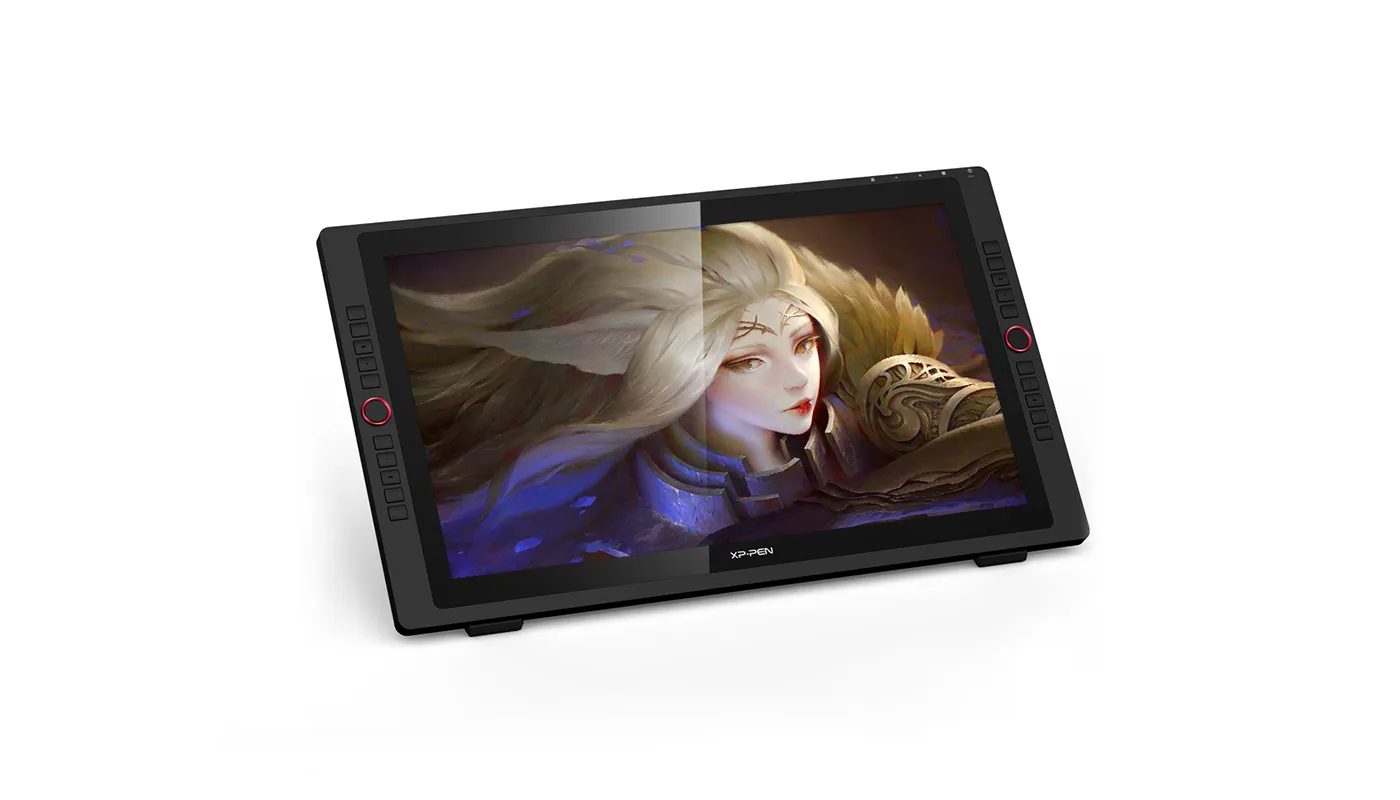
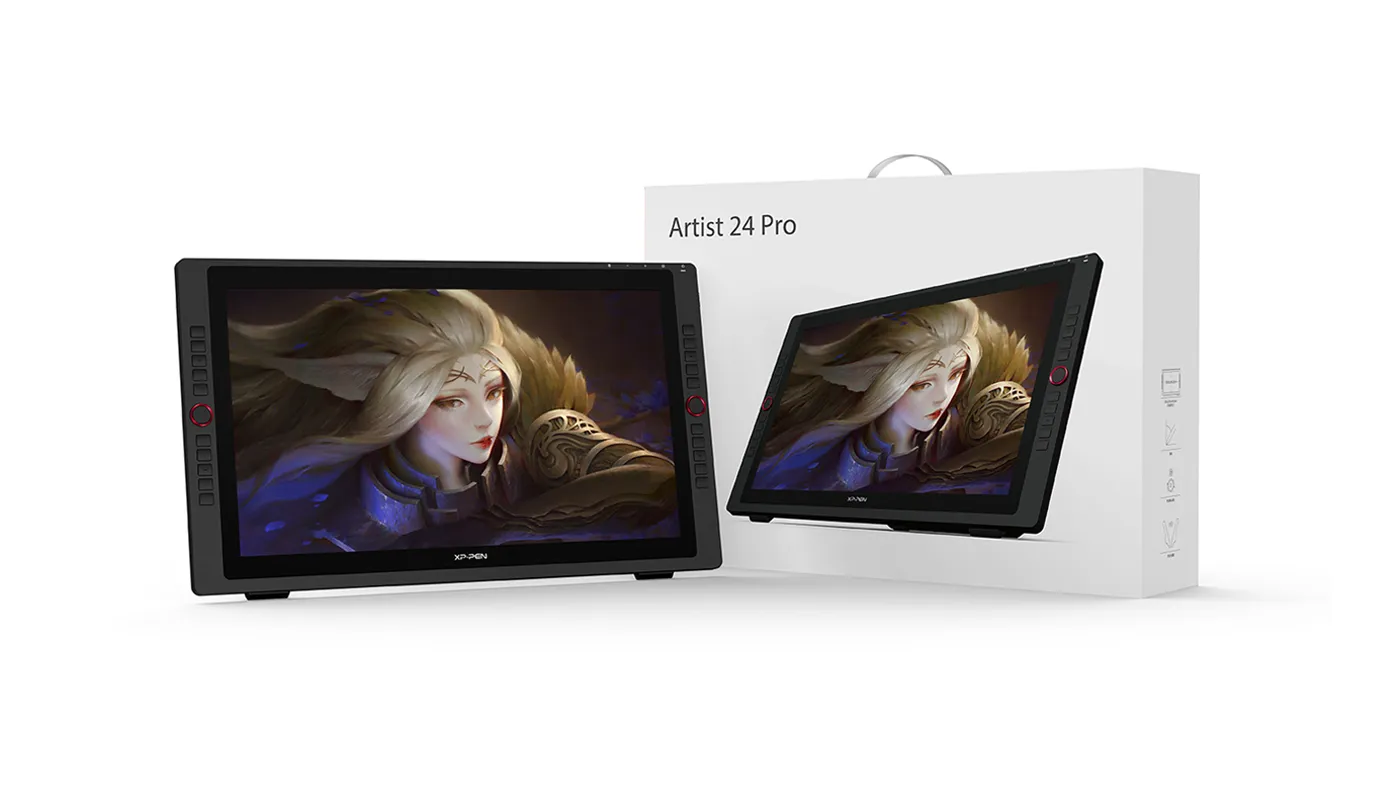
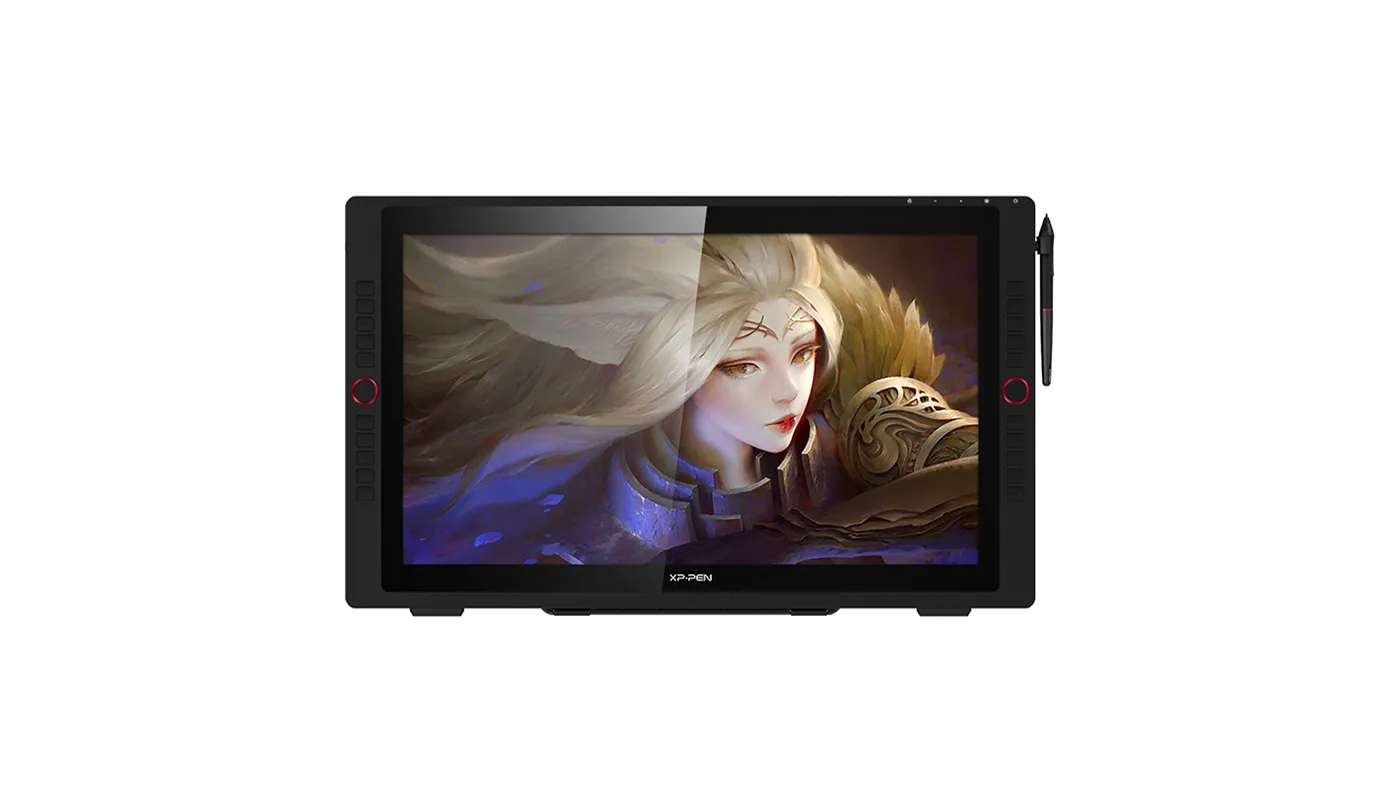
Artist 24Pro 2.5K Display
23.8-inch working area, 2560X 1440 HD display Adobe® RGB≧90%, Support tilt function
₱42,999
Standard Adaptor:
US Plug
Optional Accessories
Quantity:
Total
₱0.00







Estimate:
Artist Display 24 Pro
Immense canvas,
immersive clarity
Create in 2K QHD (2560 X 1440)
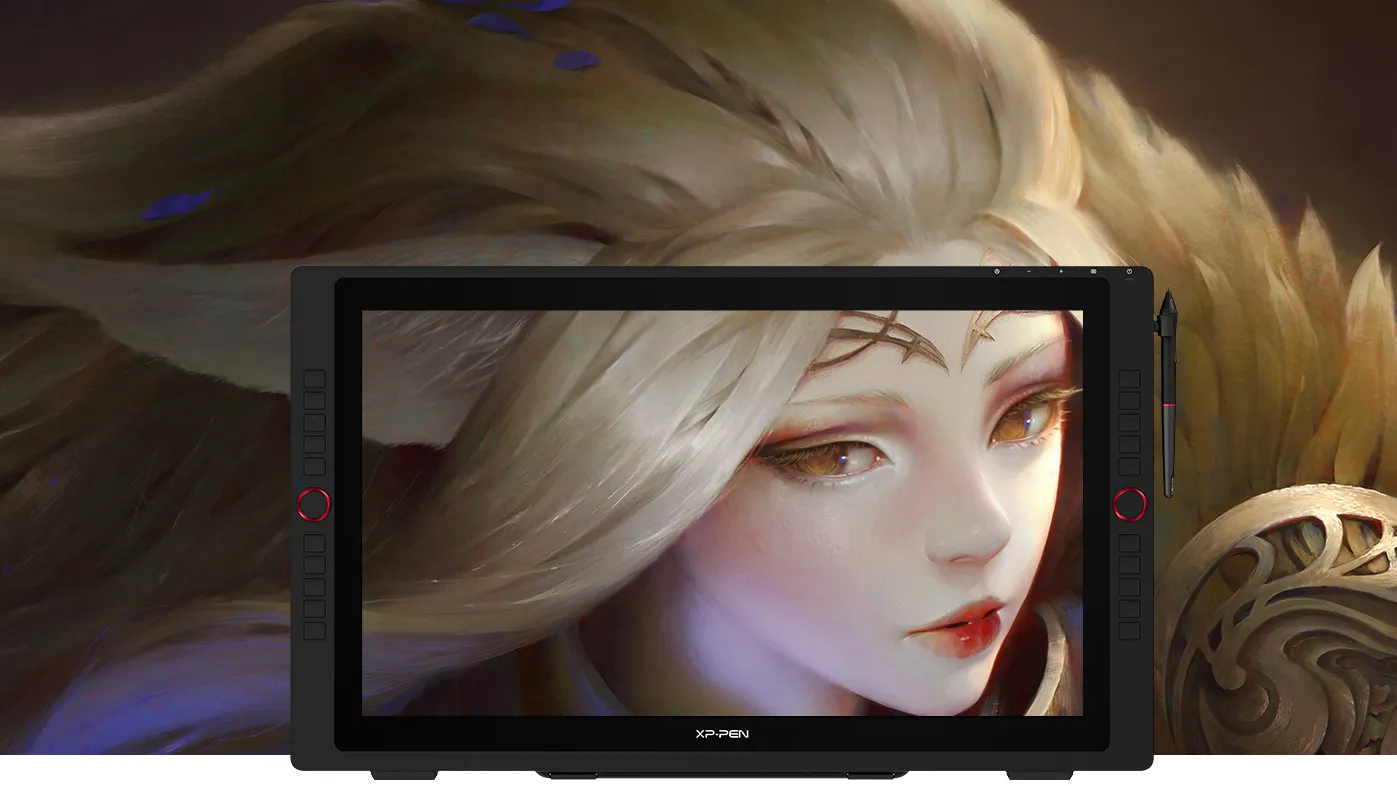
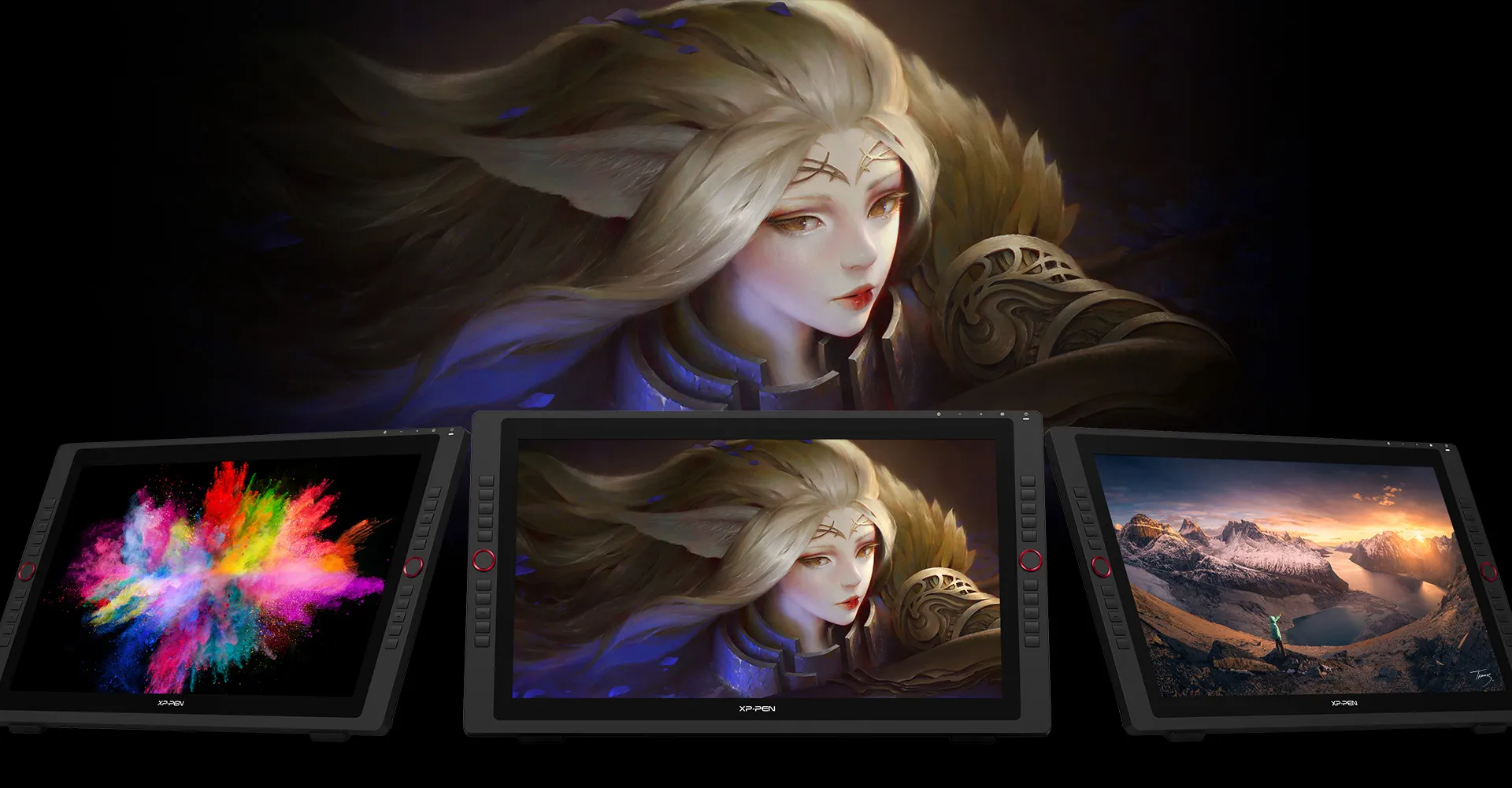
The Artist Display 24 Pro is the very first 23.8-inch 2K QHD graphics display. With double the resolution of FHD displays and unprecedented vibrancy, the Artist 24 Pro offers a creative experience that exceeds all limits.
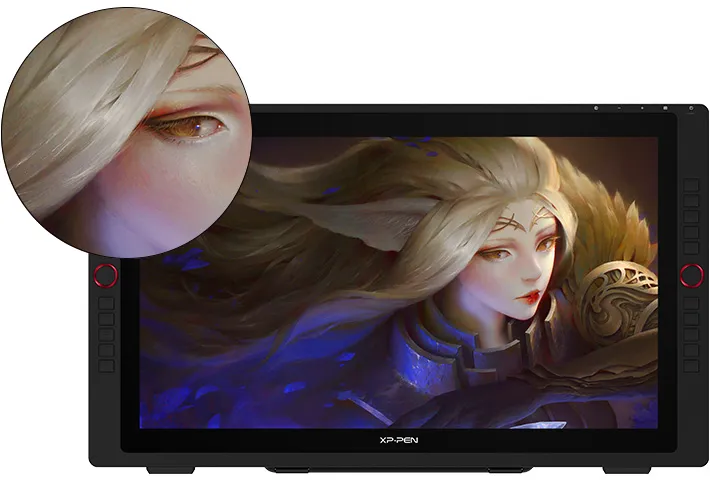
23.8-inch
2K QHD
Artist 24 Pro
2K QHD 2560 X 1440
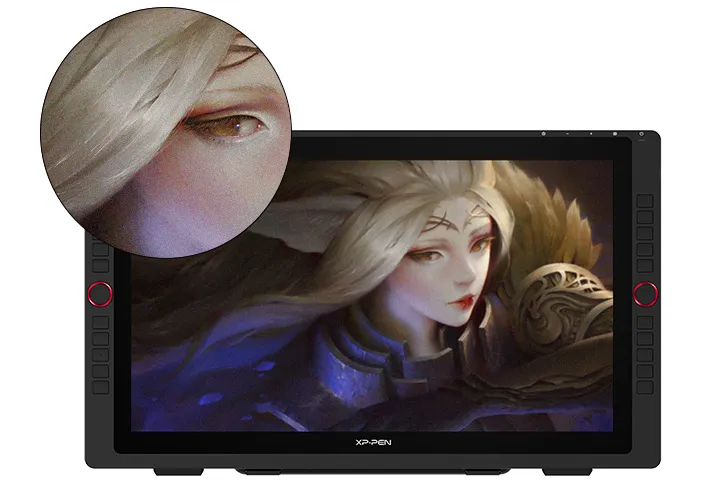
21.5-inch
FHD
Artist 22R Pro
FHD 1920 X 1080
What is 2K QHD?
What impact does 2K QHD have?
What is 2K QHD?
2K QHD is a type of display resolution. A screen's resolution is the number of pixels it has in relation to its surface area—the more pixels, the sharper the image. A display is considered to have 2K resolution if it has 2,000 pixels. With 2560 X 1440 pixels, the Artist 24 Pro fulfills this criterion.
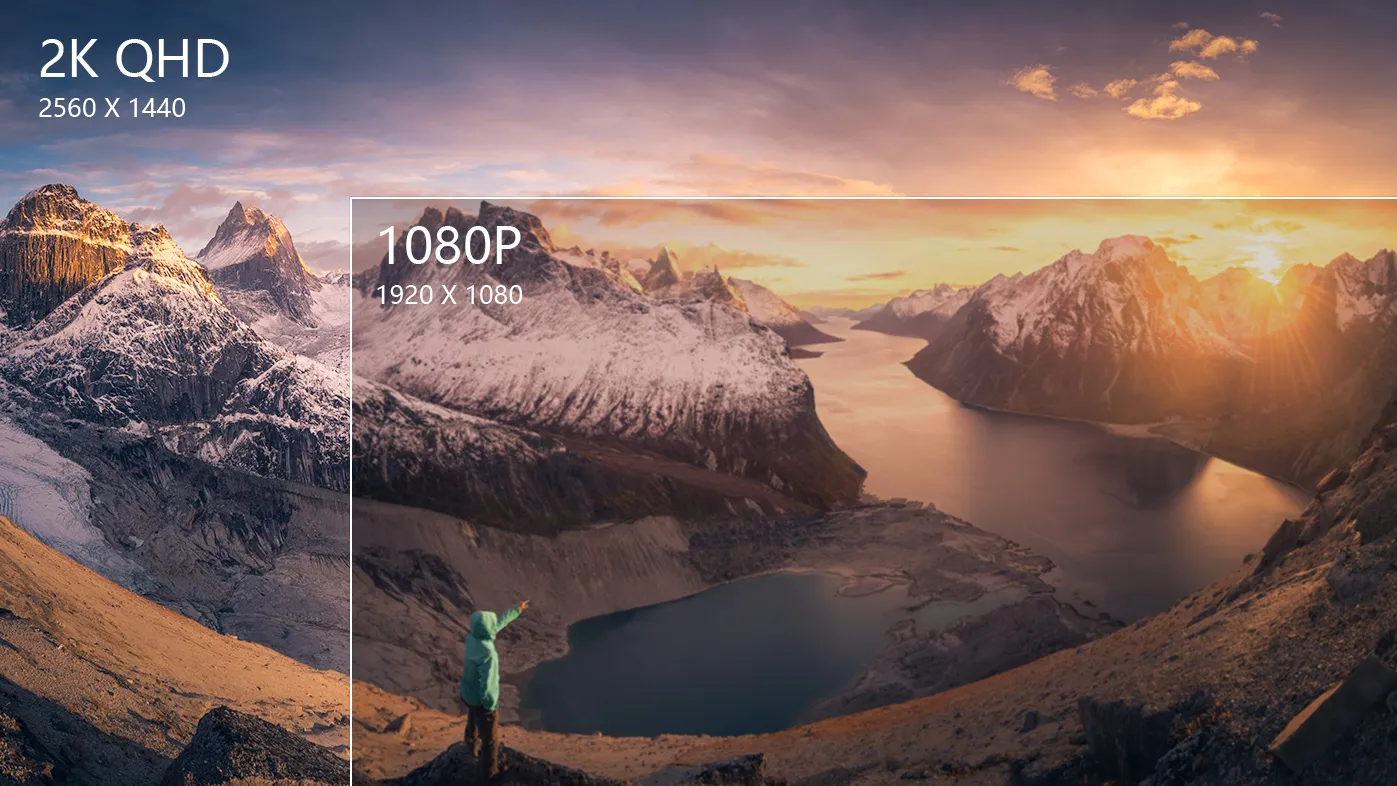

Weimin (Thomas) Chu
Professional Photographer
Grand Prize Winner of the 2019 National Geographic Travel Photo Contest 3rd Place / Nature/Astrophotography/2019 International Photography Awards 2nd Place / Sports/Extreme sports/2018 International Photography Awards
Fuel your creativity
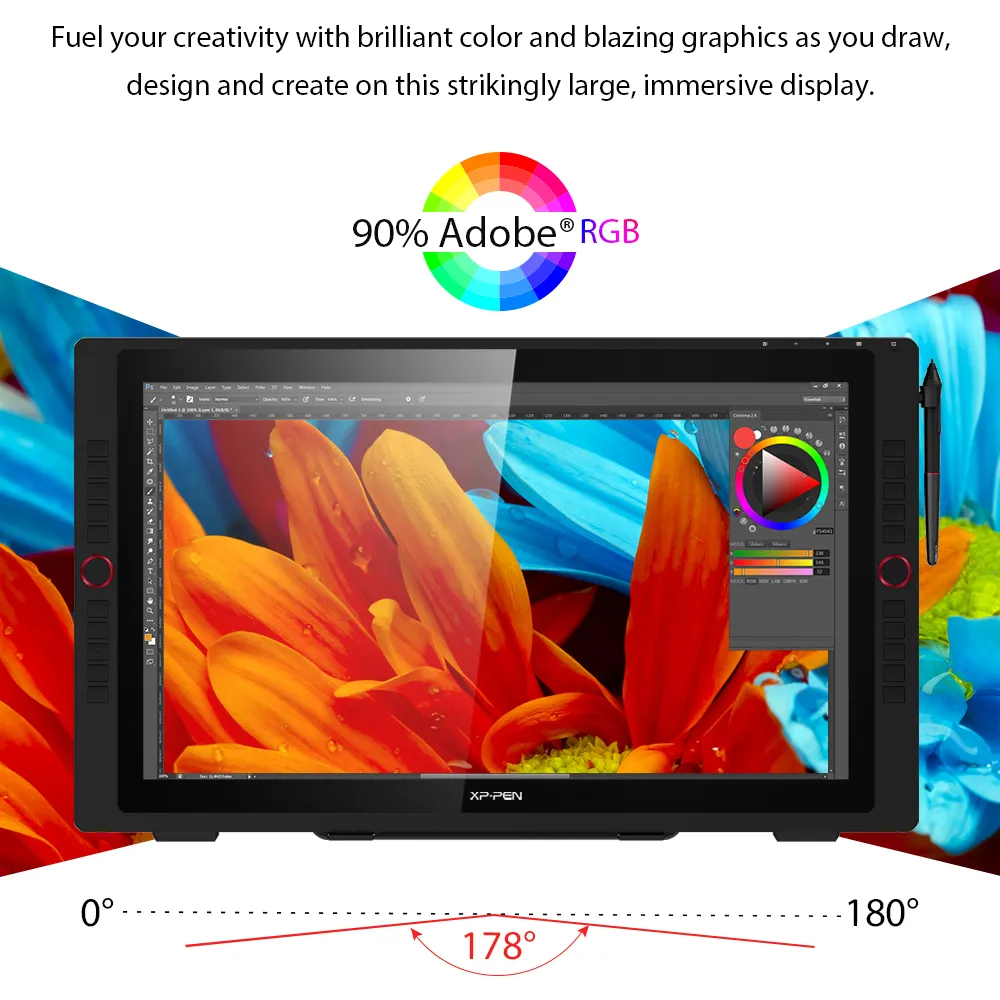
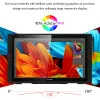
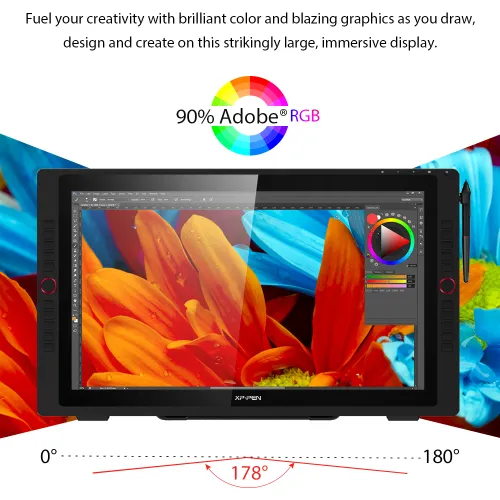
Fuel your creativity with brilliant color and blazing graphics as you draw, design and create on this strikingly large, immersive display.


90% Adobe®RGB
Ideal connections
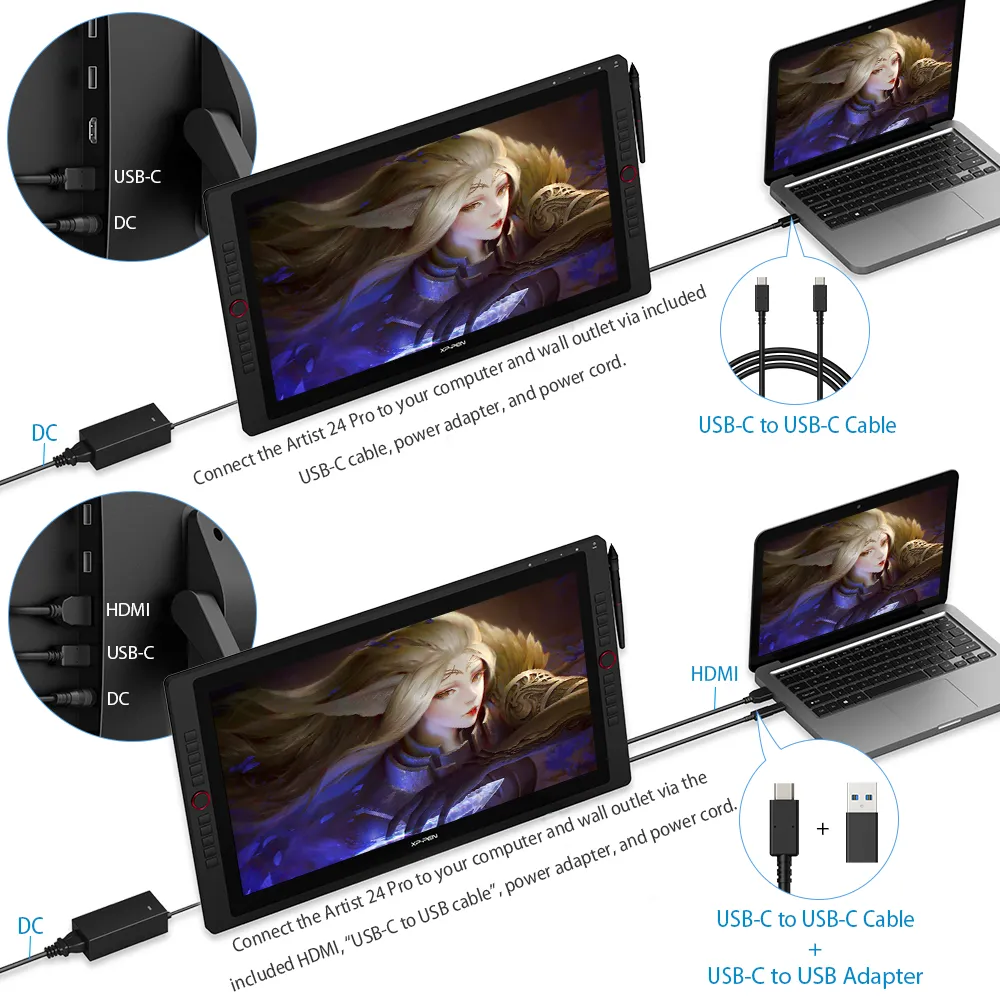
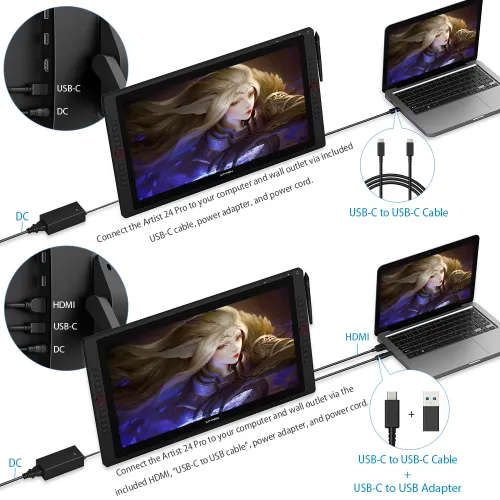
The Artist 24 Pro supports a USB-C to USB-C connection, allowing you to connect your iMac, Mac Book Pro or Windows computer without using an adapter.
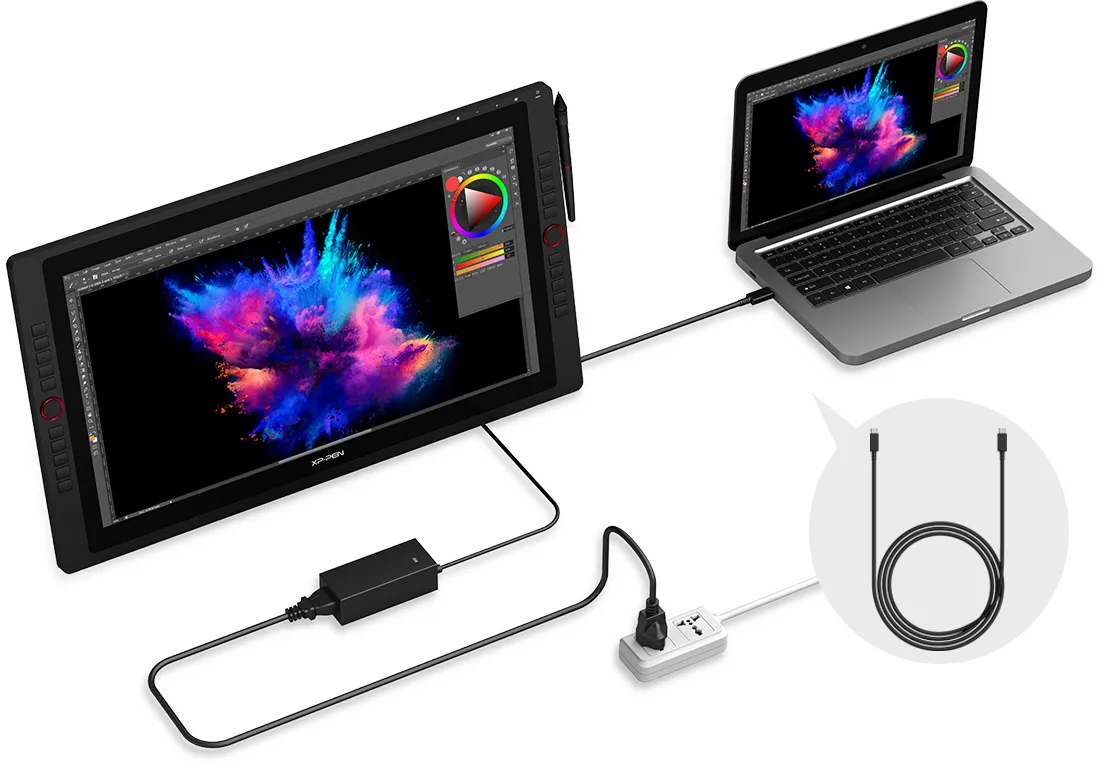
USB-C to
USB-C Cable
Discover new perspectives
Connect the Artist 24 Pro to your USB-C supported Android smartphone to add an extra digital canvas for your creation. Draw, paint, design, or create whatever you need more space for. With Bluetooth headsets or speaker, you can also watch your streaming shows on a big screen with ease.
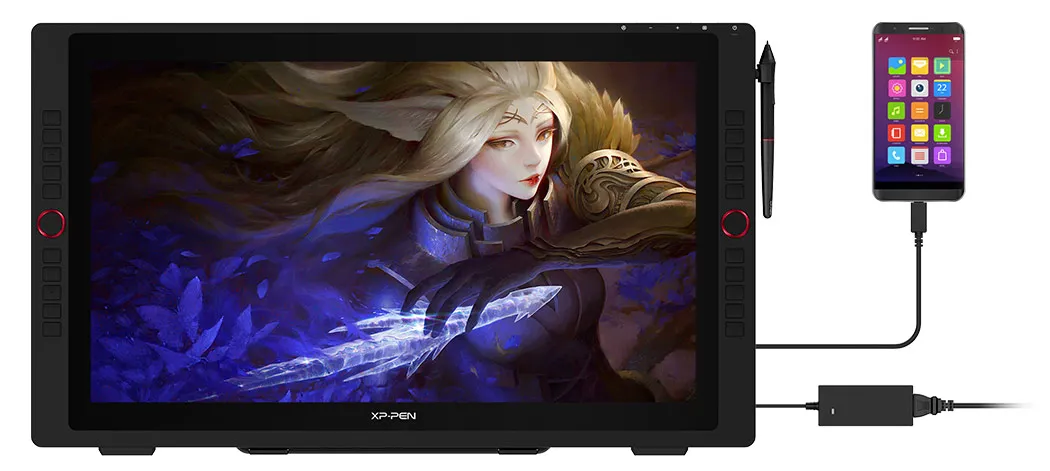
Note: The Artist 24 Pro is compatible with certain Android phones like Samsung, Huawei, etc.
Create more, more naturally
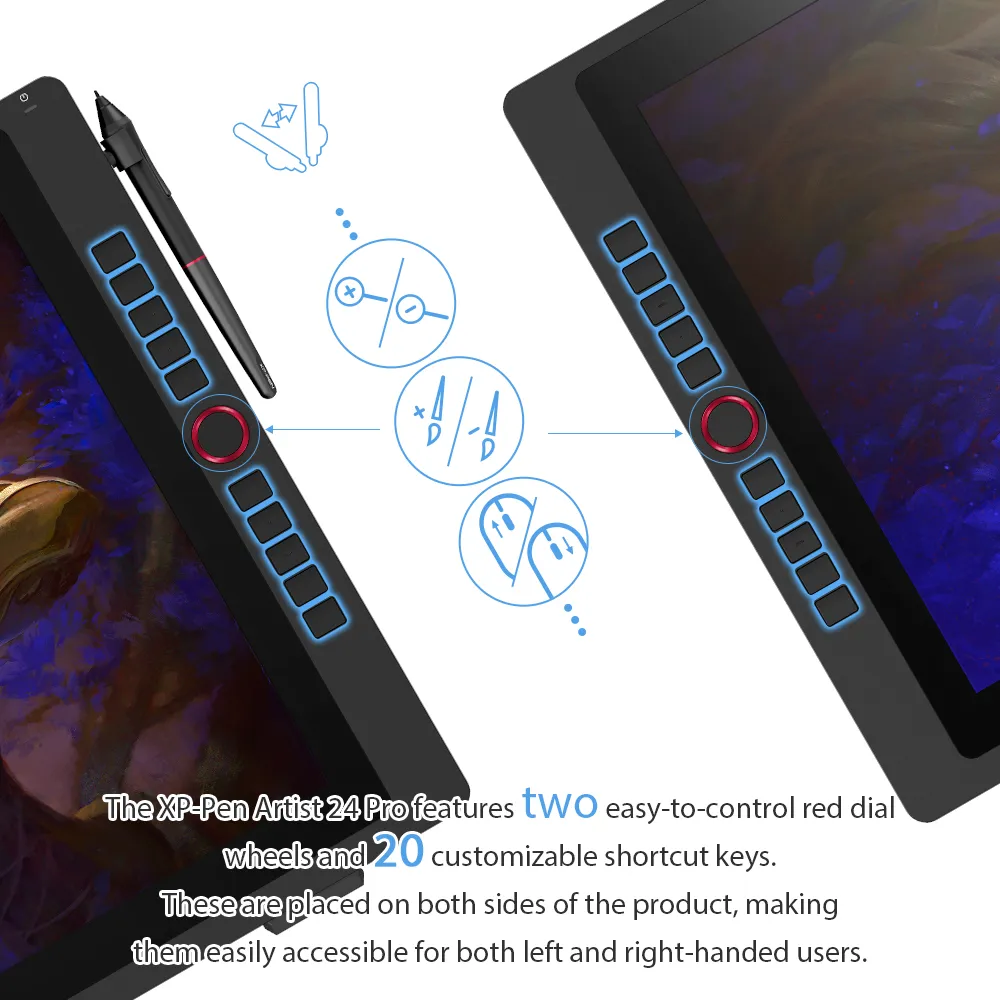
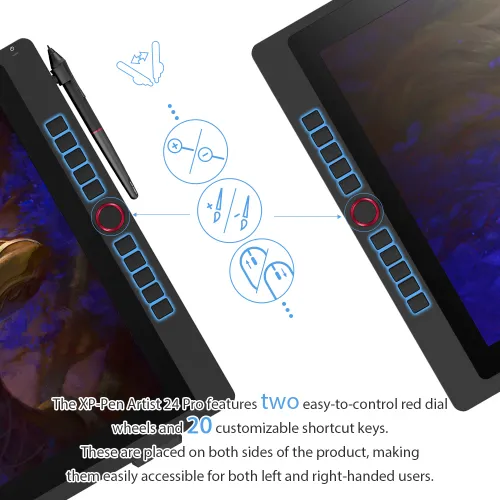
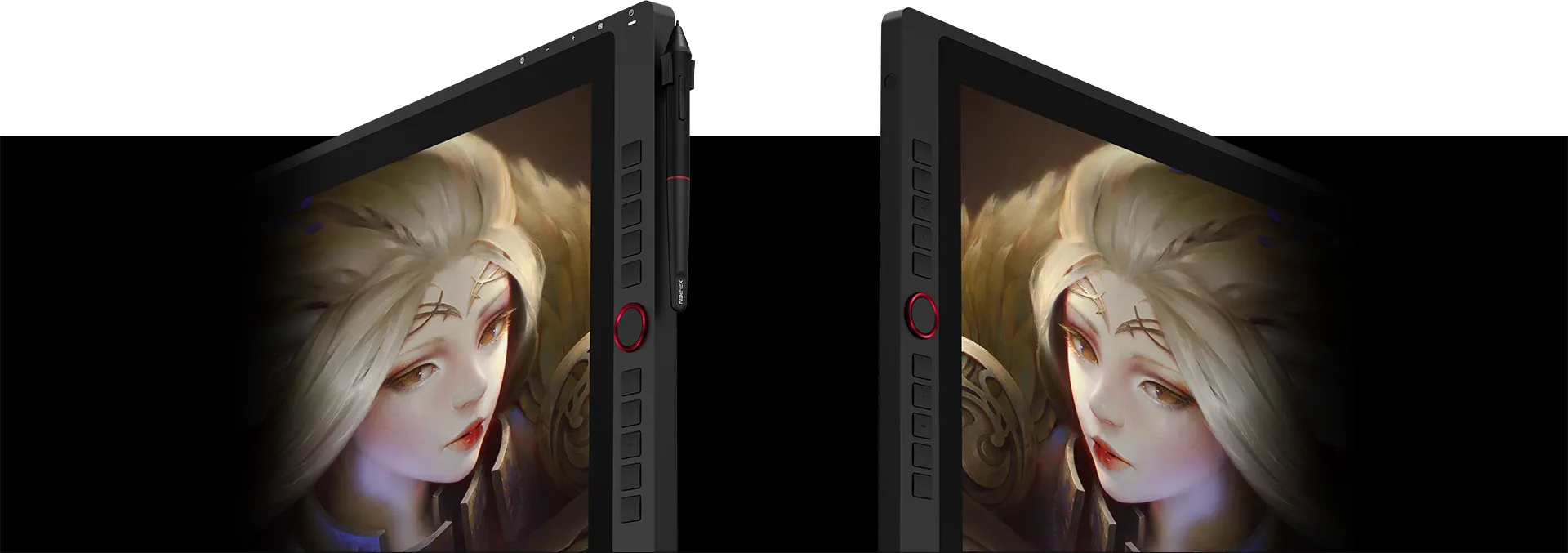
The XP-Pen Artist 24 Pro features two easy-to-control red dial wheels and 20 customizable shortcut keys. These are placed on both sides of the product, making them easily accessible for both left and right-handed users.
An intelligently designed stylus
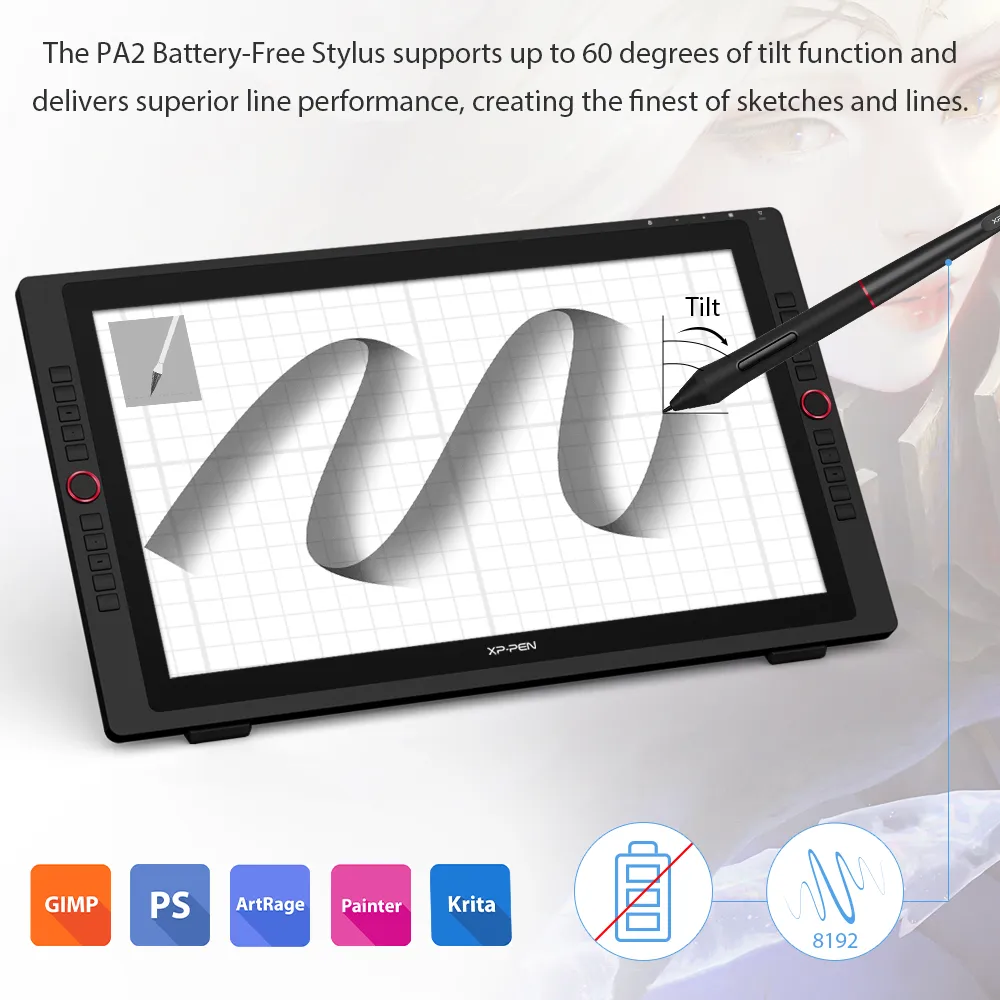
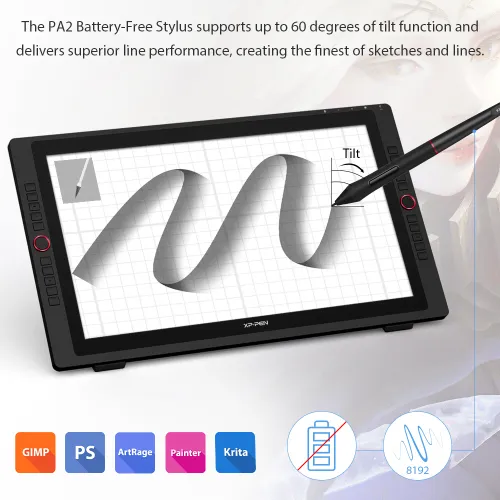
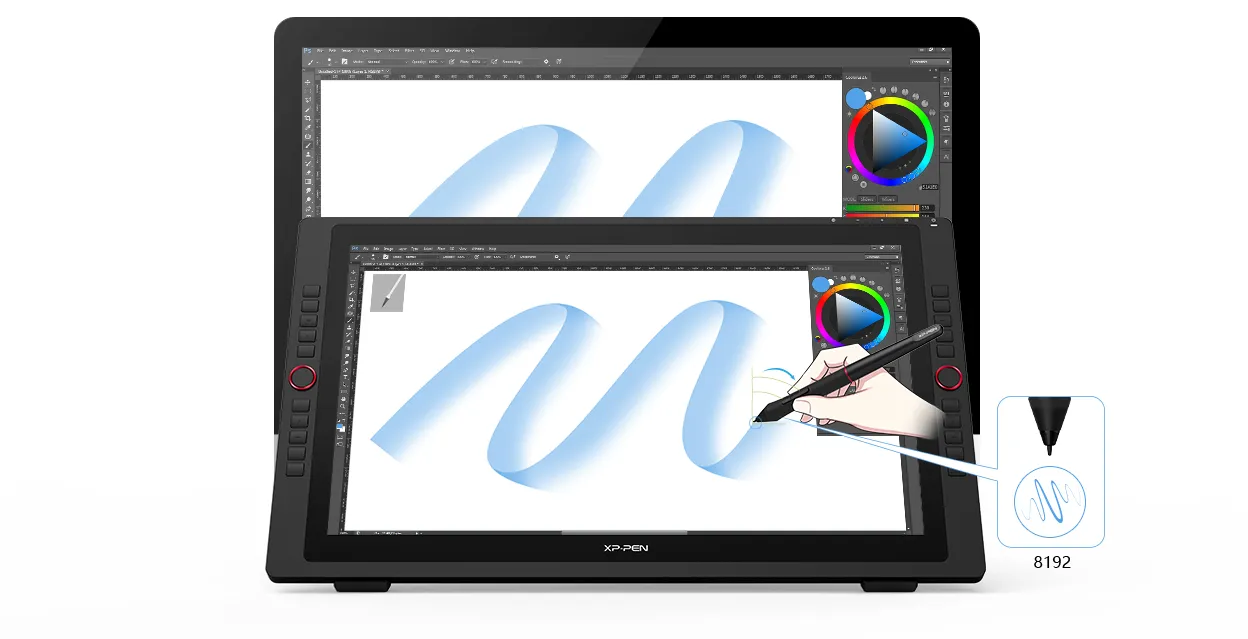
The PA2 Battery-Free Stylus supports up to 60 degrees of tilt function and delivers superior line performance, creating the finest of sketches and lines.
Tilt
Small details that make a big difference
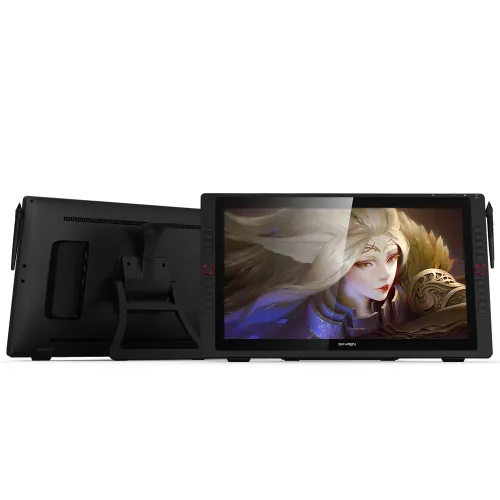
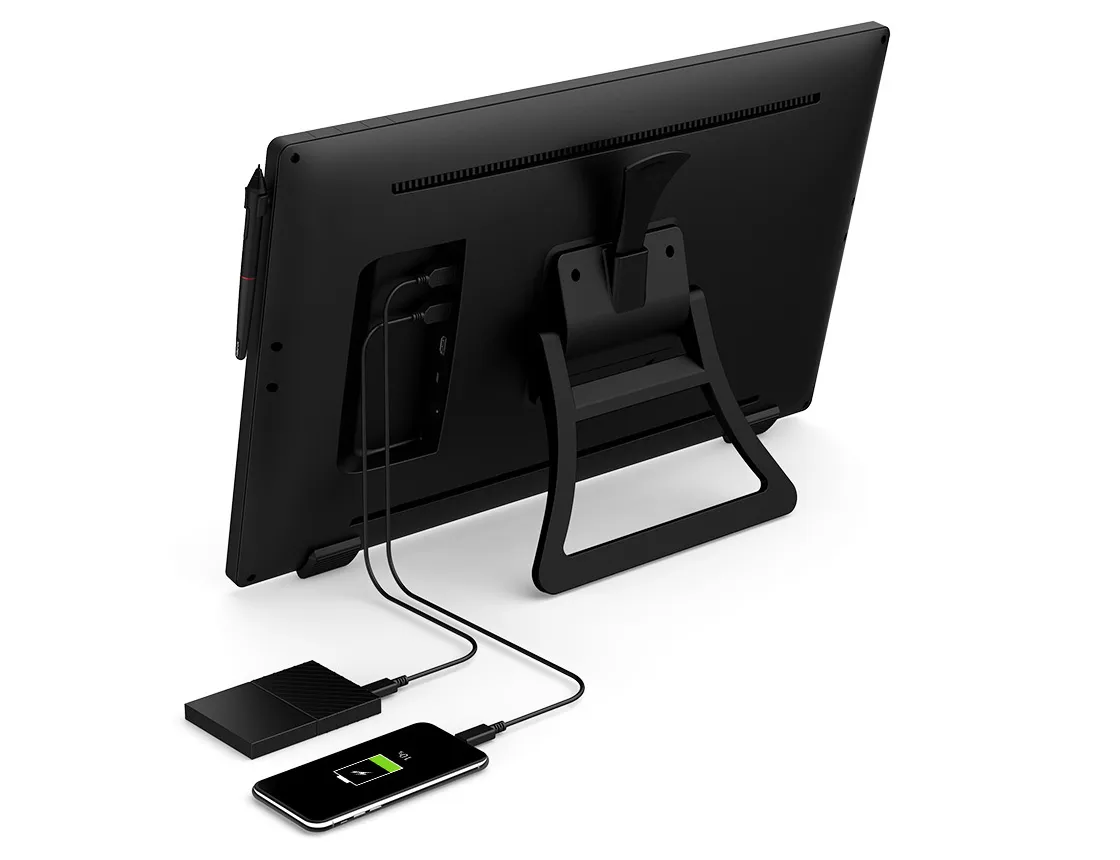
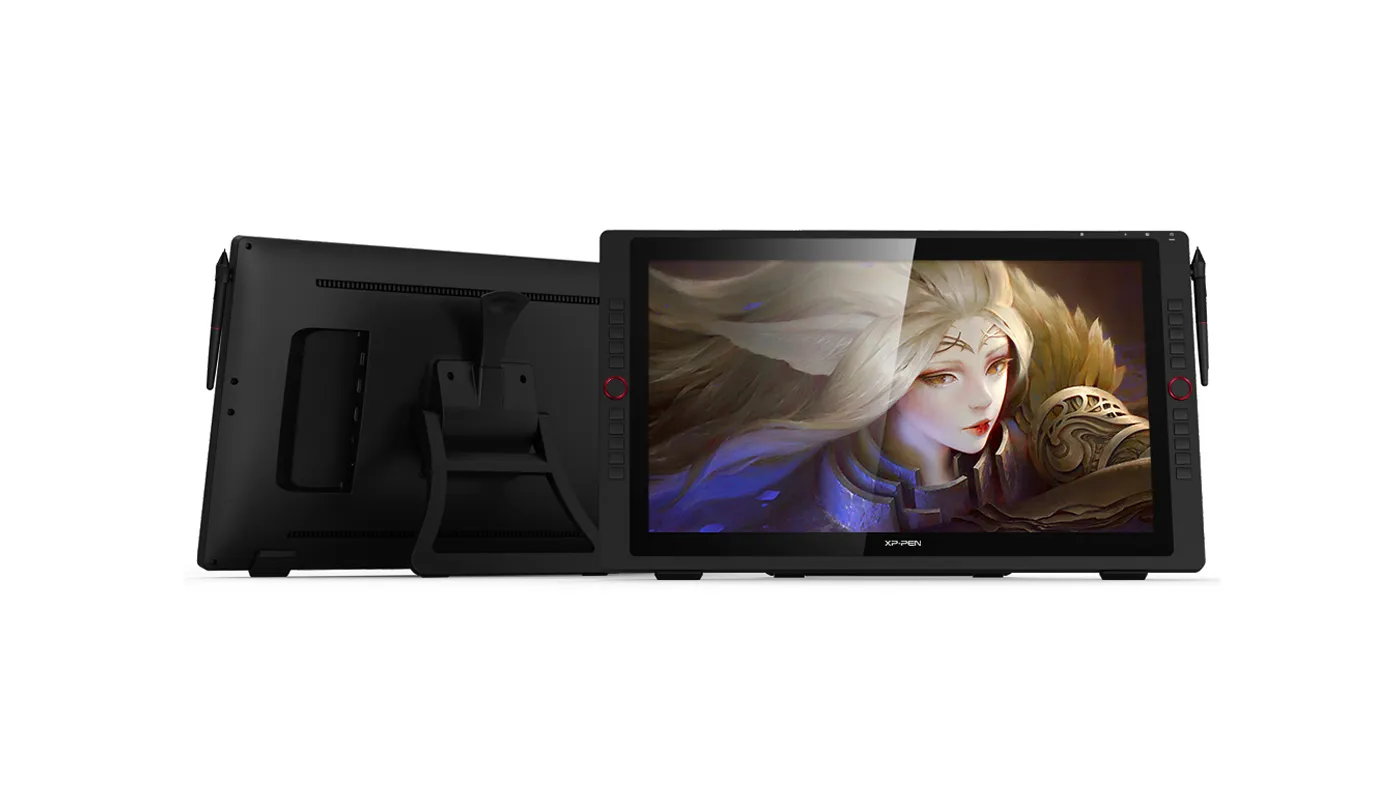
The Artist 24 Pro comes equipped with the USB Hub that can be used to connect devices such as your mouse. In addition, unlike most mechanical keys, the display’s touch-sensitive keys are specially designed to avoid sticking.
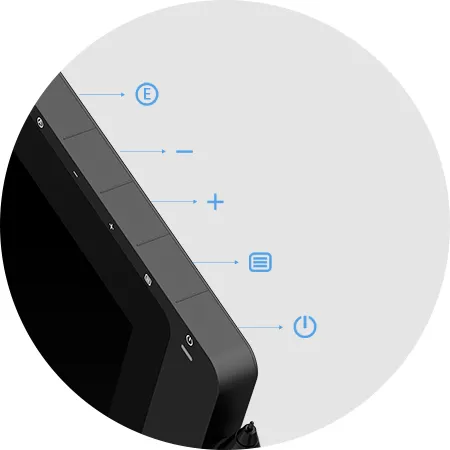
Back button
Button
Button
Menu button
Power button
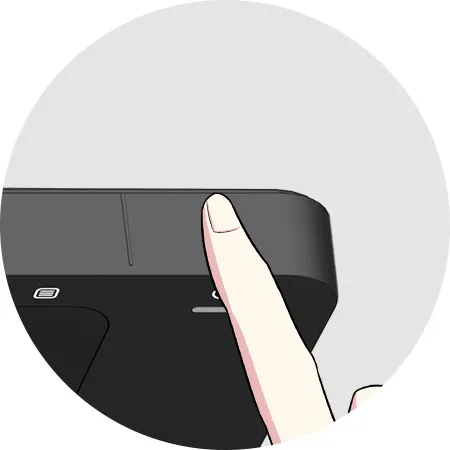
Touch
Convenience at its finest
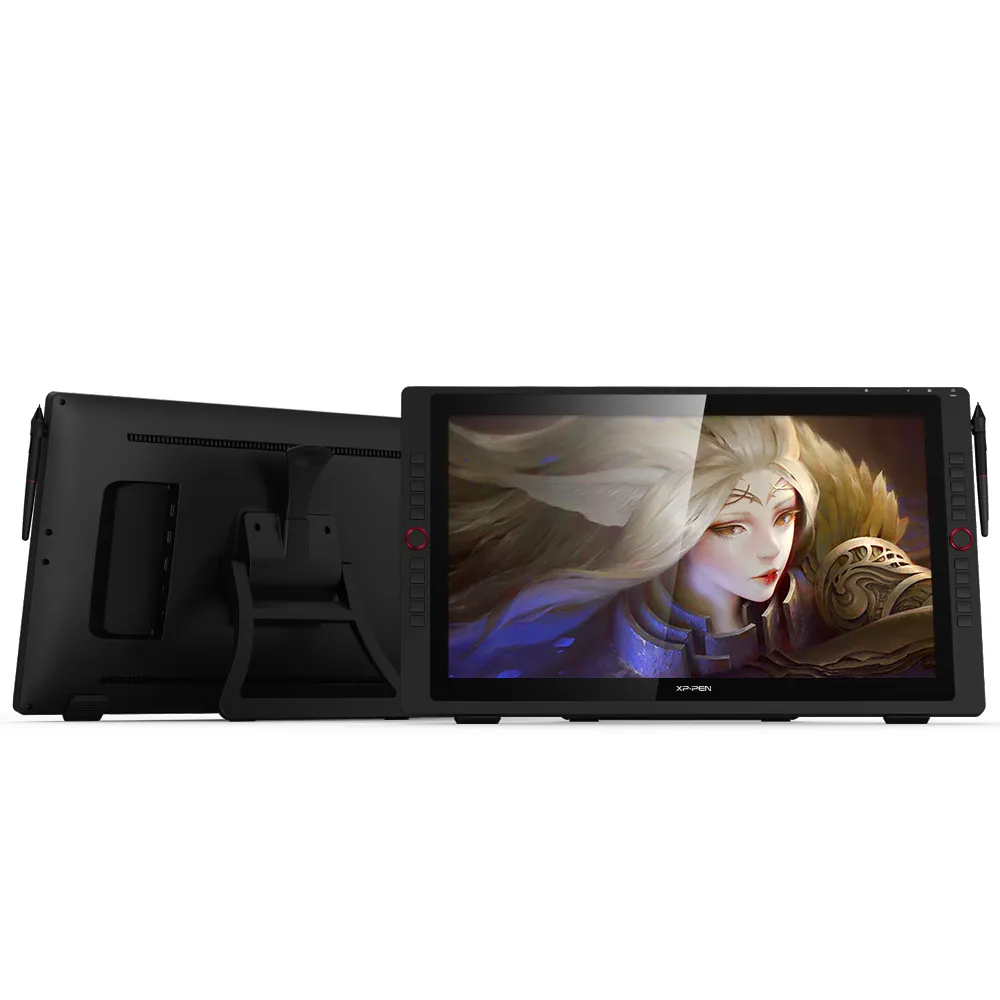
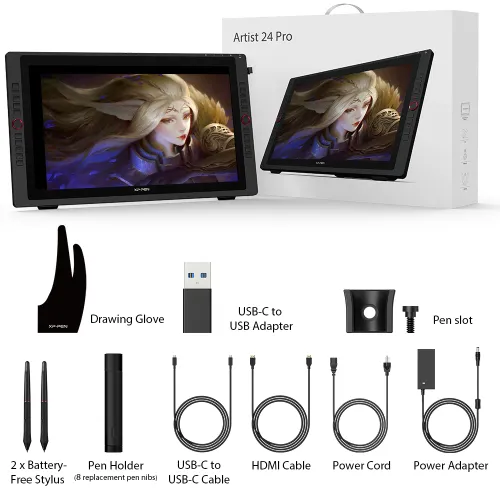
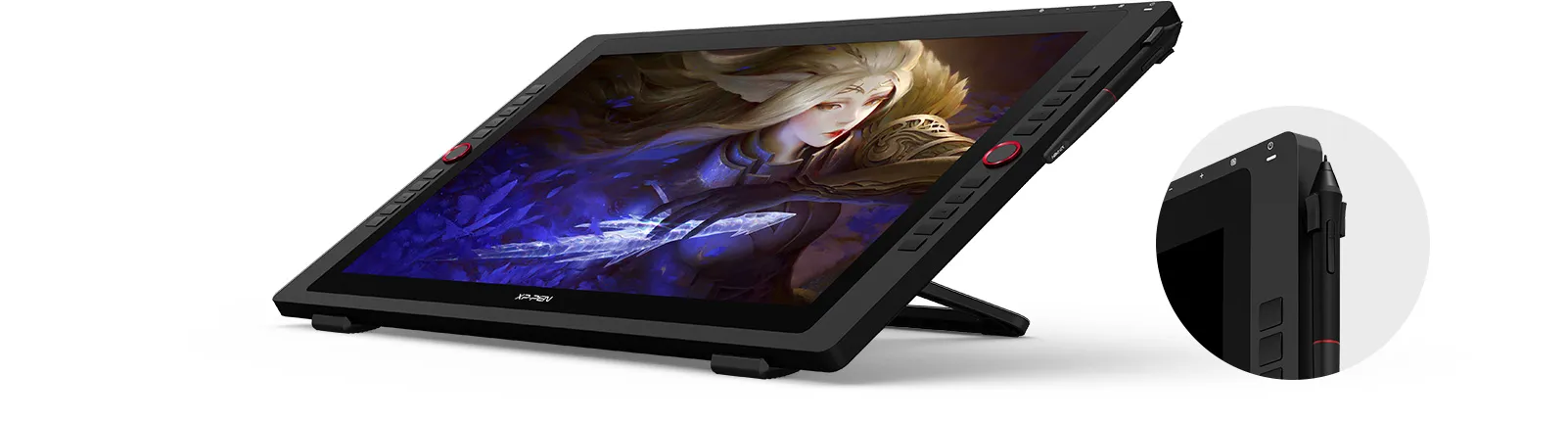
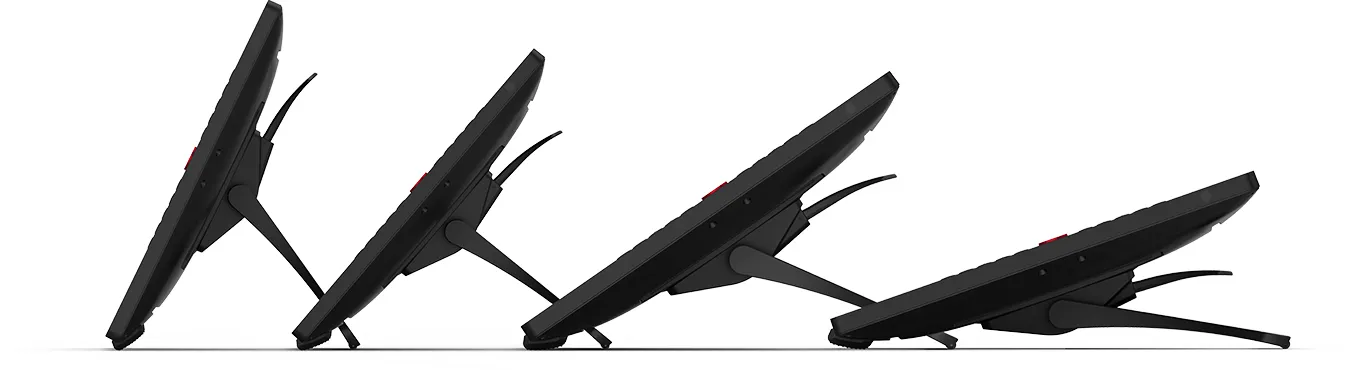
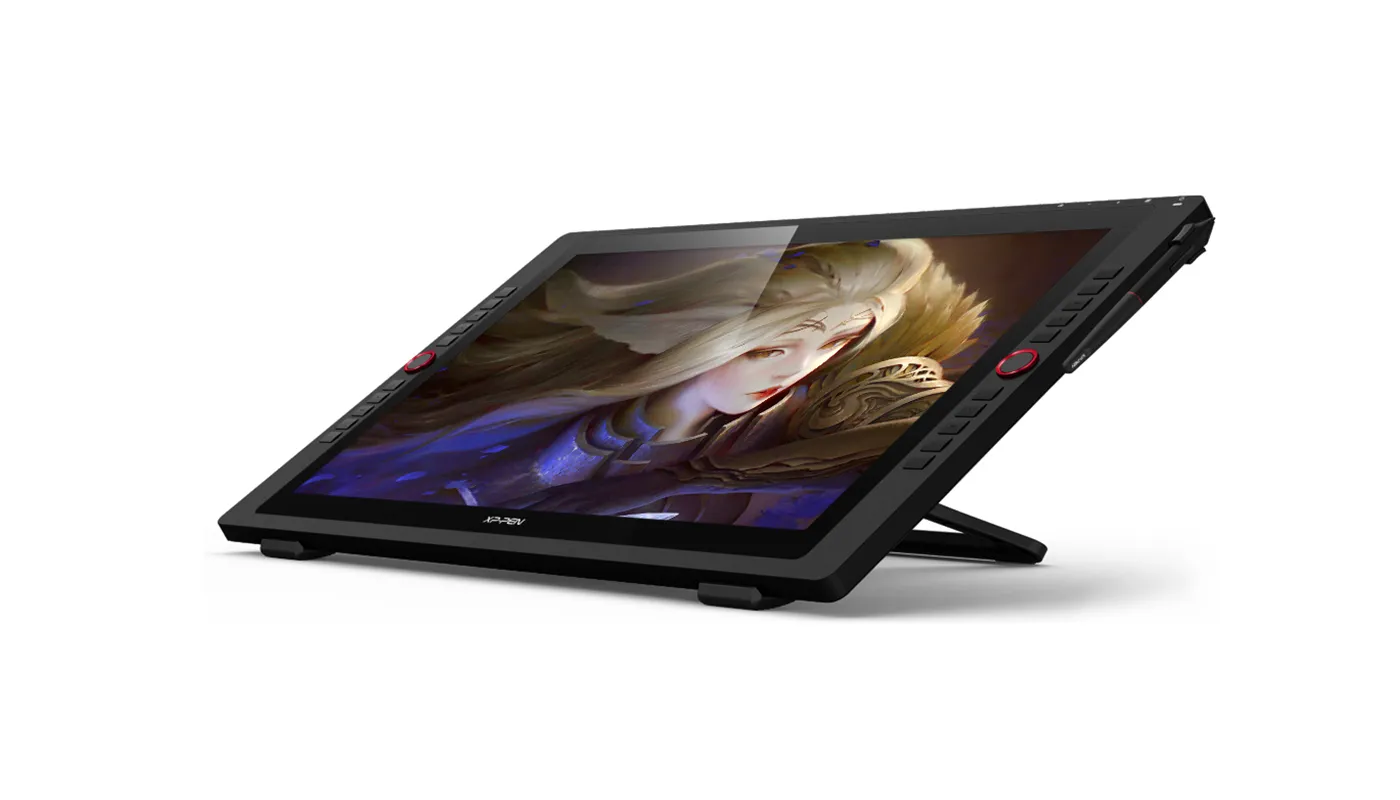
With the Artist 24 Pro’s adjustable stand, you can change the product’s angle to suit your needs, allowing you to create with ease. In addition, the product’s specially-designed pen slot provides quick access to your pen.
Incredibly versatile
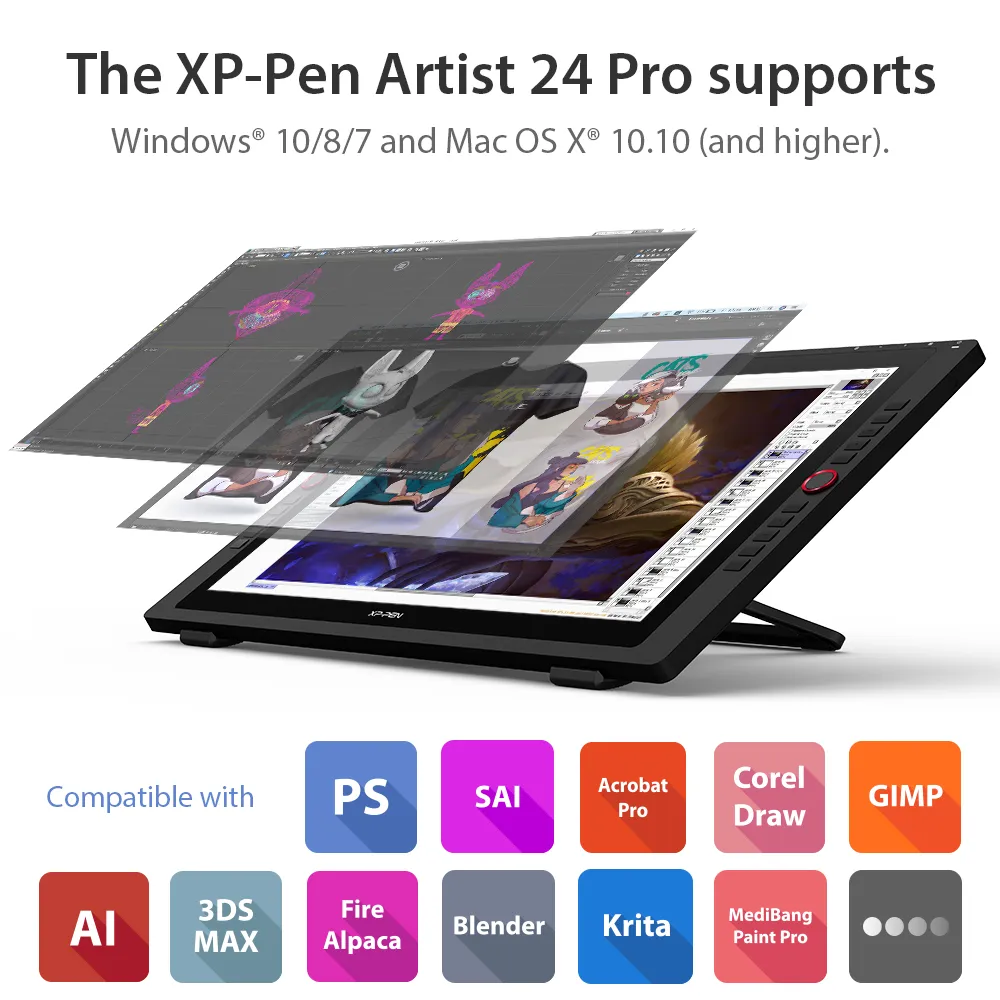
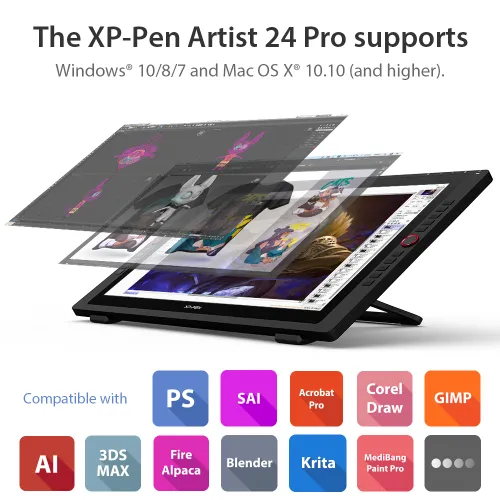
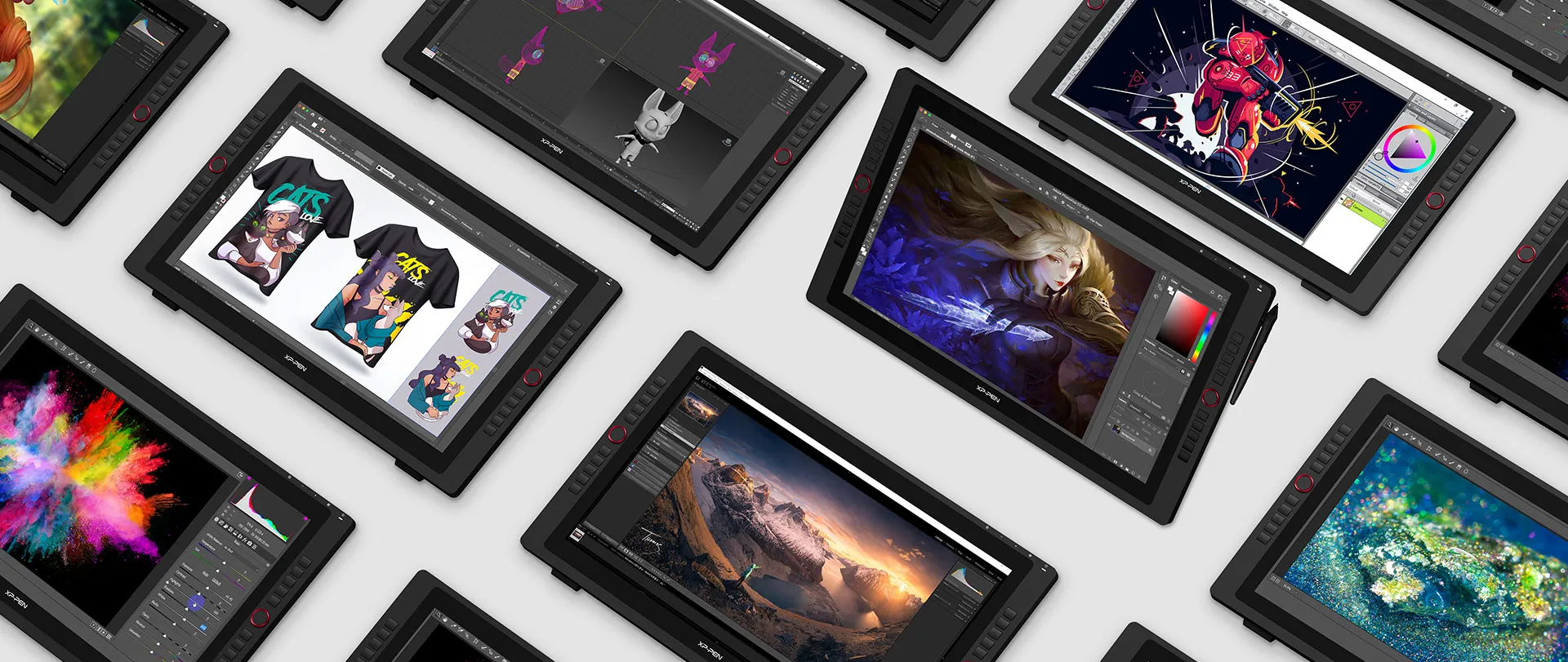
The XP-Pen Artist 24 Pro supports Windows® 10/8/7, Linux (Detailed versions) and Mac OS X® 10.10 (and higher). The product is also compatible with popular digital art software, such as Adobe® Photoshop®, Illustrator®, SAI®, CDR®, GIMP®, Krita®, Medibang®, Fire Alpaca® and Blender® 3D.
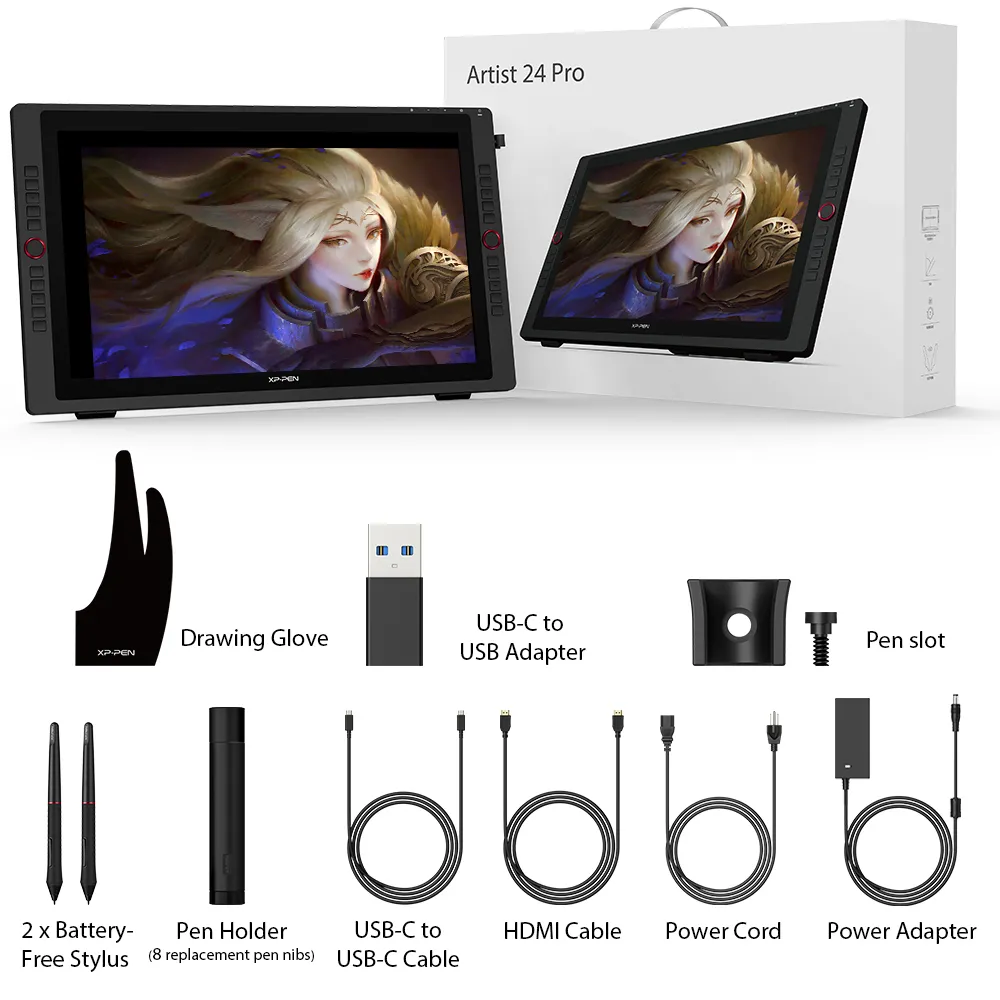
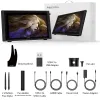
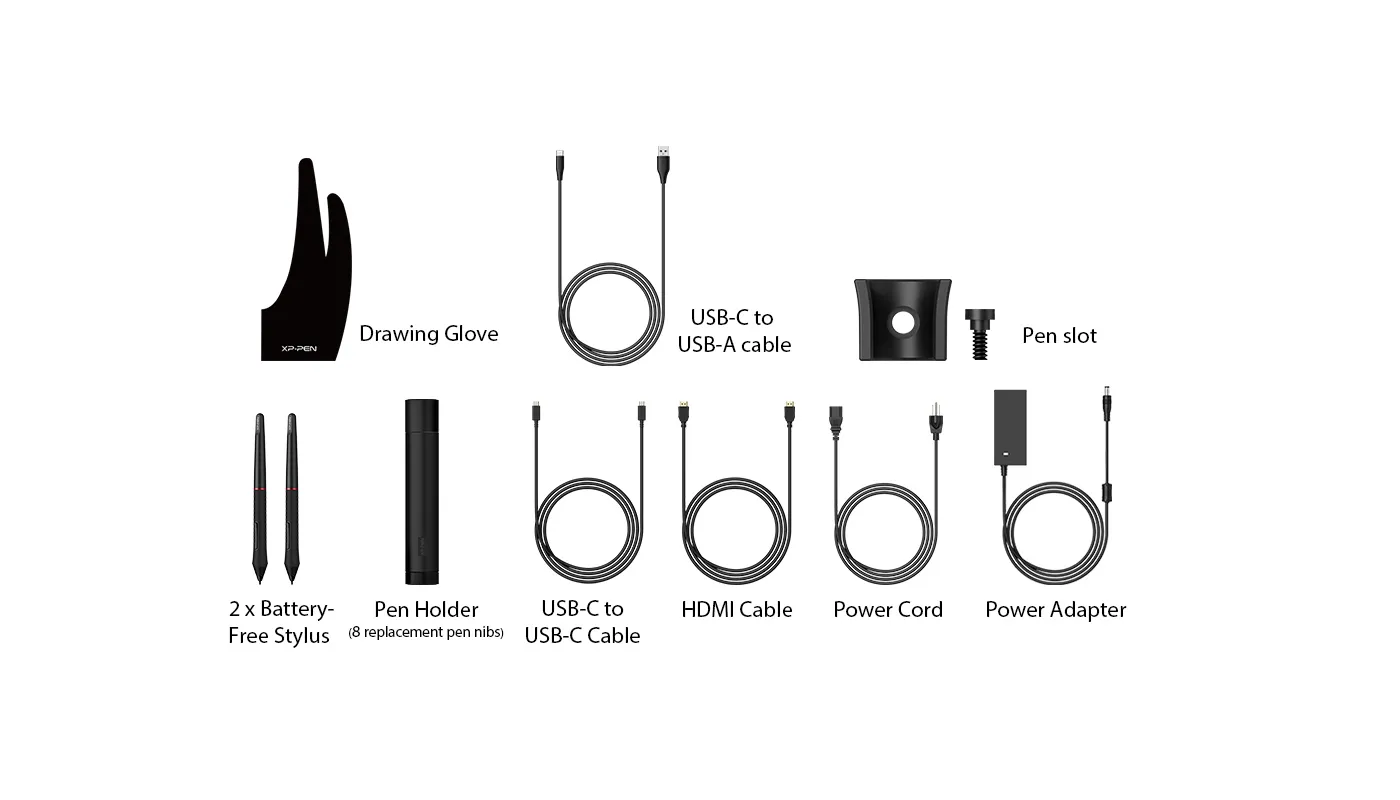
What's Included in Package


Specifications
Tutorials
Dimensions
632x370x44.8mm
Display Resolution
2560x1440
Color Gamut
90% Adobe®RGB
2 Red Dial Wheel
20 Shortcut Keys
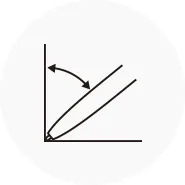
Battery-free Stylus
Tilt:60°
Show more

| Linux OS | Version | Package Format | Supported Software |
| Arch | Arch Linux2019.12.01(64-bit) | .deb, .sh | GIMP, Krita |
| Centos | Centos7.0(64-bit) | .rpm, .sh | GIMP |
| Centos8(64-bit) | .rpm, .sh | GIMP, Krita | |
| Debian | debian-9.5.0-amd64-netinst(64-bit) | .deb, .sh | GIMP, Krita |
| elementary OS | elementary OS 5.0(64-bit) | .deb, .sh | GIMP, Krita |
| ezgo Linux | ezgo14(64-bit) | .deb, .sh | GIMP, Krita |
| Fedora | Fedora32(64-bit) | .rpm, .sh | GIMP, Krita |
| Mageia | Mageia-7.1(64-bit) | .rpm, .sh | GIMP, Krita |
| Manjaro | manjaro-xfce-20.1.2-201019(64-bit) | .deb, .sh | GIMP |
| Mint | linuxmint-18.2-cinnamon-64bit | .deb, .sh | GIMP, Krita |
| OpenSUSE | openSUSE-Tumbleweed(64-bit) | .rpm, .sh | GIMP, Krita |
| Pop!_OS | pop-os_19.10(64-bit) | .deb, .sh | GIMP, Krita |
| Red Hat | Red Hat7(64-bit) | .rpm, .sh | GIMP |
| Ubuntu | Ubuntu14.04(64-bit) | .deb, .sh | GIMP, Krita |
| Ubuntu16.04(64-bit) | .deb, .sh | GIMP, Krita | |
| Ubuntu17.04(64-bit) | .deb, .sh | GIMP, Krita | |
| Ubuntu18.04(64-bit) | .deb, .sh | GIMP, Krita | |
| Ubuntu19.04(64-bit) | .deb, .sh | GIMP, Krita | |
| Ubuntu20.04(64-bit) | .deb, .sh | GIMP, Krita |
| Function | Krita 4.3.0 | Gimp 2.10.20 | Inkscape 0.92 |
| Pen Pressure Sensitivity | |||
| Tilt | |||
| Mouse Function | |||
| Eraser Button (Stylus:PH01, P06) | |||
| Switch between Pen and Eraser Modes | |||
| *If you have any further queries, please do not hesitate to contact us at service@xp-pen.com. | |||
Linux OS
Arch
Version
Arch Linux2019.12.01(64-bit)
Package Format
.deb, .sh
Supported Software
GIMP, Krita
Centos
Version
Centos7.0(64-bit)
Centos8(64-bit)
Centos8(64-bit)
Package Format
.rpm, .sh
.rpm, .sh
.rpm, .sh
Supported Software
GIMP
GIMP, Krita
GIMP, Krita
Debian
Version
debian-9.5.0-amd64-netinst(64-bit)
Package Format
.deb, .sh
Supported Software
GIMP, Krita
elementary OS
Version
elementary OS 5.0(64-bit)
Package Format
.deb, .sh
Supported Software
GIMP, Krita
ezgo Linux
Version
ezgo14(64-bit)
Package Format
.deb, .sh
Supported Software
GIMP, Krita
Fedora
Version
Fedora32(64-bit)
Package Format
.rpm, .sh
Supported Software
GIMP, Krita
Mageia
Version
Mageia-7.1(64-bit)
Package Format
.rpm, .sh
Supported Software
GIMP, Krita
Manjaro
Version
manjaro-xfce-20.1.2-201019(64-bit)
Package Format
.deb, .sh
Supported Software
GIMP
Mint
Version
linuxmint-18.2-cinnamon-64bit
Package Format
.deb, .sh
Supported Software
GIMP, Krita
OpenSUSE
Version
openSUSE-Tumbleweed(64-bit)
Package Format
.rpm, .sh
Supported Software
GIMP, Krita
Pop!_OS
Version
pop-os_19.10(64-bit)
Package Format
.deb, .sh
Supported Software
GIMP, Krita
Red Hat
Version
Red Hat7(64-bit)
Package Format
.rpm, .sh
Supported Software
GIMP
Ubuntu
Version
Ubuntu14.04(64-bit)
Ubuntu16.04(64-bit)
Ubuntu17.04(64-bit)
Ubuntu18.04(64-bit)
Ubuntu19.04(64-bit)
Ubuntu20.04(64-bit)
Ubuntu16.04(64-bit)
Ubuntu17.04(64-bit)
Ubuntu18.04(64-bit)
Ubuntu19.04(64-bit)
Ubuntu20.04(64-bit)
Package Format
.deb, .sh
.deb, .sh
.deb, .sh
.deb, .sh
.deb, .sh
.deb, .sh
.deb, .sh
.deb, .sh
.deb, .sh
.deb, .sh
.deb, .sh
Supported Software
GIMP, Krita
GIMP, Krita
GIMP, Krita
GIMP, Krita
GIMP, Krita
GIMP, Krita
GIMP, Krita
GIMP, Krita
GIMP, Krita
GIMP, Krita
GIMP, Krita
Function
Pen Pressure Sensitivity
Krita 4.3.0
Gimp 2.10.20
Inkscape 0.92
Tilt
Krita 4.3.0
Gimp 2.10.20
Inkscape 0.92
Mouse Function
Krita 4.3.0
Gimp 2.10.20
Inkscape 0.92
Eraser Button(Stylus:PH01, P06)
Krita 4.3.0
Gimp 2.10.20
Inkscape 0.92
Switch between Penand Eraser Modes
Krita 4.3.0
Gimp 2.10.20
Inkscape 0.92
*If you have any further queries, please do not hesitate to contact us at service@xp-pen.com.
5.0

Based on 7
100%(7)

0(0)
0(0)
0(0)
0(0)
Paolo santos
Jul 13 ,2020 PM 18:08 Artist 24Pro 2.5K Display
Nice Product!
Easy to Install and great to use!
And aslo you can't notice the Pen wobble! if you doing a Fast strokes great use on Clipstudio paint
THANK YOU XP PEN!
Official mall
Aug 03 ,2020 AM 09:45
Great thanks for you choose XP-PEN.
Your understanding and trust is a powerful driving force for our progress. Thanks.
Useful(1)+1
Bin Kasmar Marwi Maryo
Jul 14 ,2020 PM 17:13 Artist 24Pro 2.5K Display
thanks
thanks
Official mall
Aug 03 ,2020 AM 09:52
Thanks for you choose XP-PEN.
Your understanding and trust is a powerful driving force for our progress. Thanks.
Useful(0)+1
Gilzean Derramas
Dec 18 ,2020 PM 21:20 Artist 24Pro 2.5K Display
Great Product
Very easy and fast to set up. I was able to work immediately once it arrived! I love using it!
Official mall
Dec 22 ,2020 PM 14:17
Dear Customer,
Great to know you already receive it with good status.
Thanks for your good feedback.
Seeks customer satisfaction is our principle of service. Thanks.
Useful(0)+1
Learn More
XFANSp707a9wg
Sep 21 ,2023 AM 10:47 Artist 24Pro 2.5K Display
Does this support Adobe Fresco?
Reply1
Official mall
Sep 27 ,2023 AM 10:27
Hello, Yes, it supported.
Reply to this review
XFANSlcjzvs9j
Feb 08 ,2023 PM 18:36 Artist 24Pro 2.5K Display
I want to buy xp pen 24 pro but i cannot choose the COD ?
Reply1
Official mall
Feb 09 ,2023 AM 09:16
Sorry we do not have COD option for this model Artist 24Pro, thanks
Reply to this review
Bimbuksai
Jan 08 ,2023 PM 22:33 Artist 24Pro 2.5K Display
Hi XP Pen, is there a cash-on-delivery option with this Artist 24 Pro? I actually tried selecting that option but it does not allow me so I ended up ordering Artist 22R Pro since it has COD option.
Is it possible to upgrade my order from Artist 22R Pro to Artist 24 Pro? If it is possible, then I will not open the package when Artist 22R Pro arrives so it will remain as brand new. I will appreciate your response.
Reply0
Kezt
Jul 07 ,2022 PM 20:39 Artist 24Pro 2.5K Display
Can I treat the Artist 24 pro like a monitor?
Reply1
Official mall
Jul 11 ,2022 PM 19:03
Yes, it can used a a monitor as well, thanks.
Reply to this review
XFANS7fopptzi
Jan 24 ,2022 PM 12:55 Artist 24Pro 2.5K Display
Does it come with USB A to USB A cable? or adapter?
Reply1
Official mall
Jan 27 ,2022 PM 22:02
it will come with USB A to USB A cable, thanks.
Reply to this review
XFANS7fopptzi
Jan 18 ,2022 PM 14:41 Artist 24Pro 2.5K Display
If there is no USB C jack can it utilize USB A for connection to desktop?
Reply1
Official mall
Jan 18 ,2022 PM 18:40
Hello customer,
For type C cable , it support type C to type C connection directly and do not need to connect other cable like HDMI.
If you do not have type C port, then you can use our USB cable and HDMI cable to connect desktop.
it is also working, thanks.
Reply to this review
XFANS8vj88sww
Sep 22 ,2021 PM 18:07 Artist 24Pro 2.5K Display
Does it connects xp pen 24 to desktop? because i'm planning to buy one someday
Reply1
Official mall
Sep 22 ,2021 PM 19:17
Yes, Artist 24Pro need to connect with PC or laptop to work, thanks.
Reply to this review
XFANSbx69omm9
Jun 13 ,2021 AM 10:59 Artist 24Pro 2.5K Display
What is the weight of the 24 Pro?
Reply1
Official mall
Jun 13 ,2021 AM 11:54
The gross weight with package is 10.8KG, the net weight for product is 7KG for 24Pro, thanks.
Reply to this review
Renz cunanan
Nov 12 ,2020 PM 18:19 Artist 24Pro 2.5K Display
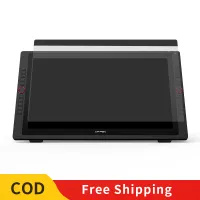
Hi Does it have a screenprotector? if so would it be possible to replace it in the future?
Reply1
Official mall
Dec 08 ,2020 AM 11:39
yes, the screen protector for 24Pro is available now, you may order it online, thanks.
Reply to this review
Zane Hipolito
Oct 27 ,2020 AM 03:54 Artist 24Pro 2.5K Display
Does this support Adobe Animate? Thanks
Reply1
Official mall
Oct 27 ,2020 AM 09:43
Yes, it support Adobe Animate, thanks.
Reply to this review
Learn More