





Getting started with your
XP-PEN Artist 24 Pen Display.
Artist 24
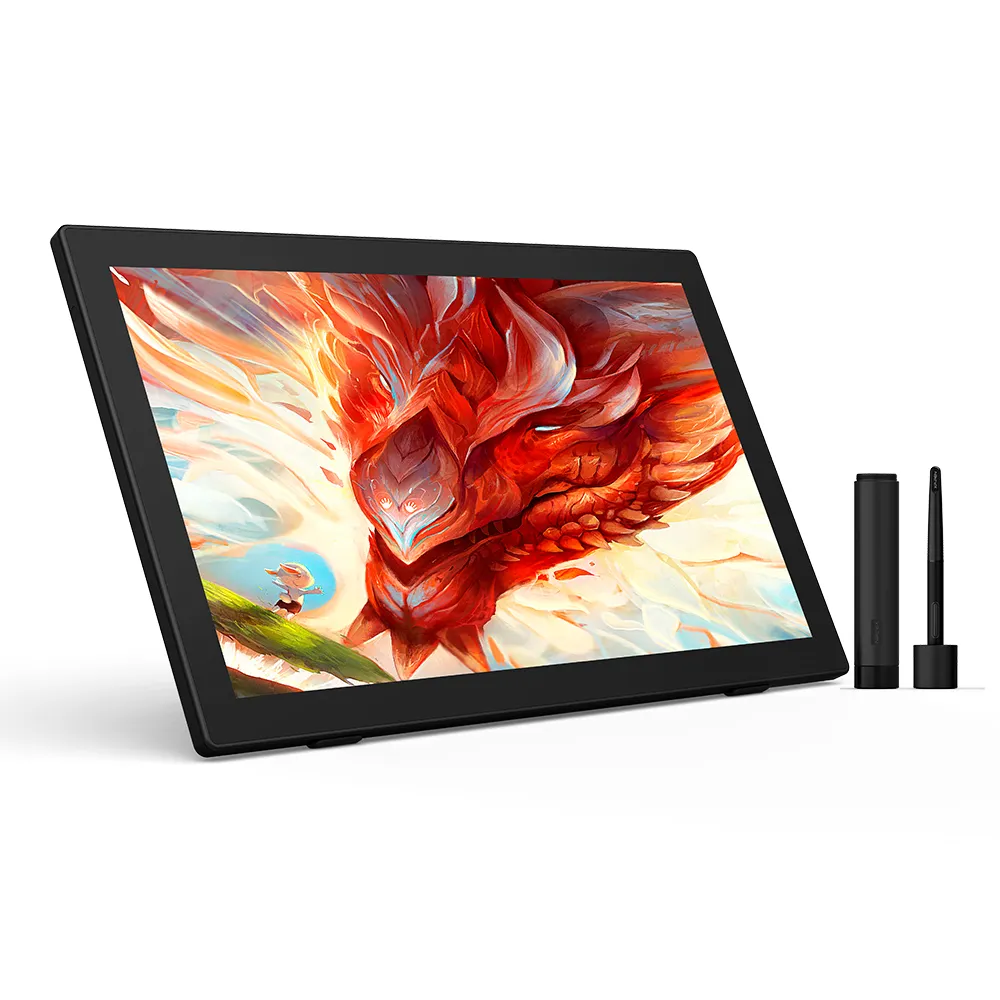
Embrace Big Screen Create Brilliant Art
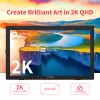
Create Brilliant Art in 2K QHD
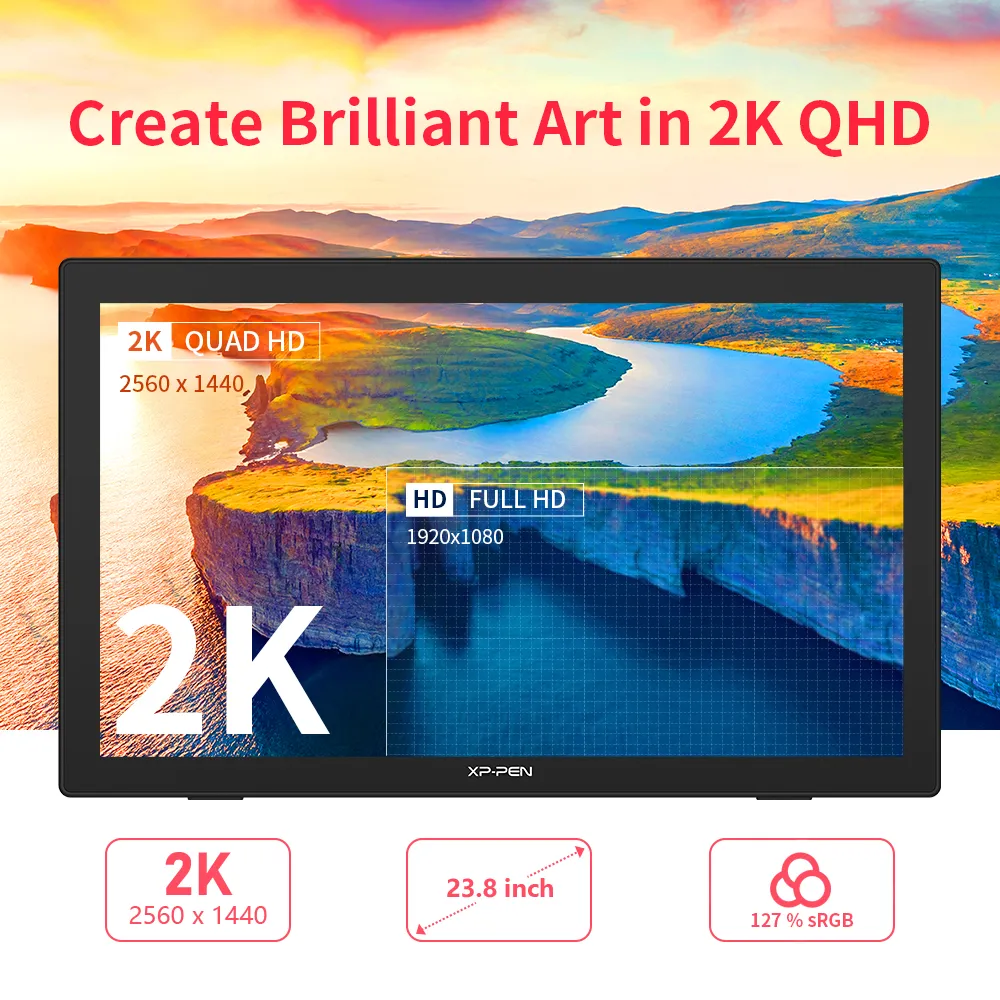
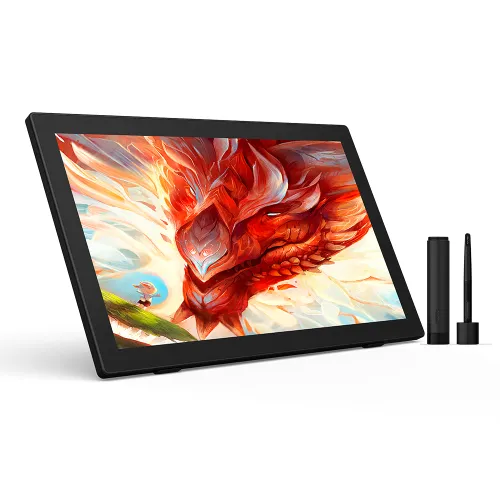
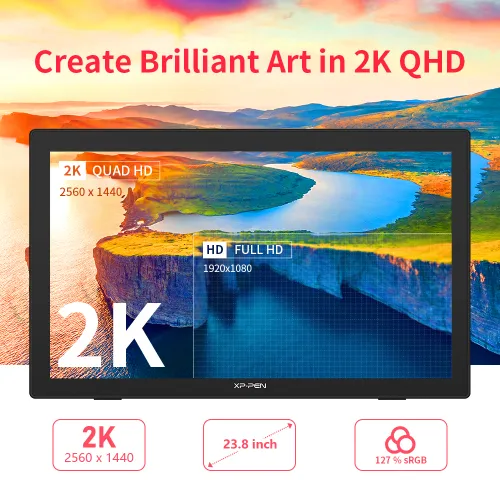
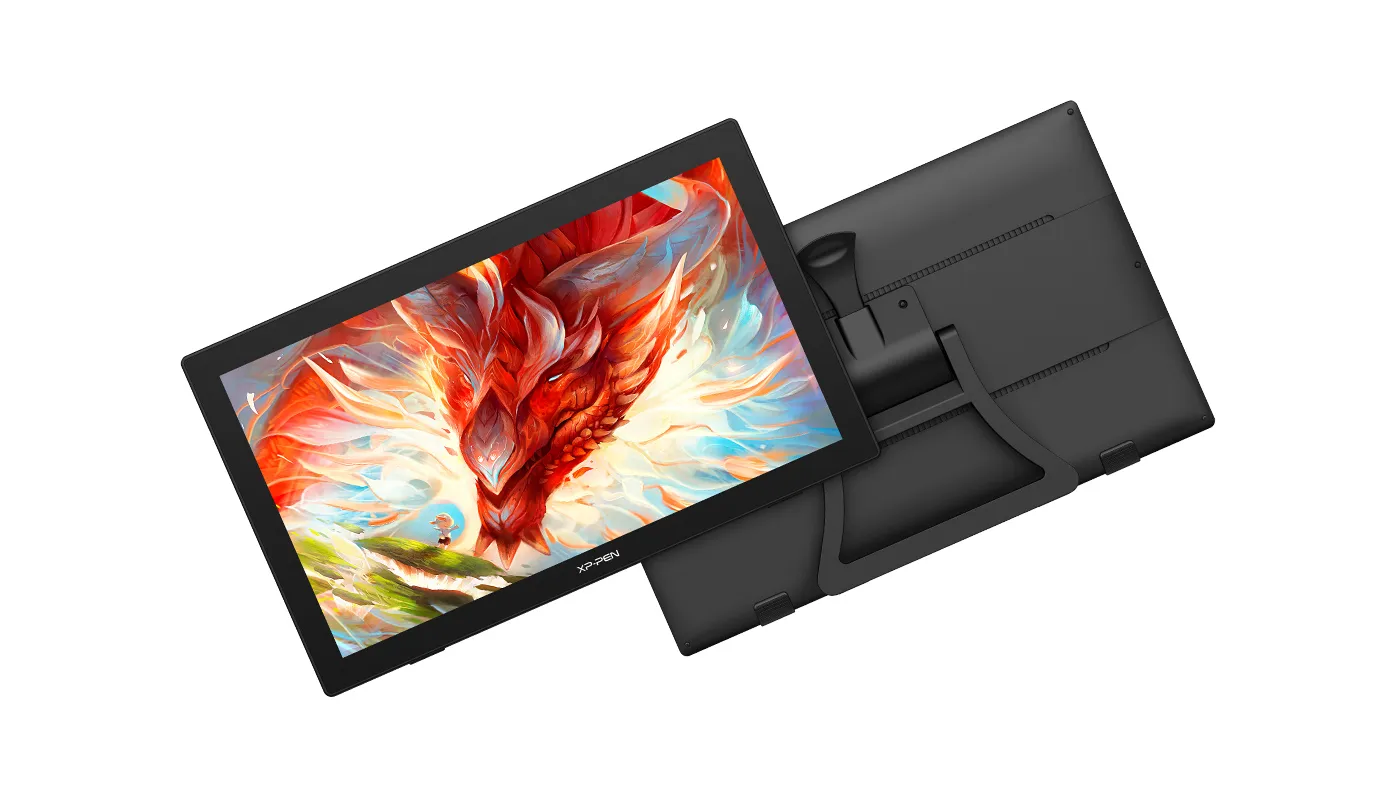
Make your artistic vision a reality with the Artist 24. Featuring stunning 2K resolution (2560 x 1440) and a large 23.8-inch display, the Artist 24 delivers remarkably realistic and vivid colors and allows you to craft with astonishing nuance and amazing detail.
 23.8 inch
 2K QHD
Colorful and Wonderful
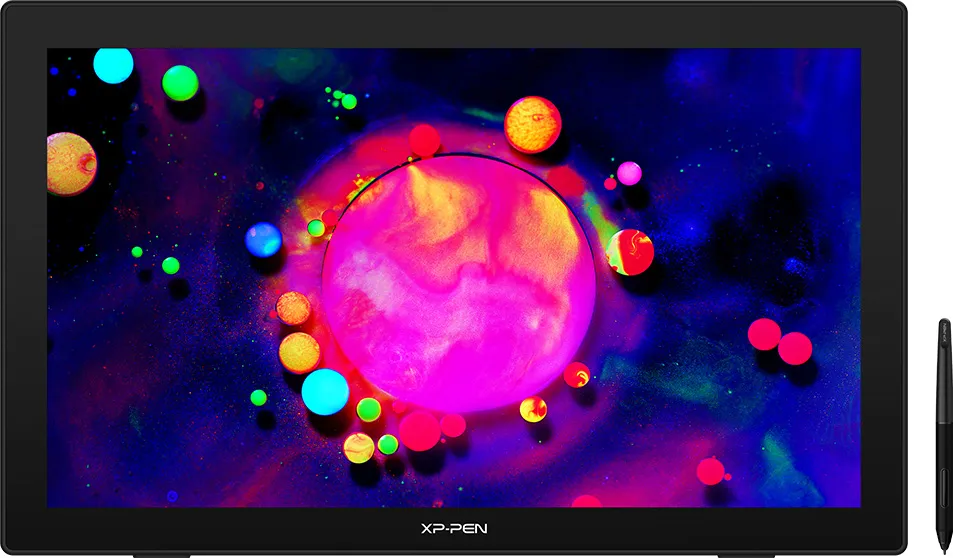
When creating your art, use the superb color accuracy (90% NTSC, 94% Adobe RGB, 127% sRGB) to experience memorizing, diverse and delicate colors.
 94% Adobe RGB
 127% sRGB
The Artist 24 Adapts to You
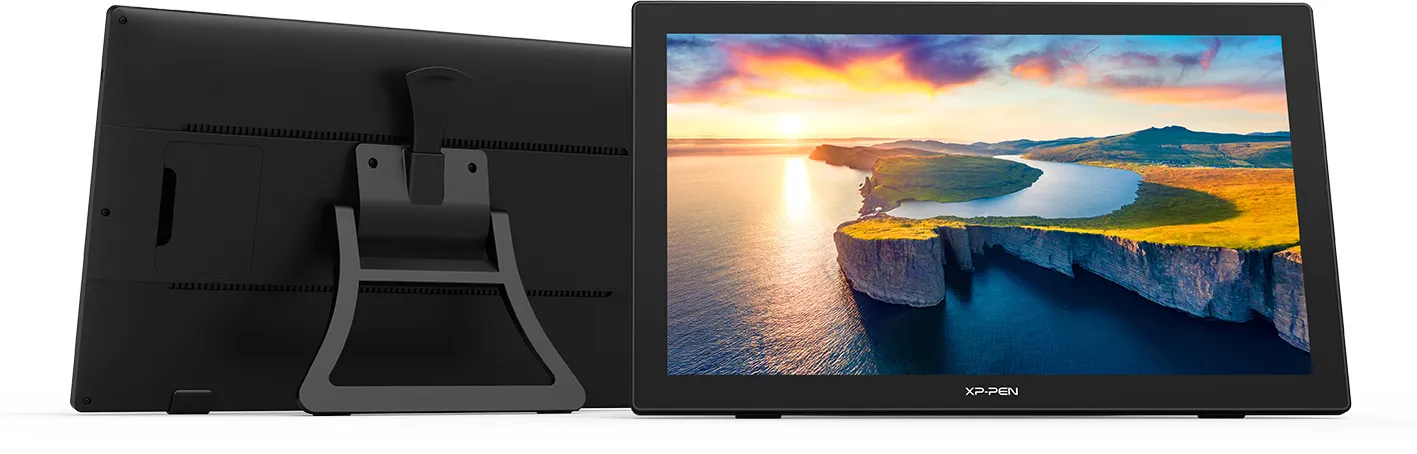
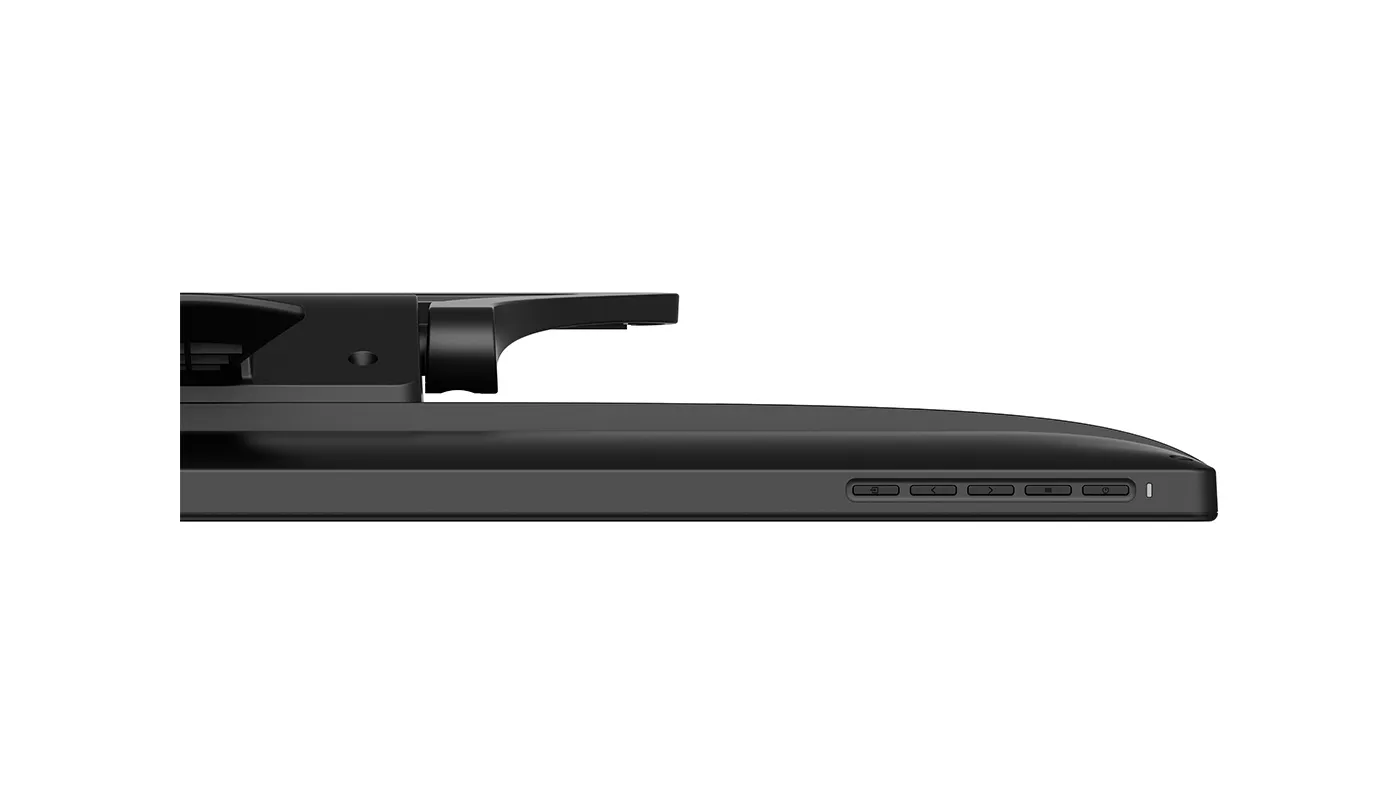
Use the adjustable stand to change the screen’s angle from 16 to 90 degrees, and create your art with comfort and ease. Also, the specially designed cable slot and detachable back cover keep your cables protected and organized.
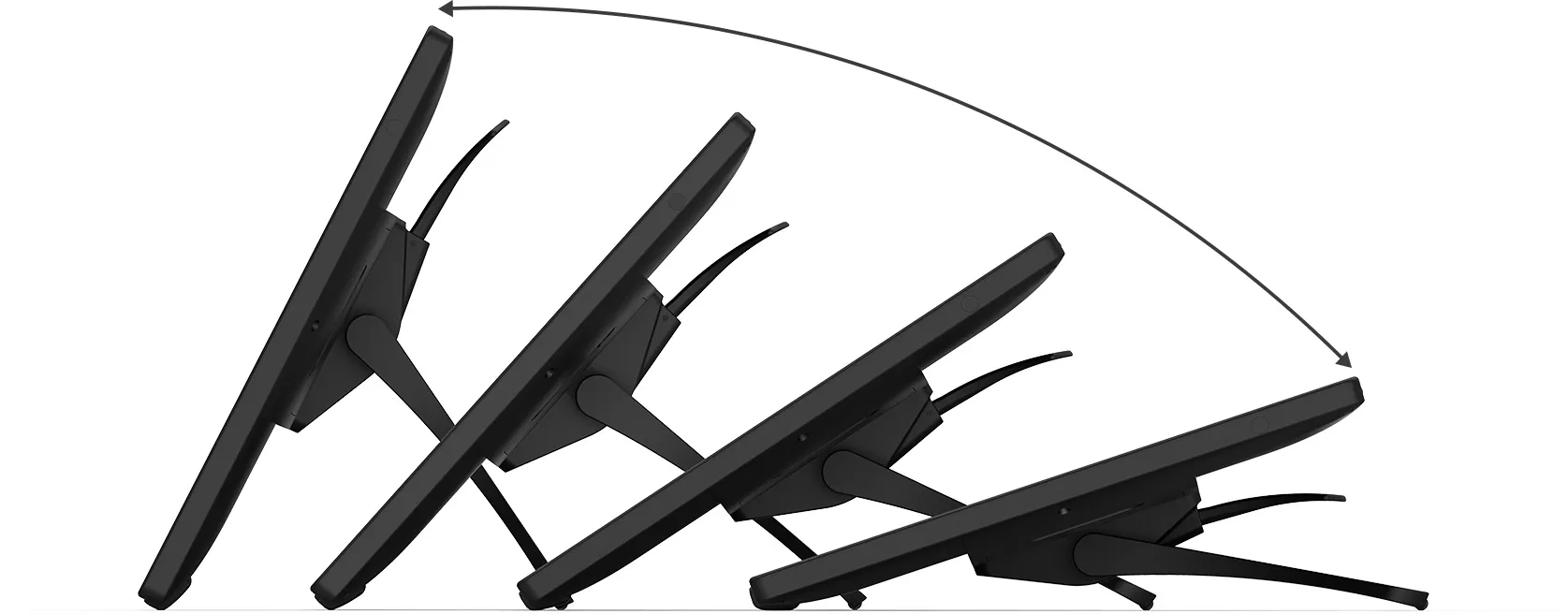 16°-90°
Easy and Fast Connection
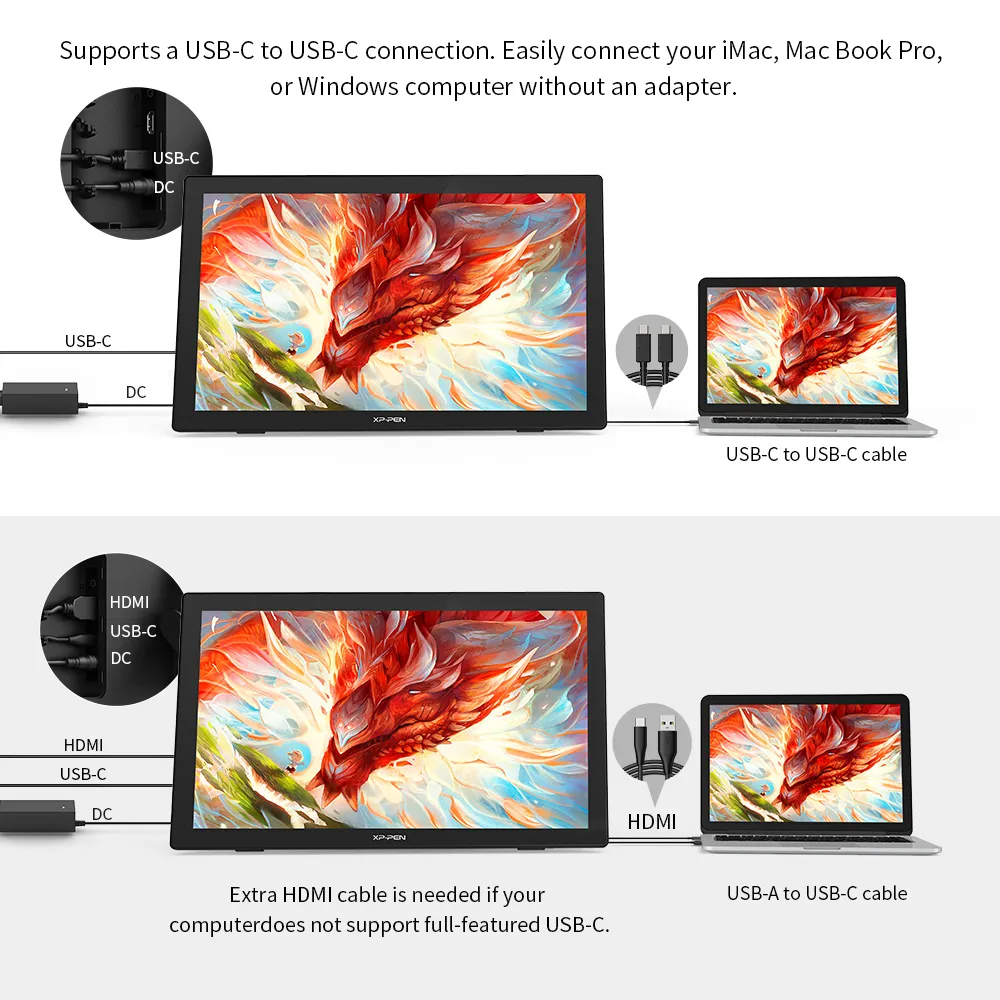
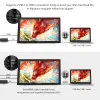
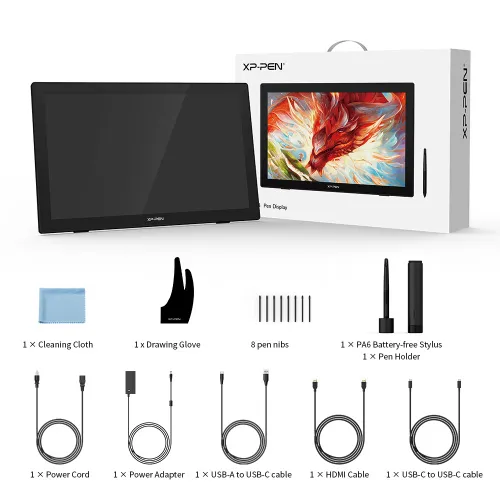
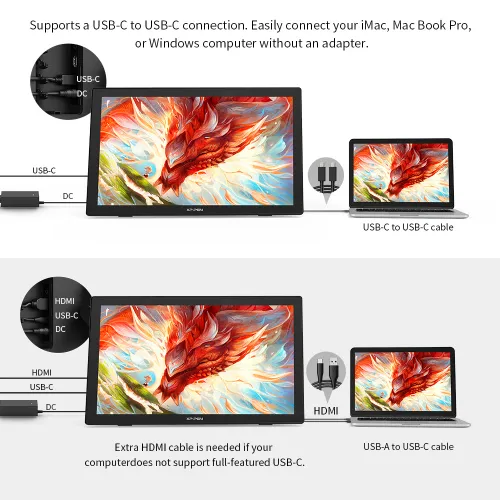
The Artist 24 supports a USB-C to USB-C connection. Easily connect your iMac, MacBook Pro, or Windows computer without an adapter.
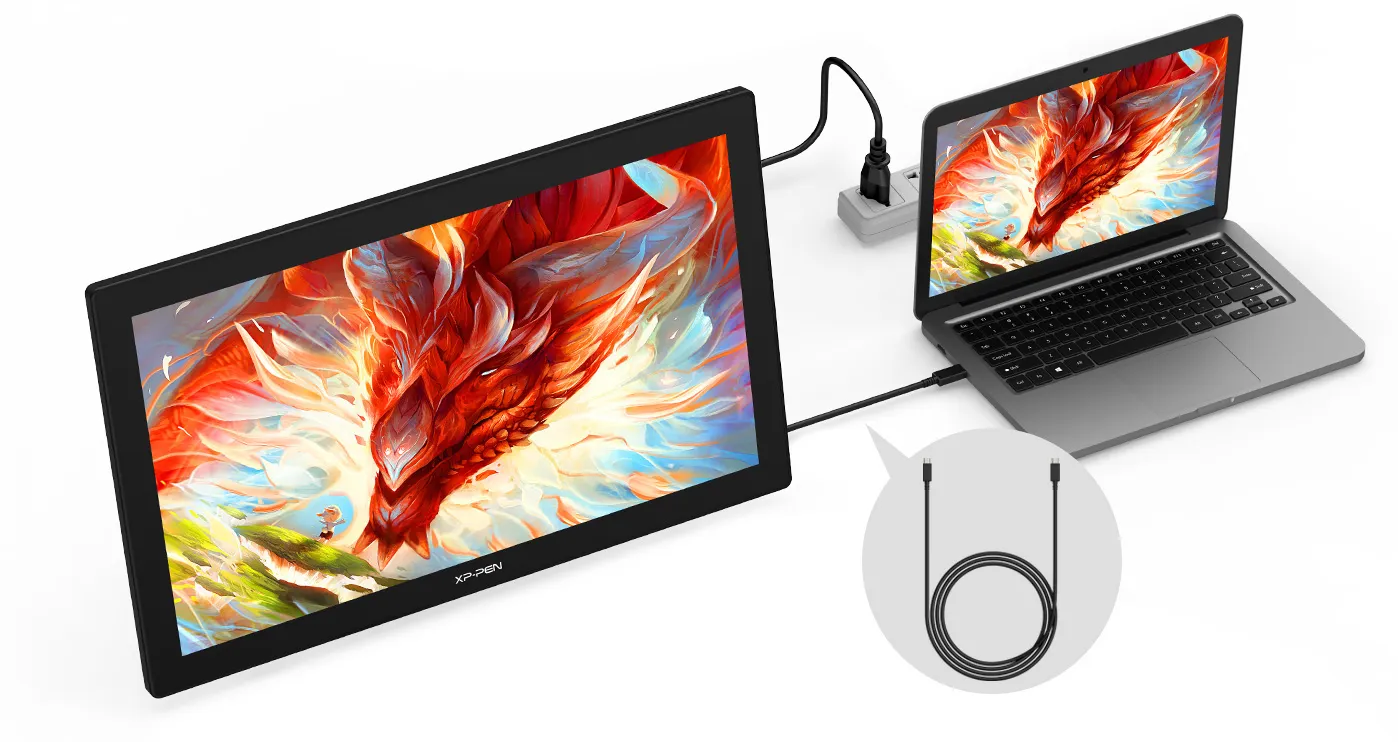 USB-C to
USB-C cable
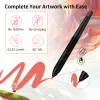
Complete Your
Artwork with Ease
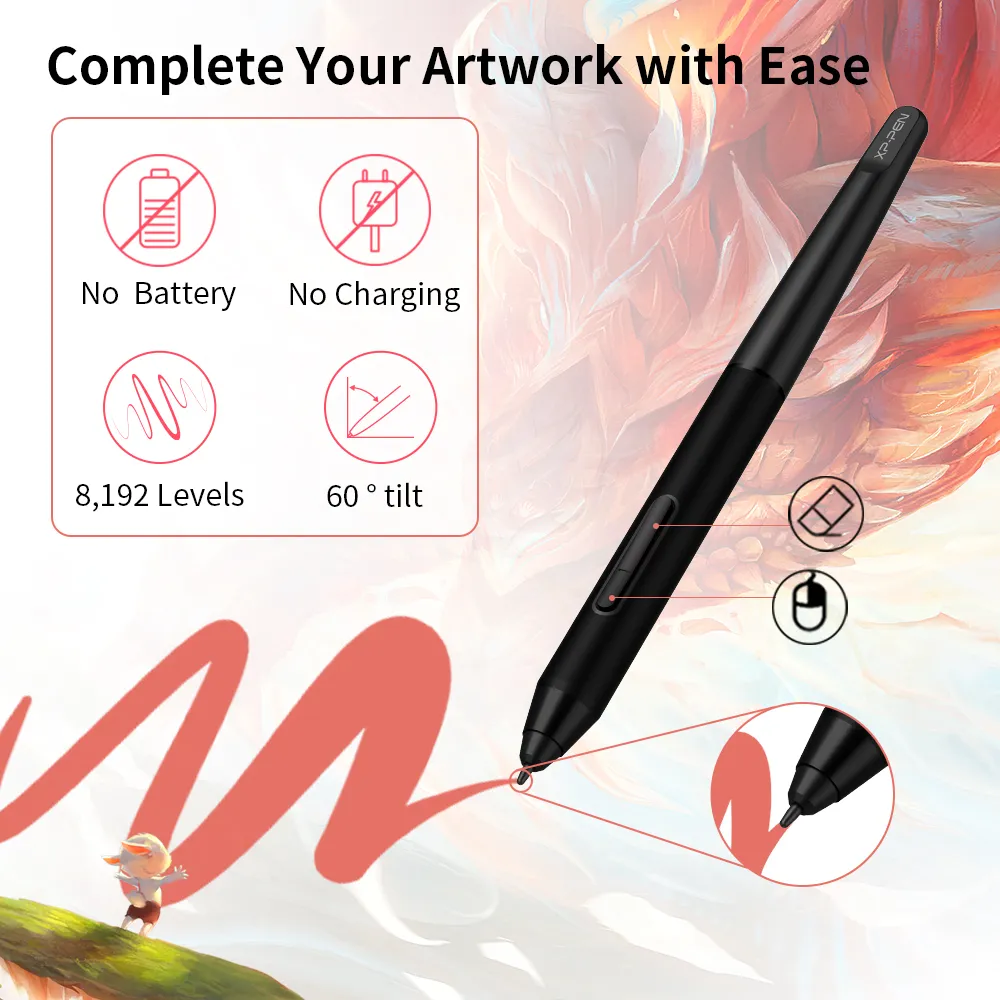
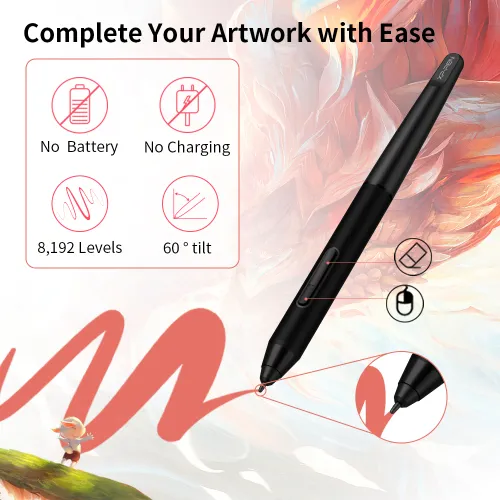
The PA6 is battery-free so no charging is required.
The stylus supports up to 60 degrees of tilt function and has 8192 pressure sensitivity levels. Effortlessly create exquisite strokes and seamless shading.
 No battery
 No charging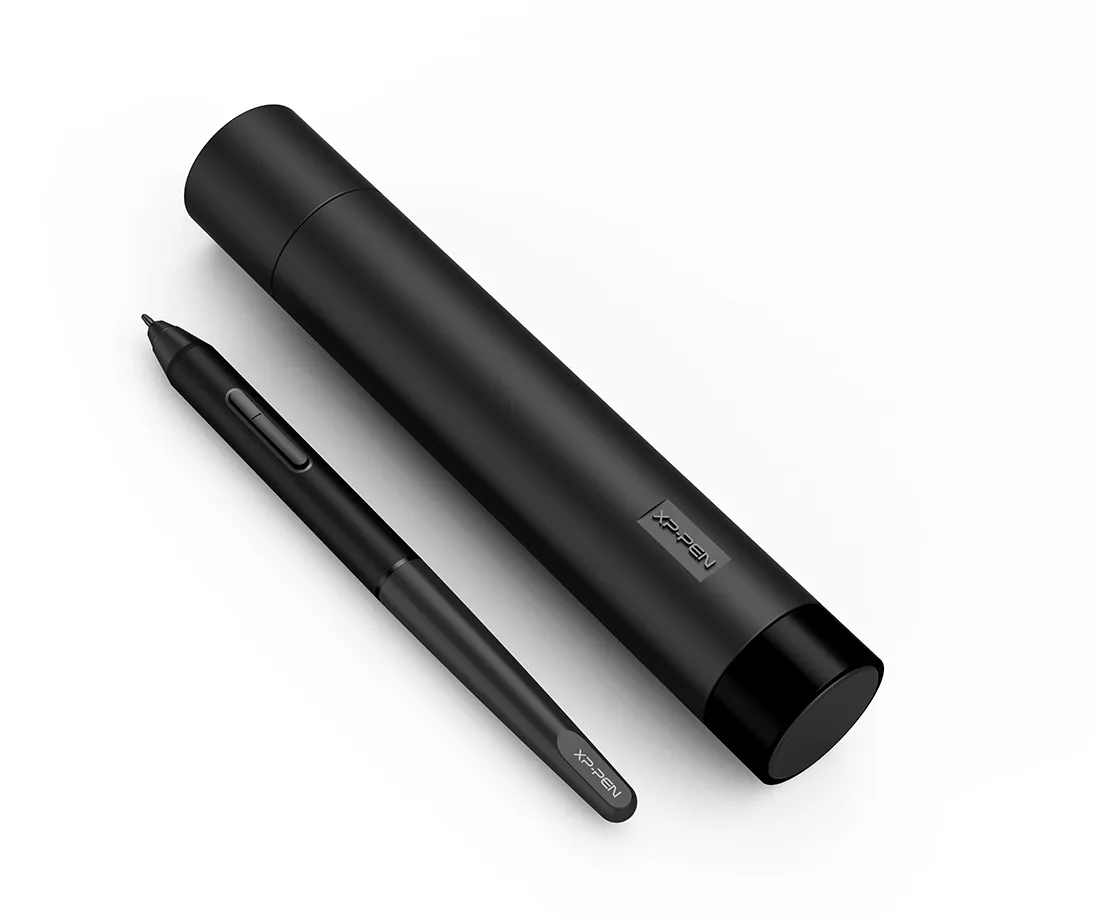
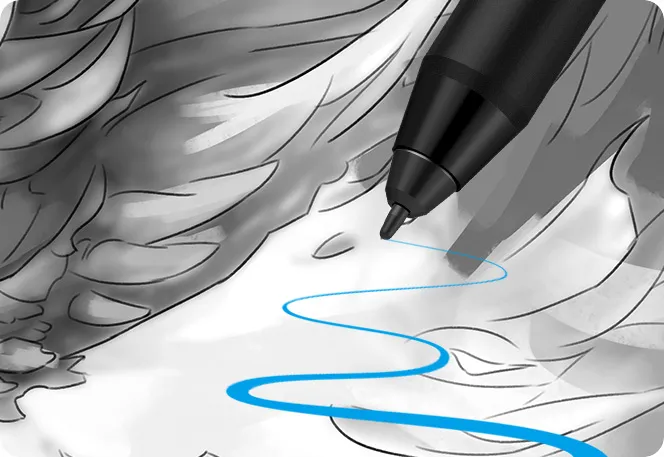
 8192 Levels
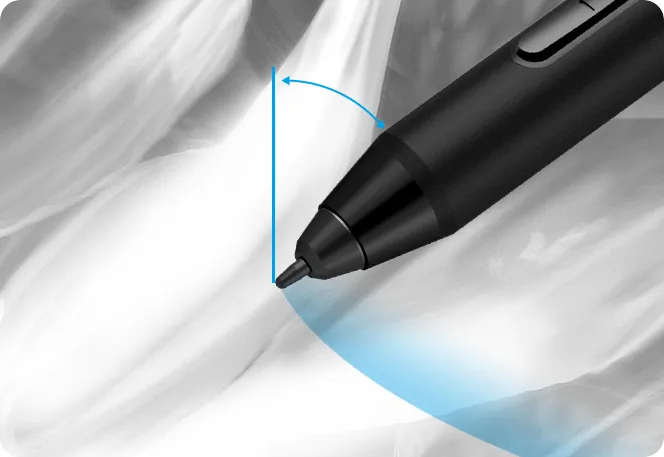 60° Tilt
 60° Tilt
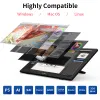
Highly Compatible
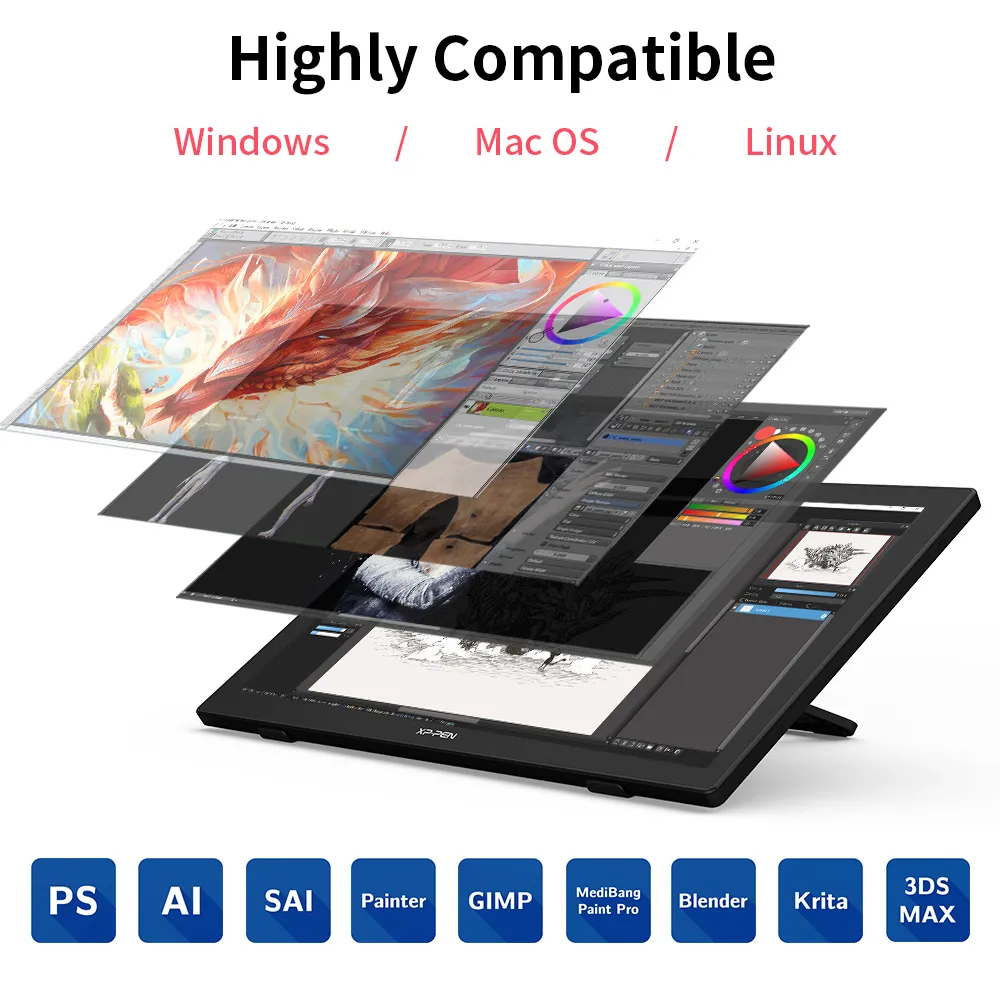
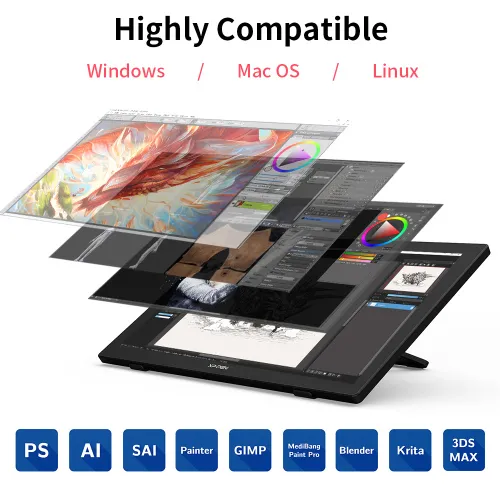
The Artist 24 supports Windows 7/8/10, Mac OS X 10.10 (or later), Chrome OS 88 (or later), and Linux (detailed versions). It is also compatible with popular digital art software, such as Adobe Photoshop, Illustrator, SAI, CDR, GIMP, Krita, MediBang, FireAlpaca, and Blender 3D.

Product Gallery
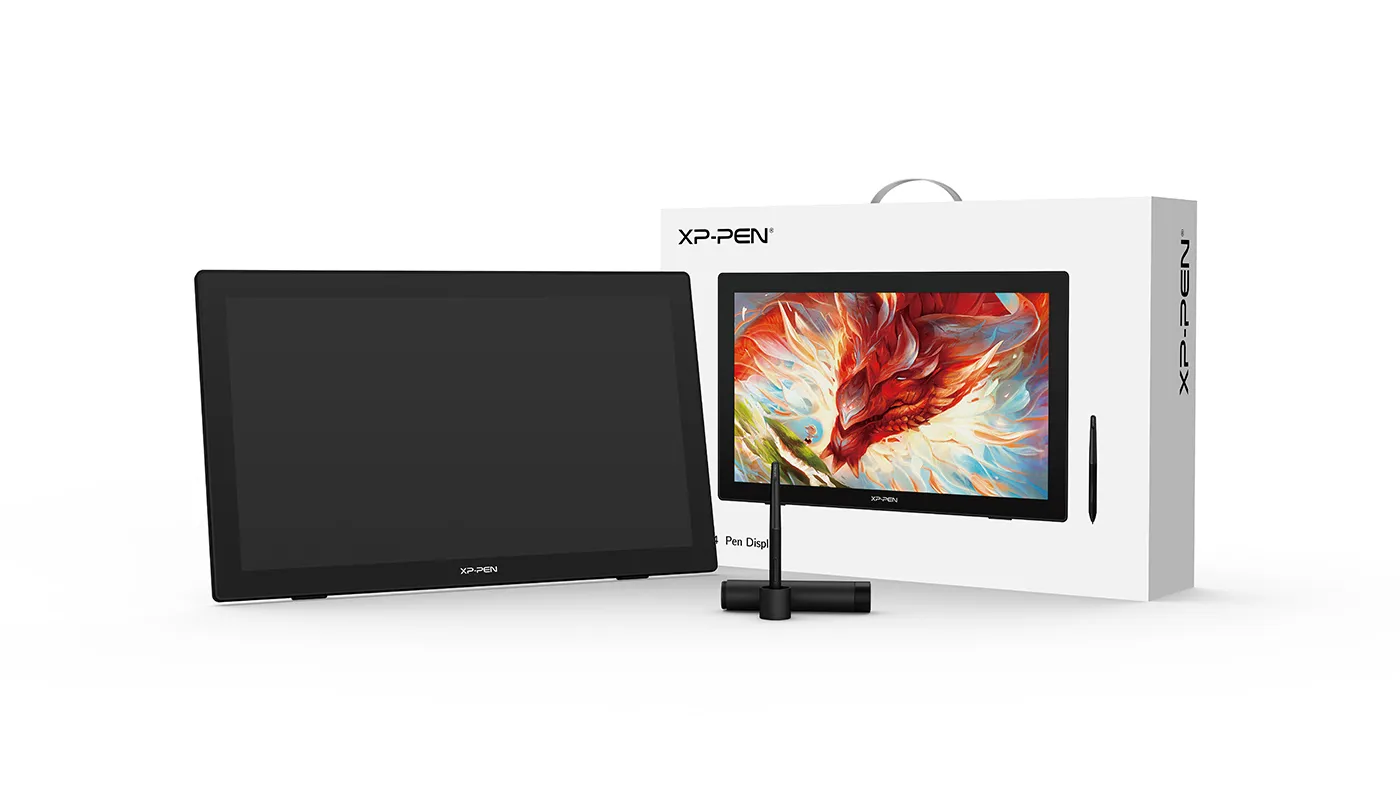
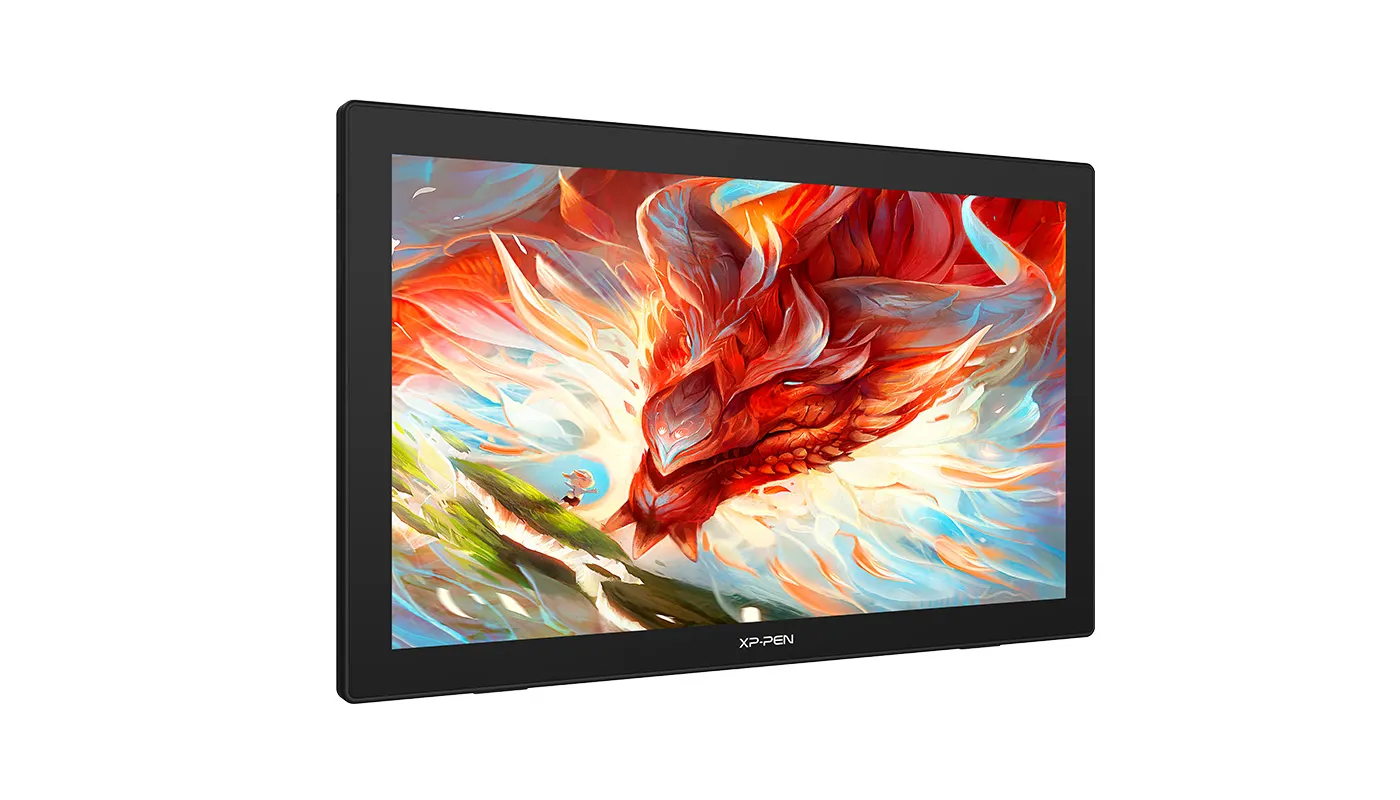
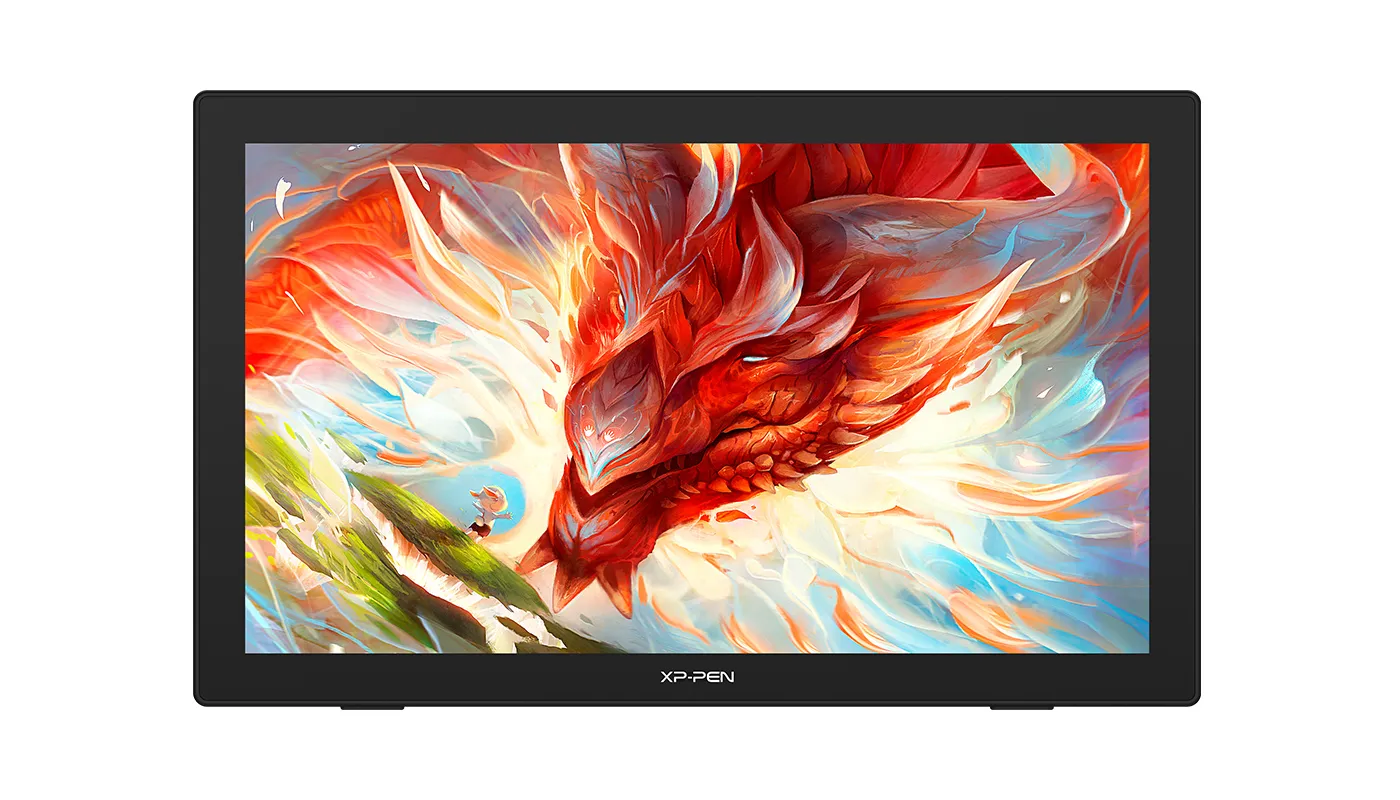


Specifications
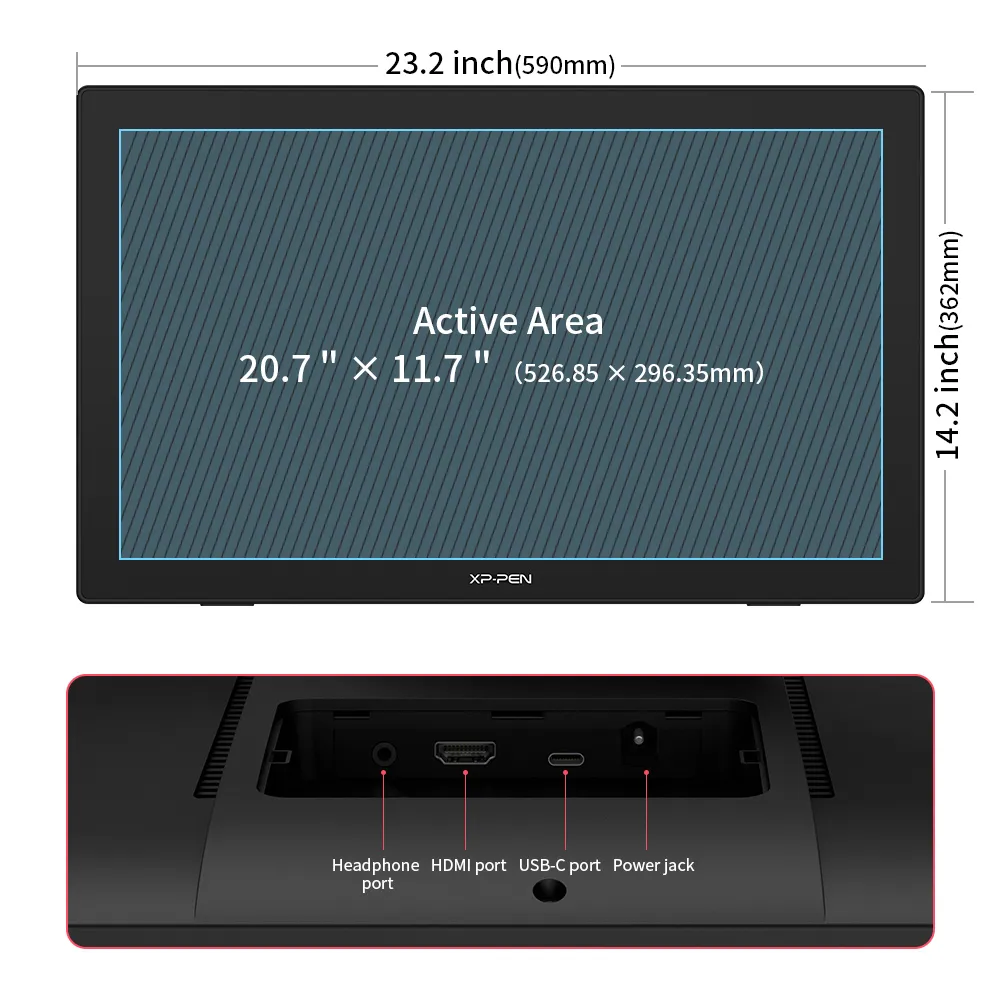
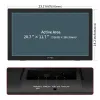
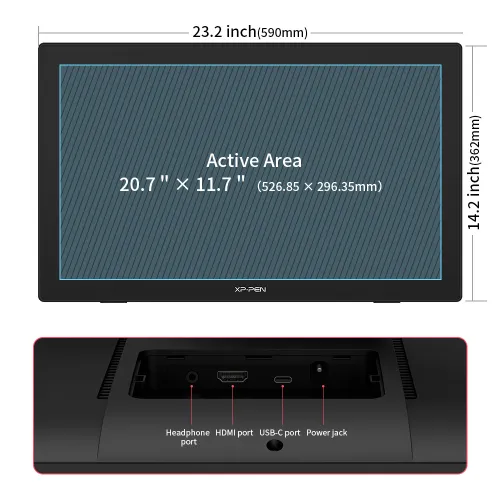
590 × 361 × 34mm
2560 × 1440
94% Adobe RGB,
90% NTSC, 127% sRGB
8192 Levels
60° Tilt
Show more

| Linux OS | Version | Package Format | Supported Software |
| Arch | Arch Linux2019.12.01(64-bit) | .deb, .sh | GIMP, Krita |
| Centos | Centos7.0(64-bit) | .rpm, .sh | GIMP |
| Centos8(64-bit) | .rpm, .sh | GIMP, Krita | |
| Debian | debian-9.5.0-amd64-netinst(64-bit) | .deb, .sh | GIMP, Krita |
| elementary OS | elementary OS 5.0(64-bit) | .deb, .sh | GIMP, Krita |
| ezgo Linux | ezgo14(64-bit) | .deb, .sh | GIMP, Krita |
| Fedora | Fedora32(64-bit) | .rpm, .sh | GIMP, Krita |
| Mageia | Mageia-7.1(64-bit) | .rpm, .sh | GIMP, Krita |
| Manjaro | manjaro-xfce-20.1.2-201019(64-bit) | .deb, .sh | GIMP |
| Mint | linuxmint-18.2-cinnamon-64bit | .deb, .sh | GIMP, Krita |
| OpenSUSE | openSUSE-Tumbleweed(64-bit) | .rpm, .sh | GIMP, Krita |
| Pop!_OS | pop-os_19.10(64-bit) | .deb, .sh | GIMP, Krita |
| Red Hat | Red Hat7(64-bit) | .rpm, .sh | GIMP |
| Ubuntu | Ubuntu14.04(64-bit) | .deb, .sh | GIMP, Krita |
| Ubuntu16.04(64-bit) | .deb, .sh | GIMP, Krita | |
| Ubuntu17.04(64-bit) | .deb, .sh | GIMP, Krita | |
| Ubuntu18.04(64-bit) | .deb, .sh | GIMP, Krita | |
| Ubuntu19.04(64-bit) | .deb, .sh | GIMP, Krita | |
| Ubuntu20.04(64-bit) | .deb, .sh | GIMP, Krita |
| Function | Krita 4.3.0 | Gimp 2.10.20 | Inkscape 0.92 |
| Pen Pressure Sensitivity | |||
| Tilt | |||
| Mouse Function | |||
| Eraser Button (Stylus:PH01, P06) | |||
| Switch between Pen and Eraser Modes | |||
| *If you have any further queries, please do not hesitate to contact us at service@xp-pen.com. | |||
Linux OS
Arch
Version
Arch Linux2019.12.01(64-bit)
Package Format
.deb, .sh
Supported Software
GIMP, Krita
Centos
Version
Centos7.0(64-bit)
Centos8(64-bit)
Centos8(64-bit)
Package Format
.rpm, .sh
.rpm, .sh
.rpm, .sh
Supported Software
GIMP
GIMP, Krita
GIMP, Krita
Debian
Version
debian-9.5.0-amd64-netinst(64-bit)
Package Format
.deb, .sh
Supported Software
GIMP, Krita
elementary OS
Version
elementary OS 5.0(64-bit)
Package Format
.deb, .sh
Supported Software
GIMP, Krita
ezgo Linux
Version
ezgo14(64-bit)
Package Format
.deb, .sh
Supported Software
GIMP, Krita
Fedora
Version
Fedora32(64-bit)
Package Format
.rpm, .sh
Supported Software
GIMP, Krita
Mageia
Version
Mageia-7.1(64-bit)
Package Format
.rpm, .sh
Supported Software
GIMP, Krita
Manjaro
Version
manjaro-xfce-20.1.2-201019(64-bit)
Package Format
.deb, .sh
Supported Software
GIMP
Mint
Version
linuxmint-18.2-cinnamon-64bit
Package Format
.deb, .sh
Supported Software
GIMP, Krita
OpenSUSE
Version
openSUSE-Tumbleweed(64-bit)
Package Format
.rpm, .sh
Supported Software
GIMP, Krita
Pop!_OS
Version
pop-os_19.10(64-bit)
Package Format
.deb, .sh
Supported Software
GIMP, Krita
Red Hat
Version
Red Hat7(64-bit)
Package Format
.rpm, .sh
Supported Software
GIMP
Ubuntu
Version
Ubuntu14.04(64-bit)
Ubuntu16.04(64-bit)
Ubuntu17.04(64-bit)
Ubuntu18.04(64-bit)
Ubuntu19.04(64-bit)
Ubuntu20.04(64-bit)
Ubuntu16.04(64-bit)
Ubuntu17.04(64-bit)
Ubuntu18.04(64-bit)
Ubuntu19.04(64-bit)
Ubuntu20.04(64-bit)
Package Format
.deb, .sh
.deb, .sh
.deb, .sh
.deb, .sh
.deb, .sh
.deb, .sh
.deb, .sh
.deb, .sh
.deb, .sh
.deb, .sh
.deb, .sh
Supported Software
GIMP, Krita
GIMP, Krita
GIMP, Krita
GIMP, Krita
GIMP, Krita
GIMP, Krita
GIMP, Krita
GIMP, Krita
GIMP, Krita
GIMP, Krita
GIMP, Krita
Function
Pen Pressure Sensitivity
Krita 4.3.0
Gimp 2.10.20
Inkscape 0.92
Tilt
Krita 4.3.0
Gimp 2.10.20
Inkscape 0.92
Mouse Function
Krita 4.3.0
Gimp 2.10.20
Inkscape 0.92
Eraser Button(Stylus:PH01, P06)
Krita 4.3.0
Gimp 2.10.20
Inkscape 0.92
Switch between Penand Eraser Modes
Krita 4.3.0
Gimp 2.10.20
Inkscape 0.92
*If you have any further queries, please do not hesitate to contact us at service@xp-pen.com.
5.0

Based on 4
100%(4)

0(0)
0(0)
0(0)
0(0)
XFANSdj2wdjsr
Apr 17 ,2024 PM 20:10 Artist 24 2.5K Display
This tablet it worth it!
bought this tablet April 13 and arrived today, April 17. The tablet is sooo big! So far i'm loving the functions and features especially with the affordable price, the screen setting is also a life saver since i was able to match it to my monitors screen.
I was really scared to purchase this because i never spent money this big on a single product but this is definitely worth the money so far
didn't even know there was a collaboration promo going on which made the price even lower so i just had to buy it right away
also love the paper-y texture on the tablet surface and the anti glare effect
Useful(0)+1
Meneer
Dec 10 ,2021 PM 17:26 Artist 24 2.5K Display
Definitely worth it!
A steal for its price. Excellent product for illustrators looking for an upgrade.
Official mall
Jan 11 ,2022 PM 12:35
Thank you so much for the kind words.
We are very glad to hear that you are satisfied with our product. Your compliment means a great deal to us.
We strive to provide even better products and services, Enjoy the drawing. : )
Useful(0)+1
XFANSa295hl7e
Feb 07 ,2025 PM 15:00 Artist 24 2.5K Display
AWESOME!
Bought this in April 2023 and it's working for almost 2 years now, it is highly recommended for long hours of doing art and full time work and when you get used to it it's a bit hard to go back to traditional art and vice versa.
Official mall
Feb 25 ,2025 PM 18:19
Great thanks for you good feedback after long time working.
Glad to know you are satisfied with our product, enjoy the drawing. Thanks.
Useful(2)+1
Learn More
Kezit
Apr 02 ,2022 PM 20:22 Artist 24 2.5K Display
Which Large Screen Displays support Flipaclip?
Reply1
Official mall
Apr 09 ,2022 PM 15:40
All of our display support Flipclip, thanks.
Reply to this review
XFANS7fopptzi
Jan 26 ,2022 PM 23:59 Artist 24 2.5K Display
Comparing the Stylus of this display to the 24 pro. What is the difference Between the PA2 and PA6 Stylus?
Reply1
Official mall
Jan 27 ,2022 PM 22:01
Hello, the stylus specification is same. they can only work for specified model, it cannot exchange to work, thanks.
Reply to this review