



Getting started with your
XP-Pen Artist display
1/9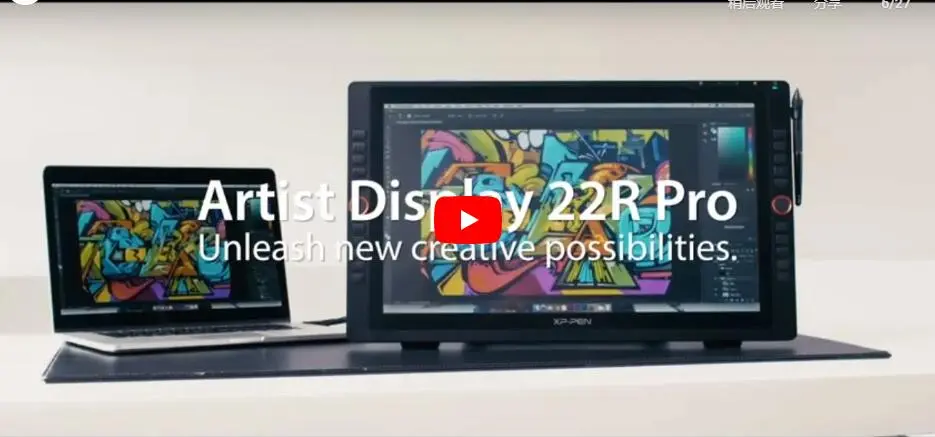
![https://resource.xp-pen.com/Uploads/ph/goods/20200305/6ee9244c82f9fd932a95884fe46c6ccc_500_500.webp]()
![https://resource.xp-pen.com/Uploads/ph/goods/20200305/573d68835fa0a62f469fc6558a194dcb_500_500.webp]()
![https://resource.xp-pen.com/Uploads/ph/goods/20200305/66946264143640b0ffab7b70ee2992d1_500_500.webp]()
![https://resource.xp-pen.com/Uploads/ph/goods/20230327/6d97027a2b841d86eea149ac84351ead_500_500.webp]()
![https://resource.xp-pen.com/Uploads/ph/goods/20200305/aa2b755c14a9d9754f3ef00d0f0e5910_500_500.webp]()
![https://resource.xp-pen.com/Uploads/ph/goods/20200305/9769fa12d3cbac7ee45648cb18674787_500_500.webp]()
![https://resource.xp-pen.com/Uploads/ph/goods/20200305/ee1430733c9c694d32bbd65446cb2c35_500_500.webp]()
![https://resource.xp-pen.com/Uploads/ph/goods/20200305/2ad299690e9ebf4c019e65255d8063de_500_500.webp]()
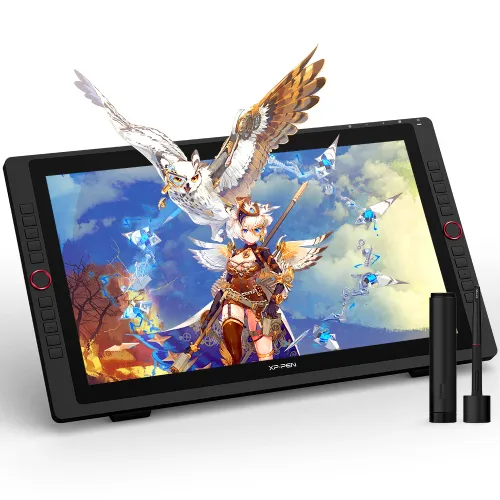
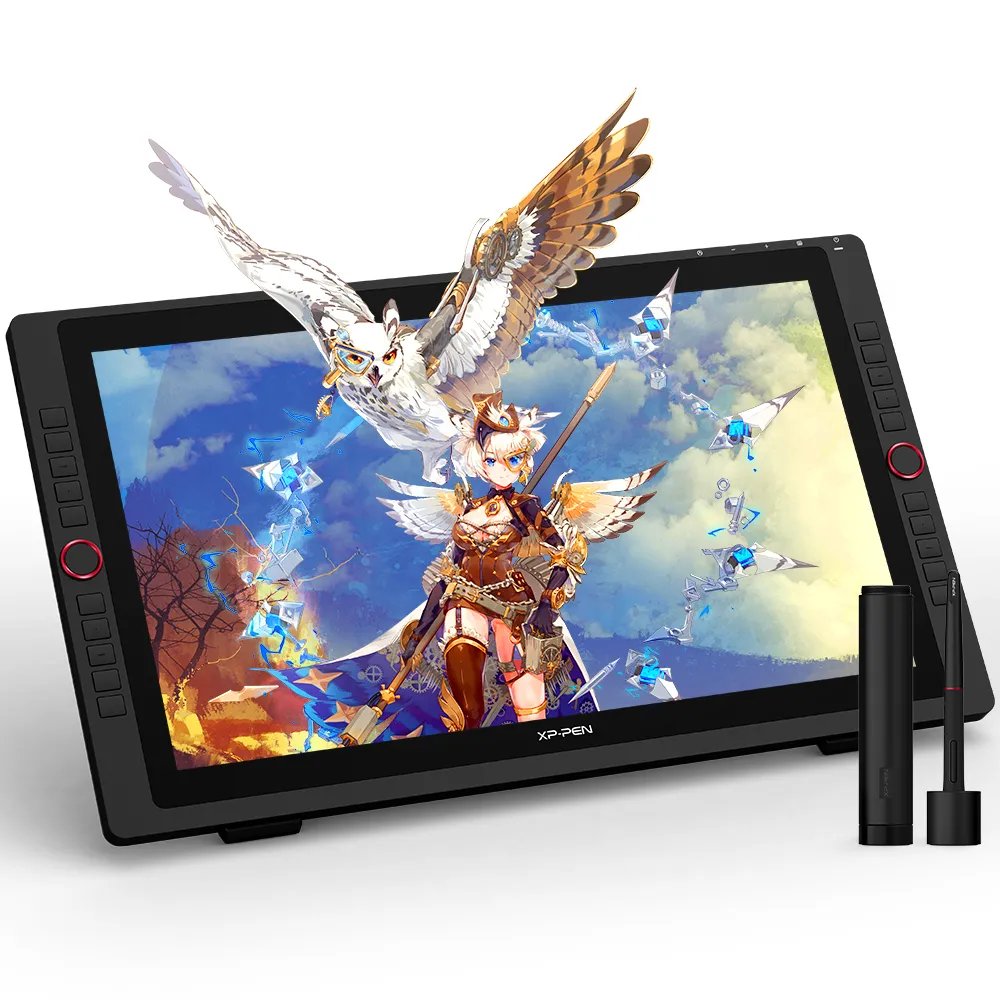
Artist 22R Pro Display
21.5-inch display supports a Type-C to Type-C connection 2 easy-to-control red dial wheels and 20 customizable shortcut keys
₱33,699
Standard Adaptor:
US Plug
Optional Accessories
Quantity:
Total
₱0
 Mag-log in at bumili para makatanggap ng tinatayang 0 X-Coins






Estimate:
Unleash your new
creative possibilities.
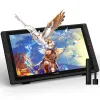
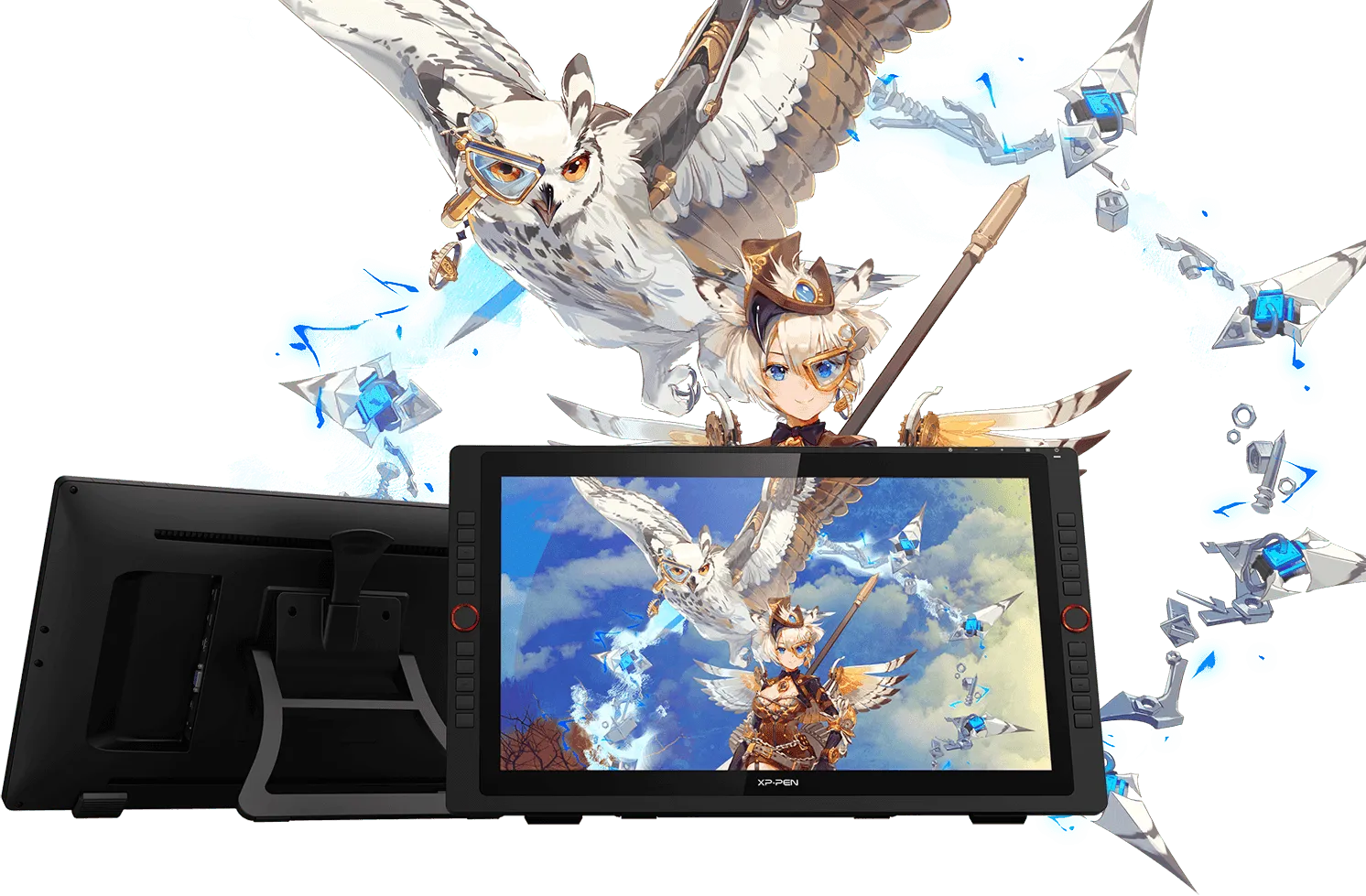
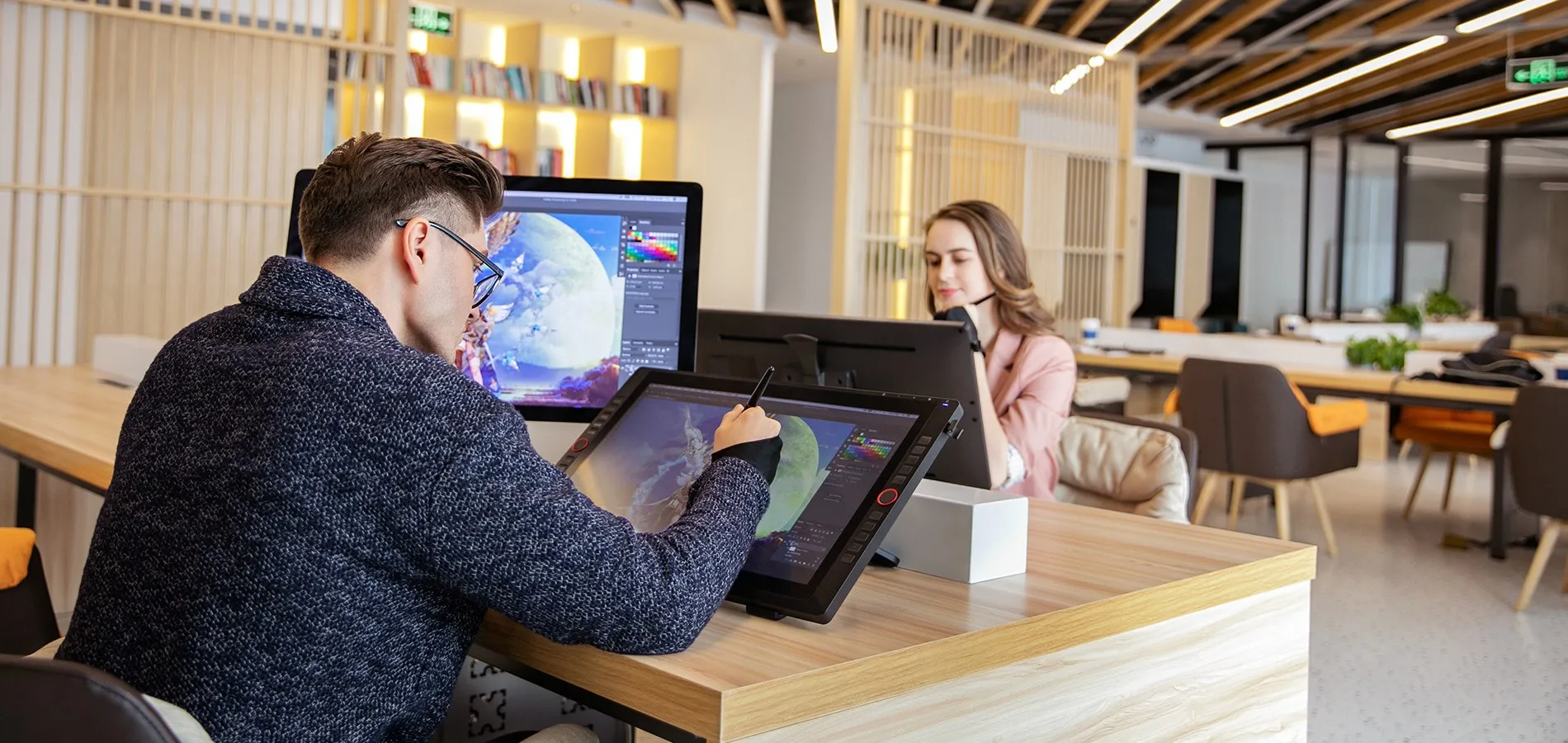
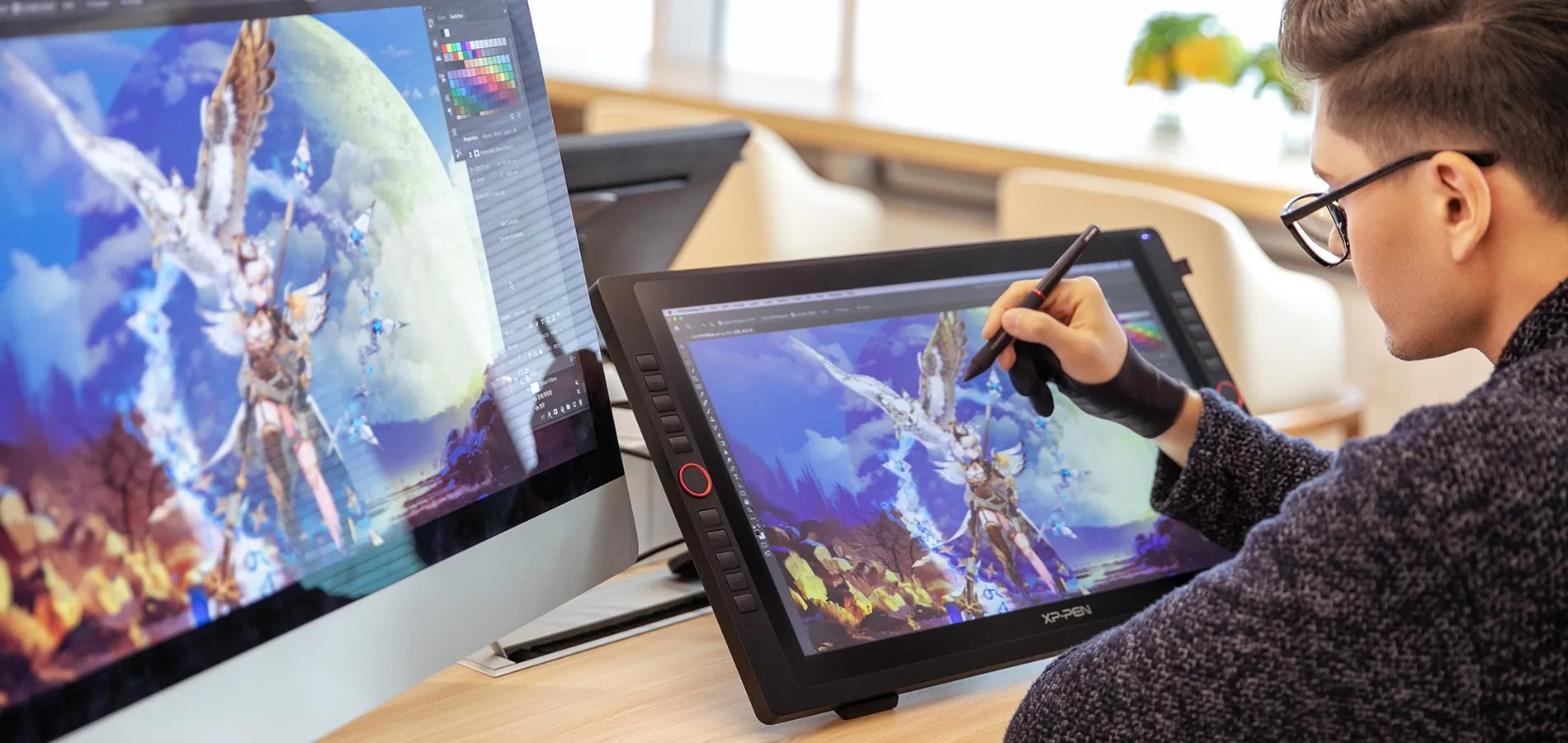
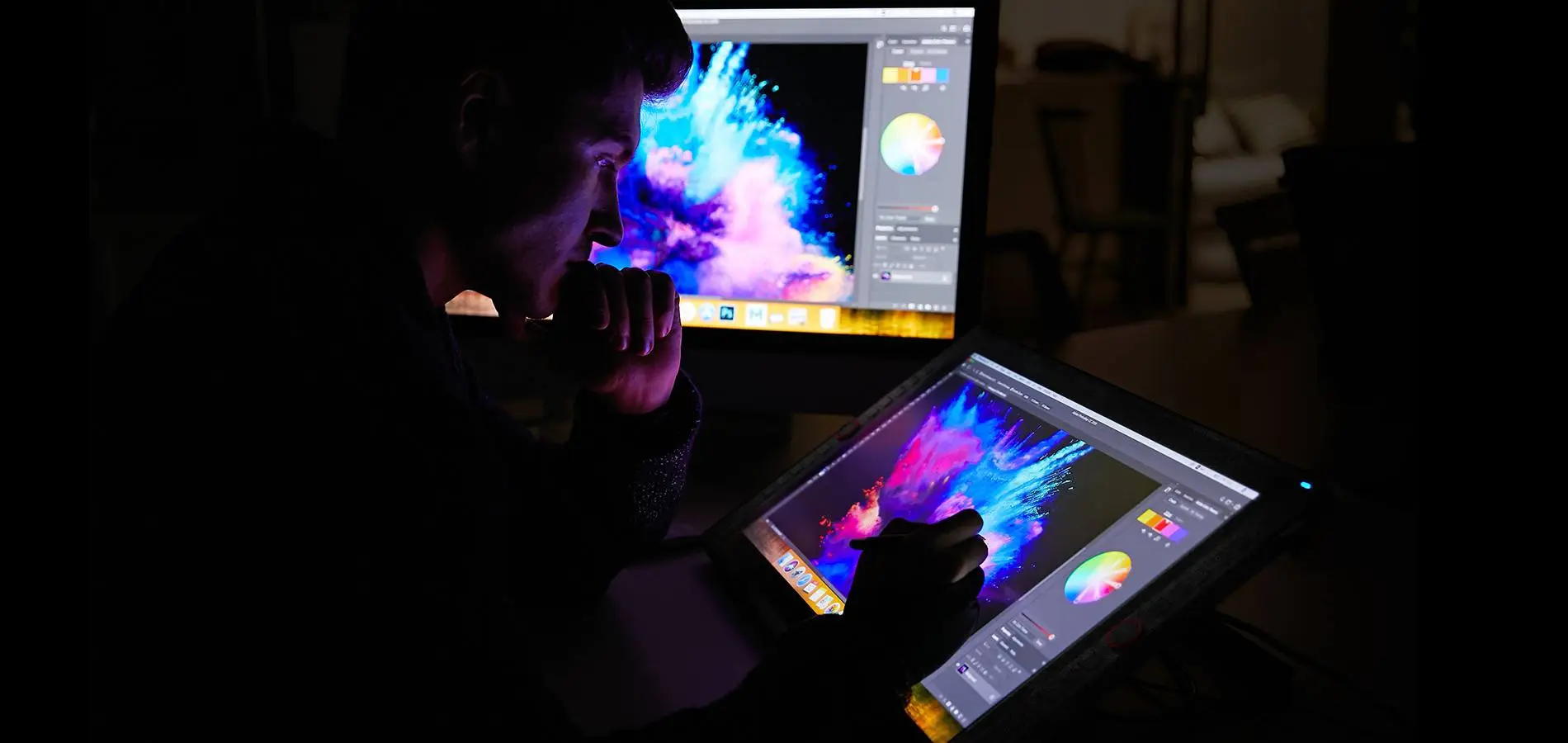
The XP-Pen Artist 22R Pro comes with a strikingly large 21.5-inch display and features 1080p resolution, allowing you draw, design, model and create directly onto the 22R Pro’s surface, letting you unleash new creative possibilities.

Design
Model
Draw
21.5
inch
1080P
resolution
Redefining the
professional standard.
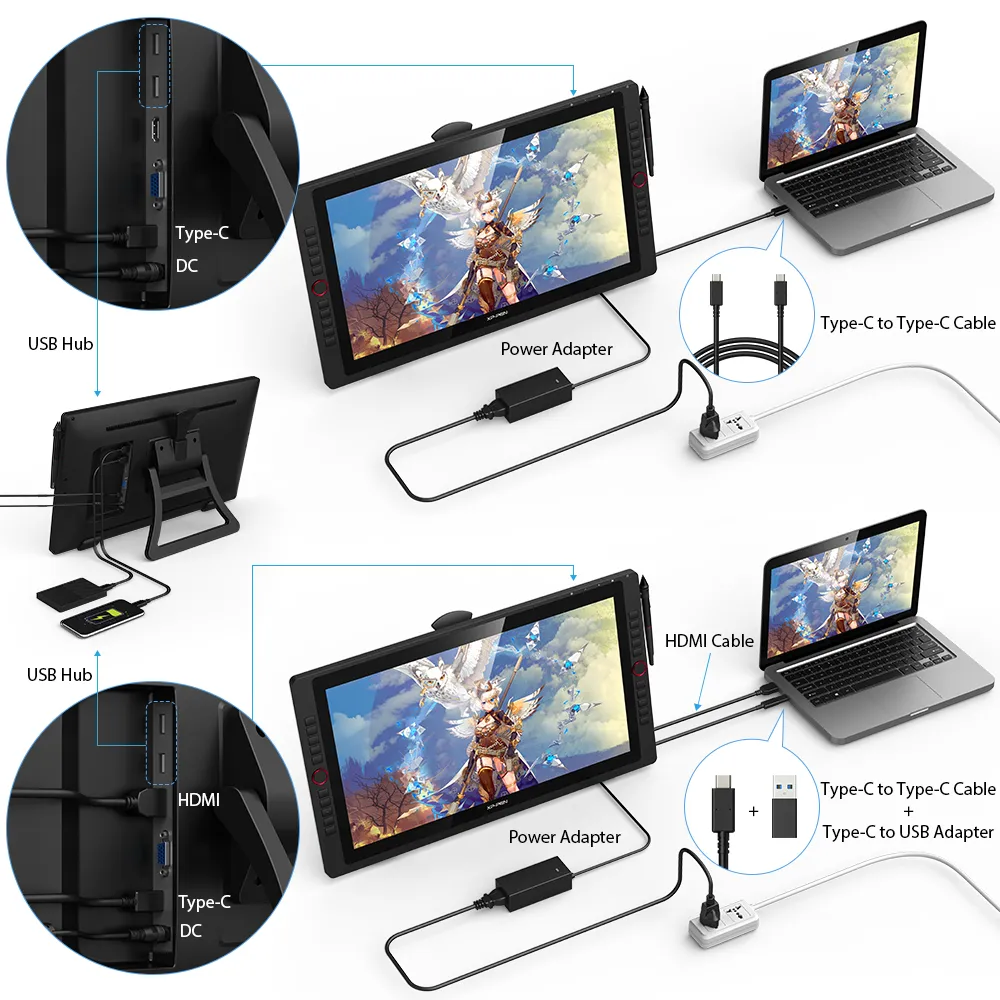
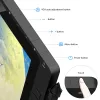
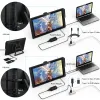
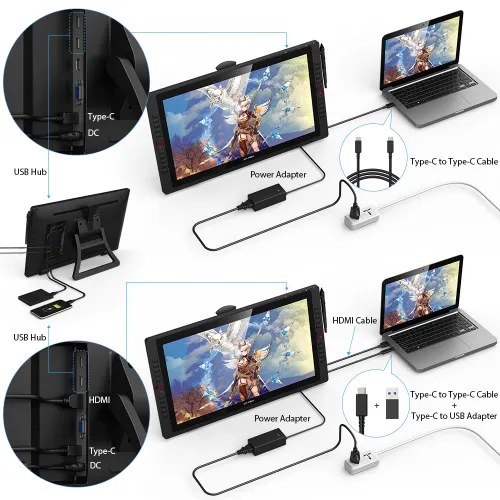
The Artist 22R Pro is the first graphics display that supports a USB-C to USB-C connection, letting you directly connect your iMac/Mac Book Pro and other Windows computers that support USB-C input to the 22R Pro without using a USB-C to HDMI &USB adapter.
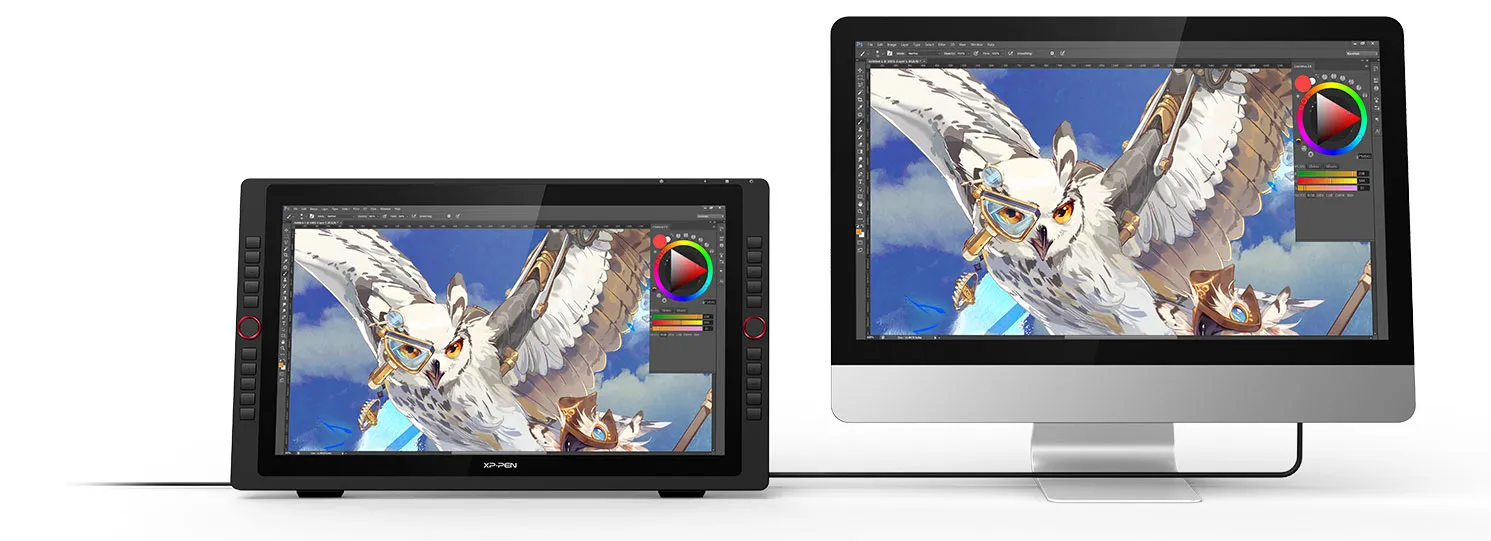
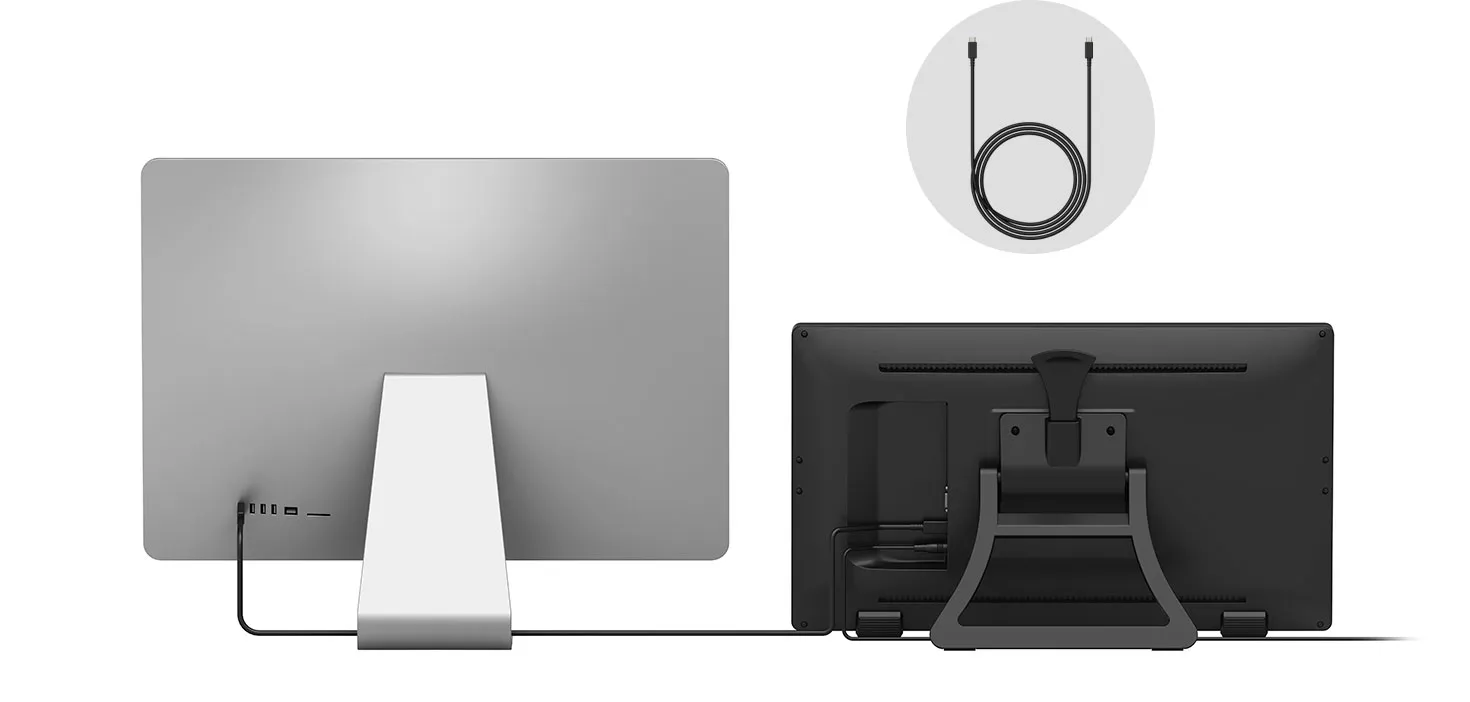
USB-C to USB-C Cable
USB-C
USB-C
DC
A drastically improved
user experience.
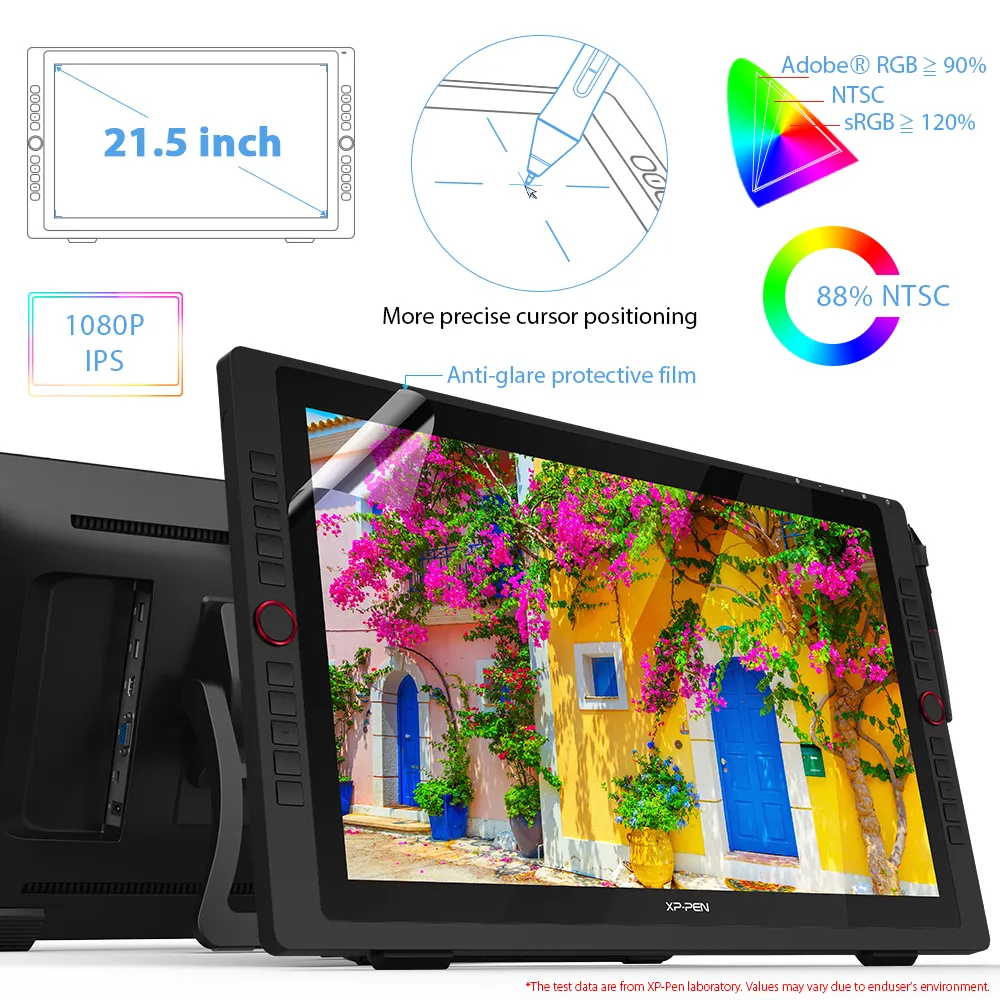
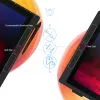
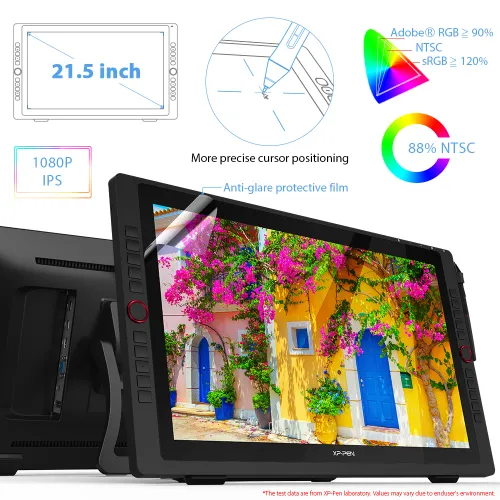
By applying the latest innovation and technology, the 22R Pro lets you draw with a more precise cursor positioning even at the four corners for an improved drawing experience.
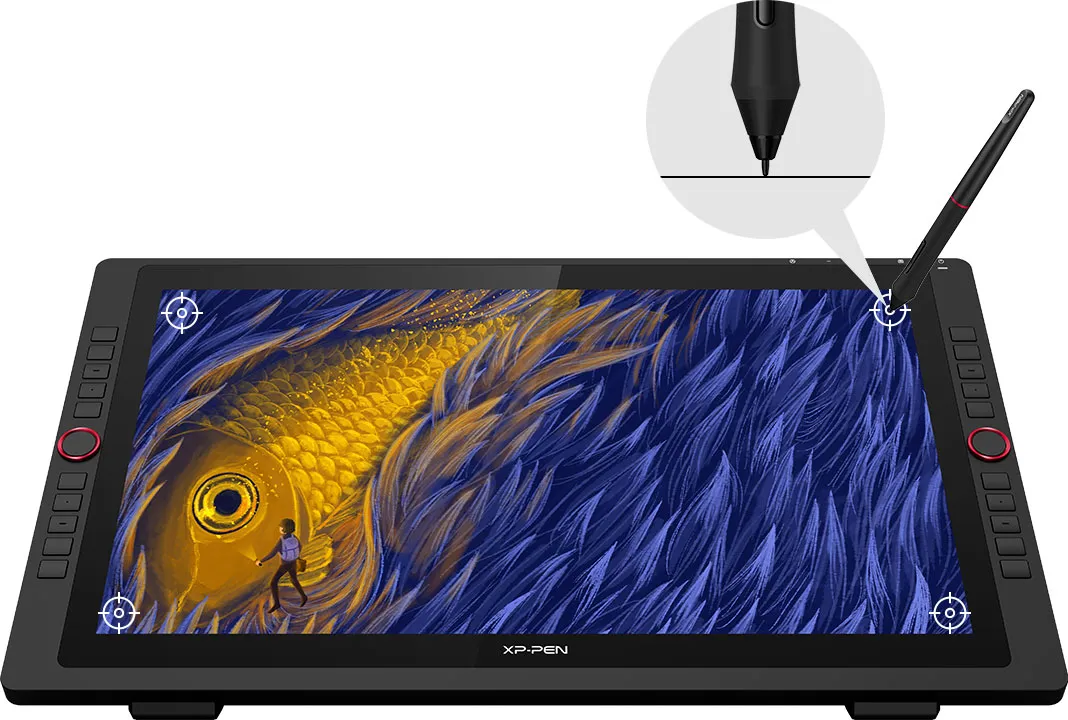
More precise cursor positioning
Redesigned to create more,
more naturally.
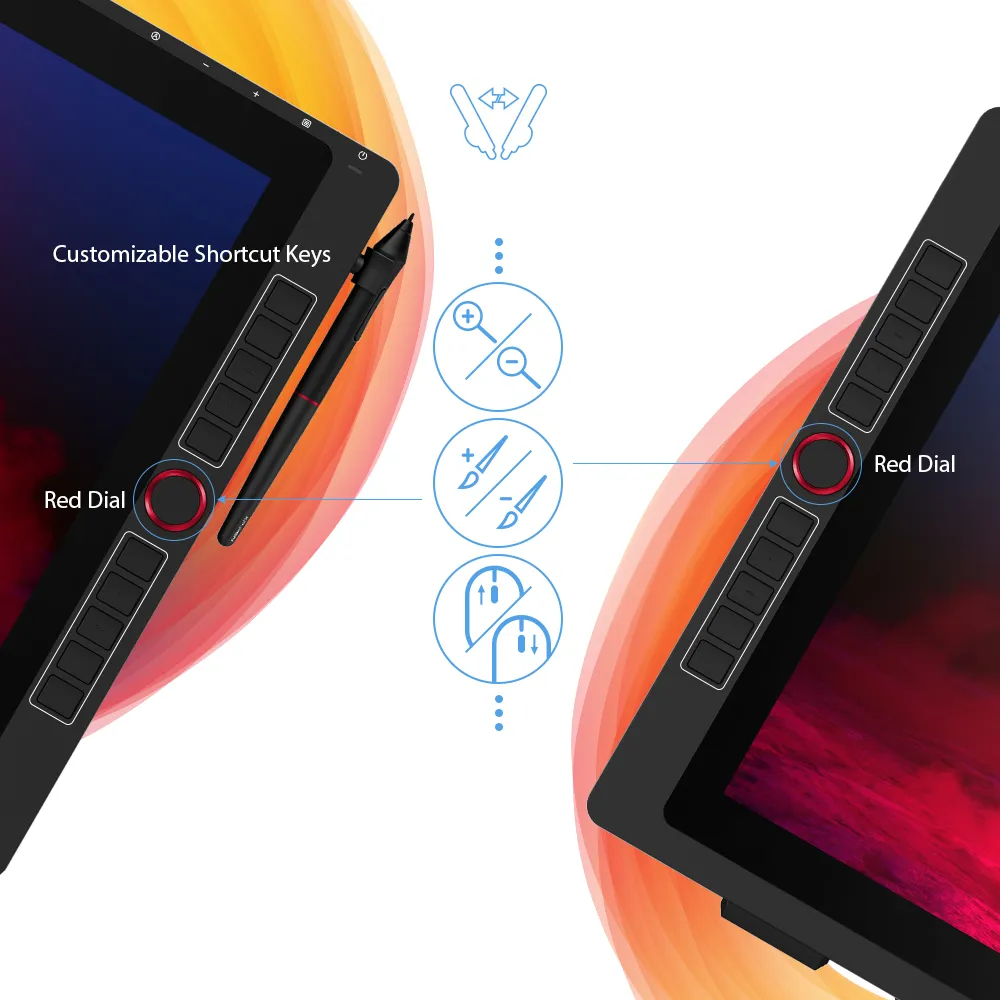
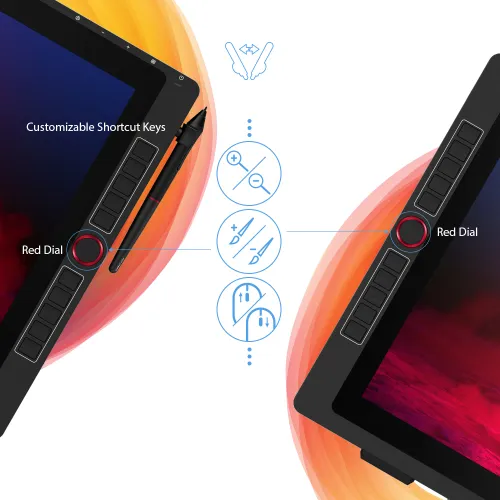
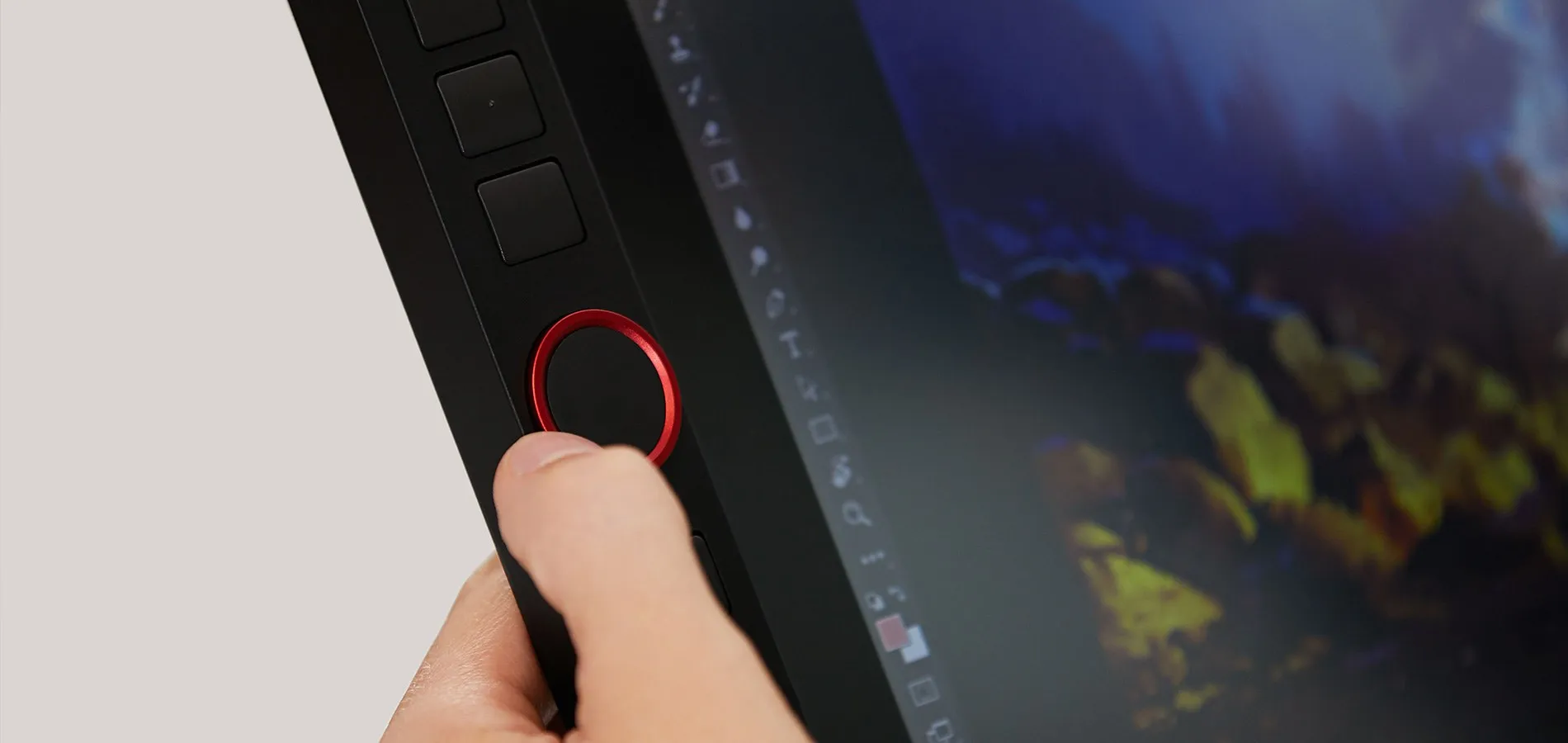
The XP-Pen Artist 22R Pro features two easy-to-control red dial wheels and 20 customizable shortcut keys that are conveniently placed on both sides, making it equally accessible for left and right-handed users.

2
red dial wheels
20
customizable shortcut keys
Let your ideas flow with
brilliant color.
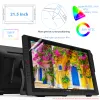
The 21.5 inch FHD Display pairs a superb color accuracy of 88% NTSC (Adobe® RGB≧90%,sRGB≧120%), adding brilliance to your creation with more exquisite details and vibrant colors.

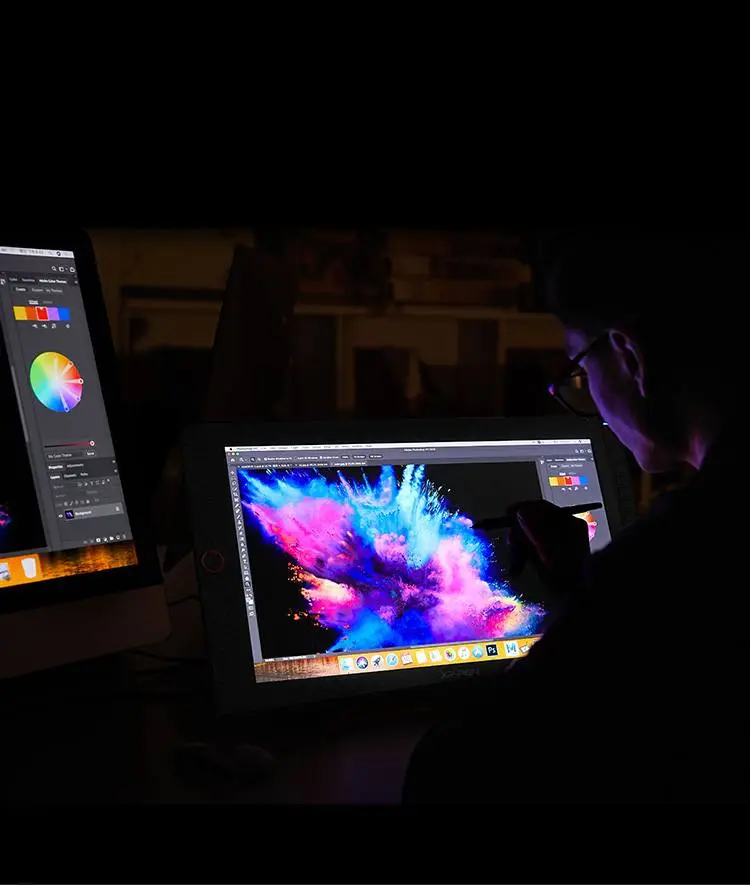

88% NTSC

More vibrant colors

More exquisite details
A fine stylus for even
finer expression.
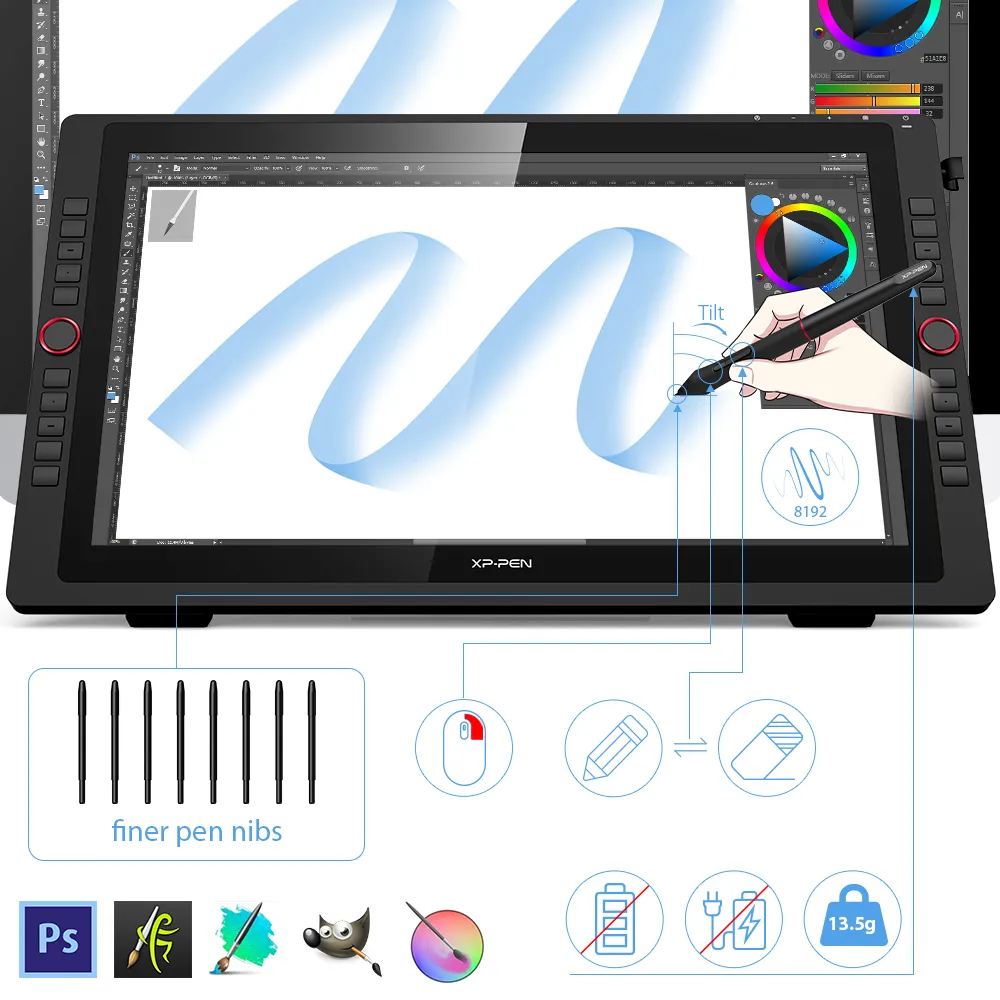
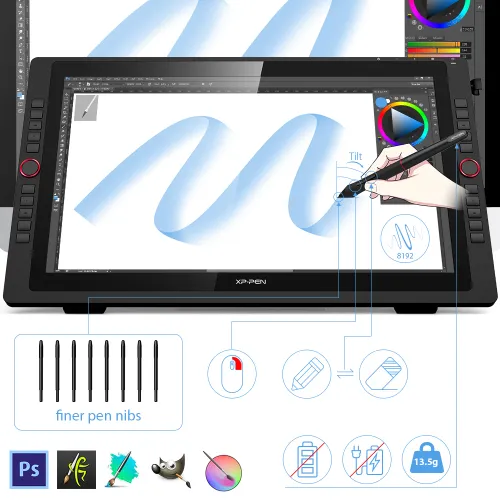
The PA2 battery-free Stylus supports up to 60 degrees of tilt function and provides superior line performance to create the finest sketches and lines.
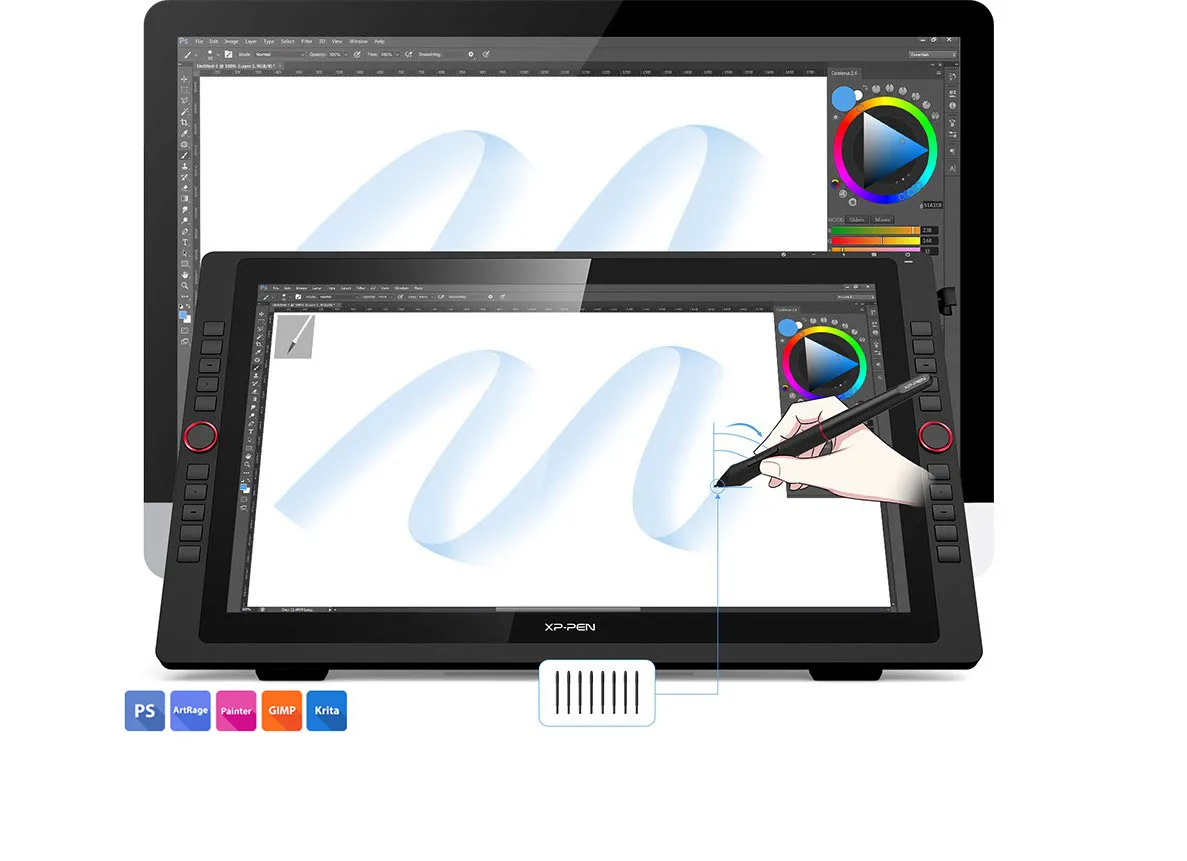
Finer pen nibs
Tilt
Small details that make
a big difference.
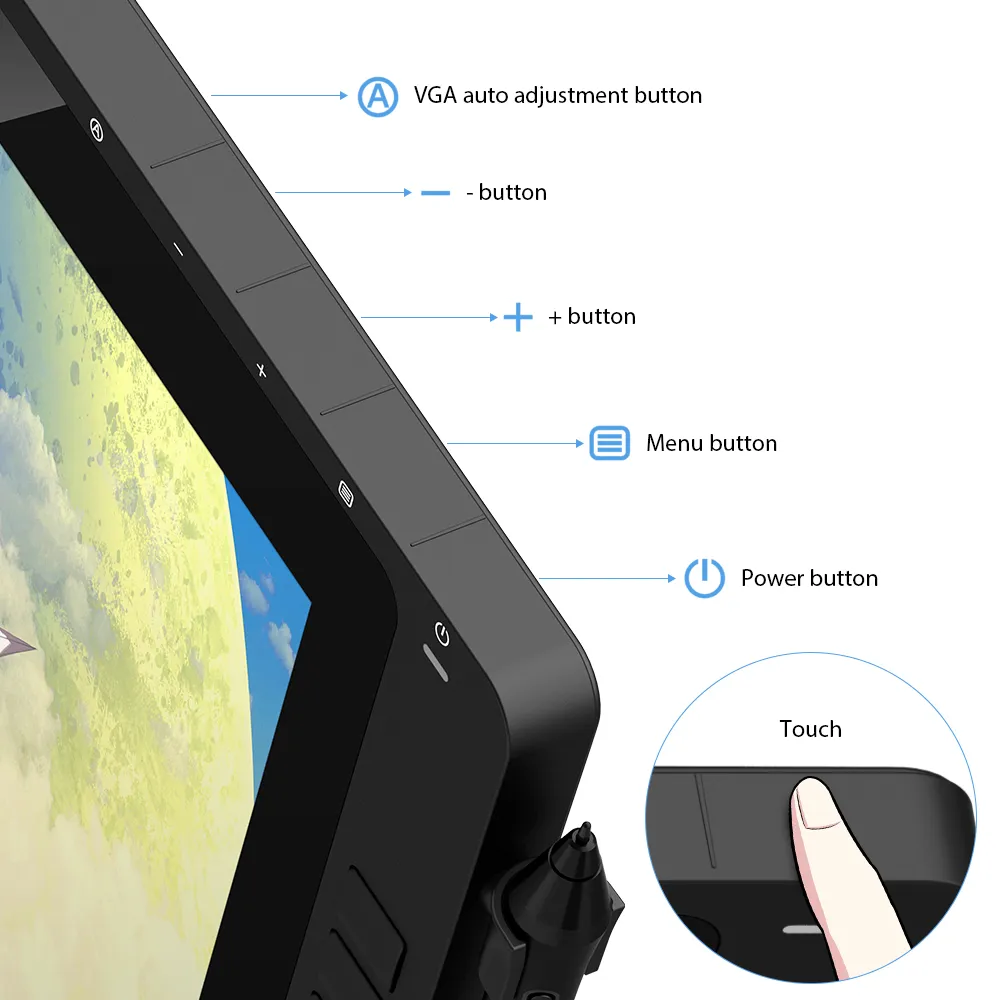
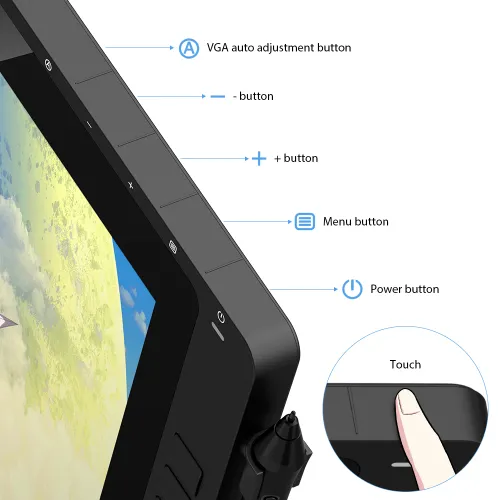
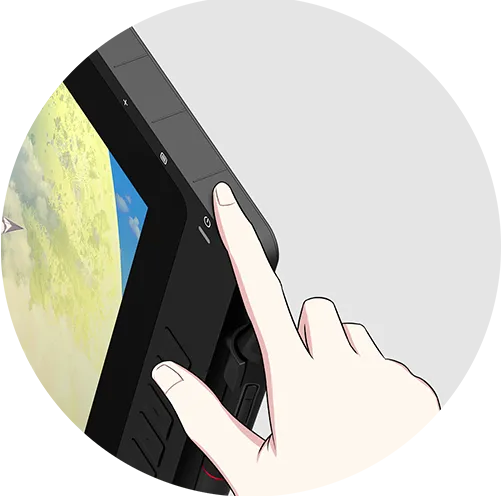
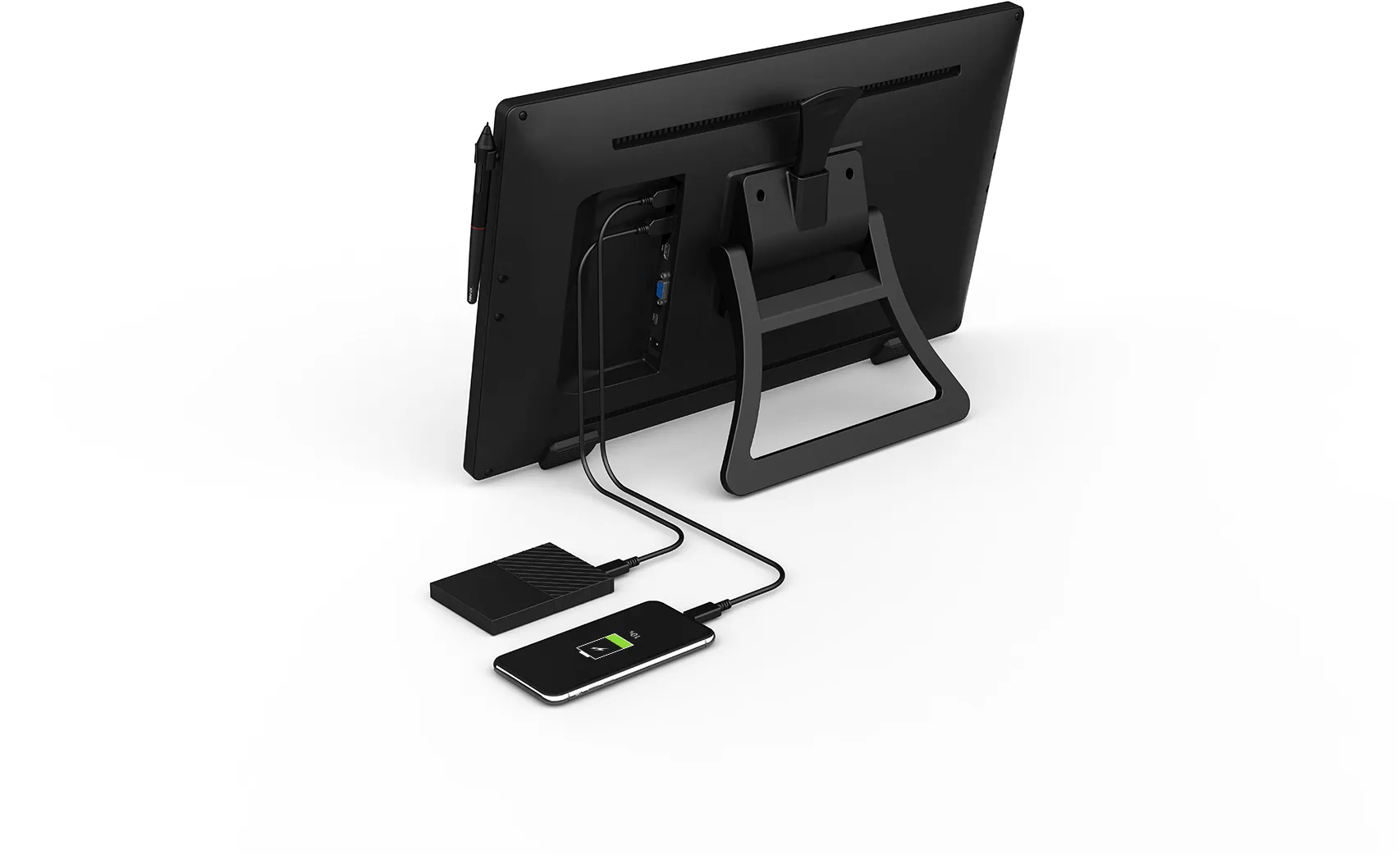
The Artist 22R Pro comes equipped with the USB Hub that can be used to connect your mouse or other devices. And the touch sensitive keys are specially designed to avoid sticking the way mechanical keys often do.
Click to see hardware compatibility for the USB-C interface.
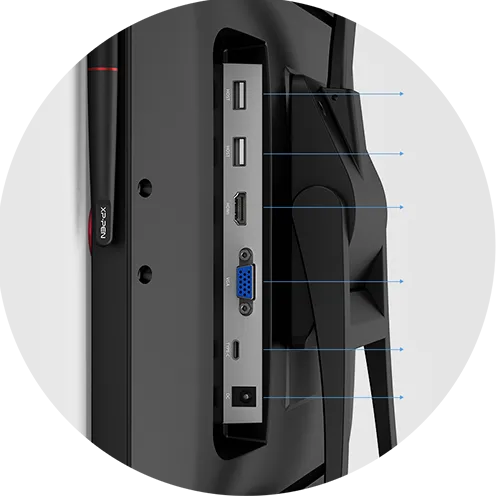
USB Hub
USB Hub
HDMI
VGA
USB-C
DC
Press for 3 sec. to turn on/off
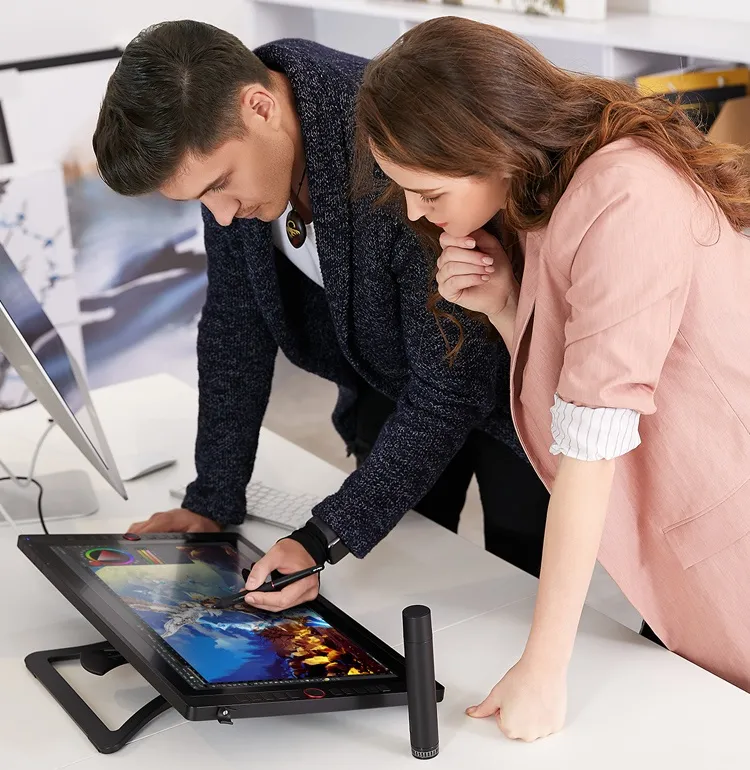
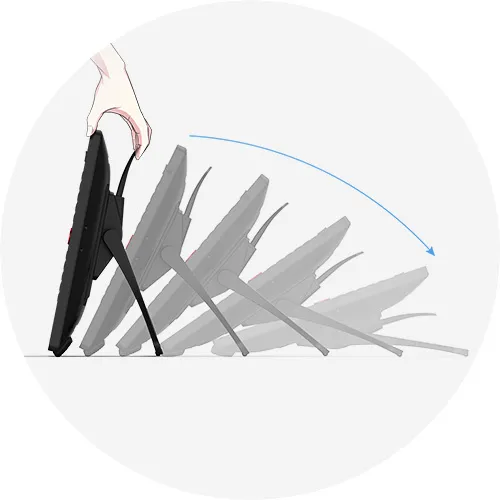
Convenience at its finest.
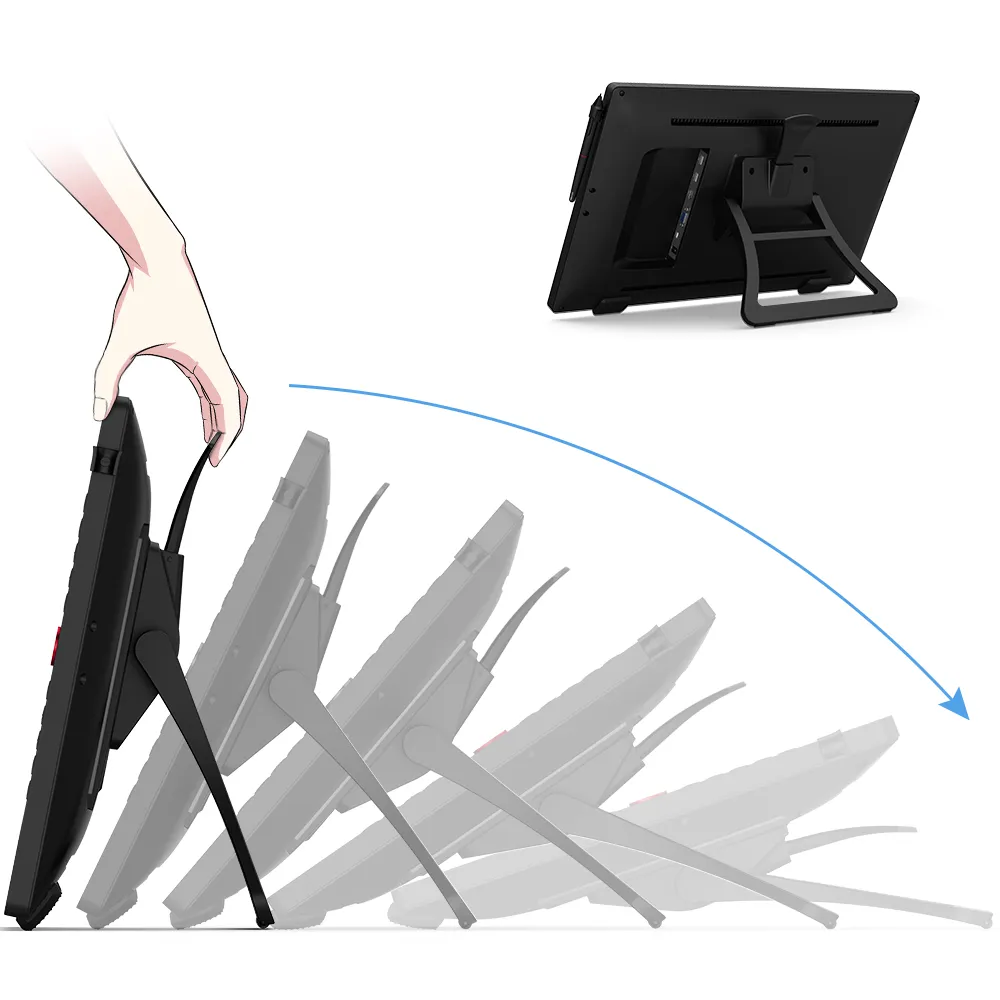
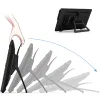
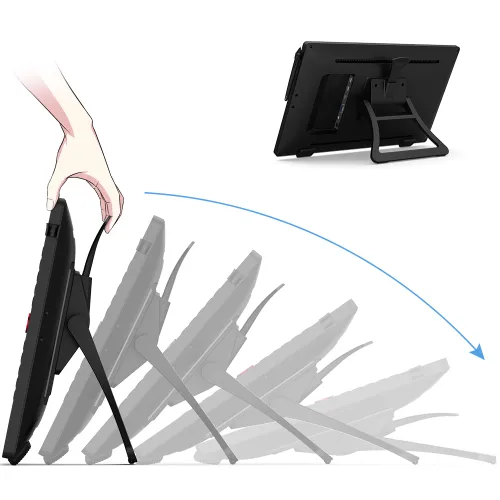
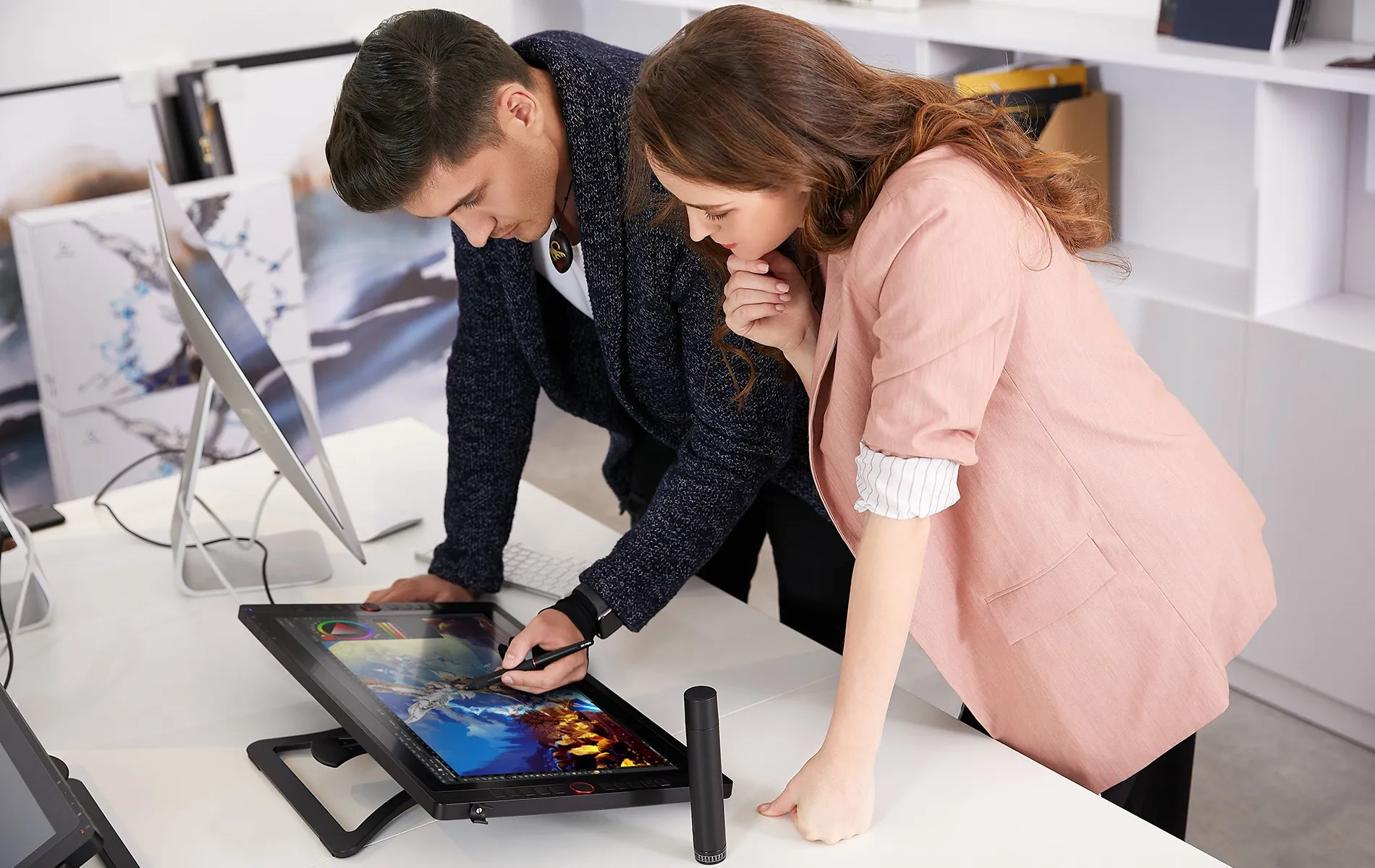
With the Artist 22R Pro’s integrated adjustable stand, you can change your working angle to suit your various needs of creating more easily and quickly. And the specially-designed pen slot on the front side provides quick and safe access to your pen.
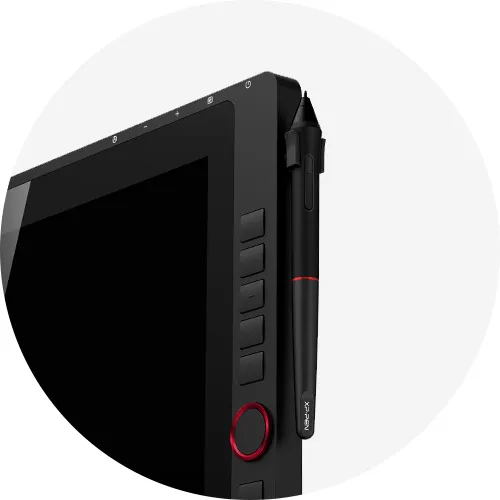
Pen slot
Accessories to match the
Artist 22R Pro.
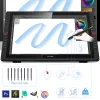
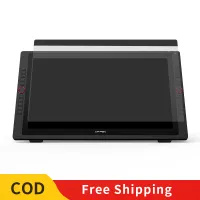
The XP-Pen Artist 22R Pro comes with a protective film to help protect your screen and reduce glare while keeping your screen crisp and clear even bright light, while the pen holder keeps your pen and pen nibs safe and doubles as a pen stand or pen holder.
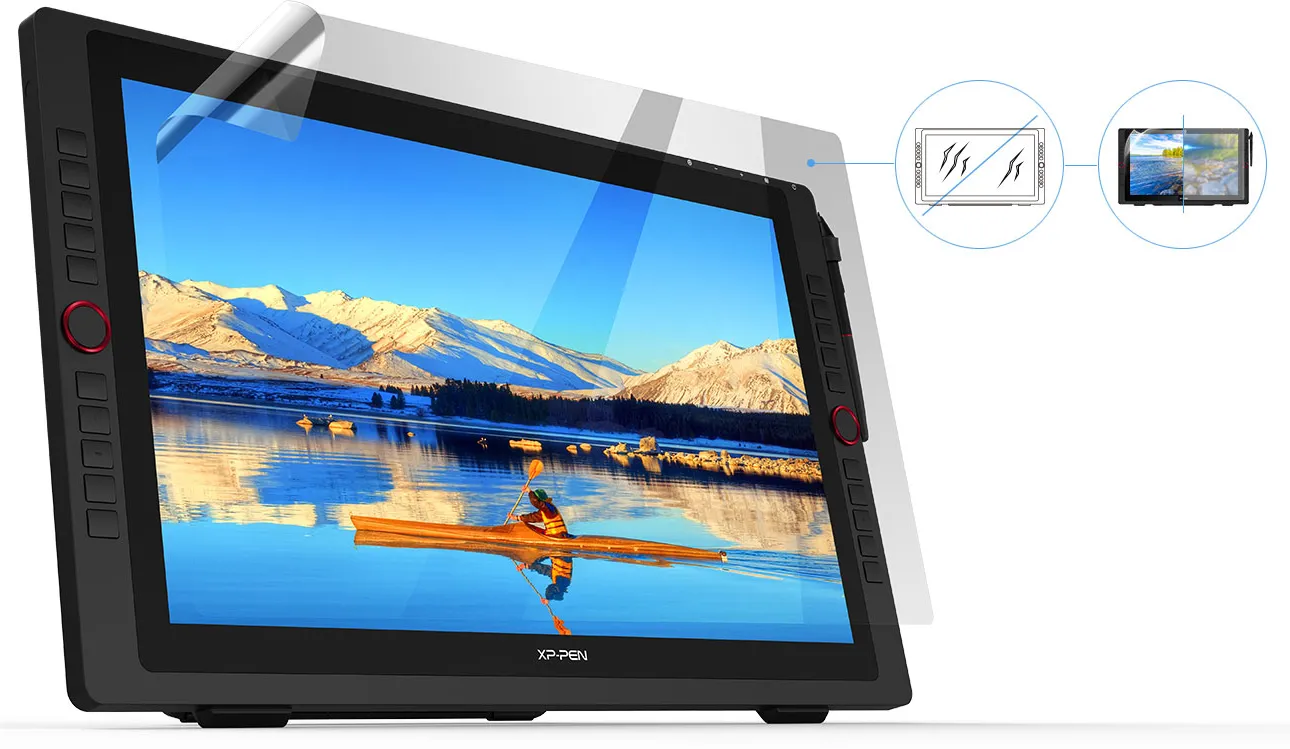
Scratch Resistance
Anti-glare
High Transparency

Incredibly versatile.
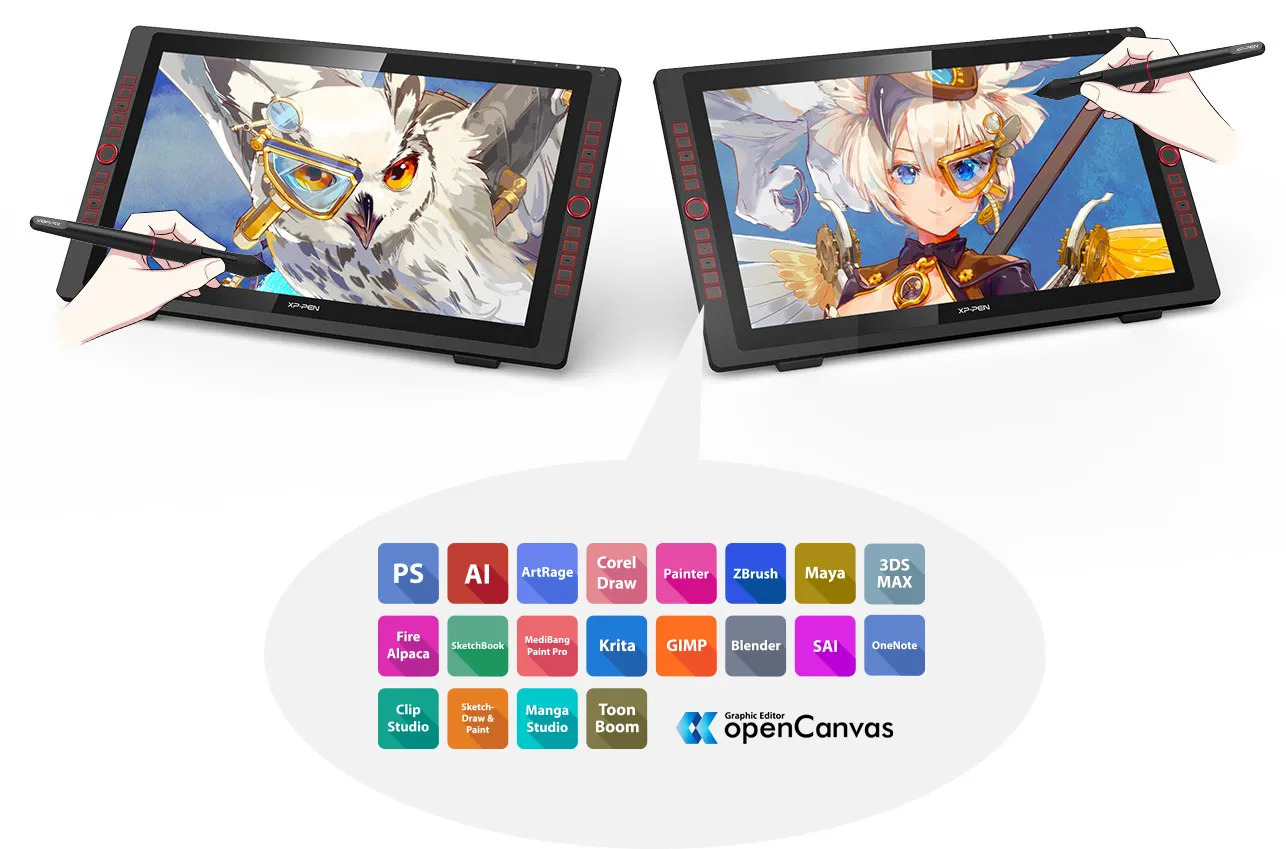
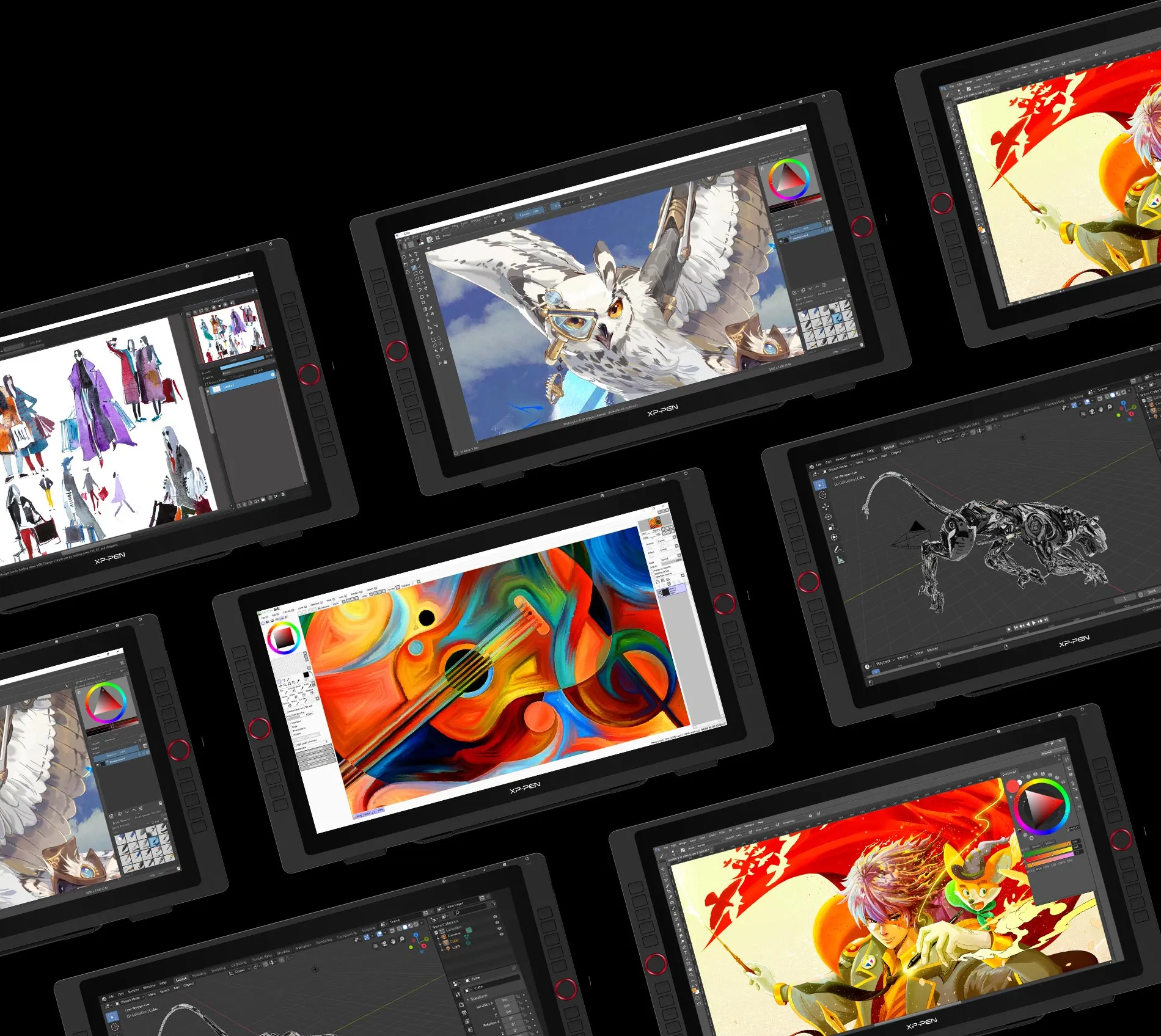
The XP-Pen Artist 22R Pro supports Windows® 10/8/7, Linux (Detailed versions), Mac OS X® 10.10 and higher. Compatible with popular digital art software such as Adobe® Photoshop®, Illustrator®, SAI®, CDR®, GIMP®, Krita®, Medibang®, Fire Alpaca®, Blender® 3D and more.



Specifications
| Dimension | 570*334.8*44.8mm |
| Display Area | 476.064*267.786mm |
| Color Gamut | about 88% NTSC, Adobe® RGB≧90%, sRGB≧120% |
| Display Resolution | 1920*1080Pixels |
| Red dial wheel | 2 |
| Shortcut keys | 20 |
| Stylus | Battery-free Stylus |
| Tilt | 60 Degrees |
| Pressure Sensitivity | 8192 Levels |
| Color Displays | 16.7M |
| Contrast | 1000:1 |
| Resolution | 5080LPI |
| Report Rate | Max≥ 200RPS |
| Accuracy | ±0.01 inch(Center) |
| Reading Height | 10mm |
| Interface support | 1x USB-C port, 2x USB Hub,1x HDMI port,1x VGA port,1x DC port |
| Response Time | 14ms |
| Viewing Angle | 178° |
| Aspect Ratio | 16:9 |
| Adjustable Angle of the stand | 16°~90° |
| Vesa Mount | 100x100mm |
| Power Consumption | 36W(12V/3A) |
| Compatibility | Windows® 10/8/7, Linux (Detailed versions), Mac OS X® 10.10 and higher |
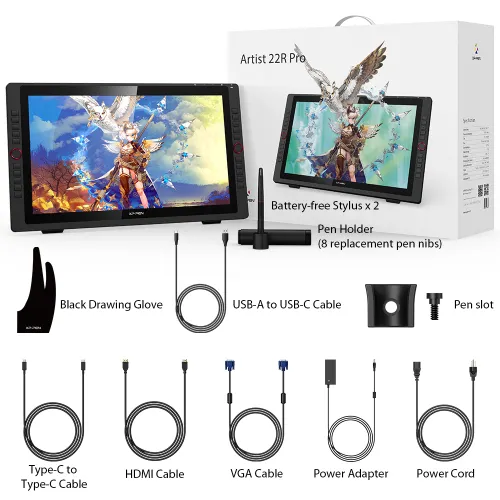
Package included
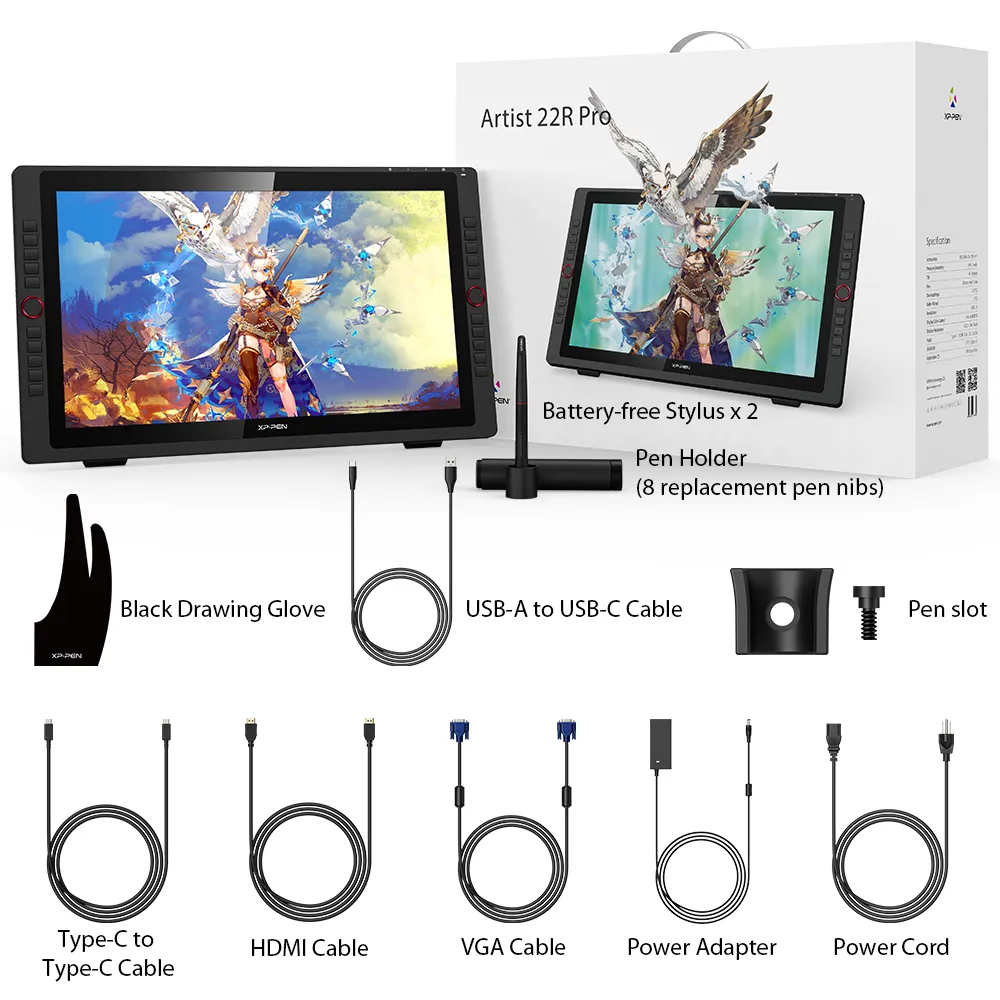
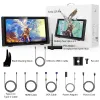
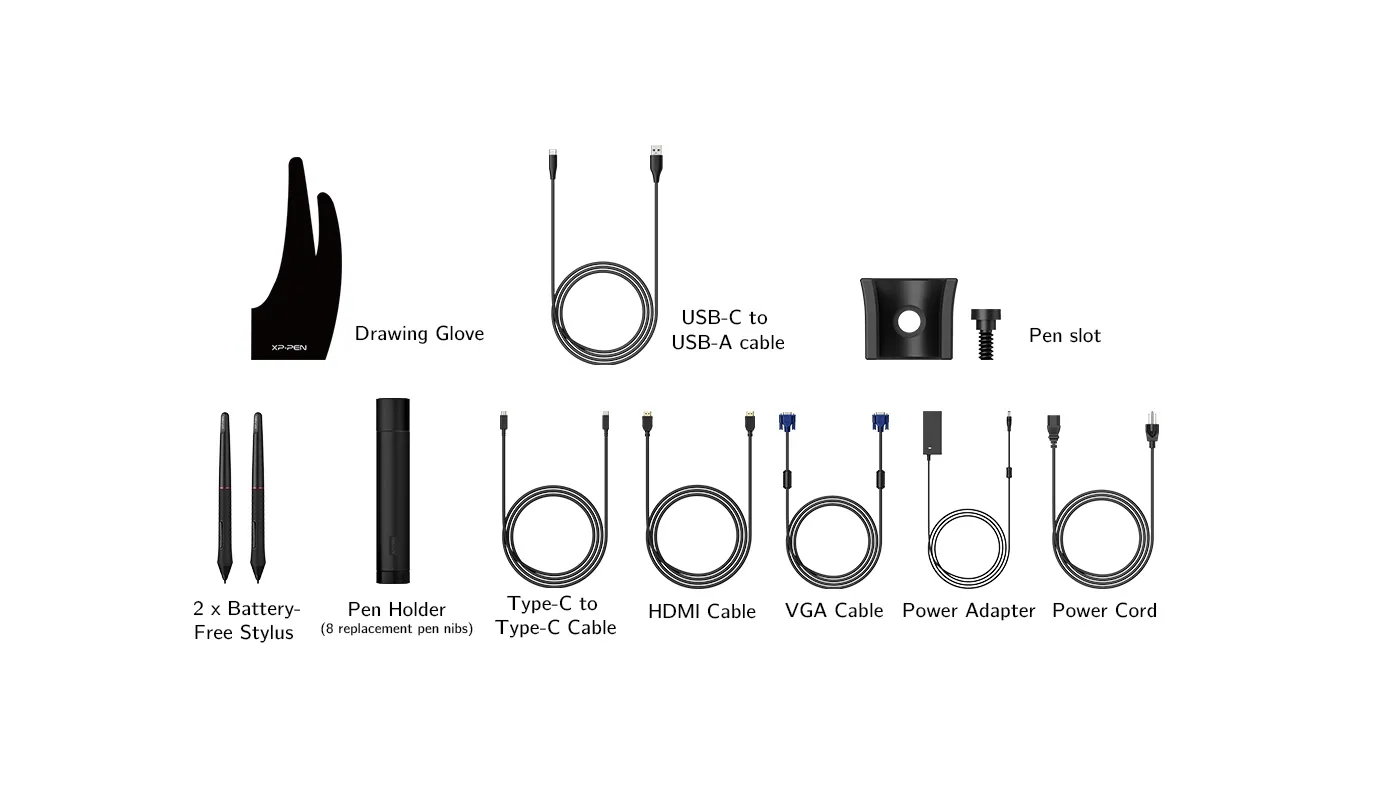
1 x XP-Pen 21.5” Graphics Display
2 x Battery-free Stylus
1 x USB-C to USB-C Cable
1 x USB-A to USB-C adapater
1 x VGA Cable
1 x HDMI Cable
1 x Power Adapter
1 x Power Cord
1 x Pen Holder (8 replacement pen nibs)
1 x Quick Guide
1 x Cleaning Cloth
1 x Black Drawing Glove
1 x Pen Slot
| Linux OS | Version | Package Format | Supported Software |
| Arch | Arch Linux2019.12.01(64-bit) | .deb, .sh | GIMP, Krita |
| Centos | Centos7.0(64-bit) | .rpm, .sh | GIMP |
| Centos8(64-bit) | .rpm, .sh | GIMP, Krita | |
| Debian | debian-9.5.0-amd64-netinst(64-bit) | .deb, .sh | GIMP, Krita |
| elementary OS | elementary OS 5.0(64-bit) | .deb, .sh | GIMP, Krita |
| ezgo Linux | ezgo14(64-bit) | .deb, .sh | GIMP, Krita |
| Fedora | Fedora32(64-bit) | .rpm, .sh | GIMP, Krita |
| Mageia | Mageia-7.1(64-bit) | .rpm, .sh | GIMP, Krita |
| Manjaro | manjaro-xfce-20.1.2-201019(64-bit) | .deb, .sh | GIMP |
| Mint | linuxmint-18.2-cinnamon-64bit | .deb, .sh | GIMP, Krita |
| OpenSUSE | openSUSE-Tumbleweed(64-bit) | .rpm, .sh | GIMP, Krita |
| Pop!_OS | pop-os_19.10(64-bit) | .deb, .sh | GIMP, Krita |
| Red Hat | Red Hat7(64-bit) | .rpm, .sh | GIMP |
| Ubuntu | Ubuntu14.04(64-bit) | .deb, .sh | GIMP, Krita |
| Ubuntu16.04(64-bit) | .deb, .sh | GIMP, Krita | |
| Ubuntu17.04(64-bit) | .deb, .sh | GIMP, Krita | |
| Ubuntu18.04(64-bit) | .deb, .sh | GIMP, Krita | |
| Ubuntu19.04(64-bit) | .deb, .sh | GIMP, Krita | |
| Ubuntu20.04(64-bit) | .deb, .sh | GIMP, Krita |
| Function | Krita 4.3.0 | Gimp 2.10.20 | Inkscape 0.92 |
| Pen Pressure Sensitivity | |||
| Tilt | |||
| Mouse Function | |||
| Eraser Button (Stylus:PH01, P06) | |||
| Switch between Pen and Eraser Modes | |||
| *If you have any further queries, please do not hesitate to contact us at service@xp-pen.com. | |||
Linux OS
Arch
Version
Arch Linux2019.12.01(64-bit)
Package Format
.deb, .sh
Supported Software
GIMP, Krita
Centos
Version
Centos7.0(64-bit)
Centos8(64-bit)
Centos8(64-bit)
Package Format
.rpm, .sh
.rpm, .sh
.rpm, .sh
Supported Software
GIMP
GIMP, Krita
GIMP, Krita
Debian
Version
debian-9.5.0-amd64-netinst(64-bit)
Package Format
.deb, .sh
Supported Software
GIMP, Krita
elementary OS
Version
elementary OS 5.0(64-bit)
Package Format
.deb, .sh
Supported Software
GIMP, Krita
ezgo Linux
Version
ezgo14(64-bit)
Package Format
.deb, .sh
Supported Software
GIMP, Krita
Fedora
Version
Fedora32(64-bit)
Package Format
.rpm, .sh
Supported Software
GIMP, Krita
Mageia
Version
Mageia-7.1(64-bit)
Package Format
.rpm, .sh
Supported Software
GIMP, Krita
Manjaro
Version
manjaro-xfce-20.1.2-201019(64-bit)
Package Format
.deb, .sh
Supported Software
GIMP
Mint
Version
linuxmint-18.2-cinnamon-64bit
Package Format
.deb, .sh
Supported Software
GIMP, Krita
OpenSUSE
Version
openSUSE-Tumbleweed(64-bit)
Package Format
.rpm, .sh
Supported Software
GIMP, Krita
Pop!_OS
Version
pop-os_19.10(64-bit)
Package Format
.deb, .sh
Supported Software
GIMP, Krita
Red Hat
Version
Red Hat7(64-bit)
Package Format
.rpm, .sh
Supported Software
GIMP
Ubuntu
Version
Ubuntu14.04(64-bit)
Ubuntu16.04(64-bit)
Ubuntu17.04(64-bit)
Ubuntu18.04(64-bit)
Ubuntu19.04(64-bit)
Ubuntu20.04(64-bit)
Ubuntu16.04(64-bit)
Ubuntu17.04(64-bit)
Ubuntu18.04(64-bit)
Ubuntu19.04(64-bit)
Ubuntu20.04(64-bit)
Package Format
.deb, .sh
.deb, .sh
.deb, .sh
.deb, .sh
.deb, .sh
.deb, .sh
.deb, .sh
.deb, .sh
.deb, .sh
.deb, .sh
.deb, .sh
Supported Software
GIMP, Krita
GIMP, Krita
GIMP, Krita
GIMP, Krita
GIMP, Krita
GIMP, Krita
GIMP, Krita
GIMP, Krita
GIMP, Krita
GIMP, Krita
GIMP, Krita
Function
Pen Pressure Sensitivity
Krita 4.3.0
Gimp 2.10.20
Inkscape 0.92
Tilt
Krita 4.3.0
Gimp 2.10.20
Inkscape 0.92
Mouse Function
Krita 4.3.0
Gimp 2.10.20
Inkscape 0.92
Eraser Button(Stylus:PH01, P06)
Krita 4.3.0
Gimp 2.10.20
Inkscape 0.92
Switch between Penand Eraser Modes
Krita 4.3.0
Gimp 2.10.20
Inkscape 0.92
*If you have any further queries, please do not hesitate to contact us at service@xp-pen.com.
4.9


Based on 9
89%(8)

11%(1)
0(0)
0(0)
0(0)
Mr. Zomerplaag
Apr 11 ,2020 PM 17:00 Artist 22R Pro Display
Amazing tablet
Had Wacoms before. This is comparable at a fraction of the cost. Pen is heavy and feels nice in your hand. The drawing is smooth. And once calibrated to my machine it works like a dream. The keys work perfectly on Mac and Windows. And wheel is set up for zoom and is a HUGE time saver!
Official mall
Apr 11 ,2020 PM 18:06
Thank you so much for your support. It\'s very pleasing to hear that you\'re satisfied with our product.
Enjoy this item and have a nice day : )
Useful(0)+1
Roselle
Mar 22 ,2021 PM 16:06 Artist 22R Pro Display
Love this product
I adore this tablet so far, one thing though thats a little bit annoying is sometimes my screens get confused and my tablet pen controls my main screen at random and i have to restart to fix it. I am running the driver off the website. But this is a minor complaint and im overall extremely happy. the dials are a super helpful feature.
Official mall
Mar 29 ,2021 AM 11:38
Thanks for your good feedback.we are glad you are satisfied with it.
Useful(0)+1
XFANSc39036tv
Jun 26 ,2021 PM 20:14 Artist 22R Pro Display
AMAZING PRODUCT!!!!!
So far after I used it for 3 days I never experience any problem regarding this product, somehow I'm very satisfied with its performance!! Highly recommended!! :) :)
Official mall
Jun 29 ,2021 PM 15:44
Dear Customer,
Great thanks for your good feedback.
We are glad that our product can help you on your working. Enjoy the drawing. :)
Useful(2)+1
Learn More
XFANSja7rz265
Jan 11 ,2025 PM 22:20 Artist 22R Pro Display
Hello, can i pay via Gcash?
Reply1
Official mall
Feb 20 ,2025 PM 17:14
Hello, we have Gcash payment, thanks.
Reply to this review
XFANSufyommdj
Feb 03 ,2024 AM 09:13 Artist 22R Pro Display
Do you accept Credit cards?
Reply0
XFANSytl9ol2b
Jan 13 ,2023 AM 02:10 Artist 22R Pro Display
Is this compatible with windows 11?
Reply1
Official mall
Feb 28 ,2023 PM 14:11
Yes, it compatible with windows 11, thanks.
Reply to this review
XFANSidcix958
Oct 22 ,2022 PM 22:39 Artist 22R Pro Display
Hello po. Saan po manggagaling yong unit. Overseas po ba or Dito sa Philippines?
Reply1
Official mall
Oct 24 ,2022 PM 12:12
Hello, Artist 22R Pro ship from Manila, Philippines, thanks.
Reply to this review
Kezt
Jul 07 ,2022 PM 20:55 Artist 22R Pro Display
Where to buy the pen and pen nibs para sa Artist 22R pro po?
Reply1
Official mall
Jul 11 ,2022 PM 19:01
We have pen and pen nibs sell, you may check on accessories page,thanks.
Reply to this review
Kezt
Jul 07 ,2022 PM 20:50 Artist 22R Pro Display
Are you gonna update your app or is abandoned po?
Reply1
Official mall
Jul 11 ,2022 PM 19:04
What app do you refer to? for driver version, we updated time to time when there is a big changes, thanks.
Reply to this review
Kezt
Jul 07 ,2022 PM 20:47 Artist 22R Pro Display
If the product I'd receive and if it's damaged and I return a product are you gonna give me a refund? And also how are you gonna give a refund if I used Gcash etc. Are you gonna remember my number?
Example ra ni po.
Reply1
Official mall
Jul 11 ,2022 PM 19:03
Dear Customer,
If there is damaged when you received, we can offer you return and refund.
Our account can support the refund on Gcash, the platfrom know your information, thanks.
Reply to this review
Kezit
Apr 28 ,2022 AM 09:48 Artist 22R Pro Display
Can I install a vesa mount?
Reply1
Official mall
Apr 28 ,2022 AM 10:23
yes, it can install Vesa mount, thanks
Reply to this review
Ysabella Bacolod
Oct 05 ,2020 PM 20:53 Artist 22R Pro Display
Do you provide Cash-On-Delivery (COD)?
Reply1
Official mall
Oct 10 ,2020 PM 15:40
Sorry we do not have COD serive now, maybe in the near future, we may add this service for PH market.
for now, you may order from our Shopee or Lazada on COD service, thanks.
Reply to this review