


Getting started with your
XPPen Artist Series Pen Display (2nd Gen)
1/10
![https://resource.xp-pen.com/Uploads/ph/goods/20220429/e41a1067ea909f8ae34efa70ea03f363_500_500.webp]()
![https://resource.xp-pen.com/Uploads/ph/goods/20220429/b1d876bdfed2ab6ca9003a9770435c87_500_500.webp]()
![https://resource.xp-pen.com/Uploads/ph/goods/20220429/531ddd419a2de3f70c58fcd7cd9ea233_500_500.webp]()
![https://resource.xp-pen.com/Uploads/ph/goods/20220429/fbb767287ae419837073de621b35f9f3_500_500.webp]()
![https://resource.xp-pen.com/Uploads/ph/goods/20220429/4dd2f6f1ab77d4ecaede2d563eeed963_500_500.webp]()
![https://resource.xp-pen.com/Uploads/ph/goods/20220429/cbc6ef6c98e472ff7f91cc8433788f25_500_500.webp]()
![https://resource.xp-pen.com/Uploads/ph/goods/20220429/06a2574184427de39ff4aaa16cfd14a7_500_500.webp]()
![https://resource.xp-pen.com/Uploads/ph/goods/20220429/8a15a10b5e76d7a60695233f9e20f521_500_500.webp]()
![https://resource.xp-pen.com/Uploads/ph/goods/20220429/2fcba2bae1792ea7048d18b5d0a253ac_500_500.webp]()
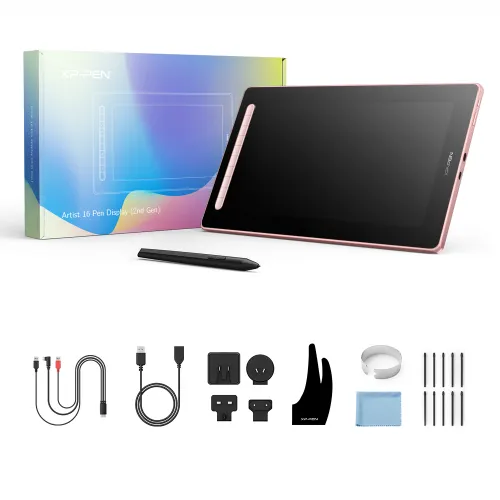
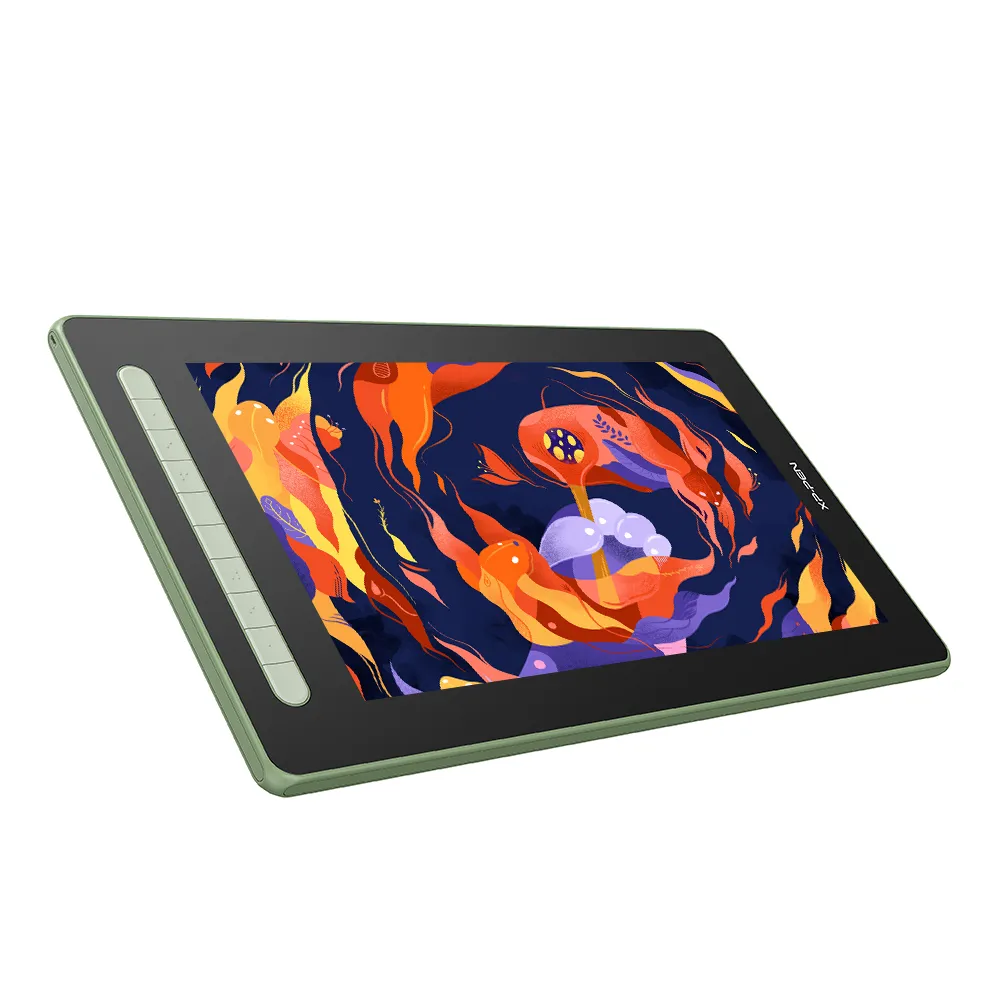
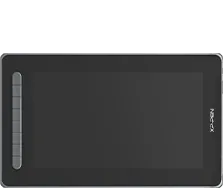
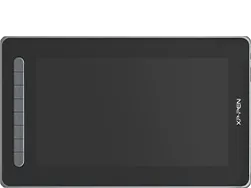
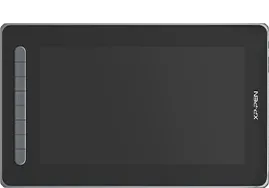
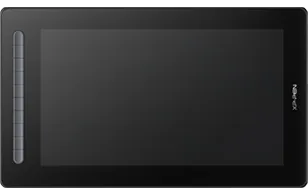
Artist 16 2nd Gen
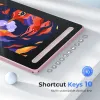
X3 Tech Stylus, 10 Shortcut keys
₱19,999
Colors:
Black
Optional Accessories
Quantity:
Total
₱0.00


Estimate:
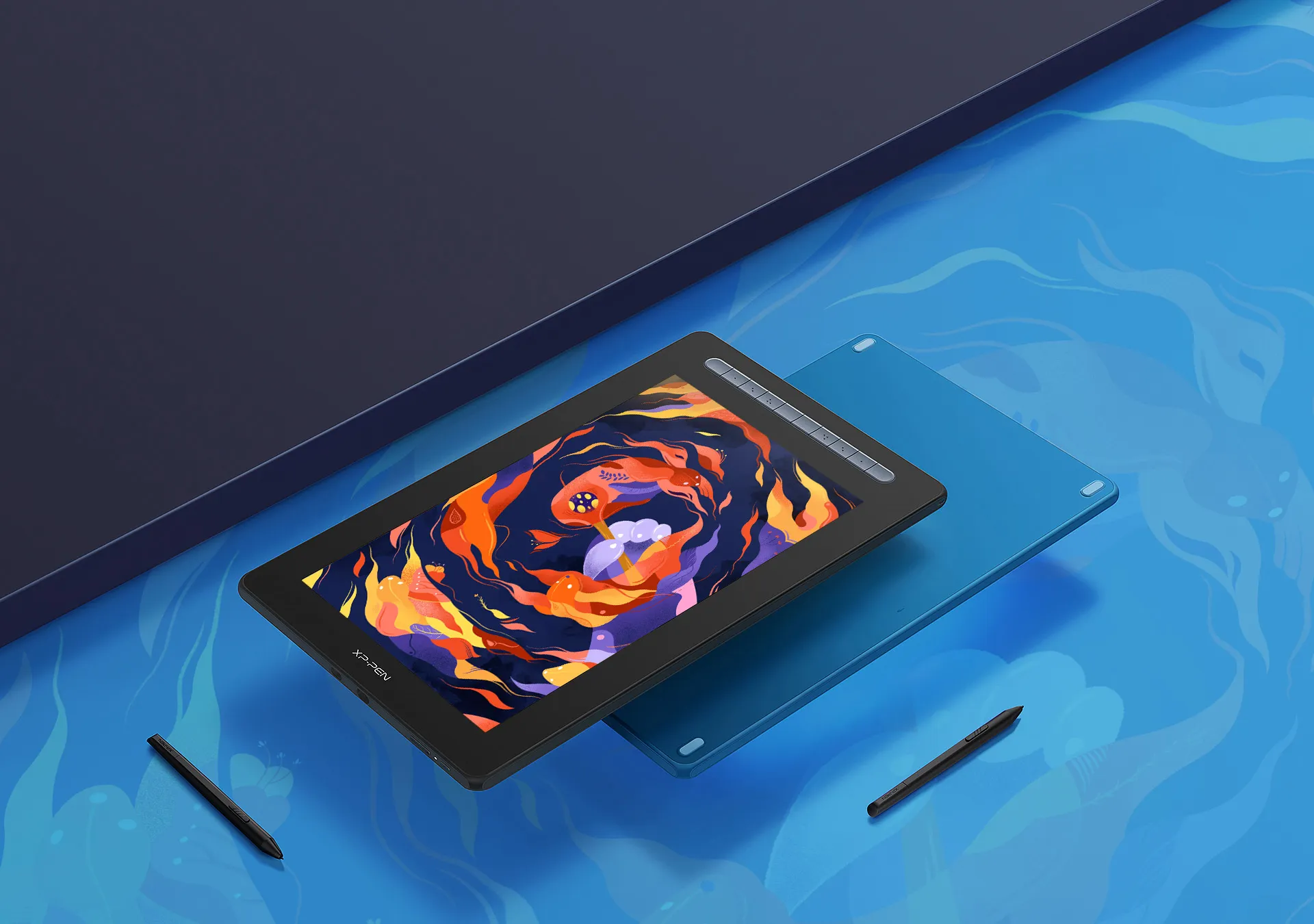
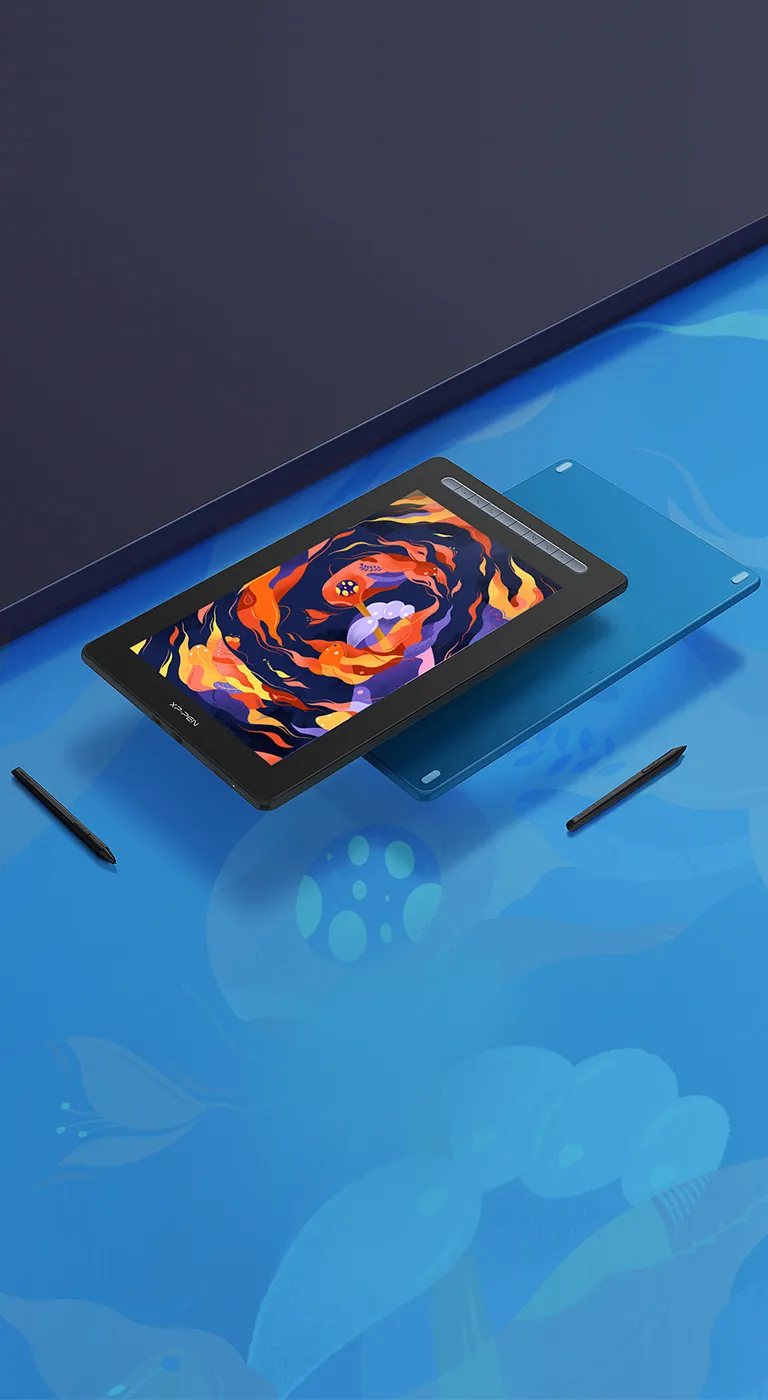
New Artist, innovative drawing display with X3 chip stylus
Watch the video >>
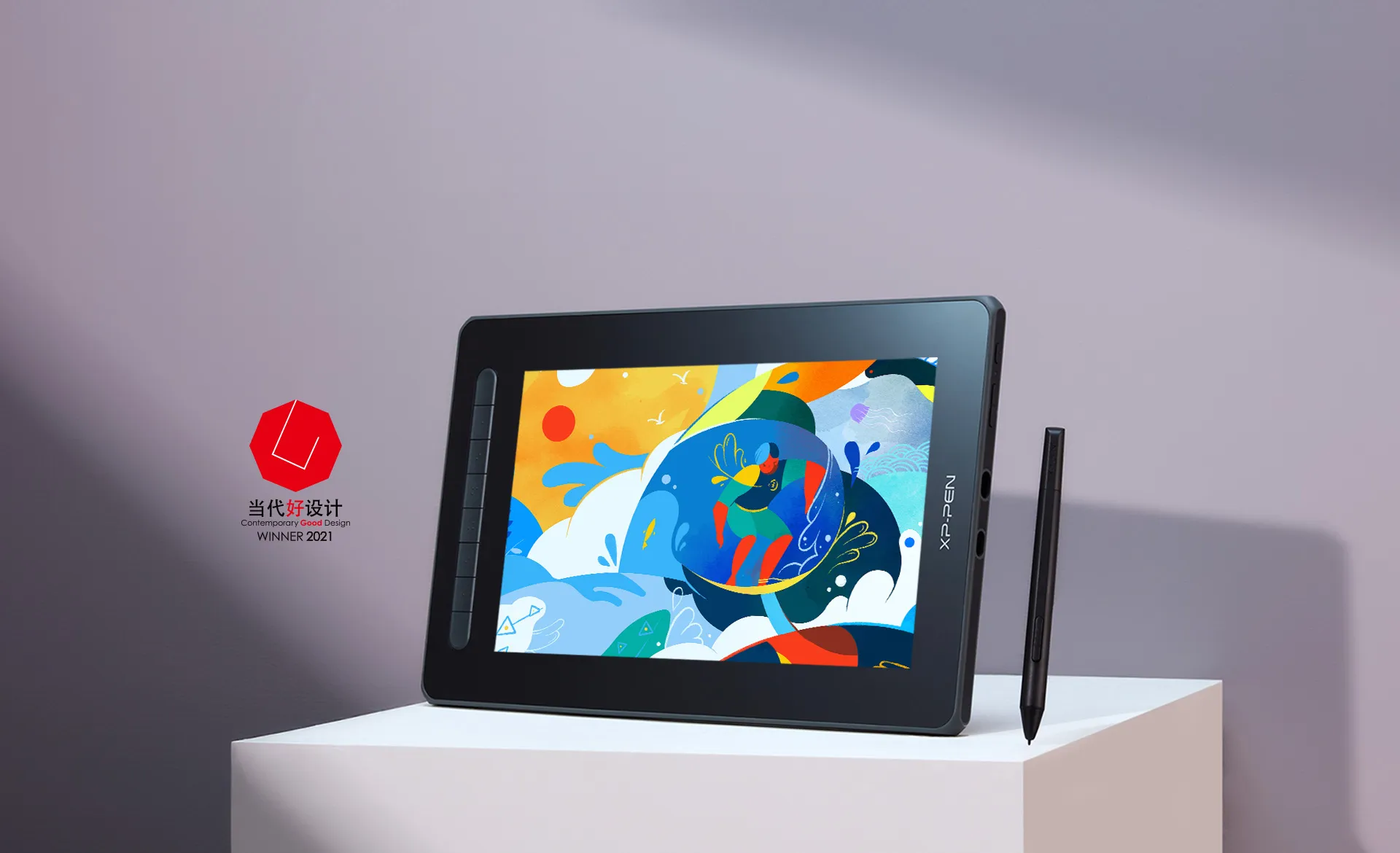
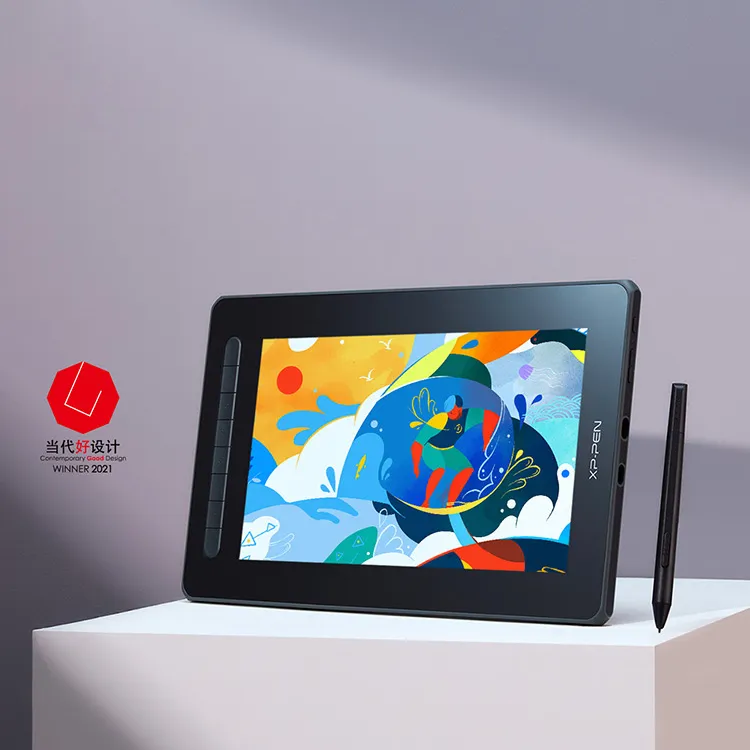
A new generation marks a new beginning. The Artist Series encourage creators to express themselves in an authentic way and courageously pursue their distinctive dreams. The New Series comes with multiple sizes and colors. Powered by X3 Smart Chip technology, opens more possibilities for your creativity.
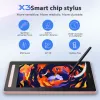
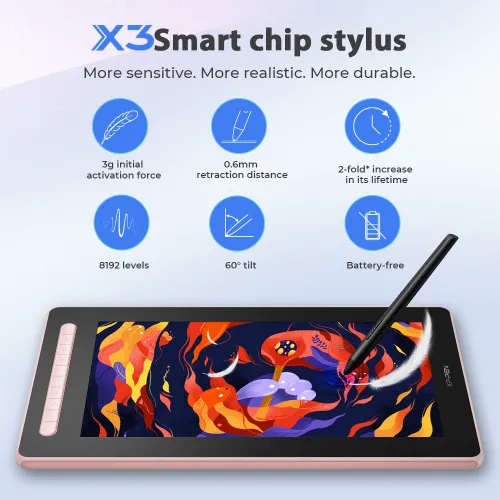
X3 smart chip stylus
Sharp, Stable, Precise
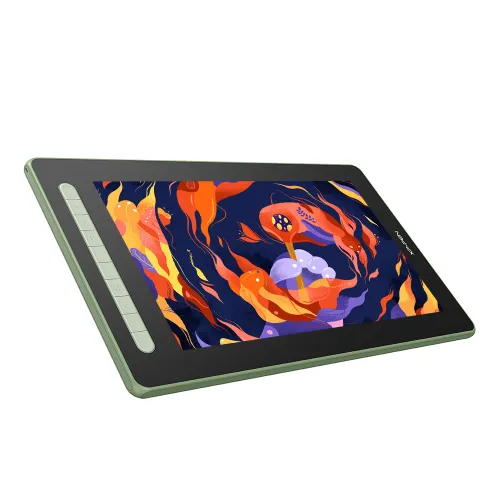
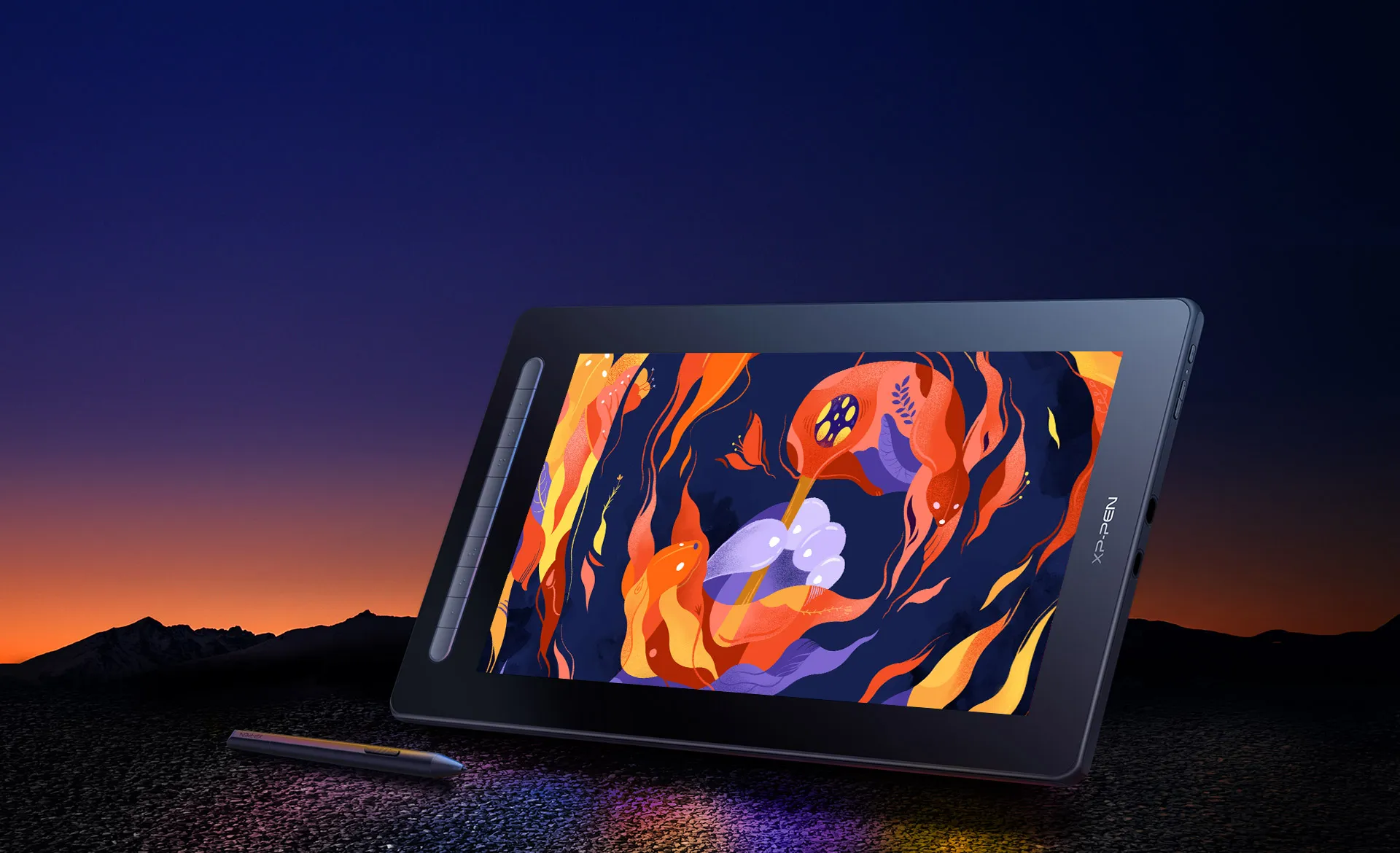
Artist 16 Drawing Display (2nd Gen)
Spacious yet portable
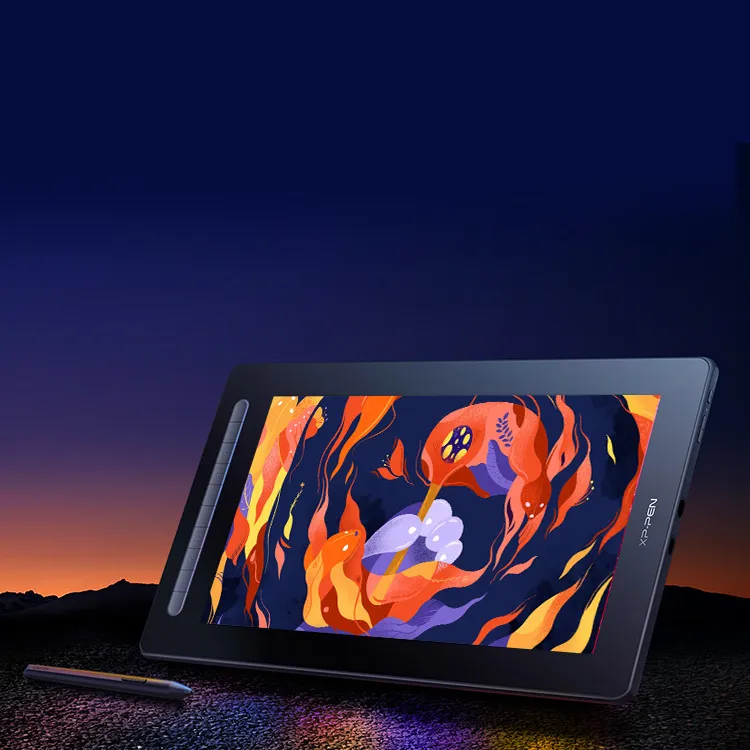
Set off on your CG journey
with X3 digital technology
The new Artist series brings an immense leap to the stylus drawing experience with the new X3 chip
giving you the realistic feeling of traditonal pen and paper. Explore a brand new CG world with the X3 chip technology.
Learn more about the X3
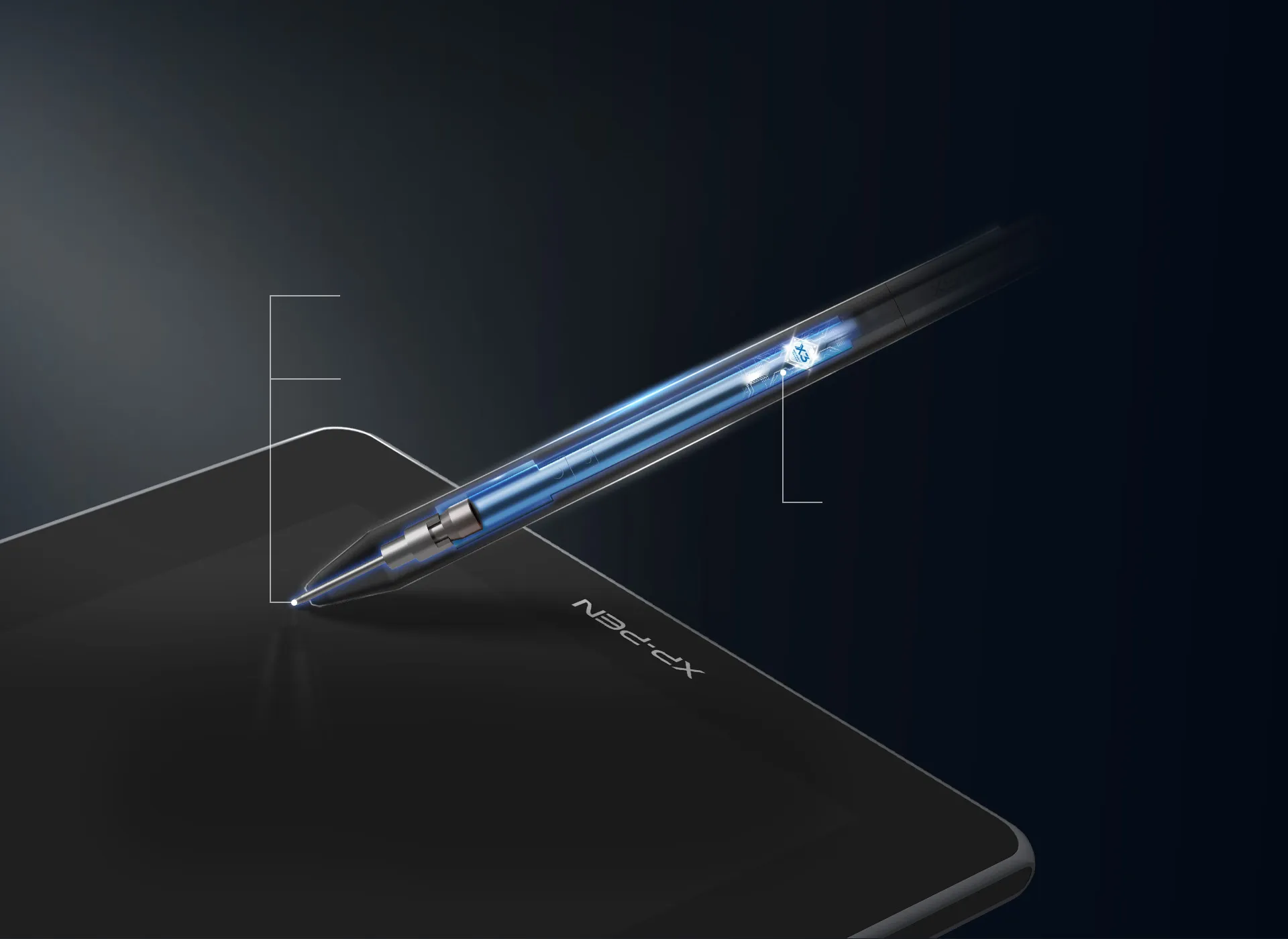
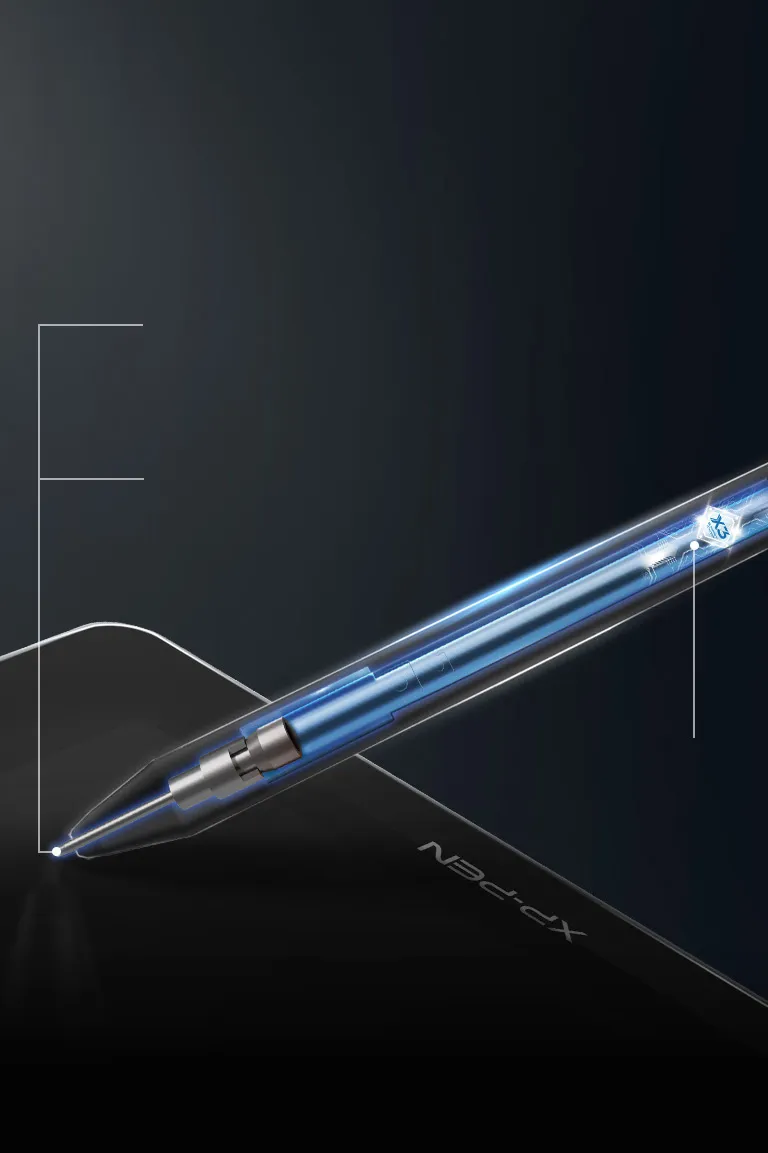
X3 smart chip stylus,
sparks more creativity under your brush
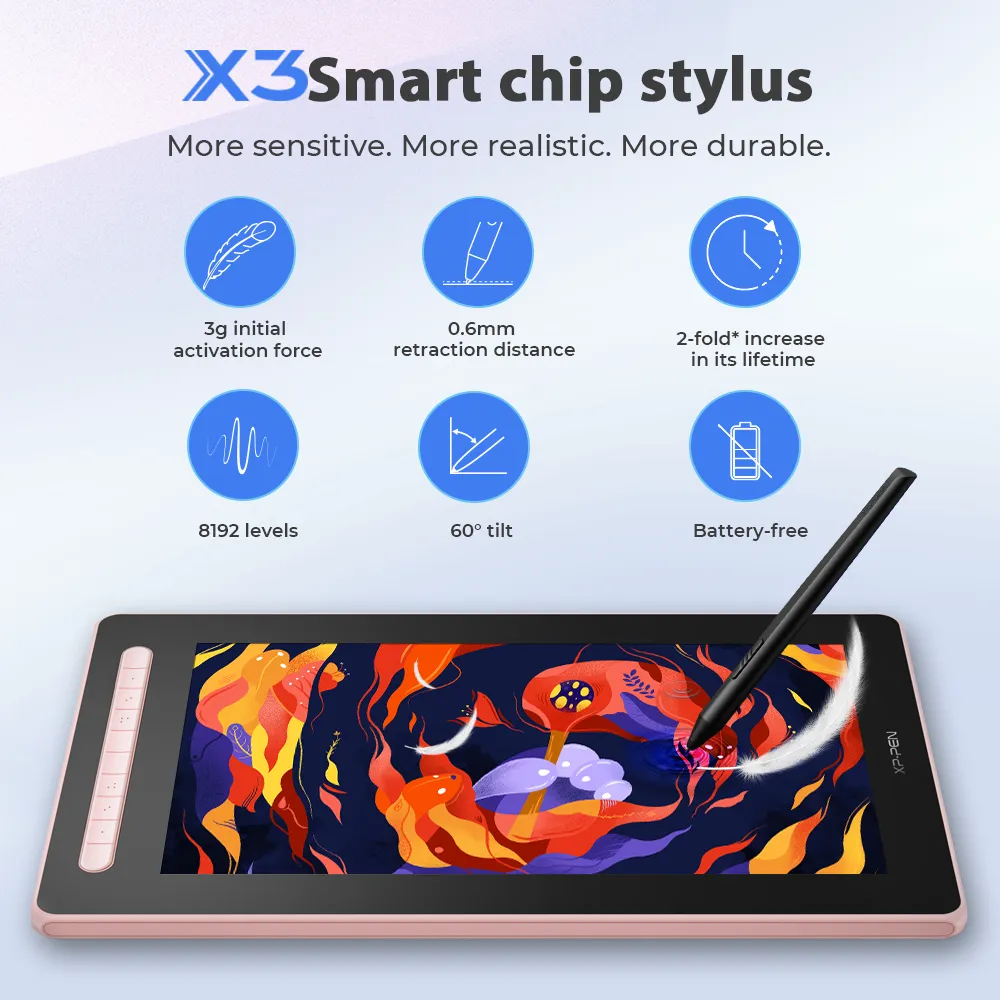
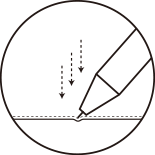
Innitial activation force
as low as 3g*, 10 folds increase in sensitivity*
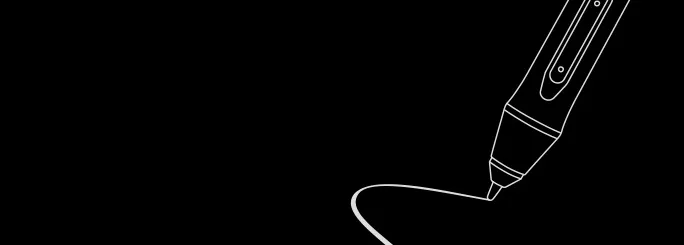
Retraction distance
as short as 0.6mm*,
half the original retraction distance*
Life span
double the exisiting life span*
Sharp
Act before your mind.
3 grams* IAF and 0.6 mm* retraction
distance for more efficient ink output.
Stable
No spring part and anti-
interference for stable performance.
Digital signal transmission, double* the life span.
Precise
More precise positioning.
Never miss a single brushstroke.
Virtually no accuracy error.
No broken lines and no lag.
* This data was taken from a laboratory simulation test and may vary depending on the environment that the device is used in.
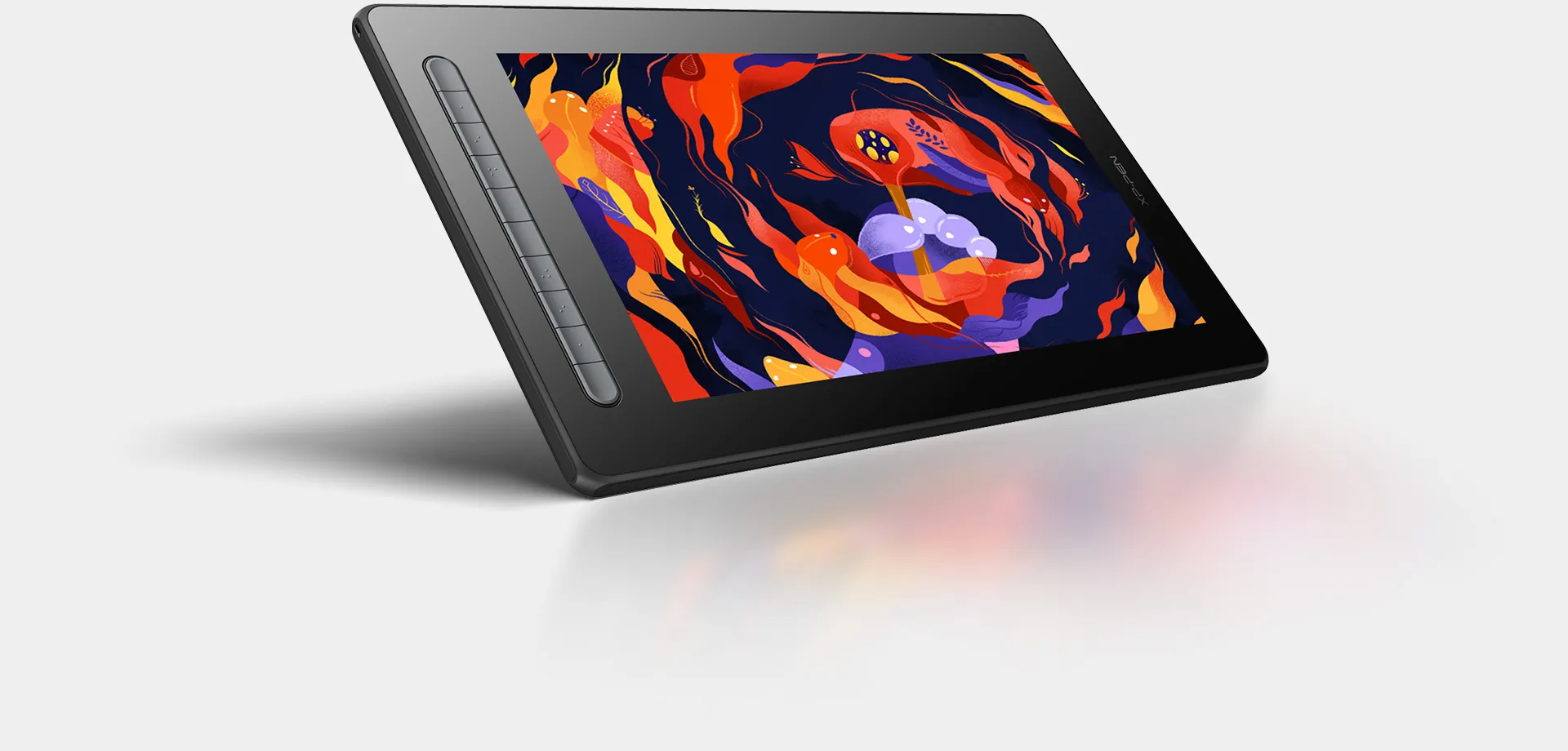
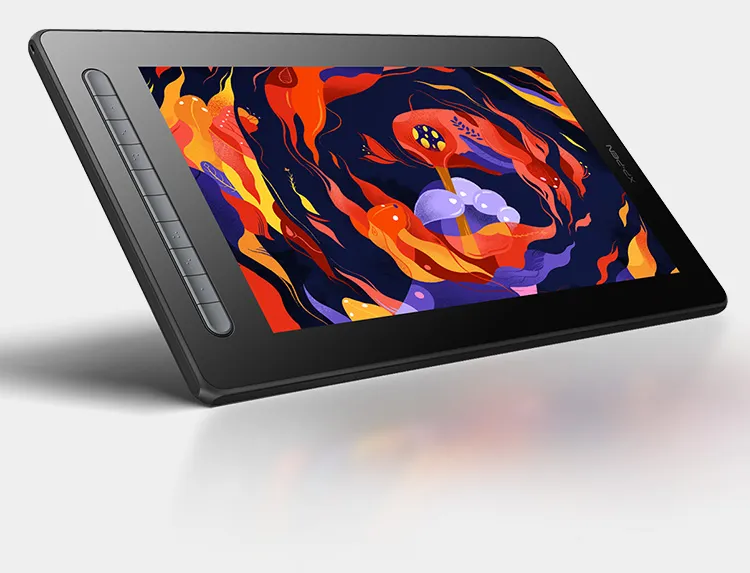
Natural color display for realistic creation
A wide color gamut of 127% sRGB* sees full color presentation and delicate detail expression. Colors are vividly brought to life under your brush.
IPS-ADS technology.
178°visible viewing angle.
8-bit color depth.
220 cd/㎡ brightness.
1000:1 contrast ratio.

Anti-glare screen
The matte eye-protective screen blocks the light interference from the environment, allowing you to focus on creation without distractions.
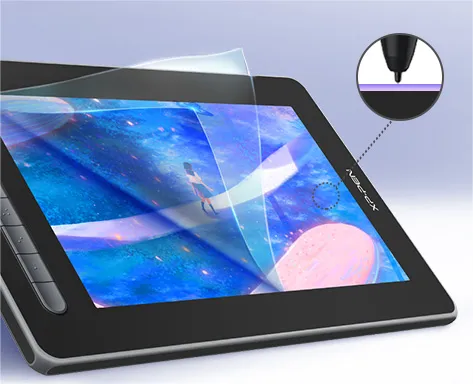
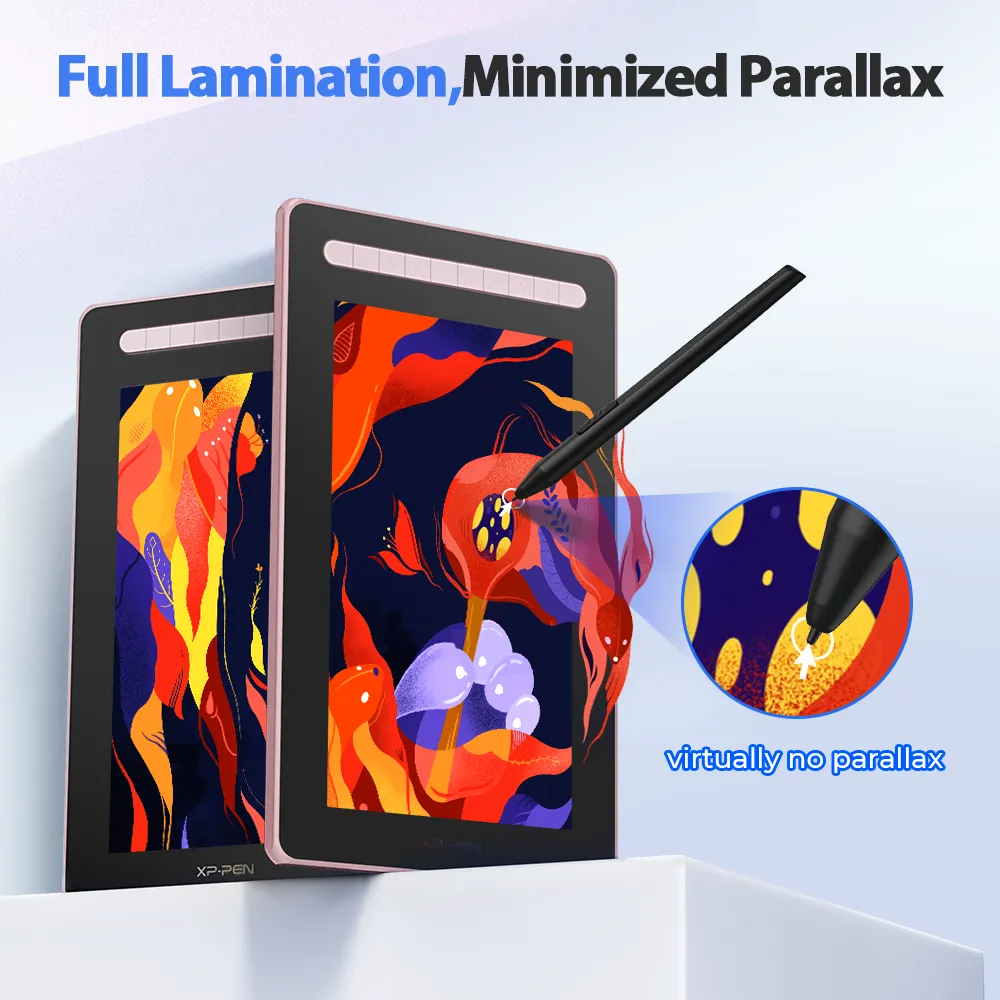
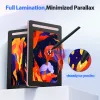
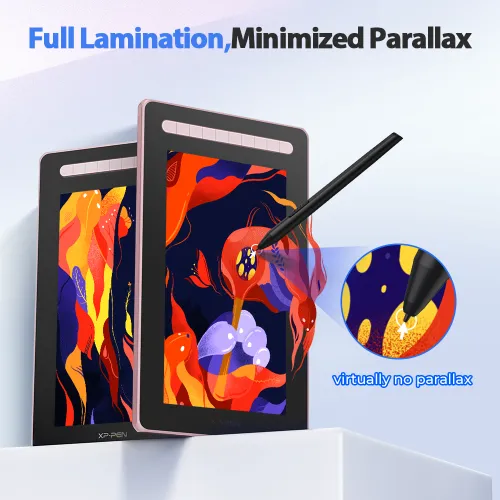
No parallax error
Full lamination screen technology. The screen and display are seamlessly laminated to avoid parallel errors between the stylus nib and cursor, precisely positioning every single one of your strokes.
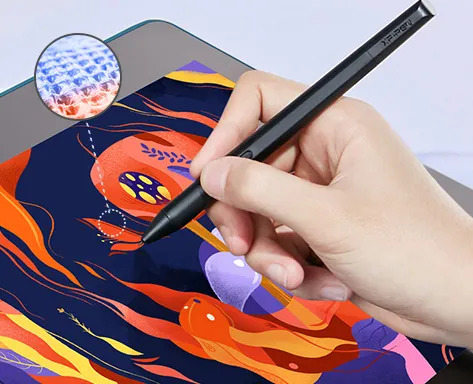
Comfortable touch experience
Paper-like surface texture renders a natural experience of traditonal drawing.
Trendy colors, pick yours
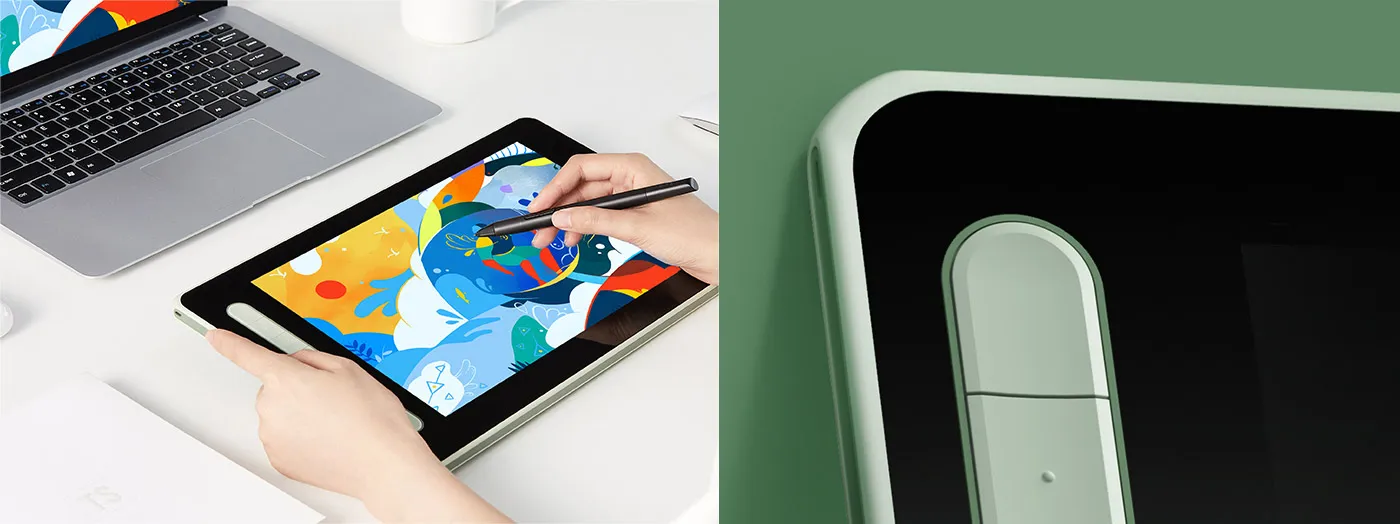
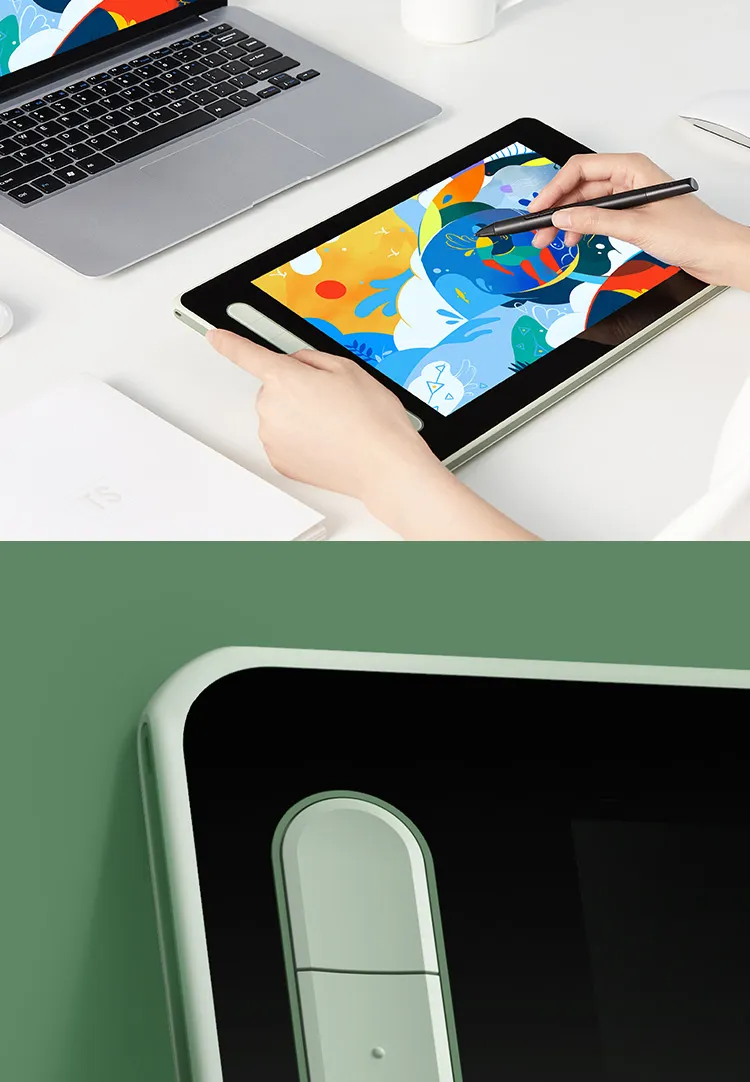
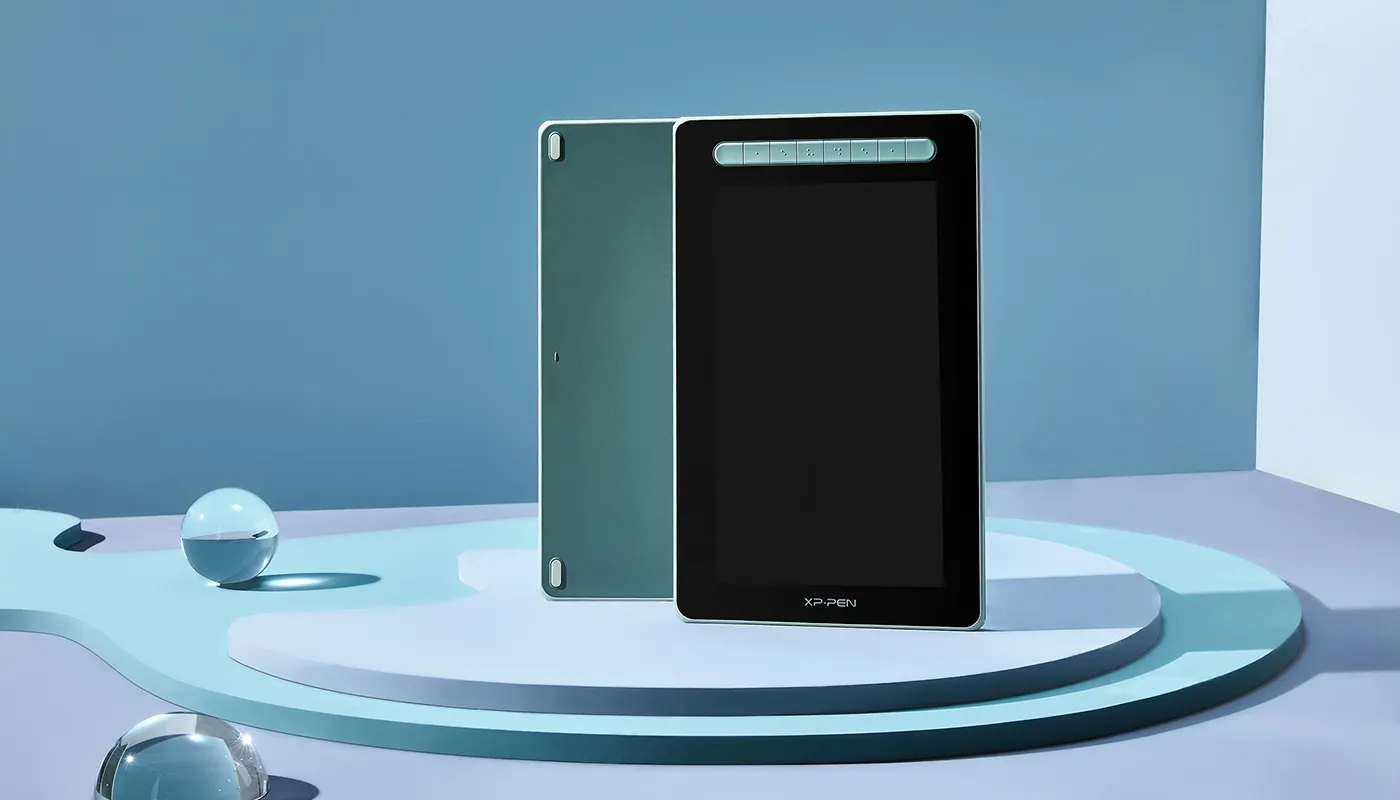
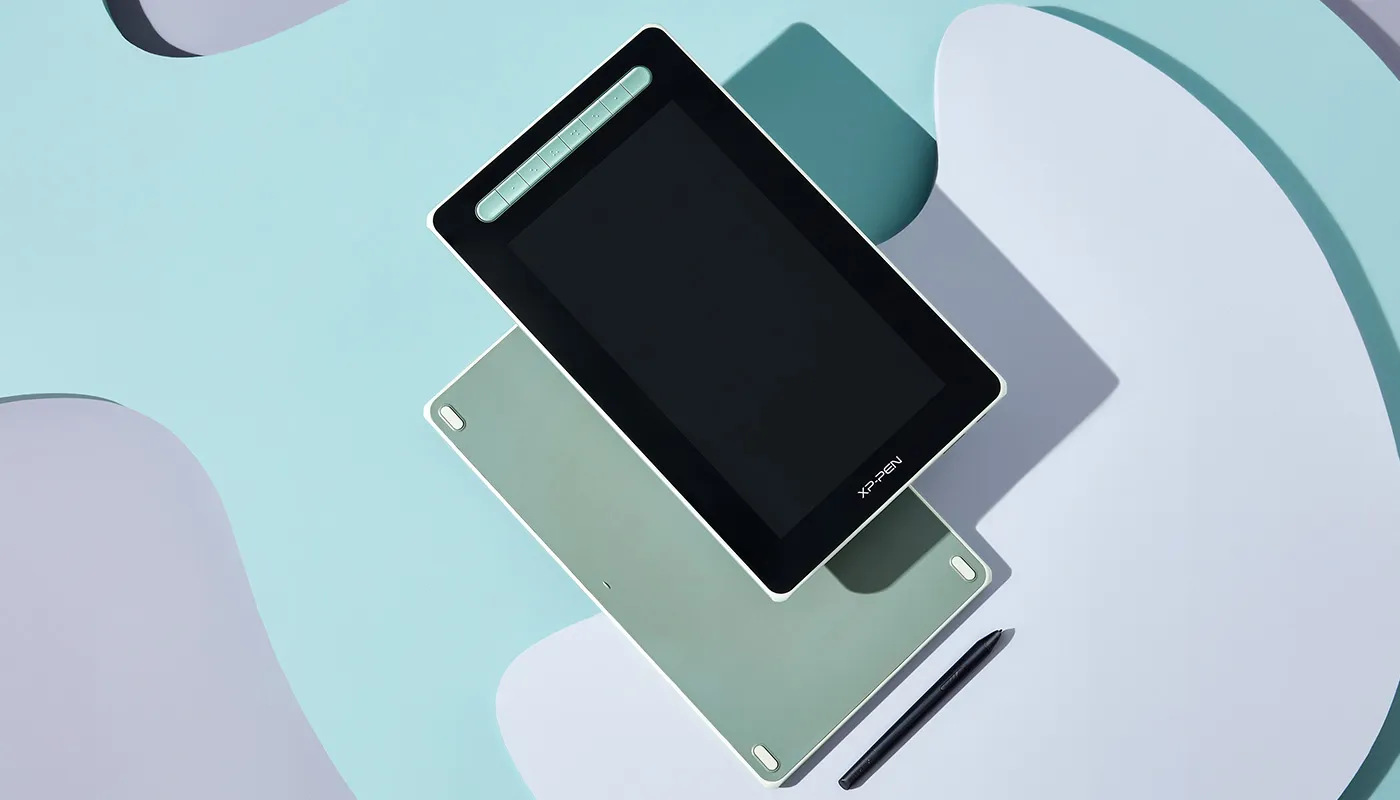
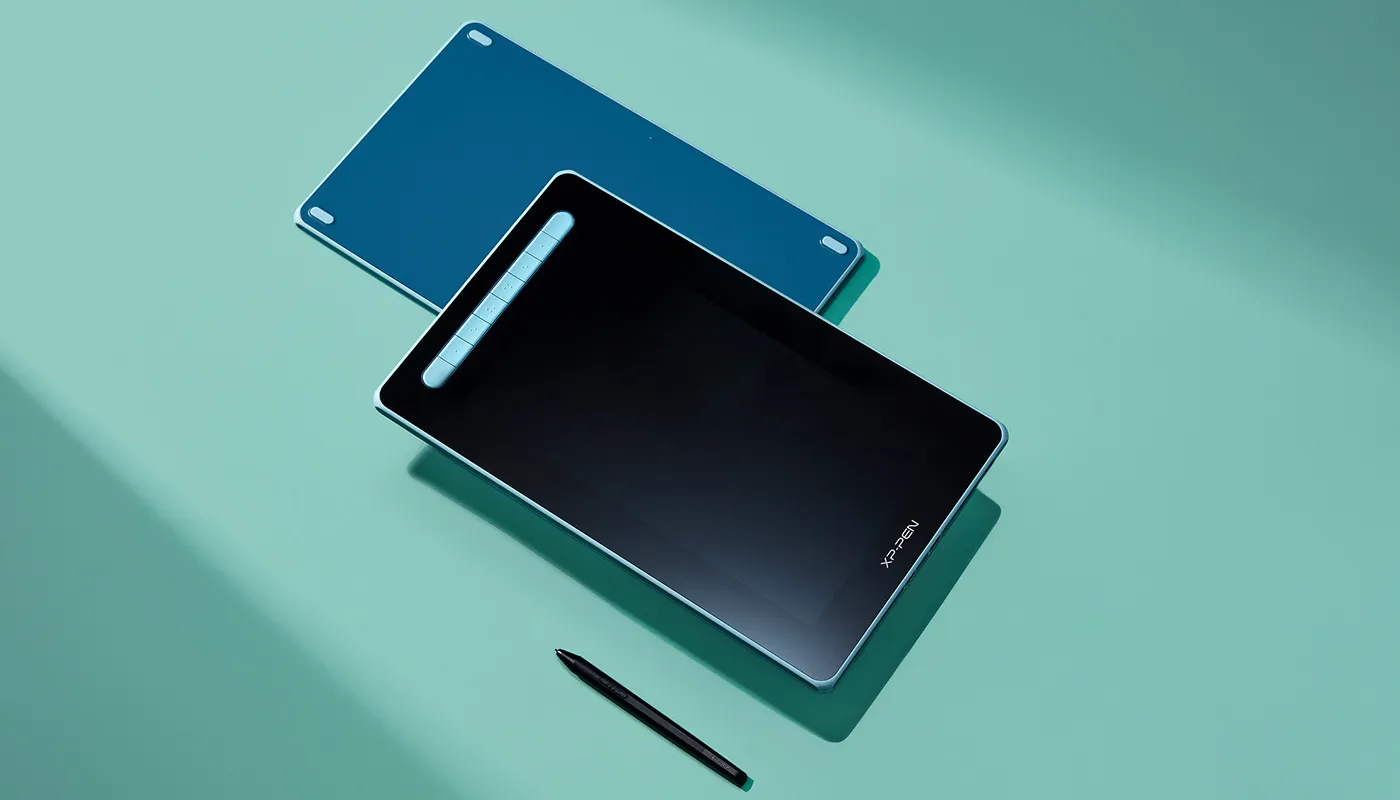
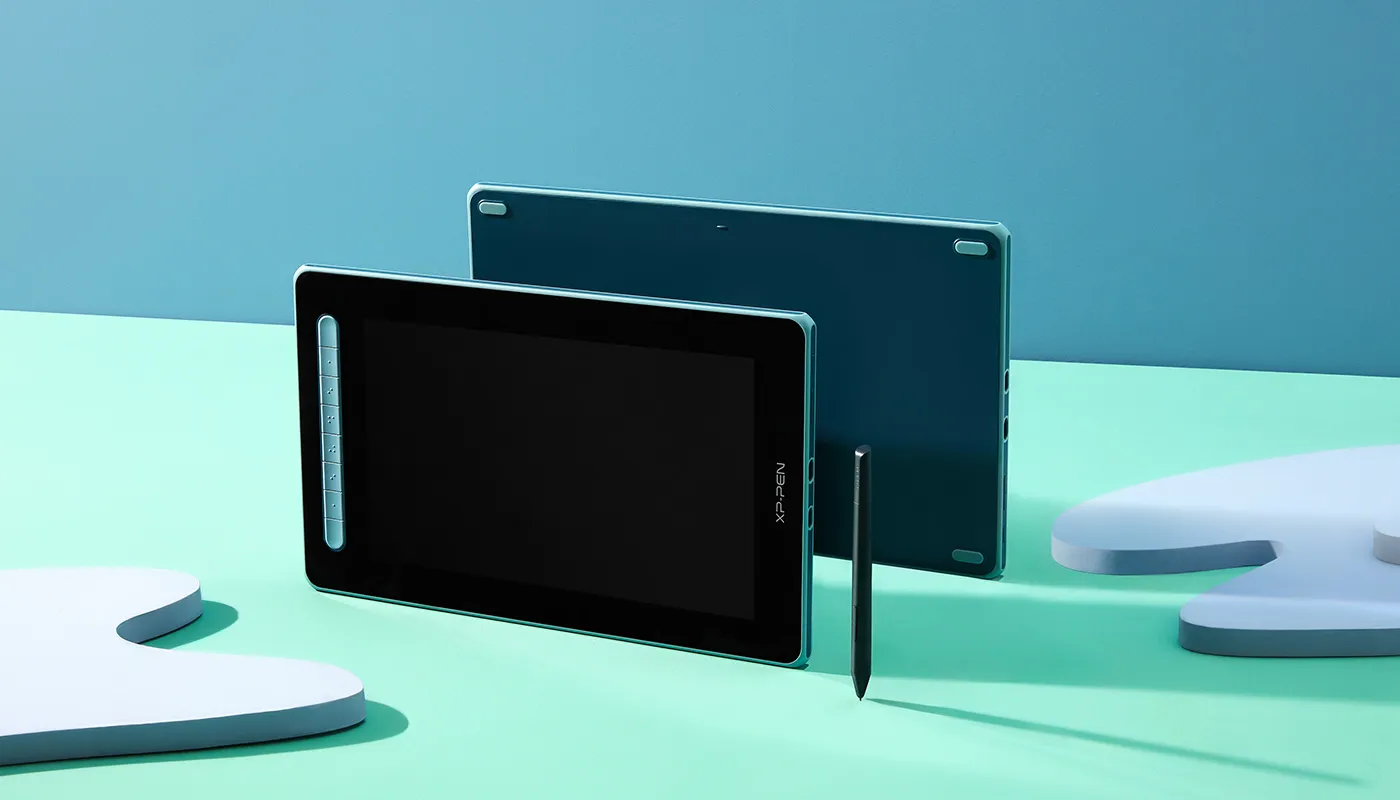
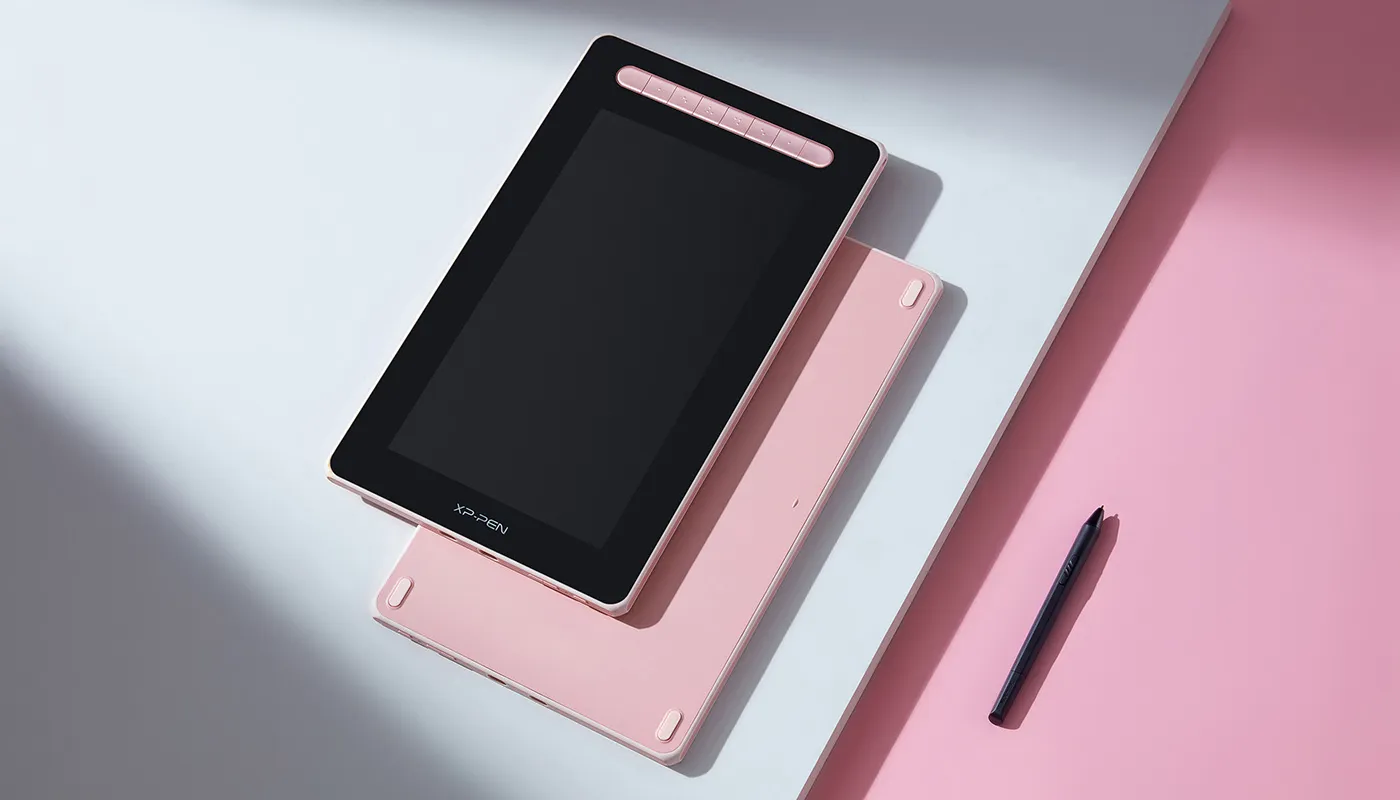
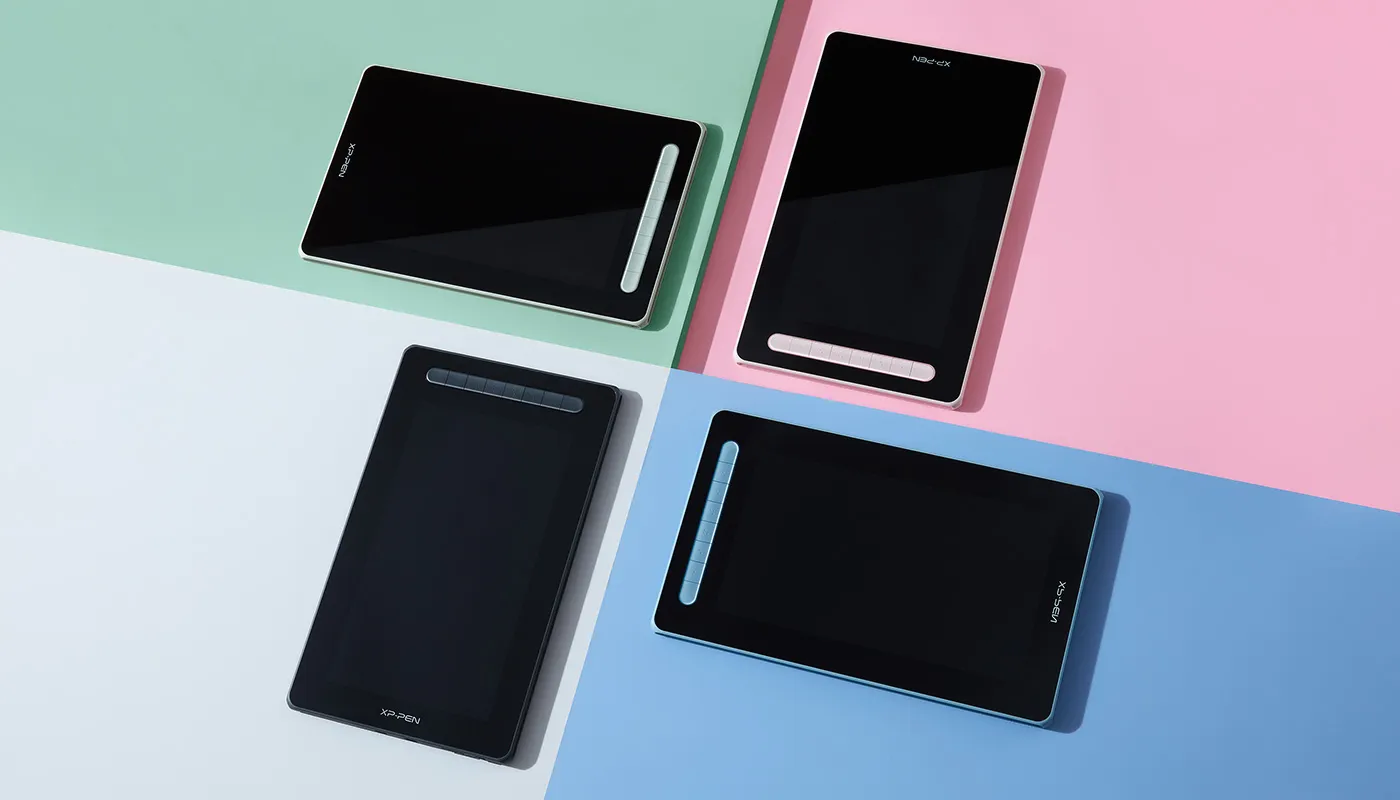
4 trendy colors to showcase your personalities in different ways. Every one of them is selected to express the real you.
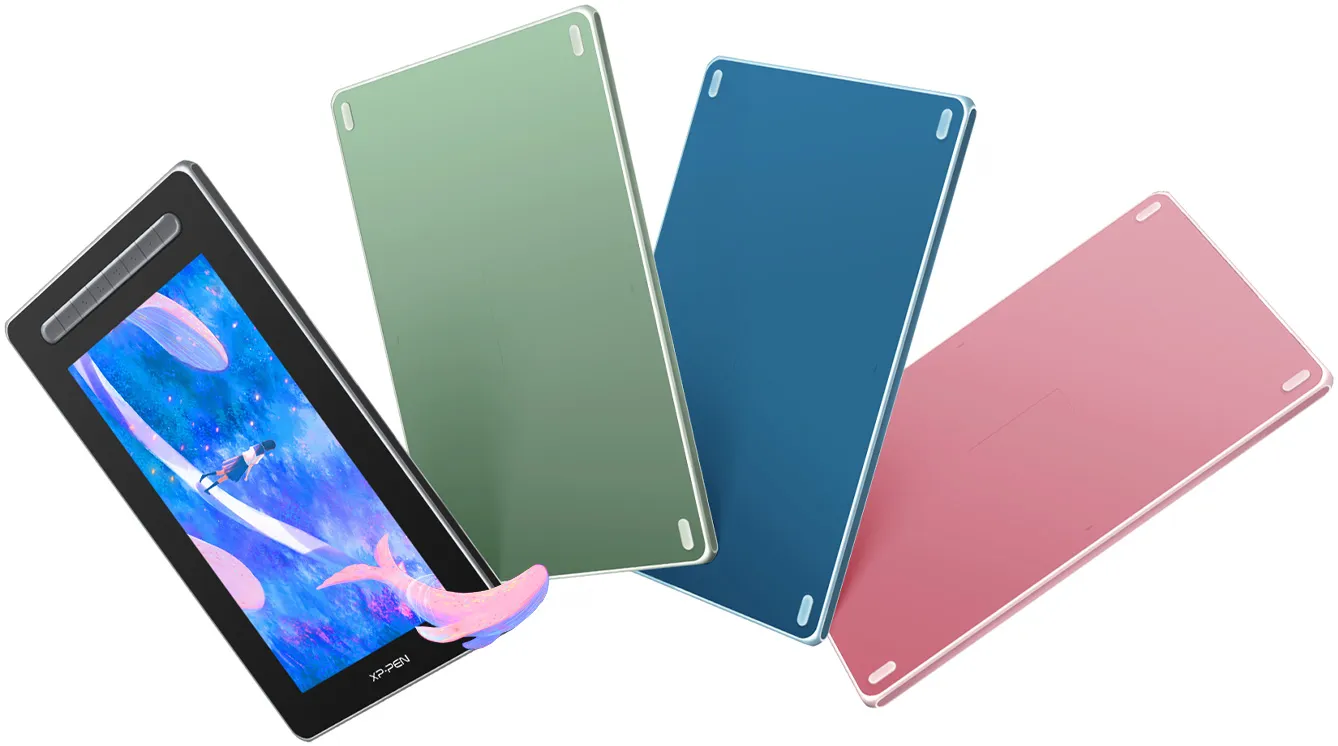
Black
Green
Blue
Pink
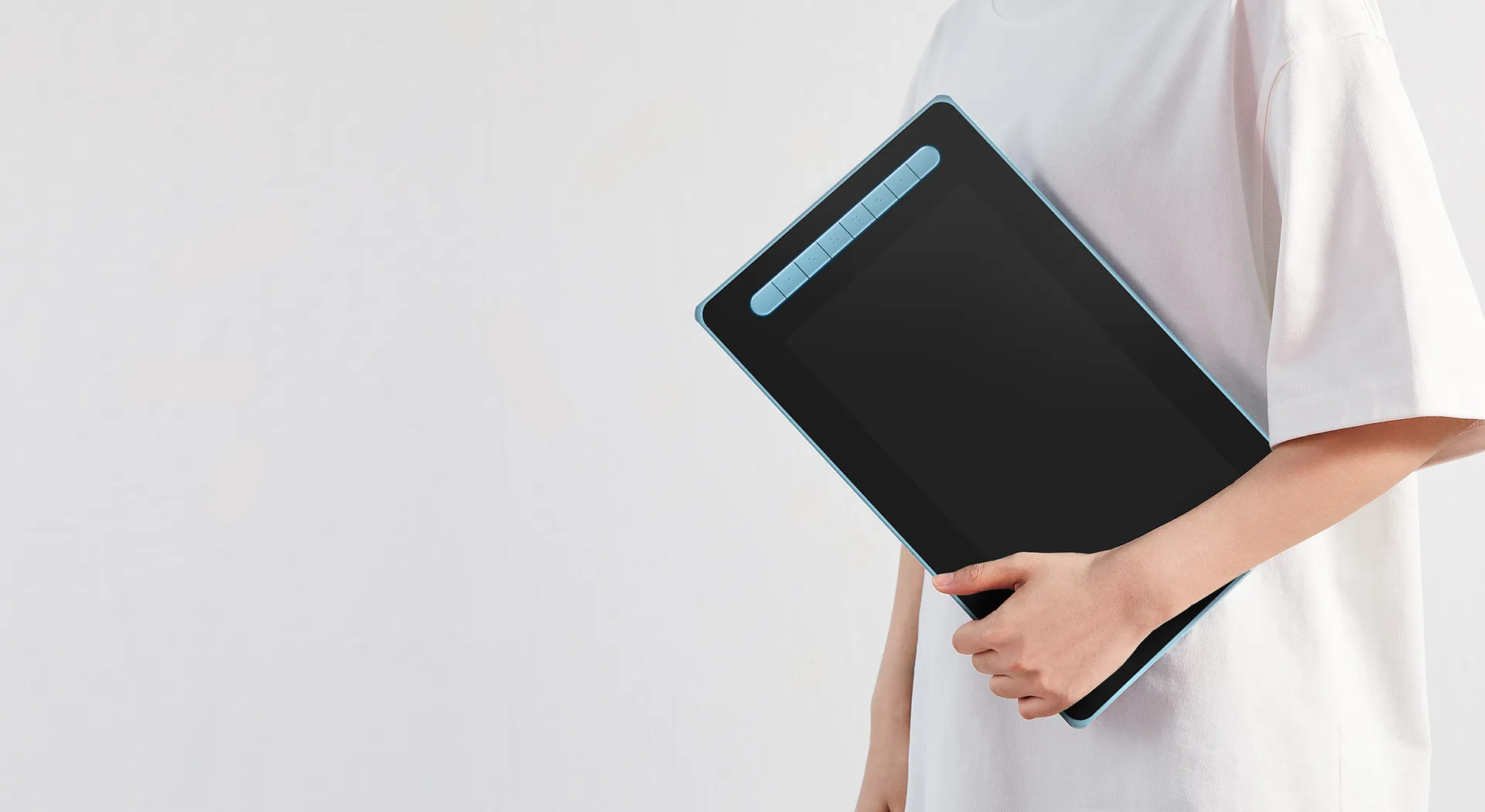
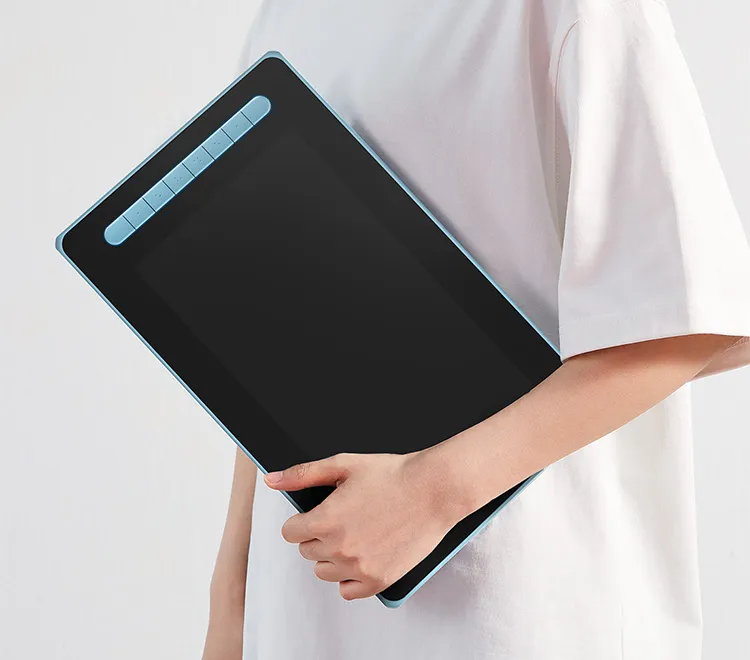
Comfortable touch experience and easy to carry
Double-shot molding technology delivers a skin-friendly touch experience.*
Wear-resistant, anti-slippery and anti-shock all-round protection body.
Easy-to-carry. Release your creative inspirations anytime anywhere.
*Aritst 16 pen display (2nd Gen) adopts the one-shot molding process
Professional digital drawing performance standard
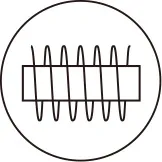
EMR Electromagnetic induction technology
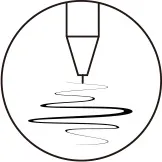
8192 levels
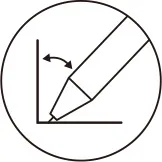
60° Tilt
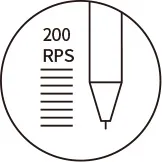
200RPS
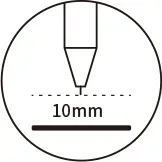
10mm Reading height
5080LPI Resolution
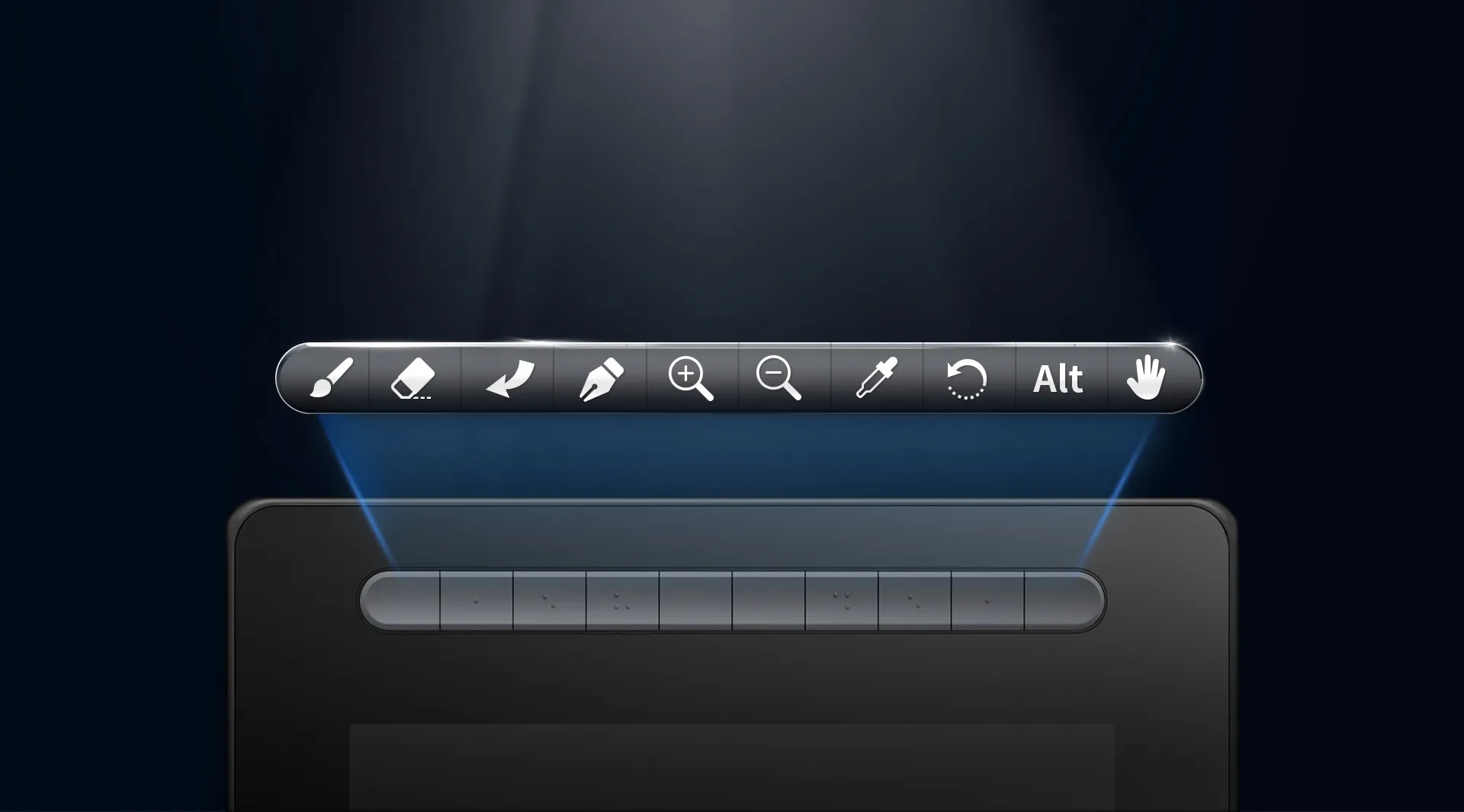
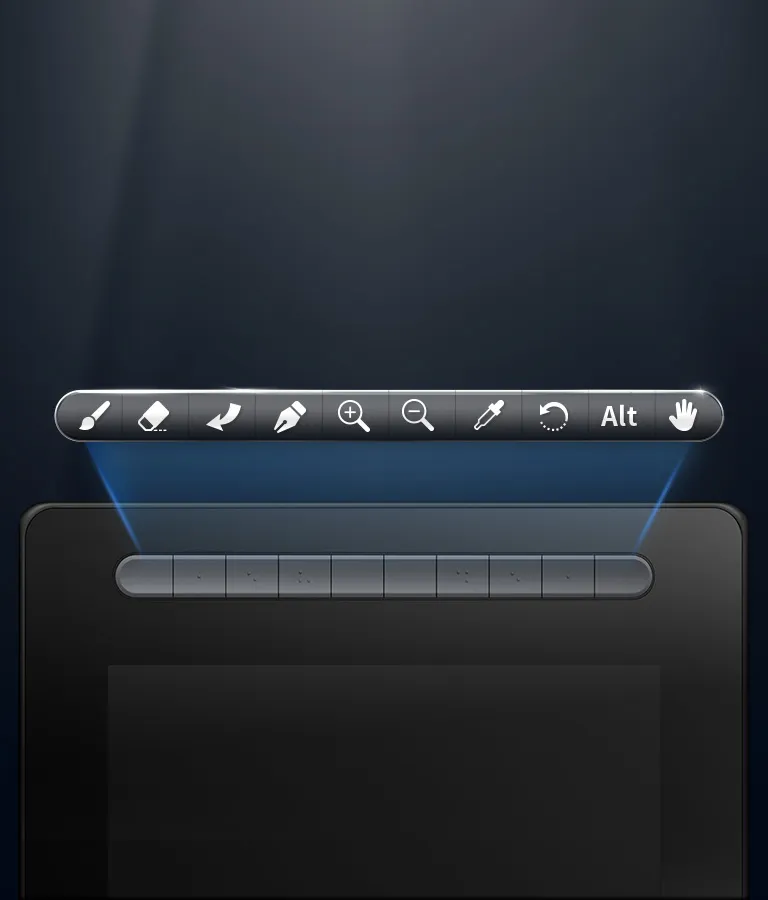
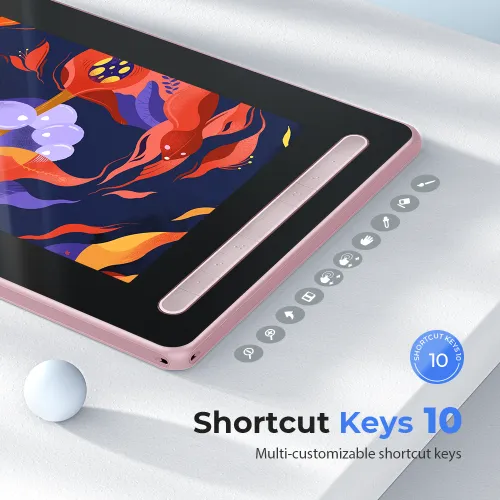
Versatile shortcut keys
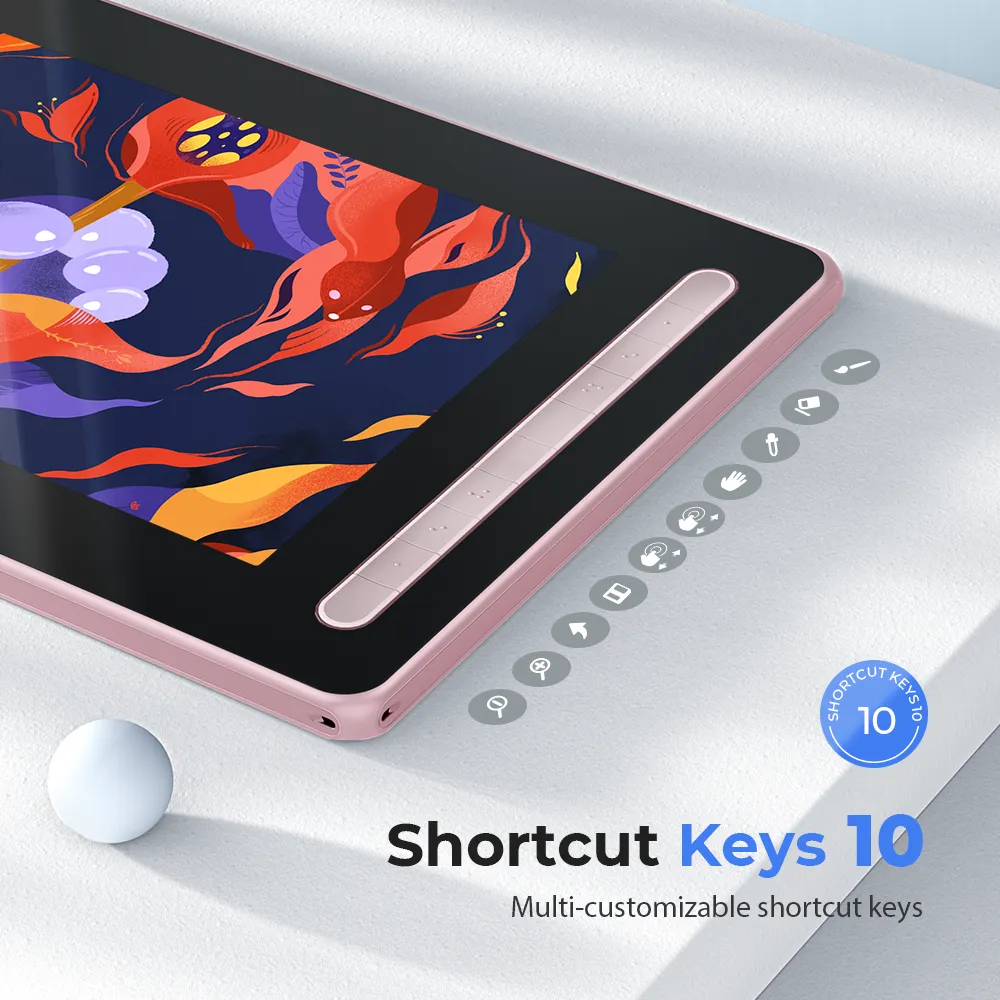
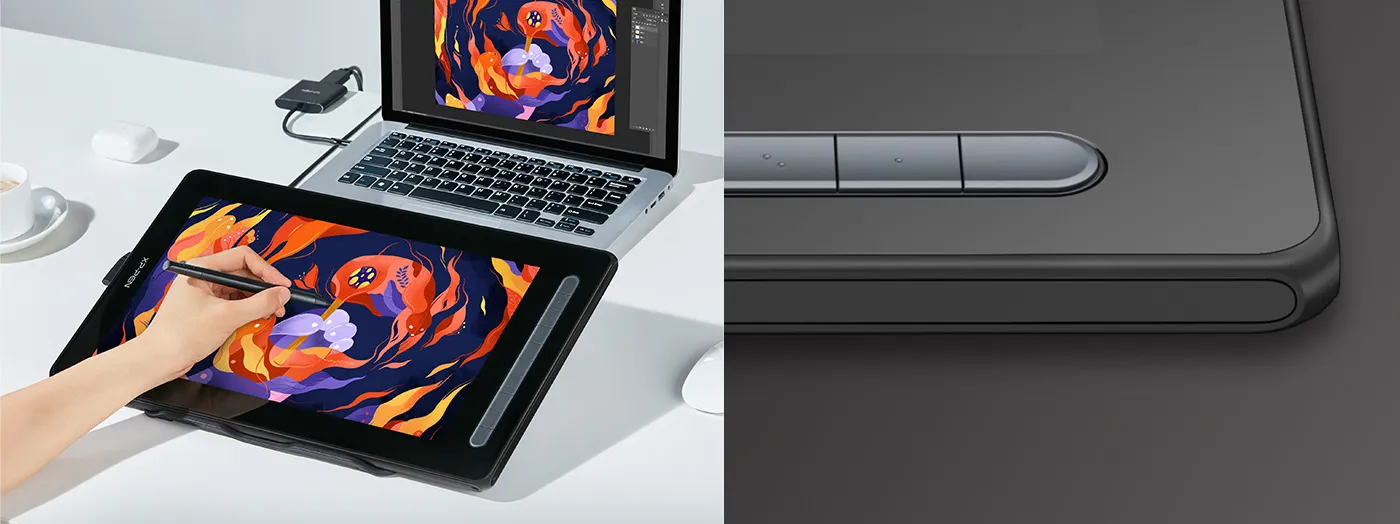
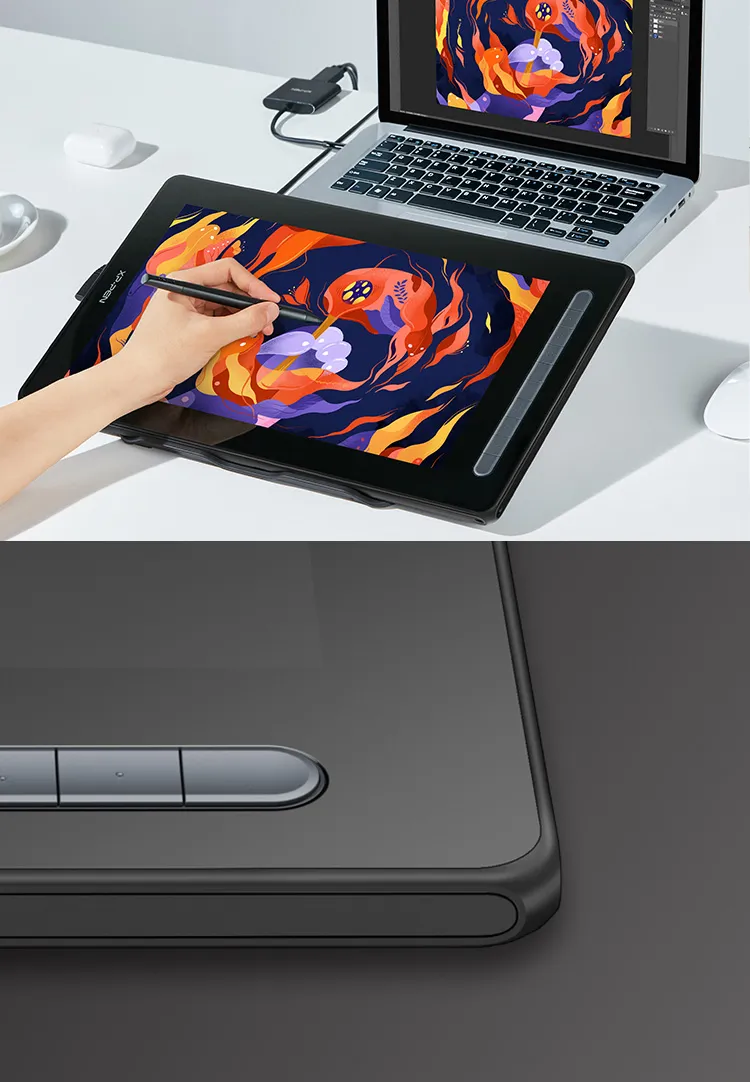
The new Artist series drawing display features multiple user-defined shortcut keys.
Customize your shortcut keys in your software of choice to simplify your workflow and empower your productivity.
* Artist 12 (2nd Gen) comes with 8 shortcut keys
Artist 16 (2nd Gen) comes with 10 shortcut keys
Multi-function screen conveys multiple applicable uses
Extend screen display and screen projection cover multiple uses including creation, games, movies and entretainment, etc.
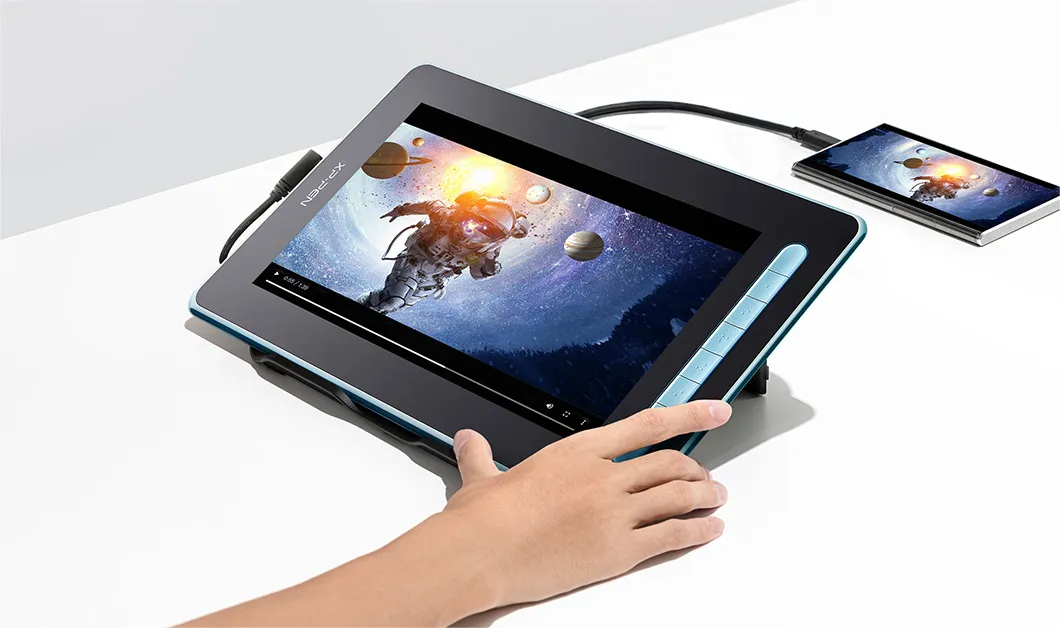
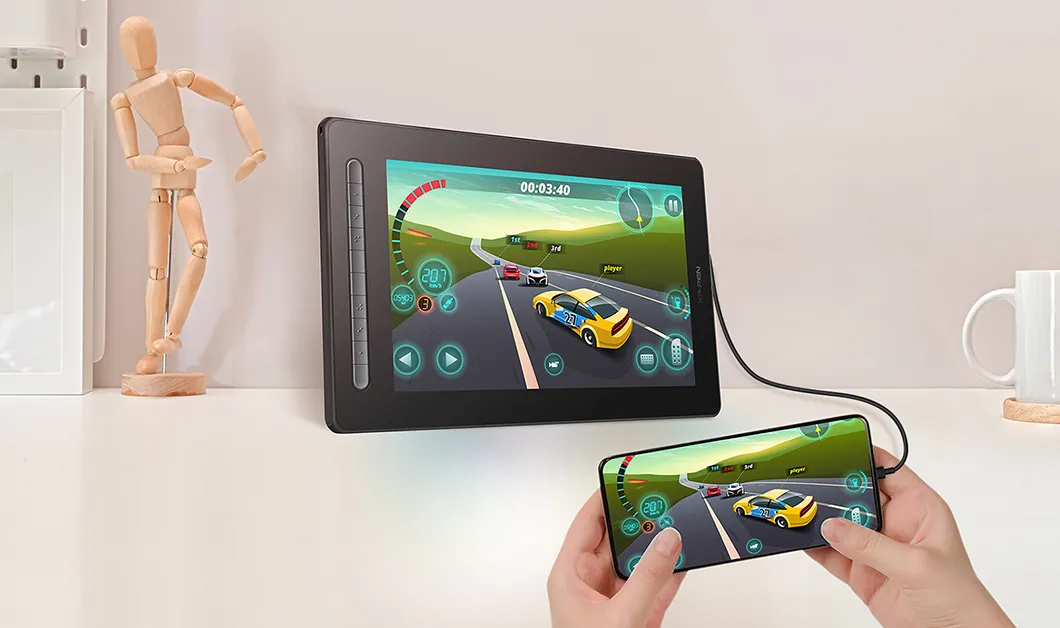
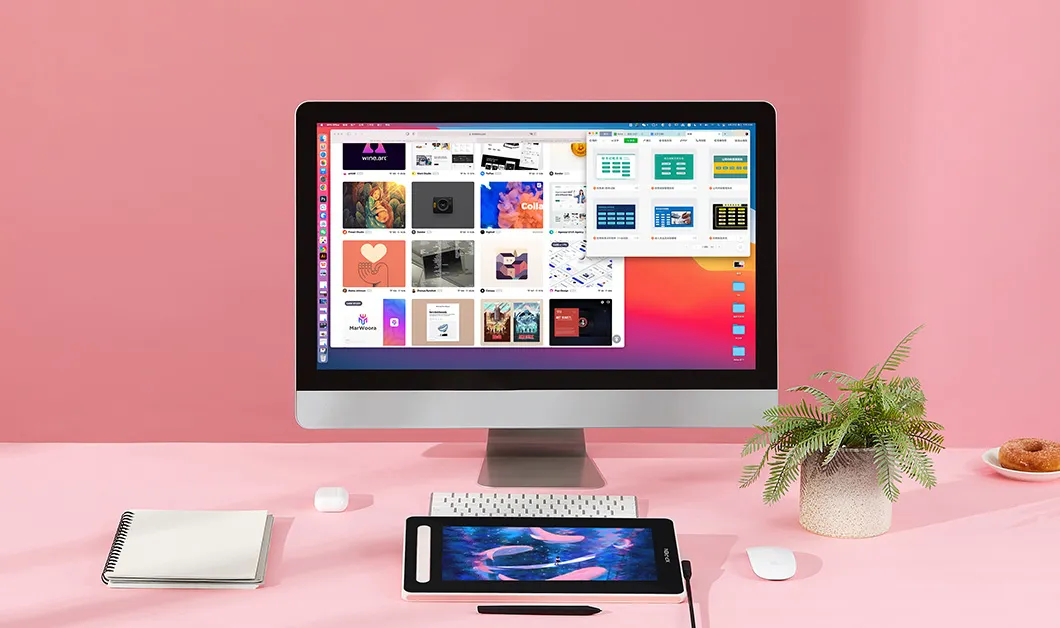


One-click drawing display and tablet switch in seconds
Long press the power button for 3 seconds, it will flash in blue and orange alternately. When the screen is off, the display will switch into a drawing tablet, giving you an additional drawing option.
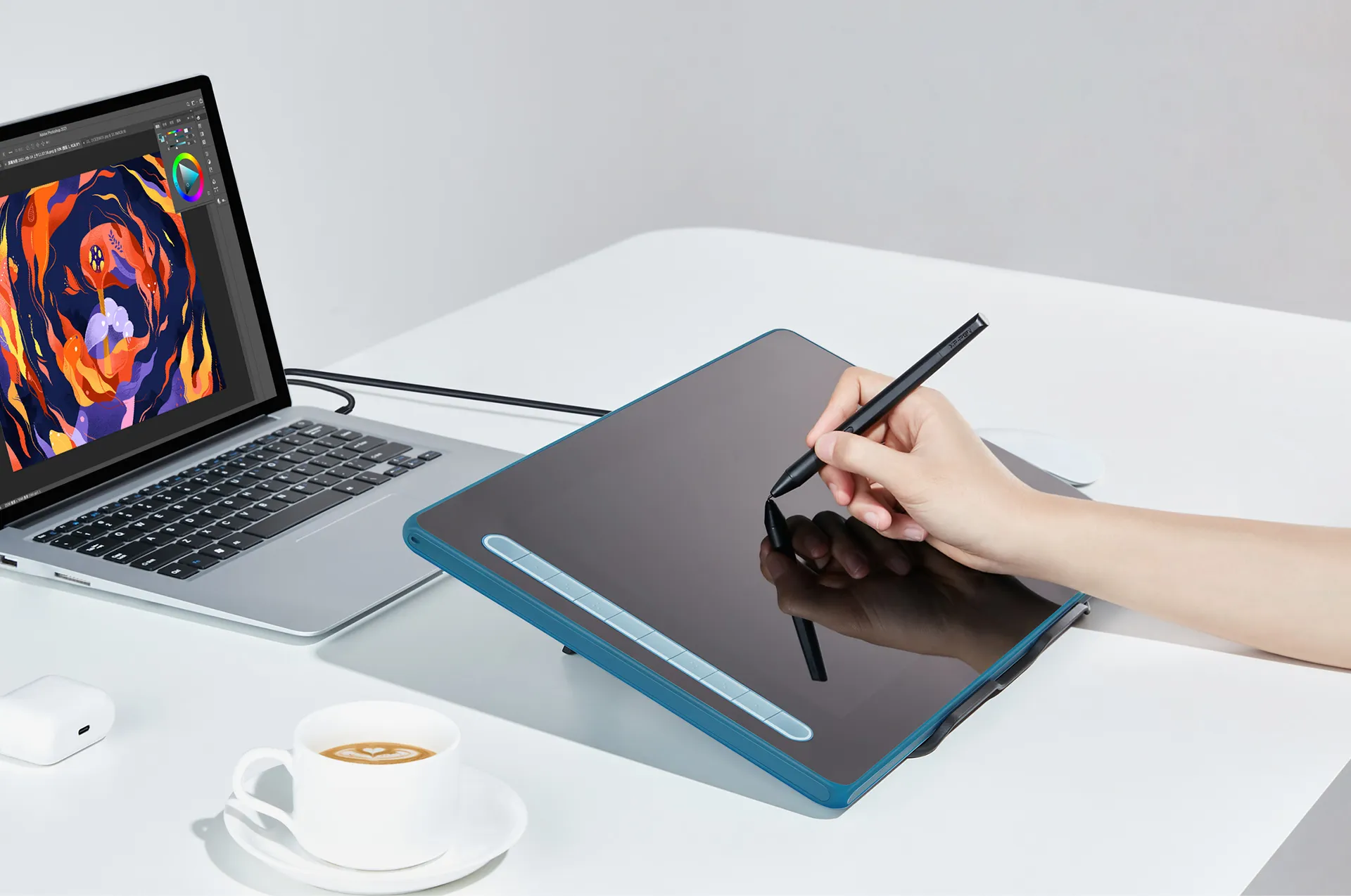
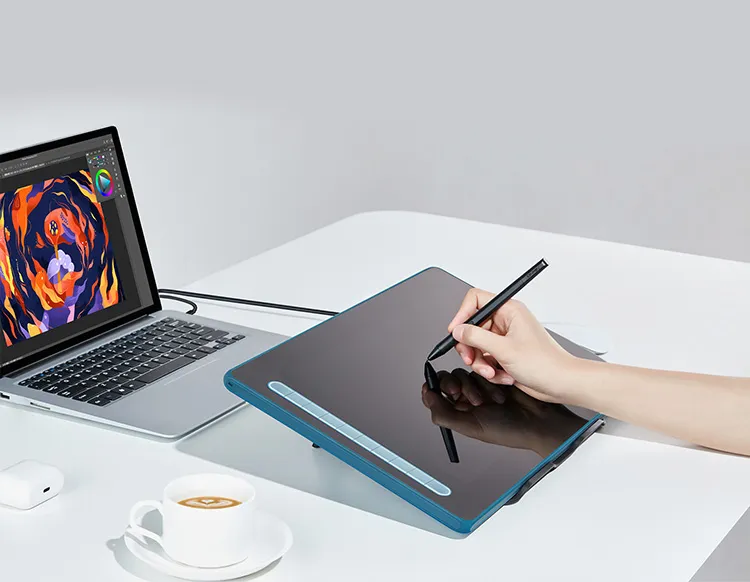
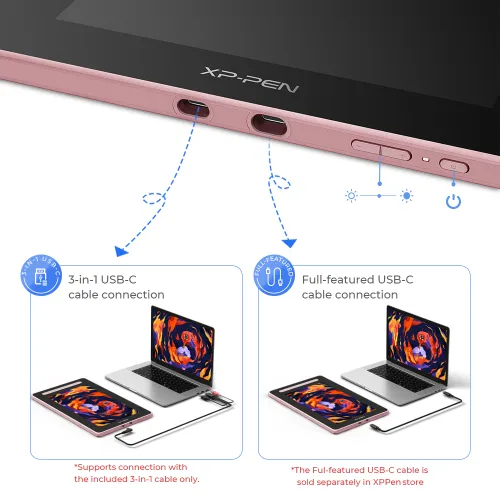
Flexible dual ports
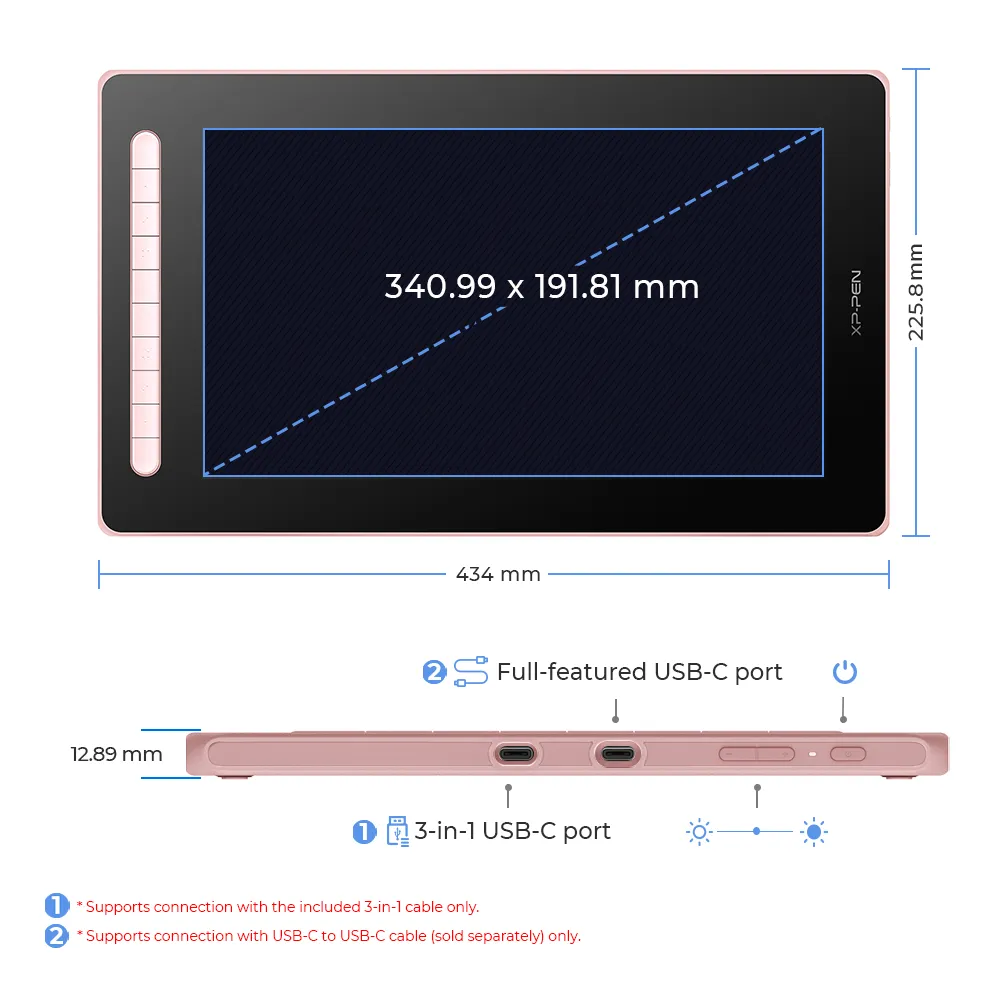
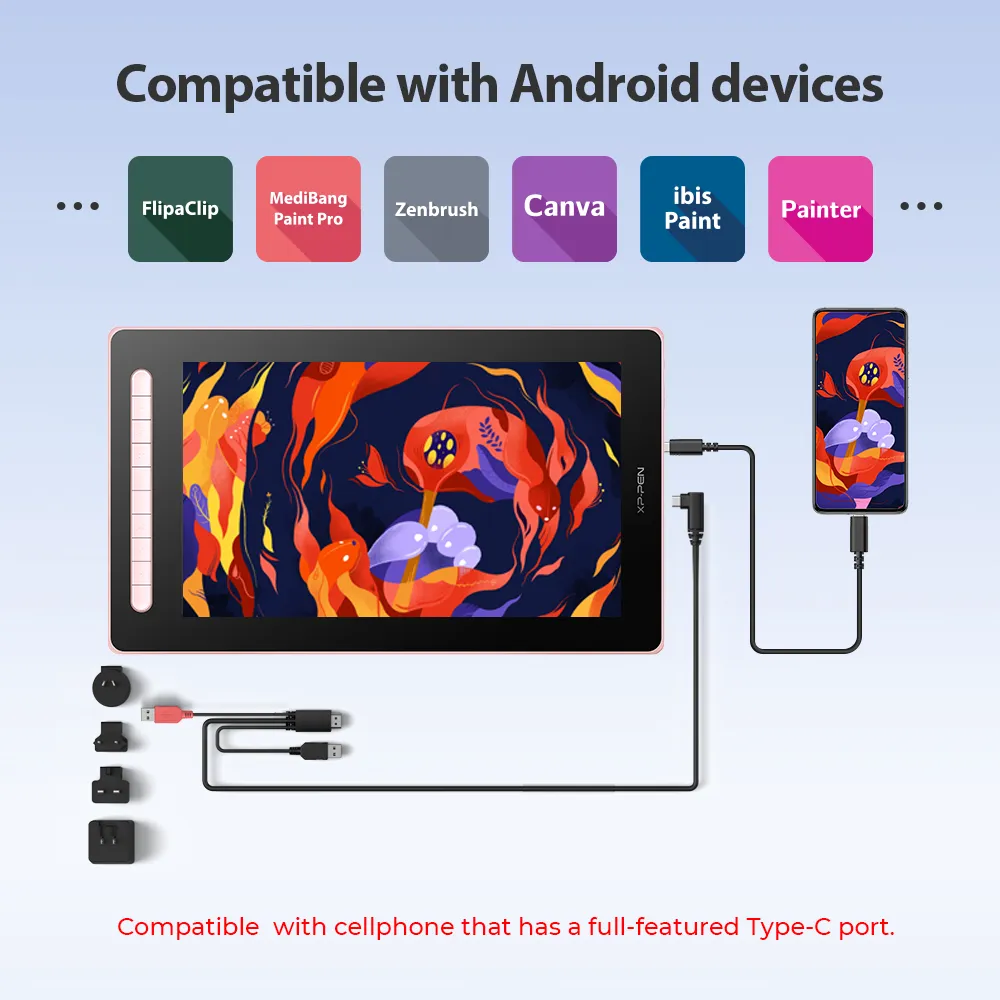
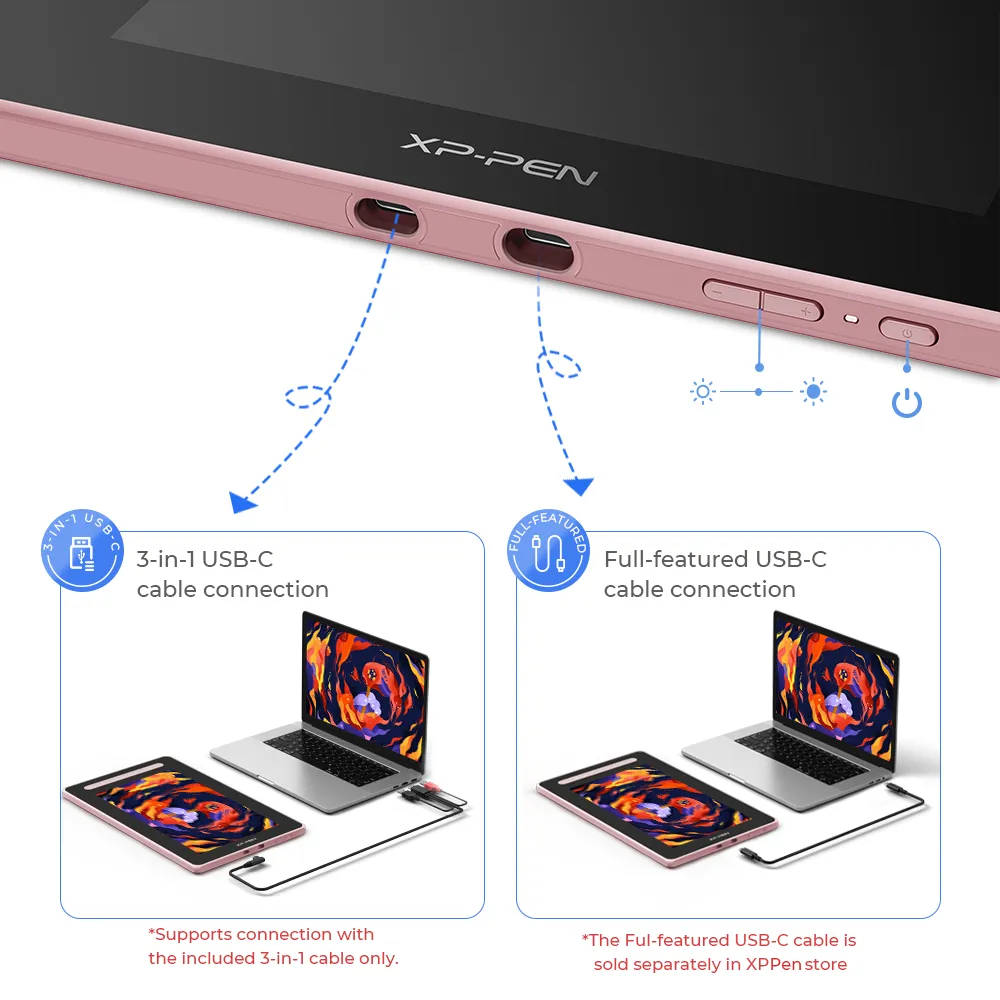
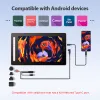
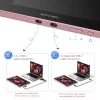
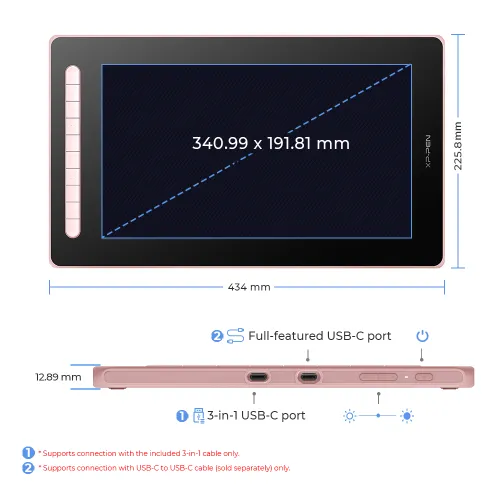
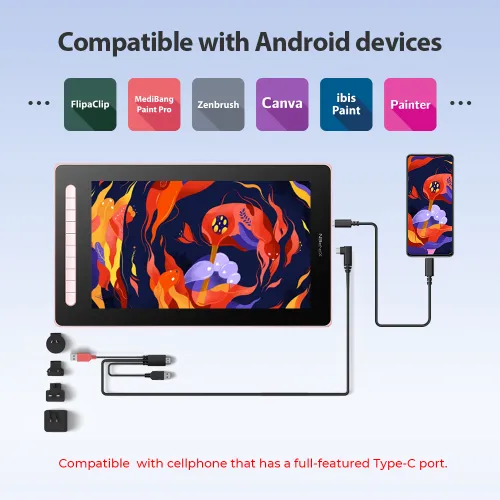
The 3-in-1 cable that supports HDMI signal transmission allows you to connect the drawing display to a PC. The full-featured USB-C port makes connection easier with devices such as PCs, Android phones, and Switch, allowing for a tidy desktop.
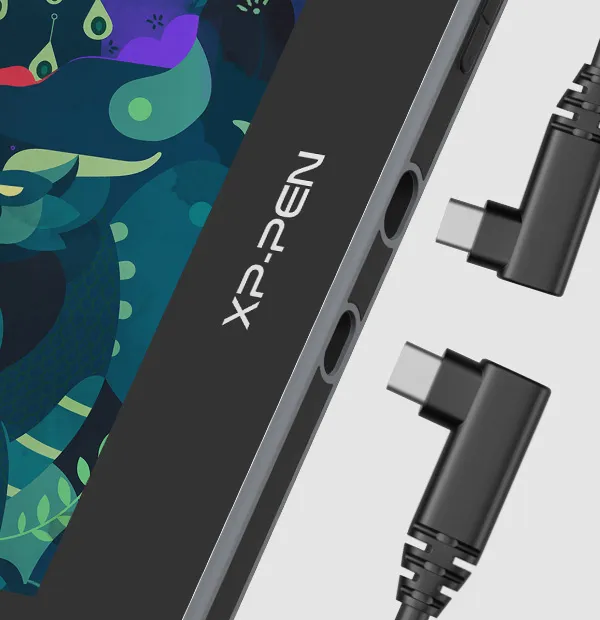
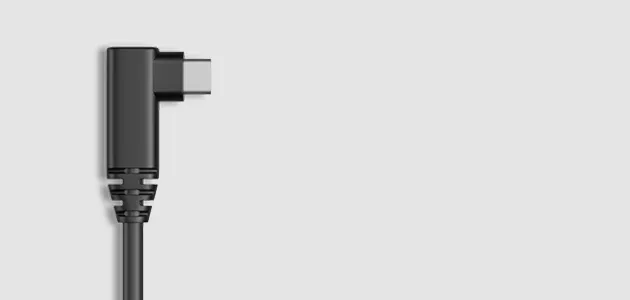
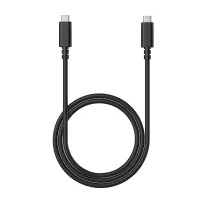
Full-featured USB-C cable connection
Full-featured USB-C port
* Supports connection with USB-C to USB-C cable (sold separately) only.
Watch the video >

3-in-1 USB-C cable connection
3-in-1 USB-C port
* Supports connection with the included 3-in-1 cable only.
Watch the video >
* For the best compatibility of the product, we strongly recommend using XPPen ACW01 and the ACW03, or compliance cables with legal certification.
Extensive compatibility
works smoothly with various systems and software
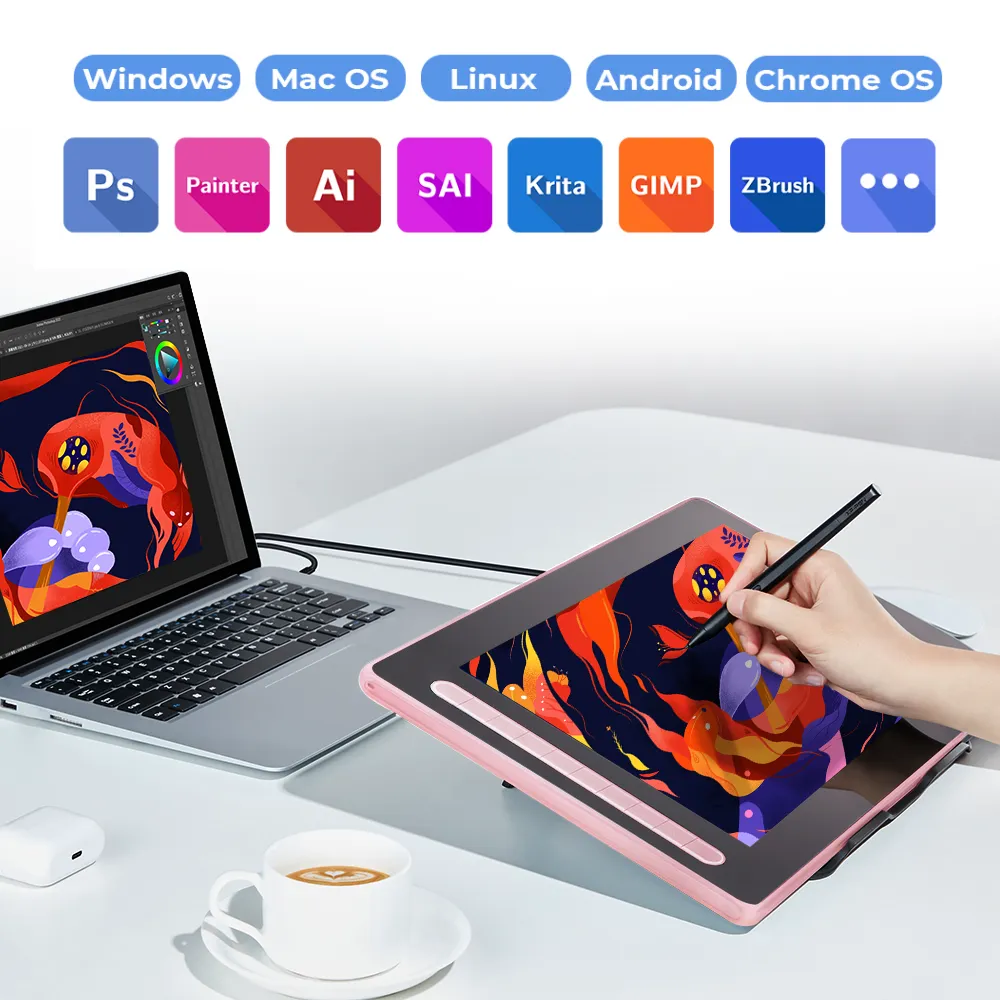
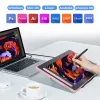
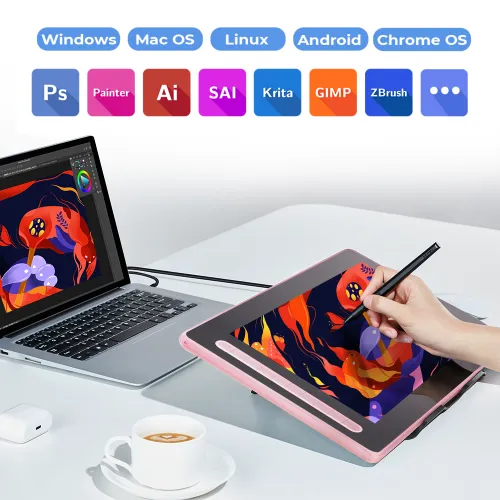
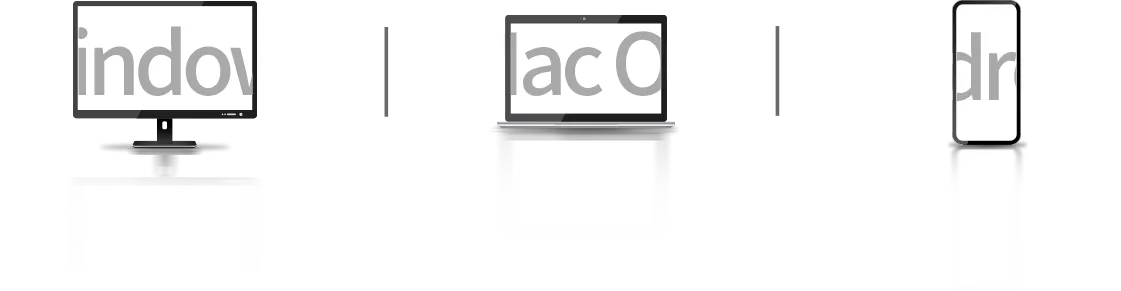
Compatible with Windows 7 (or later), Mac OS X 10.10 (or later), Android (USB3. 1 DP1.2), Chrome OS 88 (or later), and Linux. Bring more possibilites to your creation.
Support popular digital art software such as Adobe Photoshop, Illustrator, SAI, CDR, GIMP, Krita, MediBang, FireAlpaca and Blender3D, etc.
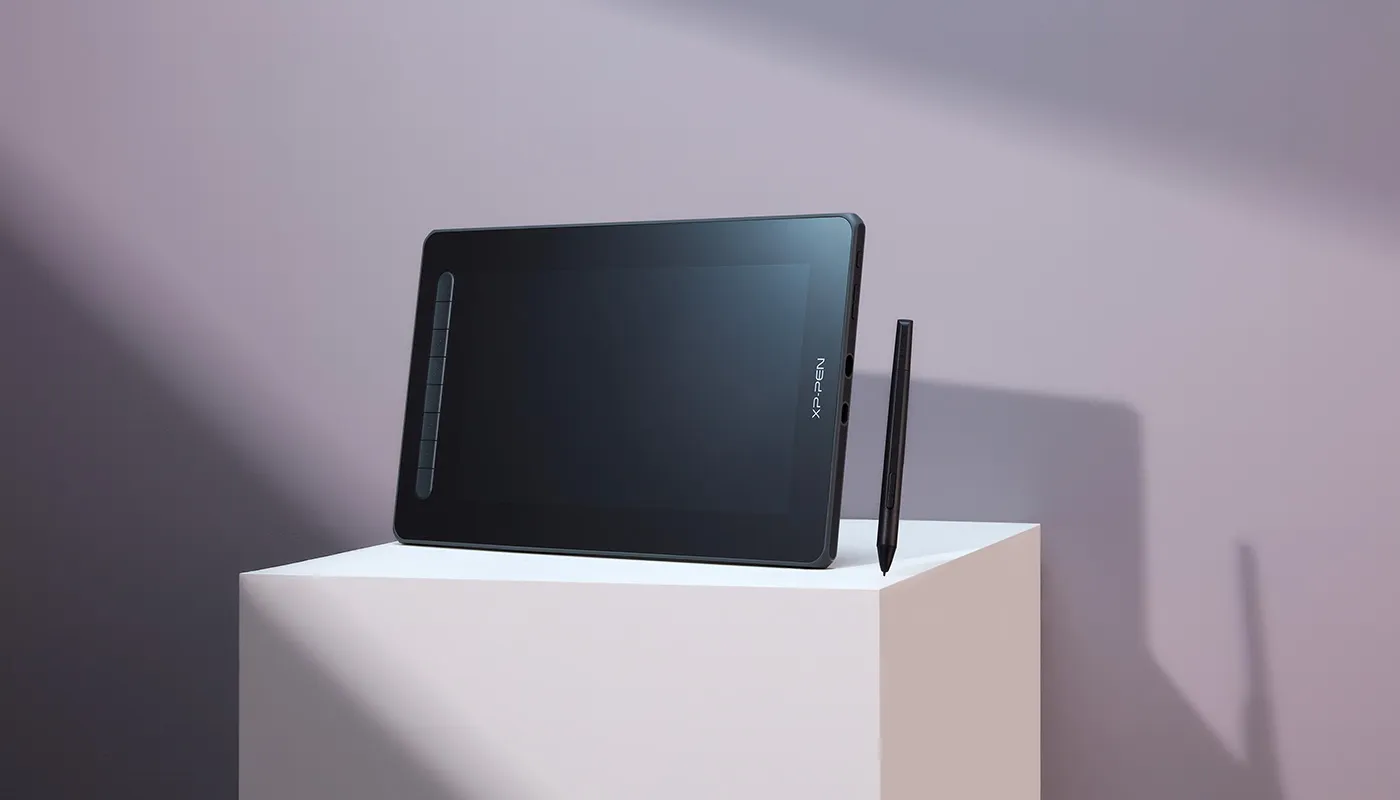
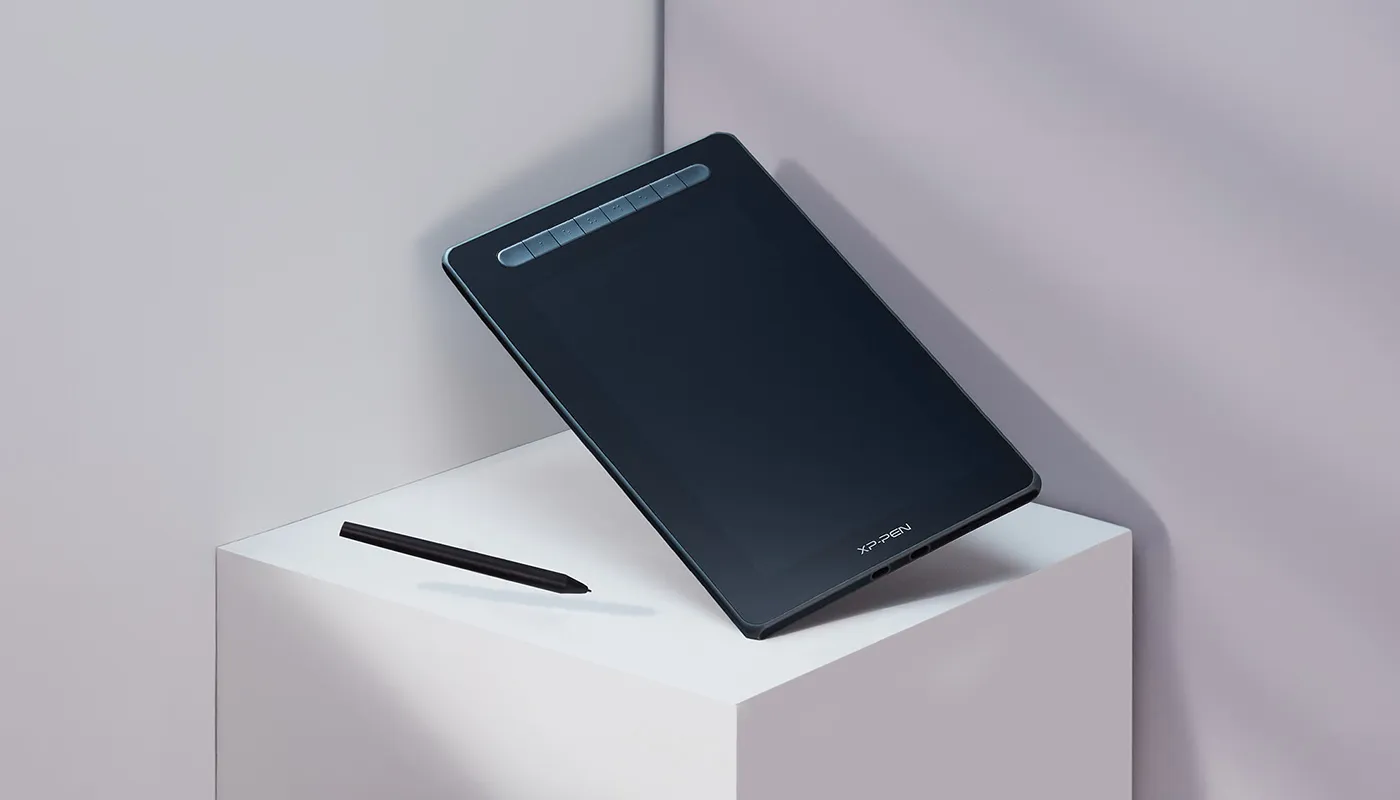
Product Gallery


Specifications
X3 Elite

60° tilt
8192 pressure levels
0.6 mm
Retraction distance
Full lamination
Customizable shortcuts
Battery-free
Windows / Mac / Android /
Chrome OS/ Linux

X3 Elite

60° tilt

8192 pressure levels
3 grams IAF

0.6 mm
Retraction distance

1920 x 1080

Full lamination

Customizable shortcuts

Battery-free

Windows / Mac / Android /
Chrome OS / Linux
Specifications
| Linux OS | Version | Package Format | Supported Software |
| Arch | Arch Linux2019.12.01(64-bit) | .deb, .sh | GIMP, Krita |
| Centos | Centos7.0(64-bit) | .rpm, .sh | GIMP |
| Centos8(64-bit) | .rpm, .sh | GIMP, Krita | |
| Debian | debian-9.5.0-amd64-netinst(64-bit) | .deb, .sh | GIMP, Krita |
| elementary OS | elementary OS 5.0(64-bit) | .deb, .sh | GIMP, Krita |
| ezgo Linux | ezgo14(64-bit) | .deb, .sh | GIMP, Krita |
| Fedora | Fedora32(64-bit) | .rpm, .sh | GIMP, Krita |
| Mageia | Mageia-7.1(64-bit) | .rpm, .sh | GIMP, Krita |
| Manjaro | manjaro-xfce-20.1.2-201019(64-bit) | .deb, .sh | GIMP |
| Mint | linuxmint-18.2-cinnamon-64bit | .deb, .sh | GIMP, Krita |
| OpenSUSE | openSUSE-Tumbleweed(64-bit) | .rpm, .sh | GIMP, Krita |
| Pop!_OS | pop-os_19.10(64-bit) | .deb, .sh | GIMP, Krita |
| Red Hat | Red Hat7(64-bit) | .rpm, .sh | GIMP |
| Ubuntu | Ubuntu14.04(64-bit) | .deb, .sh | GIMP, Krita |
| Ubuntu16.04(64-bit) | .deb, .sh | GIMP, Krita | |
| Ubuntu17.04(64-bit) | .deb, .sh | GIMP, Krita | |
| Ubuntu18.04(64-bit) | .deb, .sh | GIMP, Krita | |
| Ubuntu19.04(64-bit) | .deb, .sh | GIMP, Krita | |
| Ubuntu20.04(64-bit) | .deb, .sh | GIMP, Krita |
| Function | Krita 4.3.0 | Gimp 2.10.20 | Inkscape 0.92 |
| Pen Pressure Sensitivity | |||
| Tilt | |||
| Mouse Function | |||
| Eraser Button (Stylus:PH01, P06) | |||
| Switch between Pen and Eraser Modes | |||
| *If you have any further queries, please do not hesitate to contact us at service@xp-pen.com. | |||
Linux OS
Arch
Version
Arch Linux2019.12.01(64-bit)
Package Format
.deb, .sh
Supported Software
GIMP, Krita
Centos
Version
Centos7.0(64-bit)
Centos8(64-bit)
Centos8(64-bit)
Package Format
.rpm, .sh
.rpm, .sh
.rpm, .sh
Supported Software
GIMP
GIMP, Krita
GIMP, Krita
Debian
Version
debian-9.5.0-amd64-netinst(64-bit)
Package Format
.deb, .sh
Supported Software
GIMP, Krita
elementary OS
Version
elementary OS 5.0(64-bit)
Package Format
.deb, .sh
Supported Software
GIMP, Krita
ezgo Linux
Version
ezgo14(64-bit)
Package Format
.deb, .sh
Supported Software
GIMP, Krita
Fedora
Version
Fedora32(64-bit)
Package Format
.rpm, .sh
Supported Software
GIMP, Krita
Mageia
Version
Mageia-7.1(64-bit)
Package Format
.rpm, .sh
Supported Software
GIMP, Krita
Manjaro
Version
manjaro-xfce-20.1.2-201019(64-bit)
Package Format
.deb, .sh
Supported Software
GIMP
Mint
Version
linuxmint-18.2-cinnamon-64bit
Package Format
.deb, .sh
Supported Software
GIMP, Krita
OpenSUSE
Version
openSUSE-Tumbleweed(64-bit)
Package Format
.rpm, .sh
Supported Software
GIMP, Krita
Pop!_OS
Version
pop-os_19.10(64-bit)
Package Format
.deb, .sh
Supported Software
GIMP, Krita
Red Hat
Version
Red Hat7(64-bit)
Package Format
.rpm, .sh
Supported Software
GIMP
Ubuntu
Version
Ubuntu14.04(64-bit)
Ubuntu16.04(64-bit)
Ubuntu17.04(64-bit)
Ubuntu18.04(64-bit)
Ubuntu19.04(64-bit)
Ubuntu20.04(64-bit)
Ubuntu16.04(64-bit)
Ubuntu17.04(64-bit)
Ubuntu18.04(64-bit)
Ubuntu19.04(64-bit)
Ubuntu20.04(64-bit)
Package Format
.deb, .sh
.deb, .sh
.deb, .sh
.deb, .sh
.deb, .sh
.deb, .sh
.deb, .sh
.deb, .sh
.deb, .sh
.deb, .sh
.deb, .sh
Supported Software
GIMP, Krita
GIMP, Krita
GIMP, Krita
GIMP, Krita
GIMP, Krita
GIMP, Krita
GIMP, Krita
GIMP, Krita
GIMP, Krita
GIMP, Krita
GIMP, Krita
Function
Pen Pressure Sensitivity
Krita 4.3.0
Gimp 2.10.20
Inkscape 0.92
Tilt
Krita 4.3.0
Gimp 2.10.20
Inkscape 0.92
Mouse Function
Krita 4.3.0
Gimp 2.10.20
Inkscape 0.92
Eraser Button(Stylus:PH01, P06)
Krita 4.3.0
Gimp 2.10.20
Inkscape 0.92
Switch between Penand Eraser Modes
Krita 4.3.0
Gimp 2.10.20
Inkscape 0.92
*If you have any further queries, please do not hesitate to contact us at service@xp-pen.com.
| List of compatible Android devices | |
| HUAWEI Mate 10 | HUAWEI Mate 10 Pro |
| HUAWEI Mate 20 | HUAWEI Mate 20 Pro |
| HUAWEI Mate 20 X | HUAWEI Mate 30 Pro |
| HUAWEI Mate 40 | HUAWEI Mate 40 pro |
| HUAWEI Mate 30E Pro 5G | HUAWEI P20 |
| HUAWEI P20 Pro | HUAWEI P30 |
| HUAWEI P30 Pro | HUAWEI P40 |
| HUAWEI P40 Pro | HUAWEI P40 Pro+ |
| HUAWEI Mate 50 | HUAWEI Mate 50 Pro |
| HUAWEI Mate 40E | HUAWEI Mate 40 Pro+ |
| HUAWEI P50 Pro | HUAWEI P50 |
| HUAWEI P50E | HUAWEI Mate X2 |
| HUAWEI Mate Xs2 | HUAWEI Mate 50E |
| HUAWEI Mate 40E Pro | HUAWEI Mate 40 RS |
| HUAWEI P50 Pocket | Honor Note10 |
| Honor V20 | Honor 30pro+ |
| Honor Magic4 | Honor Magic4 Pro |
| Samsung Galaxy A90 5G | Samsung Galaxy Note9 |
| Samsung Galaxy Note10 | Samsung Galaxy Note10+ 5G |
| Samsung Galaxy S8 | Samsung Galaxy S8+ |
| Samsung Galaxy S9 | Samsung Galaxy S9+ |
| Samsung Galaxy S10 | Samsung Galaxy S10+ |
| Samsung Galaxy S10e | Samsung Galaxy S20 |
| Samsung Galaxy S20+ | Samsung Galaxy S20 Ultra |
| Samsung Galaxy S20 FE 5G | Samsung Galaxy S21 |
| Samsung Galaxy S21 FE | Samsung Galaxy S21 ultra |
| Samsung Galaxy S22 | Samsung Galaxy S22 Ultra |
| Samsung Galaxy Note20 | Samsung Galaxy Note20 Ultra |
| Samsung Galaxy Tab S7 | Samsung Galaxy Tab S7 FE |
| Samsung Galaxy Tab S5e | Samsung Galaxy S21+ |
| Samsung Galaxy S22+ | Samsung Galaxy S23 |
| Samsung Galaxy S23+ | Samsung Galaxy S23 Ultra |
| Samsung Galaxy Z Fold4 | Samsung W23 |
| Samsung W22 | Samsung W21 |
| Samsung W20 | Samsung Galaxy Tab S8 |
| Samsung Galaxy Tab S8+ | Samsung Galaxy Tab S8 Ultra |
| Samsung Galaxy Tab S7+ | Samsung Galaxy Tab S6 |
| Samsung Galaxy Tab S6 Lite | |
4.8


Based on 12
92%(11)

0(0)
8%(1)
0(0)
0(0)
Aeiyart
Dec 05 ,2023 PM 19:52 Artist 16 2nd Gen
9/10
Theres no noticeable parallax for me, the lag on the input-output is there but not a big deal at all, it is something anyone should be able to adapt to. My only personal gripe is it ended up being a big too big for my comfort. I hope both XP and Huion will start making tablet screens of this size with VESA mounting holes at least, it sucks needing to have ground space for the tablet of this size.
[Made a mistake of putting this review on the display stand, oops.
As for the display stand (AC18), it's sturdy, doesn't shake nor wobble. Overtime it sagged a bit by approx.
Useful(1)+1
XFANSx0ybpm1m
Dec 01 ,2021 PM 15:48 Artist 16 2nd Gen
Satisfied Customer
Fast delivery, ordered on Nov 23 and received on Nov 25. The package is fine but it could have been better if they used a bigger box and put a bubble wrap to avoid having dents and cracks on the product. Anyway received mine in good condition and complete accessories. Thank you so much.
Official mall
Jan 11 ,2022 PM 12:25
Thank you for your recognition of our XP-PEN products.
Manila stock can help make fast delivery. package is good enough to keep product is good, few case may have some dents.
We will continue to improve and provide the best quality products and services to our consumers.
Have a nice day : )
Useful(0)+1
Robespiery Gozales
Sep 02 ,2020 PM 17:12 Artist 16 2nd Gen
The Best
It arrived in perfect condition.
Everything about this drawing display is perfect except for the wheel tho in my opinion, I really don't like the smooth spin of it, I really prefer the artist series wheel.
But like I said this is just my opinion.
And tbh, I thought this'll be very uncomfortable for lefties like myself, since I see that USB C cable right next to the buttons but I didn't even notice it while working.
Official mall
Sep 03 ,2020 AM 10:25
Dear Robespiery,
Thanks for your good suggestions. Our tech design it like this for right and left hand users, which the USB cable will connect to Tablet PC shortly. If the USB position higher or lower than this place, when change to another side, the cable will be longer to connect tablet. it will be a bit trouble for other users.
Anyway, our tech will keep updating to find a better way for both right and left hand users. Your support is our driving force. Thanks.
Dawn Morco
Jan 08 ,2021 PM 13:25
I think you can rotate the display in the driver settings, so that the buttons would be on the right side when you work.
Official mall
Jan 19 ,2021 AM 10:26
Yes, you are right, you could rotate the display for better working, thanks.
Useful(1)+1
Learn More
XFANSawsgv3lv
Aug 13 ,2025 PM 19:58 Artist 16 2nd Gen
Can I use it to connect on my Poco F5? Are there other ways besides using the usb c to usb c directly? Will it connect if I use and OTG adapter?
Reply0
XFANSuk5bt2g3
Dec 24 ,2024 AM 09:43 Artist 16 2nd Gen
Does this have COD Payment
Reply0
XFANSuk5bt2g3
Dec 24 ,2024 AM 09:43 Artist 16 2nd Gen
Does this have COD Payment
Reply0
XFANSqaxtgopi
Feb 11 ,2024 PM 16:27 Artist 16 2nd Gen
Hello! Are the felt tip nibs compatible with the pen that comes with the artist 16 gen 2? (not the pro version).
Reply0
XFANSqrri4b6r
Oct 28 ,2023 PM 18:25 Artist 16 2nd Gen
Can it work with redmi note 8 pro?
Reply0
XFANSvxolofrn
Oct 25 ,2023 PM 20:09 Artist 16 2nd Gen
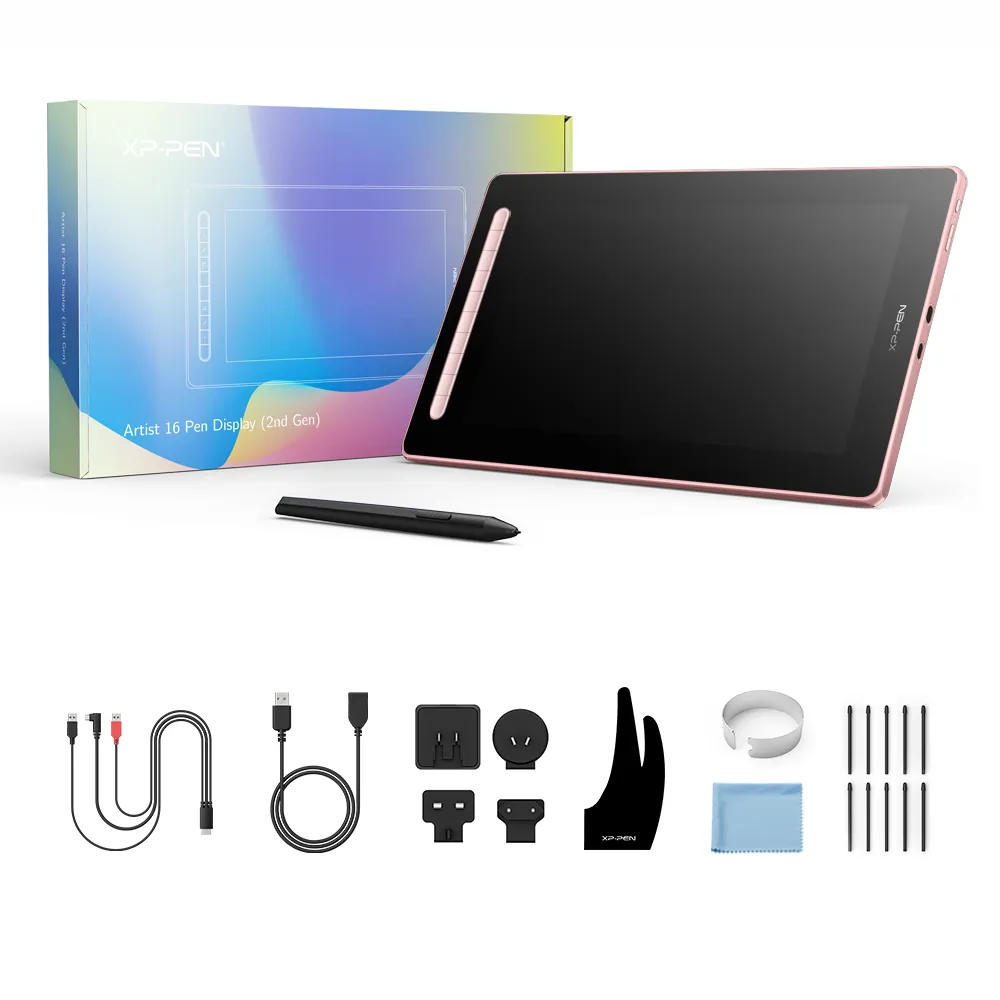
I have a question concerning about the cables. Since I don't use USB c. About the 3 in 1 cable, is it already included in the packaging? Since I don't see it in the optional accessories
Reply0
XFANSvz84woir
Dec 25 ,2022 AM 07:16 Artist 16 2nd Gen
hello is xp pen 16 2nd good for beginner or 15.6 pro?
and also can the xp pen 16 2nd connect with a vivo?
Reply1
Official mall
Jan 06 ,2023 PM 18:19
Hello,
Both model is good for beginner, Artist 16 2nd tech is better than Artist 15.6pro.
Artist 16 2nd only support some Android phone USB3.1, DP1.2 port. like Huawei or Samsung, Vivo doesnot work.
Reply to this review
XFANSd0jd1fri
Oct 31 ,2022 PM 12:14 Artist 16 2nd Gen
Hello, I noticed that in the shipping address info, some cities and municipalities are missing in the options list. More specifically under Camarines Sur region, you are missing the San Jose Municipality.
Reply2
See more answers(1)
Official mall
Nov 08 ,2022 AM 10:17
Dear Customer,
we used JNT shipping address, if they can deliver to your address, we could add it.
If not, we may not deliver to that address by JNT, please advise, thanks.
Reply to this review
Kezt
Oct 05 ,2022 PM 19:29 Artist 16 2nd Gen
Does this work with the Xiaomi 11 Lite 5G NE?
Reply1
Official mall
Oct 08 ,2022 PM 19:44
Xiaomi doesnot support USB3.1, so it doesnot work, thanks.
Reply to this review
XFANSd0jd1fri
Sep 19 ,2022 PM 17:24 Artist 16 2nd Gen
Will it work as a monitor for my Nintendo Switch?
Reply0
Official mall
Sep 24 ,2022 AM 09:22
it can be work as a monitor if you connect with PC, thanks.
Reply to this review
Learn More