


Getting started with your
XPPen Artist 12 Pro Lite
1/5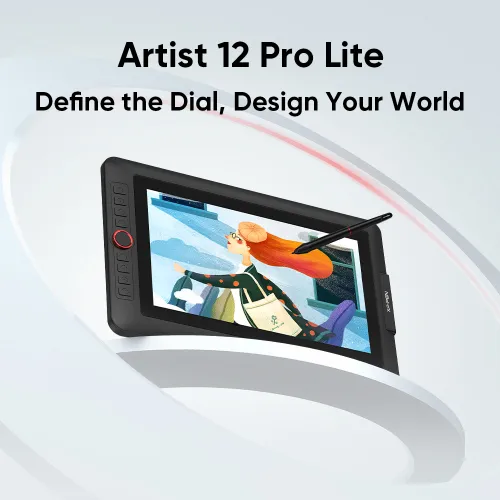
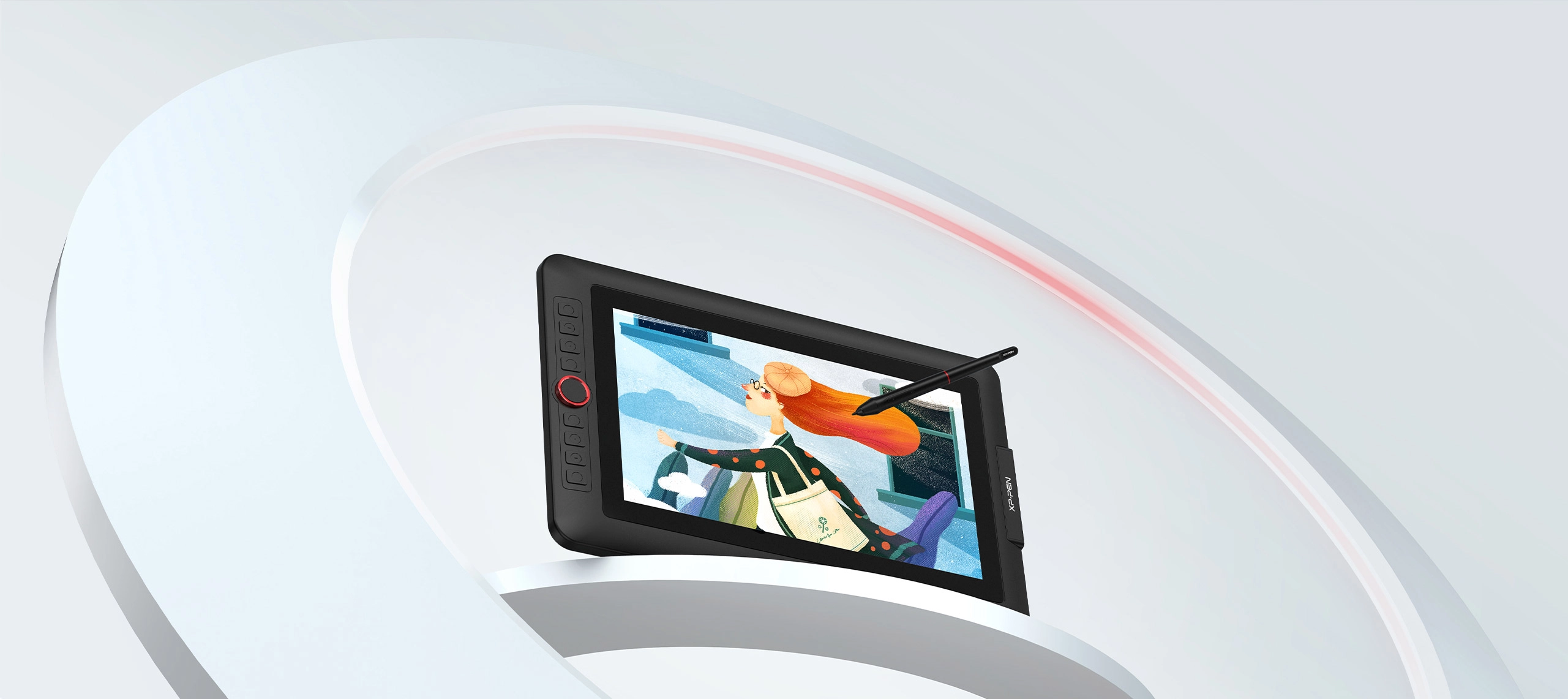
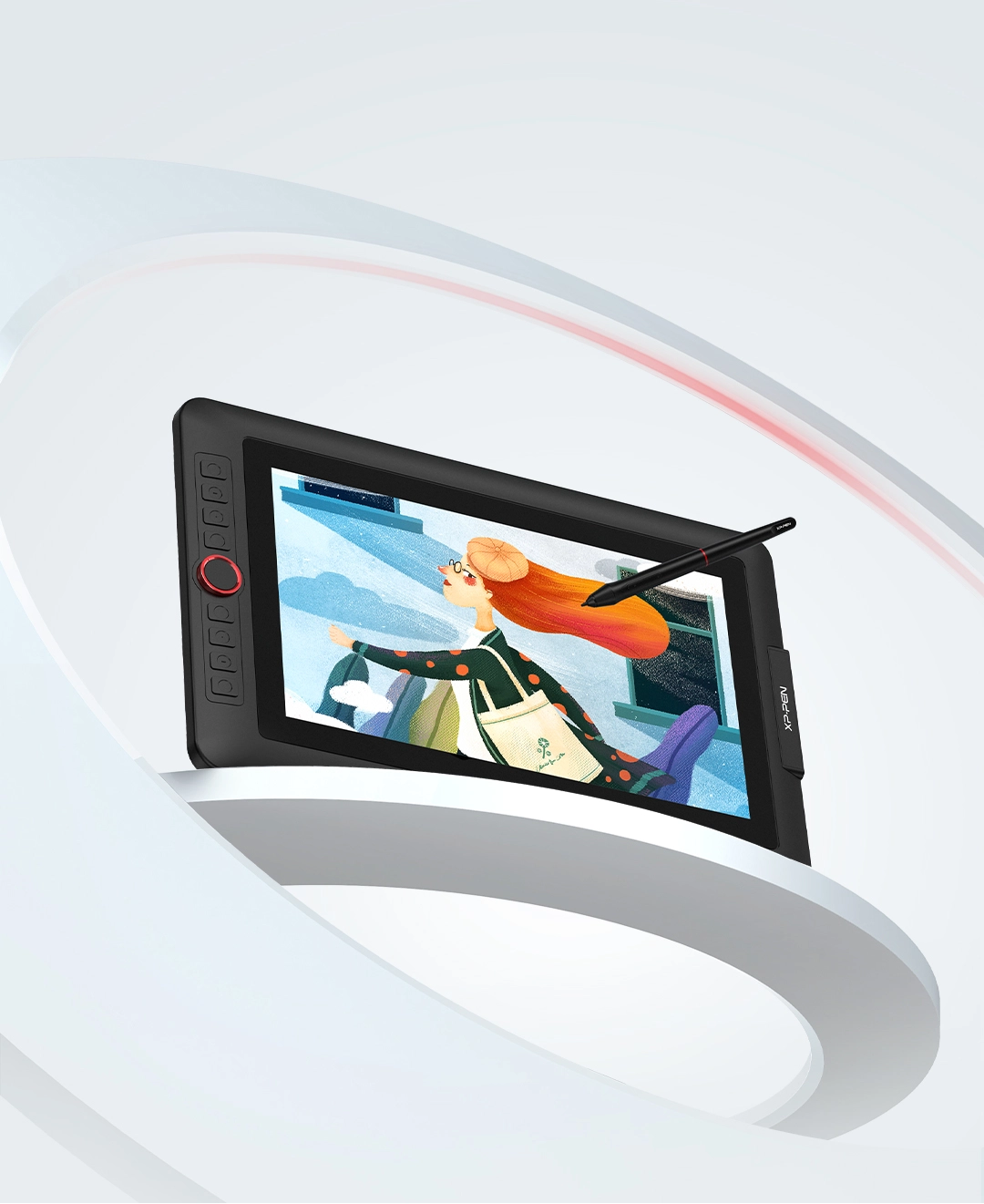
Artist 12 Pro Lite
8192 Pen Pressure, Red Dial interface combines 8 fully customizable shortcut keys Fully-laminated
₱8,999₱13,999
Ends in
> Free Shipping to Manila.
> 18 months warranty.
Optional Accessories
Quantity:
Total
₱8,999
 Mag-log in at bumili para makatanggap ng tinatayang 143 X-Coins




Estimate:
Artist 12 Pro Lite
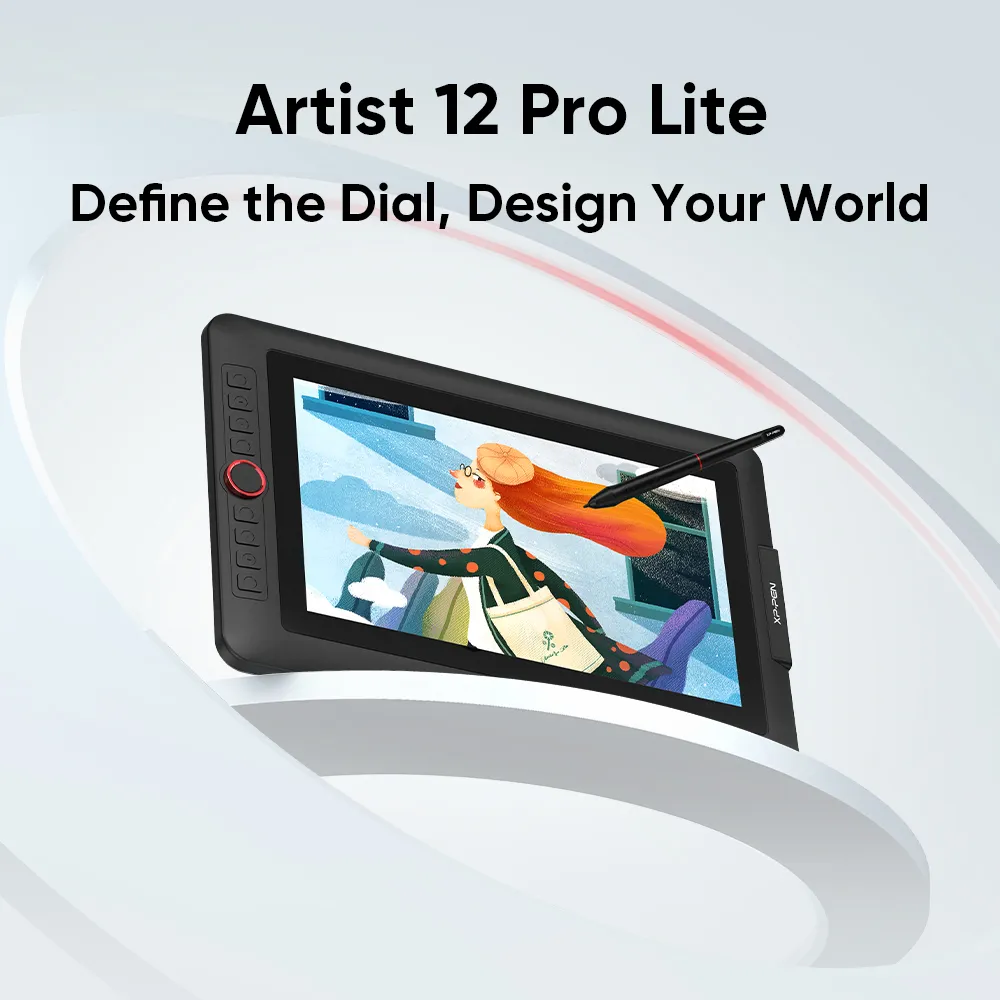
Define the Dial, Design Your World
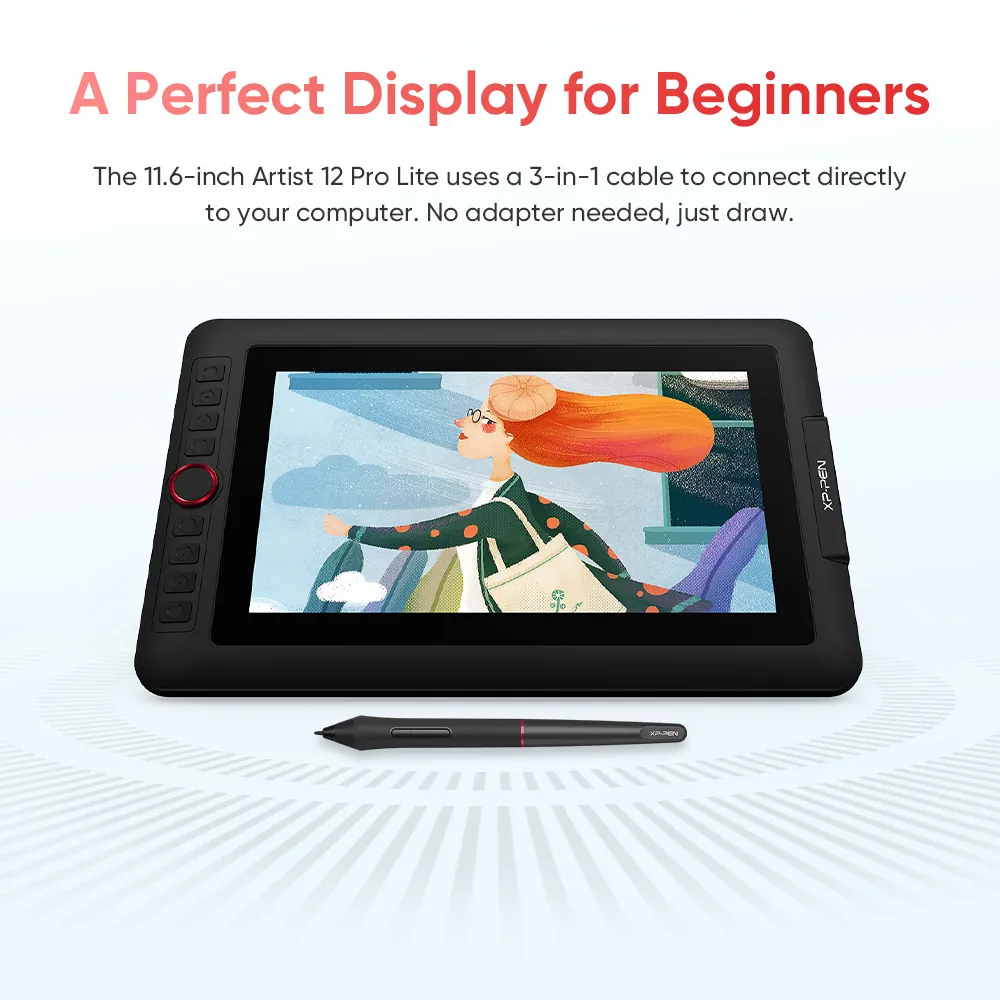
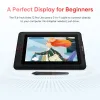
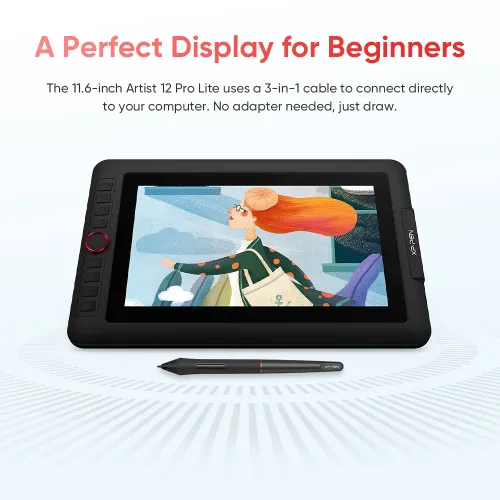
A Perfect Display for Beginners
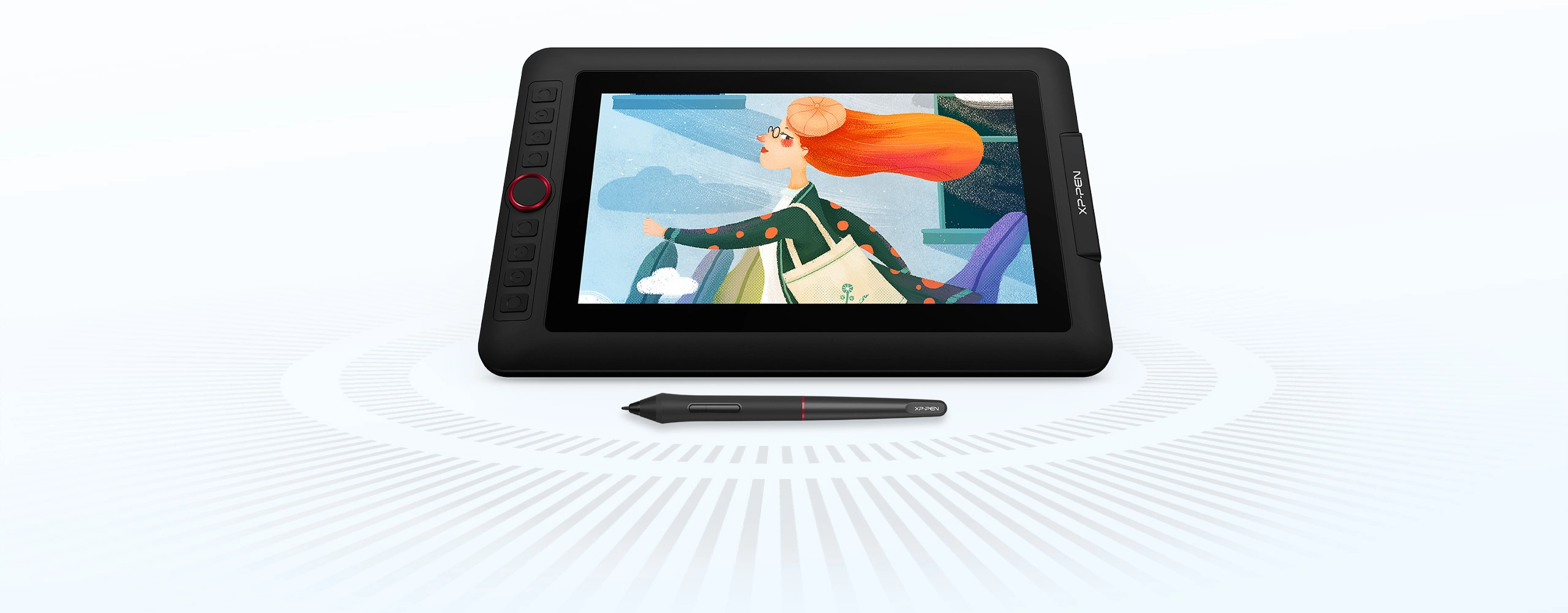
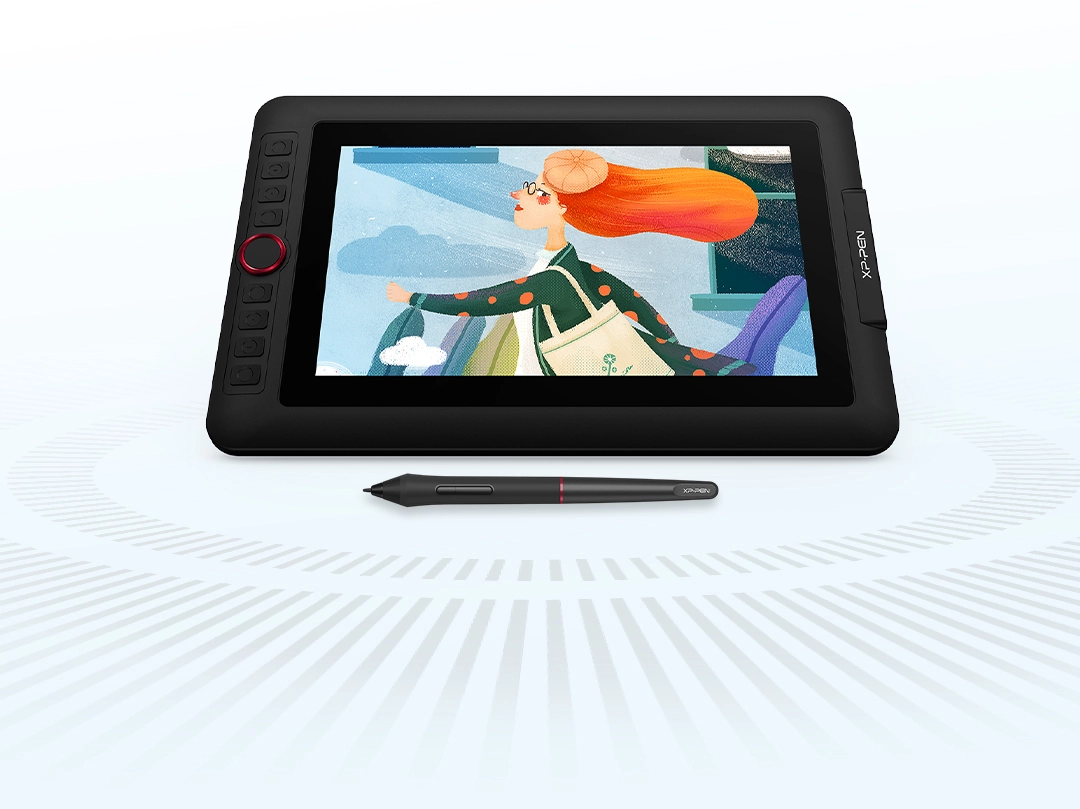
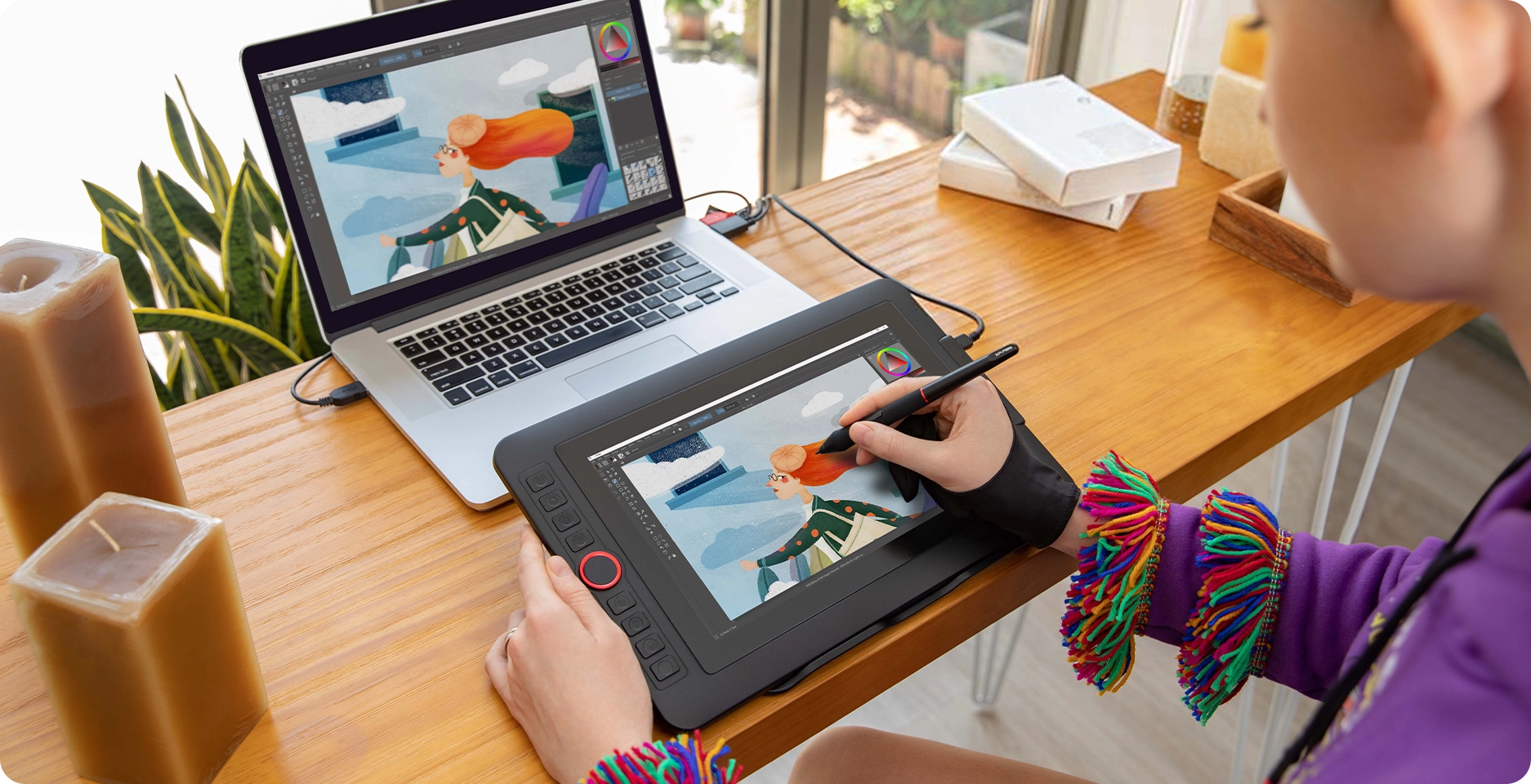
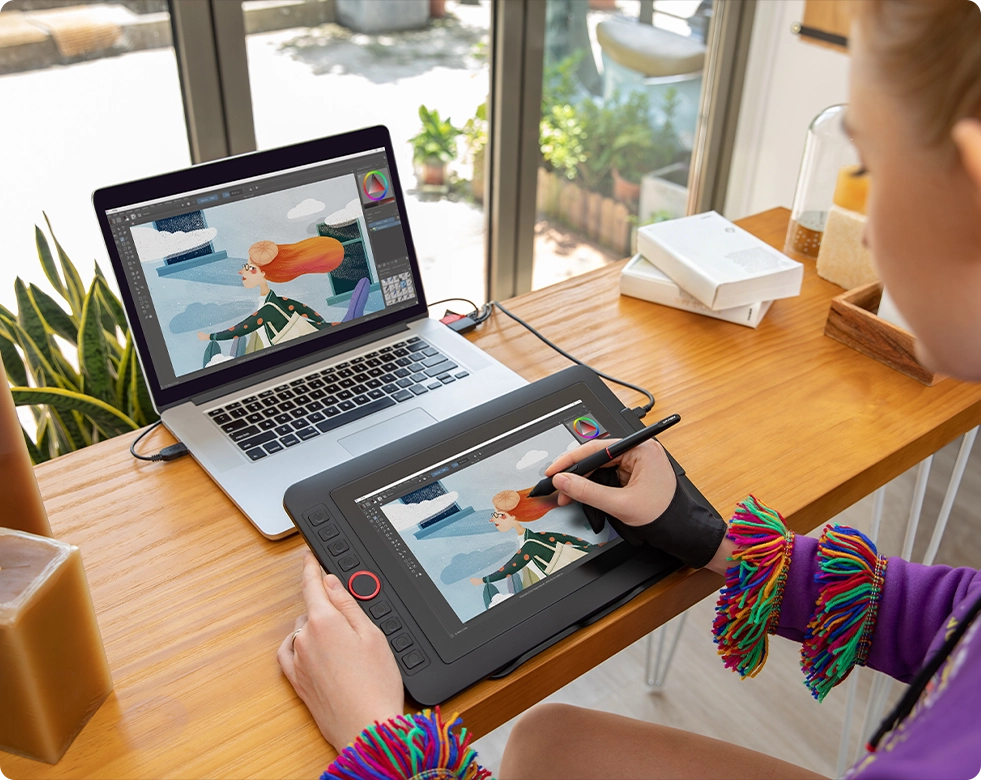
The display features a portable screen with an 11.6-inch display area and a convenient 3-in-1 cable design. There’s no need to use any adapter and it quickly connects to your computer. Start sketching, doodling, and drawing directly on Artist 12 Pro Lite and begin your creative journey.
More Customization
Options as You Like
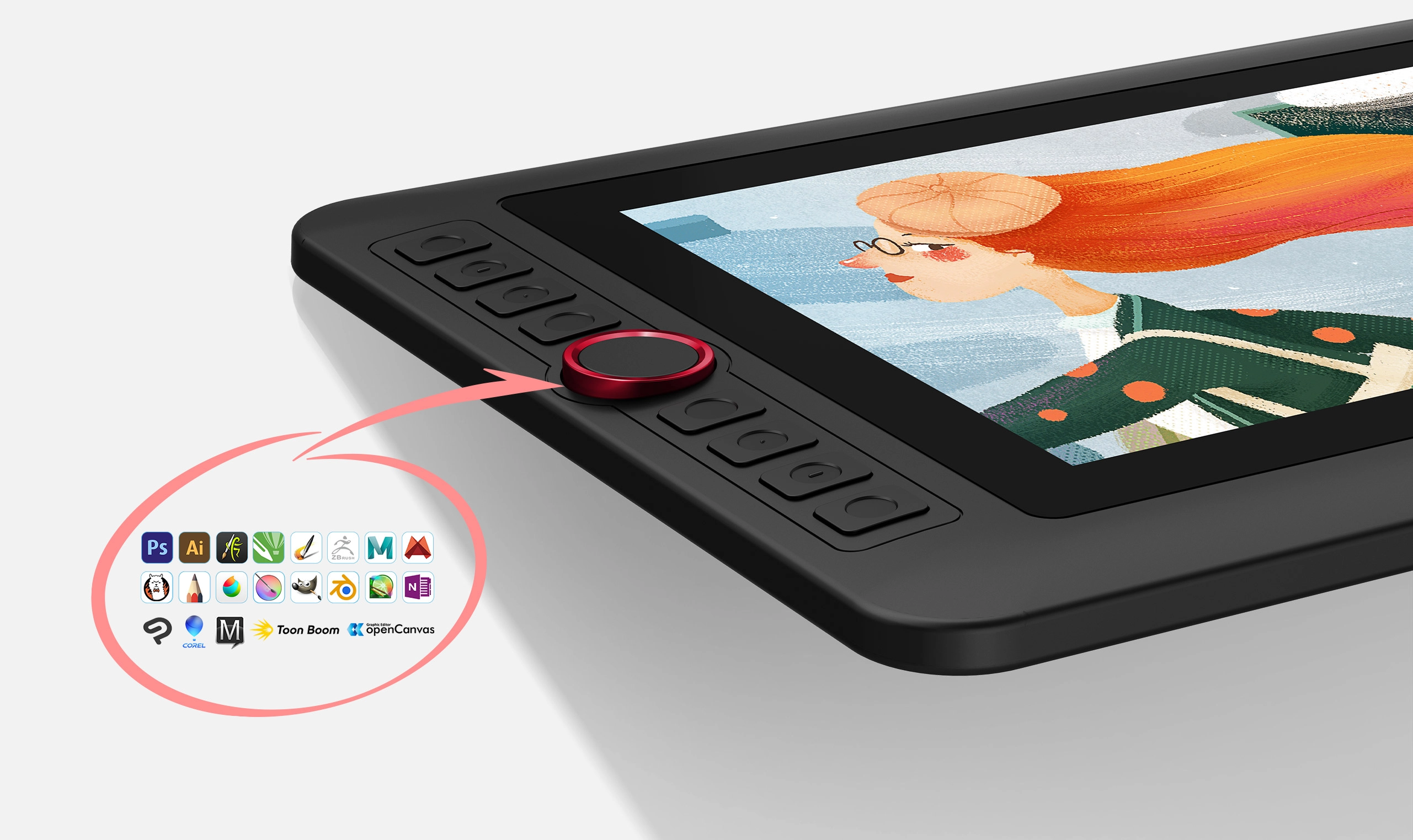
The Artist 12 Pro Lite's Red Dial offers more accurate and flexible control. Combined with eight customizable shortcut keys, it helps you capture and express ideas faster and more smoothly.
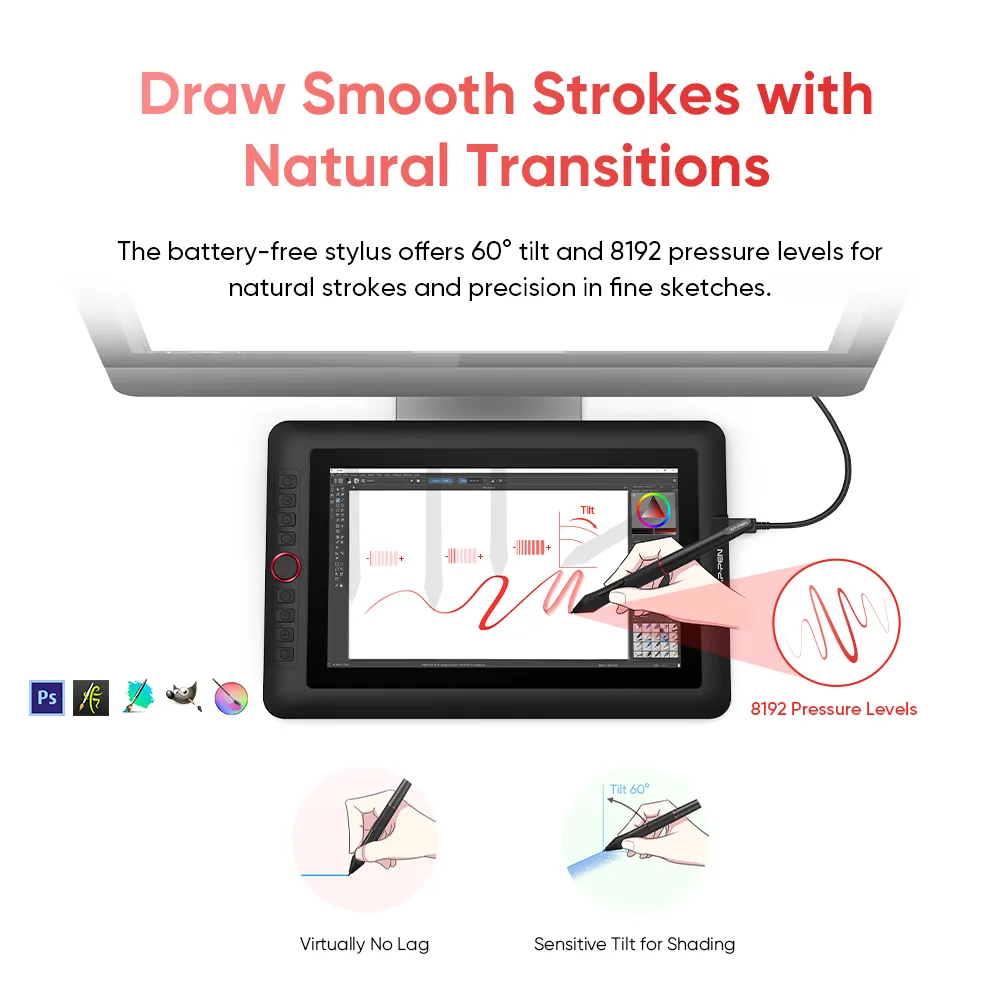
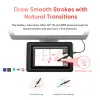
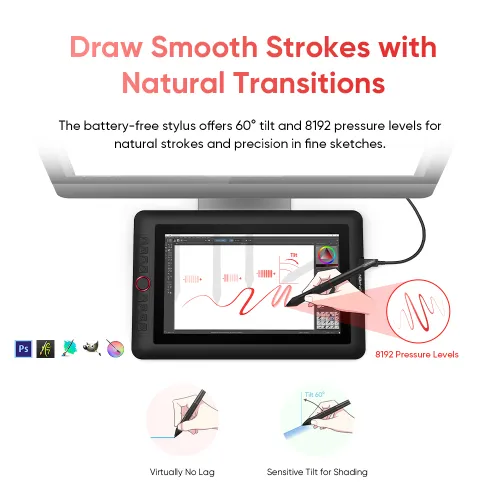
Draw Smooth Strokes
with Natural Transitions
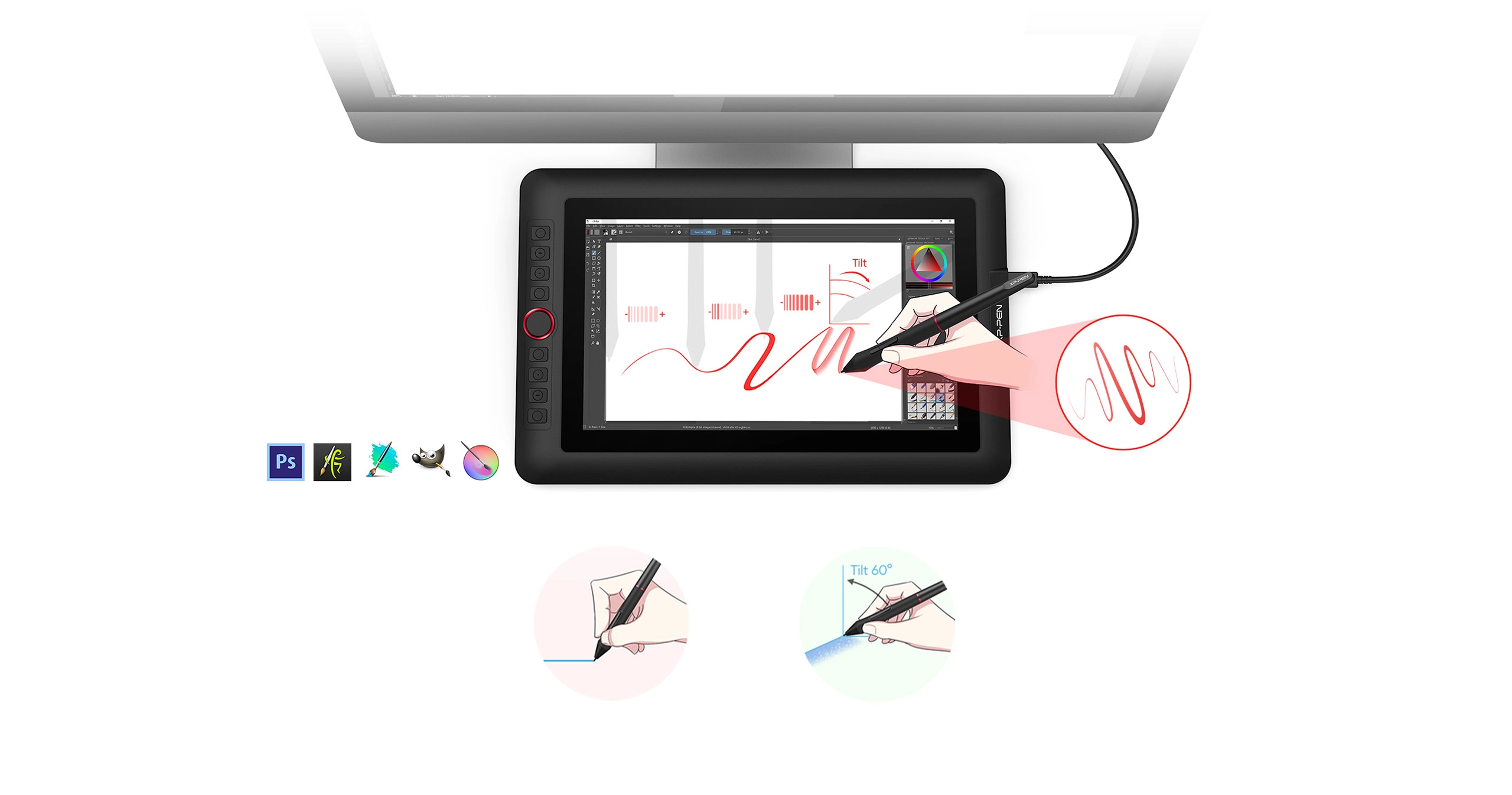
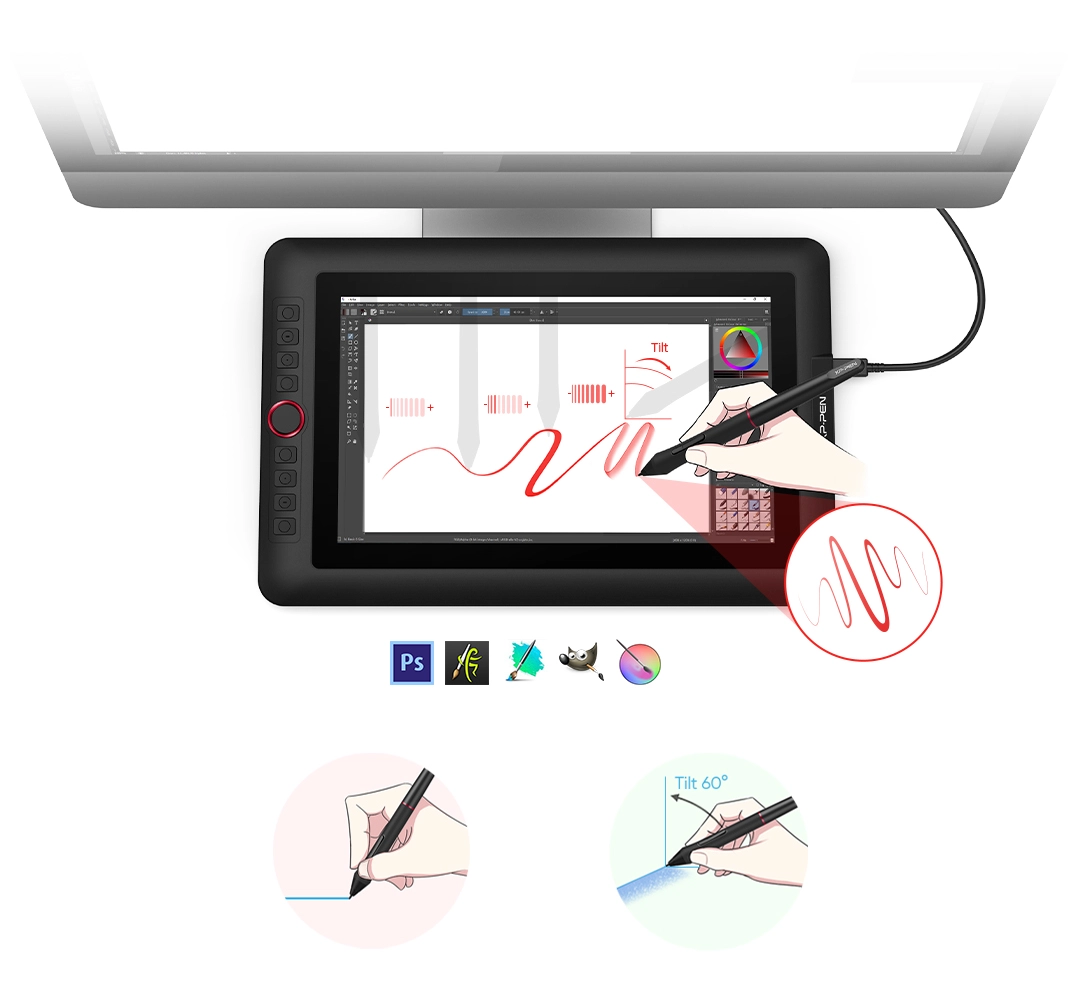
The battery-free stylus supports up to 60° tilt and features 8192 pressure levels. It enables you to achieve natural transitions between strokes and greater accuracy for the finest sketches.
8192 Pressure Levels
Virtually No Lag
Sensitively Tilt for Shading
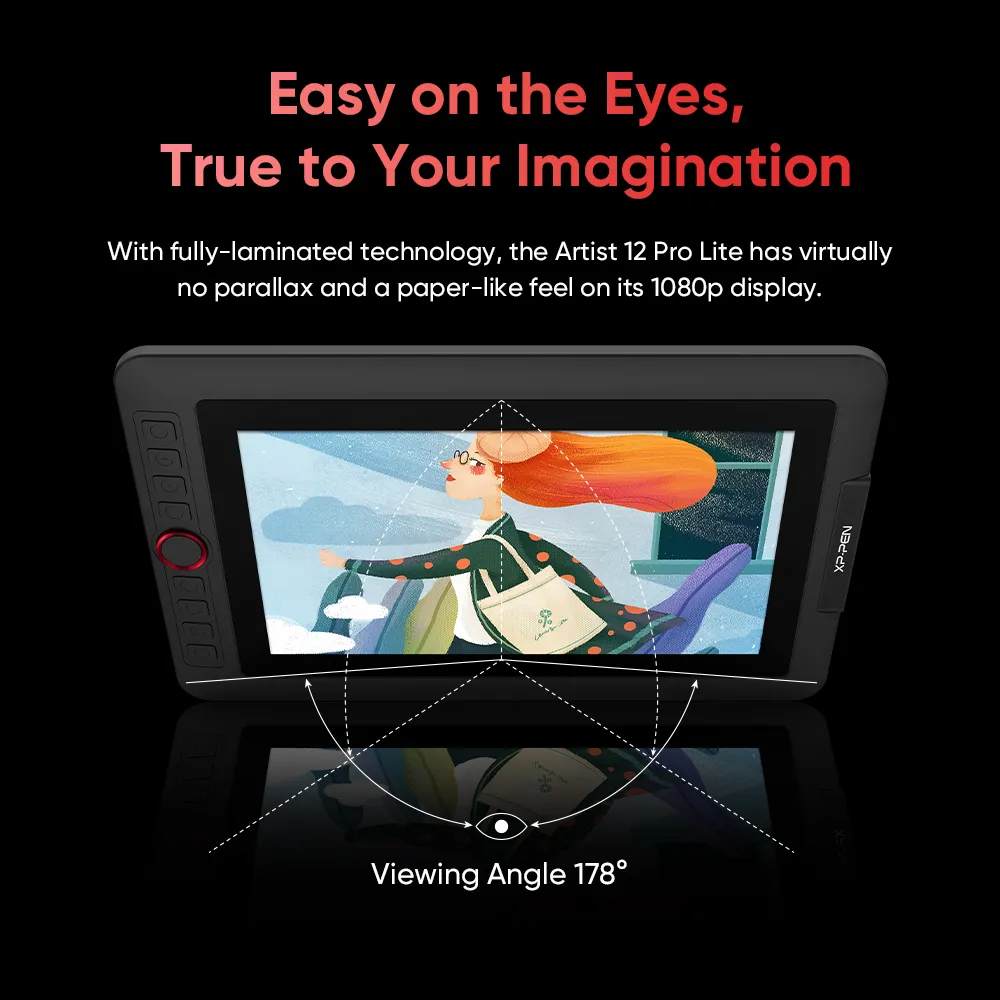
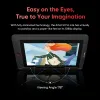
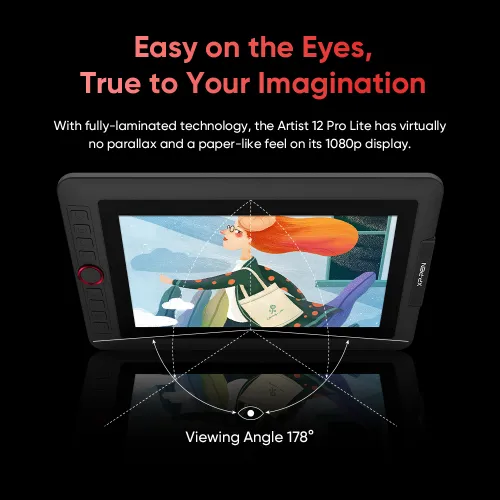
Easy on the Eyes
True to Your Imagination
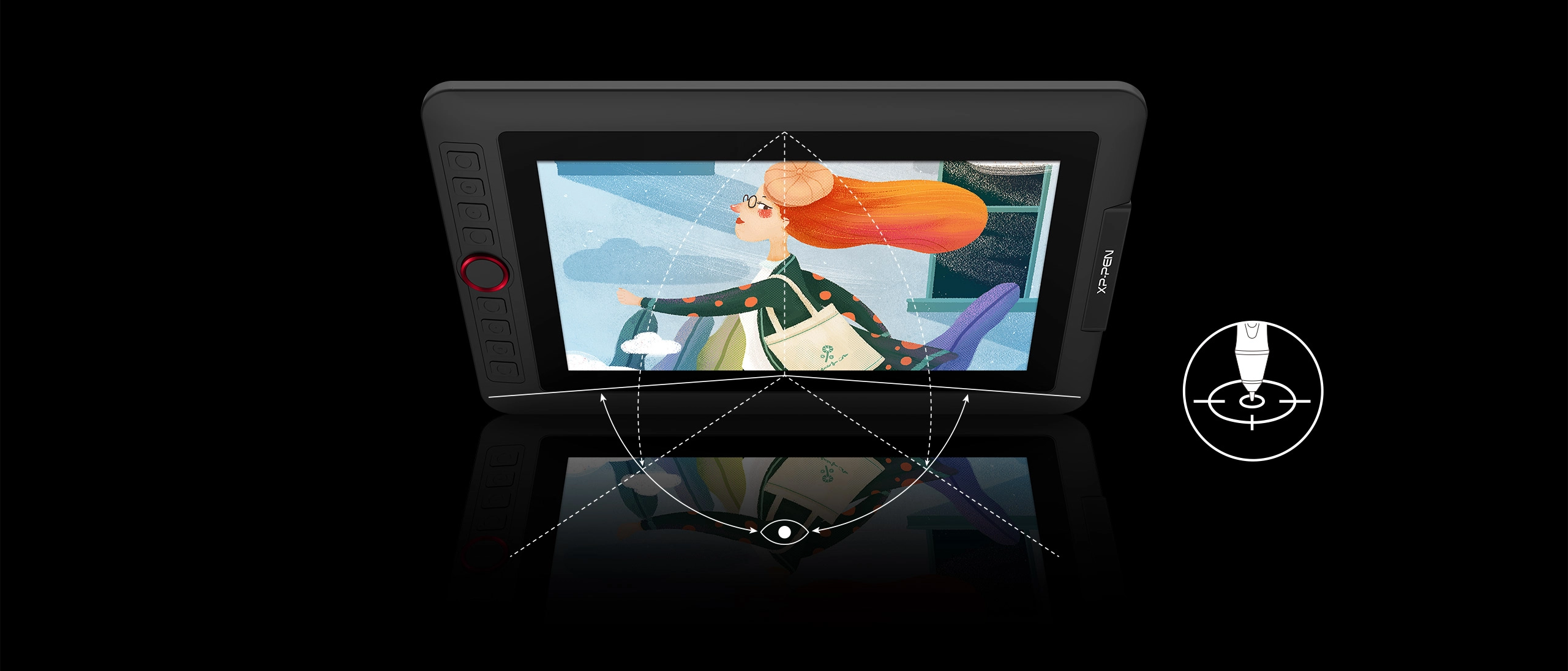
Adopting fully-laminated technology, the Artist 12 Pro Lite combines the glass and screen to create a distraction-free environment with virtually no parallax. It offers a real paper-like feel while drawing on its 11.6-inch IPS display with a 178-degree viewing angle and 1920×1080 resolution.
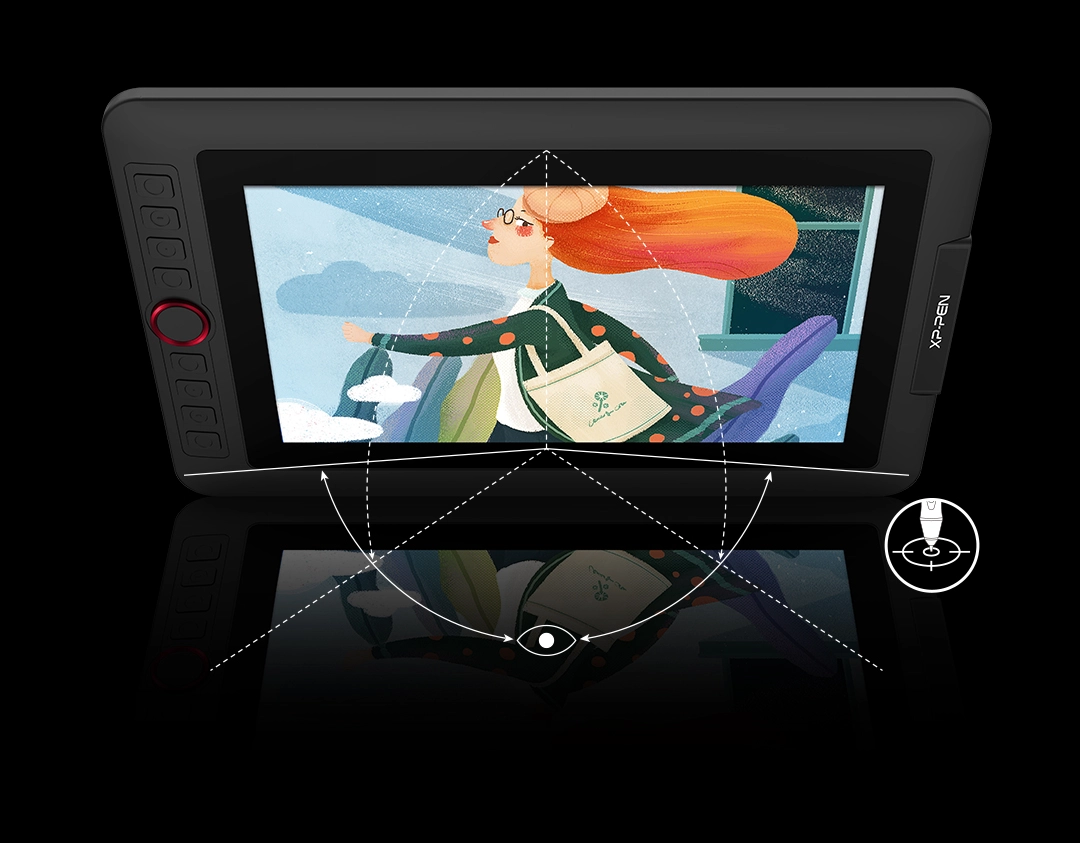
Virtually No Parallax
178°
Turn Your Screen into a Live Canvas
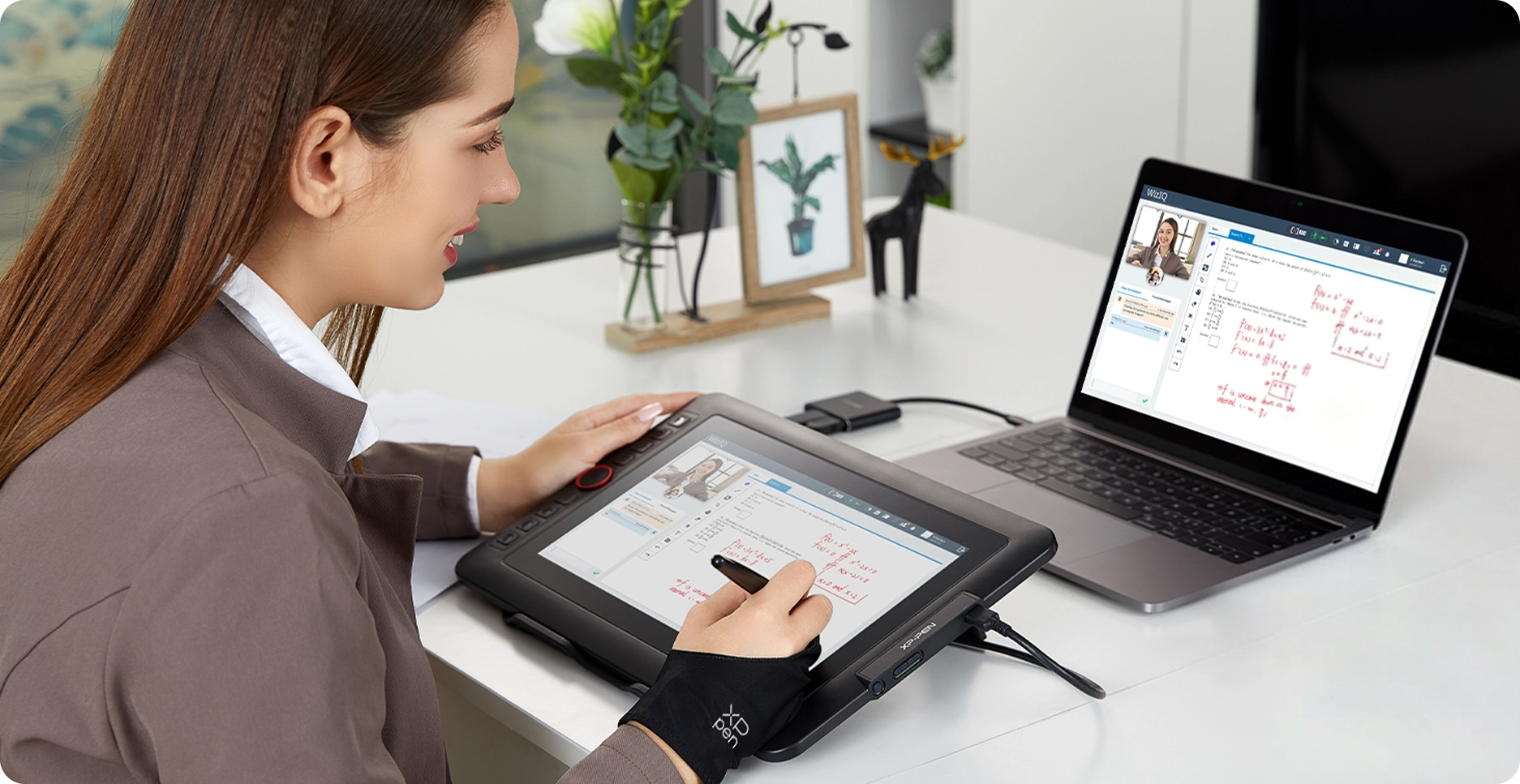
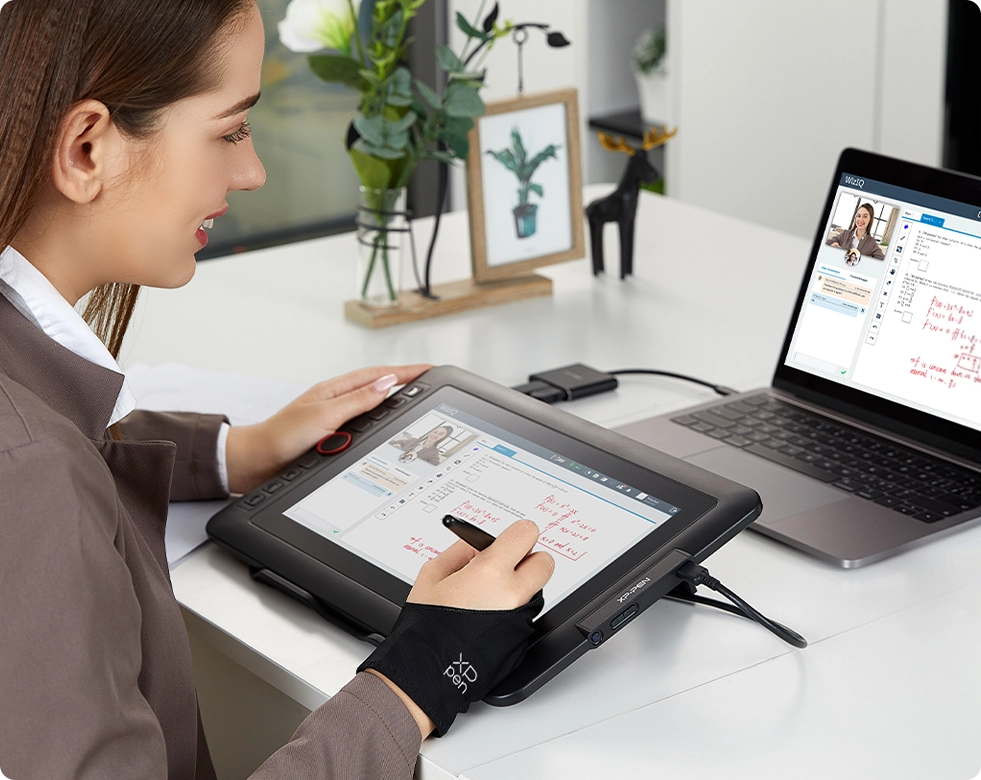
Teachers and speakers can write, edit, and annotate directly in files to visually create and explain interactive content, then share their screen in real time while streaming, broadcasting, or conferencing. This flexibility enables intuitive and efficient presentation of creative ideas and problem-solving processes.
Versatility and Compatibility
Supports Windows 7 (or later), Mac OS X 10.10 (or later),Chrome OS 88 (or later),Linux.
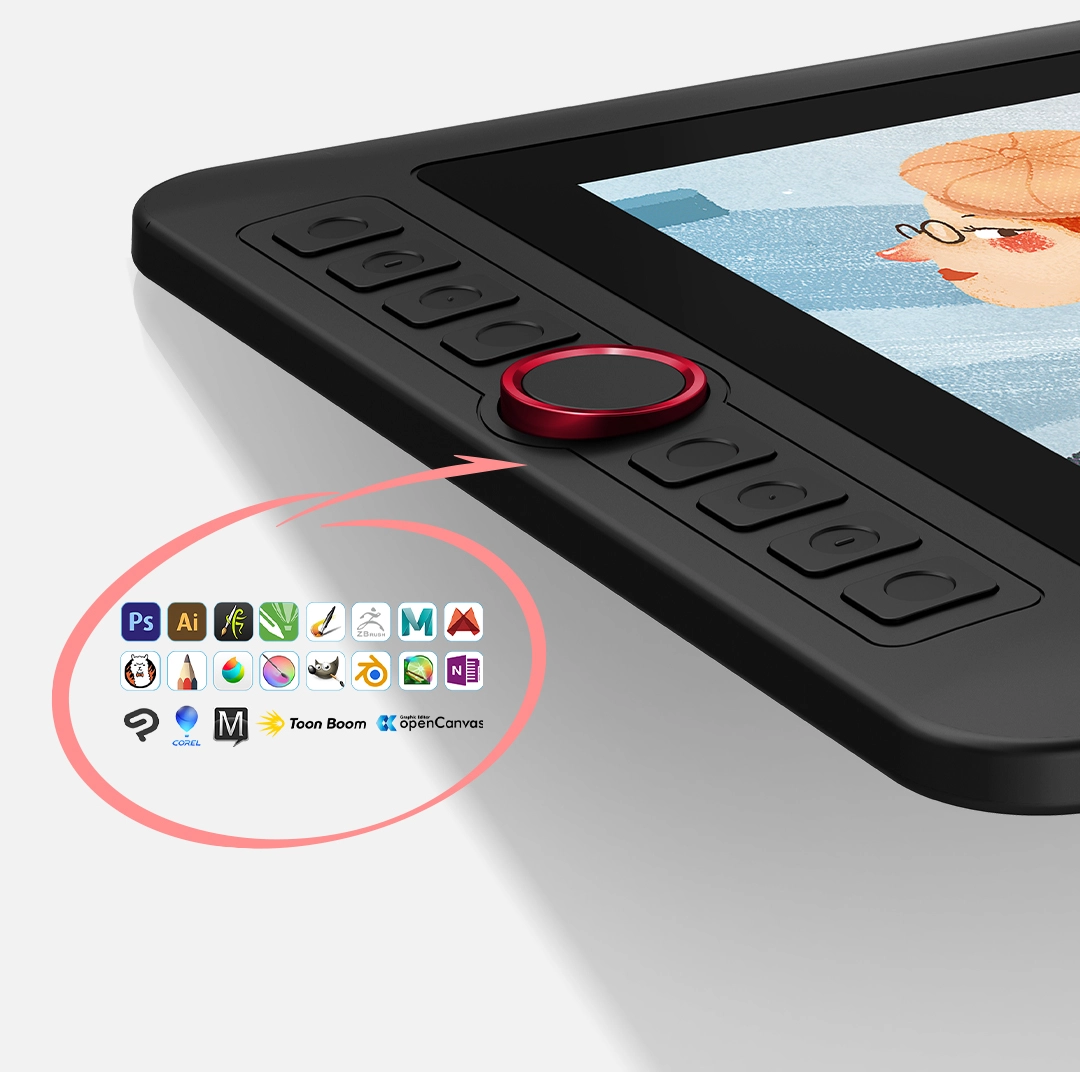
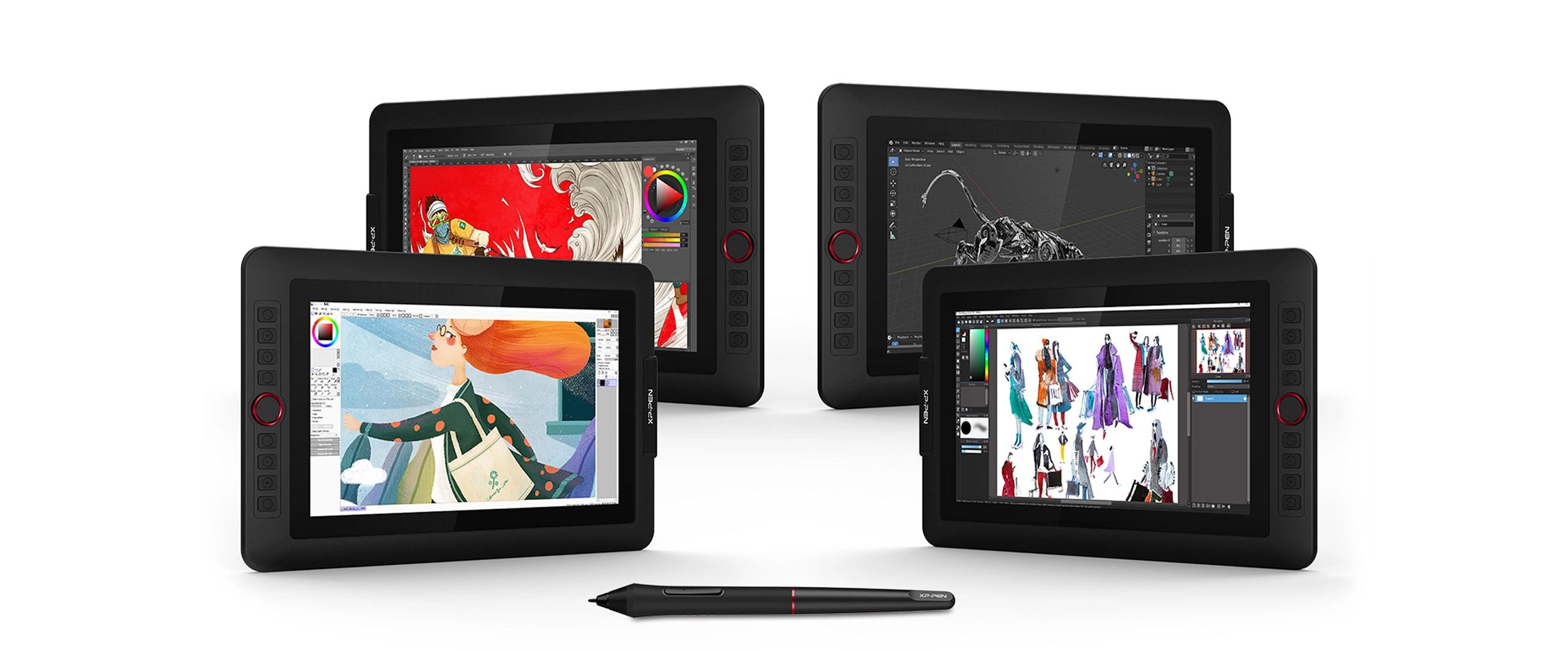
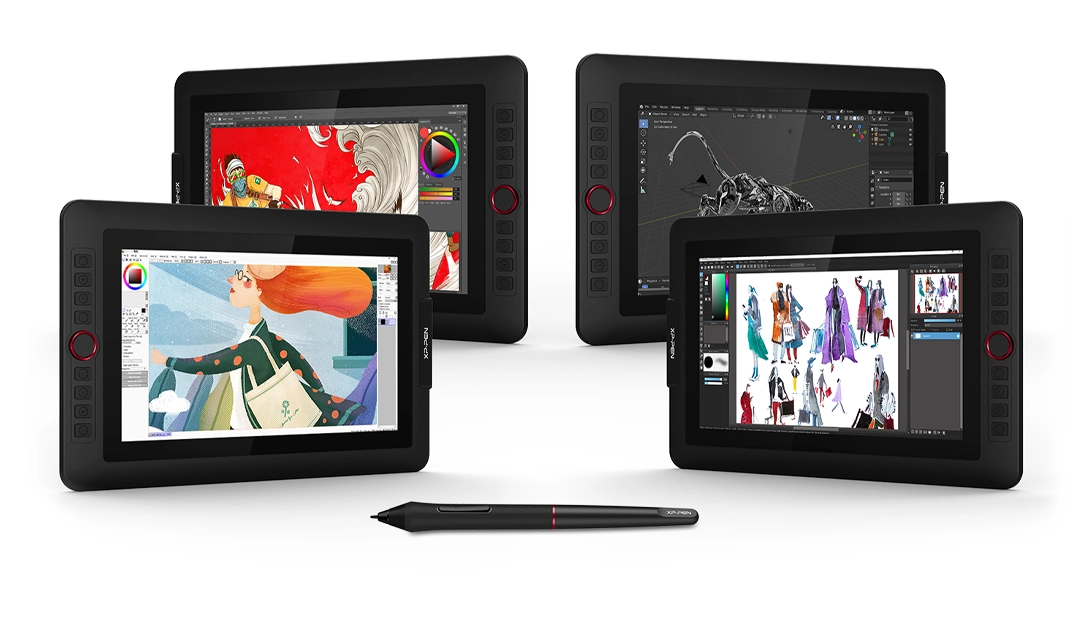
Compatible with popular digital art software such as Adobe® Photoshop®, Illustrator®, SAI®, CDR®, GIMP®, Krita®, Medibang®, Fire Alpaca®, Blender® 3D and more.
The XPPen Artist 12 Pro Lite also works with web conferencing, online learning or broadcasting software including XSplit, Zoom, Twitch, Microsoft Teams, ezTalks Webinar, Idroo, Scribblar, Udemy, Ding Talk, and more.
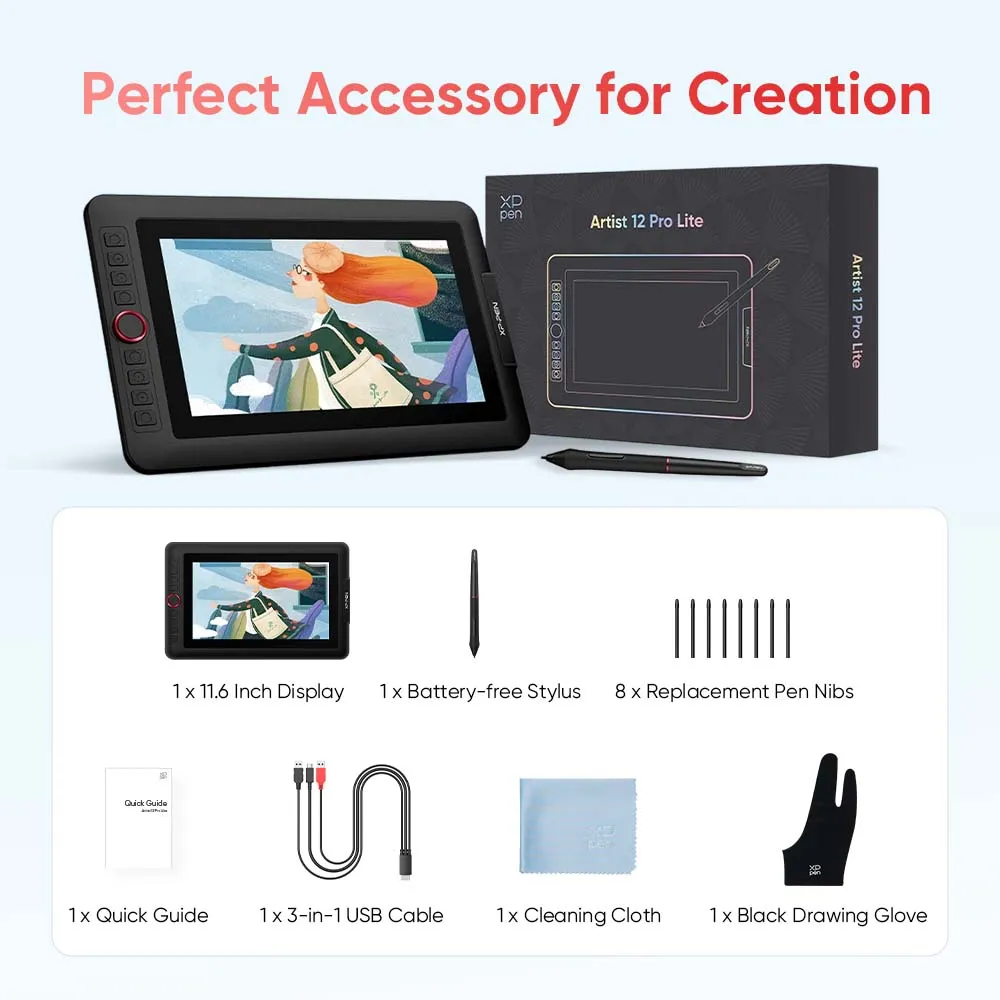
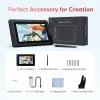
Unboxing Artist 12 Pro Lite
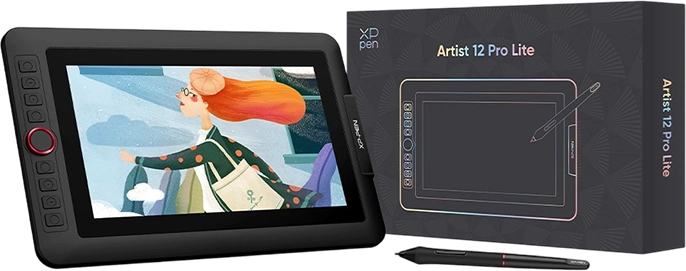
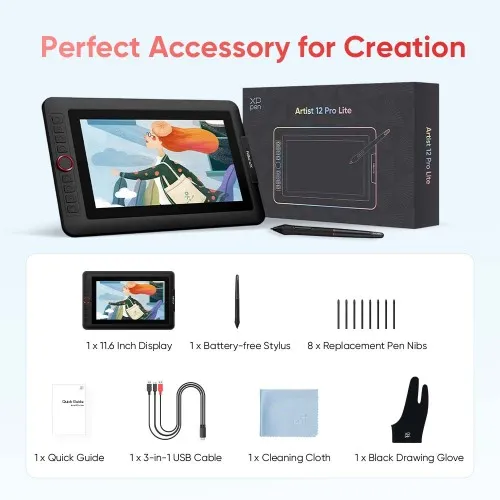
11.6 Inch Display x 1
Battery-free Stylus x 1
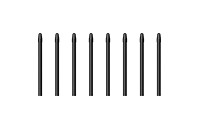
Replacement Pen Nibs x 8
Quick Guide x 1

3-in-1 USB Cable x 1
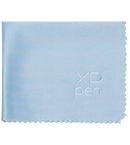
Cleaning Cloth x 1
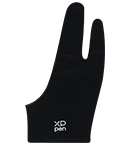
Black Drawing Glove x 1
Package List
Drawing Display × 1
Stylus × 1
Replacement Nibs × 8
3 in 1 USB Cable × 1
Quick Start Guide × 1
Artist Glove × 1
Cleaning Cloth × 1
Specifications
| Linux OS | Version | Package Format | Supported Software |
| Arch | Arch Linux2019.12.01(64-bit) | .deb, .sh | GIMP, Krita |
| Centos | Centos7.0(64-bit) | .rpm, .sh | GIMP |
| Centos8(64-bit) | .rpm, .sh | GIMP, Krita | |
| Debian | debian-9.5.0-amd64-netinst(64-bit) | .deb, .sh | GIMP, Krita |
| elementary OS | elementary OS 5.0(64-bit) | .deb, .sh | GIMP, Krita |
| ezgo Linux | ezgo14(64-bit) | .deb, .sh | GIMP, Krita |
| Fedora | Fedora32(64-bit) | .rpm, .sh | GIMP, Krita |
| Mageia | Mageia-7.1(64-bit) | .rpm, .sh | GIMP, Krita |
| Manjaro | manjaro-xfce-20.1.2-201019(64-bit) | .deb, .sh | GIMP |
| Mint | linuxmint-18.2-cinnamon-64bit | .deb, .sh | GIMP, Krita |
| OpenSUSE | openSUSE-Tumbleweed(64-bit) | .rpm, .sh | GIMP, Krita |
| Pop!_OS | pop-os_19.10(64-bit) | .deb, .sh | GIMP, Krita |
| Red Hat | Red Hat7(64-bit) | .rpm, .sh | GIMP |
| Ubuntu | Ubuntu14.04(64-bit) | .deb, .sh | GIMP, Krita |
| Ubuntu16.04(64-bit) | .deb, .sh | GIMP, Krita | |
| Ubuntu17.04(64-bit) | .deb, .sh | GIMP, Krita | |
| Ubuntu18.04(64-bit) | .deb, .sh | GIMP, Krita | |
| Ubuntu19.04(64-bit) | .deb, .sh | GIMP, Krita | |
| Ubuntu20.04(64-bit) | .deb, .sh | GIMP, Krita |
| Function | Krita 4.3.0 | Gimp 2.10.20 | Inkscape 0.92 |
| Pen Pressure Sensitivity | |||
| Tilt | |||
| Mouse Function | |||
| Eraser Button (Stylus:PH01, P06) | |||
| Switch between Pen and Eraser Modes | |||
| *If you have any further queries, please do not hesitate to contact us at service@xp-pen.com. | |||
Linux OS
Arch
Version
Arch Linux2019.12.01(64-bit)
Package Format
.deb, .sh
Supported Software
GIMP, Krita
Centos
Version
Centos7.0(64-bit)
Centos8(64-bit)
Centos8(64-bit)
Package Format
.rpm, .sh
.rpm, .sh
.rpm, .sh
Supported Software
GIMP
GIMP, Krita
GIMP, Krita
Debian
Version
debian-9.5.0-amd64-netinst(64-bit)
Package Format
.deb, .sh
Supported Software
GIMP, Krita
elementary OS
Version
elementary OS 5.0(64-bit)
Package Format
.deb, .sh
Supported Software
GIMP, Krita
ezgo Linux
Version
ezgo14(64-bit)
Package Format
.deb, .sh
Supported Software
GIMP, Krita
Fedora
Version
Fedora32(64-bit)
Package Format
.rpm, .sh
Supported Software
GIMP, Krita
Mageia
Version
Mageia-7.1(64-bit)
Package Format
.rpm, .sh
Supported Software
GIMP, Krita
Manjaro
Version
manjaro-xfce-20.1.2-201019(64-bit)
Package Format
.deb, .sh
Supported Software
GIMP
Mint
Version
linuxmint-18.2-cinnamon-64bit
Package Format
.deb, .sh
Supported Software
GIMP, Krita
OpenSUSE
Version
openSUSE-Tumbleweed(64-bit)
Package Format
.rpm, .sh
Supported Software
GIMP, Krita
Pop!_OS
Version
pop-os_19.10(64-bit)
Package Format
.deb, .sh
Supported Software
GIMP, Krita
Red Hat
Version
Red Hat7(64-bit)
Package Format
.rpm, .sh
Supported Software
GIMP
Ubuntu
Version
Ubuntu14.04(64-bit)
Ubuntu16.04(64-bit)
Ubuntu17.04(64-bit)
Ubuntu18.04(64-bit)
Ubuntu19.04(64-bit)
Ubuntu20.04(64-bit)
Ubuntu16.04(64-bit)
Ubuntu17.04(64-bit)
Ubuntu18.04(64-bit)
Ubuntu19.04(64-bit)
Ubuntu20.04(64-bit)
Package Format
.deb, .sh
.deb, .sh
.deb, .sh
.deb, .sh
.deb, .sh
.deb, .sh
.deb, .sh
.deb, .sh
.deb, .sh
.deb, .sh
.deb, .sh
Supported Software
GIMP, Krita
GIMP, Krita
GIMP, Krita
GIMP, Krita
GIMP, Krita
GIMP, Krita
GIMP, Krita
GIMP, Krita
GIMP, Krita
GIMP, Krita
GIMP, Krita
Function
Pen Pressure Sensitivity
Krita 4.3.0
Gimp 2.10.20
Inkscape 0.92
Tilt
Krita 4.3.0
Gimp 2.10.20
Inkscape 0.92
Mouse Function
Krita 4.3.0
Gimp 2.10.20
Inkscape 0.92
Eraser Button(Stylus:PH01, P06)
Krita 4.3.0
Gimp 2.10.20
Inkscape 0.92
Switch between Penand Eraser Modes
Krita 4.3.0
Gimp 2.10.20
Inkscape 0.92
*If you have any further queries, please do not hesitate to contact us at service@xp-pen.com.
| List of compatible Android devices | |
| HUAWEI Mate 10 | HUAWEI Mate 10 Pro |
| HUAWEI Mate 20 | HUAWEI Mate 20 Pro |
| HUAWEI Mate 20 X | HUAWEI Mate 30 Pro |
| HUAWEI Mate 40 | HUAWEI Mate 40 pro |
| HUAWEI Mate 30E Pro 5G | HUAWEI P20 |
| HUAWEI P20 Pro | HUAWEI P30 |
| HUAWEI P30 Pro | HUAWEI P40 |
| HUAWEI P40 Pro | HUAWEI P40 Pro+ |
| HUAWEI Mate 50 | HUAWEI Mate 50 Pro |
| HUAWEI Mate 40E | HUAWEI Mate 40 Pro+ |
| HUAWEI P50 Pro | HUAWEI P50 |
| HUAWEI P50E | HUAWEI Mate X2 |
| HUAWEI Mate Xs2 | HUAWEI Mate 50E |
| HUAWEI Mate 40E Pro | HUAWEI Mate 40 RS |
| HUAWEI P50 Pocket | Honor Note10 |
| Honor V20 | Honor 30pro+ |
| Honor Magic4 | Honor Magic4 Pro |
| Samsung Galaxy A90 5G | Samsung Galaxy Note9 |
| Samsung Galaxy Note10 | Samsung Galaxy Note10+ 5G |
| Samsung Galaxy S8 | Samsung Galaxy S8+ |
| Samsung Galaxy S9 | Samsung Galaxy S9+ |
| Samsung Galaxy S10 | Samsung Galaxy S10+ |
| Samsung Galaxy S10e | Samsung Galaxy S20 |
| Samsung Galaxy S20+ | Samsung Galaxy S20 Ultra |
| Samsung Galaxy S20 FE 5G | Samsung Galaxy S21 |
| Samsung Galaxy S21 FE | Samsung Galaxy S21 ultra |
| Samsung Galaxy S22 | Samsung Galaxy S22 Ultra |
| Samsung Galaxy Note20 | Samsung Galaxy Note20 Ultra |
| Samsung Galaxy Tab S7 | Samsung Galaxy Tab S7 FE |
| Samsung Galaxy Tab S5e | Samsung Galaxy S21+ |
| Samsung Galaxy S22+ | Samsung Galaxy S23 |
| Samsung Galaxy S23+ | Samsung Galaxy S23 Ultra |
| Samsung Galaxy Z Fold4 | Samsung W23 |
| Samsung W22 | Samsung W21 |
| Samsung W20 | Samsung Galaxy Tab S8 |
| Samsung Galaxy Tab S8+ | Samsung Galaxy Tab S8 Ultra |
| Samsung Galaxy Tab S7+ | Samsung Galaxy Tab S6 |
| Samsung Galaxy Tab S6 Lite | |
5.0

Based on 3
100%(3)

0(0)
0(0)
0(0)
0(0)
XFANSs4lm38hc
Jan 19 ,2024 PM 19:47 Artist 12 Pro Lite
Satisfied
I am really satisfied with the pen display, it makes my work more efficient, the size of the display is just right for me.
Useful(2)+1
Robert
Mar 15 ,2021 PM 18:06 Artist 12 Pro Lite
Lovely Line Friend
So Cute! It works so well and easy to carry around with my laptop. The little gift items are really cute and I love the design of the display. Really great for the price too! :)
Useful(1)+1
Official mall
Mar 15 ,2021 PM 18:28
Thanks very much for your good feedback.
Yes, line friend accessories and product is very cute. thanks.
XFANSvfjxl41j
Feb 05 ,2023 AM 10:00 Artist 12 Pro Lite
My thoughts on this product
I really like the texture and it's really easy to carry around when going somewhere, I really like it and I find the way it's put together in the box really neat.
Useful(2)+1
Official mall
Feb 16 ,2023 PM 17:21
Thank you so much for the kind words.
We are very glad to hear that you are satisfied with our product. Your compliment means a great deal to us. We strive to provide even better products and services, and your opinion can bring us here.
Have a nice day : )
XFANS1uxbgy5a
May 20 ,2023 PM 23:34 Artist 12 Pro Lite
Wanted to ask regarding the drawing software used for this one? And is it possible to create art meant for A3 sized physical canvases?
Reply0