



Getting started with your
Artist 15.6 Pro V2.
1/11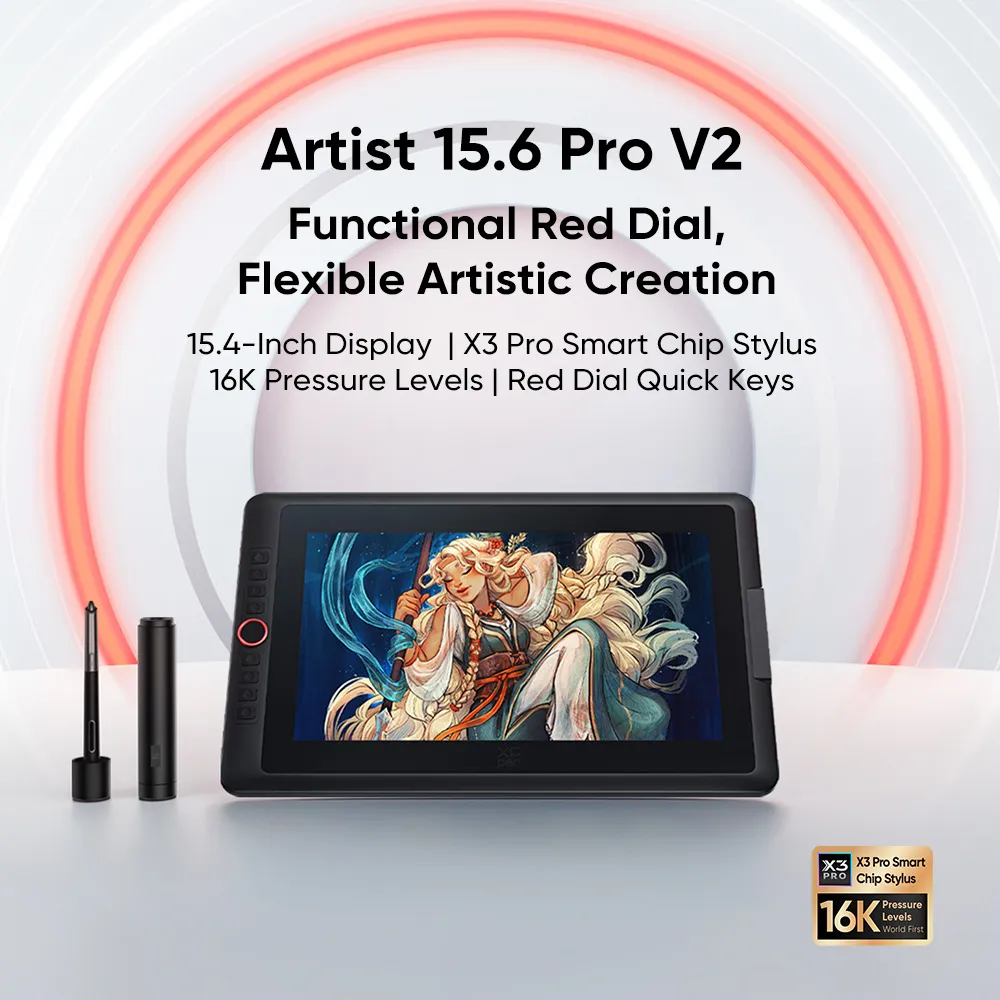
![https://resource.xp-pen.com/Uploads/images/20260326/HWFFyTrBp2mtyzEKL4YT_500_500.webp]()
![https://resource.xp-pen.com/Uploads/goods/20250127/QYsPw4Y611MJ2RxVnRsn_500_500.webp]()
![https://resource.xp-pen.com/Uploads/goods/20250127/dw1FV8JEH7zu3TvMA6iy_500_500.webp]()
![https://resource.xp-pen.com/Uploads/goods/20250127/oFohO70c9Oqeqw31dKCm_500_500.webp]()
![https://resource.xp-pen.com/Uploads/goods/20250127/HLsKE1TqZnlzfYIV5q40_500_500.webp]()
![https://resource.xp-pen.com/Uploads/goods/20250127/kbIpo9hDBkNtO9de7uYz_500_500.webp]()
![https://resource.xp-pen.com/Uploads/goods/20250127/6BWvaNRYRT4jXoOMoaLd_500_500.webp]()
![https://resource.xp-pen.com/Uploads/goods/20250127/lVwImuGVbIMy2yPHeNK5_500_500.webp]()
![https://resource.xp-pen.com/Uploads/ph/goods/20200915/8edec7cdb0d4582d3240cb2f22f1d70d_500_500.webp]()
![https://resource.xp-pen.com/Uploads/goods/20250127/nZGSUO5wCO9HHYP6IFSF_500_500.webp]()
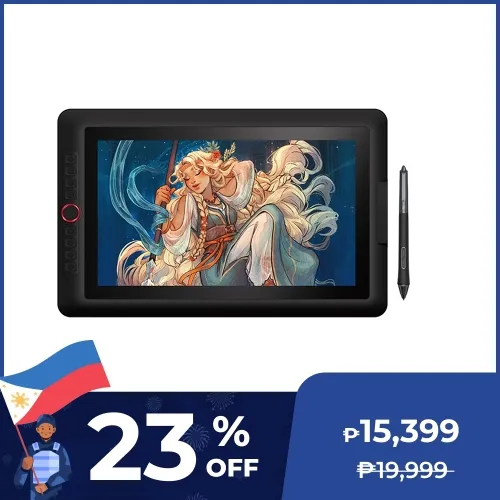
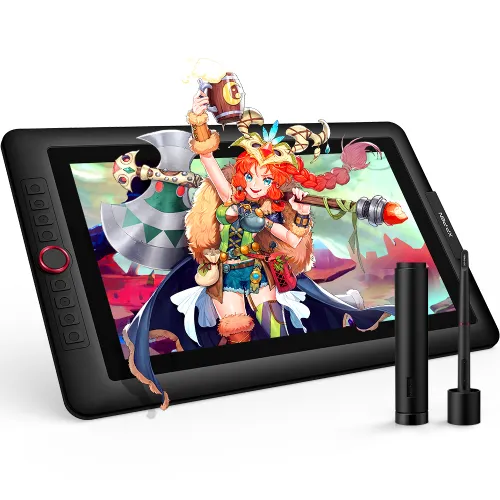
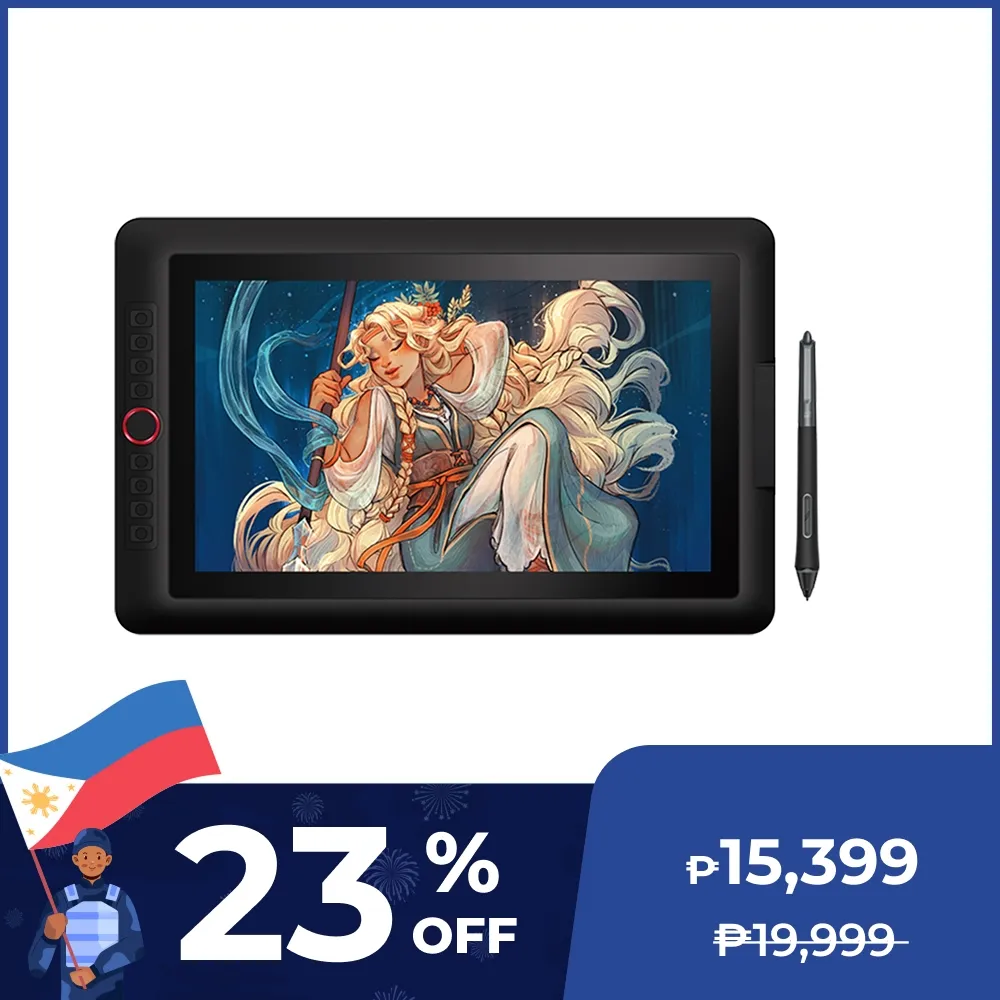
Artist 15.6 Pro V2 - 16K Pressure
X3 Pro stylus with 16K Pen pressure
₱15,399₱19,999
Ends in
> Free Shipping to Manila.
> 18 months warranty.
Optional Accessories
Quantity:
Total
₱0.00


Estimate:
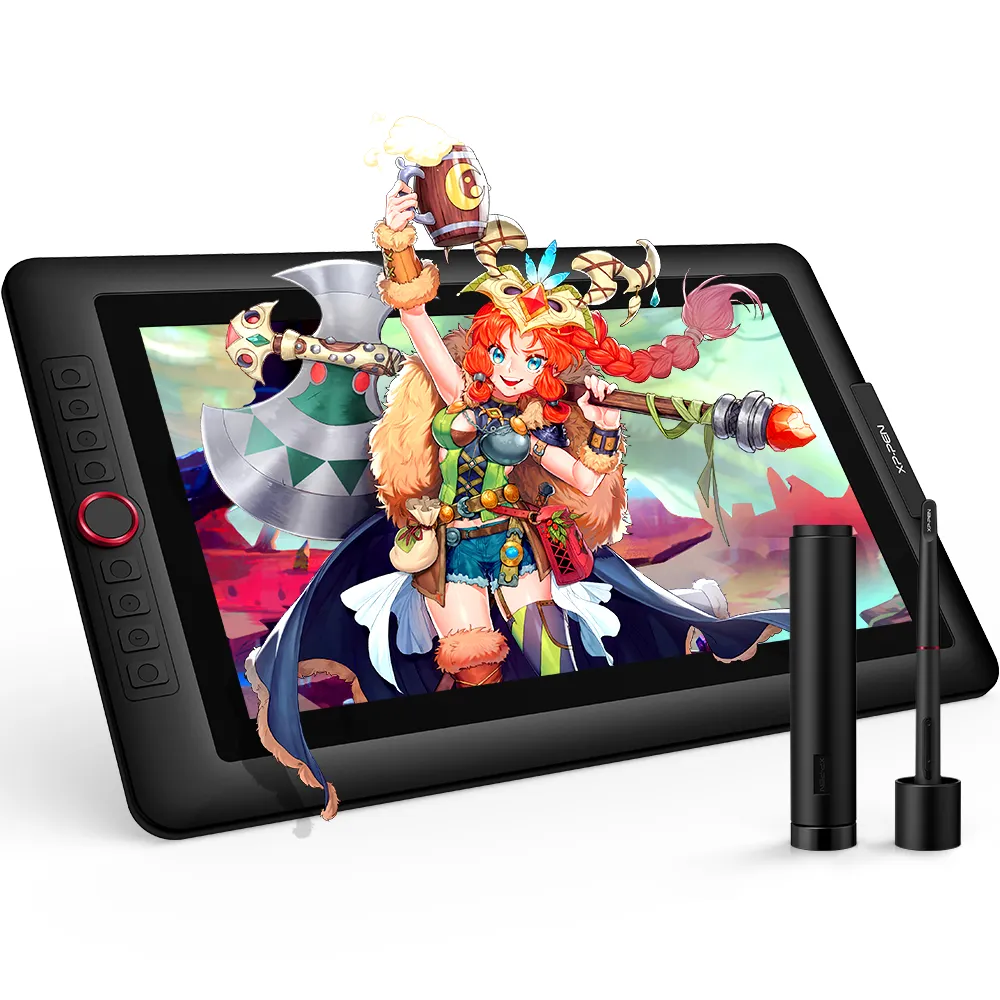
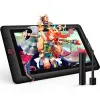
Artist 15.6 Pro V2
Functional Red Dial,
Flexible Artistic Creation
15.4-Inch Display | X3 Pro Smart Chip Stylus | 16K Pressure Levels | Red Dial Quick Keys
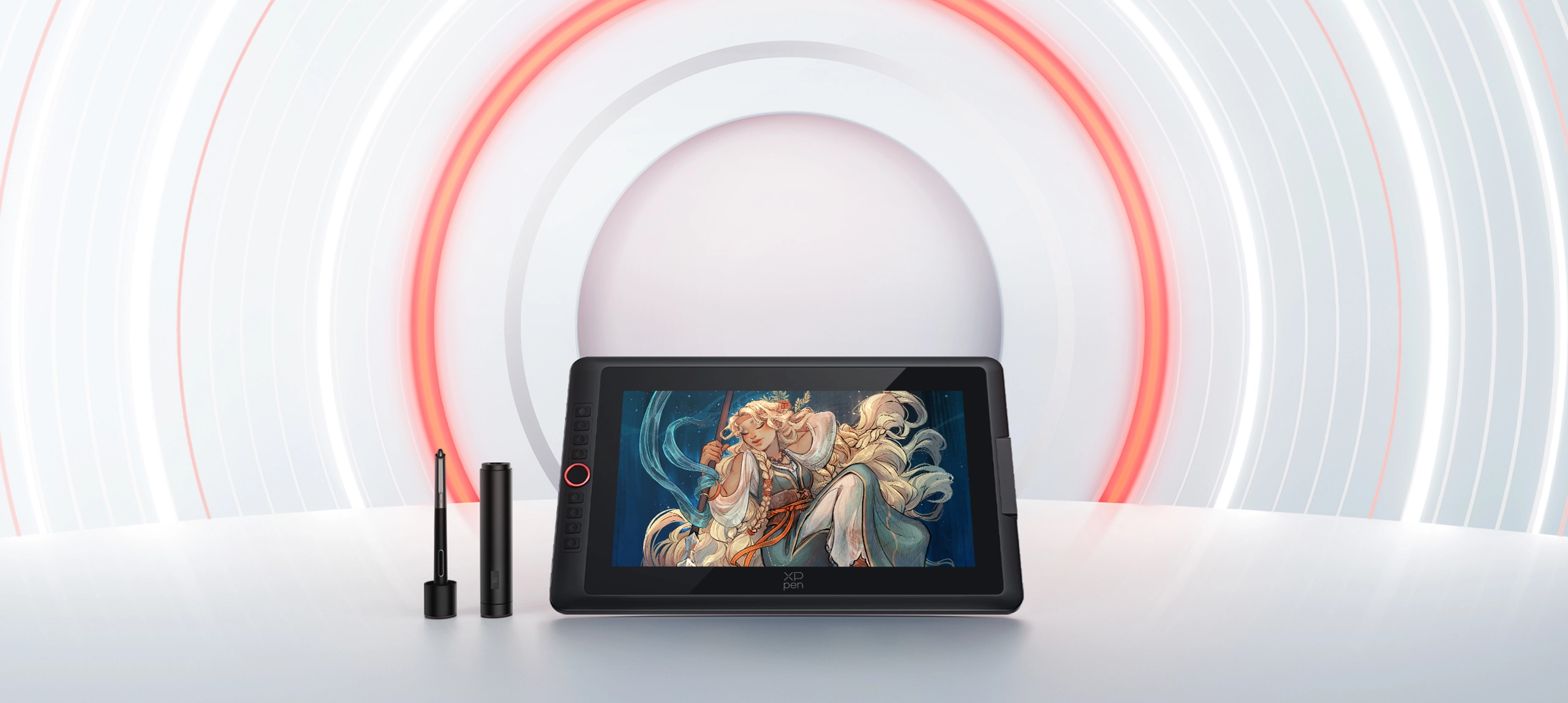
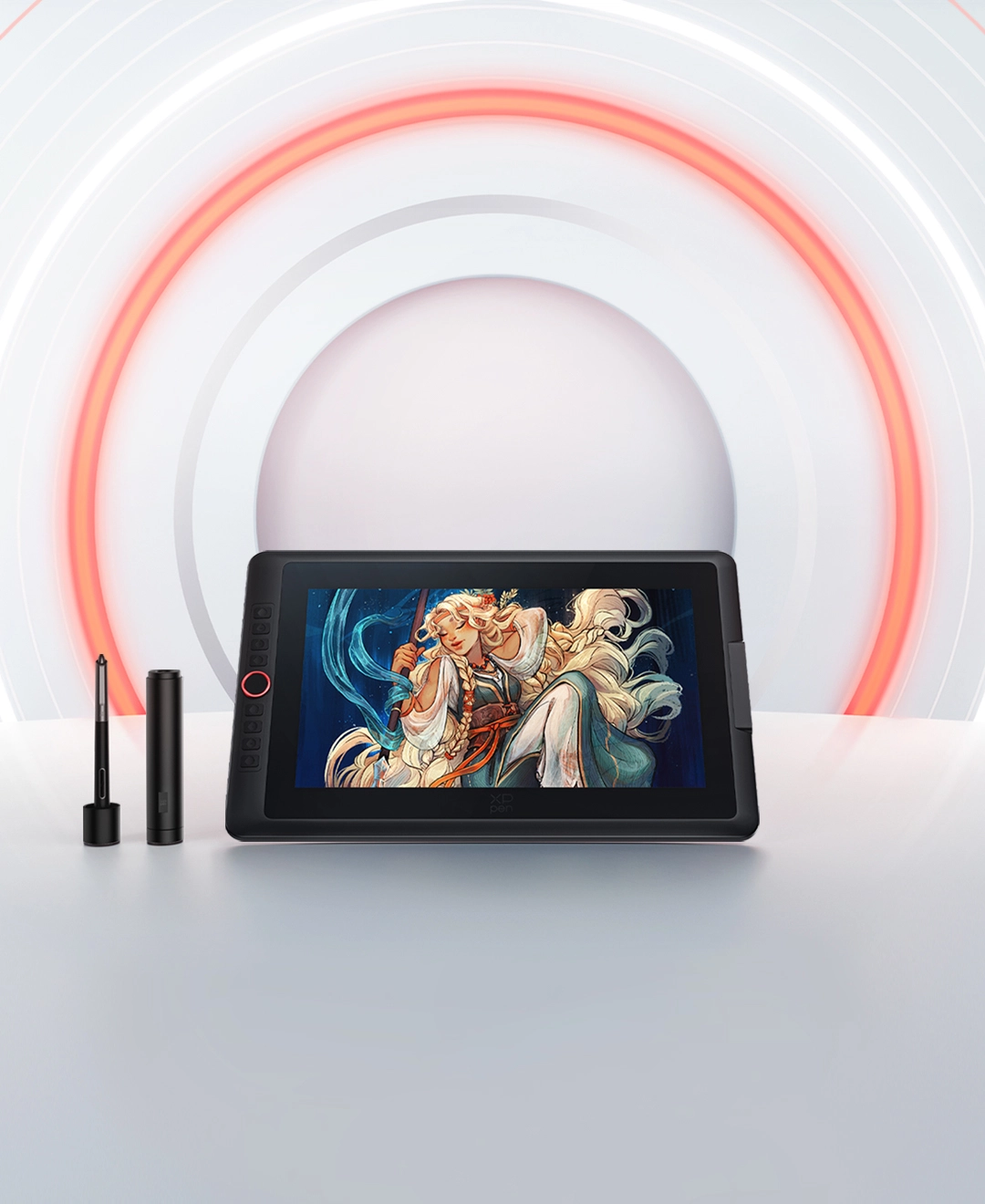
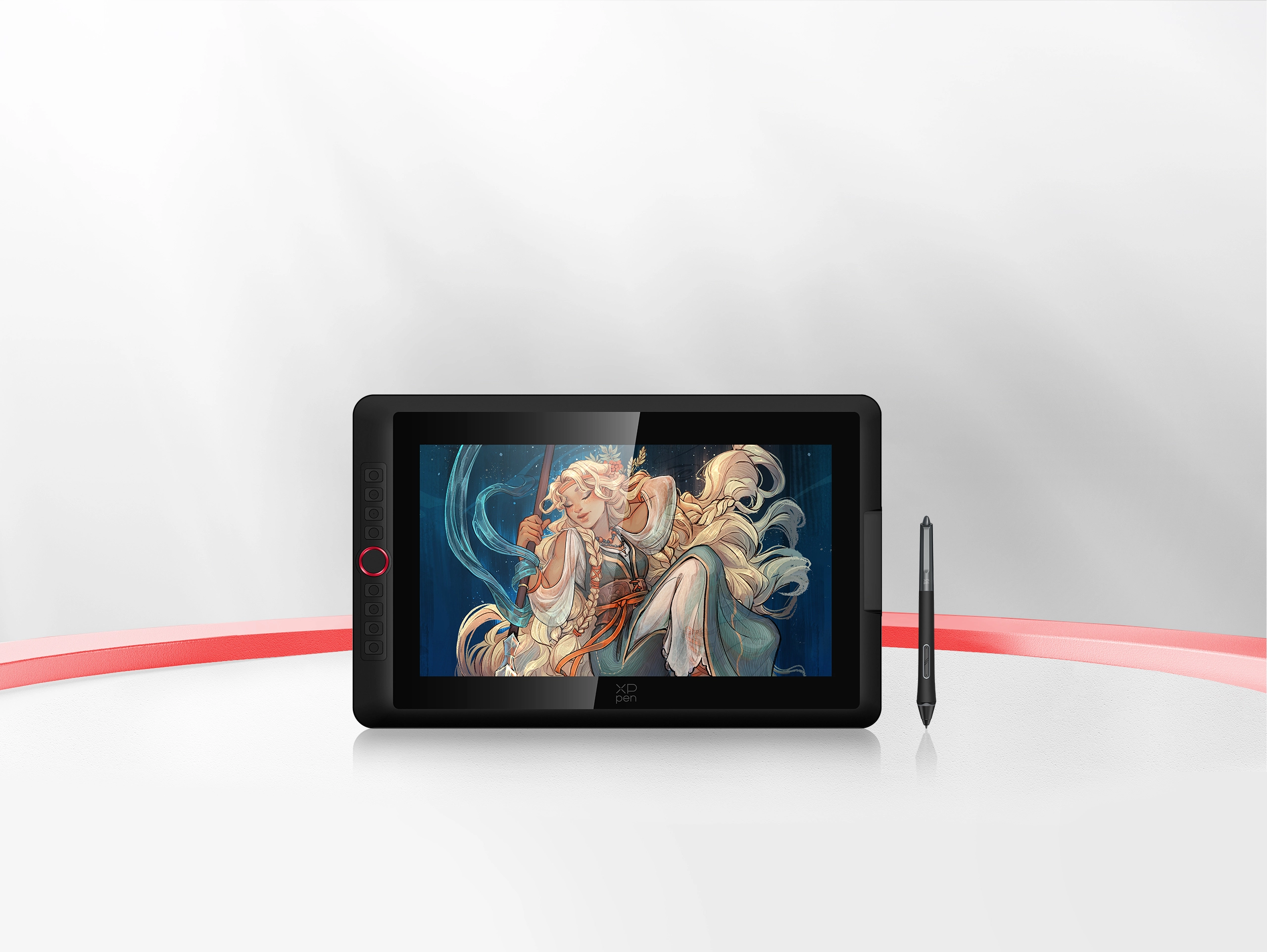
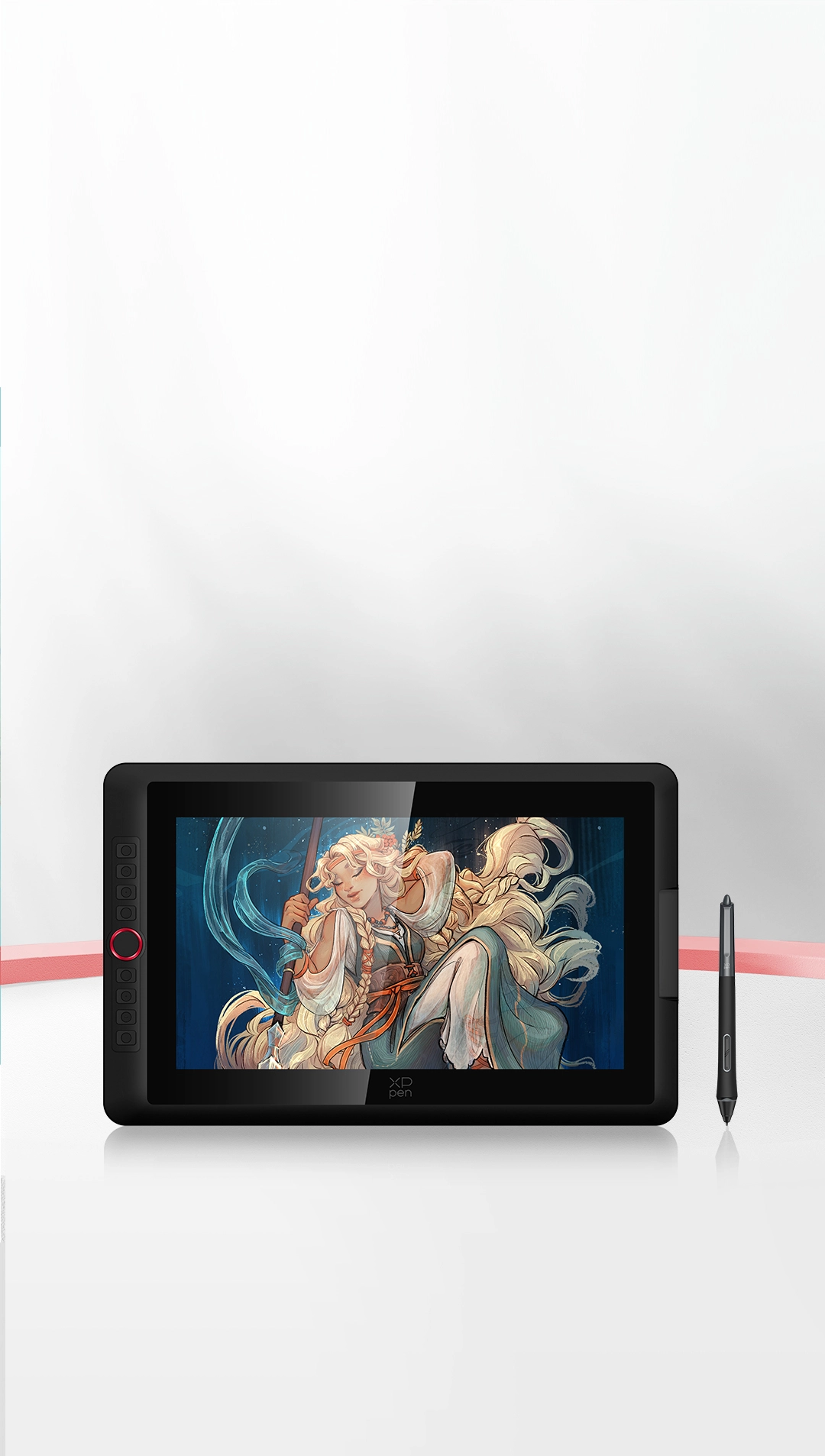
Get ready to explore the latest
Artist 15.6 Pro V2 drawing display.
Building on the classic design of the Red Dial quick keys, the Artist 15.6 Pro V2 has been upgraded to be compatible with the X3 Pro Smart Chip Stylus. As the world's first stylus to offer 16K pressure levels sensitivity, it closely replicates the feeling of drawing on paper, enabling you to transform your concepts into true works of art.
Thanks to its sleek and compact design, you can take it anywhere and begin your creation immediately!
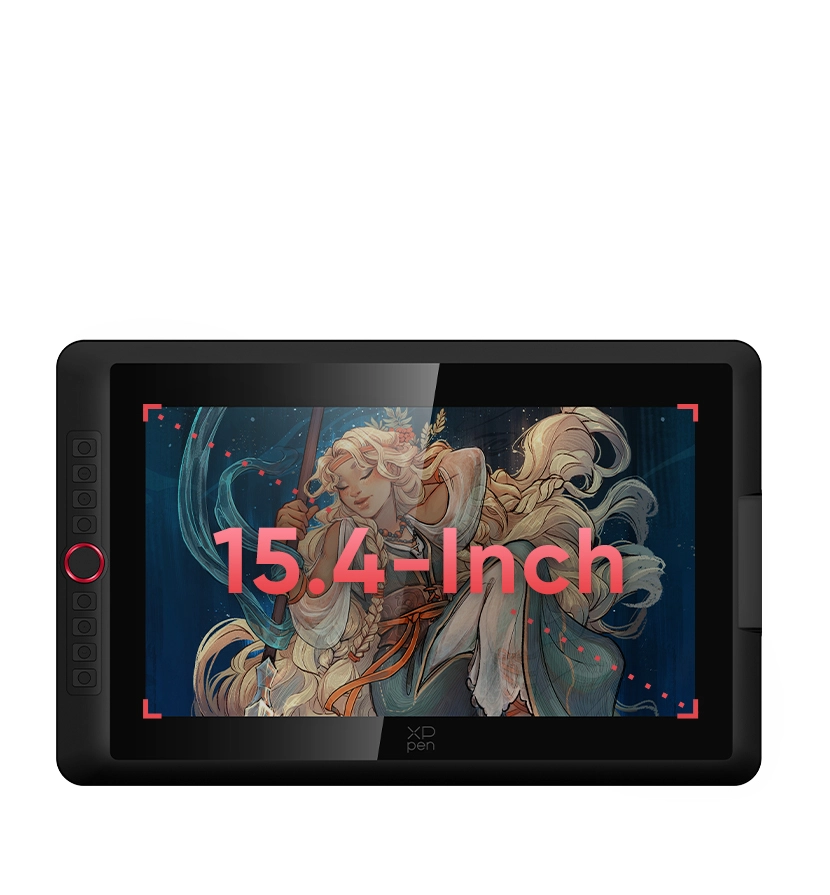
15.4-Inch Display
A Perfect Balance of Convenience and Practicability
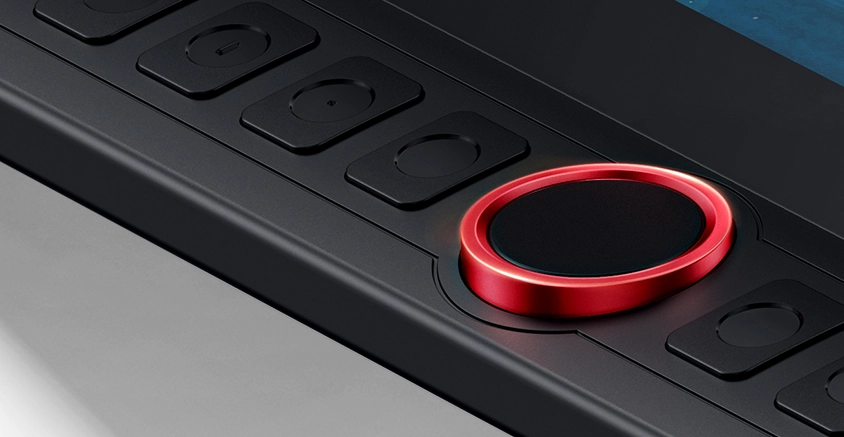
Red Dial Quick Keys
Smooth Creative Workflow
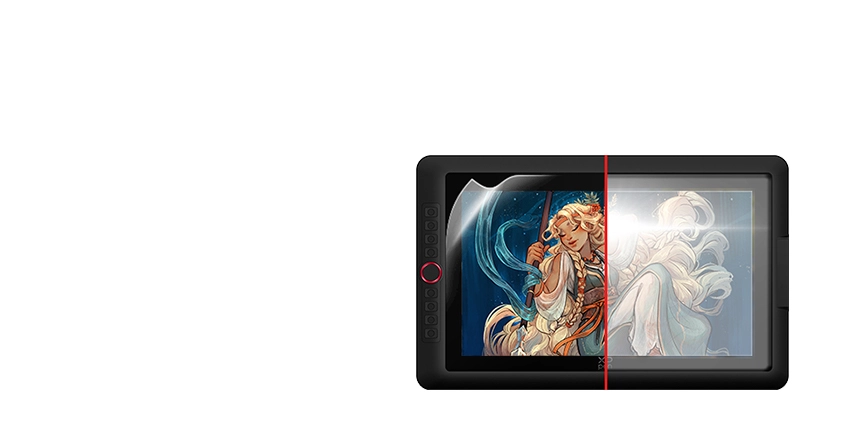
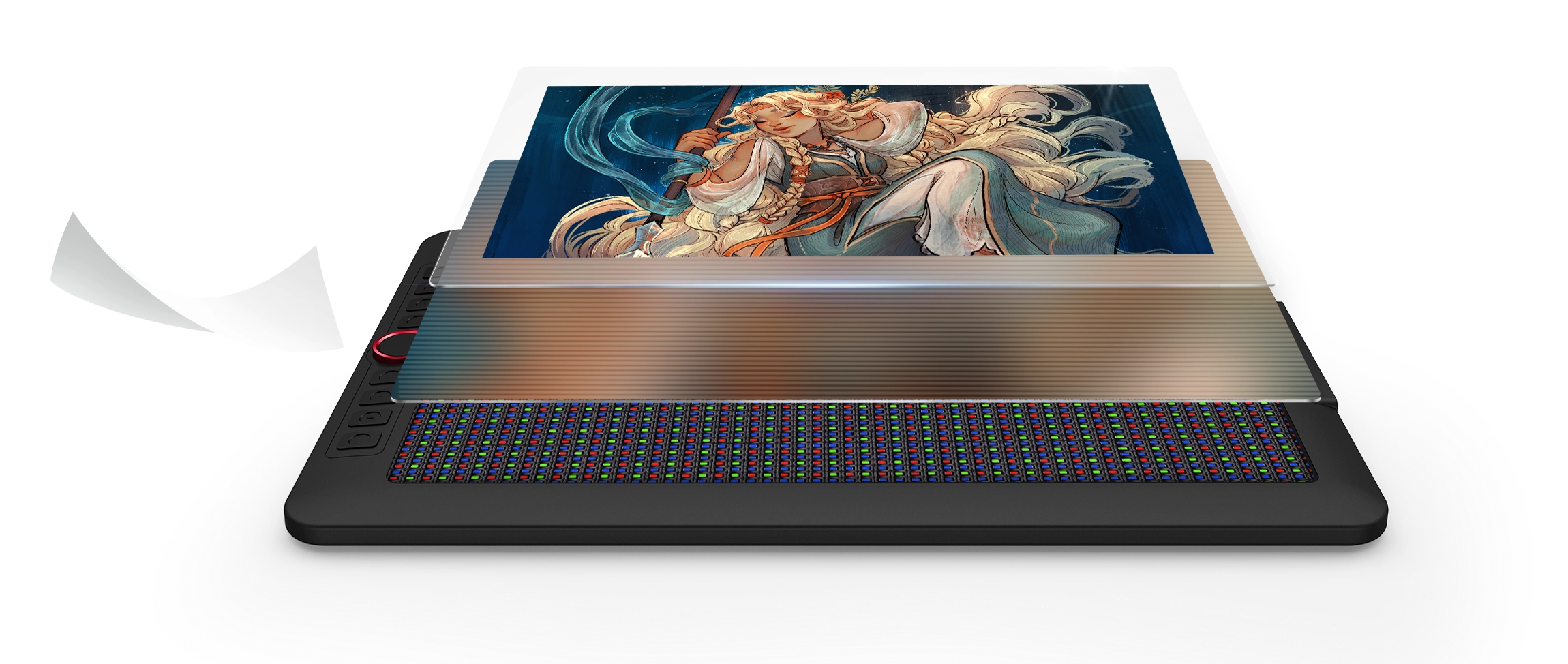
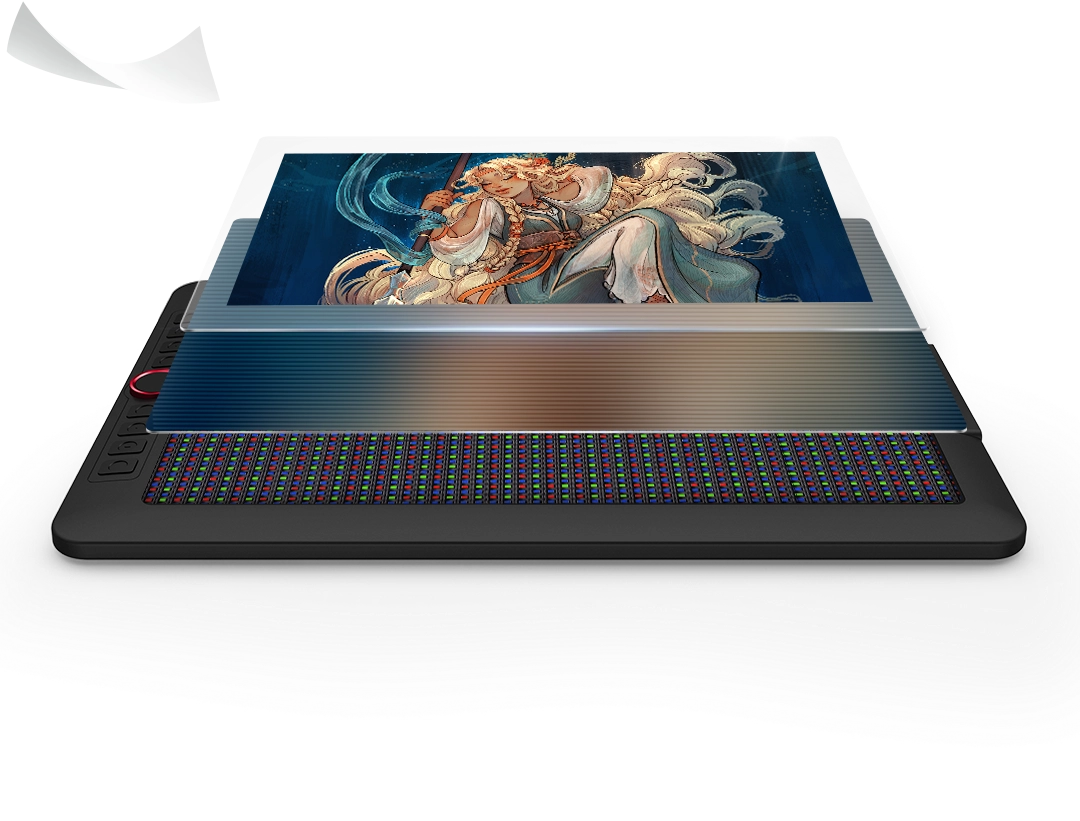
Full-laminated Display +
Anti-glare Film
No Visual Gap,
No Glare Interference
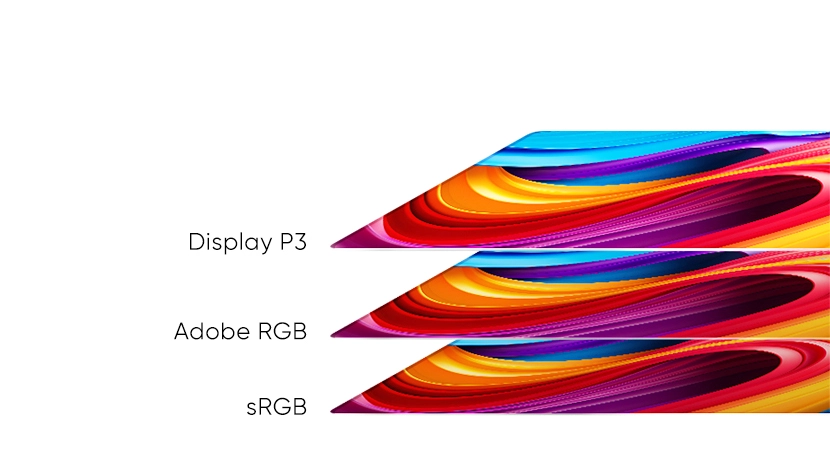
99% sRGB
Excellent Color Performance
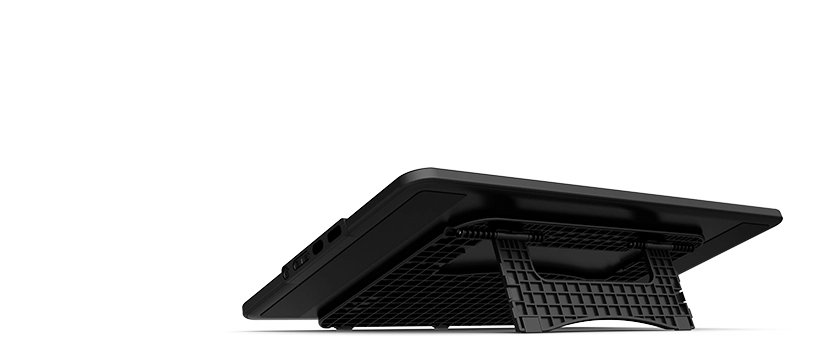
Foldable Stand
Keep the Drawing Display Safe and Stable
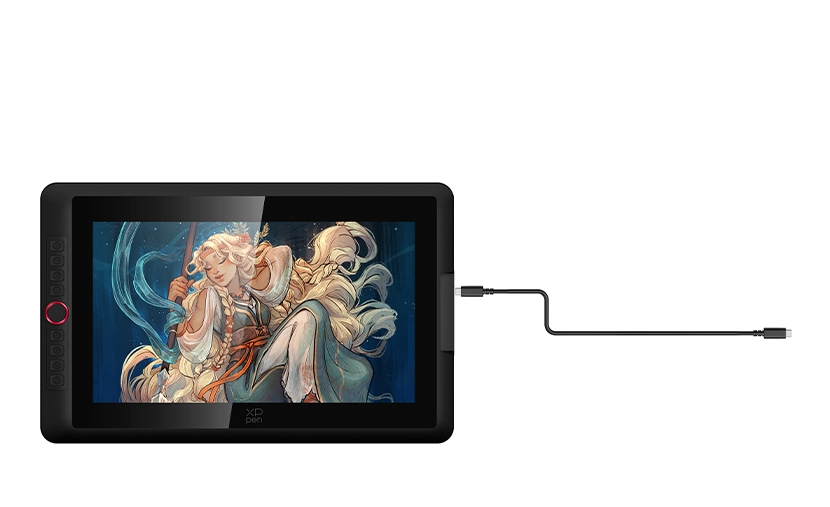
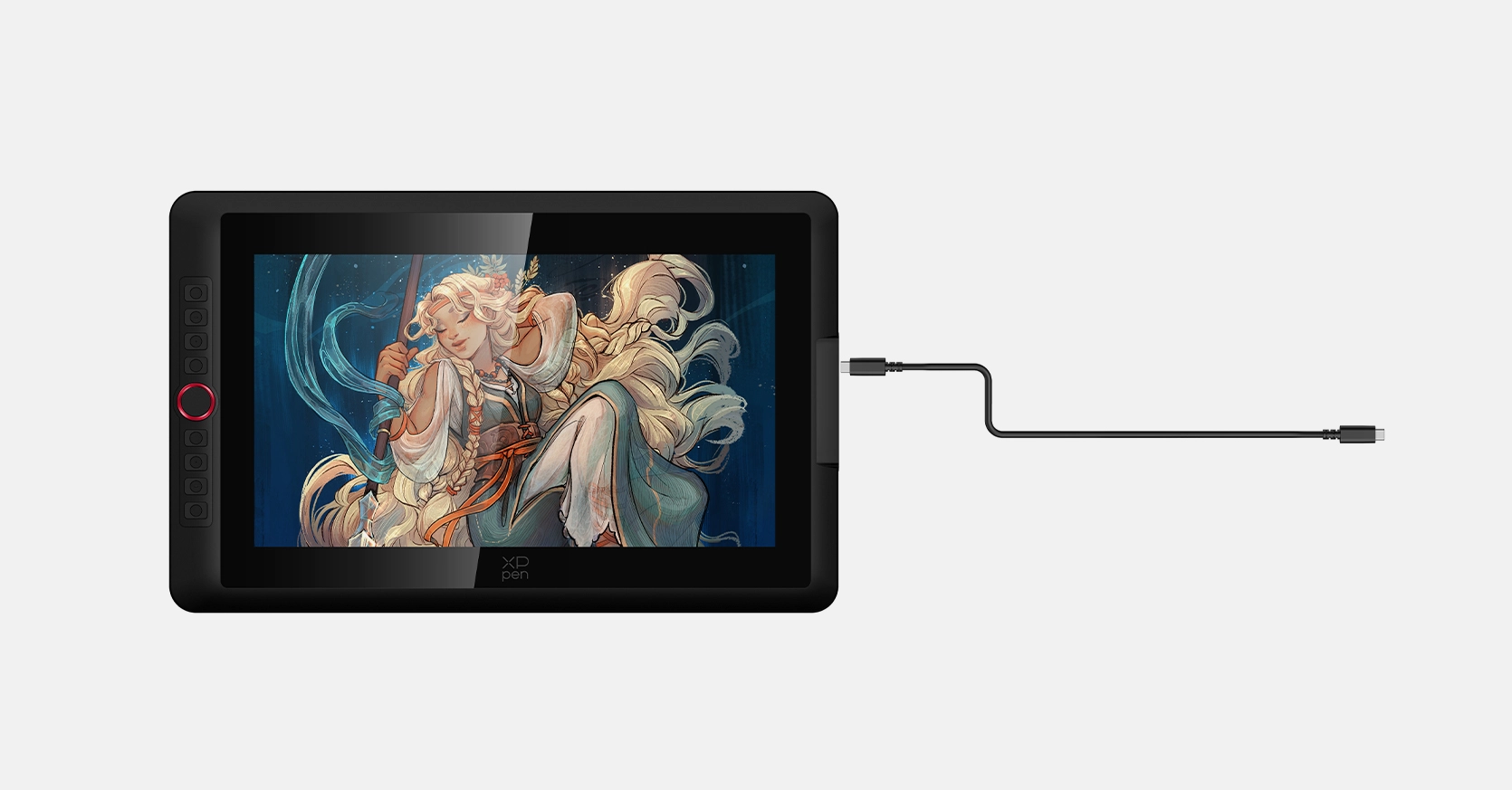
Full-featured USB-C Cable
Easy Connection, Effortless Efficiency
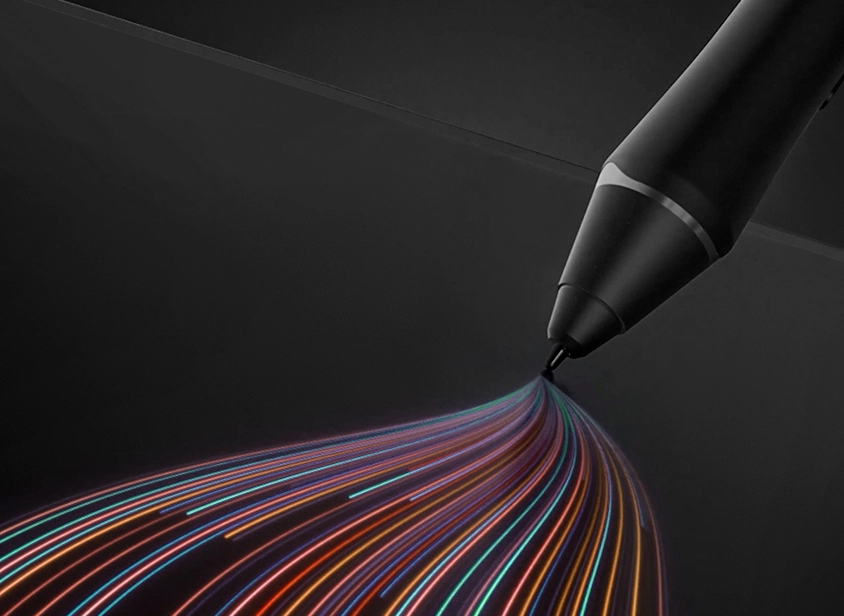
X3 Pro Smart Chip Stylus
World-first 16K Pressure Levels
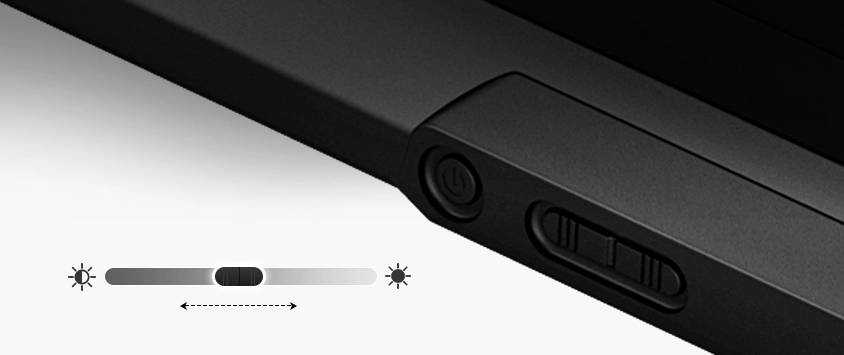
Adjustable Brightness Button
Draw Freely Anywhere
Metal Backplate
Better Heat Dissipation and Superior Texture
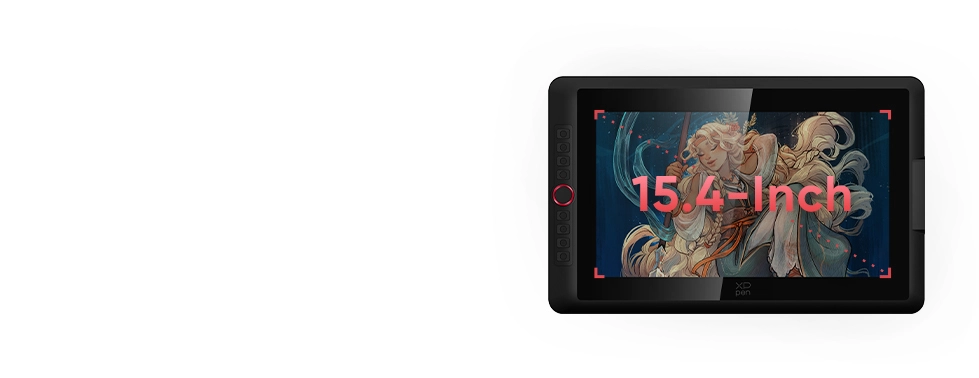
15.4-Inch Display
A Perfect Balance of
Convenience and Practicability
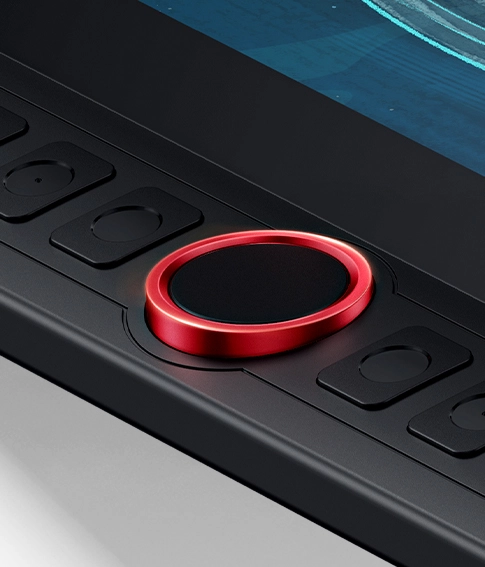
Red Dial Quick Keys
Smooth Creative Workflow
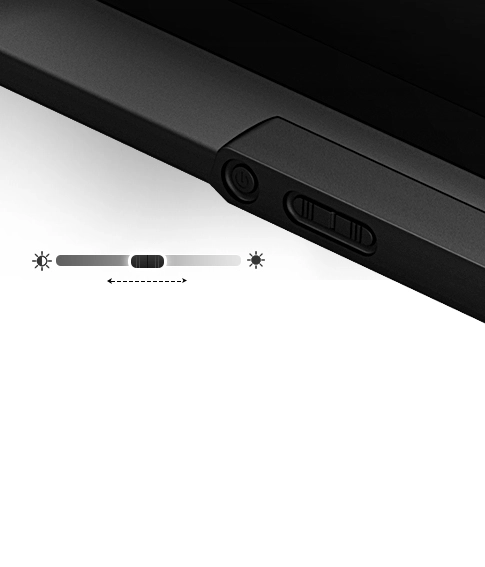
Adjustable
Brightness Button
Draw Freely Anywhere
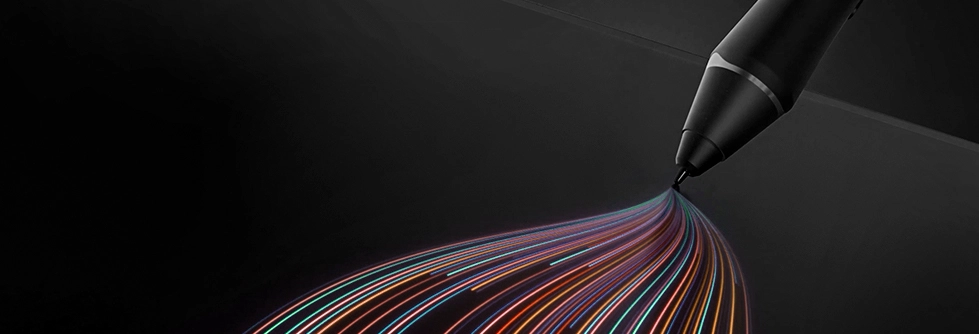
X3 Pro Smart Chip Stylus
World-first 16K Pressure Levels
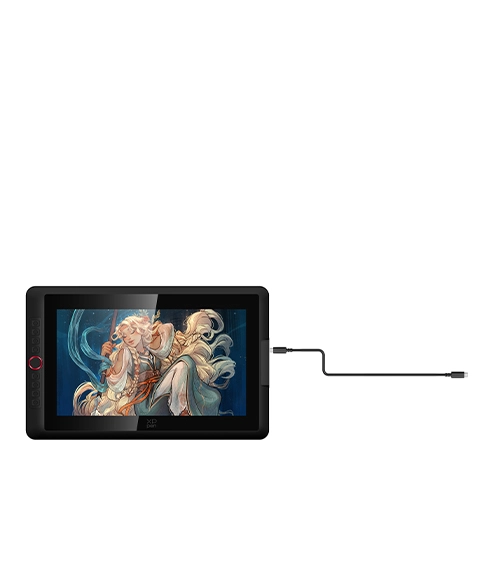
Full-featured
USB-C Cable
Easy Connection,
Effortless Efficiency
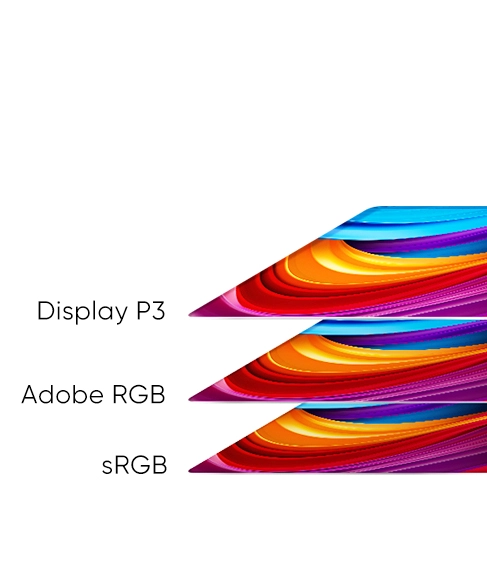
99% sRGB
Excellent Color Performance
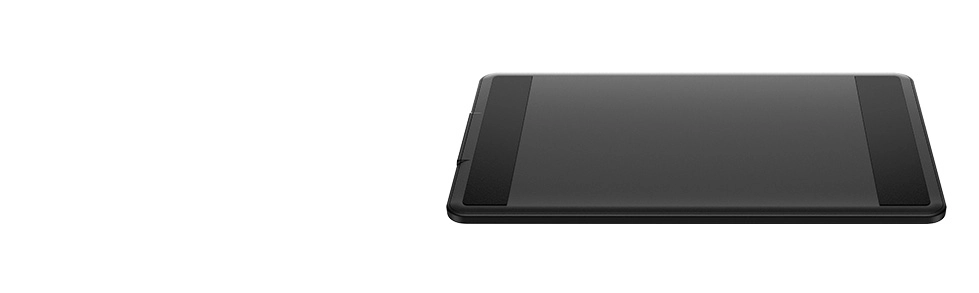
Metal Backplate
Better Heat Dissipation
and Superior Texture
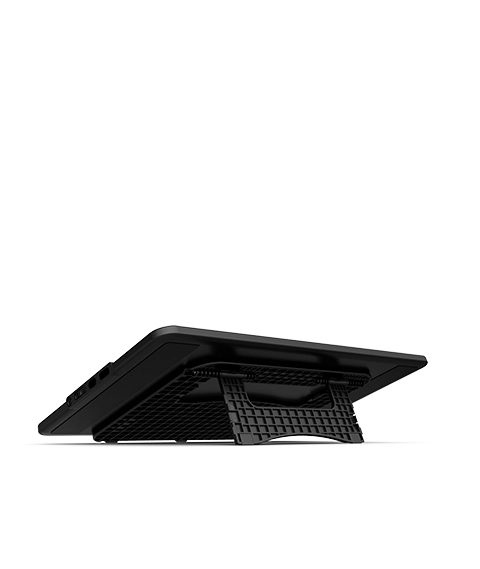
Foldable Stand
Keep the Drawing Display Safe and Stable
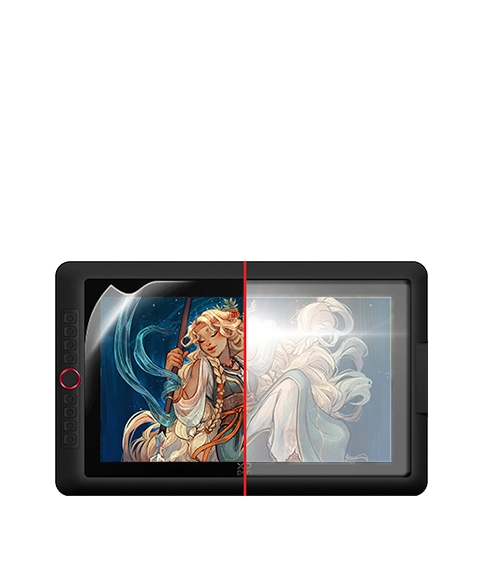
Full-laminated Display + Anti-glare Film
No Visual Gap,
No Glare Interference
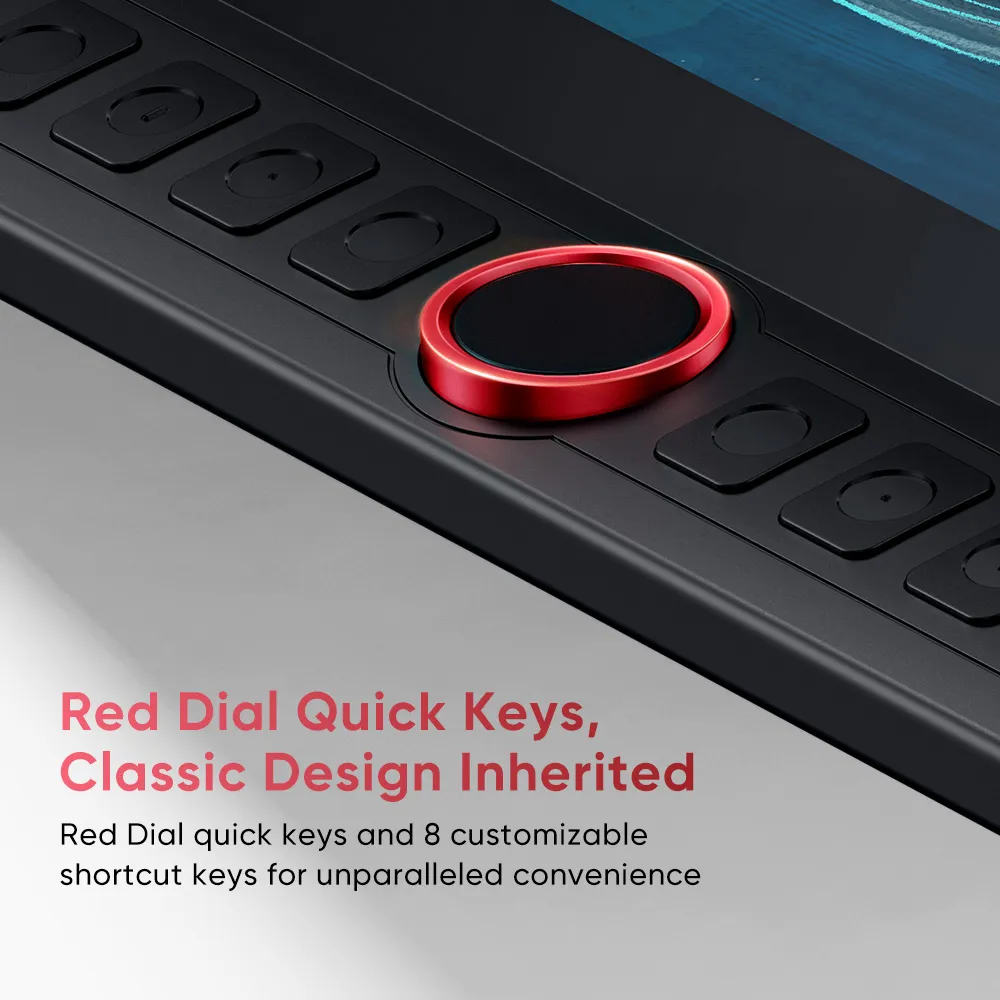
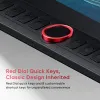
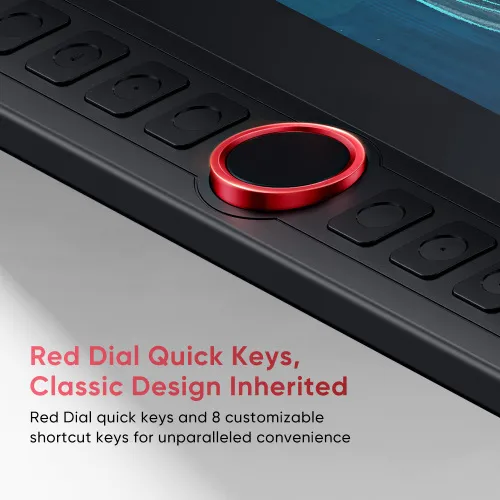
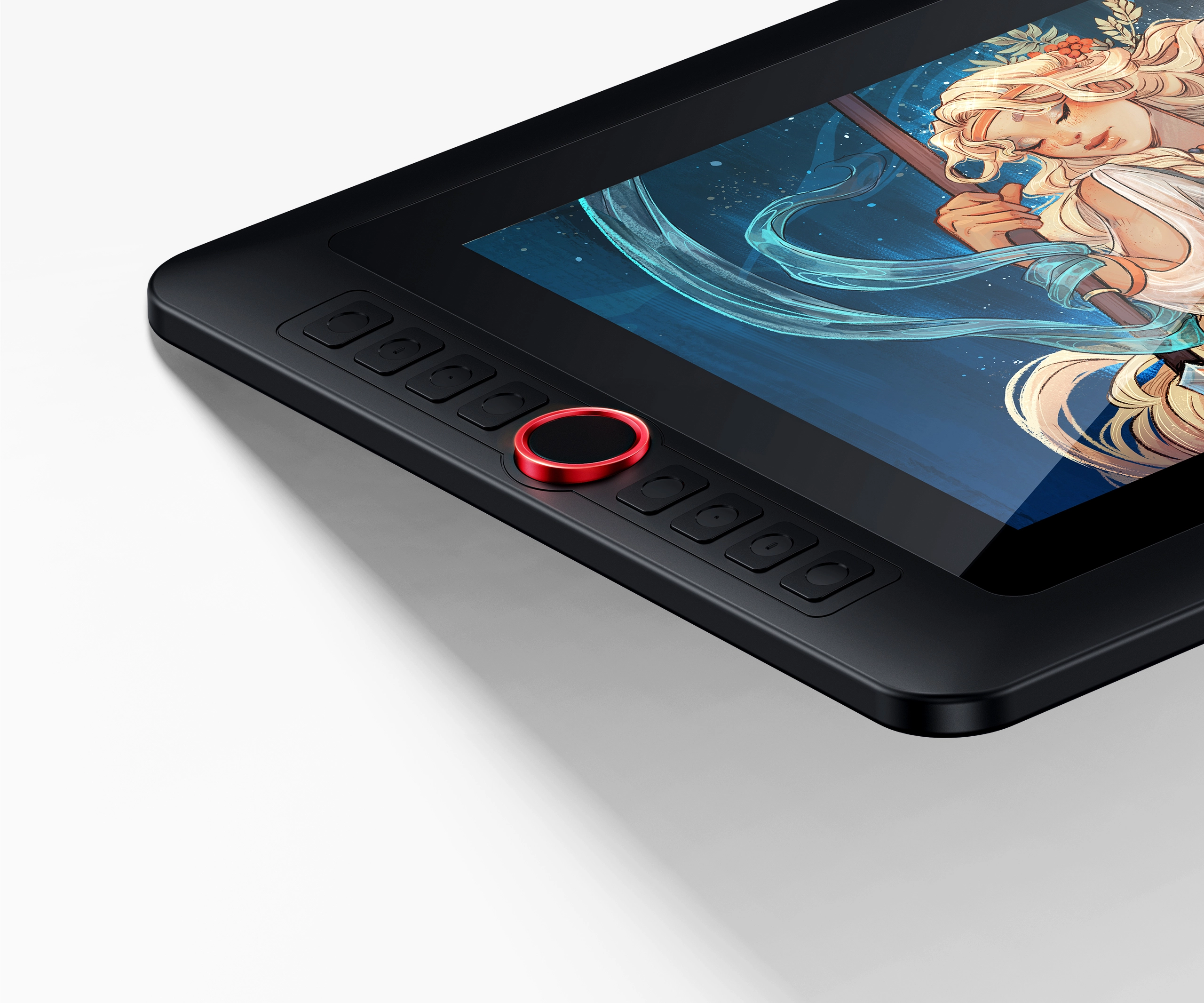
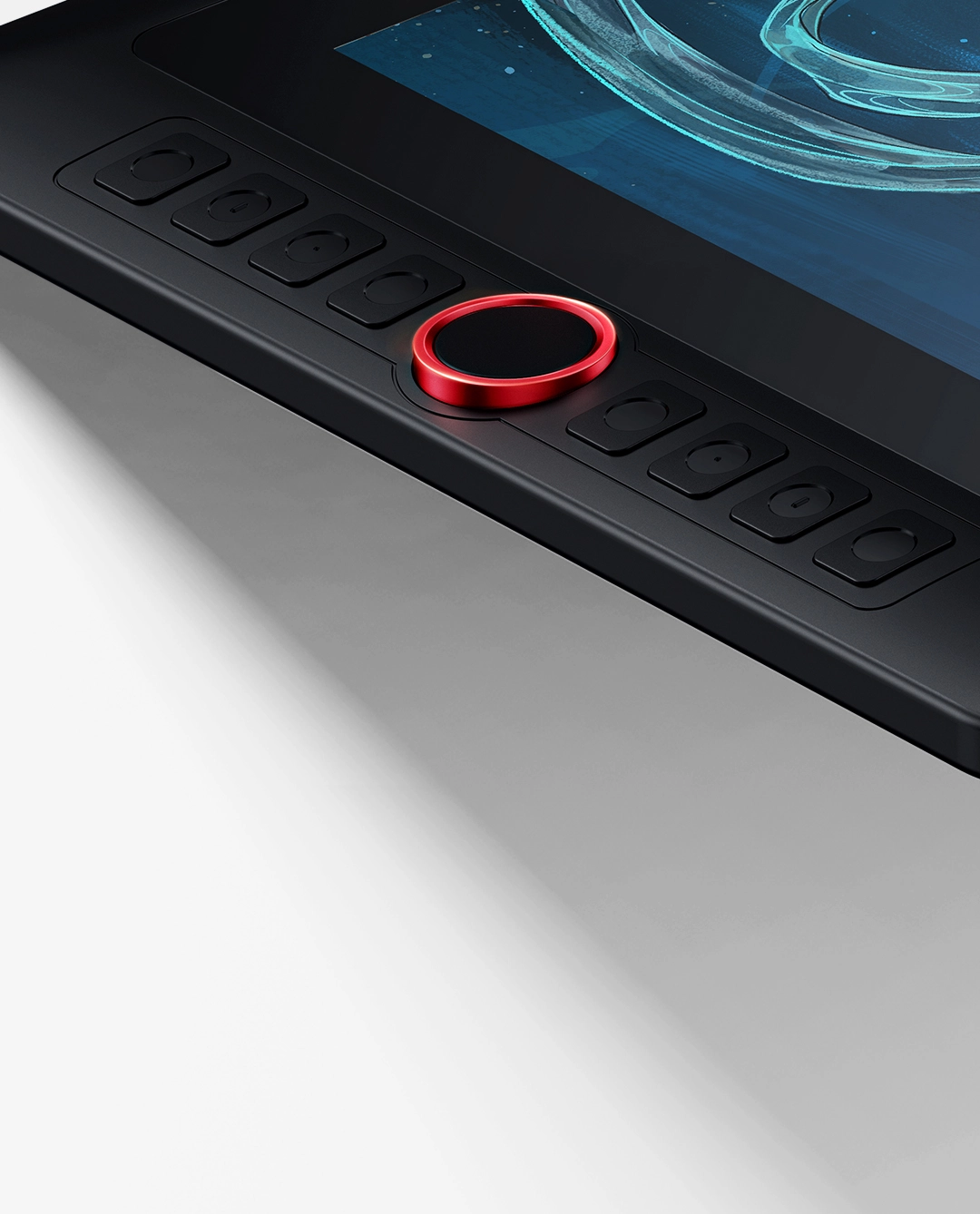
Red Dial Quick Keys,
Unchanged Classic Design
This drawing display boasts the sleek Red Dial quick keys and 8 customizable shortcut keys for unparalleled convenience, allowing for fast and easy creation whether on your tabletop or in other locations.
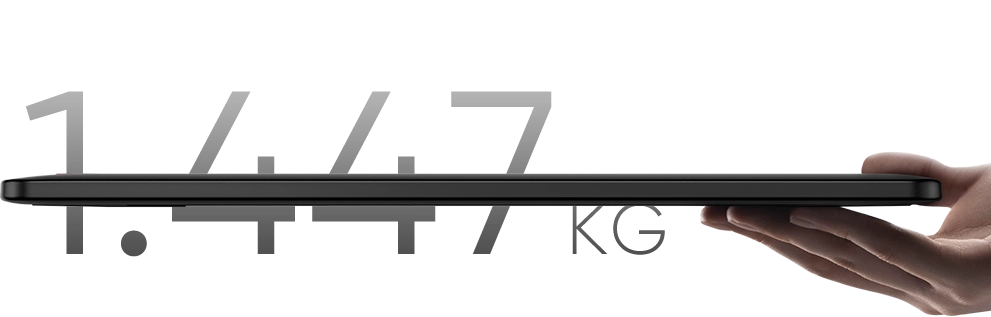
Lightweight Yet Powerful
Weighing only 1.4 kg, this 15.4-inch device is convenient enough for you to create at any place. Its resolution is specifically crafted to deliver an engaging drawing experience tailored to your needs!
Display Size
15.4 Inch
Net Weight
1.447kg
Resolution
1920 x 1080
Aspect Ratio
16:9



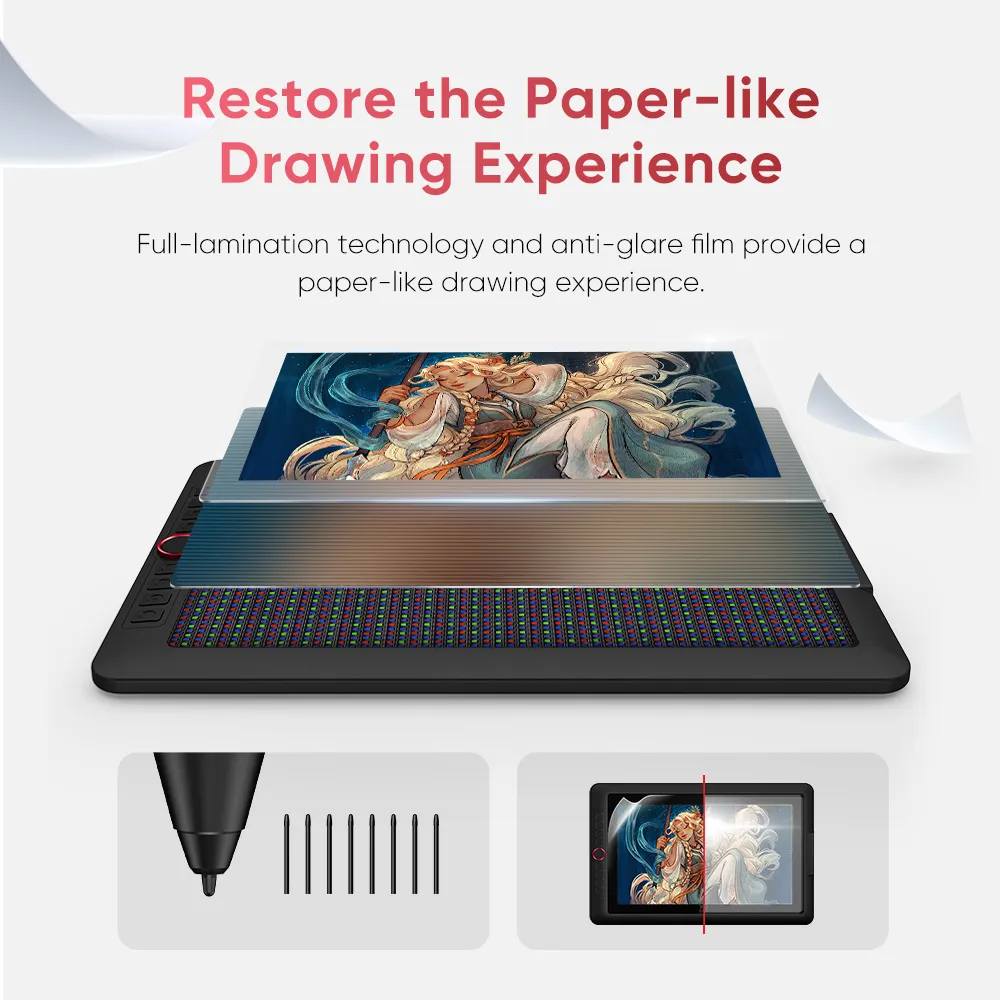
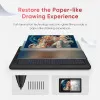
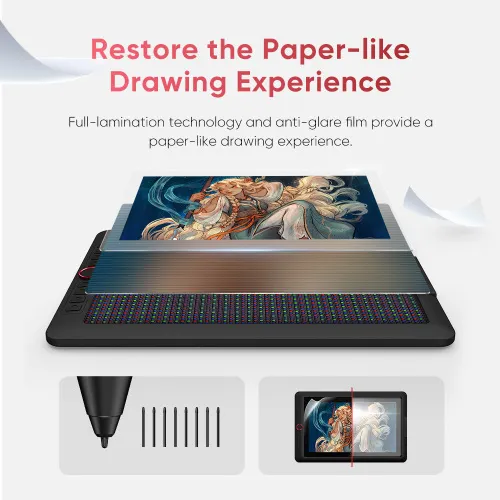
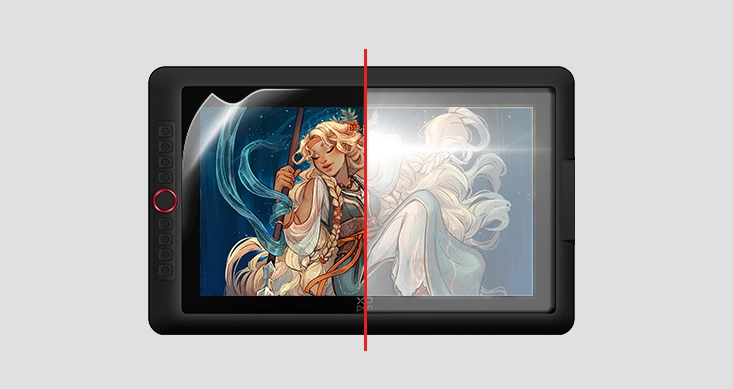
Restore the Paper-like Drawing Experience
Full-lamination and anti-glare flim reduce the space between the pen nib and the display,
minimizing reflections for uninterrupted creative expression.
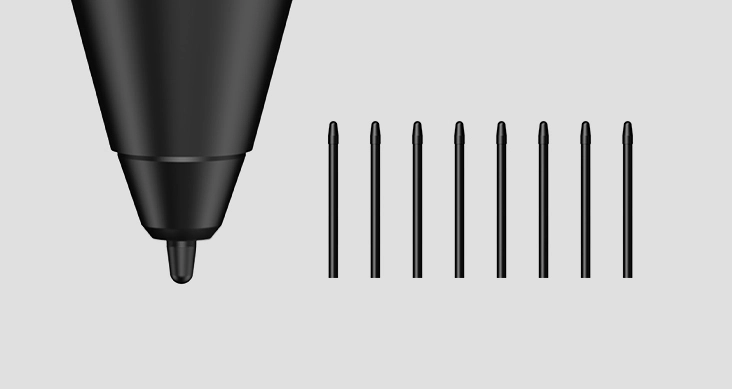
*Felt nib is an optional accessory.


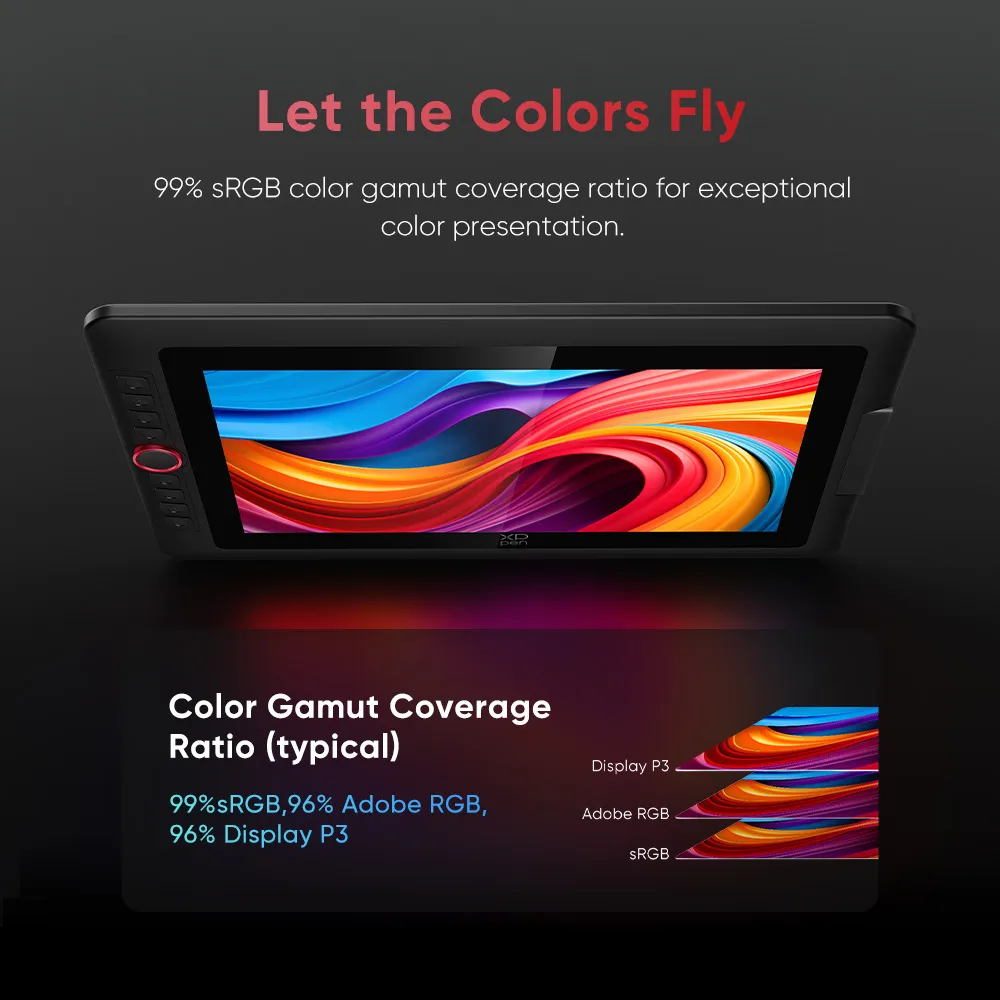
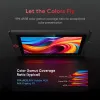
Let the Colors Fly
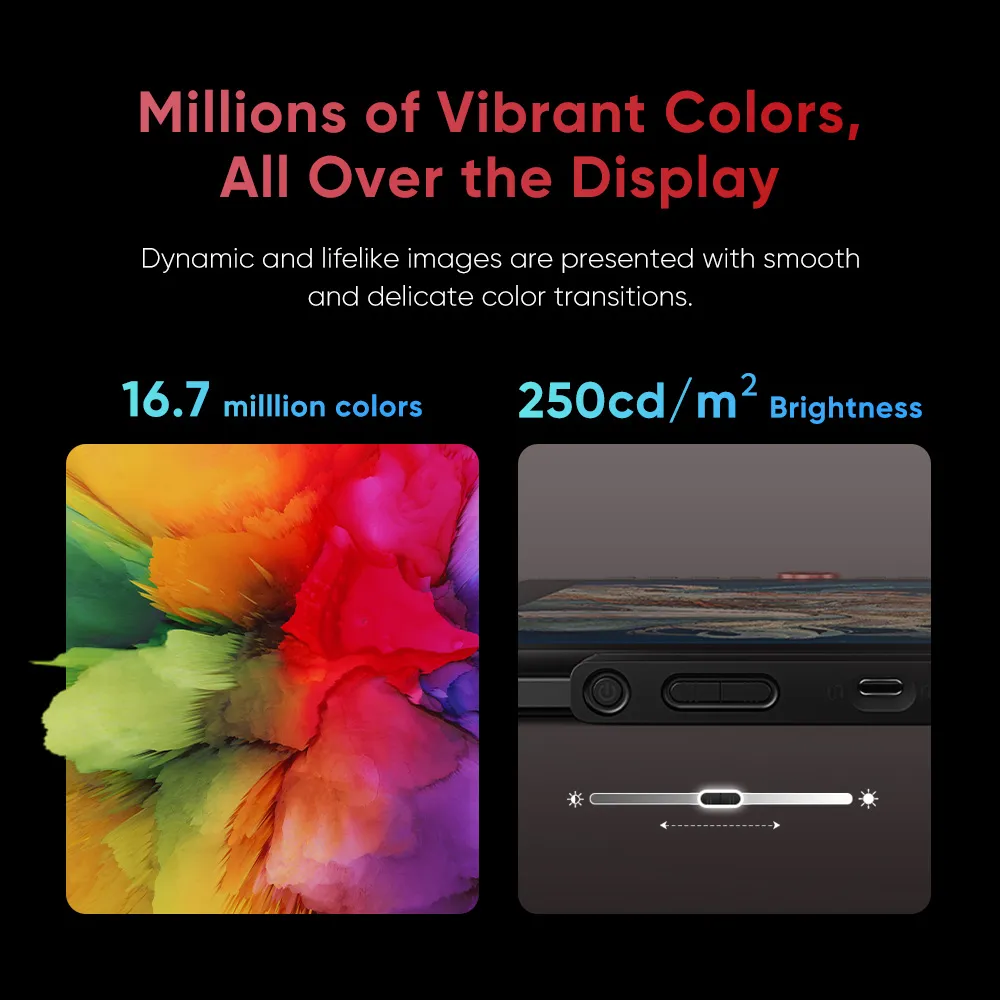
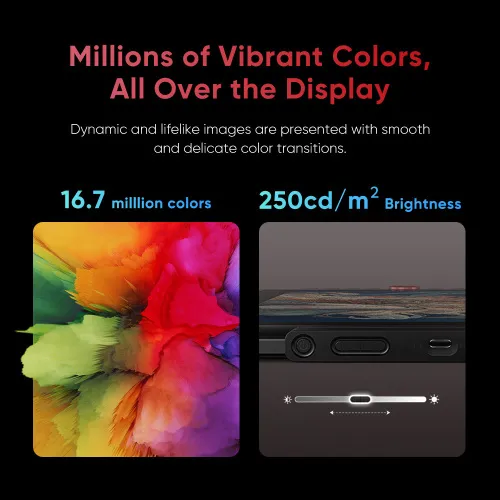
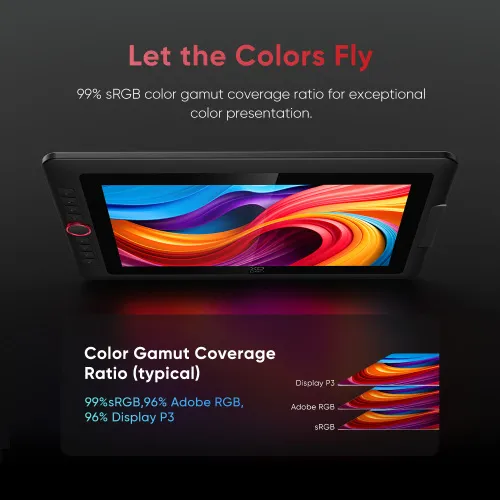
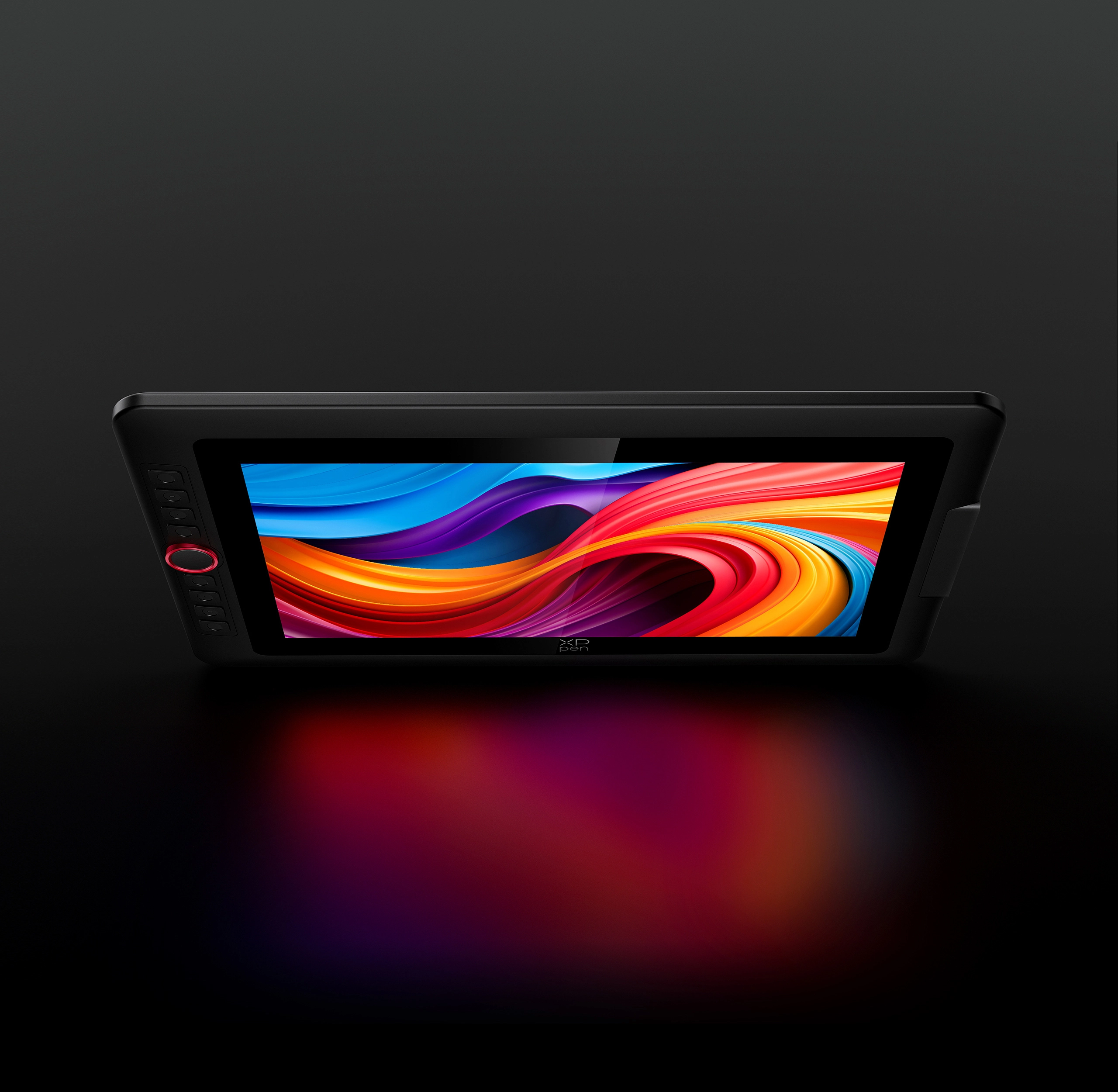
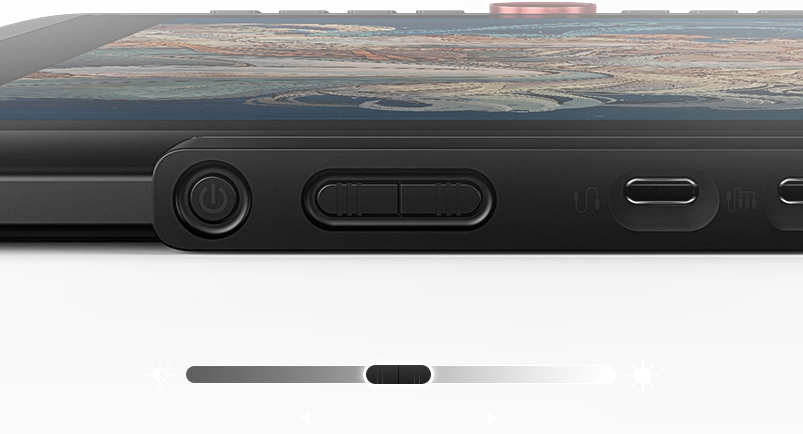
The drawing display accurately captures the beauty of natural colors, boasting a 99% sRGB color gamut coverage and a brightness of 250 cd/m². A brightness adjustment button allows for easy modifications in different environments, enhancing the visual appeal of your artwork and ensuring it aligns perfectly with your creative ideas.
Brightness
250 cd/m²
Color Gamut Coverage Ratio (typical)
99% sRGB, 96% Adobe RGB,
96% Display P3
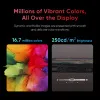
Millions of Vibrant Colors,
All Over the Display
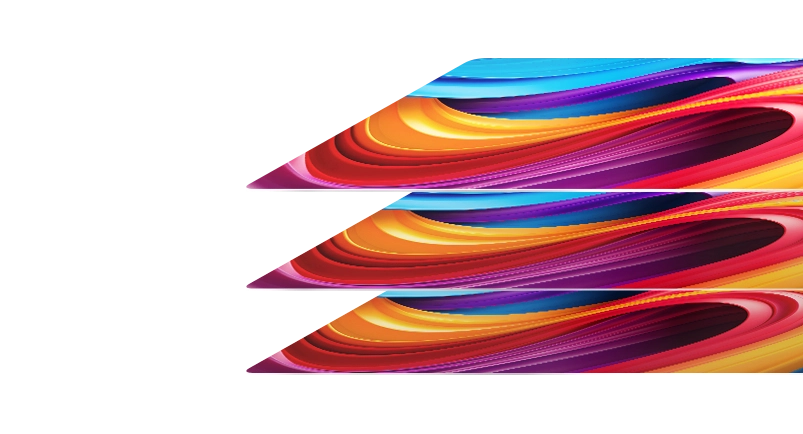
This drawing display can showcase 16.7 million
colors, producing vivid and realistic images with
smooth and seamless color transitions.
16.7 milllion colors
Upgraded X3 Pro Smart Chip,
Powerful Than Ever Before
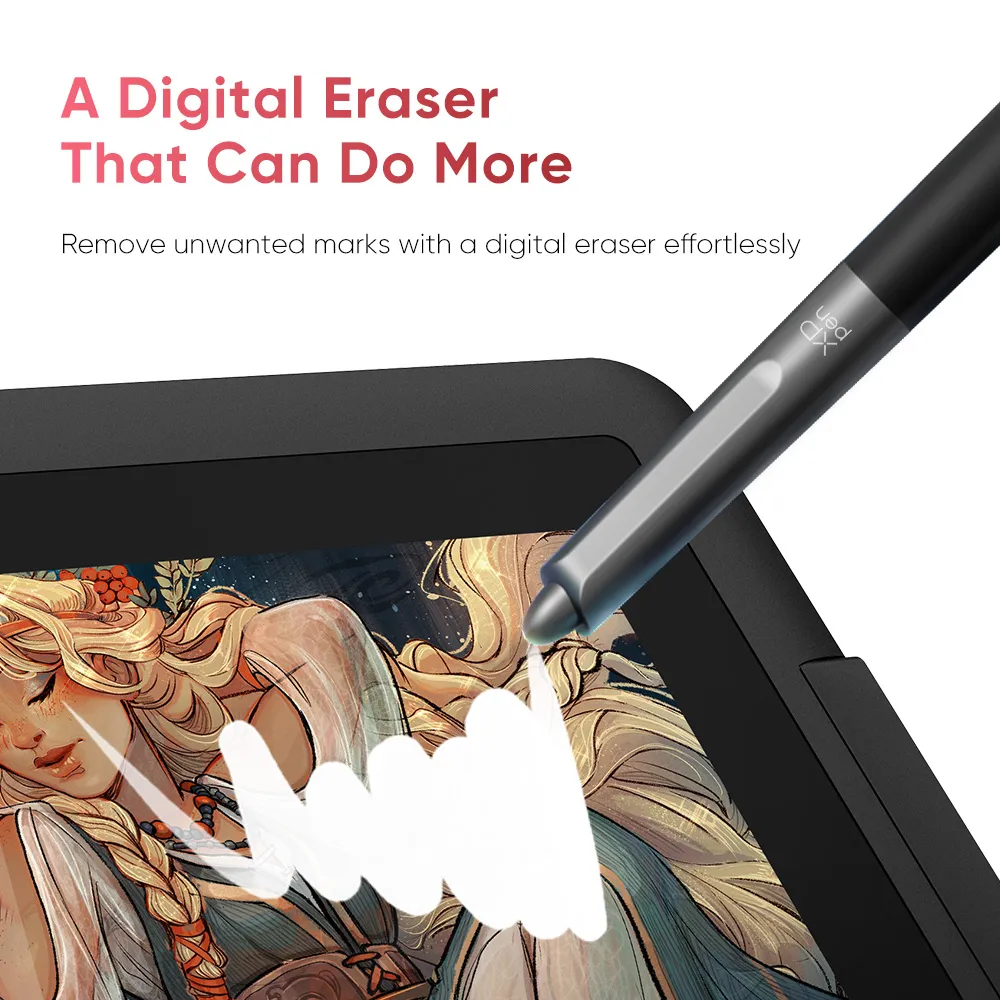
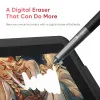
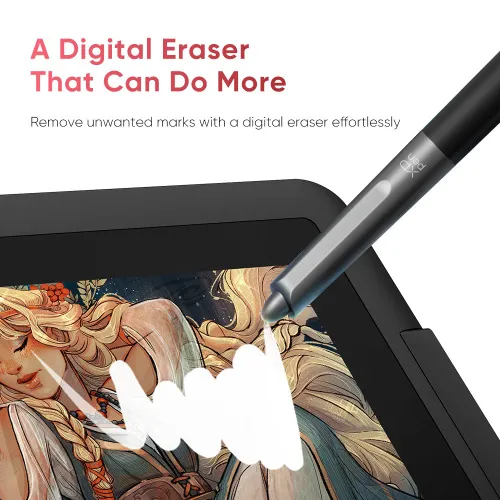
Your stylus has received a full upgrade. The X3 Pro Smart Chip Stylus is powered by the X3 Pro Smart Chip, allowing users to create smooth, accurate, and fine strokes effortlessly. The felt nibs deliver a genuine pen-on-paper experience. Being equipped with two shortcut keys and a digital eraser, the stylus enhances its functionality for drawing and provides a comfortable silicone grip.
Pressure Level 100% Increase
16384
X3 Pro Smart Chip Stylus
8192
PA2 Battery-free Stylus
* This data was taken from a laboratory simulation test and
may vary depending on the environment where the device is used.
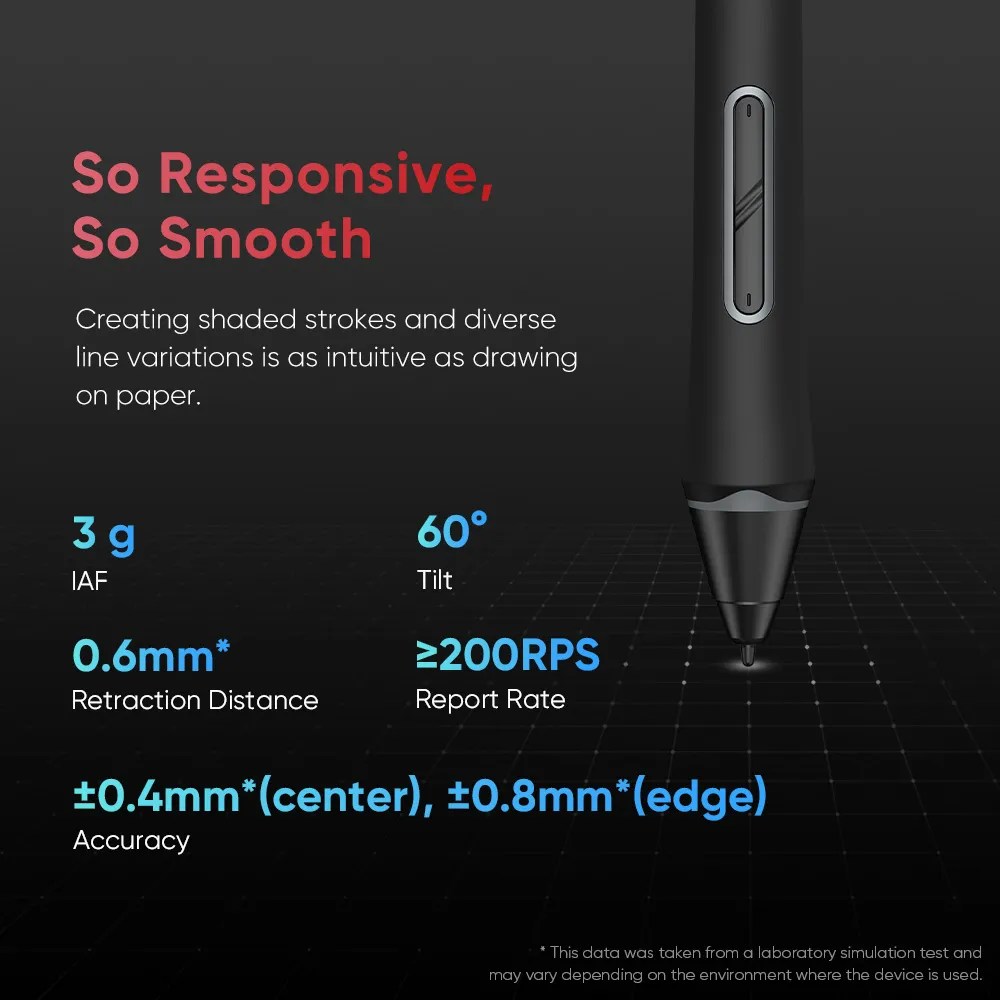
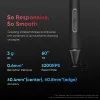
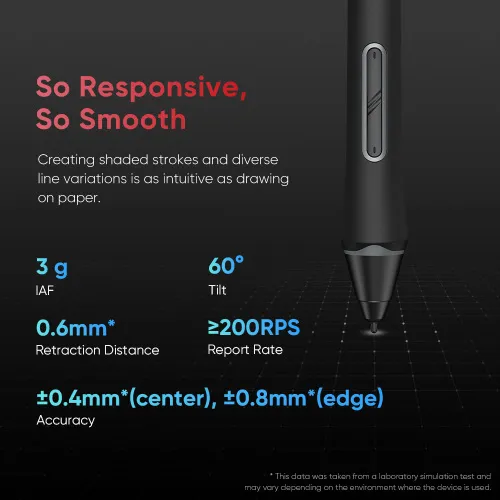
So Responsive, So Smooth
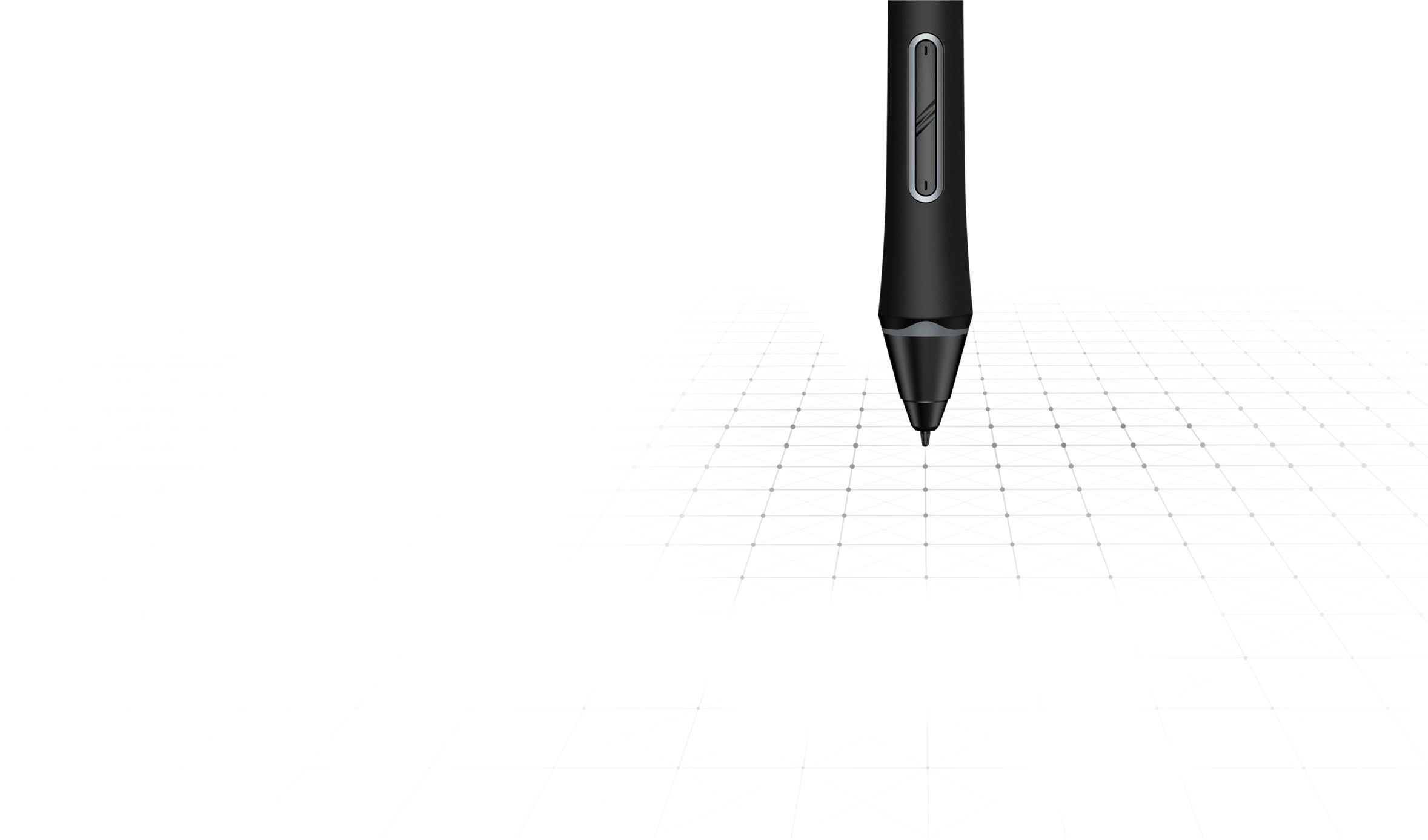
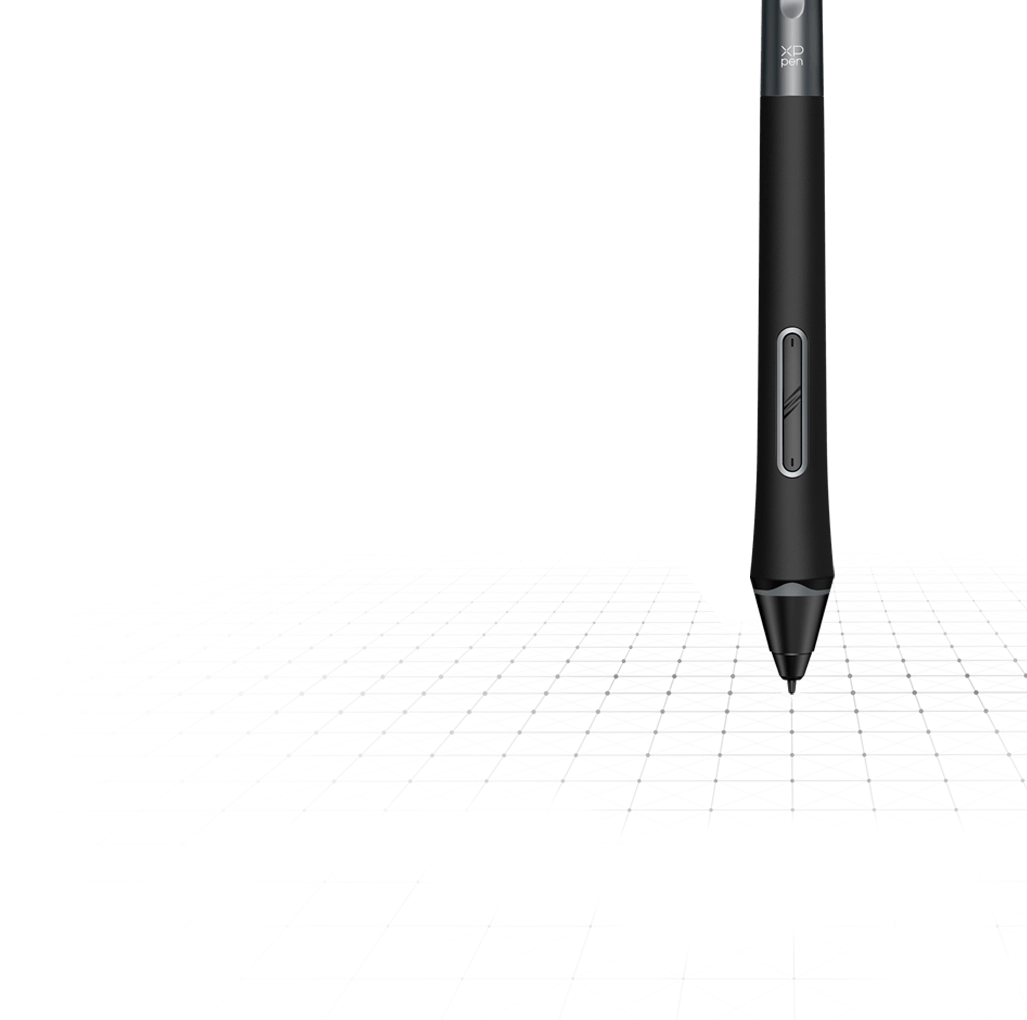
X3 Pro Smart Chip supports 60° tilt and has a high report rate. Creating shaded strokes and diverse line variations is as intuitive as drawing on paper.
3 g
IAF
60°
Tilt
0.6mm*
Retraction Distance
≥200 RPS
Report Rate
±0.4mm*(center), ±0.8mm*(edge)
Accuracy
* This data was taken from a laboratory simulation test and
may vary depending on the environment where the device is used.
X3 Pro Smart Chip
Automatic ID Recognition
The X3 Pro Smart Chip Stylus supports pen ID recognition. You can set up various shortcut keys to meet your personal needs. Just let the creativity flow with the stylus!
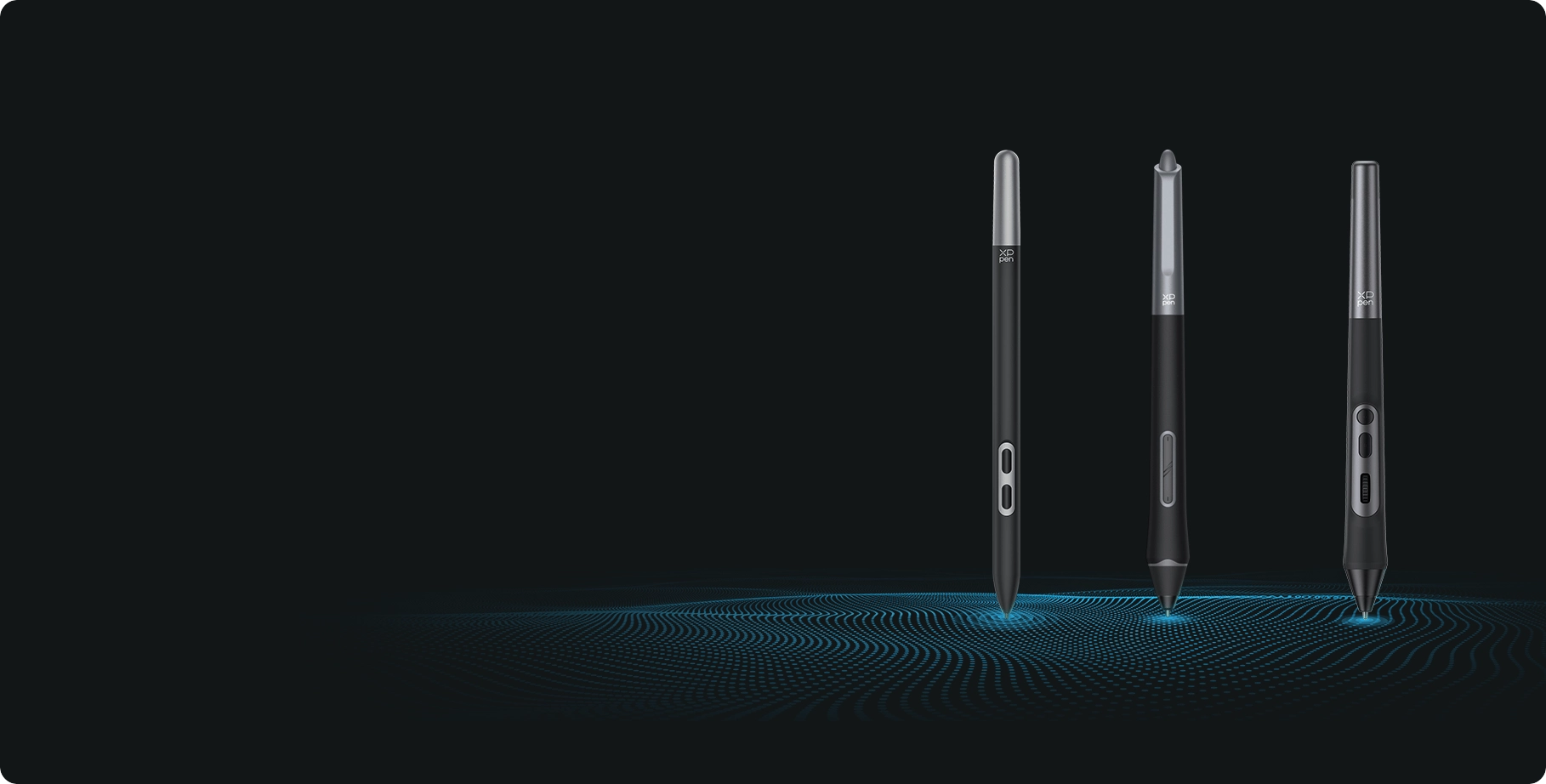
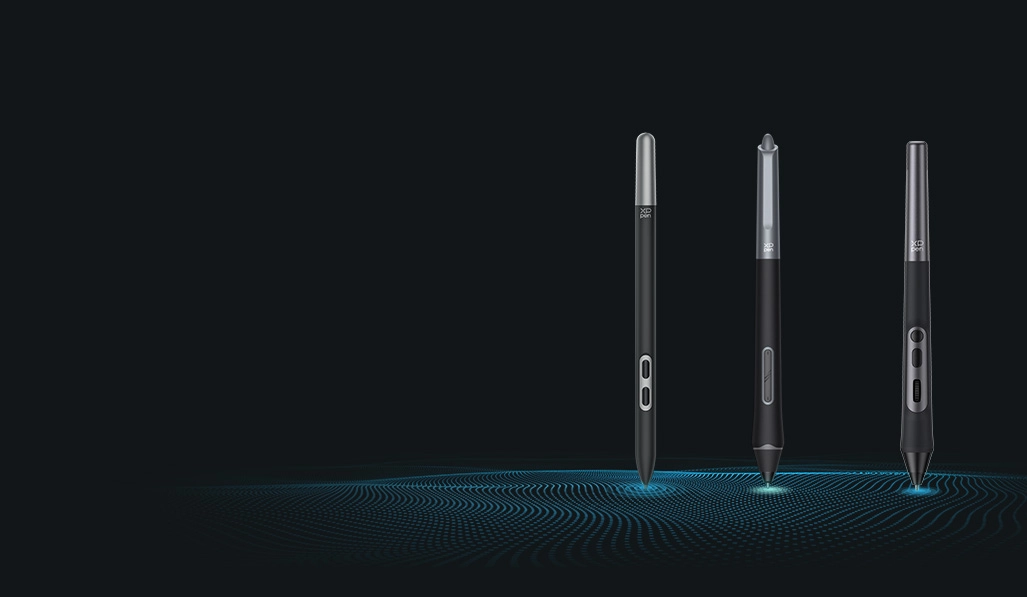
* Artist 15.6 Pro V2 is compatiable with X3 Pro Smart Chip Stylus series.
Functional Accessories,
Reliable Assistance
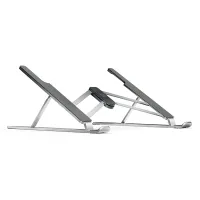
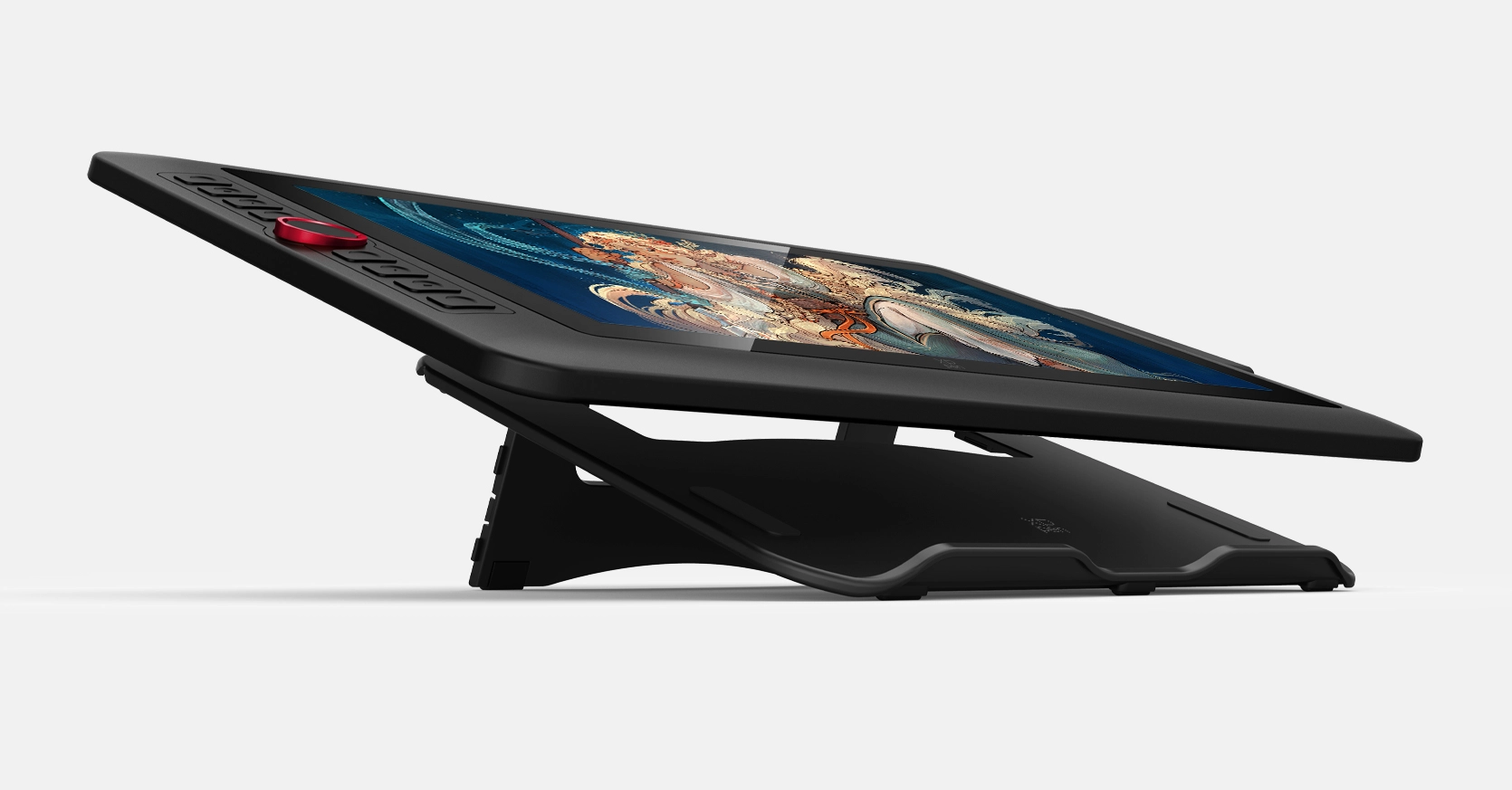
Foldable Stand
Keep creation steady and alleviate eye strain and hand stiffness.
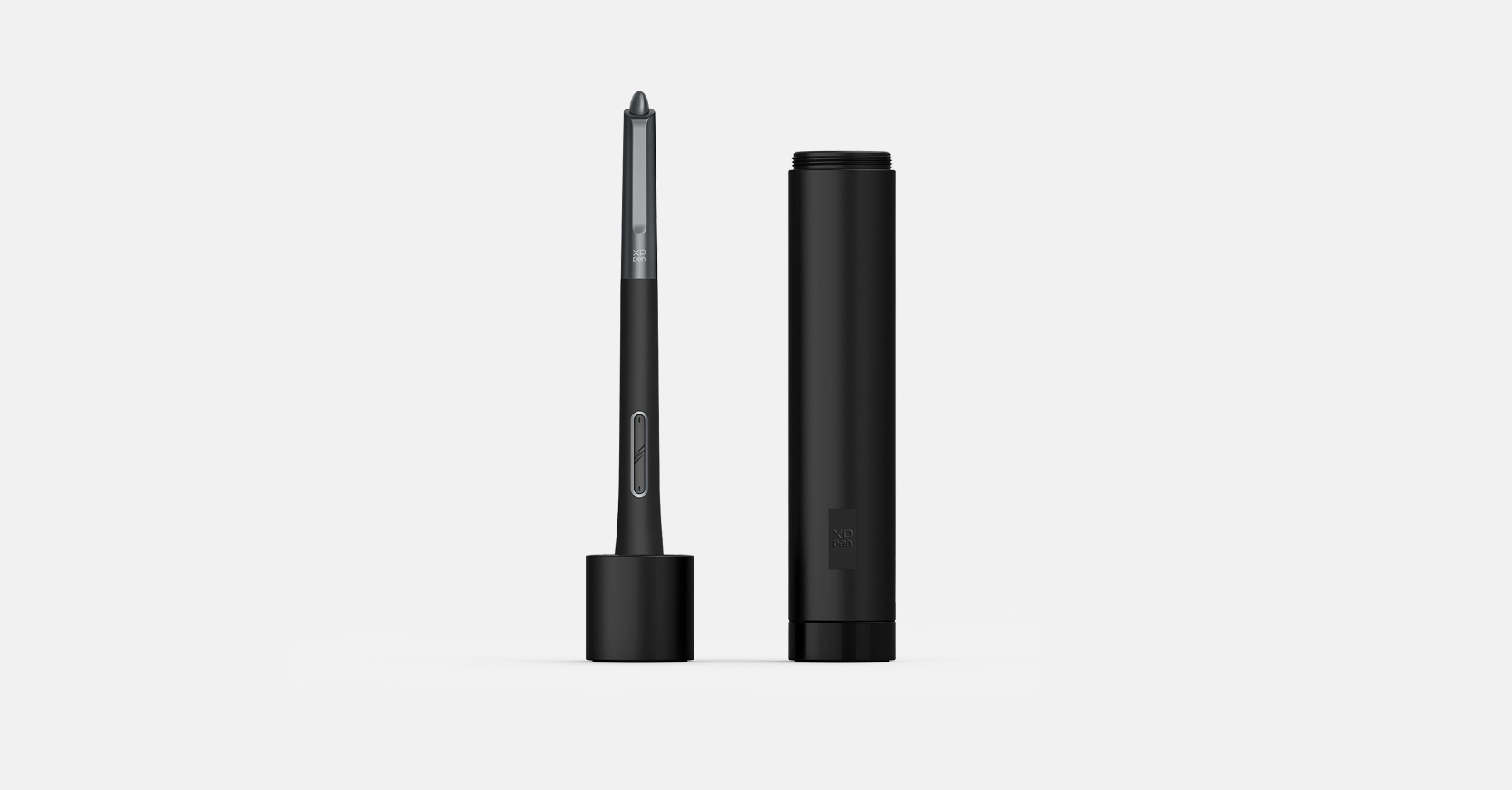
Pen Holder
Store and protect your stylus and pen nibs.
Full-featured USB-C Cable & 3-in-1 USB-C Cable
No need for adapter, connect directly to your computer.
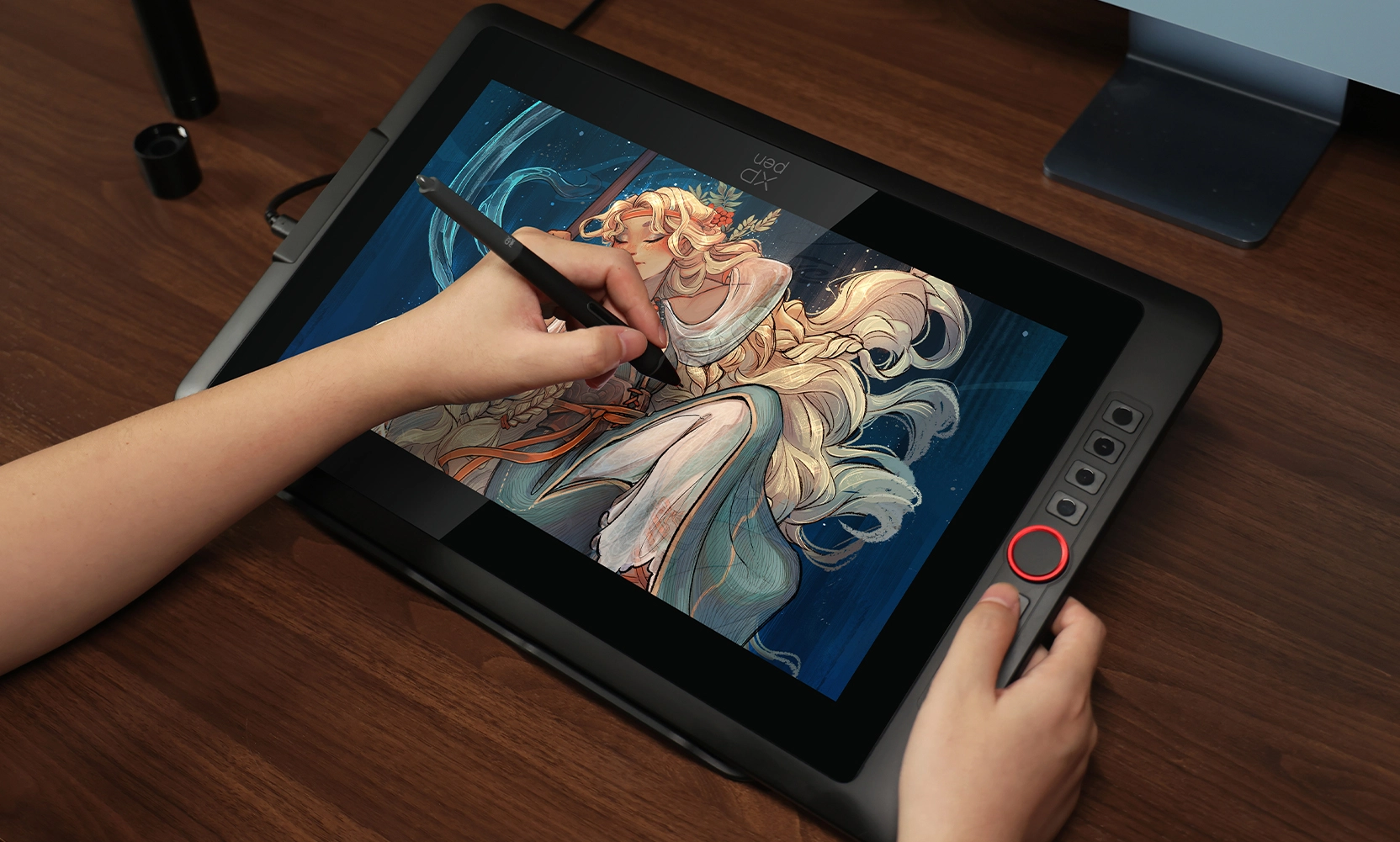
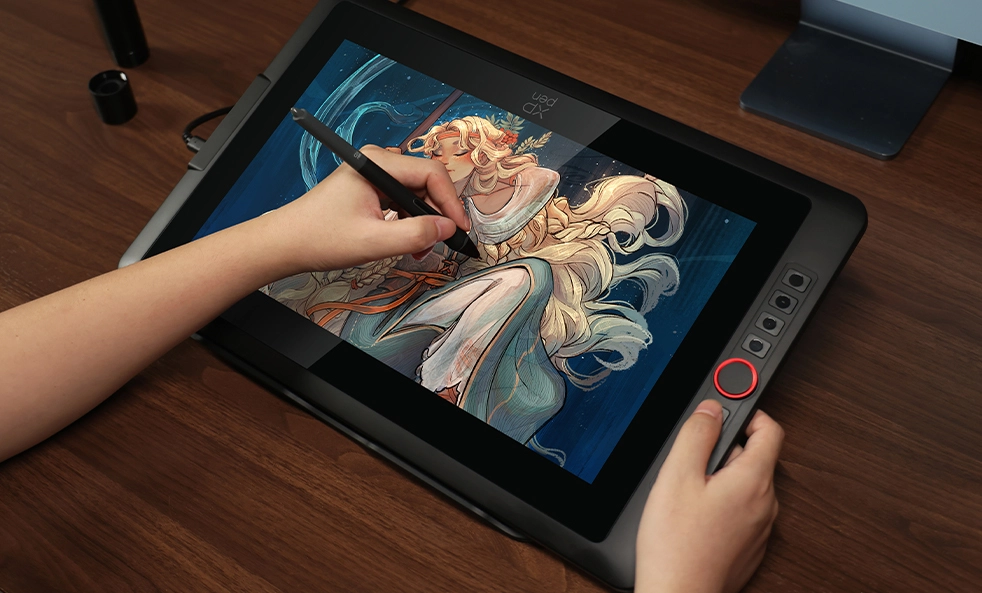
Convenient and Effective for Both Hands
If you're left-handed, there's no need to be concerned. You can adjust the drawing display in the driver settings and customize shortcut keys to suit your dominant hand.
One Display, Infinite Possibilities
The Artist 15.6 Pro V2 is designed to cater to the diverse needs of both professionals and enthusiasts.
Its performance is aimed at providing an immersive creative experience across various artistic forms.
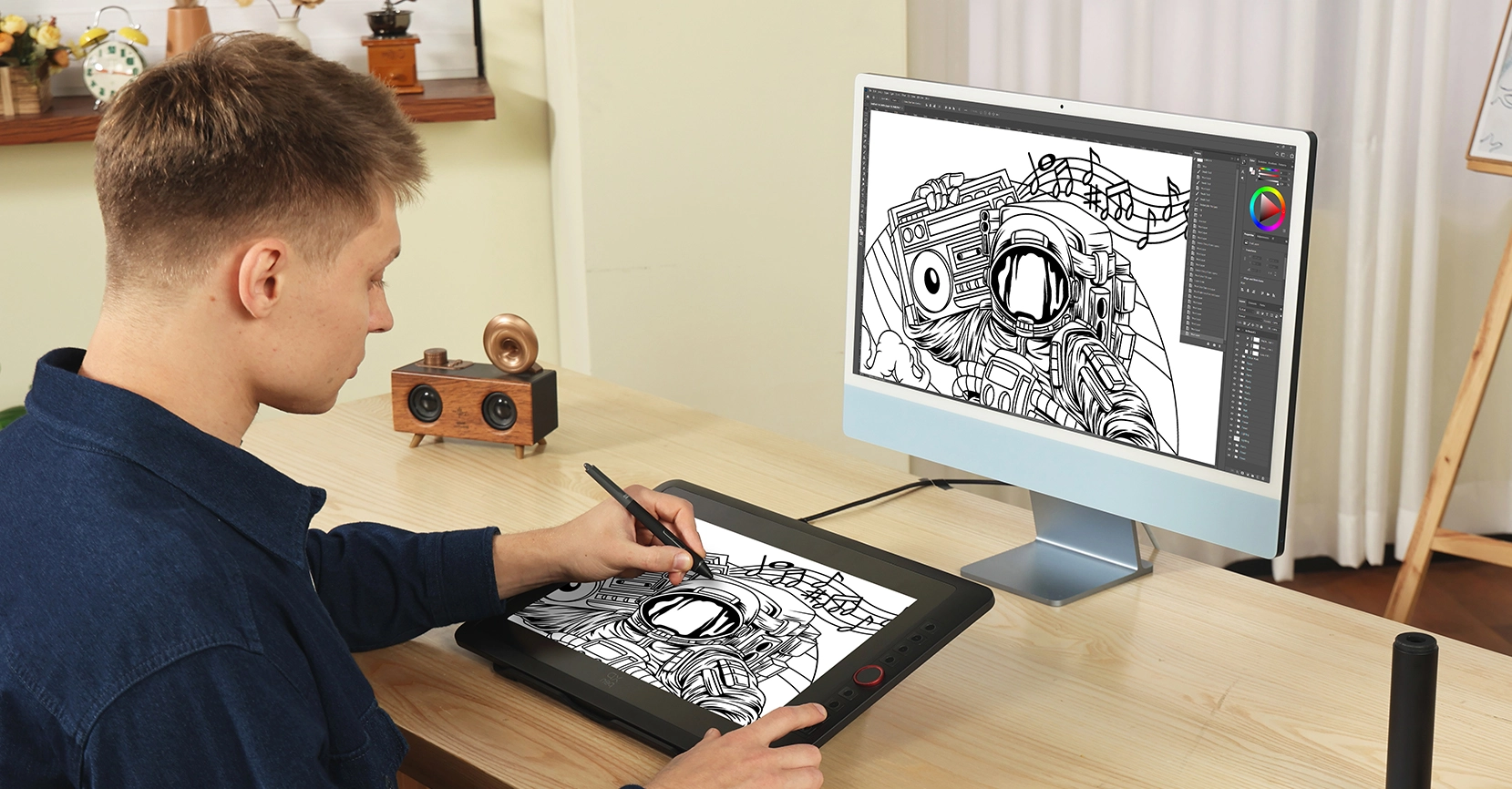
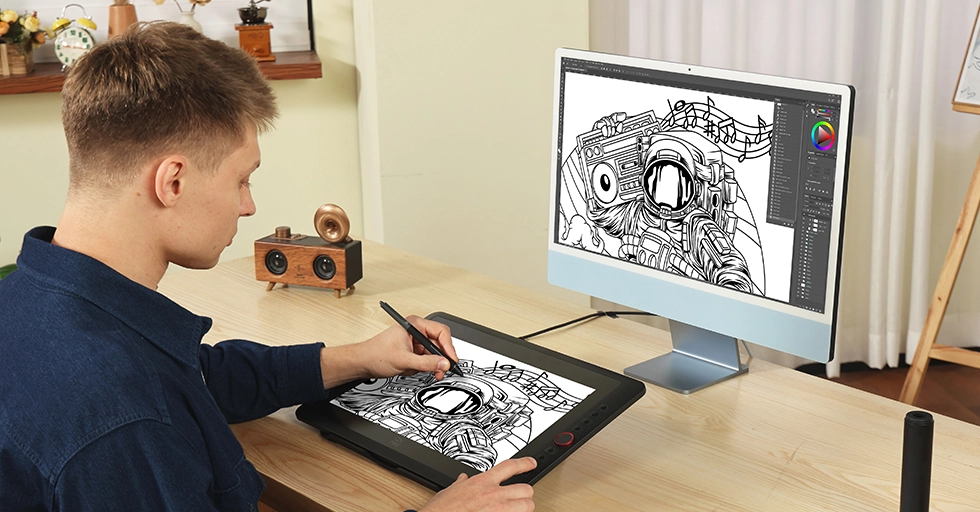
Creation on Double Displays
Separate your creation into two displays for an expanded perspective. Double the efficiency and unleash full creativity.
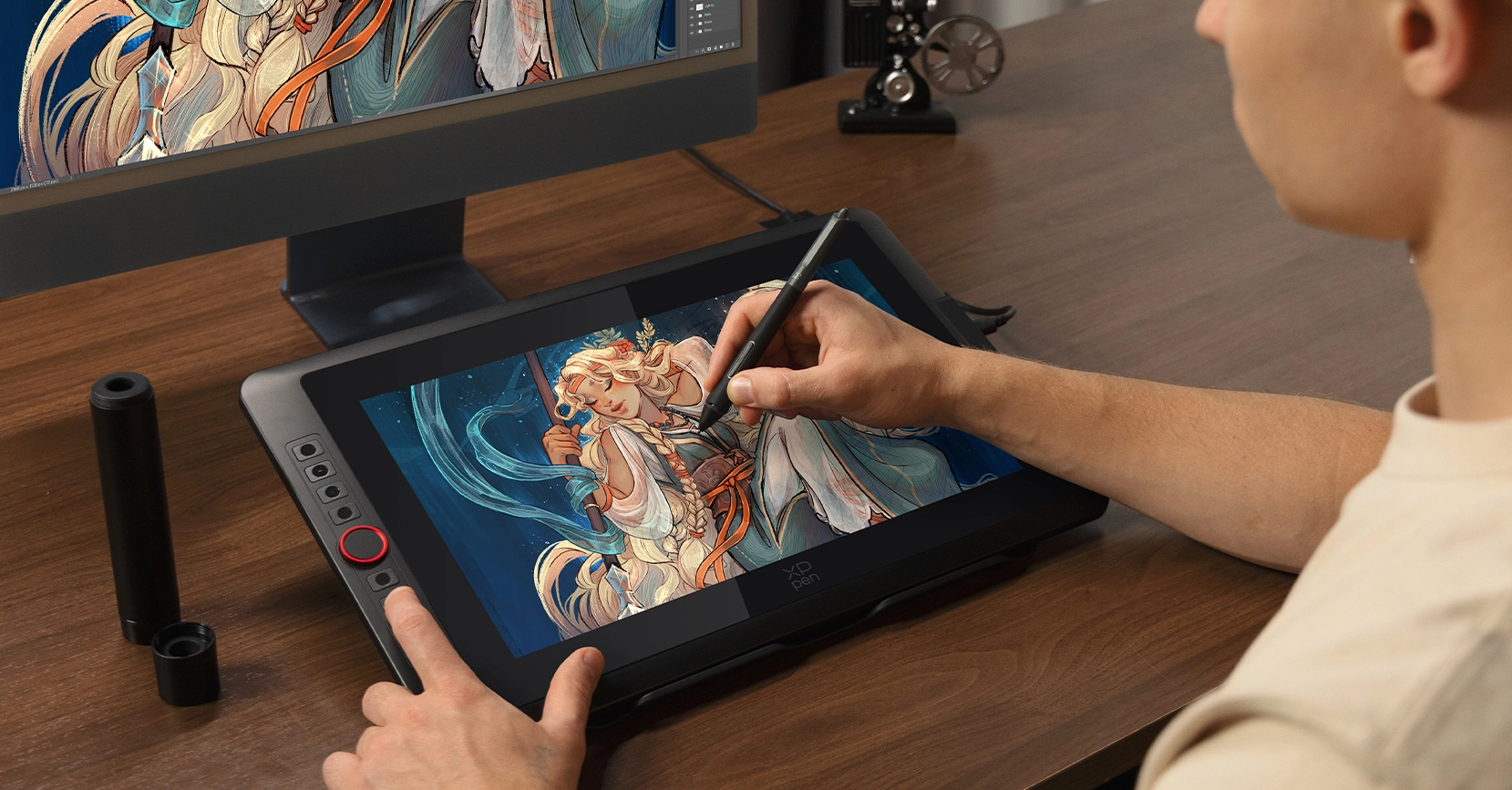
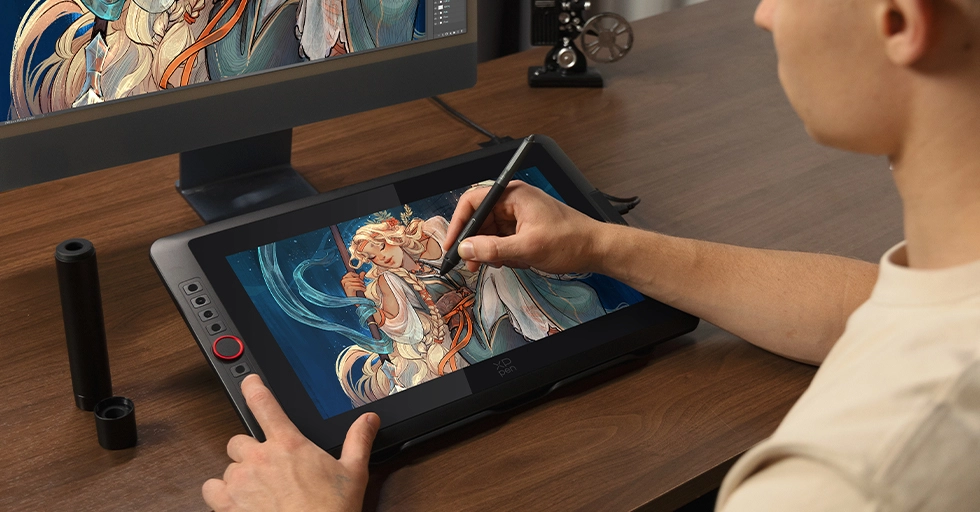
Illustration Creation
Thanks to the upgraded stylus, it delivers delicate and smooth strokes, making drawing feel natural and effortless.
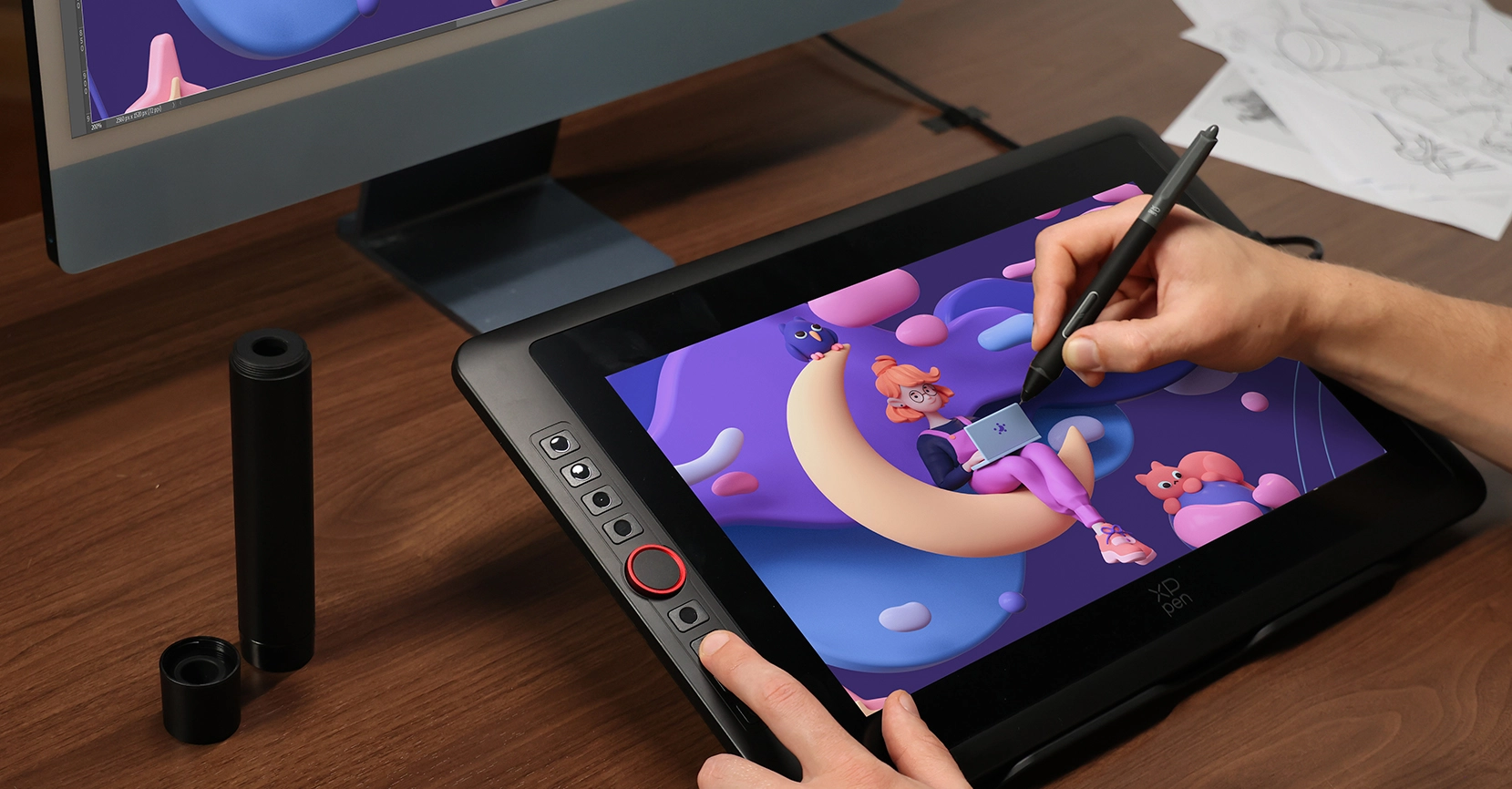
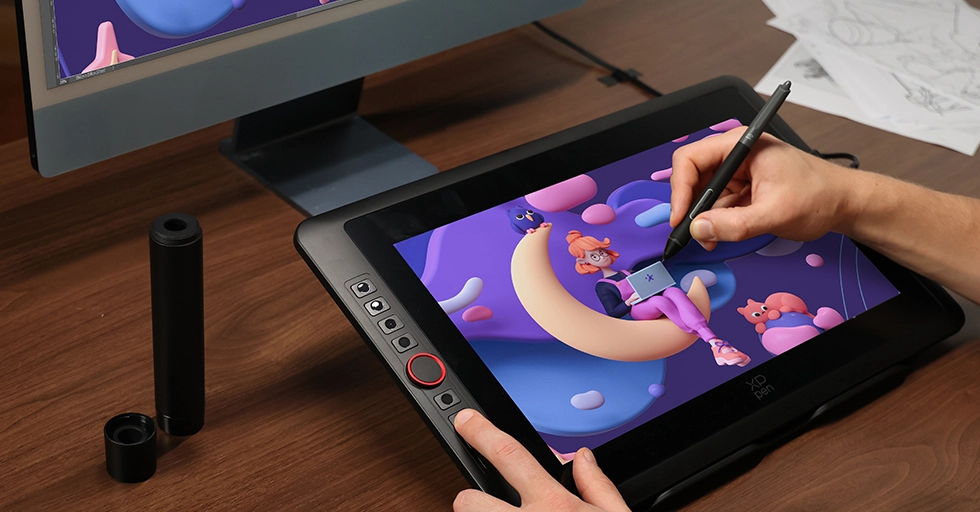
Animation Creation
Excellent color performance that aligns with the concept designer's attention to colors and intricate details.
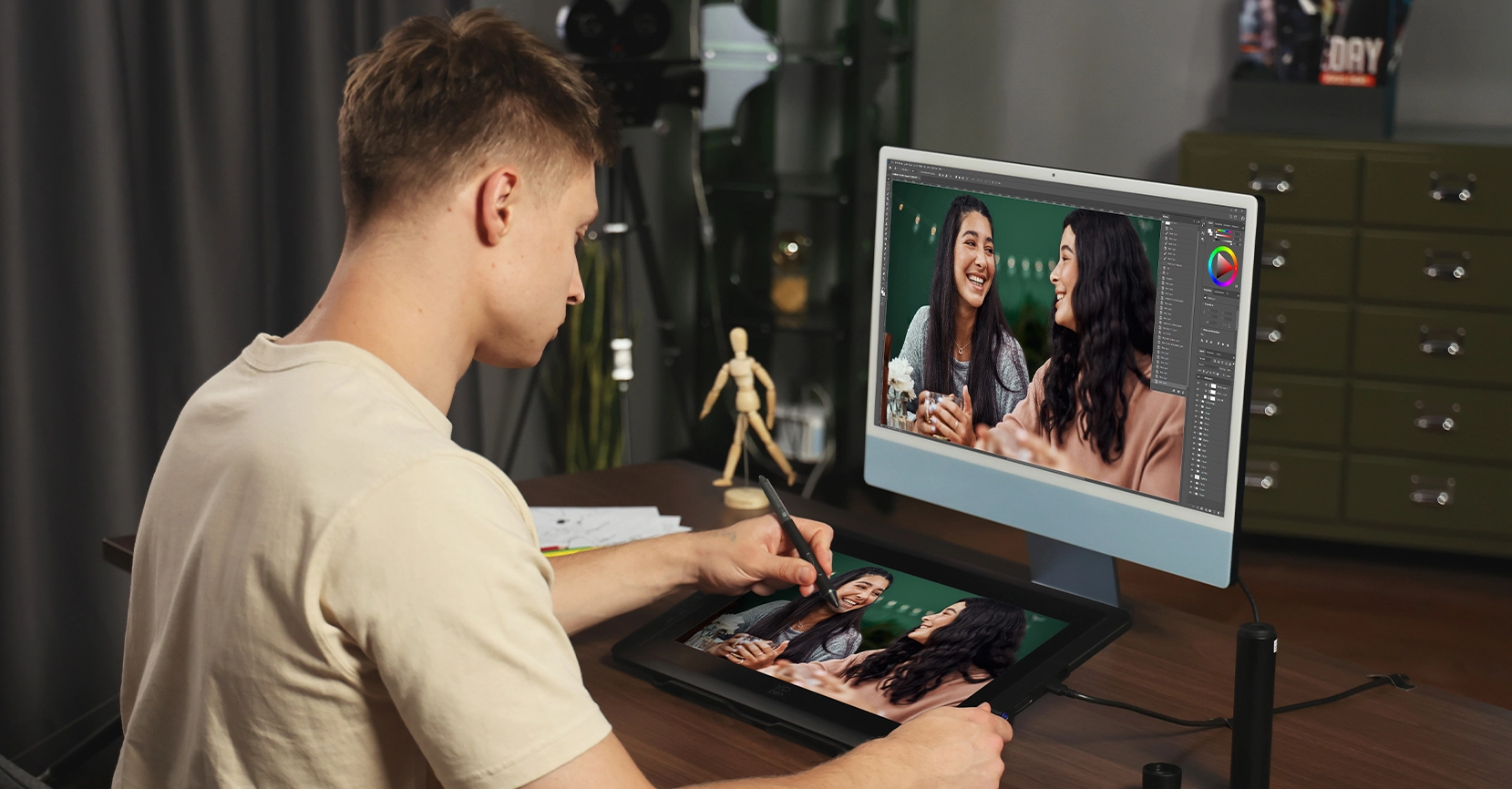
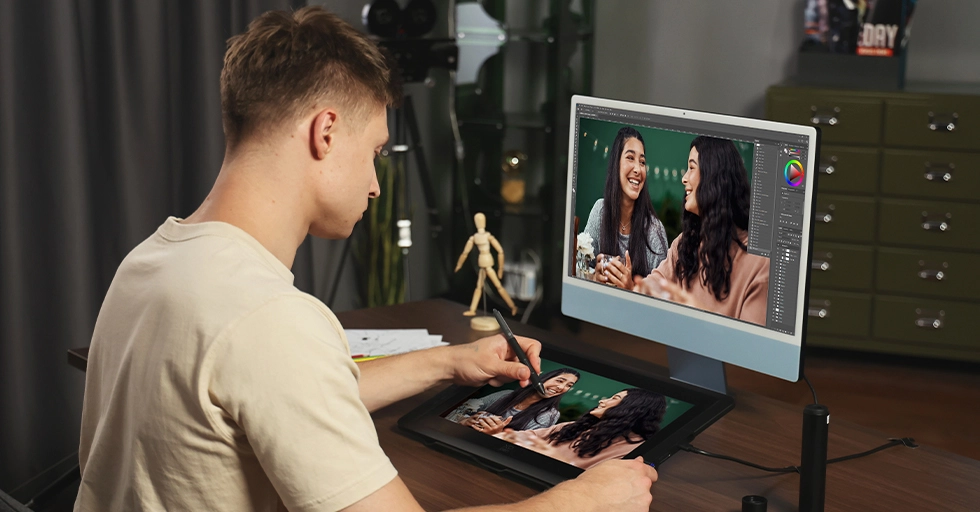
Photography and Photo Retouching
Relive every wonderful moment with your stylus and imagination.
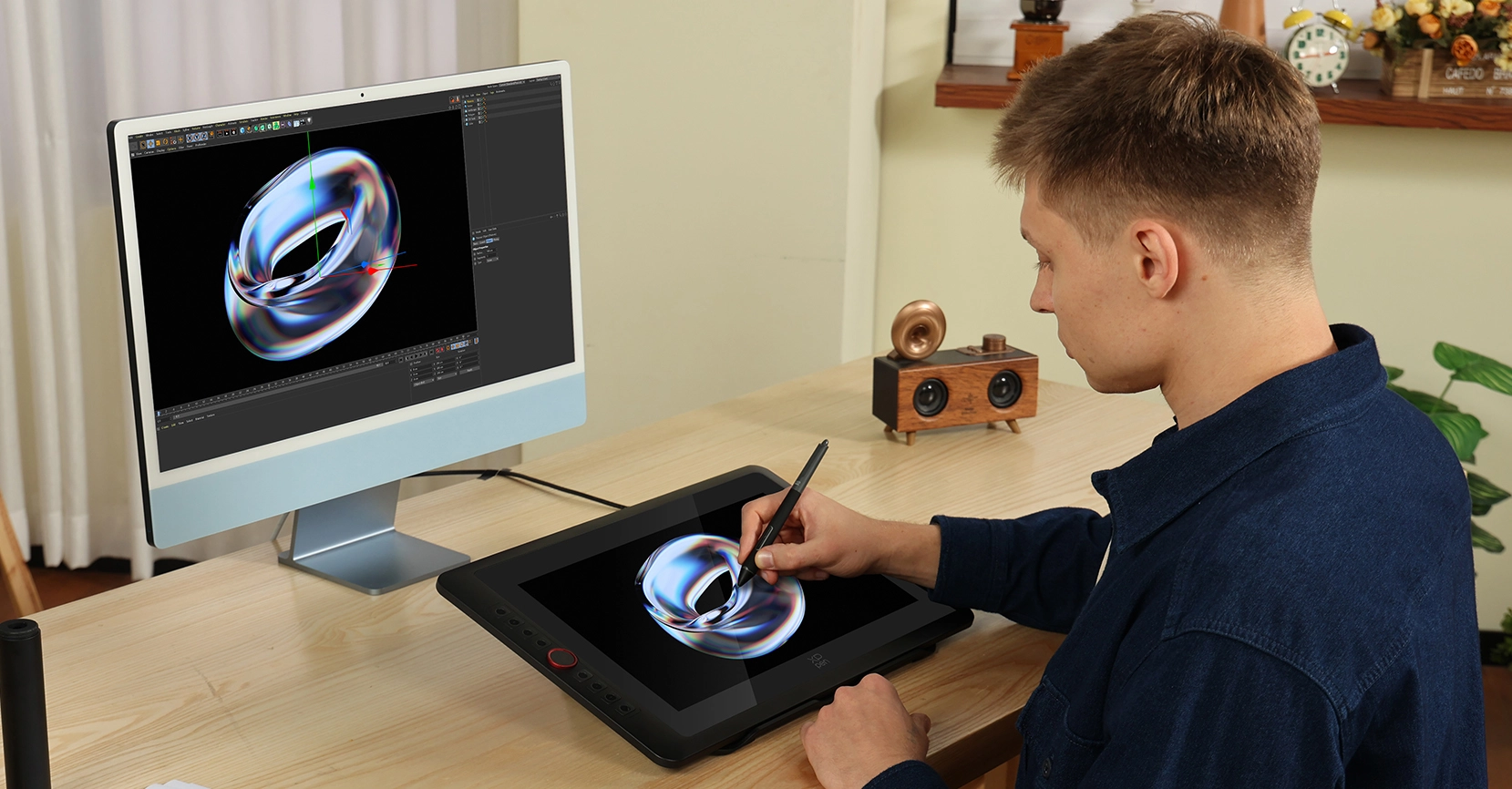
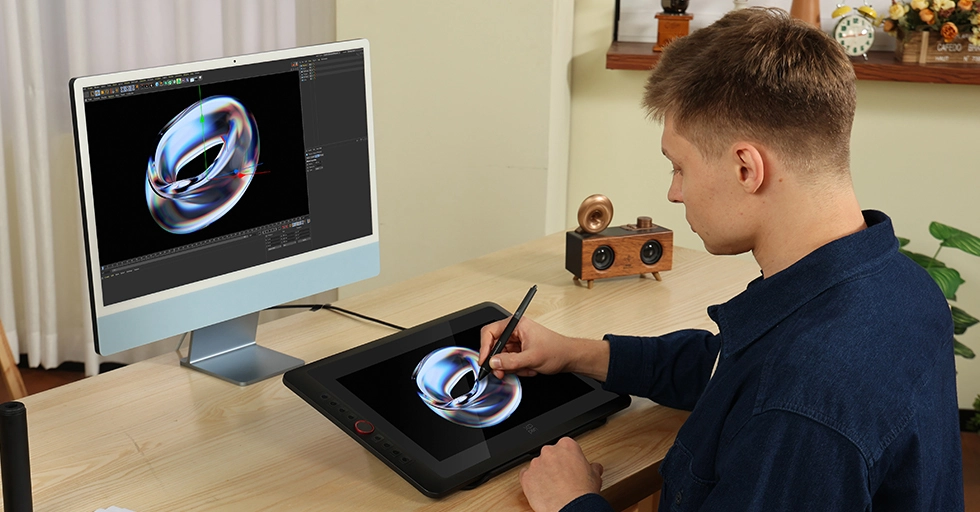
3D Design
The Red Dial quick keys and eight shortcut keys significantly enhance the efficiency of 3D modeling in architectural design, enabling the seamless presentation of intricate details.


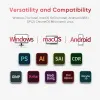
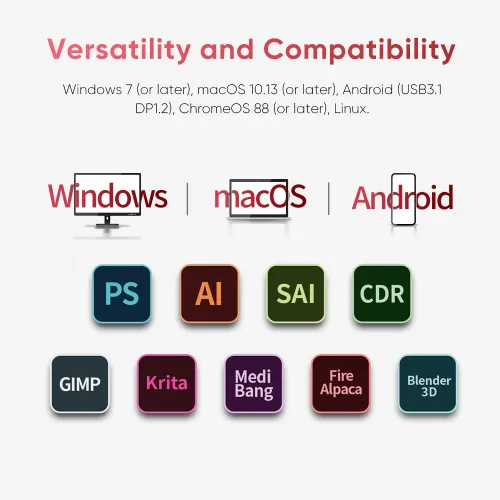
Highly Compatible for
Multiple Systems and Software
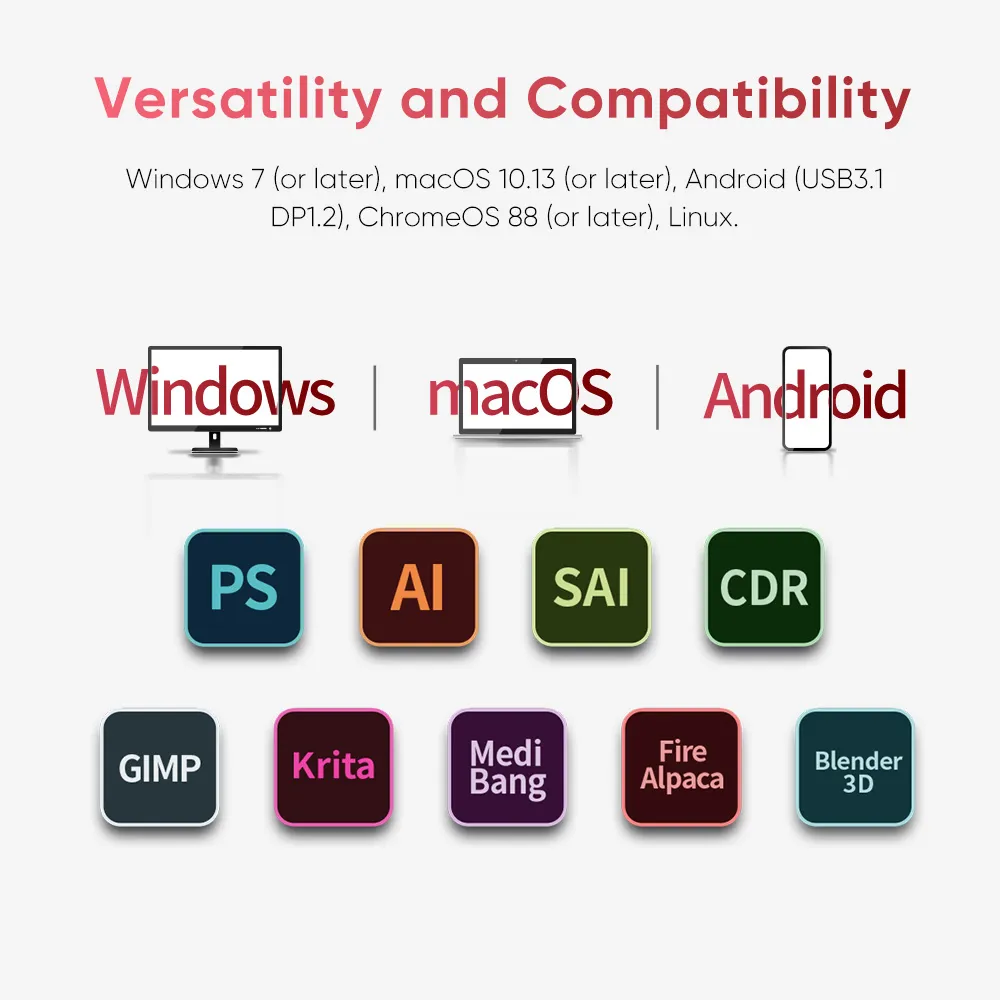
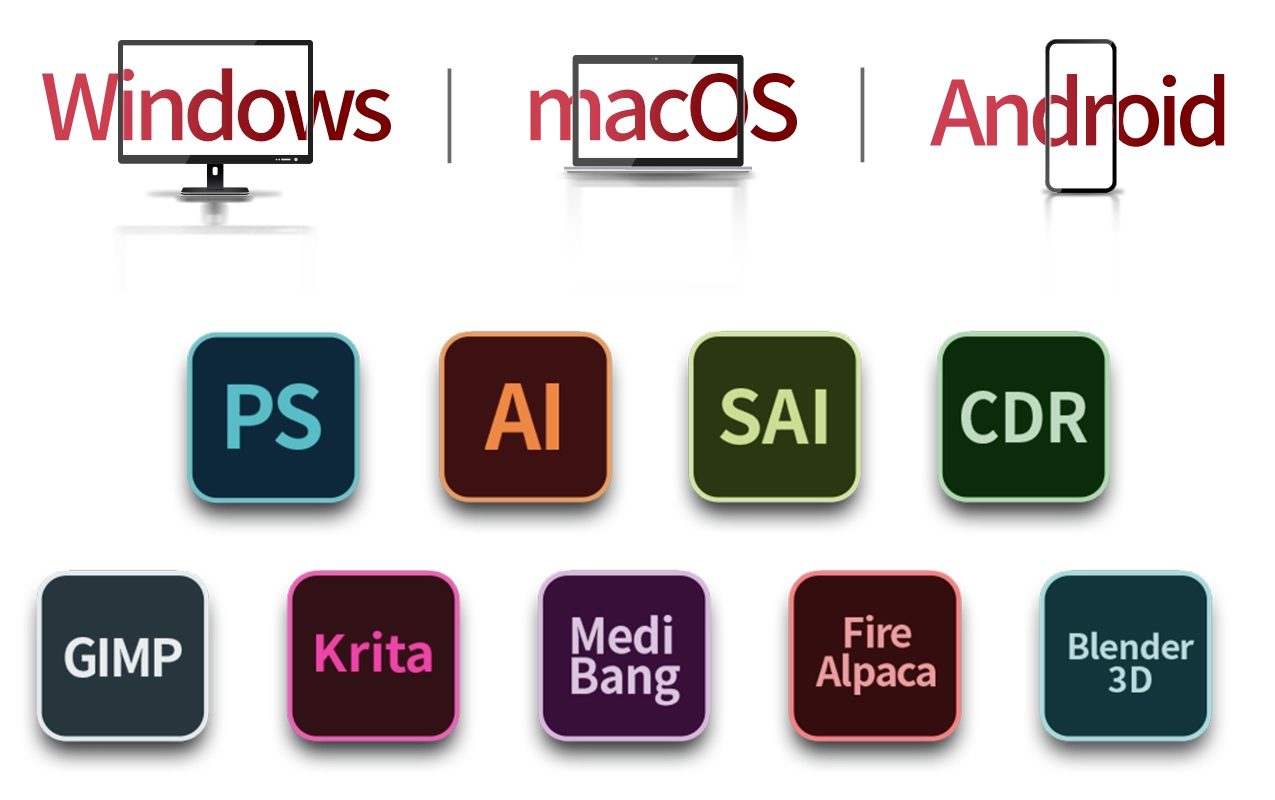
Supports Windows 7 (or later), Android (USB3.1 DP1.2), ChromeOS 88 (or later), Linux,
and macOS 10.13 (or later). Compatible with popular digital art software such as Adobe Photoshop,
Illustrator, SAI, CDR, GIMP, Krita, Medibang, Fire Alpaca, Blender 3D and more.
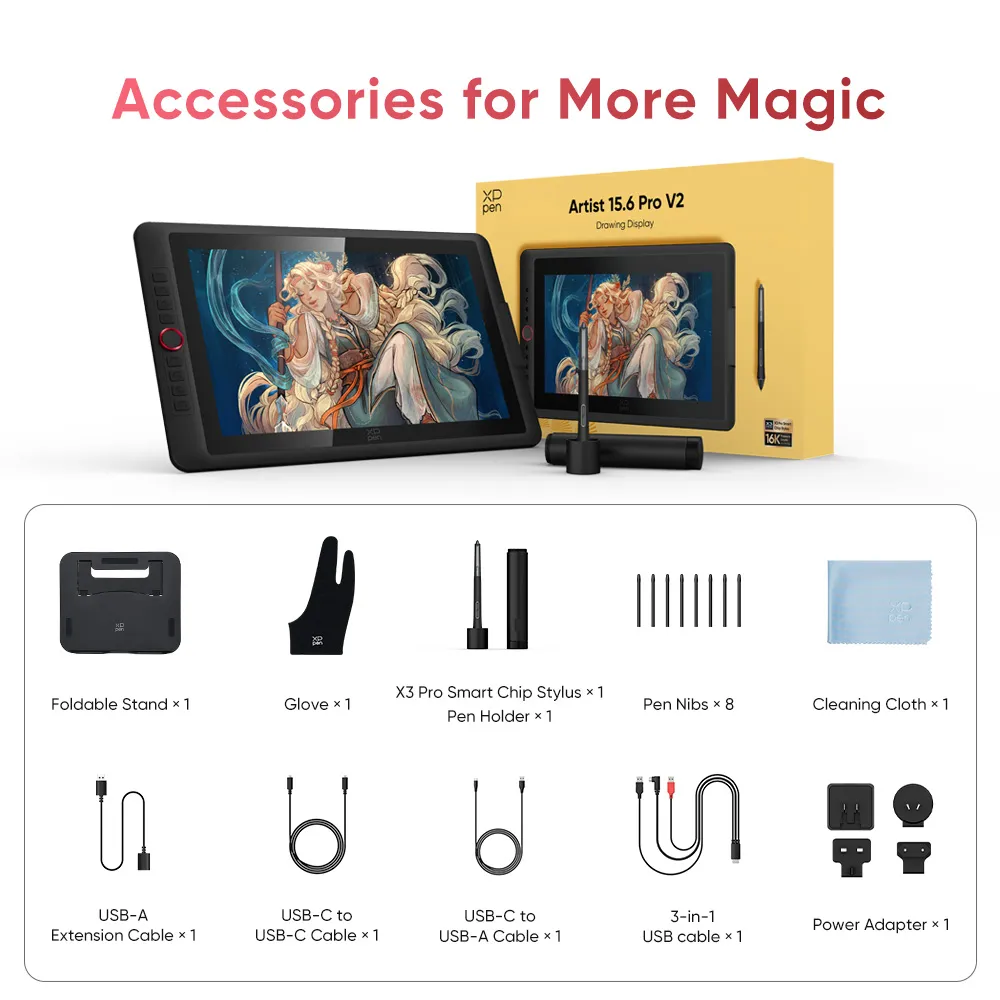
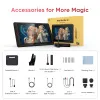
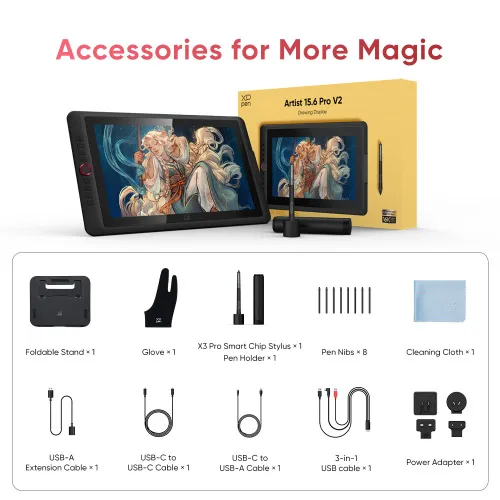
Package Includes
1 x Drawing Display
1 x X3 Pro Stylus
1 x Pen Holder
8 x Pen Nibs
1 x Foldable Stand
1 x USB-C to USB-C Cable
1 x USB-C to USB-A Cable
1 x USB-A Extension Cable
1 x 3 in 1 Cable
1 x Glove
1 x Cleaning Cloth
1 x Power Adapter
Specifications
| Linux OS | Version | Package Format | Supported Software |
| Arch | Arch Linux2019.12.01(64-bit) | .deb, .sh | GIMP, Krita |
| Centos | Centos7.0(64-bit) | .rpm, .sh | GIMP |
| Centos8(64-bit) | .rpm, .sh | GIMP, Krita | |
| Debian | debian-9.5.0-amd64-netinst(64-bit) | .deb, .sh | GIMP, Krita |
| elementary OS | elementary OS 5.0(64-bit) | .deb, .sh | GIMP, Krita |
| ezgo Linux | ezgo14(64-bit) | .deb, .sh | GIMP, Krita |
| Fedora | Fedora32(64-bit) | .rpm, .sh | GIMP, Krita |
| Mageia | Mageia-7.1(64-bit) | .rpm, .sh | GIMP, Krita |
| Manjaro | manjaro-xfce-20.1.2-201019(64-bit) | .deb, .sh | GIMP |
| Mint | linuxmint-18.2-cinnamon-64bit | .deb, .sh | GIMP, Krita |
| OpenSUSE | openSUSE-Tumbleweed(64-bit) | .rpm, .sh | GIMP, Krita |
| Pop!_OS | pop-os_19.10(64-bit) | .deb, .sh | GIMP, Krita |
| Red Hat | Red Hat7(64-bit) | .rpm, .sh | GIMP |
| Ubuntu | Ubuntu14.04(64-bit) | .deb, .sh | GIMP, Krita |
| Ubuntu16.04(64-bit) | .deb, .sh | GIMP, Krita | |
| Ubuntu17.04(64-bit) | .deb, .sh | GIMP, Krita | |
| Ubuntu18.04(64-bit) | .deb, .sh | GIMP, Krita | |
| Ubuntu19.04(64-bit) | .deb, .sh | GIMP, Krita | |
| Ubuntu20.04(64-bit) | .deb, .sh | GIMP, Krita |
| Function | Krita 4.3.0 | Gimp 2.10.20 | Inkscape 0.92 |
| Pen Pressure Sensitivity | |||
| Tilt | |||
| Mouse Function | |||
| Eraser Button (Stylus:PH01, P06) | |||
| Switch between Pen and Eraser Modes | |||
| *If you have any further queries, please do not hesitate to contact us at service@xp-pen.com. | |||
Linux OS
Arch
Version
Arch Linux2019.12.01(64-bit)
Package Format
.deb, .sh
Supported Software
GIMP, Krita
Centos
Version
Centos7.0(64-bit)
Centos8(64-bit)
Centos8(64-bit)
Package Format
.rpm, .sh
.rpm, .sh
.rpm, .sh
Supported Software
GIMP
GIMP, Krita
GIMP, Krita
Debian
Version
debian-9.5.0-amd64-netinst(64-bit)
Package Format
.deb, .sh
Supported Software
GIMP, Krita
elementary OS
Version
elementary OS 5.0(64-bit)
Package Format
.deb, .sh
Supported Software
GIMP, Krita
ezgo Linux
Version
ezgo14(64-bit)
Package Format
.deb, .sh
Supported Software
GIMP, Krita
Fedora
Version
Fedora32(64-bit)
Package Format
.rpm, .sh
Supported Software
GIMP, Krita
Mageia
Version
Mageia-7.1(64-bit)
Package Format
.rpm, .sh
Supported Software
GIMP, Krita
Manjaro
Version
manjaro-xfce-20.1.2-201019(64-bit)
Package Format
.deb, .sh
Supported Software
GIMP
Mint
Version
linuxmint-18.2-cinnamon-64bit
Package Format
.deb, .sh
Supported Software
GIMP, Krita
OpenSUSE
Version
openSUSE-Tumbleweed(64-bit)
Package Format
.rpm, .sh
Supported Software
GIMP, Krita
Pop!_OS
Version
pop-os_19.10(64-bit)
Package Format
.deb, .sh
Supported Software
GIMP, Krita
Red Hat
Version
Red Hat7(64-bit)
Package Format
.rpm, .sh
Supported Software
GIMP
Ubuntu
Version
Ubuntu14.04(64-bit)
Ubuntu16.04(64-bit)
Ubuntu17.04(64-bit)
Ubuntu18.04(64-bit)
Ubuntu19.04(64-bit)
Ubuntu20.04(64-bit)
Ubuntu16.04(64-bit)
Ubuntu17.04(64-bit)
Ubuntu18.04(64-bit)
Ubuntu19.04(64-bit)
Ubuntu20.04(64-bit)
Package Format
.deb, .sh
.deb, .sh
.deb, .sh
.deb, .sh
.deb, .sh
.deb, .sh
.deb, .sh
.deb, .sh
.deb, .sh
.deb, .sh
.deb, .sh
Supported Software
GIMP, Krita
GIMP, Krita
GIMP, Krita
GIMP, Krita
GIMP, Krita
GIMP, Krita
GIMP, Krita
GIMP, Krita
GIMP, Krita
GIMP, Krita
GIMP, Krita
Function
Pen Pressure Sensitivity
Krita 4.3.0
Gimp 2.10.20
Inkscape 0.92
Tilt
Krita 4.3.0
Gimp 2.10.20
Inkscape 0.92
Mouse Function
Krita 4.3.0
Gimp 2.10.20
Inkscape 0.92
Eraser Button(Stylus:PH01, P06)
Krita 4.3.0
Gimp 2.10.20
Inkscape 0.92
Switch between Penand Eraser Modes
Krita 4.3.0
Gimp 2.10.20
Inkscape 0.92
*If you have any further queries, please do not hesitate to contact us at service@xp-pen.com.
| List of compatible Android devices | |
| HUAWEI Mate 10 | HUAWEI Mate 10 Pro |
| HUAWEI Mate 20 | HUAWEI Mate 20 Pro |
| HUAWEI Mate 20 X | HUAWEI Mate 30 Pro |
| HUAWEI Mate 40 | HUAWEI Mate 40 pro |
| HUAWEI Mate 30E Pro 5G | HUAWEI P20 |
| HUAWEI P20 Pro | HUAWEI P30 |
| HUAWEI P30 Pro | HUAWEI P40 |
| HUAWEI P40 Pro | HUAWEI P40 Pro+ |
| HUAWEI Mate 50 | HUAWEI Mate 50 Pro |
| HUAWEI Mate 40E | HUAWEI Mate 40 Pro+ |
| HUAWEI P50 Pro | HUAWEI P50 |
| HUAWEI P50E | HUAWEI Mate X2 |
| HUAWEI Mate Xs2 | HUAWEI Mate 50E |
| HUAWEI Mate 40E Pro | HUAWEI Mate 40 RS |
| HUAWEI P50 Pocket | Honor Note10 |
| Honor V20 | Honor 30pro+ |
| Honor Magic4 | Honor Magic4 Pro |
| Samsung Galaxy A90 5G | Samsung Galaxy Note9 |
| Samsung Galaxy Note10 | Samsung Galaxy Note10+ 5G |
| Samsung Galaxy S8 | Samsung Galaxy S8+ |
| Samsung Galaxy S9 | Samsung Galaxy S9+ |
| Samsung Galaxy S10 | Samsung Galaxy S10+ |
| Samsung Galaxy S10e | Samsung Galaxy S20 |
| Samsung Galaxy S20+ | Samsung Galaxy S20 Ultra |
| Samsung Galaxy S20 FE 5G | Samsung Galaxy S21 |
| Samsung Galaxy S21 FE | Samsung Galaxy S21 ultra |
| Samsung Galaxy S22 | Samsung Galaxy S22 Ultra |
| Samsung Galaxy Note20 | Samsung Galaxy Note20 Ultra |
| Samsung Galaxy Tab S7 | Samsung Galaxy Tab S7 FE |
| Samsung Galaxy Tab S5e | Samsung Galaxy S21+ |
| Samsung Galaxy S22+ | Samsung Galaxy S23 |
| Samsung Galaxy S23+ | Samsung Galaxy S23 Ultra |
| Samsung Galaxy Z Fold4 | Samsung W23 |
| Samsung W22 | Samsung W21 |
| Samsung W20 | Samsung Galaxy Tab S8 |
| Samsung Galaxy Tab S8+ | Samsung Galaxy Tab S8 Ultra |
| Samsung Galaxy Tab S7+ | Samsung Galaxy Tab S6 |
| Samsung Galaxy Tab S6 Lite | |
4.8


Based on 46
89%(41)

7%(3)
4%(2)
0(0)
0(0)
cheryl
Apr 11 ,2020 PM 16:51 Artist 15.6 Pro V2 - 16K Pressure
The best bargain for a drawing tablet currently available
This product looks sleeker and better built than most of the 3rd party manufacturers I have used. The new screen protector is a HUGE improvement as well. Just a tip - the ring can have up to four functions. It is not clear in the instructions but you will have to program on of the express keys to cycle through them in the control panel. I wish the middle of the wheel was a button but serves no purpose. Very nice, compact design.
Official mall
Apr 11 ,2020 PM 18:08
Thank you for your recognition of our XP-PEN products. we will keep improving our products.
Useful(0)+1
XFANSbon6420u
Nov 15 ,2021 PM 19:26 Artist 15.6 Pro V2 - 16K Pressure
I haven\'t tried it out yet, I\'ll give an update tomorrow :>
It arrived fast and even though the box has some wet parts, the product itself is safe. I'll try setting it up and use it tomorrow since it arrived this evening.
Thanks xp-pen!
Official mall
Nov 27 ,2021 AM 10:30
Thank you so much for your support.
We will work harder to provide products and services that make our customers more satisfied.
Drawing with this item and having fun
Useful(0)+1
XFANS34jxjy76
Nov 21 ,2021 PM 18:34 Artist 15.6 Pro V2 - 16K Pressure
1st graphic tab
my very first graphic display hope it can help me and awesome art as an concept artist
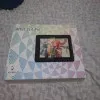
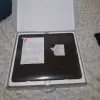
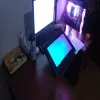
Official mall
Nov 27 ,2021 AM 10:36
Thank you so much for your support.
We will work harder to provide products and services that make our customers more satisfied.
Drawing with this item and having fun.;)
Useful(0)+1
Learn More
XFANSkkwe3v3m
Dec 02 ,2024 PM 15:40 Artist 15.6 Pro V2 - 16K Pressure
Is it okay to keep the 3-in-1 cable plugged in on my PC and the graphic tablet unplugged when not using it? so that when I need to use it, I'll just plug in the USB-C to the tablet? it won't cause any issues?
Reply0
XFANSotic00y0
May 10 ,2024 PM 15:27 Artist 15.6 Pro V2 - 16K Pressure
Hello! do you accept cash on delivery?
Reply0
XFANSfft39tnu
Oct 26 ,2023 PM 14:47 Artist 15.6 Pro V2 - 16K Pressure
Does it need to be connected to external monitor or computer to work?
Reply0
XFANSbkxn1x7w
Sep 14 ,2023 AM 07:30 Artist 15.6 Pro V2 - 16K Pressure
Does this support usb c to usb c instead of using the 3in1 cable? if yes which cable should I buy?
Reply1
Official mall
Sep 27 ,2023 AM 10:26
Hello, it doesnot support type c connection, thanks.
Reply to this review
XFANSwgx5mfdn
Jun 26 ,2023 PM 21:52 Artist 15.6 Pro V2 - 16K Pressure
HI! Is it safe to buy from your Shopee store? What if the item is not working or is damaged, can I contact a tech or ask for a replacement here directly?
Reply1
Official mall
Jun 28 ,2023 AM 09:20
Hello, it is safe to buy from Shopee, when you have tech or warranty issue, you may contact our online tech www.xp-pen.com, thanks.
Reply to this review
XFANSlgcl03q9
Jun 26 ,2023 PM 17:46 Artist 15.6 Pro V2 - 16K Pressure
How to join so it will lessen my payment if ever i buy, is it by registering or signing in? Thannkss, need to budget as a student
Reply1
Official mall
Jun 28 ,2023 AM 09:22
Hello, what is join for lessen payment? please advise, it is normal payment when you pay except you have voucher code from other platform, thanks.
Reply to this review
XFANS5bf9glsz
Jun 09 ,2023 AM 11:33 Artist 15.6 Pro V2 - 16K Pressure
How do I know if the item is good, like the display and the pen
Reply1
Official mall
Jun 13 ,2023 PM 15:08
Hello,
if you do not know how to connect it and use, you may contact our tech to tech you. www.xp-pen.com online tech window is there.
Also, you may check Youtube video to know how to use it, thanks.
Reply to this review
Aey
Apr 03 ,2023 PM 21:09 Artist 15.6 Pro V2 - 16K Pressure
Can I choose my payment method as "COD"? If yes, how?
Reply1
Official mall
Apr 26 ,2023 PM 14:06
Hello, recently our COD option is not working, it will reopen on June, thanks.
Reply to this review
XFANS0b3evwkn
Dec 19 ,2022 PM 20:36 Artist 15.6 Pro V2 - 16K Pressure
Hi, does it work with Windows 11 too?
Reply1
Official mall
Jan 06 ,2023 PM 18:19
Hello, yes, it works with windows 11, thanks.
Reply to this review
LR
Sep 17 ,2022 AM 07:55 Artist 15.6 Pro V2 - 16K Pressure
Are there installment plans available?
Reply1
Official mall
Sep 19 ,2022 AM 09:46
Sorry we do not have installment plans now, thanks.
Reply to this review
Learn More