




Getting started with your
XPPen Deco 01 V3 Pen Tablet.
1/10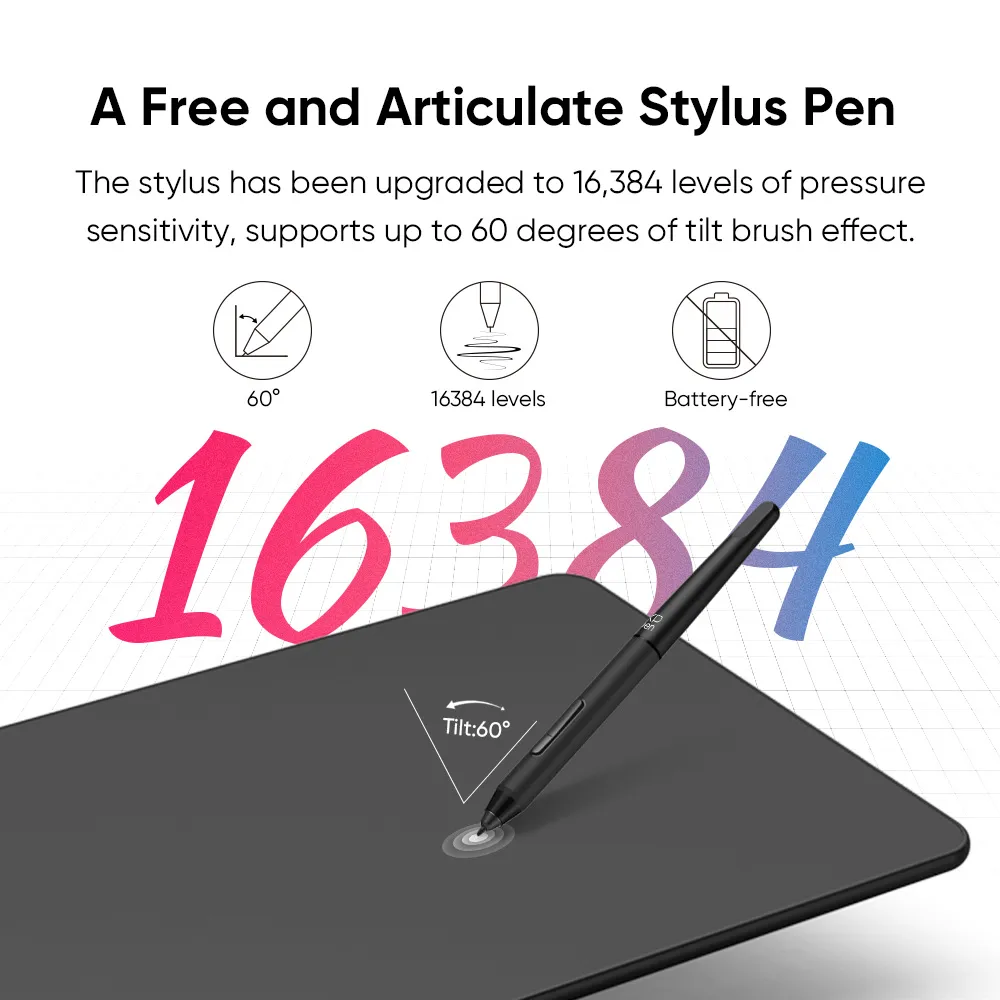
![https://resource.xp-pen.com/Uploads/goods/20241029/iwUhE5IROAfK7f1eKv0k.webp]()
![https://resource.xp-pen.com/Uploads/images/20260326/Mn9EpA2FbisIMLbEXKR7_500_500.webp]()
![https://resource.xp-pen.com/Uploads/goods/20241029/VVMVwP25DClND1i8h6Vr_500_500.webp]()
![https://resource.xp-pen.com/Uploads/goods/20241029/FgjWW2jh5AC2Y2ZjFADu_500_500.webp]()
![https://resource.xp-pen.com/Uploads/goods/20241029/MuxWPQOdlEpnkWCJNQY5_500_500.webp]()
![https://resource.xp-pen.com/Uploads/goods/20241029/SMbqlnigOqMOTyMtCkqa_500_500.webp]()
![https://resource.xp-pen.com/Uploads/goods/20241029/A8Inx6a6rxktnDa2RUmq_500_500.webp]()
![https://resource.xp-pen.com/Uploads/goods/20241029/og4iNl4a81ej8JkoHbFe_500_500.webp]()
![https://resource.xp-pen.com/Uploads/goods/20241029/e95DPNOSOLcPOlFVz9L0_500_500.webp]()

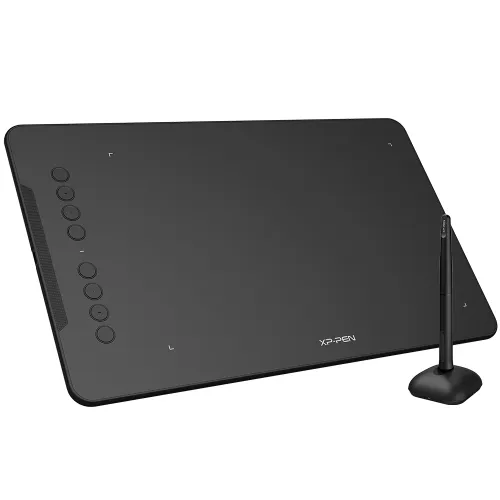
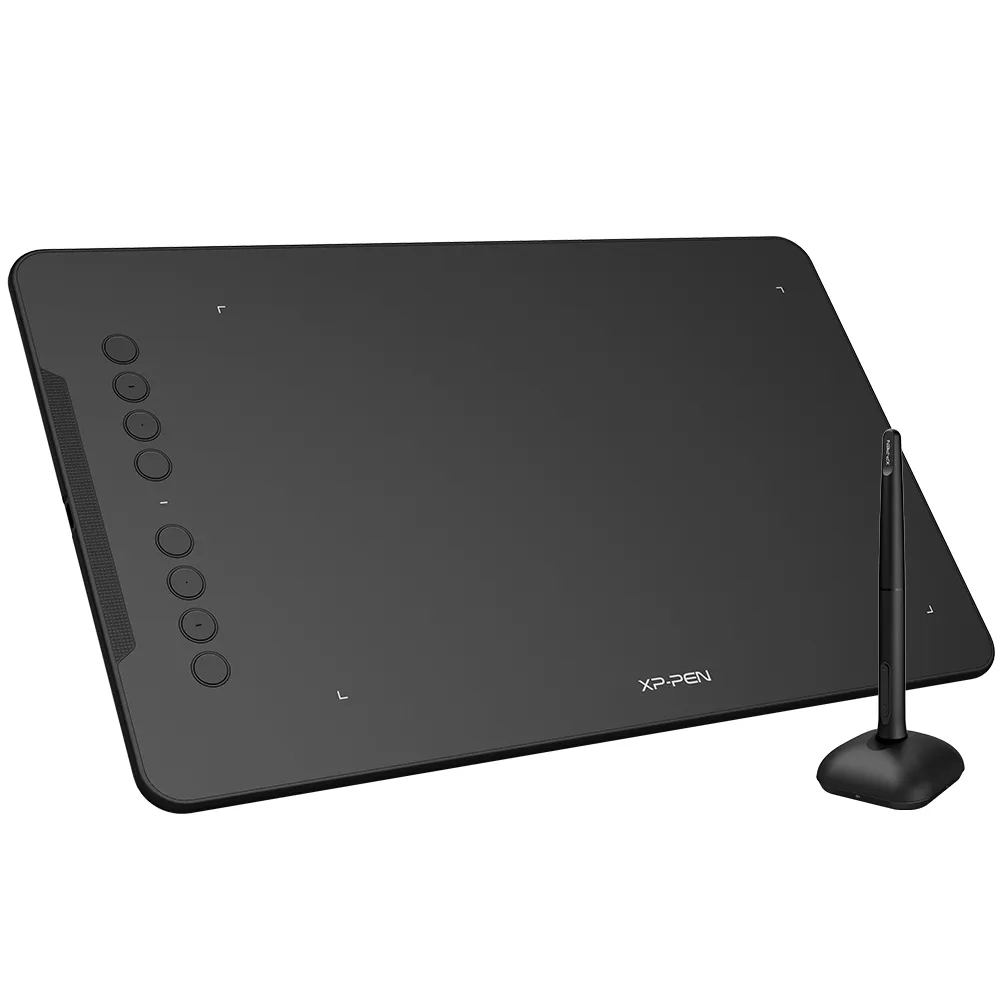
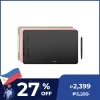
Deco 01 V3 - 16K Pressure
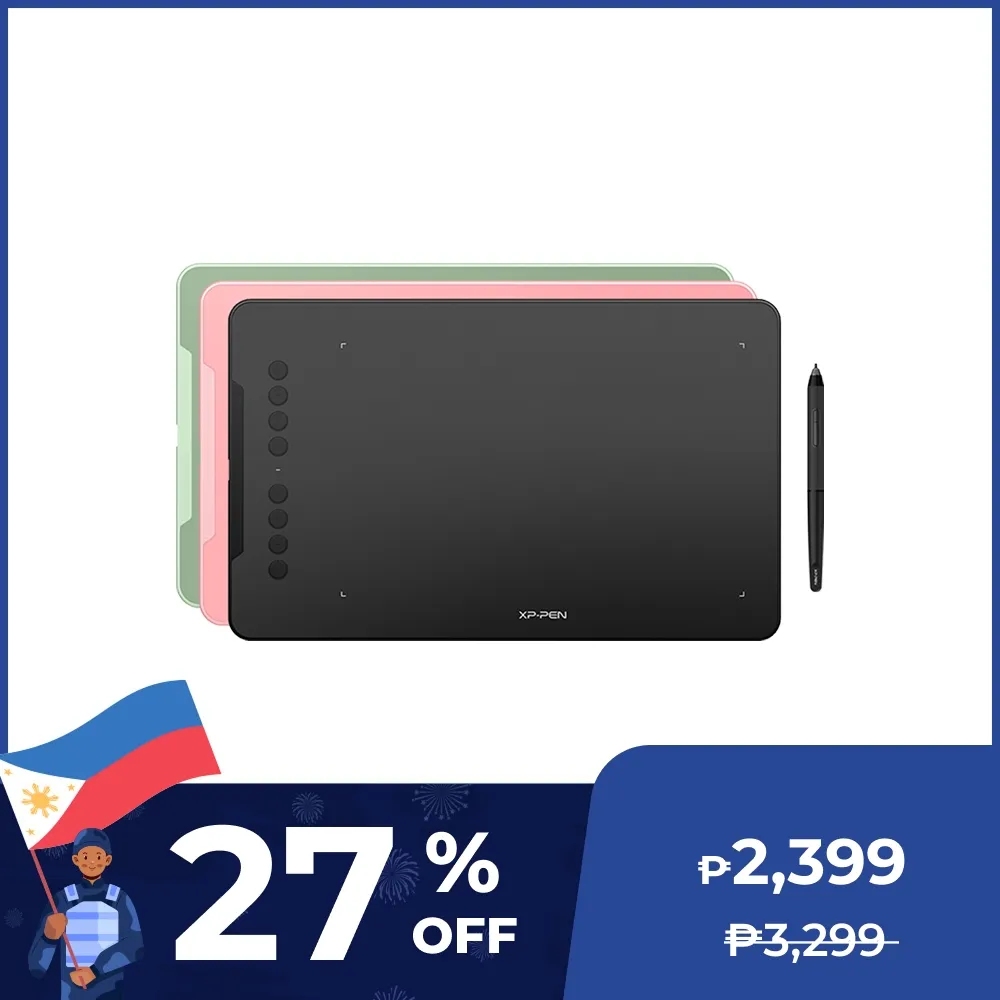
16K Pen Pressure, 10 x 6.25 inch, 60 degrees of tilt function, Support Android, MacOS and Windows
₱2,399₱3,399
Ends in
> Free Shipping to Manila.
> 18 months warranty.
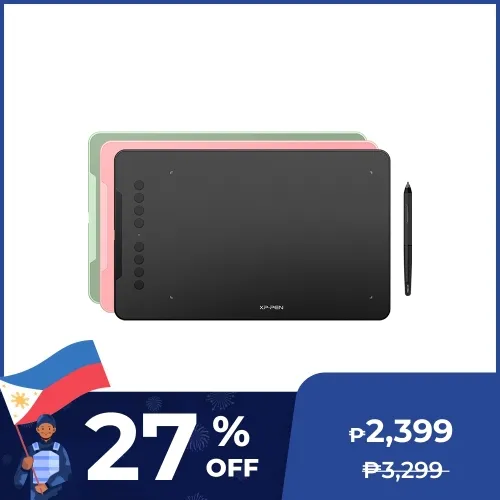
Colors:
Black
Green
Pink
Optional Accessories
Quantity:
Total
₱0.00


Estimate:
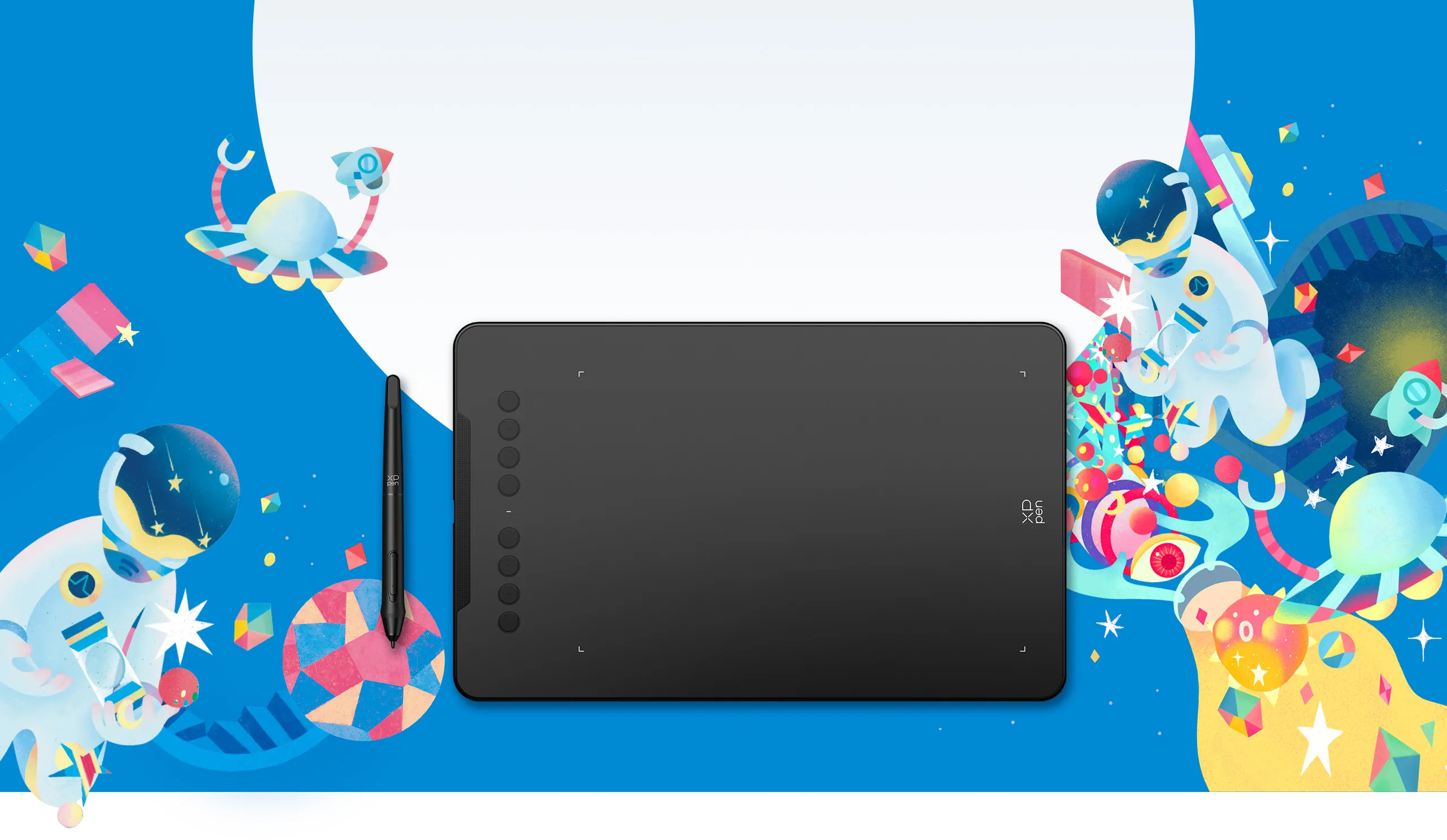
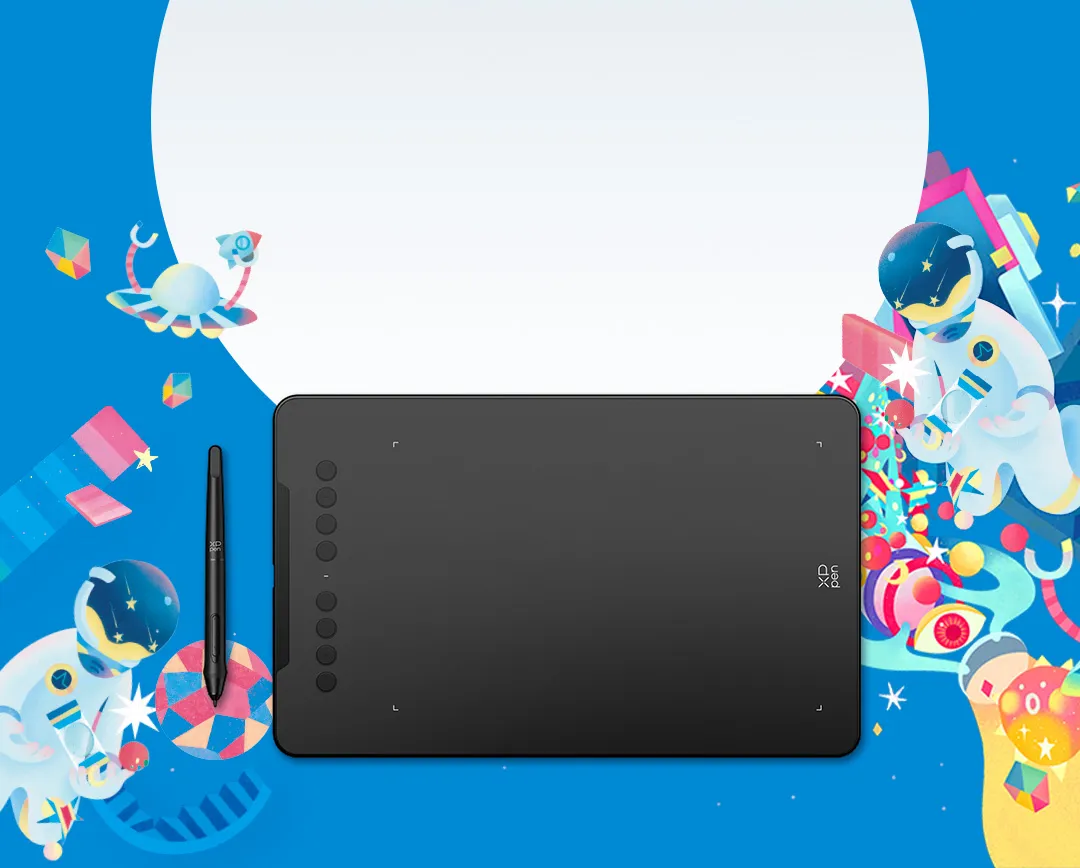
Deco 01 V3
New compatibility, new potential.
More color, more brilliance.
Black
Green
Pink
Enjoy a smoother and more
natural drawing experience
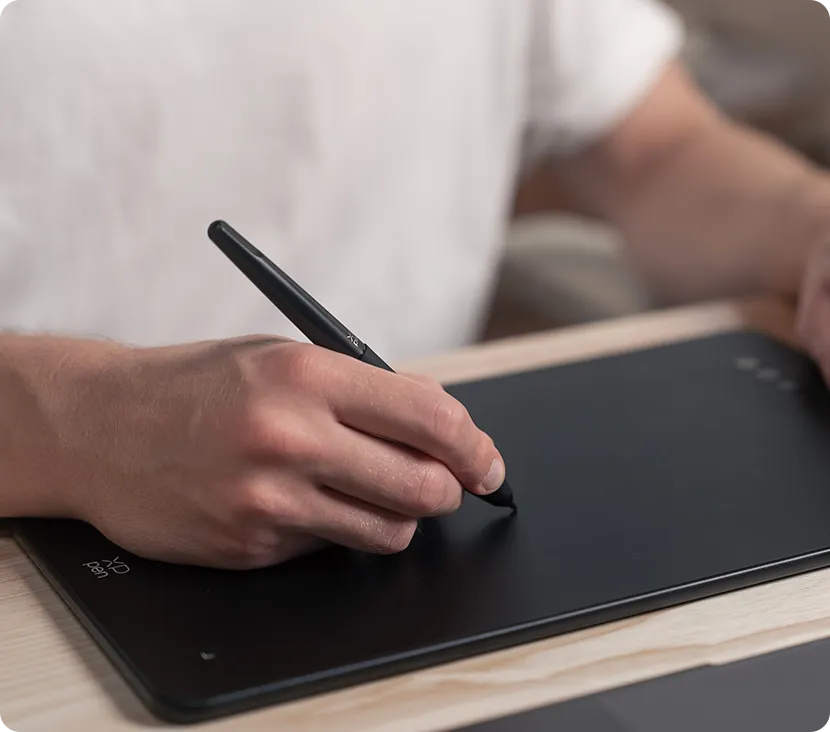
The stylus has been upgraded to 16,384 levels of pressure sensitivity, supports up to 60 degrees of tilt brush effect and delivers smoother lines and strokes, as well as the ability to add shading to your creations for a more natural writing and drawing experience.
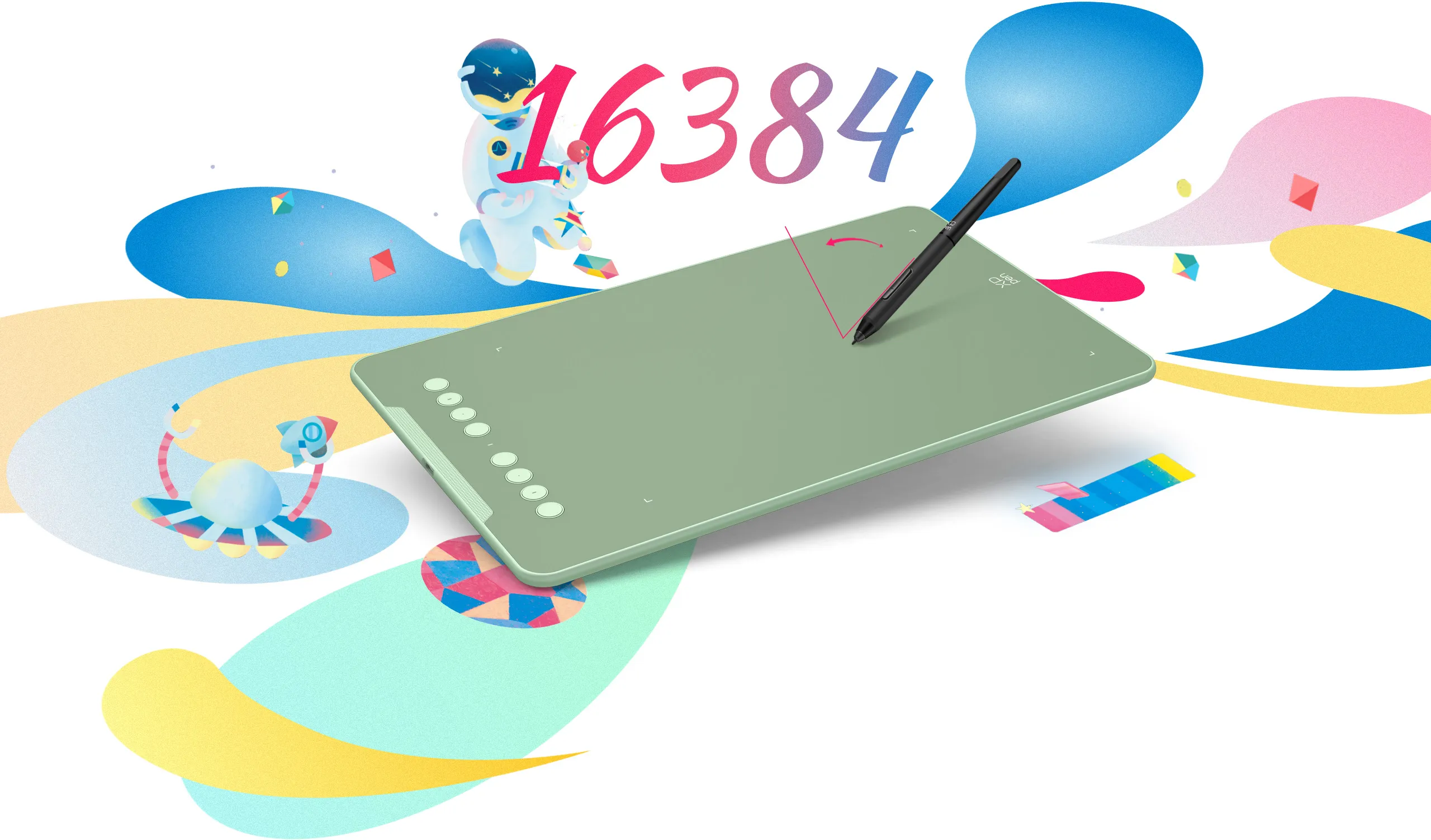
Tilt:60°
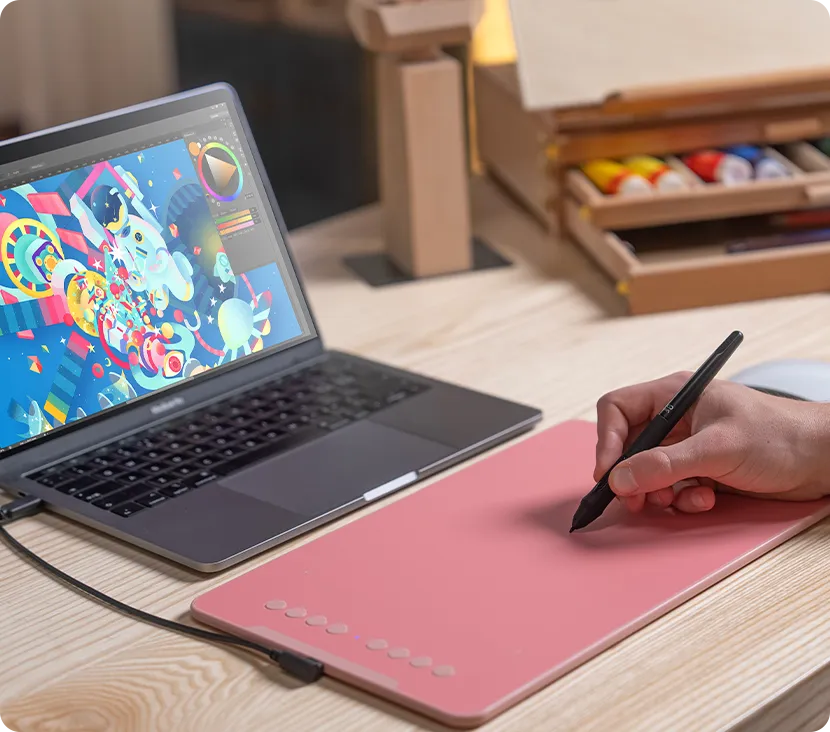
Expand your world.
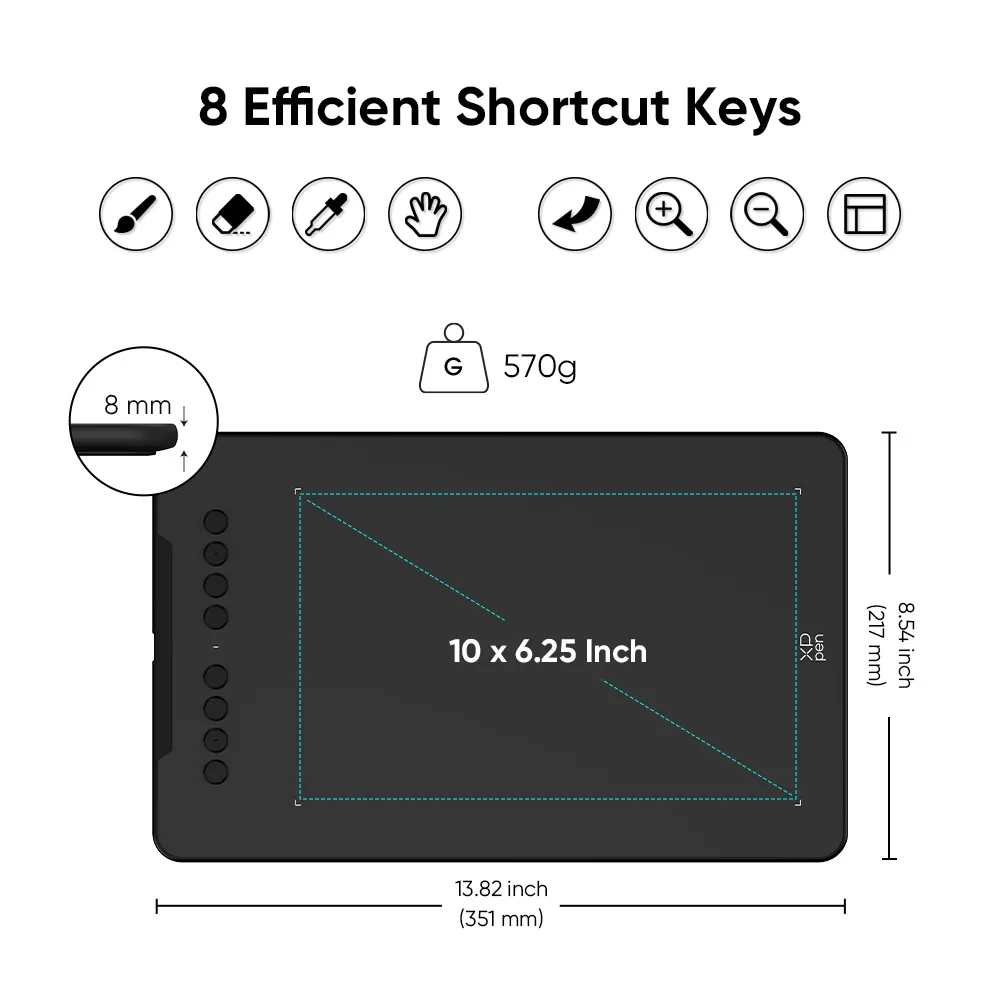
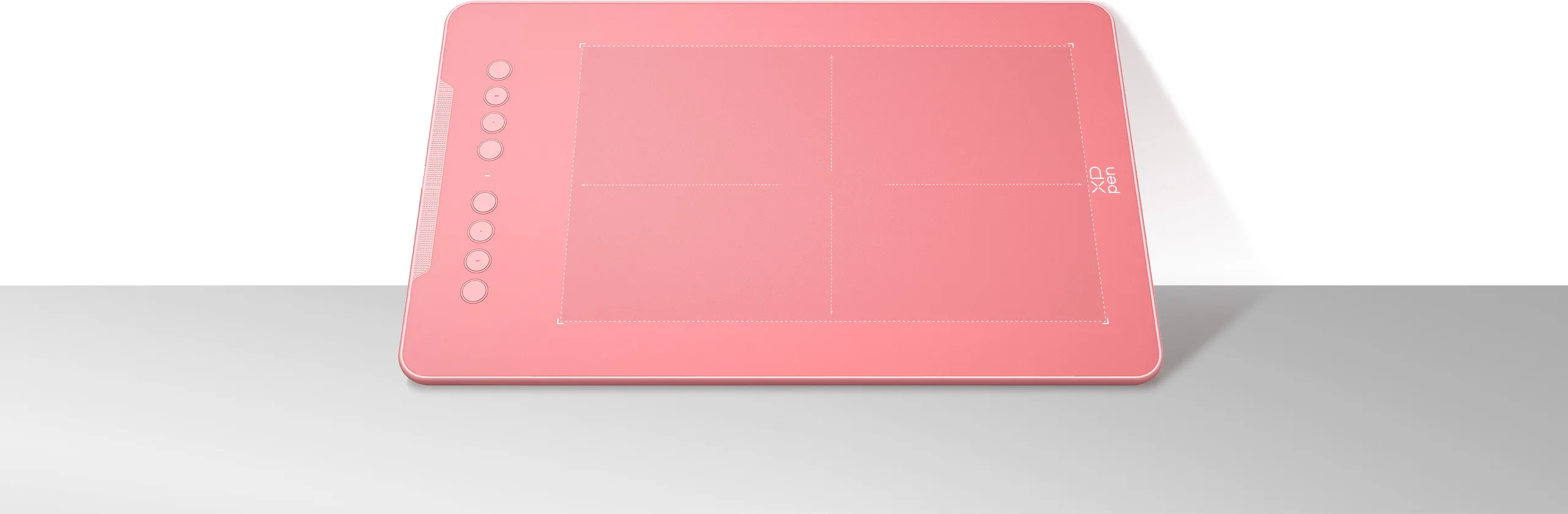
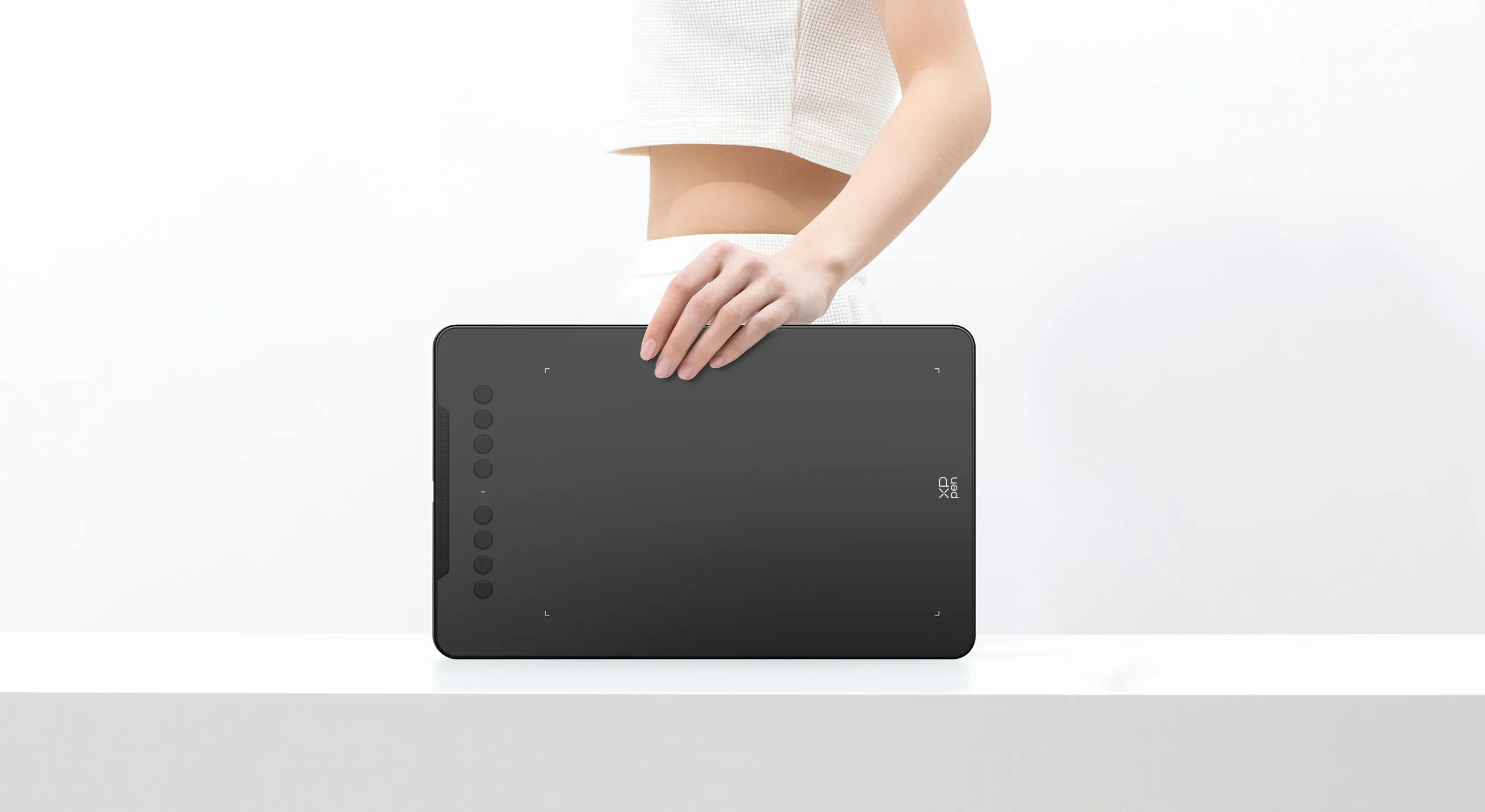
The Deco 01 V3’s expansive tablet is big and brilliant! It comes with a 10 x 6.25 inch working area so you have more space to create and get work done. But with only 8 mm thickness, you can take it anywhere without the burden of lugging around a heavy tablet!
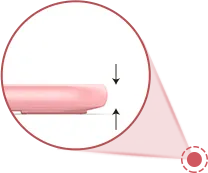
8 mm
10 x 6.25 Inch
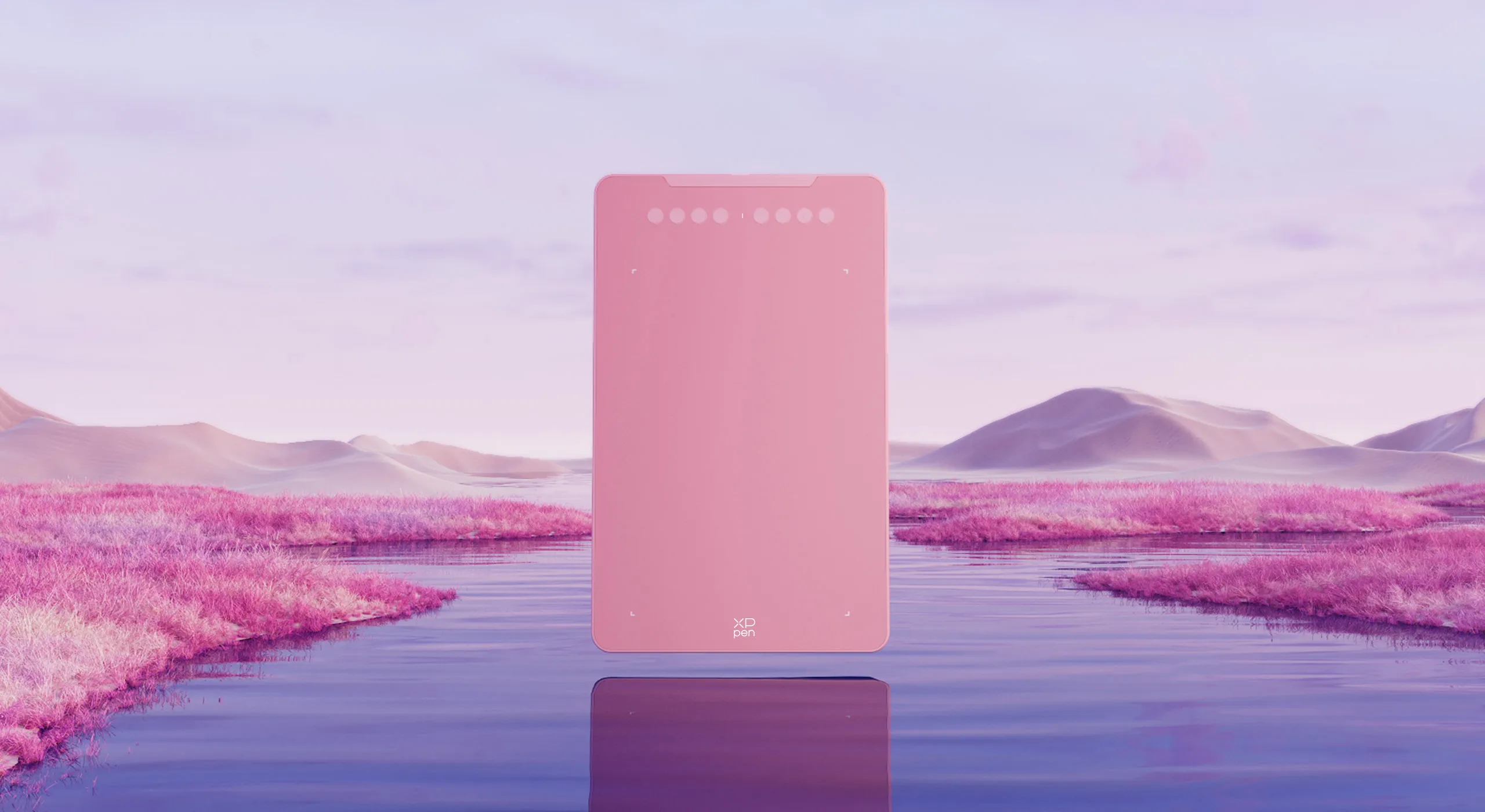
Three vibrant colors,
for creative inspiration.
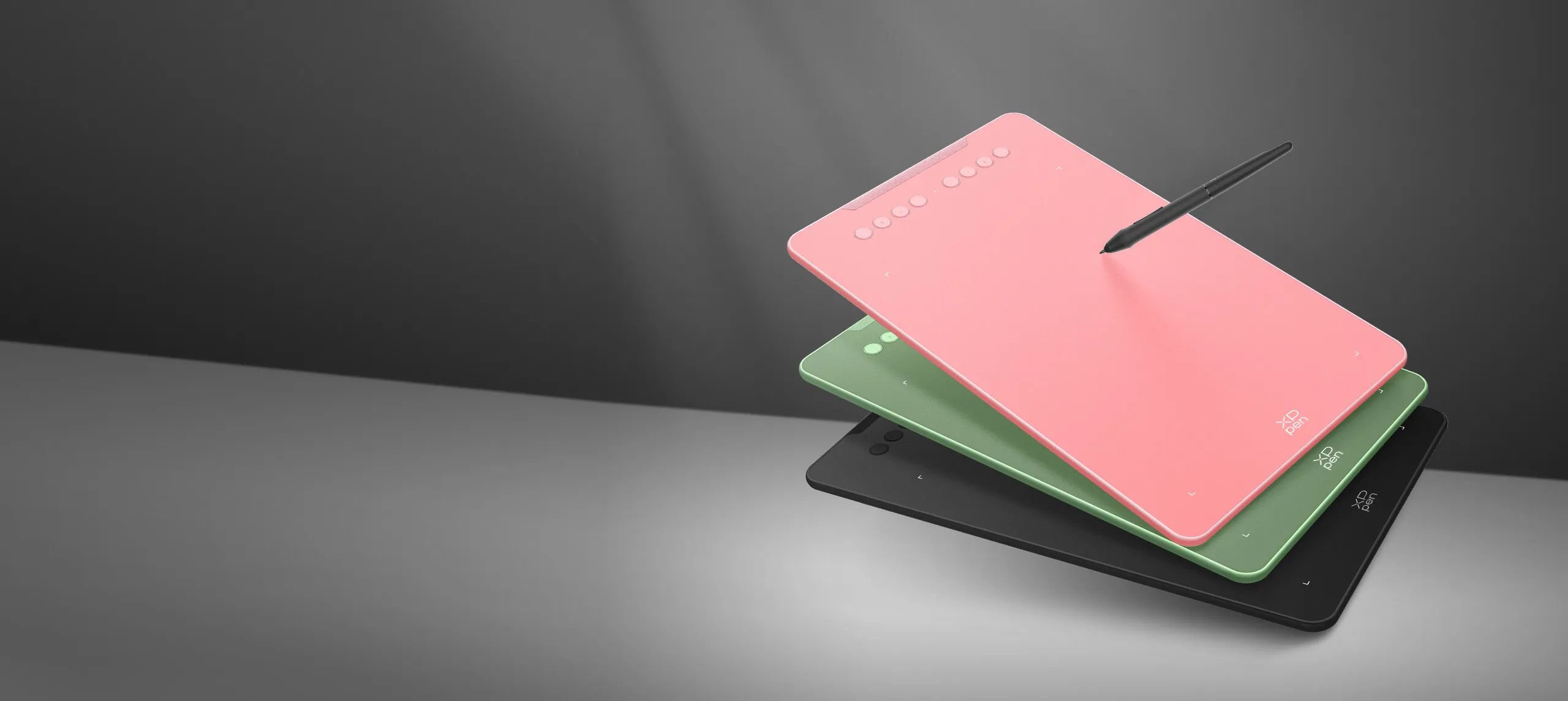
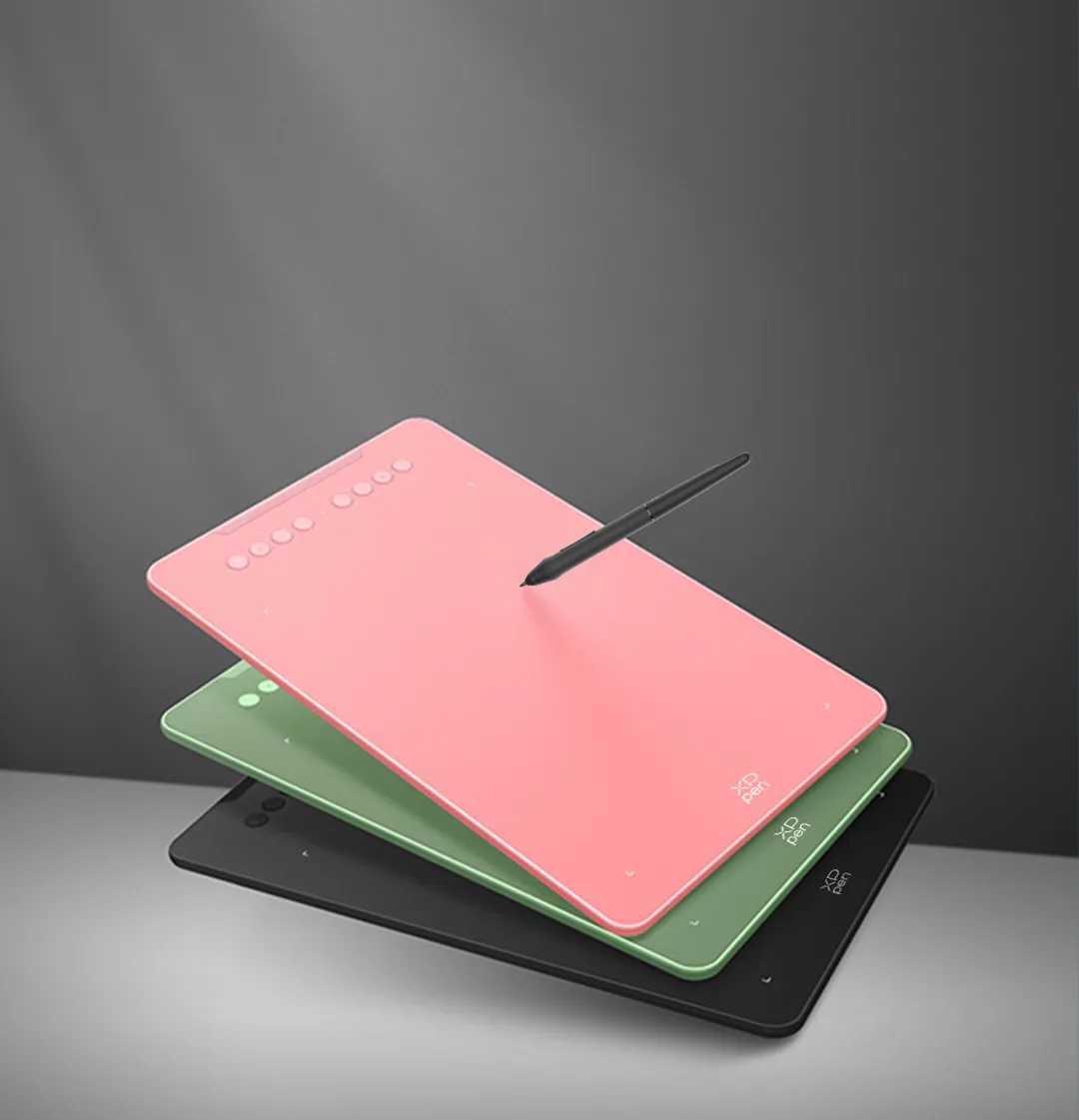
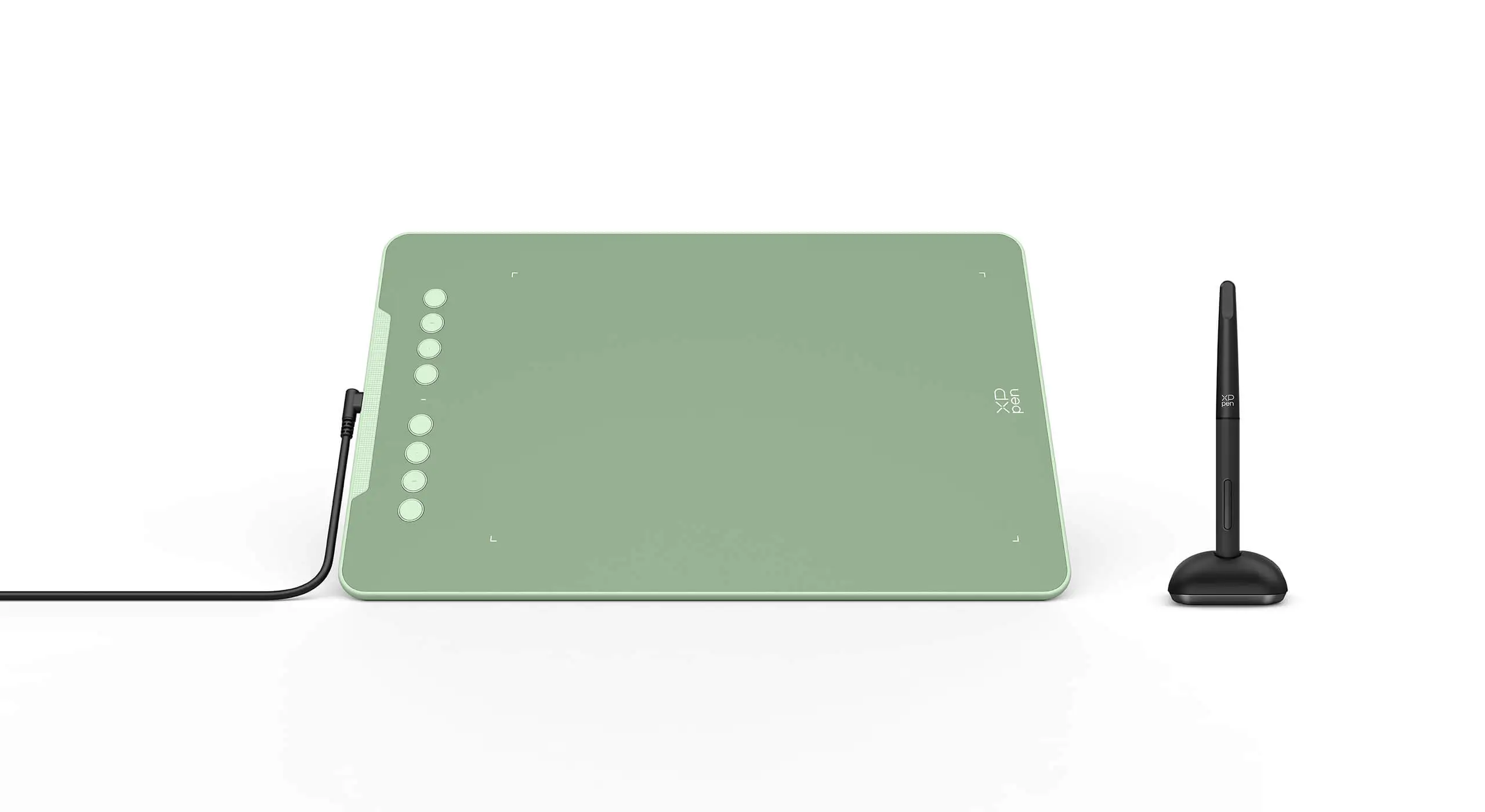
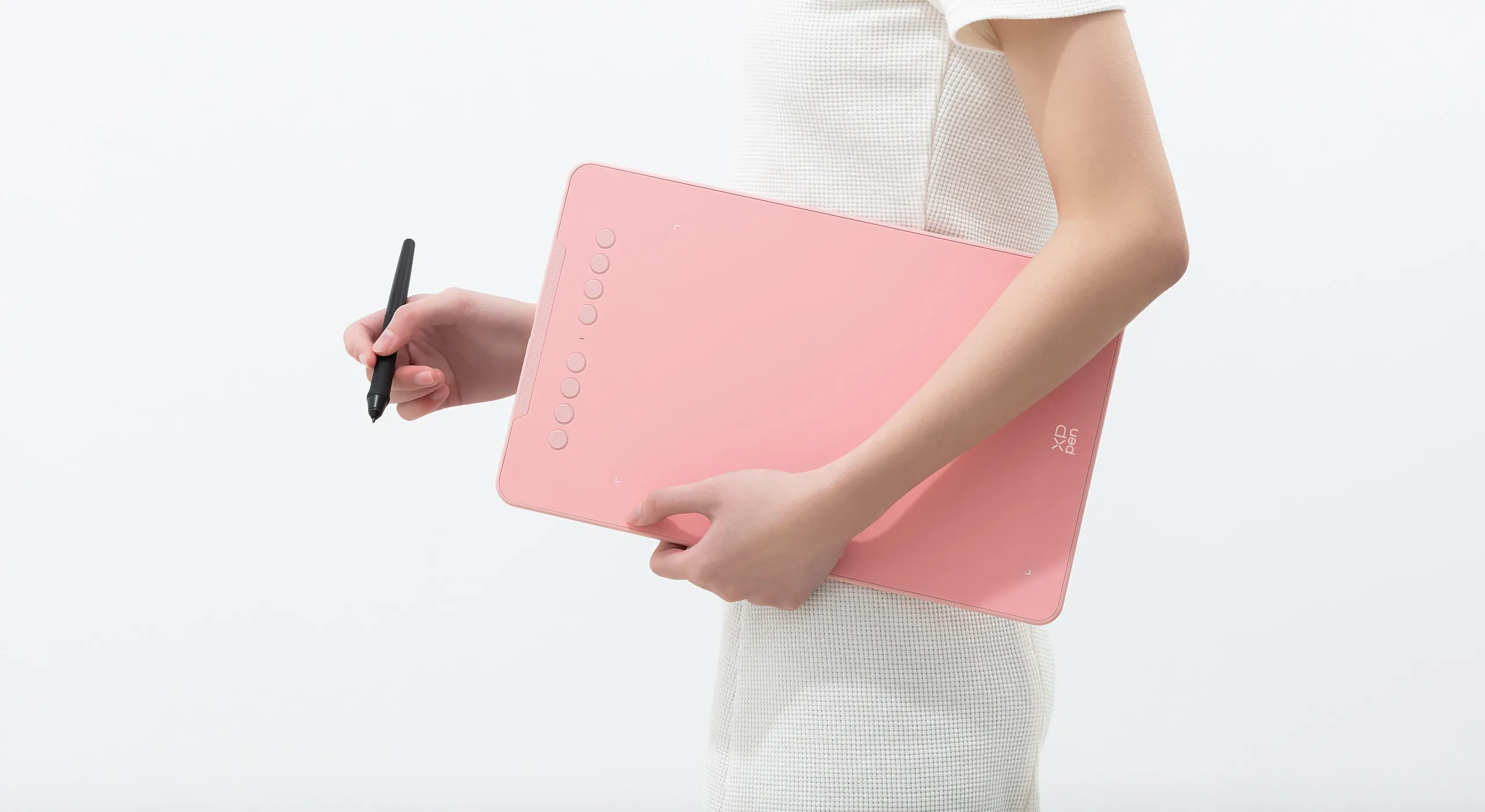
Deco 01 V3 now is available in three vibrant colors. Choose your color, personalize your style, and show your unique creativity.
Pink
Green
Black
Versatility
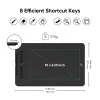
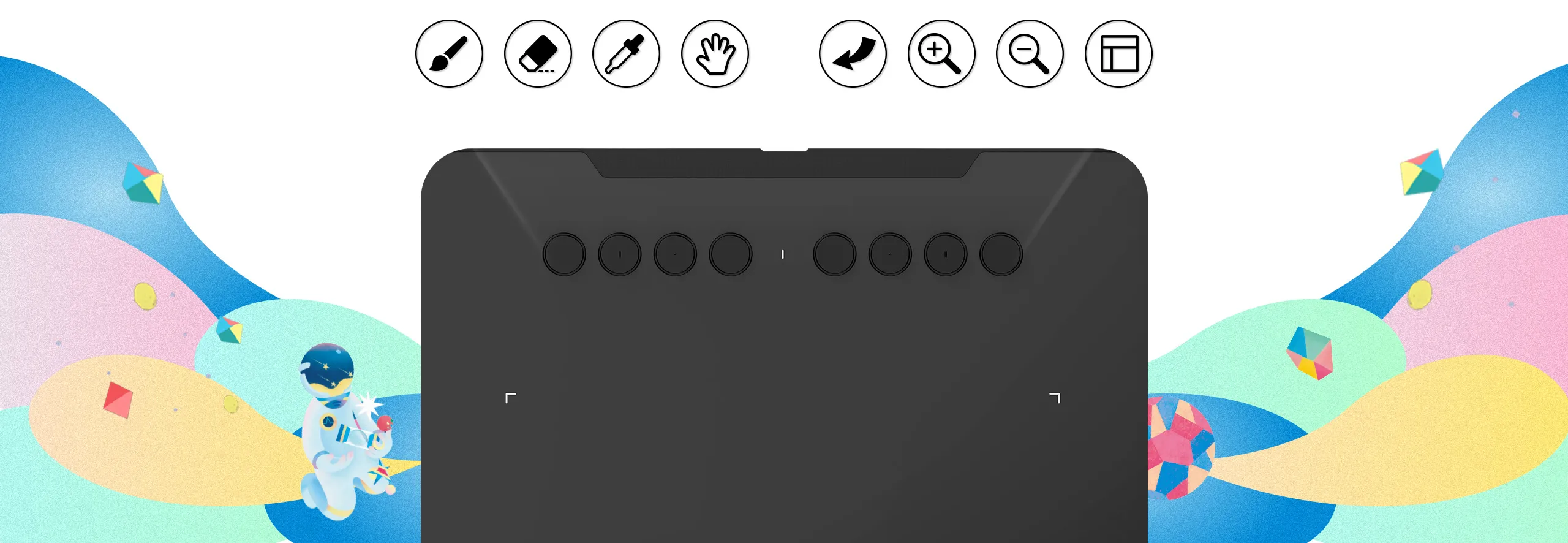
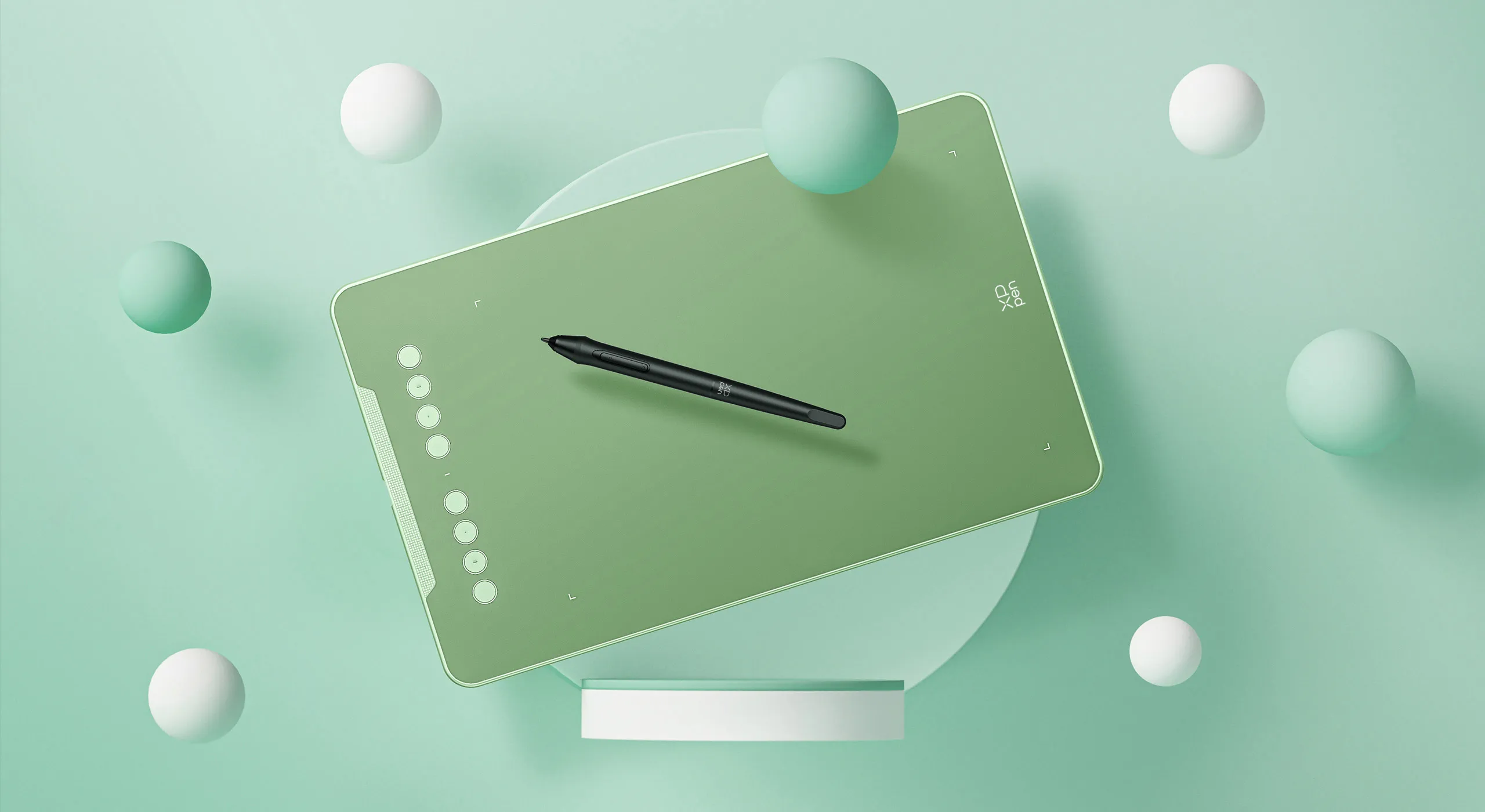
The Deco features eight, round, customizable express keys that fit easily to your fingertips. With its blind spot reduction design, you can find the position of your express keys efficiently and the shortcut keys can be programmed to many different software programs.

Ultra-thin. Ultra-portable.
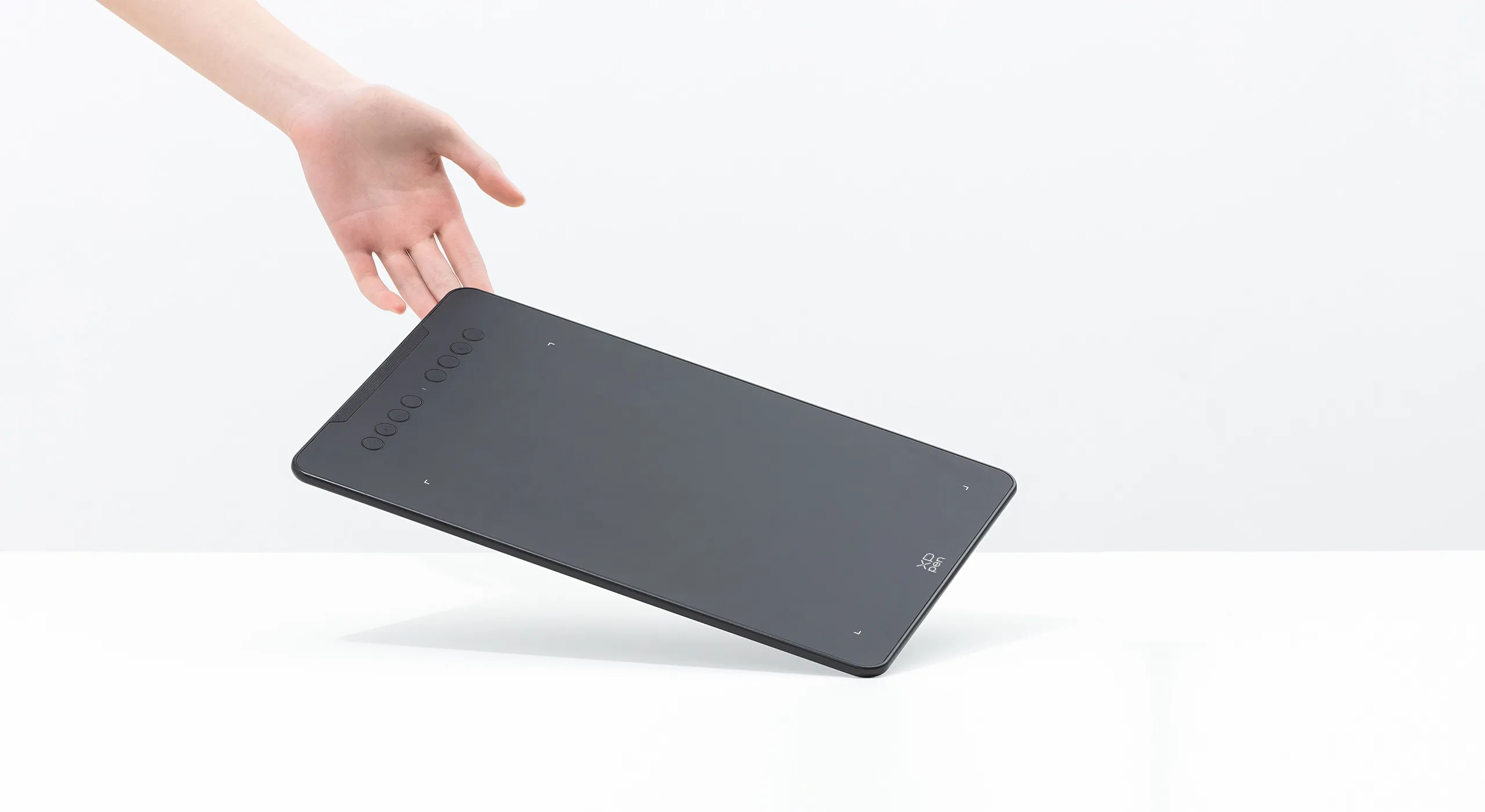
Only 8 mm thinness of the Deco 01 V3 tablet, more lightweight and portable. Slip it into the back of your backpack for a moment of inspiration.



A free and articulate stylus pen.
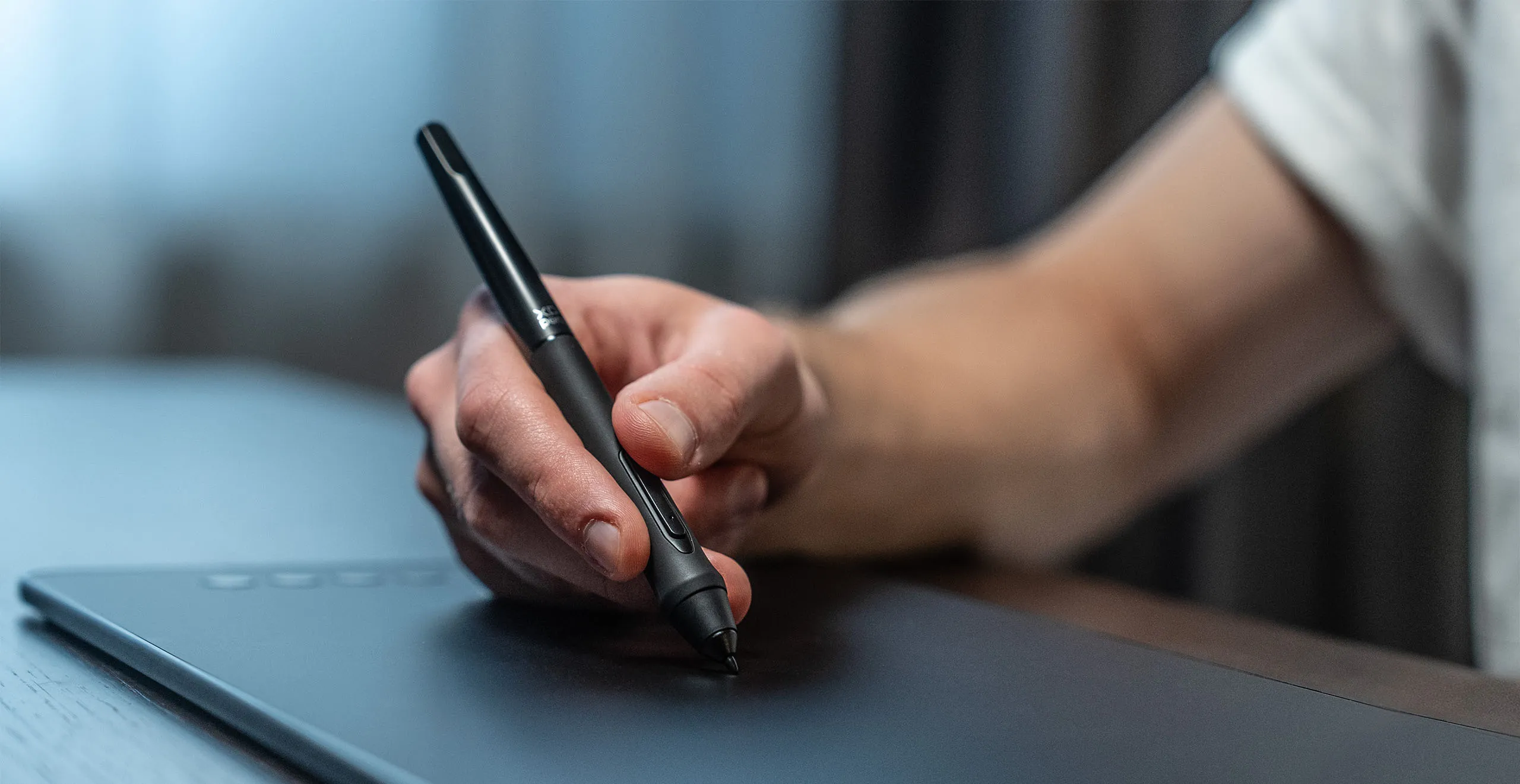
The stylus works just like a real pen, no battery and no charging required! The stylus is true-to-life with 16,384 levels of pressure sensitivity, giving it the intelligence to modify, navigate and create with a full pallet of brush and pens.
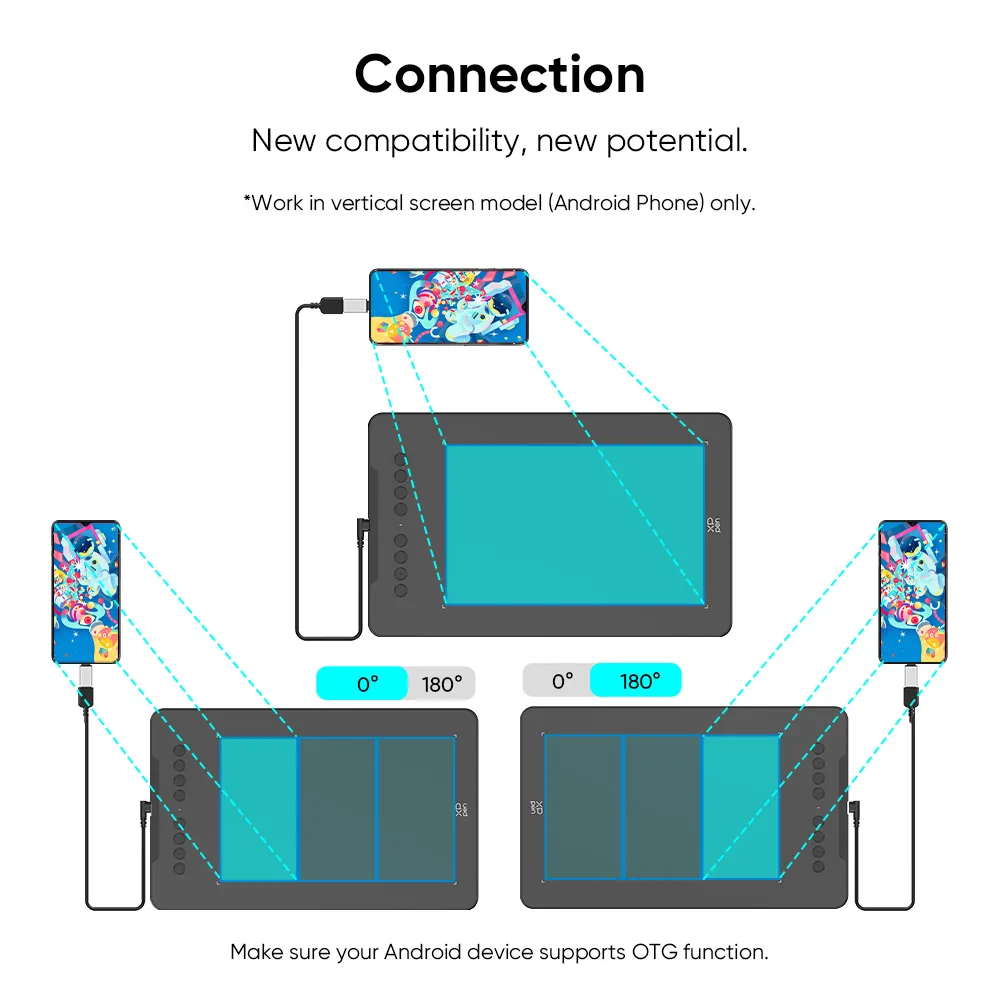
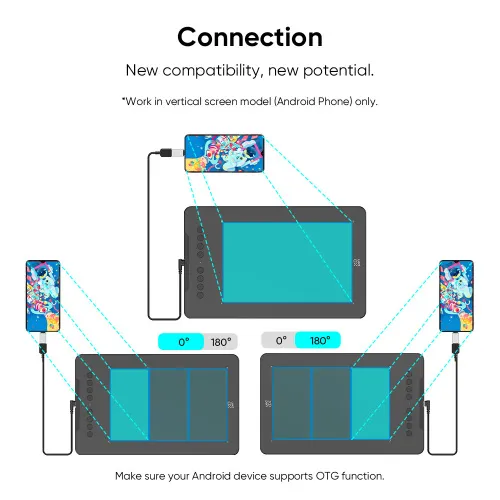
New compatibility, new potential.
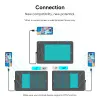
The XPPen Deco 01 V3 supports connections with Android devices 10.0 and above. Recommend downloading: "XPPen tools" Android application.
Adapts to the aspect ratio of your smartphone screen, ensuring accurate mapping. Supports mapping on Android screens with different aspect ratios in portrait mode.
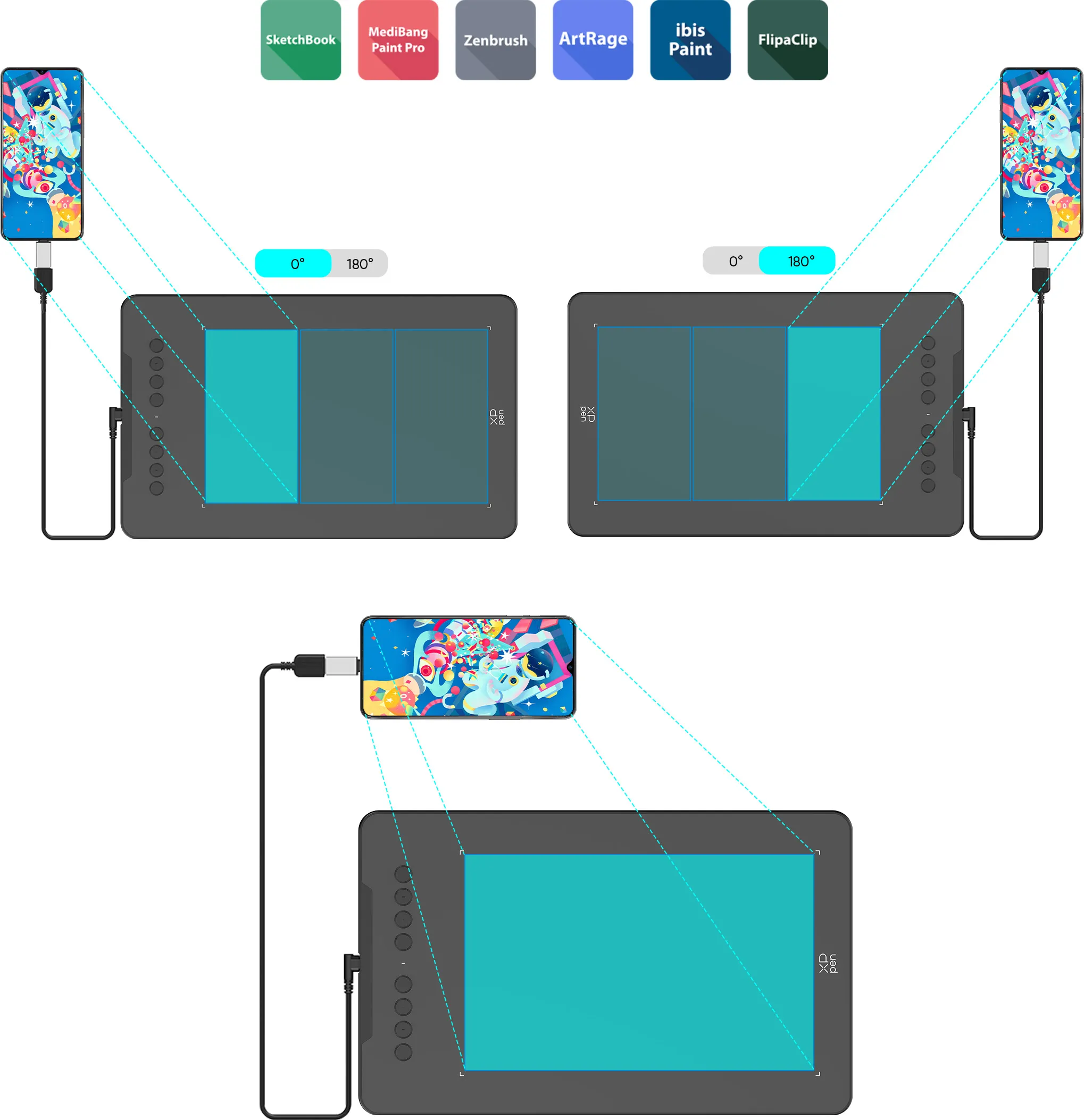
*Not compatible with foldable smartphones
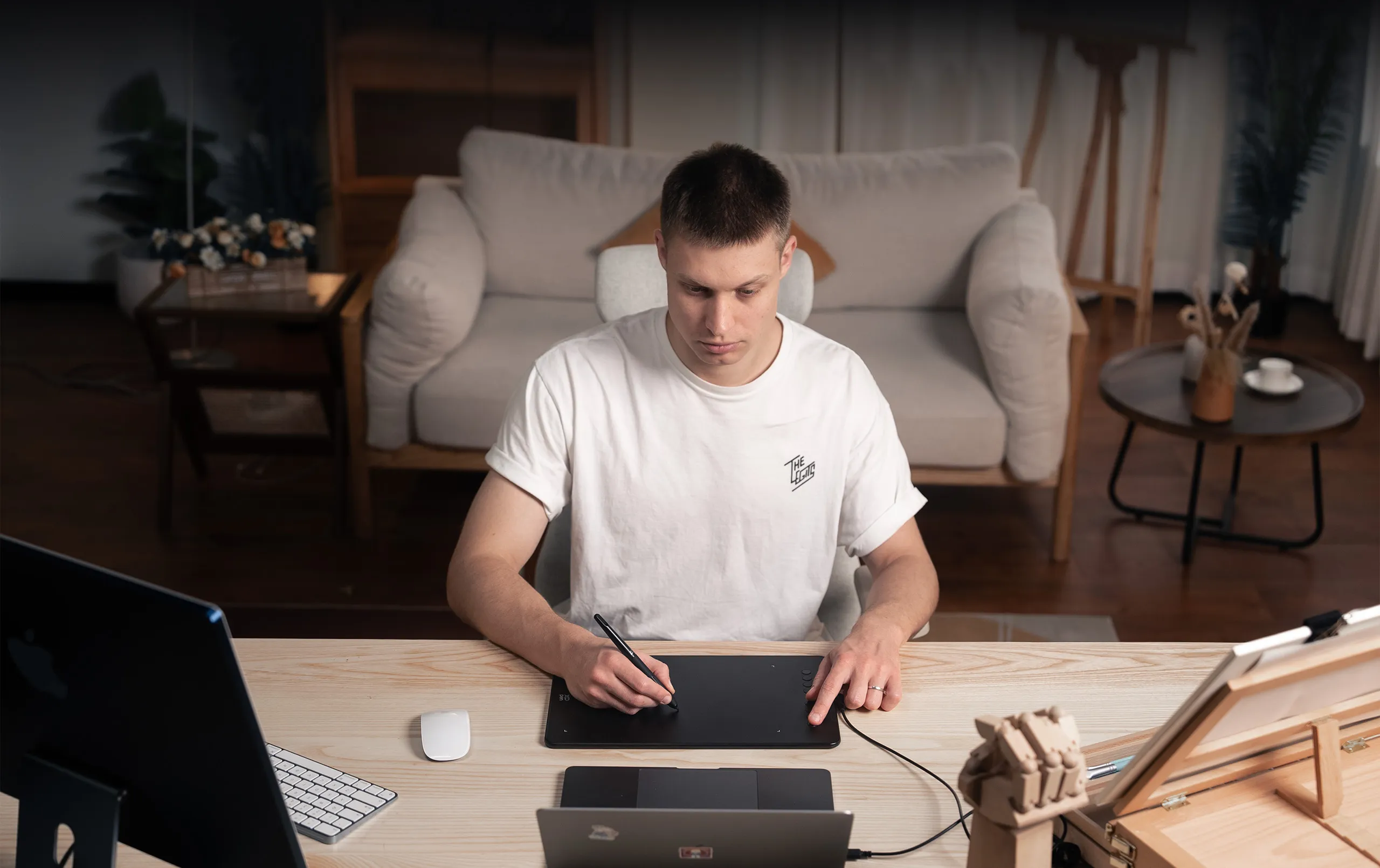

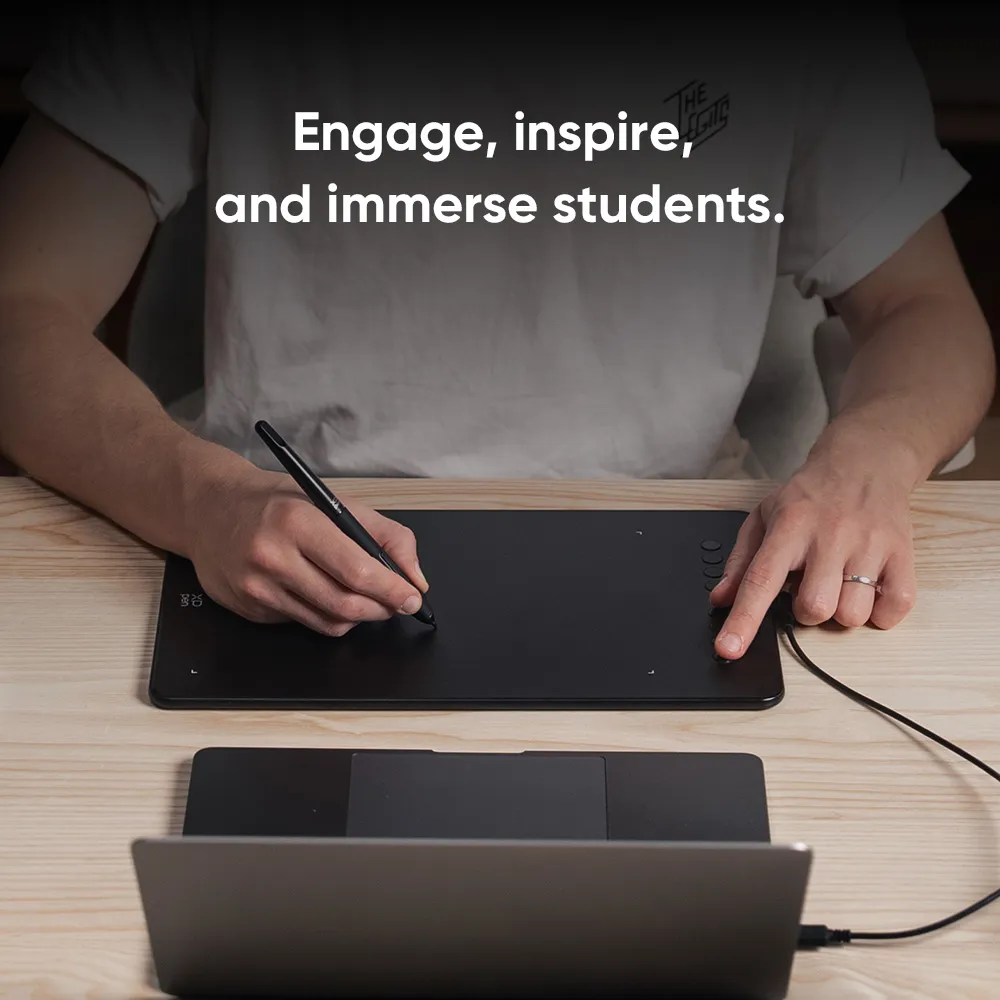
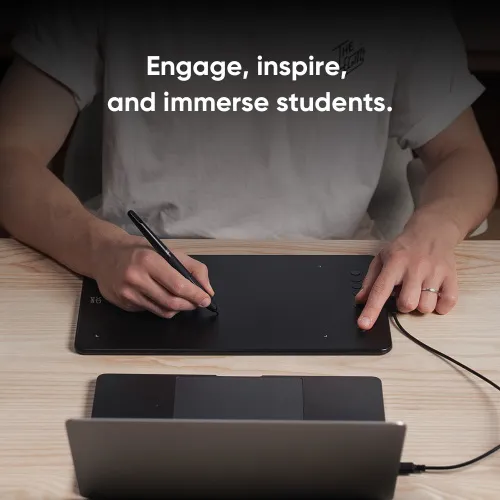
Engage, inspire, and immerse students and attendees like never before.
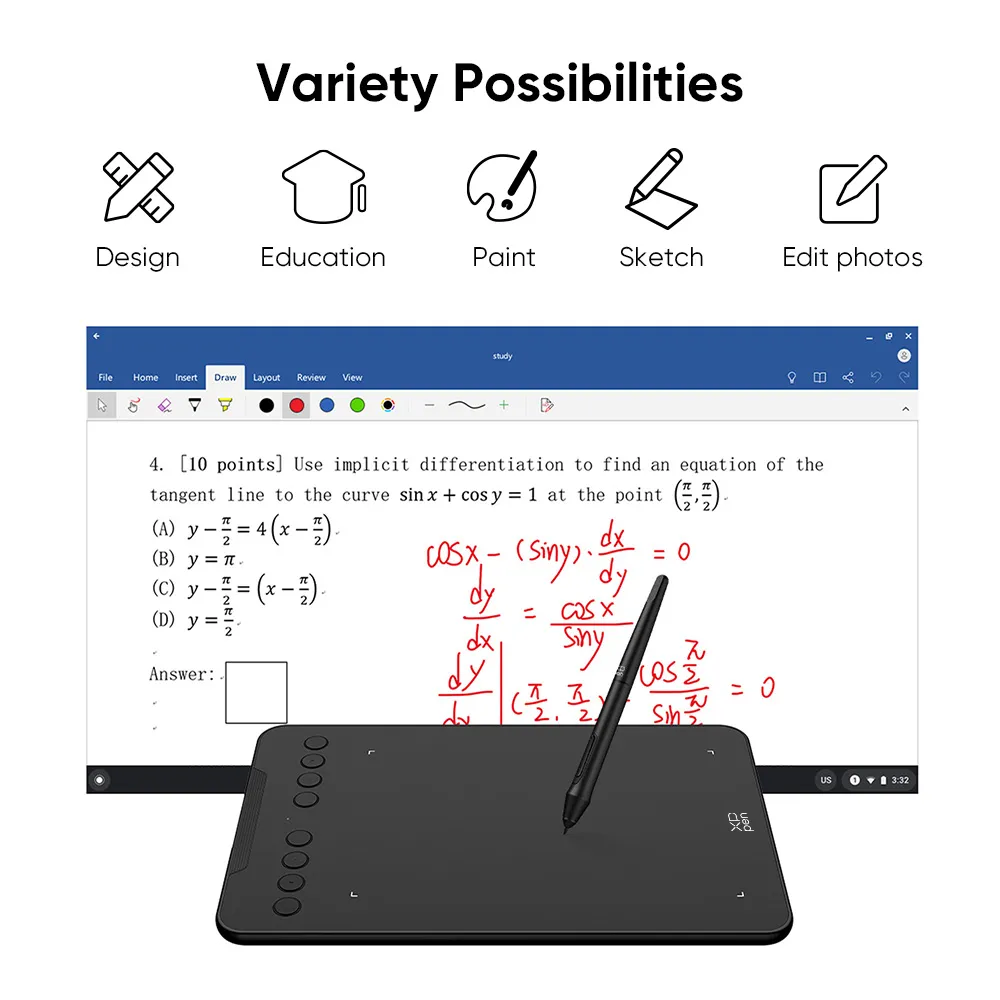
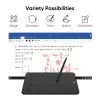
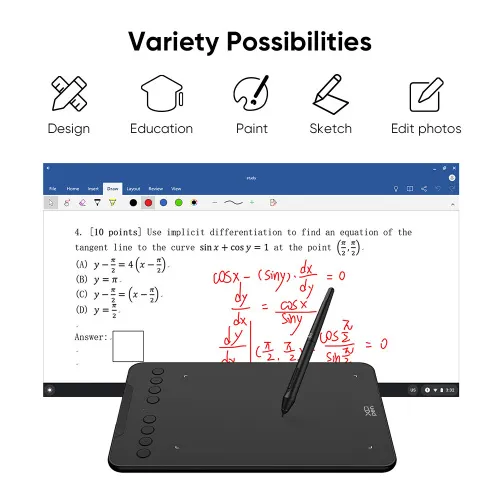
Sketch, paint, design, and edit photos on your tablet. A unit powerful enough to help you take your ideas even further, annotating directly in files and sharing their screen in real time while streaming, broadcasting, or web conferencing.
This flexibility allows the flow of creative ideas and the problem-solving process to be presented intuitively and efficiently.
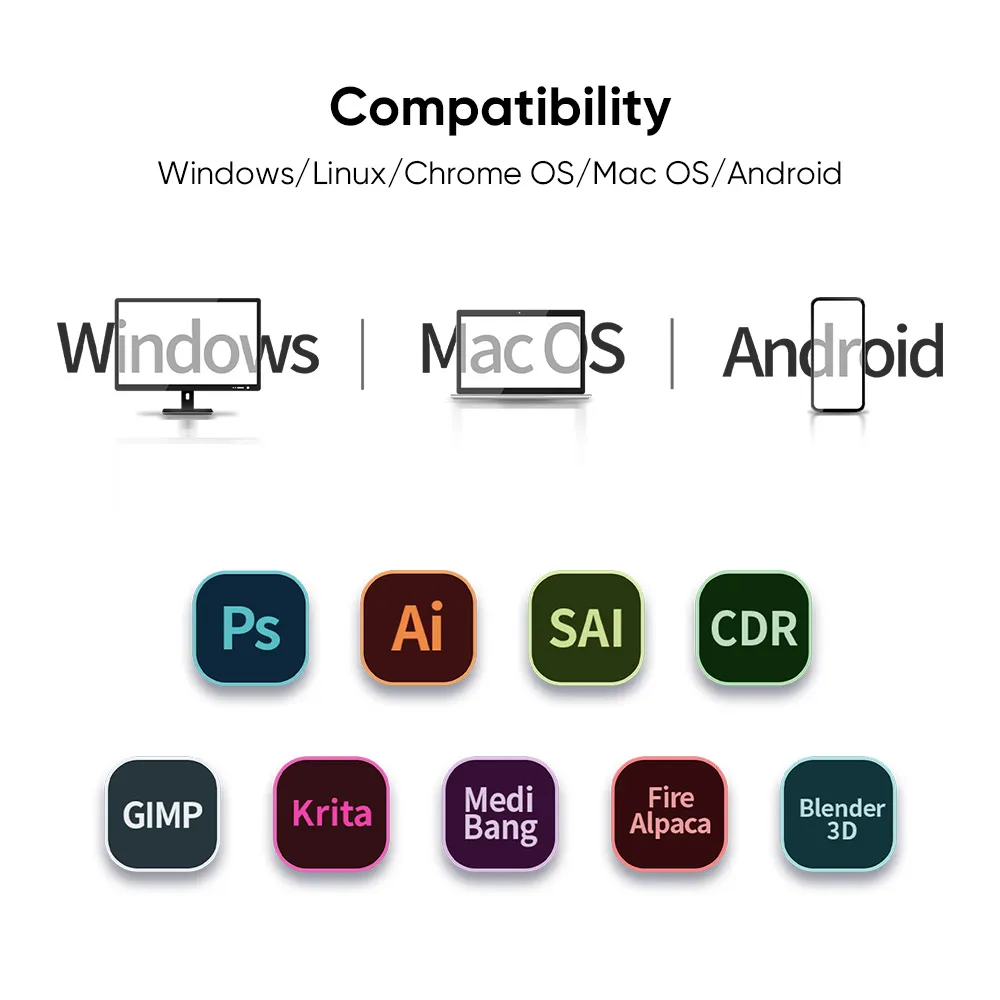
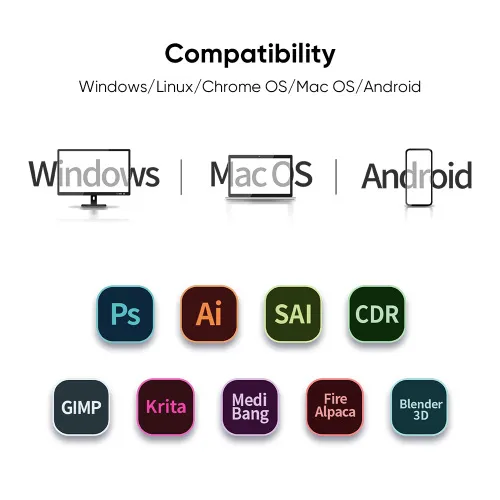
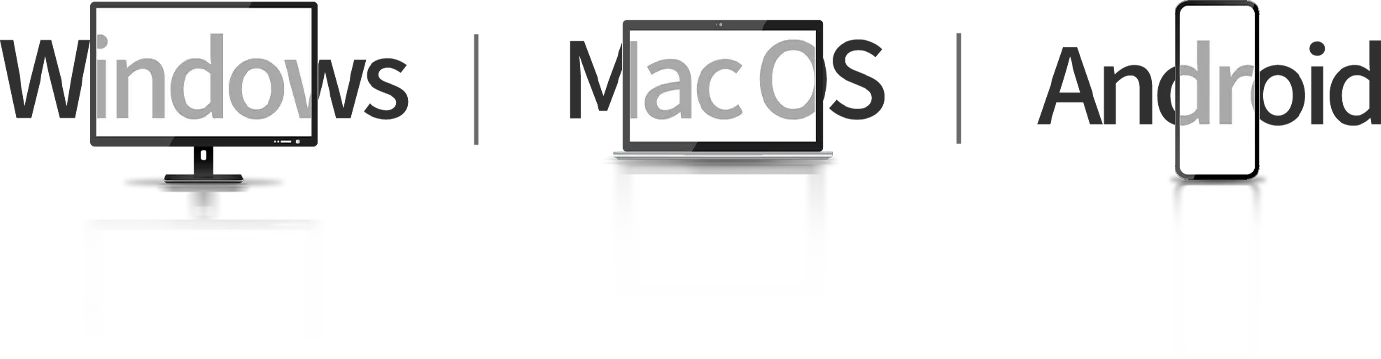
Extensive compatibility.
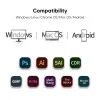
Compatible with Windows 7 (or later), Android 10.0 (or later), macOS 10.13 (or later), Chrome OS 88 (or later) and Linux (Detailed versions).
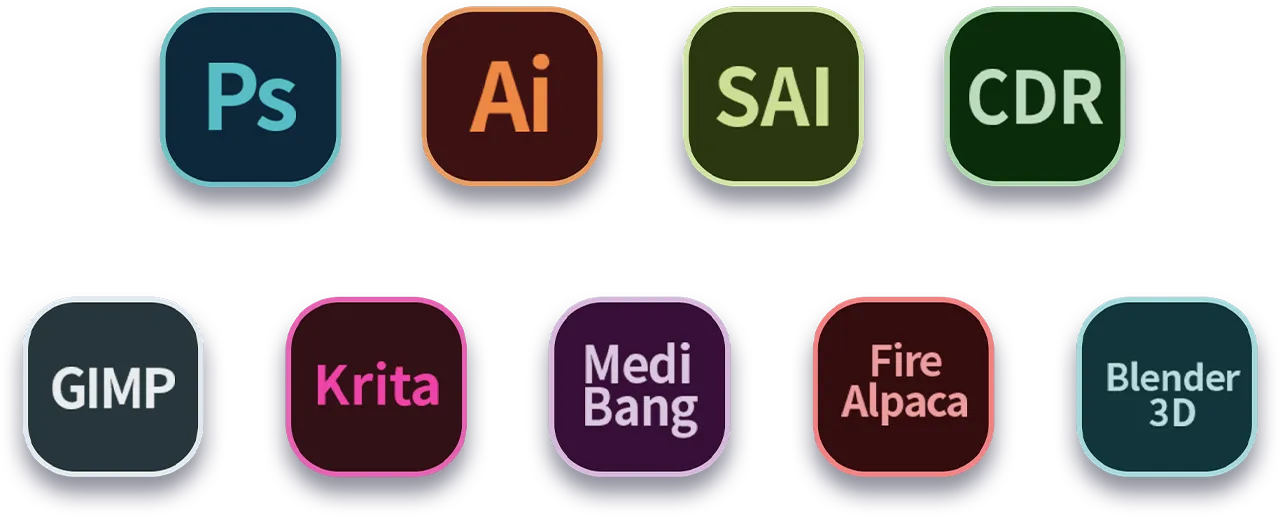
Also compatible with many major designer software such as Photoshop, SAI, Painter, Illustrator and Clip Studio, etc.
* Please update your Windows to version 11 or macOS to version 12 first.
Product Gallery



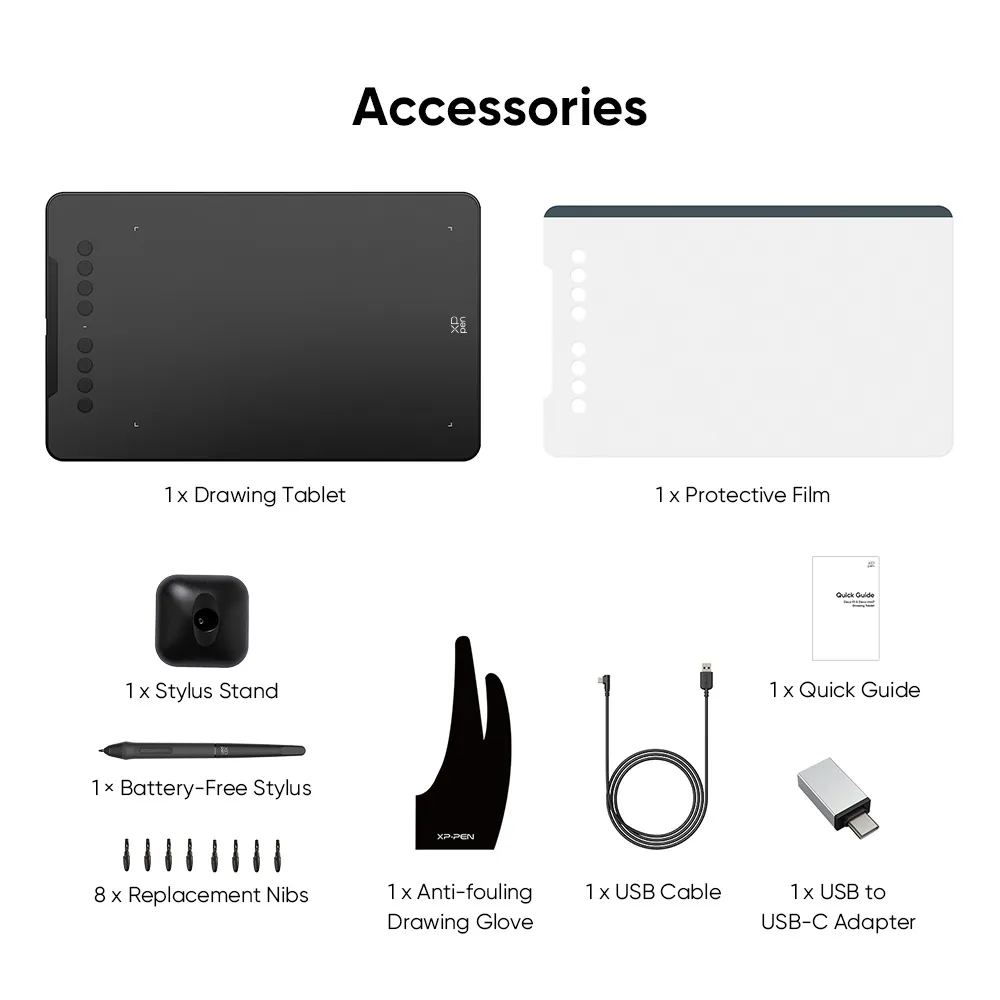
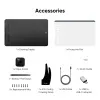
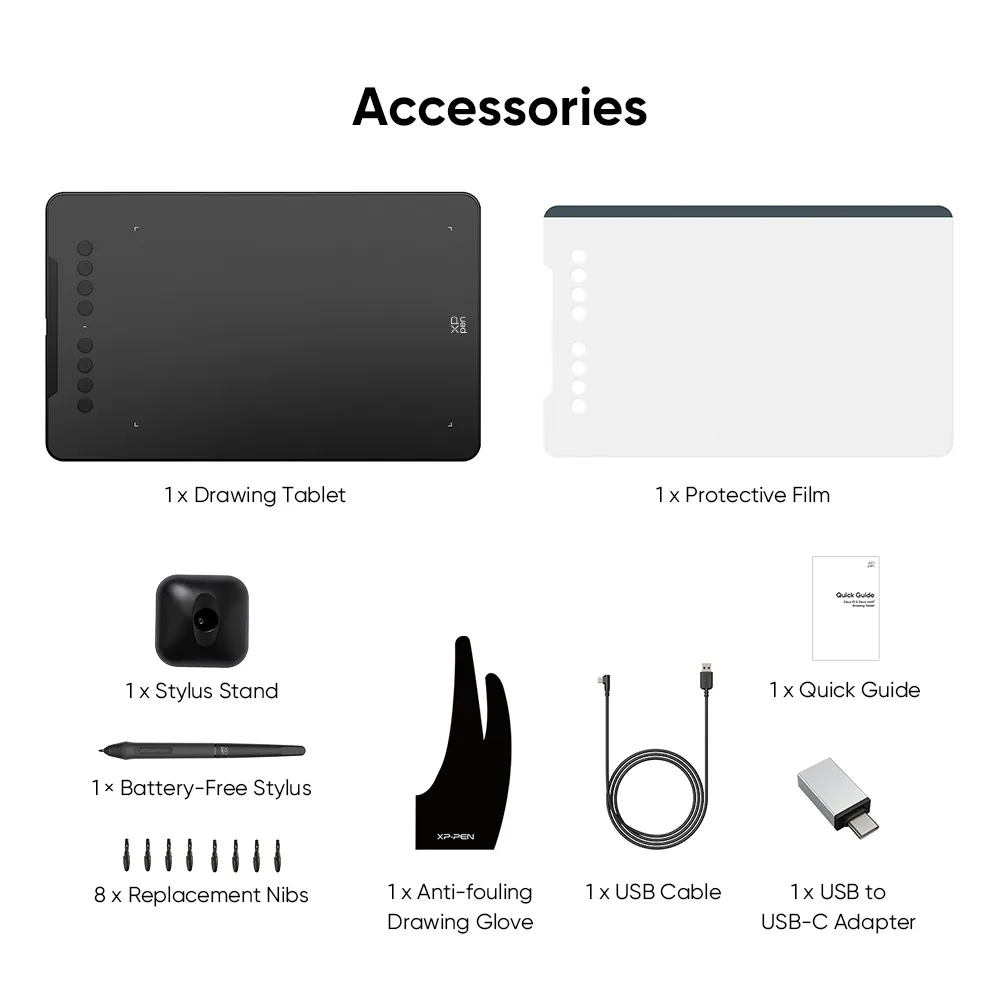
Package Includes:
1 x Drawing Tablet
1 x Battery-free Stylus
1 x Stylus Stand
1 x USB Cable
8 x Replacement Nibs
1 x Protective Film
1 x USB to USB-C Adapter
1 x Anti-fouling Drawing Glove
1 x Quick Guide
Specifications
60° tilt
16384 levels
Battery-free EMR stylus
Customizable shortcut keys
Windows / Mac / Android / Chrome OS / Linux
Show More
| Linux OS | Version | Package Format | Supported Software |
| Arch | Arch Linux2019.12.01(64-bit) | .deb, .sh | GIMP, Krita |
| Centos | Centos7.0(64-bit) | .rpm, .sh | GIMP |
| Centos8(64-bit) | .rpm, .sh | GIMP, Krita | |
| Debian | debian-9.5.0-amd64-netinst(64-bit) | .deb, .sh | GIMP, Krita |
| elementary OS | elementary OS 5.0(64-bit) | .deb, .sh | GIMP, Krita |
| ezgo Linux | ezgo14(64-bit) | .deb, .sh | GIMP, Krita |
| Fedora | Fedora32(64-bit) | .rpm, .sh | GIMP, Krita |
| Mageia | Mageia-7.1(64-bit) | .rpm, .sh | GIMP, Krita |
| Manjaro | manjaro-xfce-20.1.2-201019(64-bit) | .deb, .sh | GIMP |
| Mint | linuxmint-18.2-cinnamon-64bit | .deb, .sh | GIMP, Krita |
| OpenSUSE | openSUSE-Tumbleweed(64-bit) | .rpm, .sh | GIMP, Krita |
| Pop!_OS | pop-os_19.10(64-bit) | .deb, .sh | GIMP, Krita |
| Red Hat | Red Hat7(64-bit) | .rpm, .sh | GIMP |
| Ubuntu | Ubuntu14.04(64-bit) | .deb, .sh | GIMP, Krita |
| Ubuntu16.04(64-bit) | .deb, .sh | GIMP, Krita | |
| Ubuntu17.04(64-bit) | .deb, .sh | GIMP, Krita | |
| Ubuntu18.04(64-bit) | .deb, .sh | GIMP, Krita | |
| Ubuntu19.04(64-bit) | .deb, .sh | GIMP, Krita | |
| Ubuntu20.04(64-bit) | .deb, .sh | GIMP, Krita |
| Function | Krita 4.3.0 | Gimp 2.10.20 | Inkscape 0.92 |
| Pen Pressure Sensitivity | |||
| Tilt | |||
| Mouse Function | |||
| Eraser Button (Stylus:PH01, P06) | |||
| Switch between Pen and Eraser Modes | |||
| *If you have any further queries, please do not hesitate to contact us at service@xp-pen.com. | |||
Linux OS
Arch
Version
Arch Linux2019.12.01(64-bit)
Package Format
.deb, .sh
Supported Software
GIMP, Krita
Centos
Version
Centos7.0(64-bit)
Centos8(64-bit)
Centos8(64-bit)
Package Format
.rpm, .sh
.rpm, .sh
.rpm, .sh
Supported Software
GIMP
GIMP, Krita
GIMP, Krita
Debian
Version
debian-9.5.0-amd64-netinst(64-bit)
Package Format
.deb, .sh
Supported Software
GIMP, Krita
elementary OS
Version
elementary OS 5.0(64-bit)
Package Format
.deb, .sh
Supported Software
GIMP, Krita
ezgo Linux
Version
ezgo14(64-bit)
Package Format
.deb, .sh
Supported Software
GIMP, Krita
Fedora
Version
Fedora32(64-bit)
Package Format
.rpm, .sh
Supported Software
GIMP, Krita
Mageia
Version
Mageia-7.1(64-bit)
Package Format
.rpm, .sh
Supported Software
GIMP, Krita
Manjaro
Version
manjaro-xfce-20.1.2-201019(64-bit)
Package Format
.deb, .sh
Supported Software
GIMP
Mint
Version
linuxmint-18.2-cinnamon-64bit
Package Format
.deb, .sh
Supported Software
GIMP, Krita
OpenSUSE
Version
openSUSE-Tumbleweed(64-bit)
Package Format
.rpm, .sh
Supported Software
GIMP, Krita
Pop!_OS
Version
pop-os_19.10(64-bit)
Package Format
.deb, .sh
Supported Software
GIMP, Krita
Red Hat
Version
Red Hat7(64-bit)
Package Format
.rpm, .sh
Supported Software
GIMP
Ubuntu
Version
Ubuntu14.04(64-bit)
Ubuntu16.04(64-bit)
Ubuntu17.04(64-bit)
Ubuntu18.04(64-bit)
Ubuntu19.04(64-bit)
Ubuntu20.04(64-bit)
Ubuntu16.04(64-bit)
Ubuntu17.04(64-bit)
Ubuntu18.04(64-bit)
Ubuntu19.04(64-bit)
Ubuntu20.04(64-bit)
Package Format
.deb, .sh
.deb, .sh
.deb, .sh
.deb, .sh
.deb, .sh
.deb, .sh
.deb, .sh
.deb, .sh
.deb, .sh
.deb, .sh
.deb, .sh
Supported Software
GIMP, Krita
GIMP, Krita
GIMP, Krita
GIMP, Krita
GIMP, Krita
GIMP, Krita
GIMP, Krita
GIMP, Krita
GIMP, Krita
GIMP, Krita
GIMP, Krita
Function
Pen Pressure Sensitivity
Krita 4.3.0
Gimp 2.10.20
Inkscape 0.92
Tilt
Krita 4.3.0
Gimp 2.10.20
Inkscape 0.92
Mouse Function
Krita 4.3.0
Gimp 2.10.20
Inkscape 0.92
Eraser Button(Stylus:PH01, P06)
Krita 4.3.0
Gimp 2.10.20
Inkscape 0.92
Switch between Penand Eraser Modes
Krita 4.3.0
Gimp 2.10.20
Inkscape 0.92
*If you have any further queries, please do not hesitate to contact us at service@xp-pen.com.
4.9


Based on 62
89%(55)

10%(6)
2%(1)
0(0)
0(0)
Girish Chandra
Apr 11 ,2020 PM 18:18 Deco 01 V3 - 16K Pressure
Great product. I\'m in love already
I love this drawing tablet!
Official mall
Apr 13 ,2020 PM 17:09
Great thanks for your comments, please enjoy your drawing time with our tablet.
Useful(0)+1
XFANSxpbxa5ms
Dec 02 ,2021 PM 20:09 Deco 01 V3 - 16K Pressure
I love the product!
I love the product!, it works great!
Official mall
Jan 11 ,2022 PM 12:25
Thank you for your recognition of our XP-PEN products.
We will continue to improve and provide the best quality products and services to our consumers.
Have a nice day : )
Useful(0)+1
Schnicket
Dec 09 ,2021 PM 13:04 Deco 01 V3 - 16K Pressure
THE BEST AFFORDABLE DRAWING TABLET
for a cheap price this tablet already has express keys compare to other brands with the same price range. pen pressure super responsive, you can even modify it through their software. overall 4.9/5. super recommended!
package received with no damages.
Official mall
Jan 11 ,2022 PM 12:34
Thank you so much for the kind words.
We are very glad to hear that you are satisfied with our product. Your compliment means a great deal to us.
We strive to provide even better products and services, Enjoy the drawing. : )
Useful(0)+1
Learn More
XFANSrs1giu3u
Feb 28 ,2025 AM 11:30 Deco 01 V3 - 16K Pressure
hello, is there any chance that i can order and buy the drawing tablet alone? i still have my pen and accessories from when i purchased my deco mini7. i would like to upgrade my drawing space, thank u
Reply0
XFANSgu2aoy2t
Feb 22 ,2025 AM 00:34 Deco 01 V3 - 16K Pressure
Is there where I can buy the v3 model of the Deco 01? Everyone seem to talk about the v2 but I'm intending to buy the v3, I'm confused.
Reply1
Official mall
Feb 25 ,2025 PM 18:15
Hello, our stock is Deco 01V3 not Deco 01. Deco 01V3 just upgrade late 2024 year, thanks.
Reply to this review
Jaaaai
Jan 02 ,2025 AM 02:13 Deco 01 V3 - 16K Pressure
Is there a micro-usb otg that's included to the package of Deco 01 v2?
Reply0
XFANSge9f950p
Nov 26 ,2024 AM 10:45 Deco 01 V3 - 16K Pressure
Is each feature compatible with itel s23? Especially the key buttons. I just got my phone fixed, but the left upper corner area is untouchable. Which is where the undo and redo buttons lies, i use ibispaint x. I was hoping to get a good quality drawing tablet with working key buttons
Reply0
XFANSge9f950p
Nov 26 ,2024 AM 10:45 Deco 01 V3 - 16K Pressure
Is each feature compatible with itel s23? Especially the key buttons. I just got my phone fixed, but the left upper corner area is untouchable. Which is where the undo and redo buttons lies, i use ibispaint x. I was hoping to get a good quality drawing tablet with working key buttons
Reply0
izzy11
Mar 23 ,2024 PM 12:32 Deco 01 V3 - 16K Pressure
does deco 01 v2 compatible with 0S 11?
Reply0
XFANS99pw7d0z
Mar 03 ,2024 AM 11:49 Deco 01 V3 - 16K Pressure
Does the tablet support Windows 11? The moment I searched up the specifications of my laptop, it said Windows 11 but the tablet says it supports 10/8/7
Reply0
XFANS99pw7d0z
Mar 03 ,2024 AM 11:22 Deco 01 V3 - 16K Pressure
Does the package come with bubble wrap?
Reply0
XFANSm89h7u4k
Dec 06 ,2023 AM 00:59 Deco 01 V3 - 16K Pressure
is this compatible with SAMSUNG GALAXY TAB S9 FE?
Reply0
XFANSflsqvlge
Aug 21 ,2023 PM 18:34 Deco 01 V3 - 16K Pressure
Hey uhh im here to ask does this product works with iphone and ipad i just wanna know because i got i pad but non pencil but i do have this xp pen deco 01v2 i just wanna know if this tablet works on iphone or ipad thx
Reply1
Official mall
Aug 23 ,2023 PM 17:11
Hello, Deco01V2 cannot work with Ipad or iphone.
It can work with android device, laptop and PC, thanks.
Reply to this review
Learn More